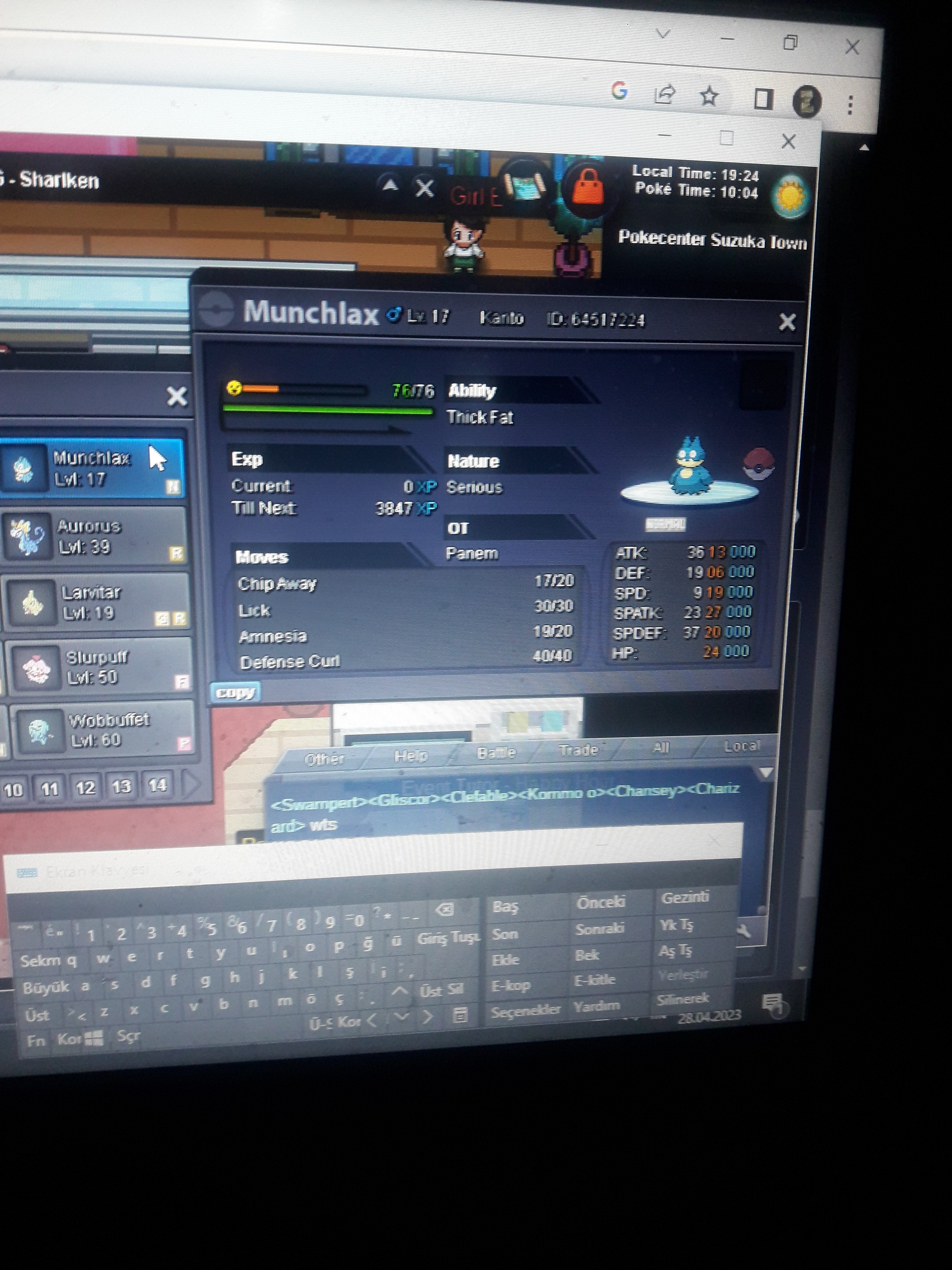
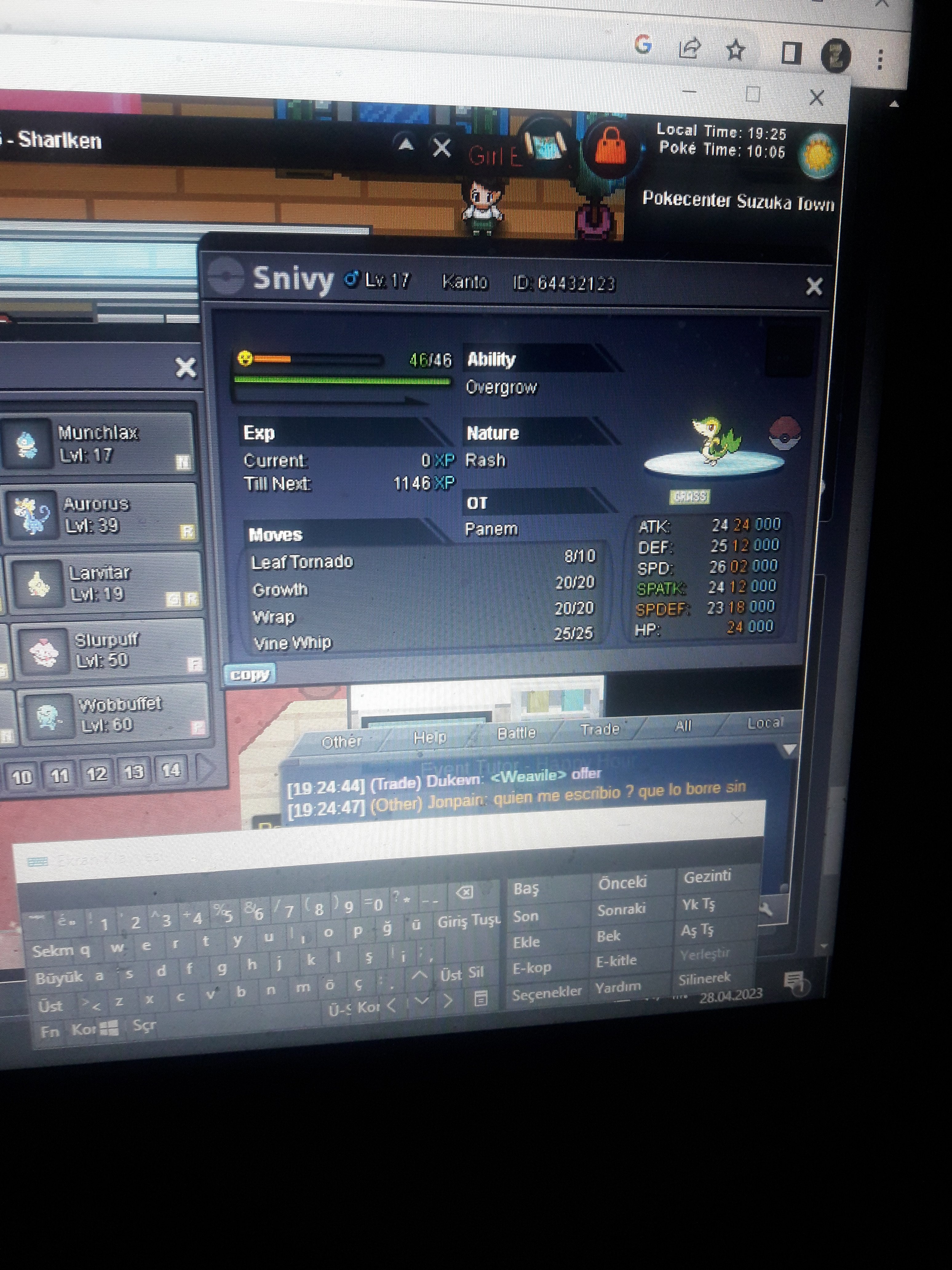
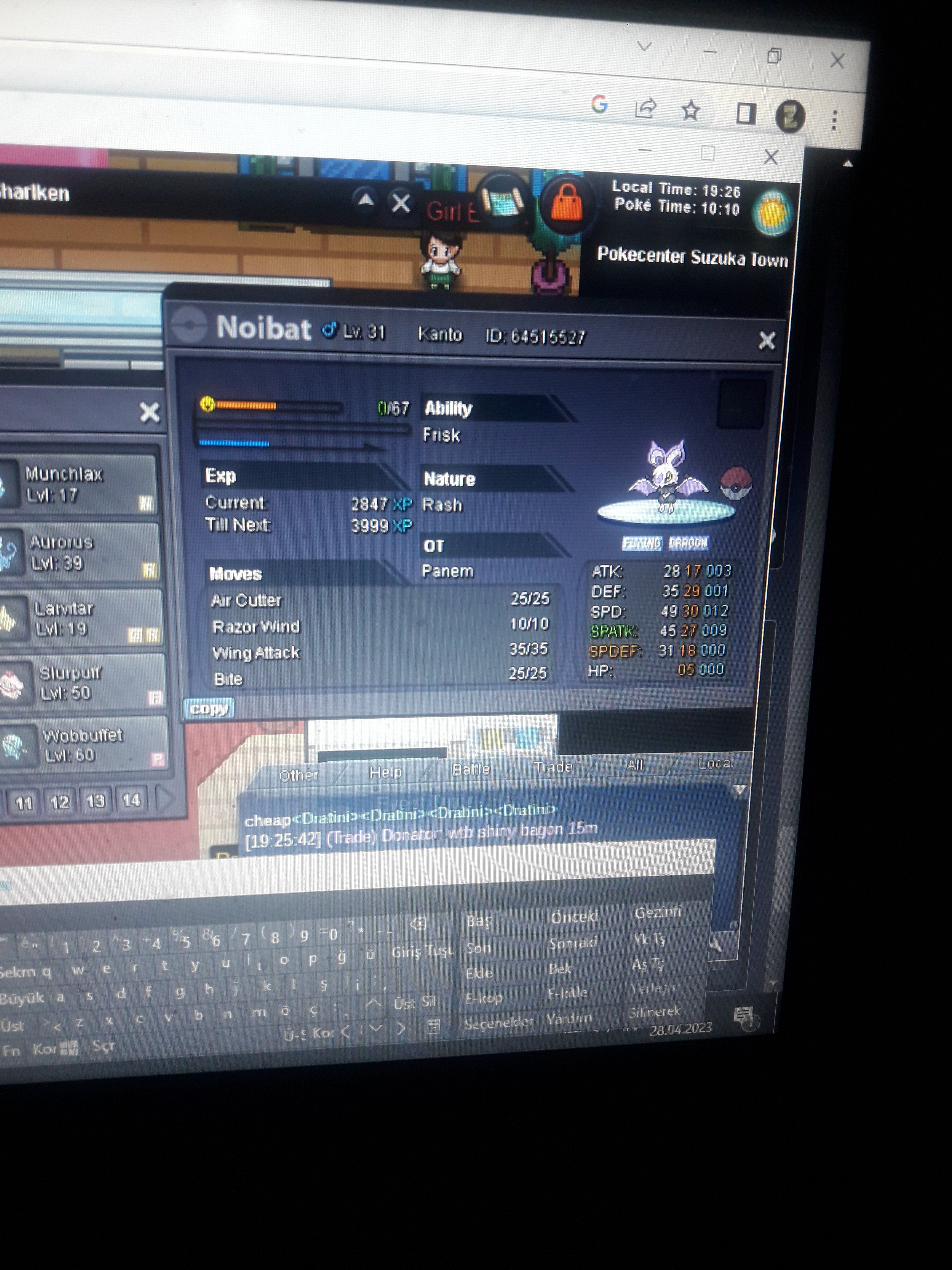
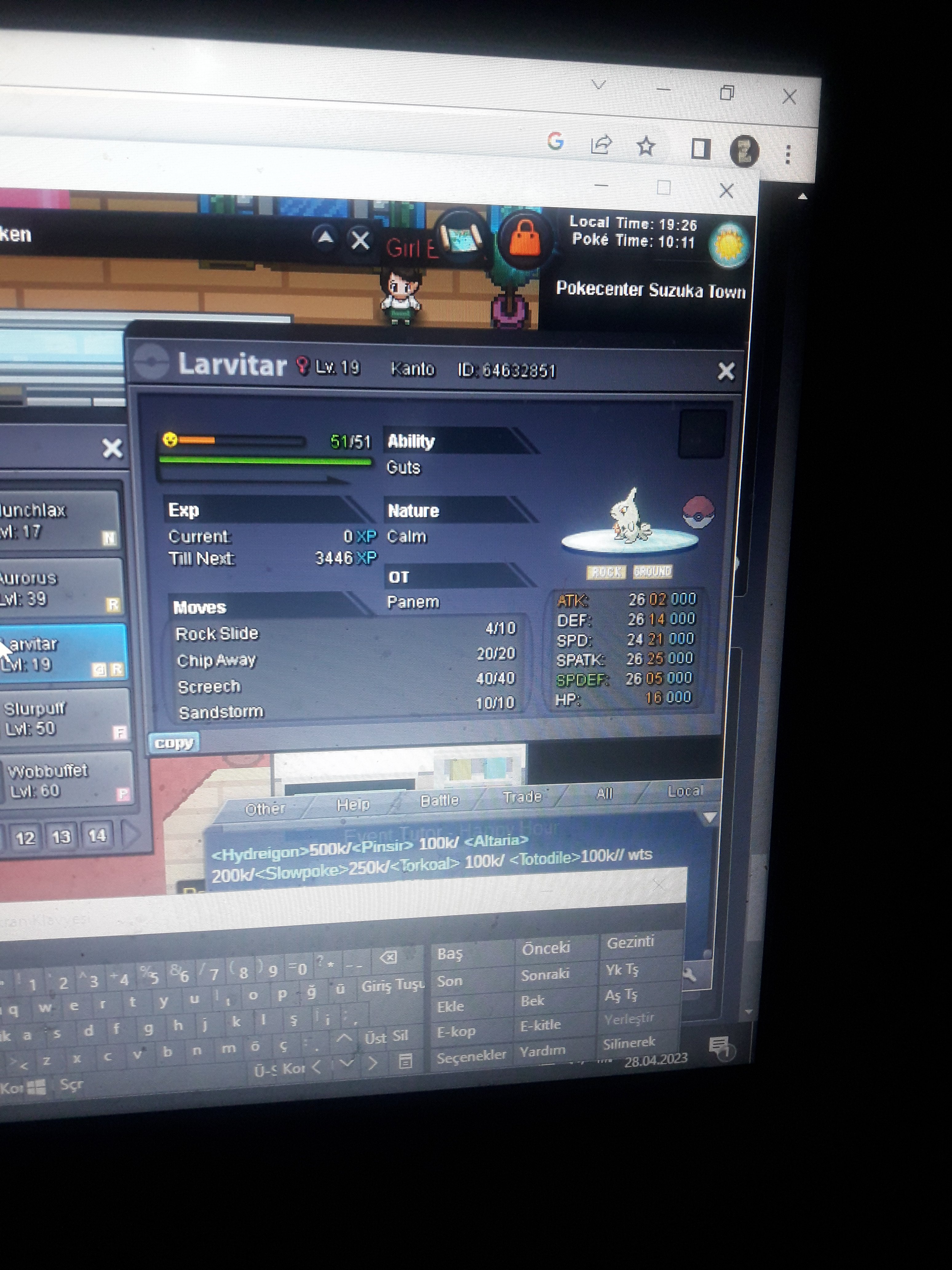
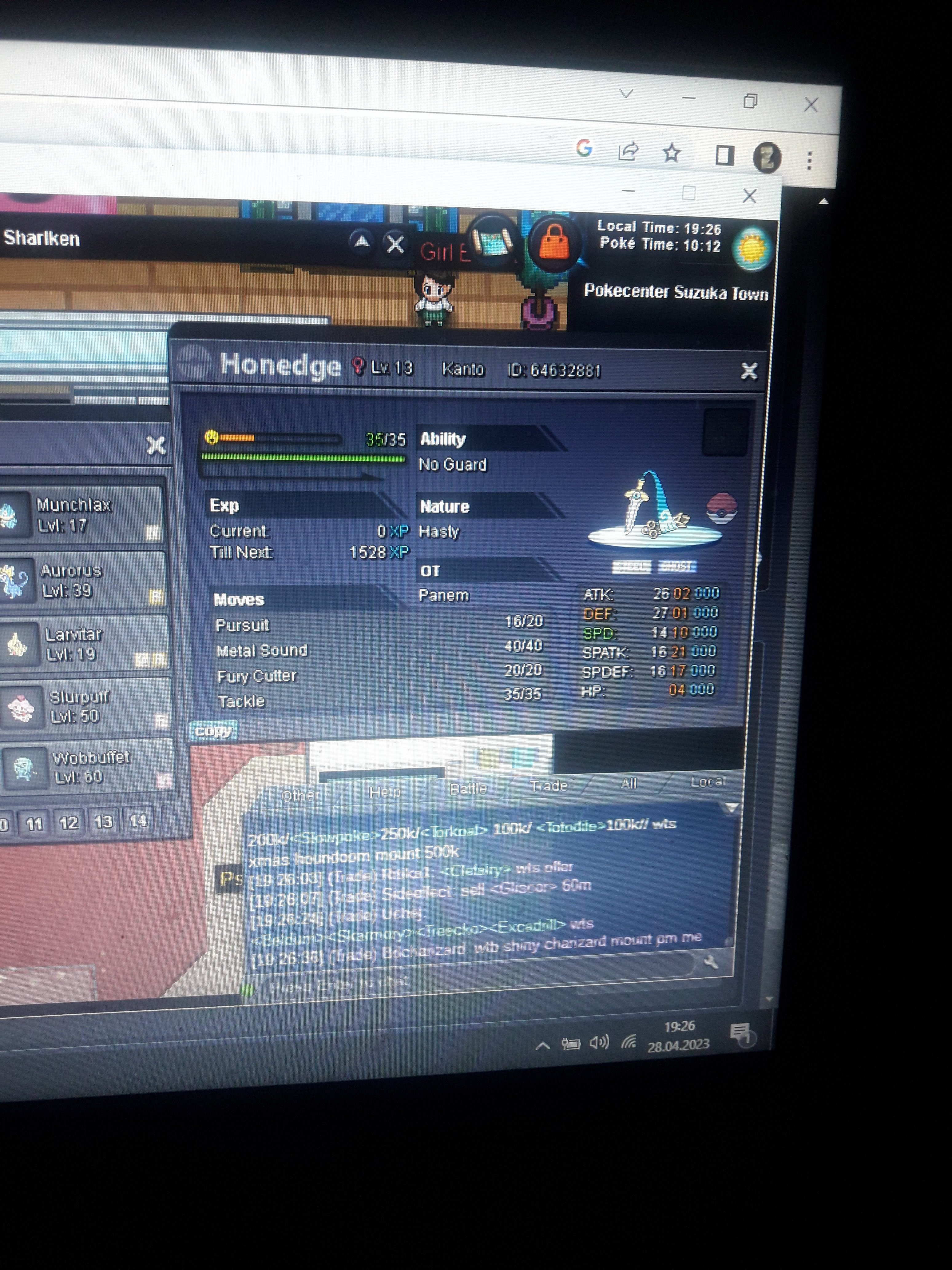
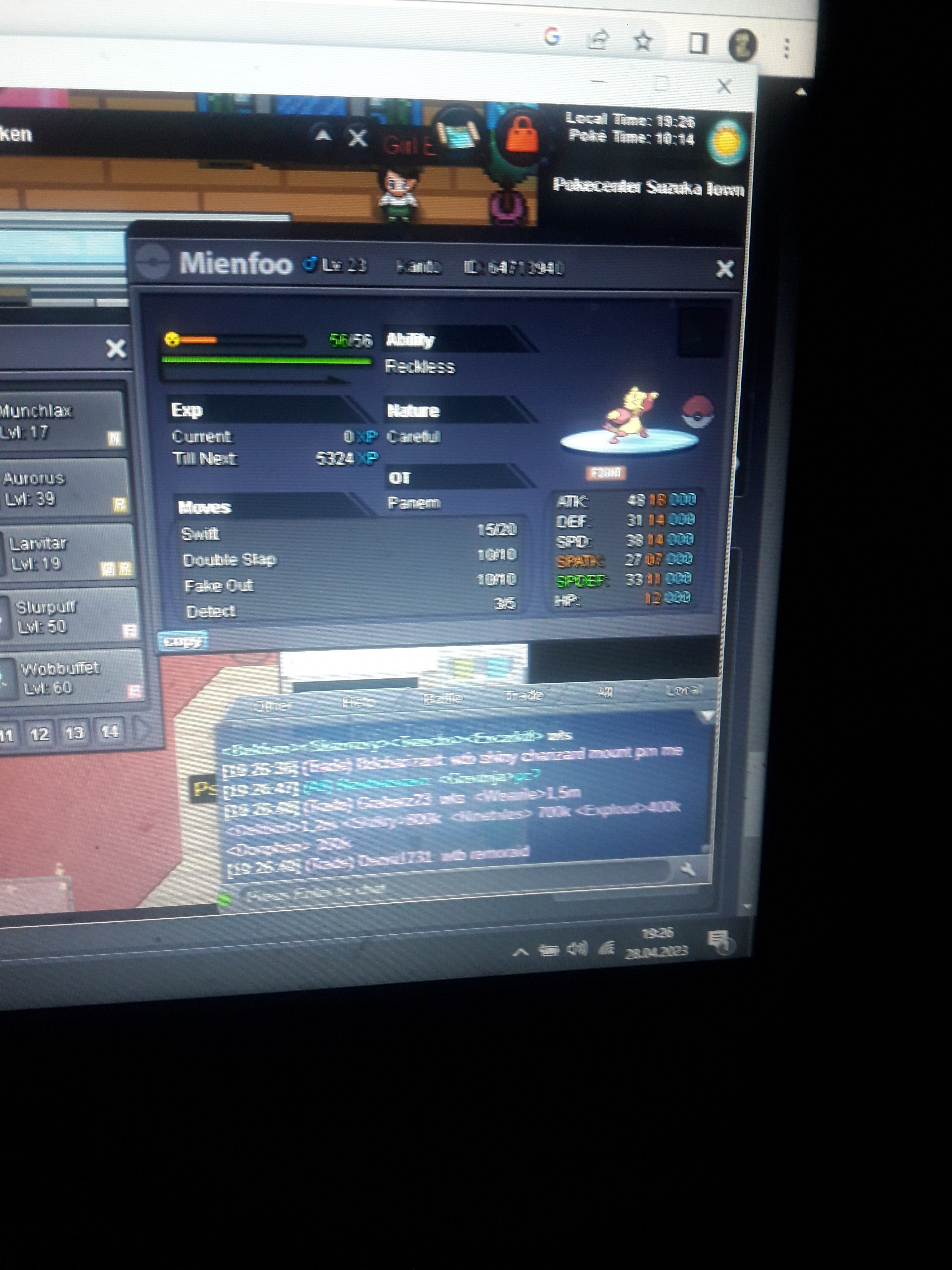
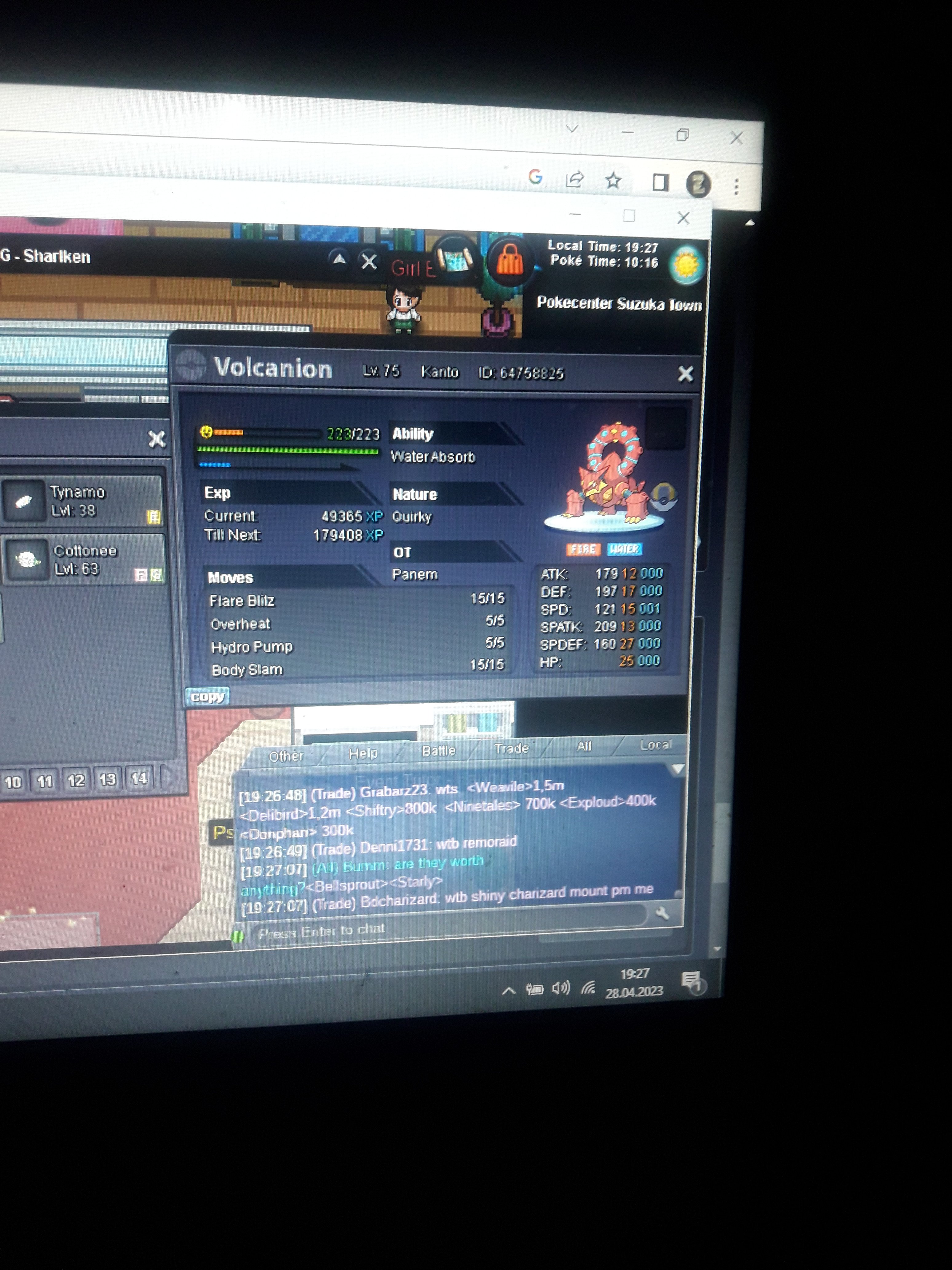
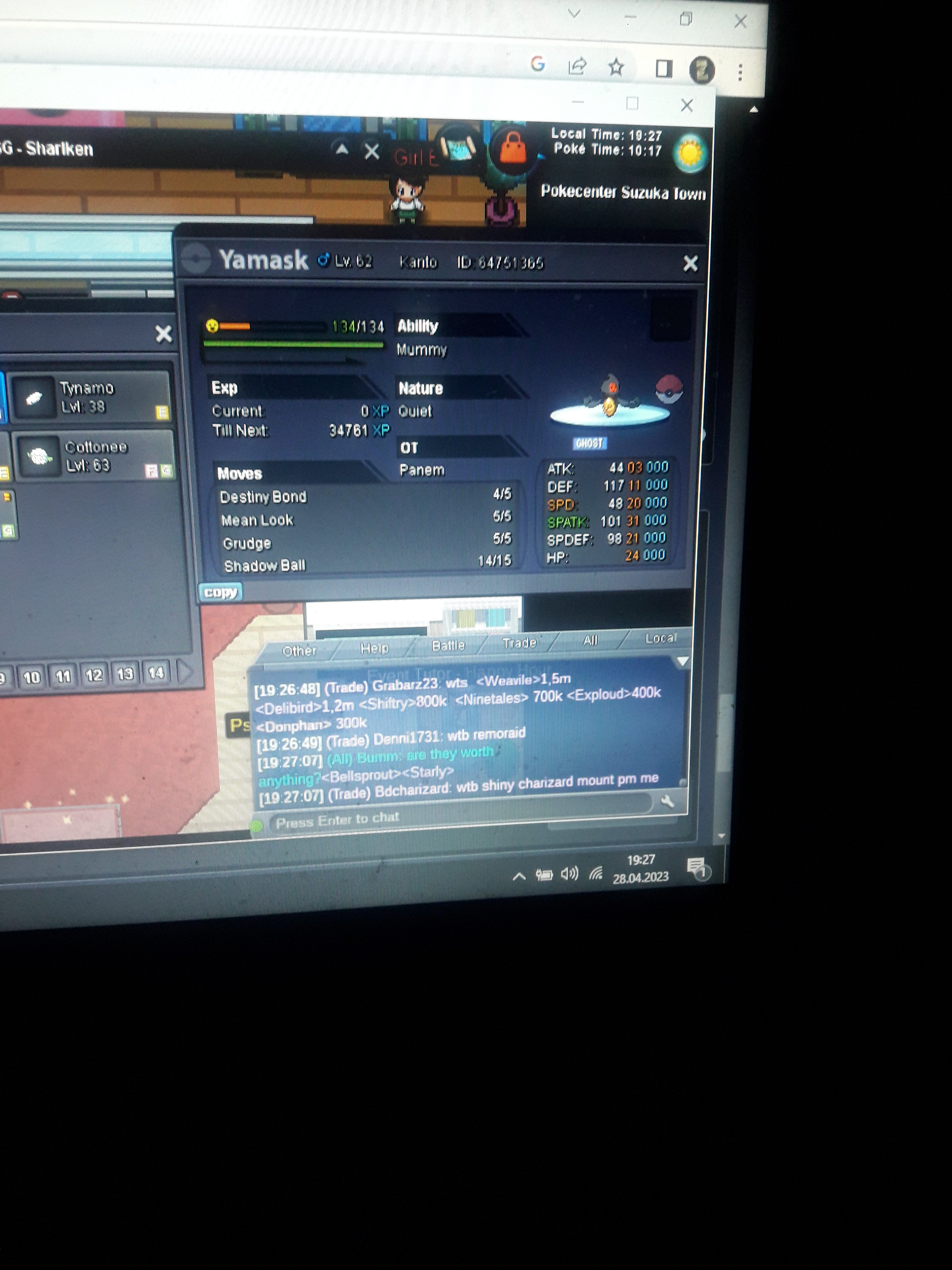
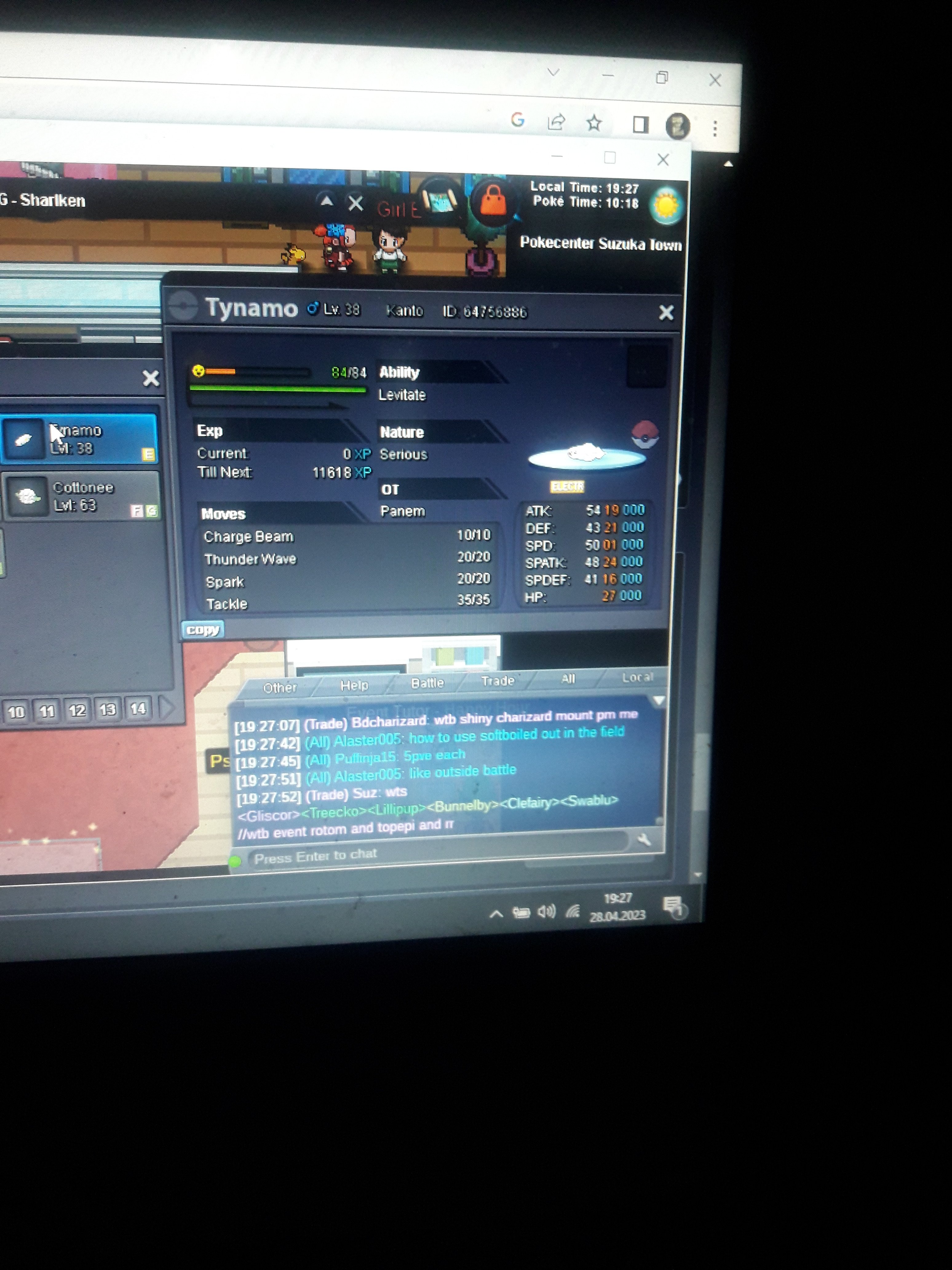
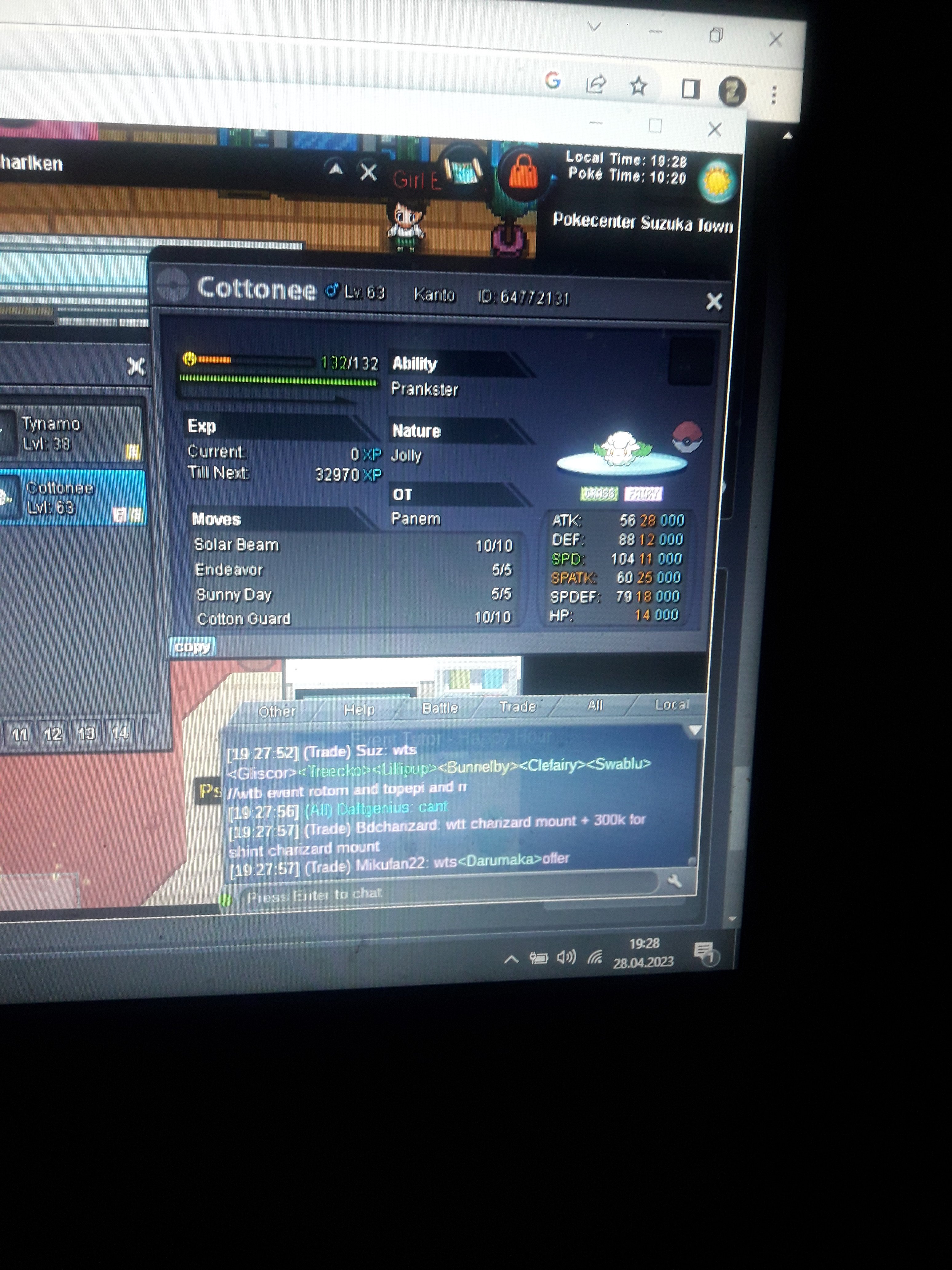
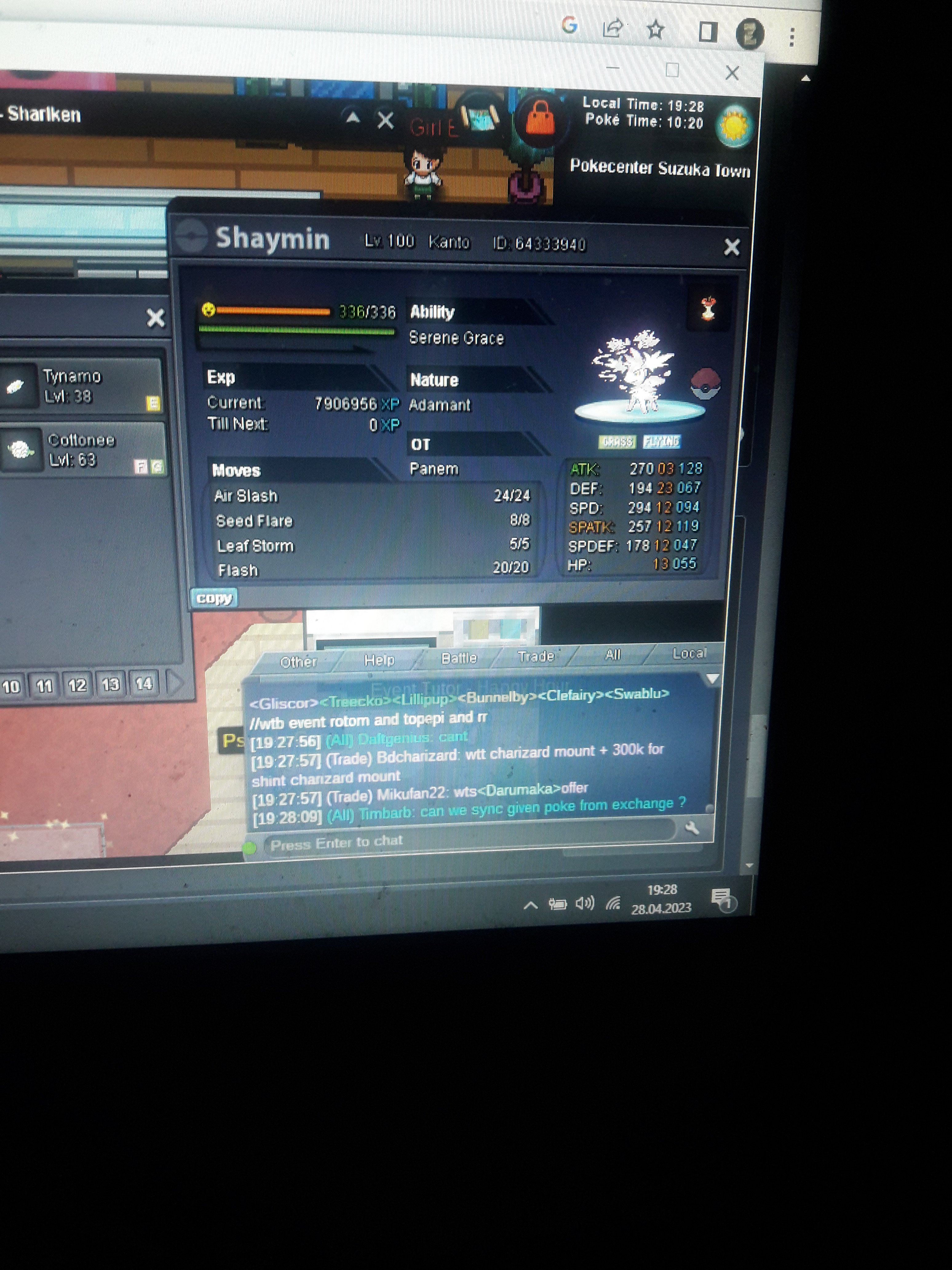
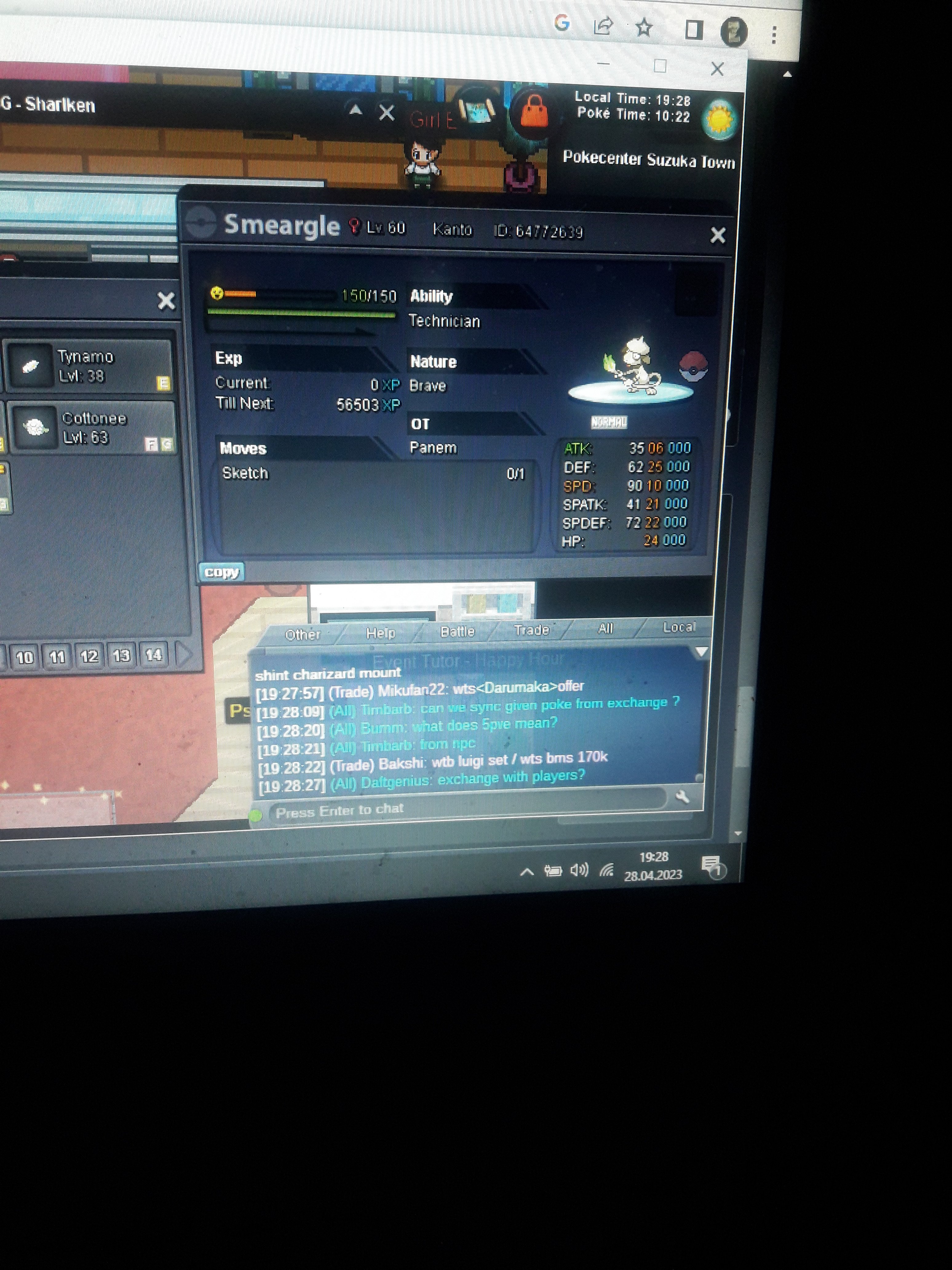
-
prof oak catch bug
but the canto were all caught, some were not counted even though they were in the canto, that's what I mean
-
prof oak catch bug
these are the post-bug results after 139 catches
-
prof oak catch bug
- prof oak catch bug
every kanto pokemon is different but it doesn't count even if i catch it, if i catch it, it appears as a ball dex- prof oak catch bug
i caught a lot of kanto pokemon but dex is being processed prof oak tells me i caught 139 i think it's a bug please help- prof oak catch bug
- prof oak catch bug
i caught a lot of kanto pokemon but dex is being processed prof oak tells me i caught 139 i think it's a bug please help- prof oak catch bug
I CATCH POKES BUT PROF OAK DOESNT COUNT - prof oak catch bug
Panem
Suspended
-
Joined
-
Last visited
Account
Navigation
Search
Configure browser push notifications
Chrome (Android)
- Tap the lock icon next to the address bar.
- Tap Permissions → Notifications.
- Adjust your preference.
Chrome (Desktop)
- Click the padlock icon in the address bar.
- Select Site settings.
- Find Notifications and adjust your preference.
Safari (iOS 16.4+)
- Ensure the site is installed via Add to Home Screen.
- Open Settings App → Notifications.
- Find your app name and adjust your preference.
Safari (macOS)
- Go to Safari → Preferences.
- Click the Websites tab.
- Select Notifications in the sidebar.
- Find this website and adjust your preference.
Edge (Android)
- Tap the lock icon next to the address bar.
- Tap Permissions.
- Find Notifications and adjust your preference.
Edge (Desktop)
- Click the padlock icon in the address bar.
- Click Permissions for this site.
- Find Notifications and adjust your preference.
Firefox (Android)
- Go to Settings → Site permissions.
- Tap Notifications.
- Find this site in the list and adjust your preference.
Firefox (Desktop)
- Open Firefox Settings.
- Search for Notifications.
- Find this site in the list and adjust your preference.