New Trade Zone
Trade Zone is now live
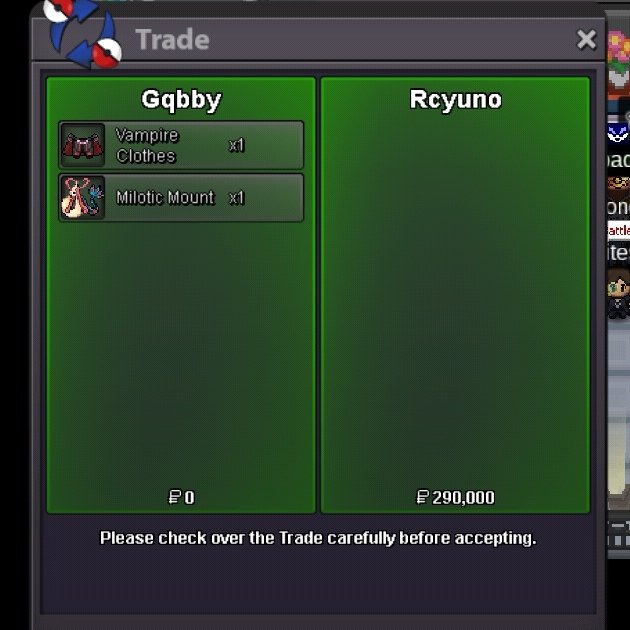
Use the new Trade Zone for auctions and instant-price trades so Pokemon and item offers are easy to find.

Gqbby
Registered User
-
Joined
-
Last visited
-
Gqbby changed their profile photo
-
Im not sure if i should post this here or if someone has already mentioned it before, but Shedninja halo cosmetic is not visible to other players because the name covers it. That’s a shame since its a cosmetic thats rare to obtain and has quite a high value. I would like to know if it would be possible to lower it a bit so it can actually be seen or fix it somehow. Thank you.


-
-
Hey I wtb Kanto story service
-
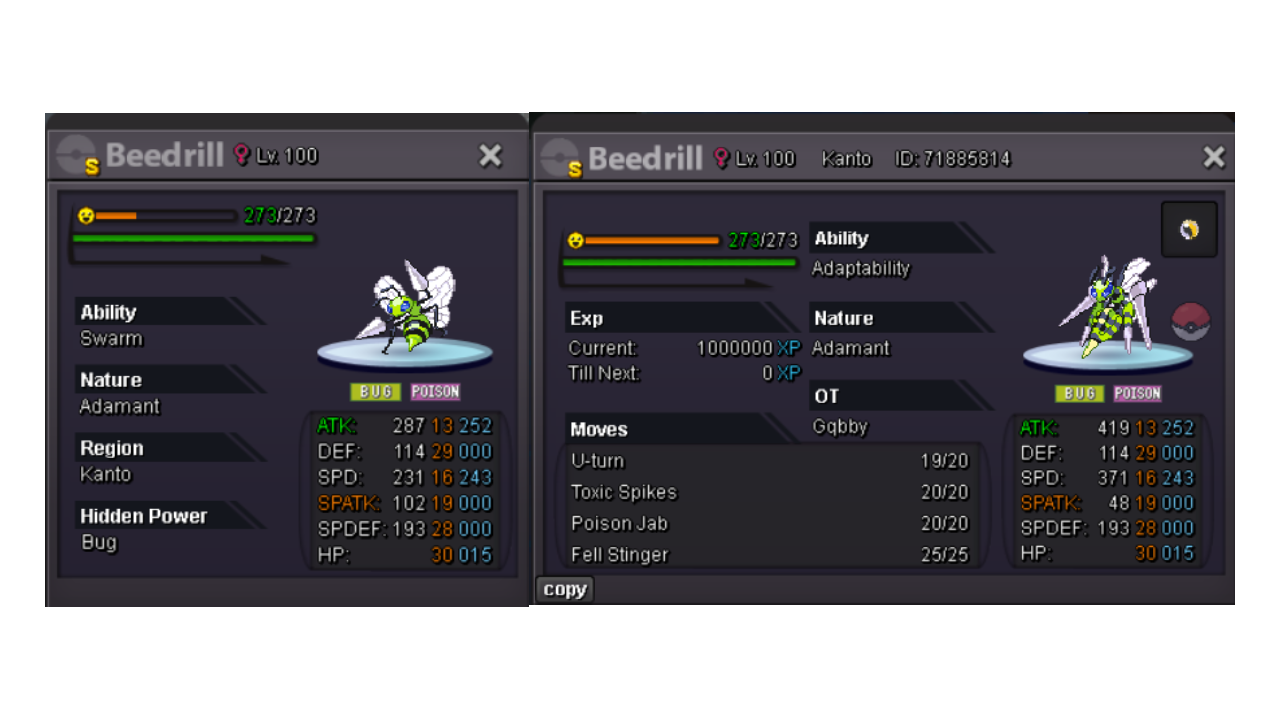
SHINY BEEDRILL AUCTION! Starting offer: 1m Current offer: Minimun raise: 100k Auction ends: In 48h after first bid Accepted payments: Pokedollars and IV Reroll Ticket = 650k Coin Capsules | 1cc = 450k This is a Gold Server auction. 15 minutes rule applied.
 Start blacephalonBeldum 155k@Boyvuive Hello! Yes, I still want the beldum but I'm currently at silver server, therefore my friend Mocxhi will do the trade for me. Let me know if you're available right now to complete the trade or text me on discord or via forum messages to set a time. My discord: uuvlMy discord: uuvl In game name: gqbbyI'll start pinsir tooStart metang