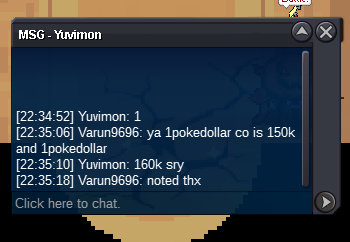
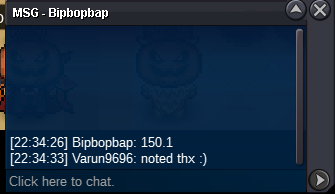
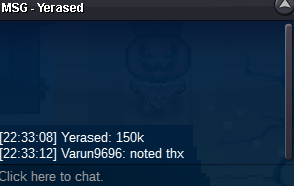
New Trade Zone
Trade Zone is now live
Use the new Trade Zone for auctions and instant-price trades so Pokemon and item offers are easy to find.

Varun9696
Registered User
-
Joined
-
Last visited
Everything posted by Varun9696
-
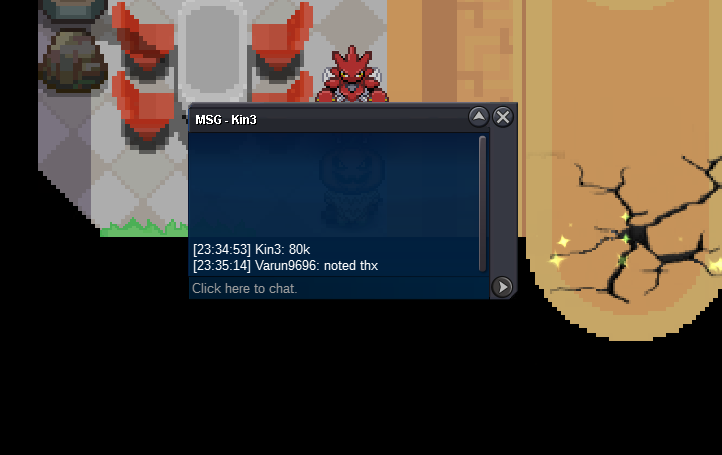
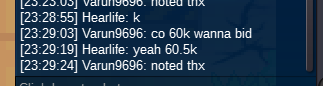
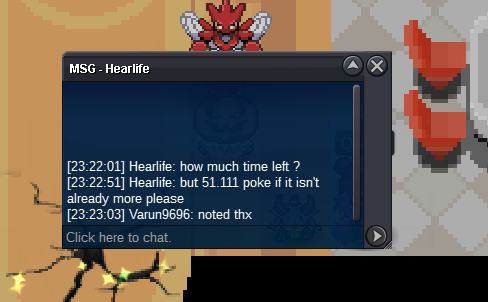
@Darkclown co 97k
-
@Sqweezyco is 80k :()
-
15 rules applied
-
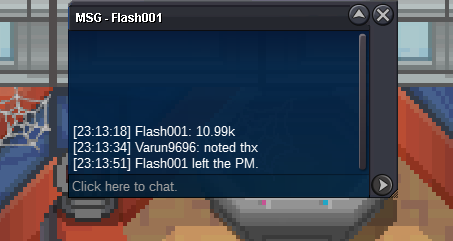
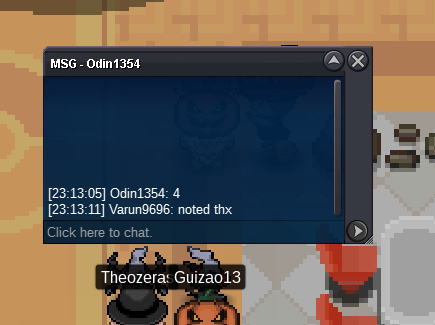
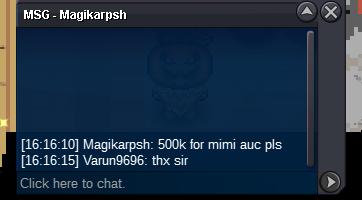
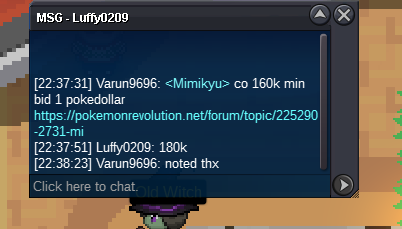
S.o 1 pokedollar Min bid 1 pokedollar Time : 30 mins after start Contact varun9696 / Pokeattack3 in game or iiV on discord I also sell auction service so ya pm me anytime
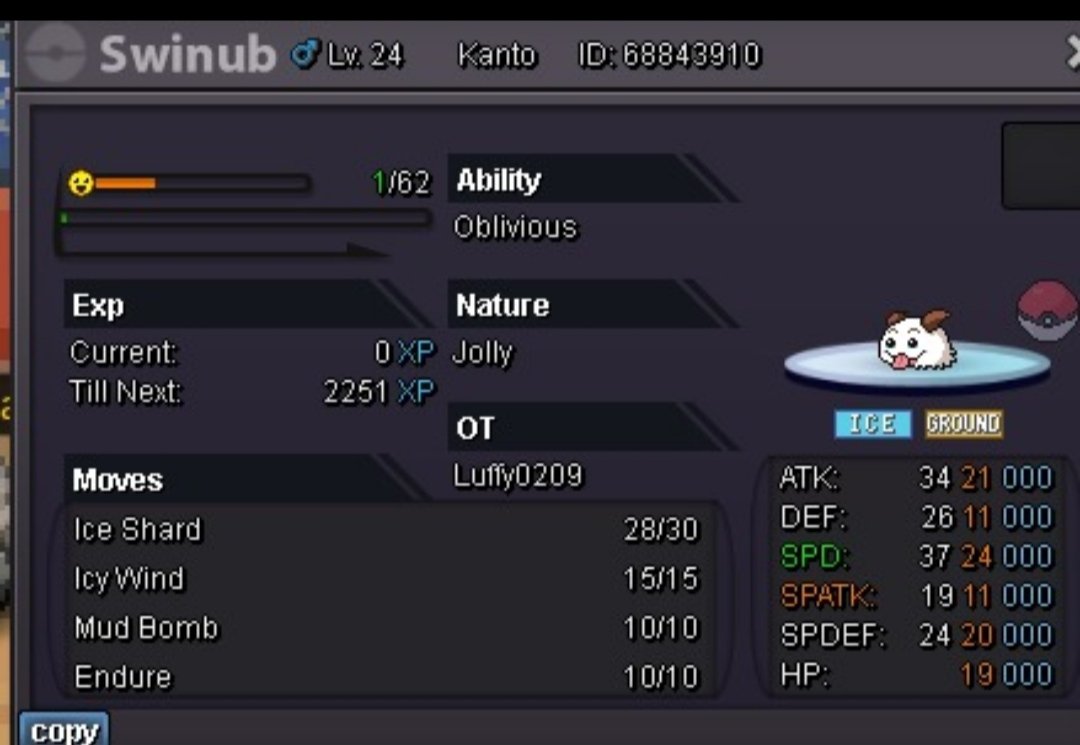 @Cuong157923what you have edited ??StartS.O 1 POKEDOLLAR MIN BID 1 POKEDOLLAR TIME: 48 HOURS AFTER START INSTANT: N/A CONTACT: iiV on discord or pokeattack3 / varun9696 in game THX @Lacomus 🙂
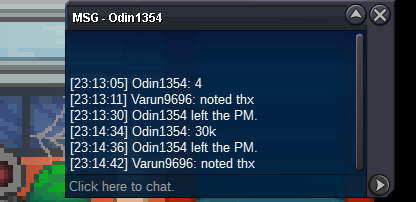
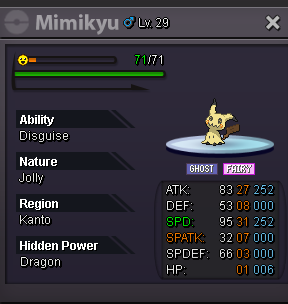 sry ;-;13k @Lacomus 💞
Account
Navigation
Search
Configure browser push notifications
Chrome (Android)
- Tap the lock icon next to the address bar.
- Tap Permissions → Notifications.
- Adjust your preference.
Chrome (Desktop)
- Click the padlock icon in the address bar.
- Select Site settings.
- Find Notifications and adjust your preference.
Safari (iOS 16.4+)
- Ensure the site is installed via Add to Home Screen.
- Open Settings App → Notifications.
- Find your app name and adjust your preference.
Safari (macOS)
- Go to Safari → Preferences.
- Click the Websites tab.
- Select Notifications in the sidebar.
- Find this website and adjust your preference.
Edge (Android)
- Tap the lock icon next to the address bar.
- Tap Permissions.
- Find Notifications and adjust your preference.
Edge (Desktop)
- Click the padlock icon in the address bar.
- Click Permissions for this site.
- Find Notifications and adjust your preference.
Firefox (Android)
- Go to Settings → Site permissions.
- Tap Notifications.
- Find this site in the list and adjust your preference.
Firefox (Desktop)
- Open Firefox Settings.
- Search for Notifications.
- Find this site in the list and adjust your preference.