




New Trade Zone
Trade Zone is now live
Use the new Trade Zone for auctions and instant-price trades so Pokemon and item offers are easy to find.


Lolop1
Registered User
-
Joined
-
Last visited
Everything posted by Lolop1
-
2k
-
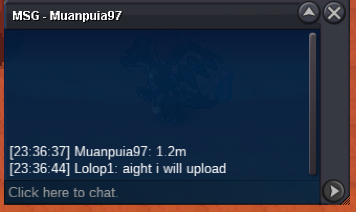
S.O=2M MIN BID=200K DURATION=ENDS 48HRS AFTER FIRST BID ACCEPTED PAYMENTS:- 1.POKEDOLLARS 2.COIN CAPSULES (380K)
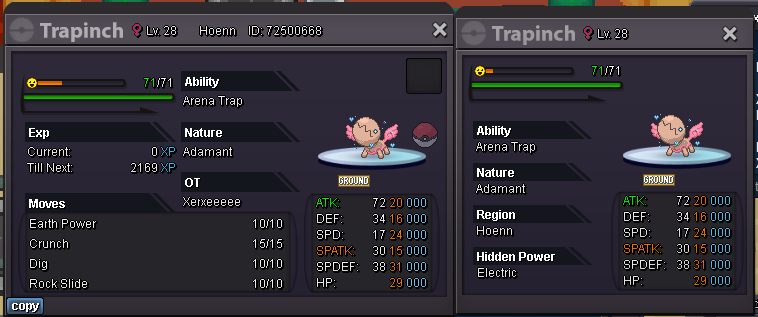 Insta bought by @Mattagross can be closed.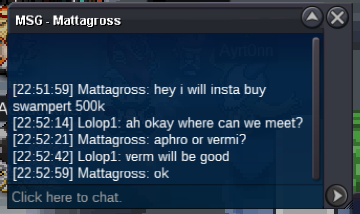
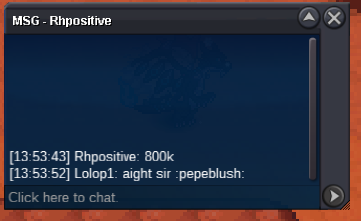
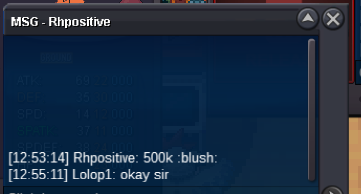
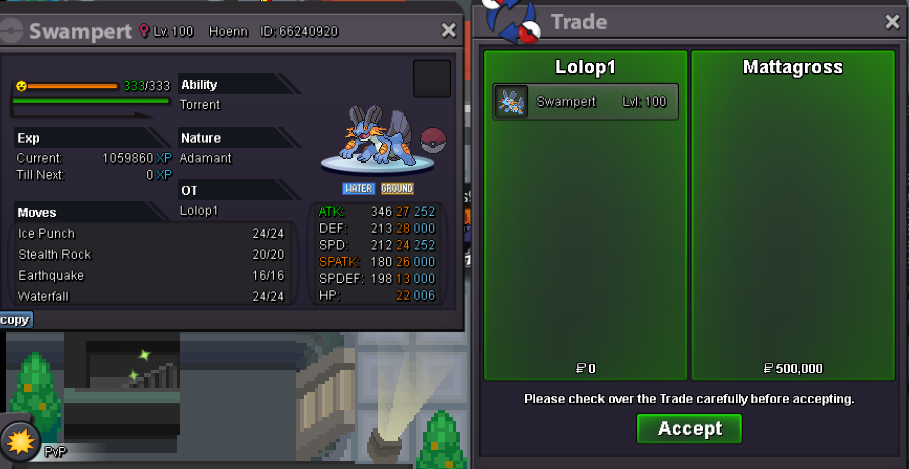 S.O=200K MIN BID=20K INSTA=500k DURATION=ENDS IN 24 HRS AFTER START ACCEPT POKEDOLLARS AND CC(400K)
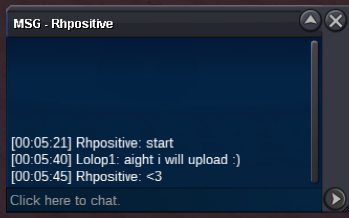
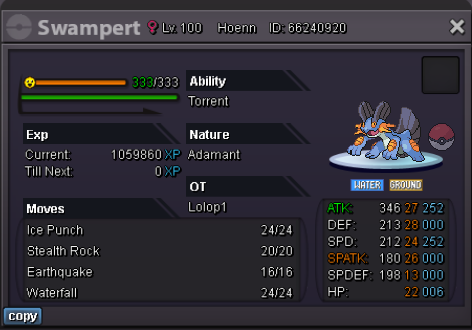 bumpsold can be closed Thank You @Rhpositive
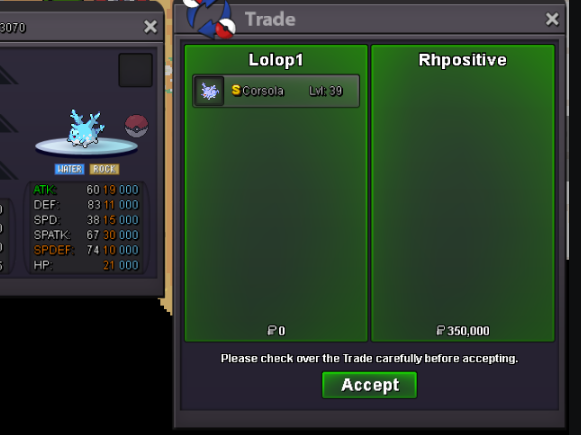 150kS.O=350K MIN BID=20K ENDS 24HRS AFTER FIRST BID IS RECEIVED INSTA=1M ACCEPT 1.POKEDOLLARS 2.COIN CAPSULES (380K) GOOD LUCK.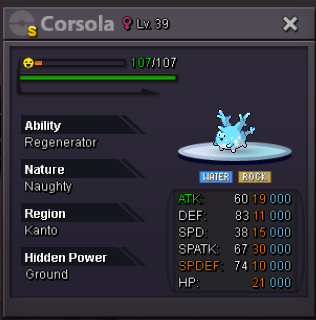
 650kBought insta Sold can be closed now.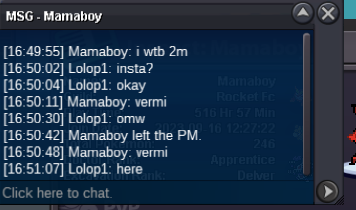
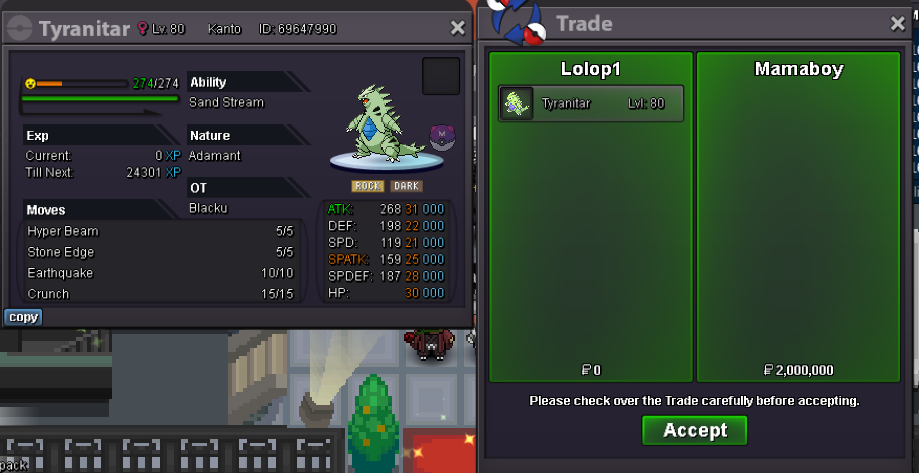 WTB this same venusaur (willing to overpay) If you have it please contact me Discord: Lolop1 IGN: Lolop1 or quote me here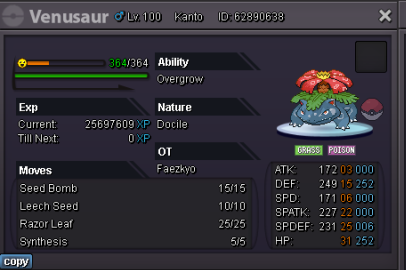
 S.O=300K MIN BID=50K DURATION=Ends 48 hours after first bid is received INSTA=2M Accept only Pokedollars
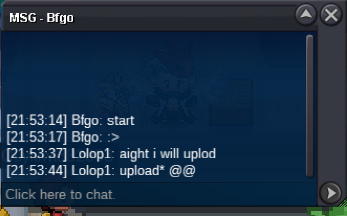
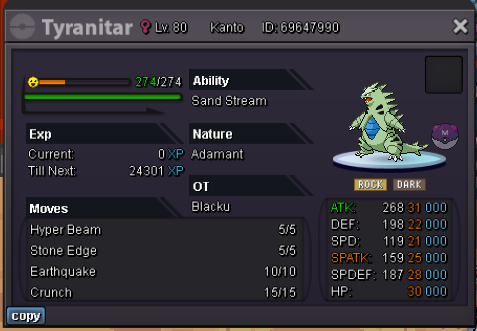 start edit : 10kAuction ended can be closed @BfgoThanks 🙂
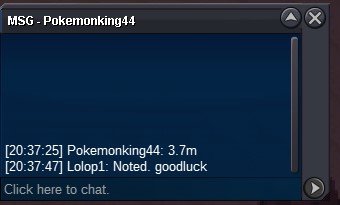
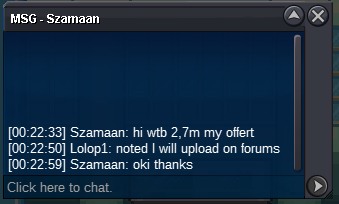
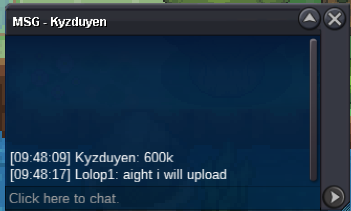
 Auction ended and won by @Kyzduyen for 600k You can pm me in-game :- Lolop1 or on discord :- Lolop1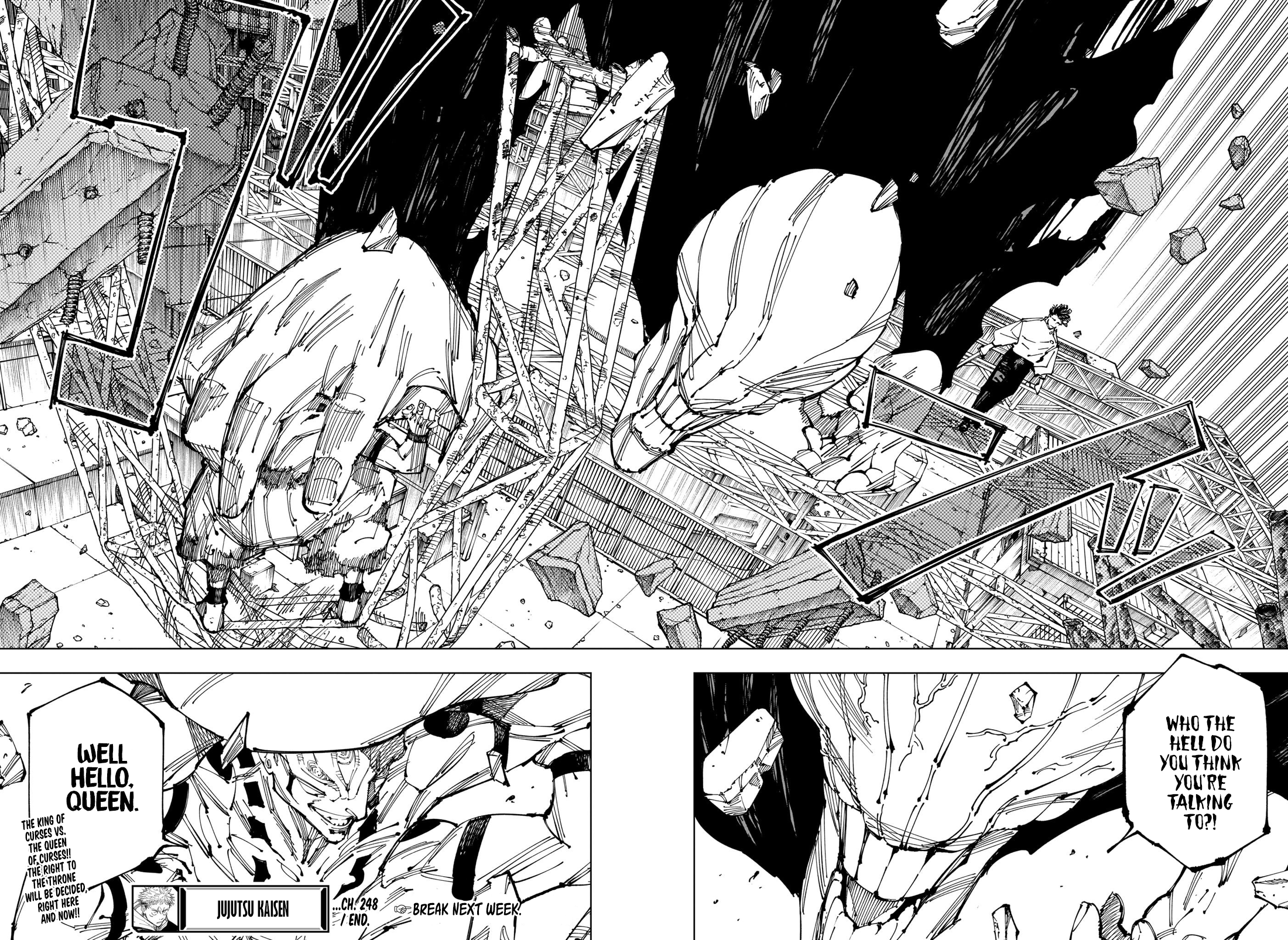






Account
Navigation
Search
Configure browser push notifications
Chrome (Android)
- Tap the lock icon next to the address bar.
- Tap Permissions → Notifications.
- Adjust your preference.
Chrome (Desktop)
- Click the padlock icon in the address bar.
- Select Site settings.
- Find Notifications and adjust your preference.
Safari (iOS 16.4+)
- Ensure the site is installed via Add to Home Screen.
- Open Settings App → Notifications.
- Find your app name and adjust your preference.
Safari (macOS)
- Go to Safari → Preferences.
- Click the Websites tab.
- Select Notifications in the sidebar.
- Find this website and adjust your preference.
Edge (Android)
- Tap the lock icon next to the address bar.
- Tap Permissions.
- Find Notifications and adjust your preference.
Edge (Desktop)
- Click the padlock icon in the address bar.
- Click Permissions for this site.
- Find Notifications and adjust your preference.
Firefox (Android)
- Go to Settings → Site permissions.
- Tap Notifications.
- Find this site in the list and adjust your preference.
Firefox (Desktop)
- Open Firefox Settings.
- Search for Notifications.
- Find this site in the list and adjust your preference.