New Trade Zone
Trade Zone is now live
Use the new Trade Zone for auctions and instant-price trades so Pokemon and item offers are easy to find.

Rigatonis
Registered User
-
Joined
-
Last visited
-
@Ironveil sorry mate you have right. After I got it from lvl service, I gave it for ev service, and had forgotten it. Got it now. Ty and sorry for the confusion
-
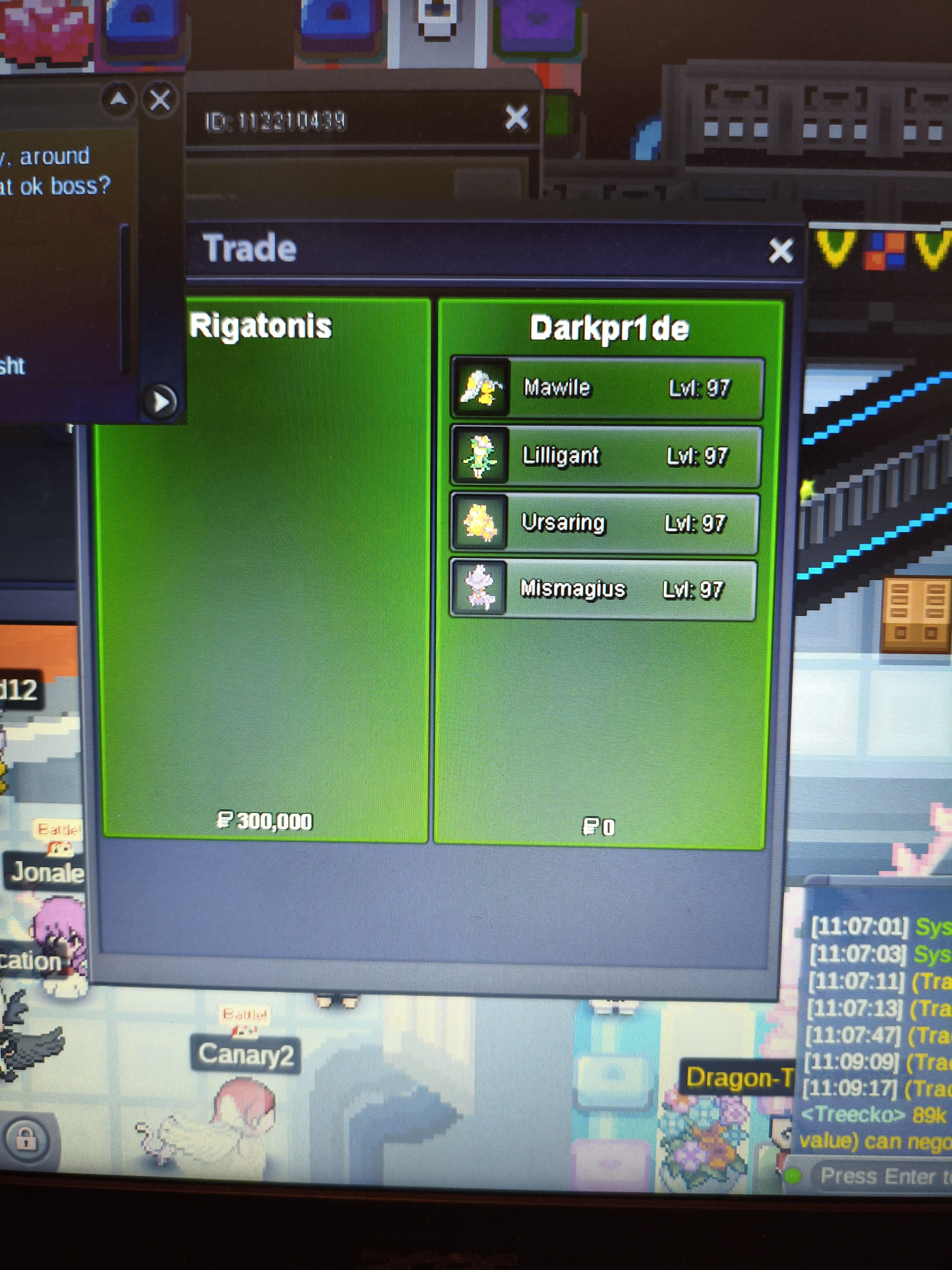
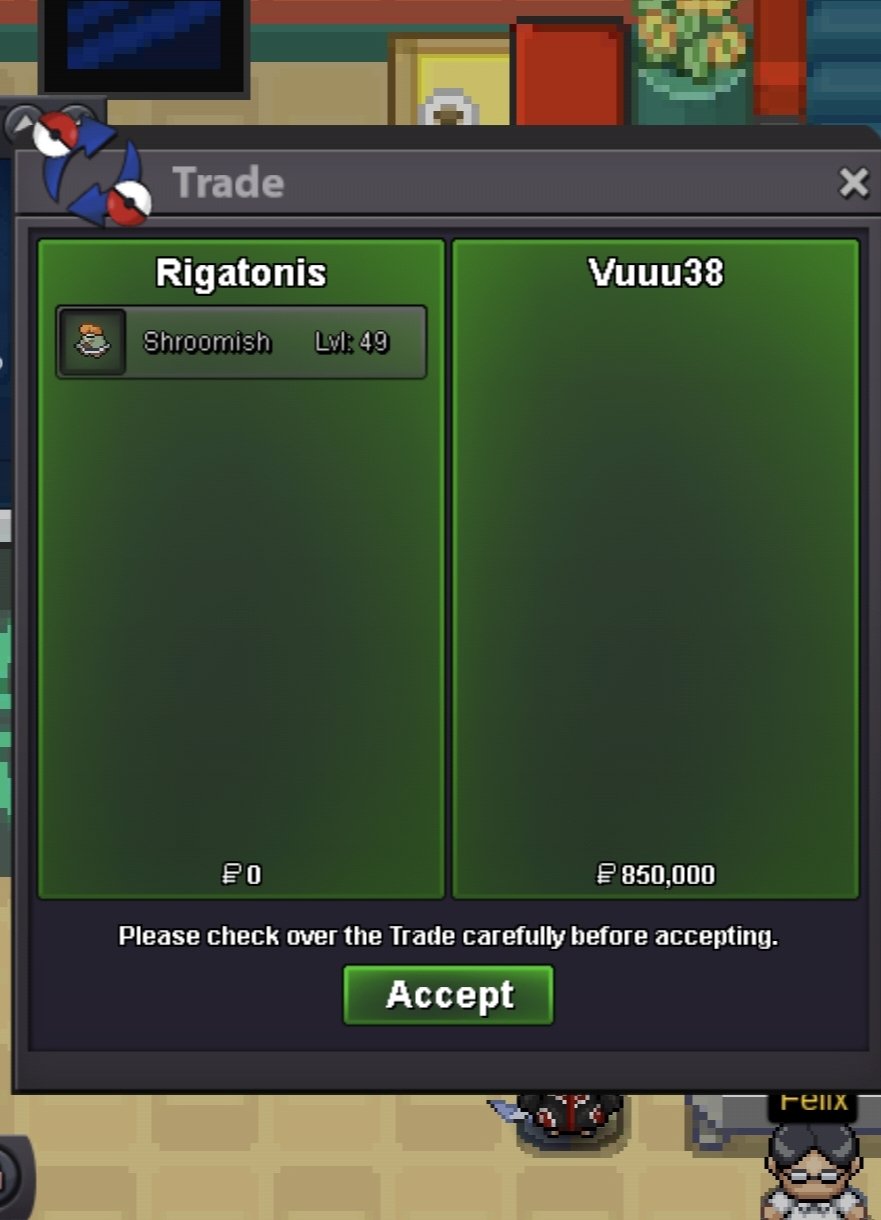
@Ironveil how is this possible? I have printscreen of the trade. Look. Possibly a bug?
-
I received back my Mismagius from level service 2 days before with 3 other pokes in a 4 pokemon trade but I can't find it in my PC. The other 3 pokes are ok. Plz check it
-
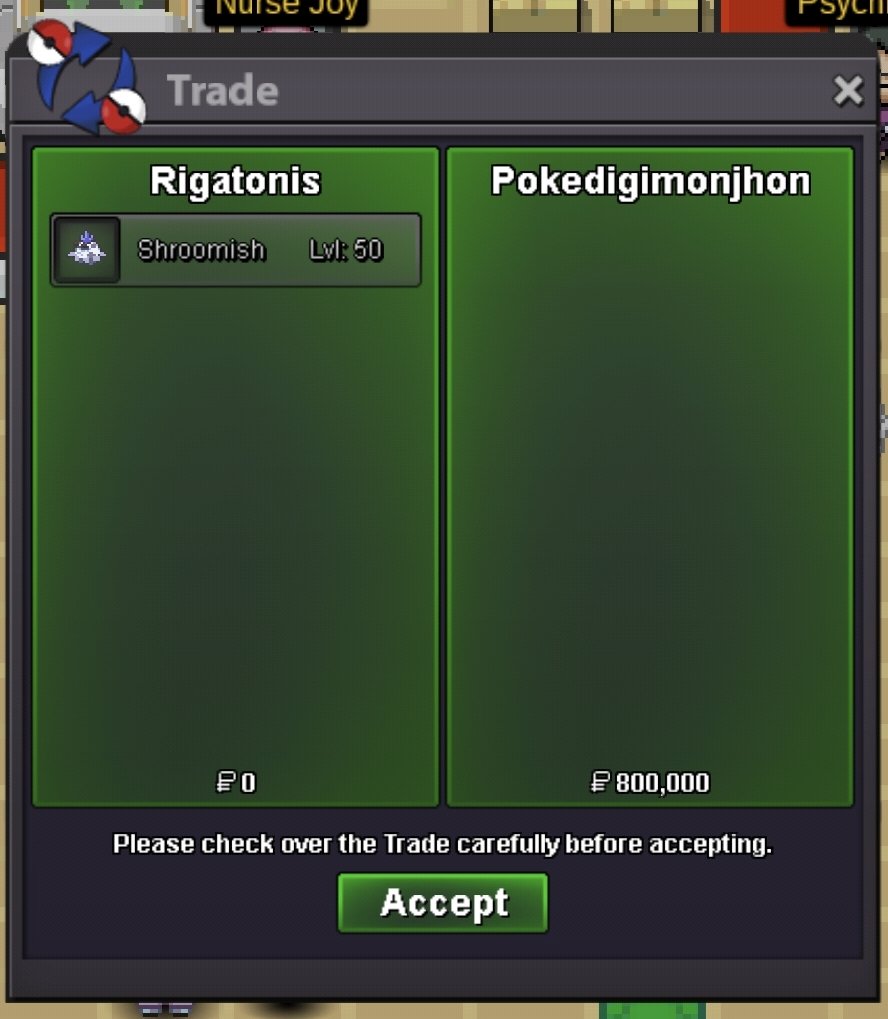
@Pokedigimonjhon has won the auction for 800kBUMPStarting price: 300K Min Bid: 100K Payment: Pokedollars or Coin Capsule (=450k each CC) Duration: 72hrs after the starting offer Location: Any Port City 15min Auction Rule Is On
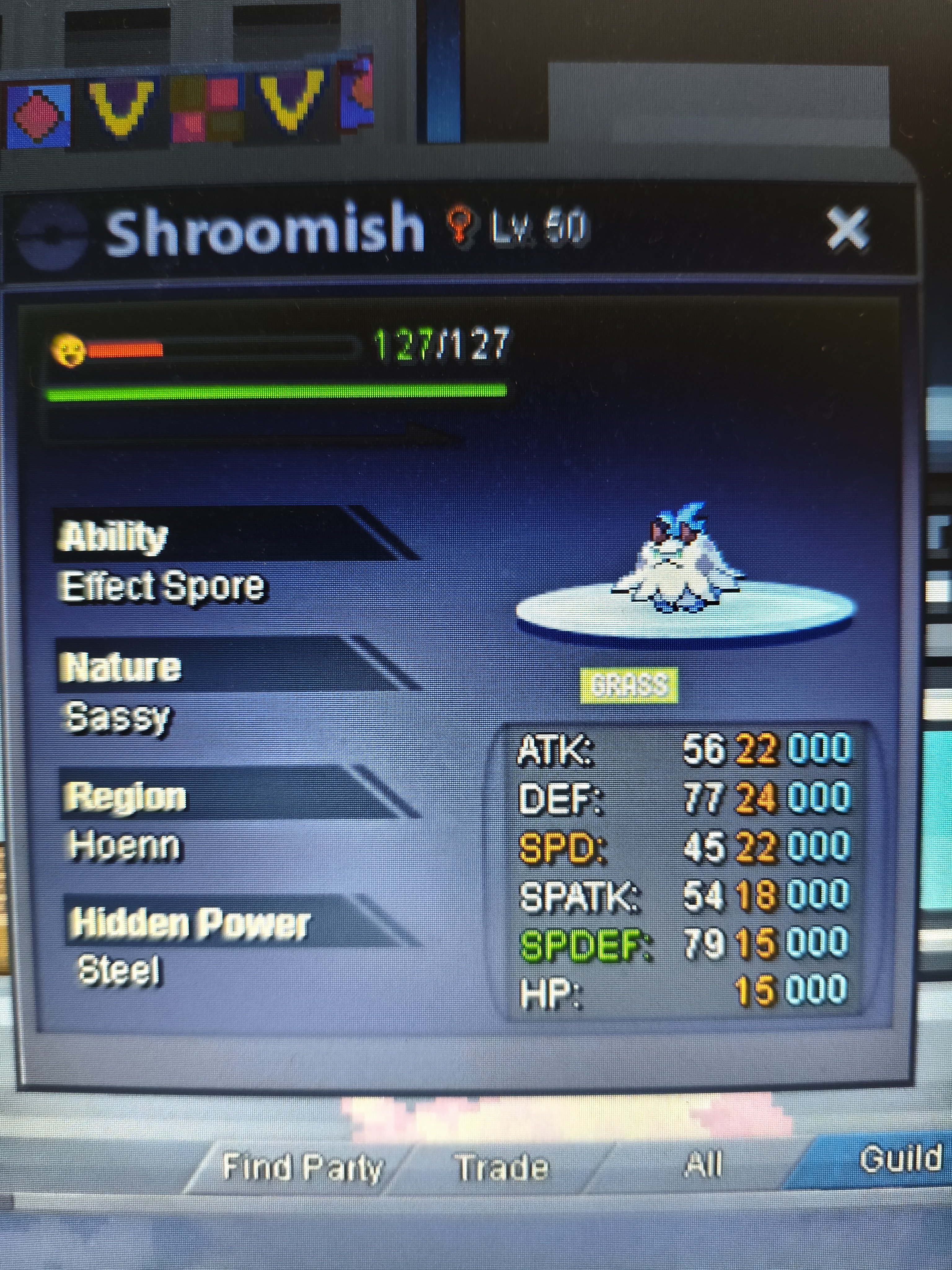 Auction ended. @Vuuu38has won for 850k. Pm me in game to complete the tradeLast 5 minsLast 33 mins. GLSorry wrong message. I disabled itBUMPPayment: Pokedollars Duration: 48hrs after first bid 15 min trade rule is on Trade Location: Everywhere Starting price: 300k Min Raise: 50k
 Hi. I want to buy full story service for 3 silver accounts(including transportation). What's the price for all these and how long will take? I haven't done any progress in any of these accounts