New Trade Zone
Trade Zone is now live
Use the new Trade Zone for auctions and instant-price trades so Pokemon and item offers are easy to find.

Shadowcs1
Registered User
-
Joined
-
Last visited
Everything posted by Shadowcs1
-
Sold!
-
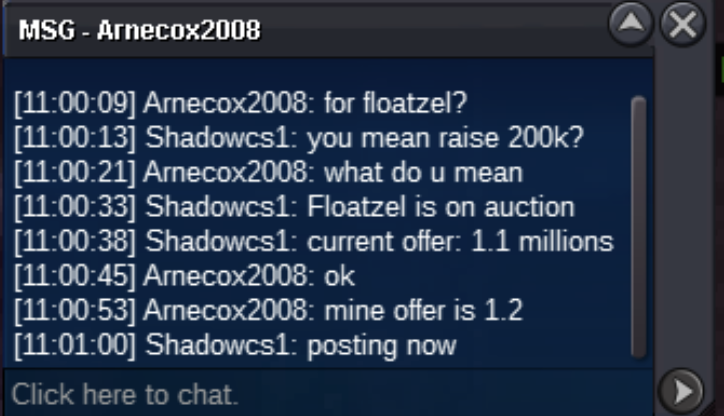
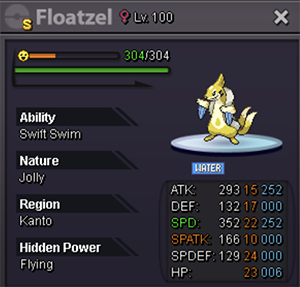
BumpBumpS.O. : 1 M Min. Bid: 100k Duration: 72 hours after the first bid (16th of June, 11:26 GMT+1) Accepted Payments: Pokedollars/ CC (350k ea) Pokemon Details:
 1. What's your Player name (IGN)? Shadowcs1 2. Number of hours played? 48 3. What's your favourite Pokemon? Dialga 4. What do you enjoy doing the most in PRO? (Hunting, PvP, trading, etc) At the moment, the story itself. I love the fact that it has the same feeling from when I was playing it on gba! Now, with live players too! 5. How long have you been playing Pokemon? (Optional) Before PRO, I think there are more than 10 years since I played Pokemon 6. Favourite ice cream flavour. (Optional) Caramel