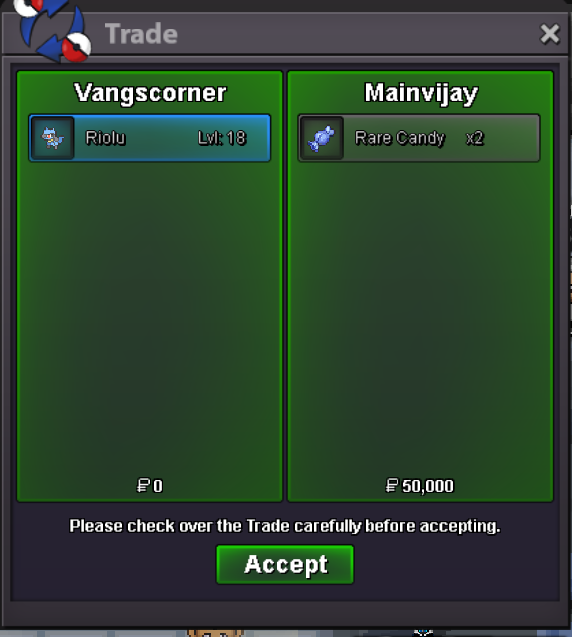
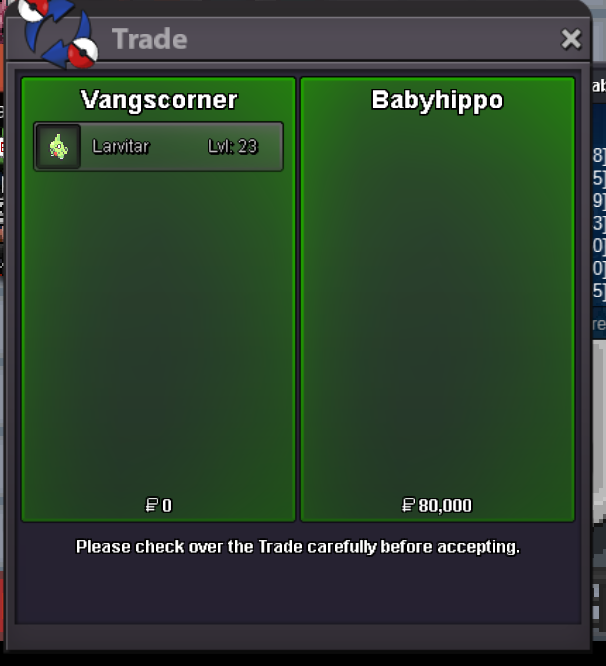
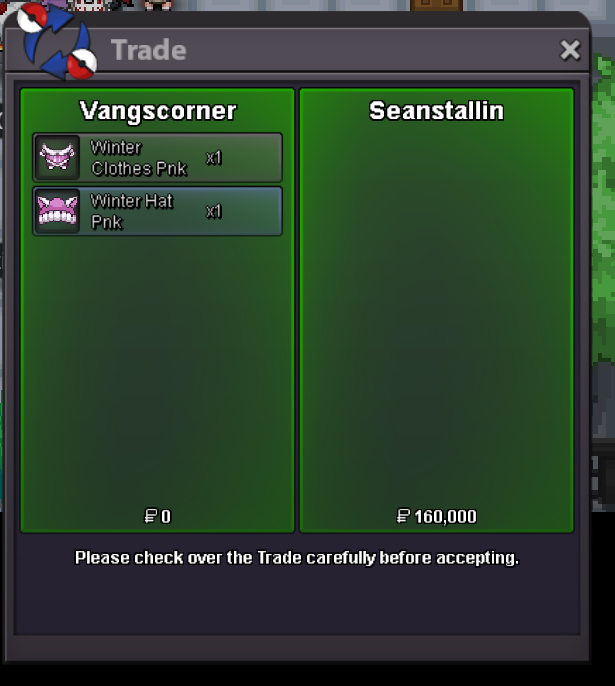
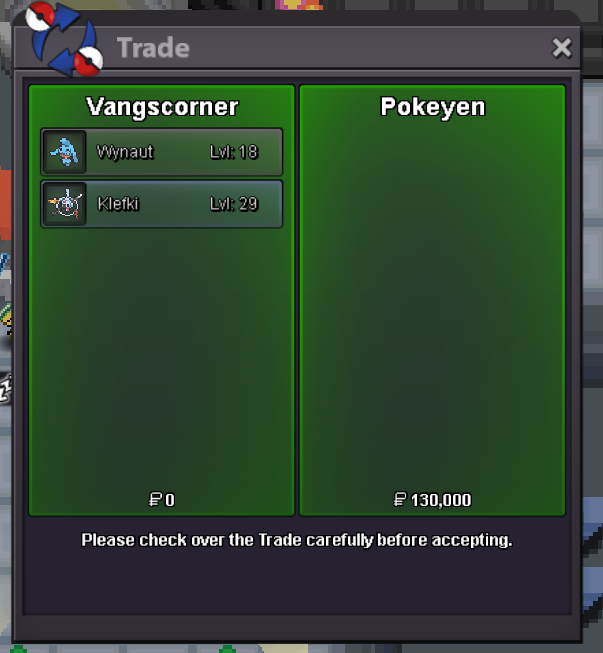
New Trade Zone
Trade Zone is now live
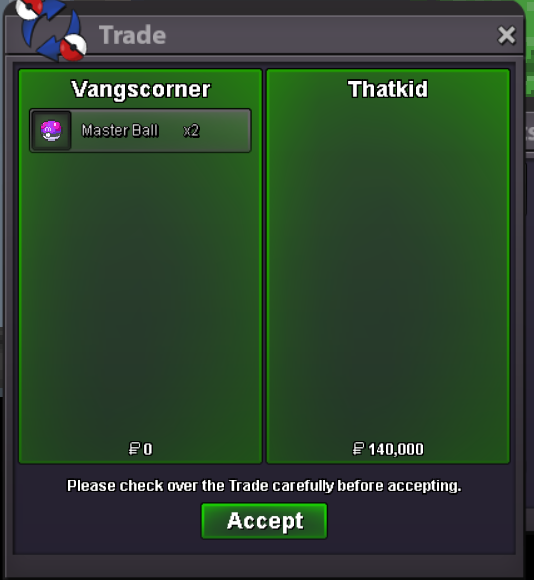
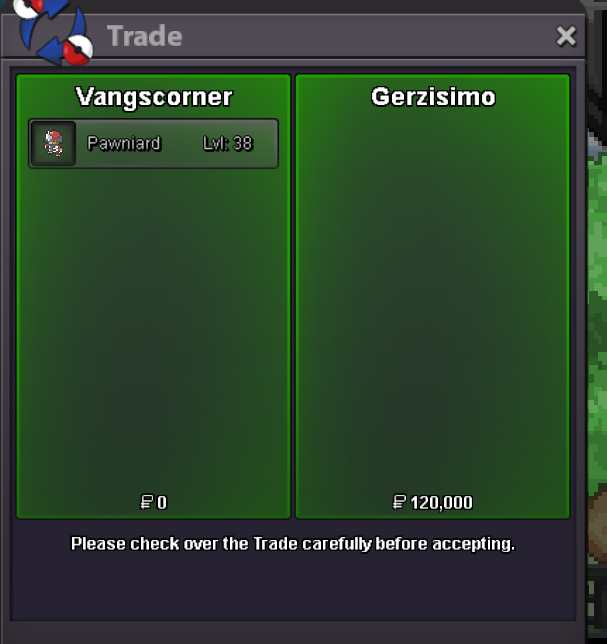
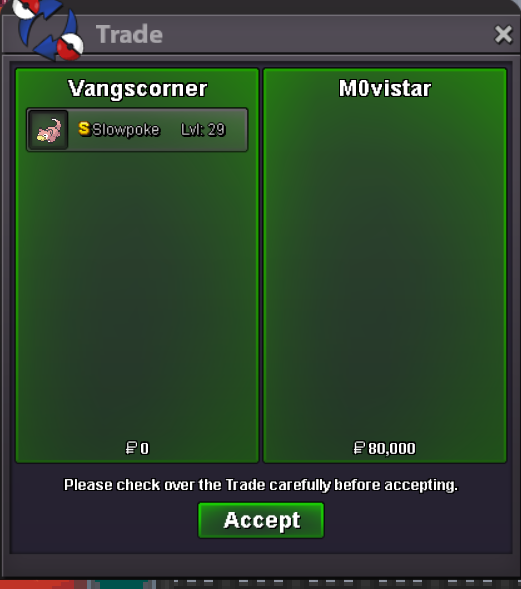
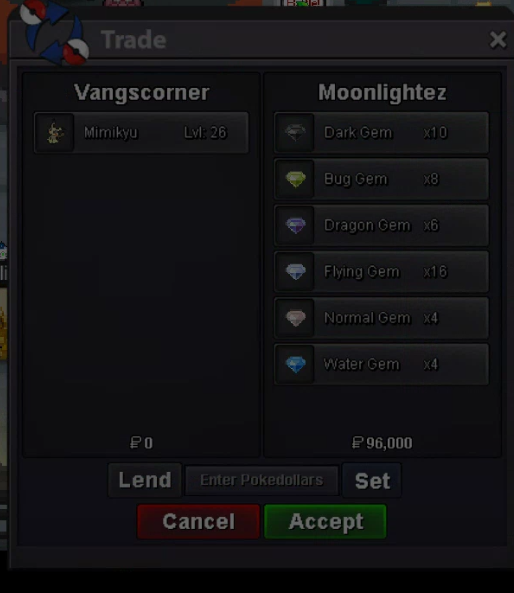
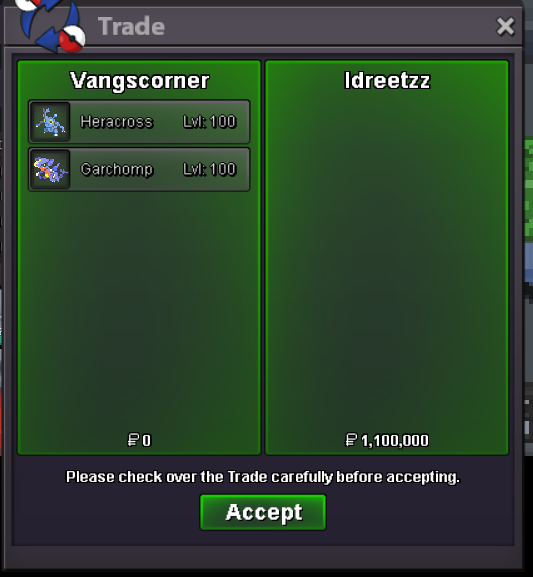
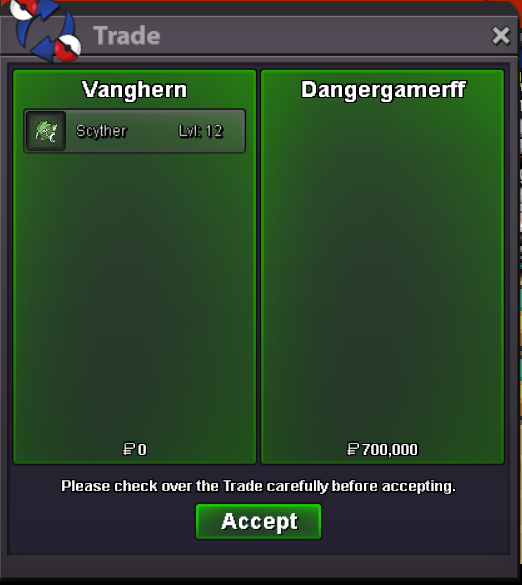
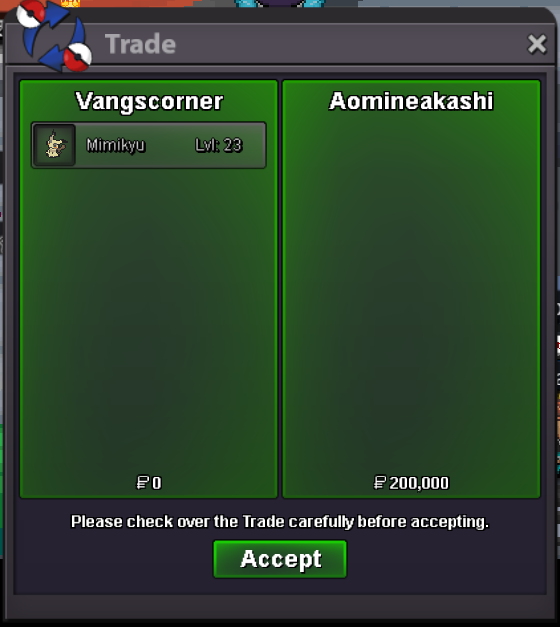
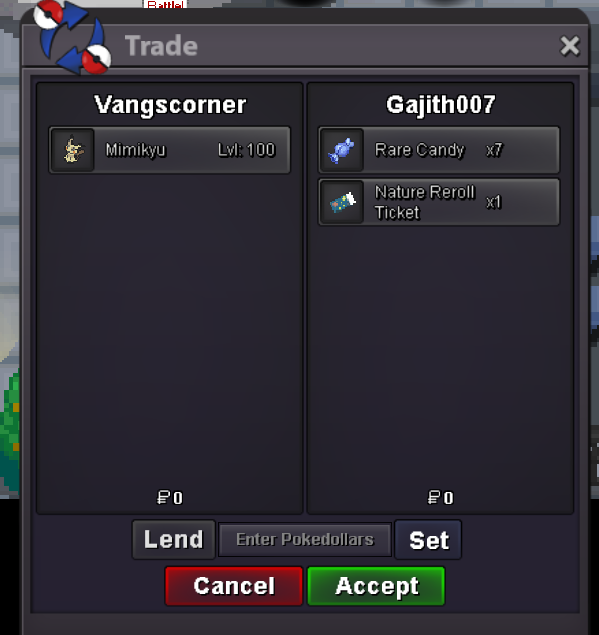
Use the new Trade Zone for auctions and instant-price trades so Pokemon and item offers are easy to find.

Vanghern
Registered User
-
Joined
-
Last visited
Everything posted by Vanghern
-
dm me in game please, /pm vanghernThanks mate!If you want to negotiate this one, please dm me 🙂September update!Which one is that? Gimme number ^^ they usually have price tagsyes1. HLW FORMS BEST FORMS, hyped 2. Volcaroooona and Rapidash. Gonna get them both. And maybe Weavile/Noivern 3. Amount of forms is fine, I don't mind if u add more/less. I'd prefer to have better event calendar (June/July no events). And better encounter rate, coz summer forms have terrible encounter rate. 4. Idc, maybe Metagross? But I would't force myself to hunt beldums again, so really don't know. 5. Rotoms looks absolutely awful, idk why ppl bought them.
Account
Navigation
Search
Configure browser push notifications
Chrome (Android)
- Tap the lock icon next to the address bar.
- Tap Permissions → Notifications.
- Adjust your preference.
Chrome (Desktop)
- Click the padlock icon in the address bar.
- Select Site settings.
- Find Notifications and adjust your preference.
Safari (iOS 16.4+)
- Ensure the site is installed via Add to Home Screen.
- Open Settings App → Notifications.
- Find your app name and adjust your preference.
Safari (macOS)
- Go to Safari → Preferences.
- Click the Websites tab.
- Select Notifications in the sidebar.
- Find this website and adjust your preference.
Edge (Android)
- Tap the lock icon next to the address bar.
- Tap Permissions.
- Find Notifications and adjust your preference.
Edge (Desktop)
- Click the padlock icon in the address bar.
- Click Permissions for this site.
- Find Notifications and adjust your preference.
Firefox (Android)
- Go to Settings → Site permissions.
- Tap Notifications.
- Find this site in the list and adjust your preference.
Firefox (Desktop)
- Open Firefox Settings.
- Search for Notifications.
- Find this site in the list and adjust your preference.