




New Trade Zone
Trade Zone is now live
Use the new Trade Zone for auctions and instant-price trades so Pokemon and item offers are easy to find.

Mainvijay
Registered User
-
Joined
-
Last visited
Everything posted by Mainvijay
-
For helio
-
I offered first mate
-
-
Wtb these
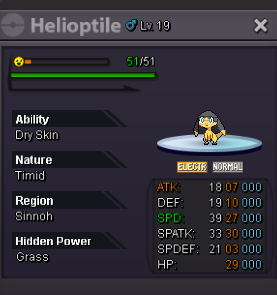

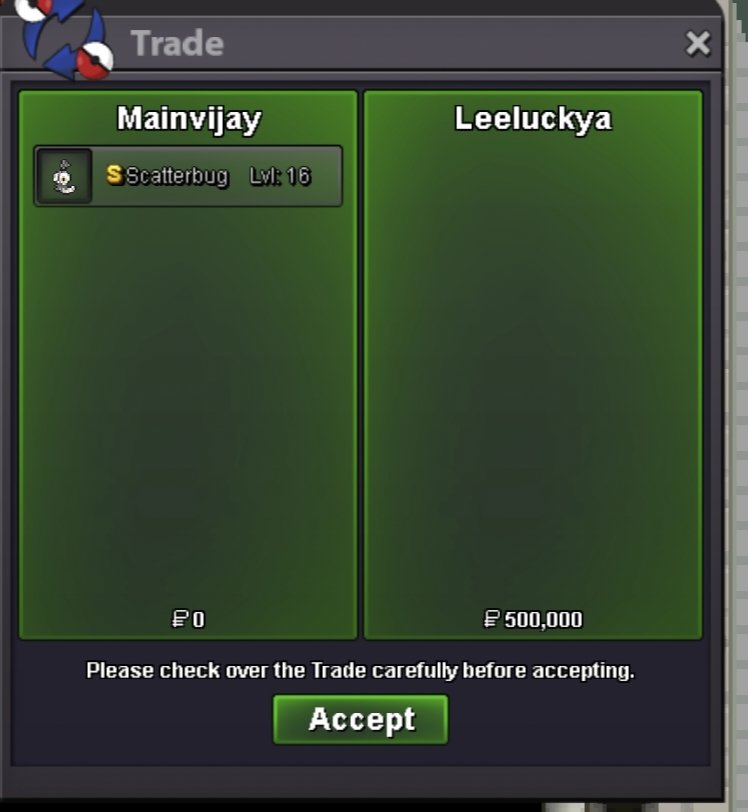
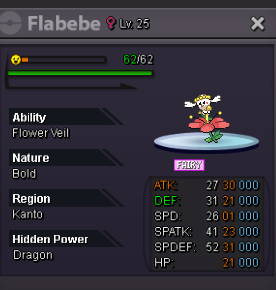 @Eon @Zoruami plz help force trade we aren't able to trade due to not matching timezonesStartHey pm me in game125k475kApprox 1hr leftNow trade ?S.o:150k Min bid:10k Insta:500k End in 24 hrs after 1st bid Gl bidding
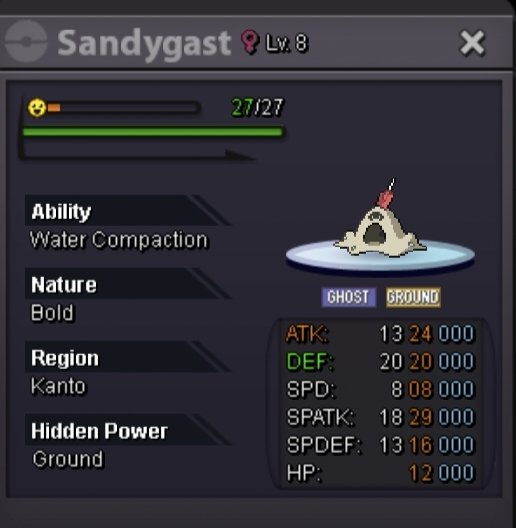
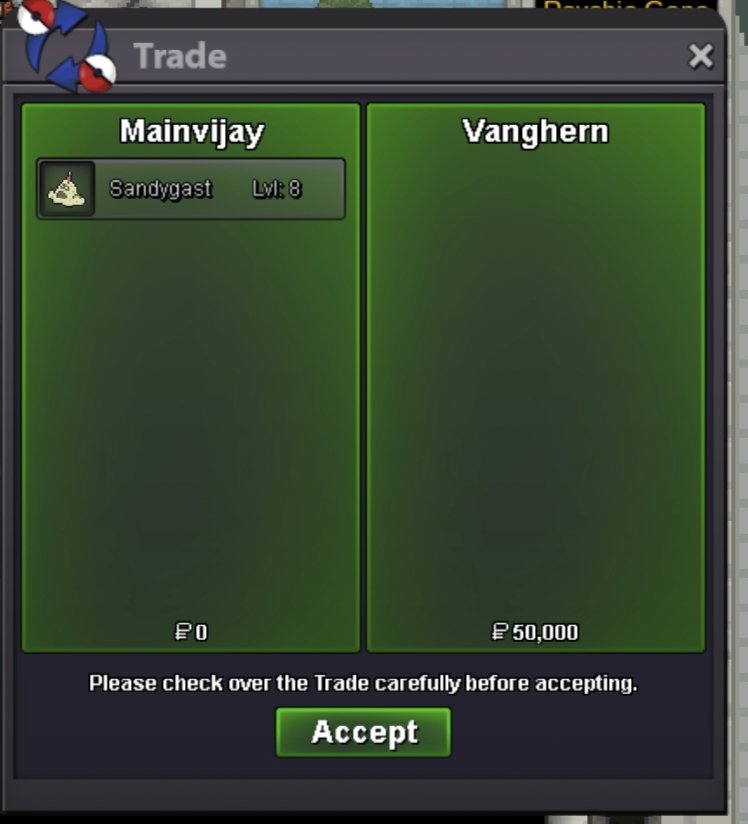
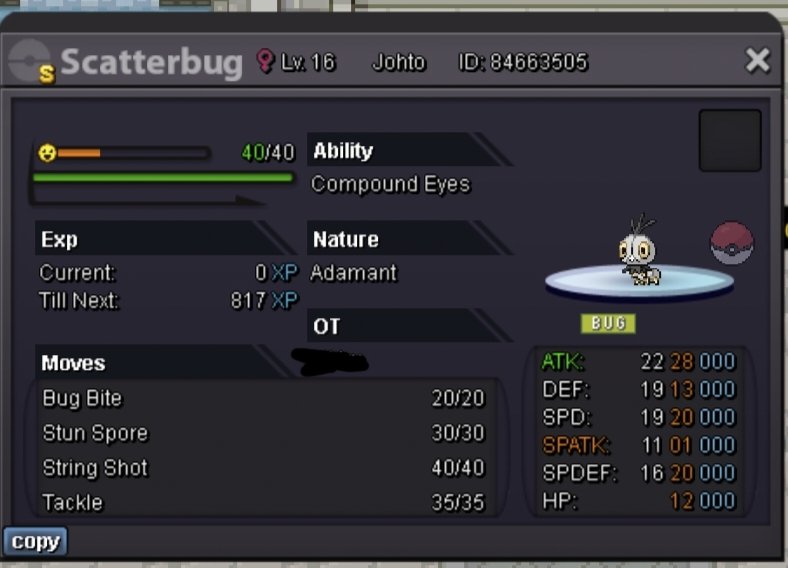 Shuckle 3hr leftStartBumpS.o reduced to 50kHey many of you love sand castles ,so, Why not keep one in your pc. Here i present a decent sand castle for you I know many of you liked it ,so, why not buy it. ☺️☺️☺️😊😊😊 S.o:50k Min bid:10k No insta End after 24 hrs of first bid GL BIDDING Hope Sandy finds a new home. Your friend Mainvijay🥰😎
 I offered first lolNoted


Account
Navigation
Search
Configure browser push notifications
Chrome (Android)
- Tap the lock icon next to the address bar.
- Tap Permissions → Notifications.
- Adjust your preference.
Chrome (Desktop)
- Click the padlock icon in the address bar.
- Select Site settings.
- Find Notifications and adjust your preference.
Safari (iOS 16.4+)
- Ensure the site is installed via Add to Home Screen.
- Open Settings App → Notifications.
- Find your app name and adjust your preference.
Safari (macOS)
- Go to Safari → Preferences.
- Click the Websites tab.
- Select Notifications in the sidebar.
- Find this website and adjust your preference.
Edge (Android)
- Tap the lock icon next to the address bar.
- Tap Permissions.
- Find Notifications and adjust your preference.
Edge (Desktop)
- Click the padlock icon in the address bar.
- Click Permissions for this site.
- Find Notifications and adjust your preference.
Firefox (Android)
- Go to Settings → Site permissions.
- Tap Notifications.
- Find this site in the list and adjust your preference.
Firefox (Desktop)
- Open Firefox Settings.
- Search for Notifications.
- Find this site in the list and adjust your preference.