-
Auction 31/28 Naive Jangmo- (sold) CLOSE
2.5m
-
Gdarch started following closed , Auction 31/28 Naive Jangmo- (sold) CLOSE , [Auction] Epic Bold Hidden Ability Goomy (SOLD$) and 1 other
-
Auction 31/28 Naive Jangmo- (sold) CLOSE
1m
-
[Auction] Epic Bold Hidden Ability Goomy (SOLD$)
Start
-
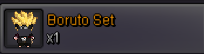
[AUCTION] BORUTO SET - RARE PVP REWARD
- [AUCTION] BORUTO SET - RARE PVP REWARD
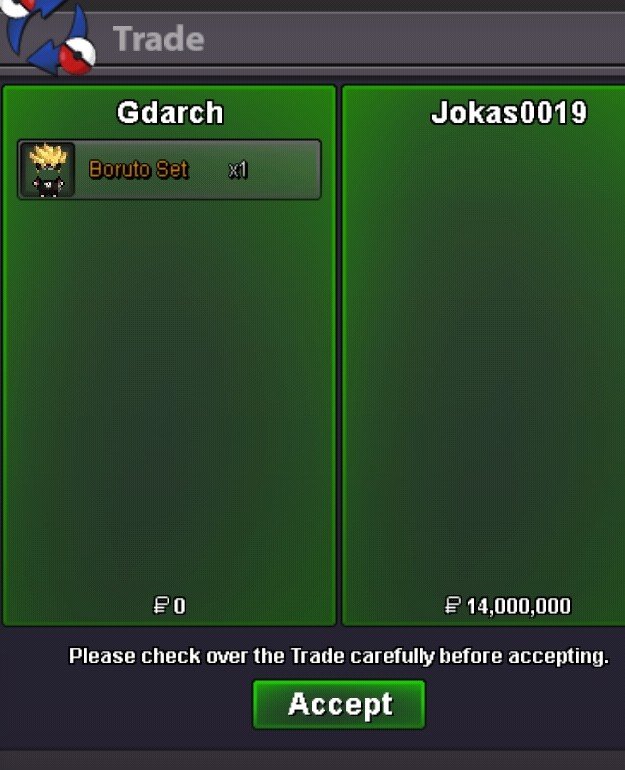
Congratulations ! You won the auction. Let’s schedule the trade.- [AUCTION] BORUTO SET - RARE PVP REWARD
Bump- [AUCTION] BORUTO SET - RARE PVP REWARD
Started, ends in 72 hours after this post.- [AUCTION] BORUTO SET - RARE PVP REWARD
Bump- [AUCTION] BORUTO SET - RARE PVP REWARD
Auctions Details: BORUTO SET Start Price: 13m End Point: 72 hours (after start price is met) Insta Price: 25m Minimum Raise: 500k Accepted Payments: Pokedollars, Coin Capsules (x1 Coin Capsule = 500k), IV Reroll Tickets (x1 IV Reroll Ticket = 750k) Important Reminders: This is a Silver Server auction. You may bid from any server but YOU will have to transfer to silver server upon winning. If you intend to purchase with an alt account, specify the account alongside your bid. If a bid is received in the final 15 minutes of an auction, the end point will be delayed by 15 minutes from that bid, and will be delayed by 15 minutes for each new bid thereafter, until the current offer has been held for a full 15 minutes. Good luck !- closed
Send me a message in discord whenever tou are available for the trade.- closed
2M for the first one- (can be closed) [AUCTION] RARE PVP COSMETICS (NOT A BUNDLE)
- (can be closed) [AUCTION] RARE PVP COSMETICS (NOT A BUNDLE)
Congratulations! You won the auction.- (can be closed) [AUCTION] RARE PVP COSMETICS (NOT A BUNDLE)
Bump - [AUCTION] BORUTO SET - RARE PVP REWARD
Account
Navigation
Search
Configure browser push notifications
Chrome (Android)
- Tap the lock icon next to the address bar.
- Tap Permissions → Notifications.
- Adjust your preference.
Chrome (Desktop)
- Click the padlock icon in the address bar.
- Select Site settings.
- Find Notifications and adjust your preference.
Safari (iOS 16.4+)
- Ensure the site is installed via Add to Home Screen.
- Open Settings App → Notifications.
- Find your app name and adjust your preference.
Safari (macOS)
- Go to Safari → Preferences.
- Click the Websites tab.
- Select Notifications in the sidebar.
- Find this website and adjust your preference.
Edge (Android)
- Tap the lock icon next to the address bar.
- Tap Permissions.
- Find Notifications and adjust your preference.
Edge (Desktop)
- Click the padlock icon in the address bar.
- Click Permissions for this site.
- Find Notifications and adjust your preference.
Firefox (Android)
- Go to Settings → Site permissions.
- Tap Notifications.
- Find this site in the list and adjust your preference.
Firefox (Desktop)
- Open Firefox Settings.
- Search for Notifications.
- Find this site in the list and adjust your preference.