New Trade Zone
Trade Zone is now live
Use the new Trade Zone for auctions and instant-price trades so Pokemon and item offers are easy to find.

Phillyervings
Registered User
-
Joined
-
Last visited
Everything posted by Phillyervings
-
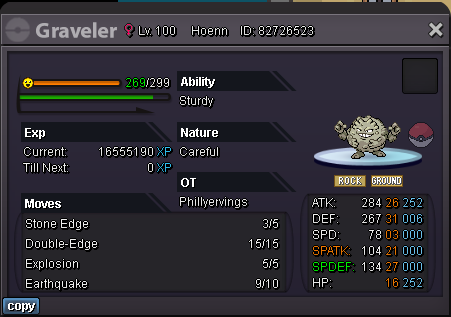
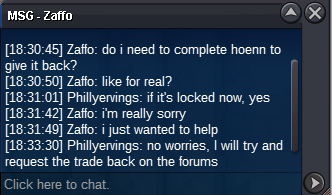
Hello! I would like to request help in recovering my poke from another player's pc. At the time of the trade he didn't realize that the pokemon would be locked, because being a Graveler he assumed it was from Kanto but it's actually from Hoenn. Now he would have to finish two other whole regions before being able to give it back. Server: Silver My username: Phillyervings Their username: Zaffo EDIT: The user logged out, I didn't have a chance to ask if it evolved or not, so it is possible that it is now a Golem. The ID should still be the same though, I assume. Hello, I have returned the Graveler back to your PC. Its in the last spot of your PC. -MBK