New Trade Zone
Trade Zone is now live
Use the new Trade Zone for auctions and instant-price trades so Pokemon and item offers are easy to find.


Mrthododile
Registered User
-
Joined
-
Last visited
Everything posted by Mrthododile
-
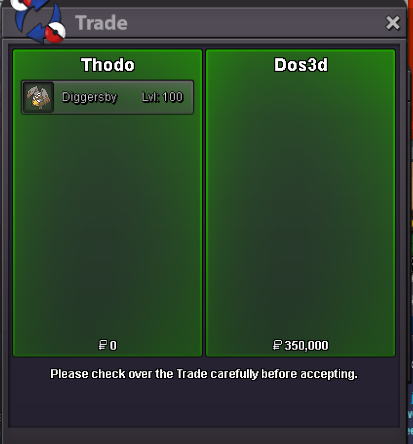
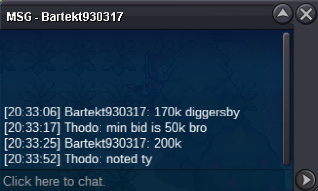
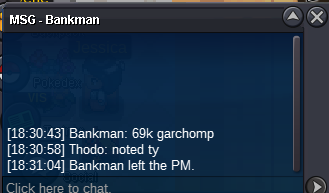
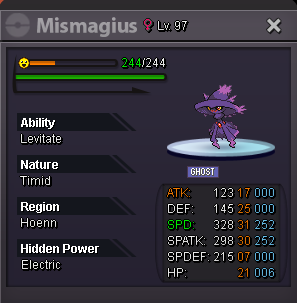
c.o garchomp 69k c.o mismagius 40k
 Start Offer: 20k each Min Bid: 20k each Insta: None. Duration: 24 hours after the first bid each Accepted payments: Pokedollars Reroll Ticket: 490k each. Coin Capsule: 400k each. 15 days MS: 200k each. Black Medallion: 170k each.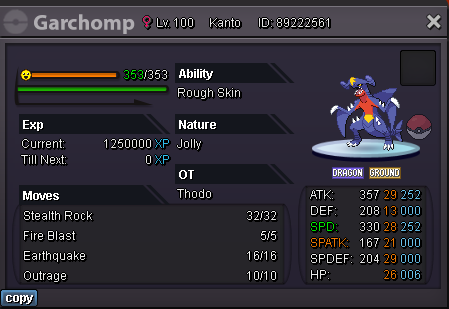
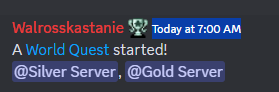
 I didin't suggest to change time because some1 will still be wronged even if it's not me! ty for agreeing @Siidon about the 2 world quest! have a nice dayWell its kinda suggestion/feedback at the same time!!! 2 months in a row its not possible for EU(maybe more regions) to join-enjoy the wq and try to win the rewards ofc event starts at 7:00 am it is almost impossible for us to take part in it (and i live in the cender of the world(greece)) so my suggestion is: to bring back 2 world quest like there were during the halloween event if i remember correctly at different times where everyone could participate or to be only one but increase the needed points so it wont finish in 3 hours That event happens only once per month and everyone should be allowed to participate! thank you 😍
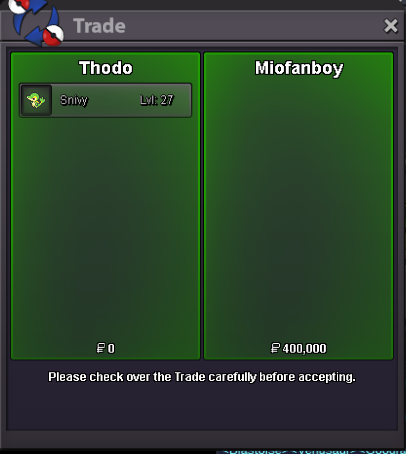
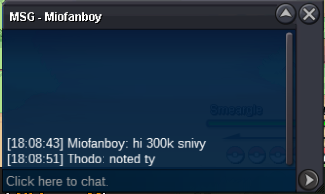
 Start Offer: 1k Min Bid: 1 k Insta: None. Duration: 24 hours after the first bid each Accepted payments: Pokedollars Reroll Ticket: 490k each. Coin Capsule: 400k each. 15 days MS: 200k each. Black Medallion: 170k each.
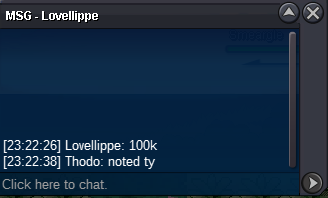
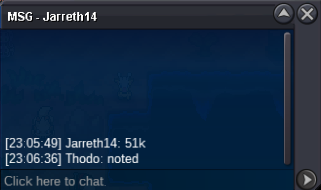
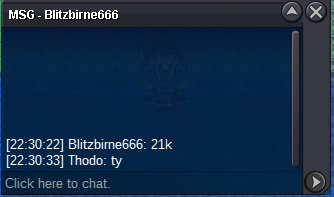
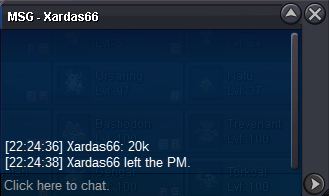
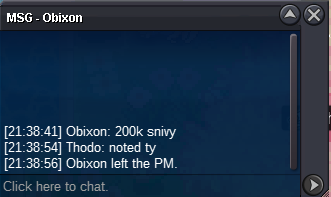
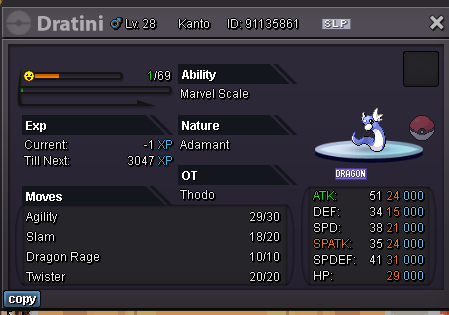 auction of snivy end : winner @Miofanboy
Account
Navigation
Search
Configure browser push notifications
Chrome (Android)
- Tap the lock icon next to the address bar.
- Tap Permissions → Notifications.
- Adjust your preference.
Chrome (Desktop)
- Click the padlock icon in the address bar.
- Select Site settings.
- Find Notifications and adjust your preference.
Safari (iOS 16.4+)
- Ensure the site is installed via Add to Home Screen.
- Open Settings App → Notifications.
- Find your app name and adjust your preference.
Safari (macOS)
- Go to Safari → Preferences.
- Click the Websites tab.
- Select Notifications in the sidebar.
- Find this website and adjust your preference.
Edge (Android)
- Tap the lock icon next to the address bar.
- Tap Permissions.
- Find Notifications and adjust your preference.
Edge (Desktop)
- Click the padlock icon in the address bar.
- Click Permissions for this site.
- Find Notifications and adjust your preference.
Firefox (Android)
- Go to Settings → Site permissions.
- Tap Notifications.
- Find this site in the list and adjust your preference.
Firefox (Desktop)
- Open Firefox Settings.
- Search for Notifications.
- Find this site in the list and adjust your preference.