New Trade Zone
Trade Zone is now live
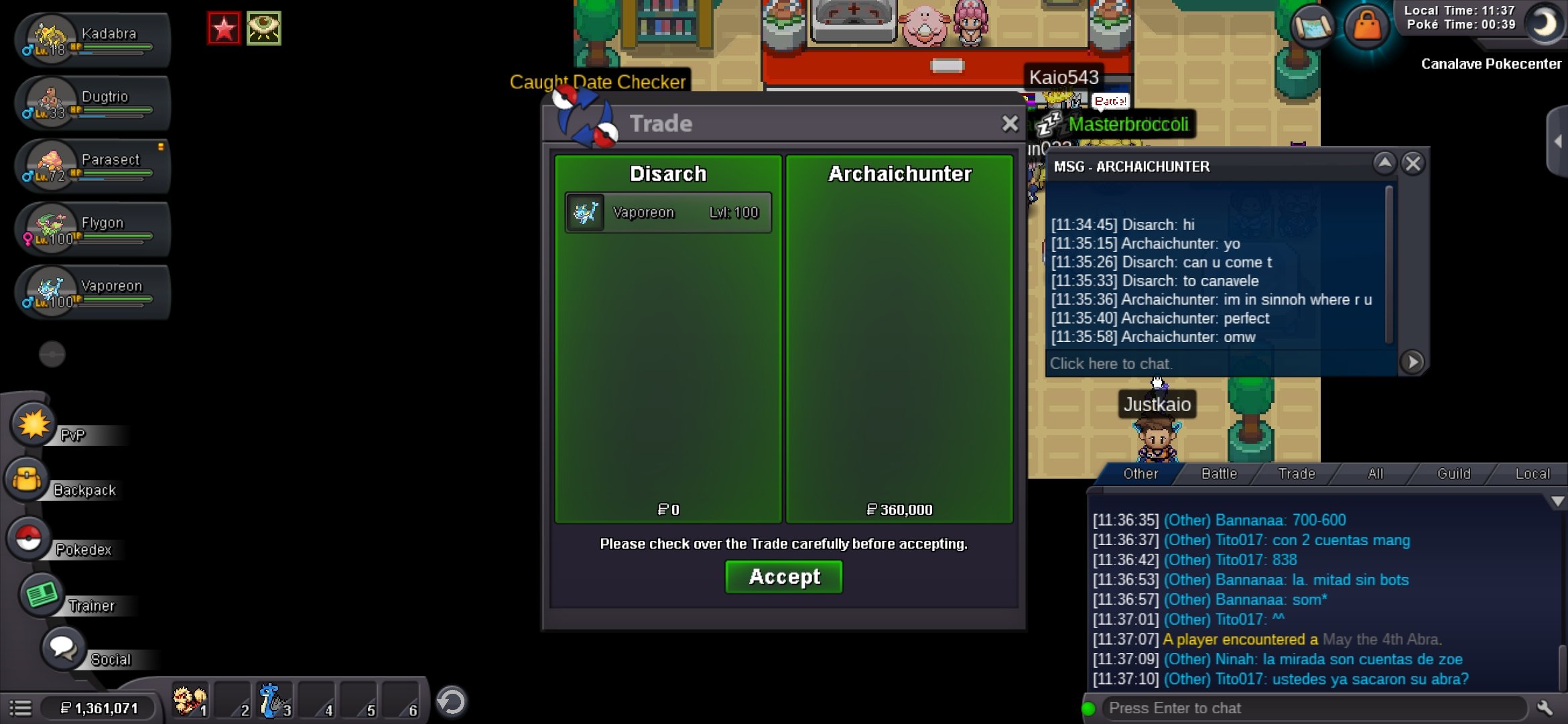
Use the new Trade Zone for auctions and instant-price trades so Pokemon and item offers are easy to find.

Disarch
Registered User
-
Joined
-
Last visited
Everything posted by Disarch
-
Just 1 hour left!
-
Bump, 6 hours left.
-
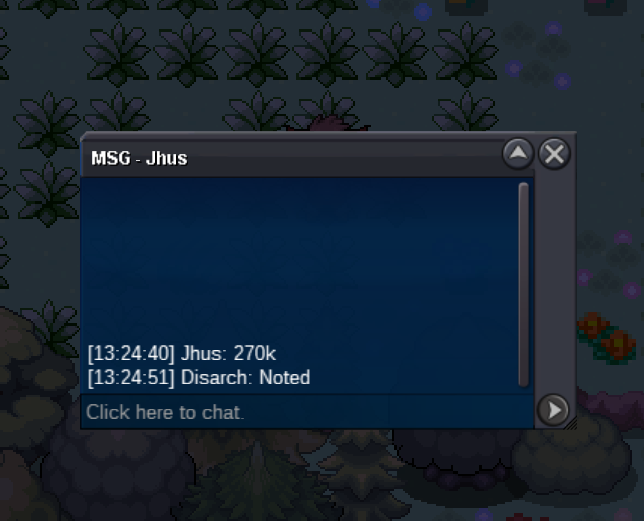
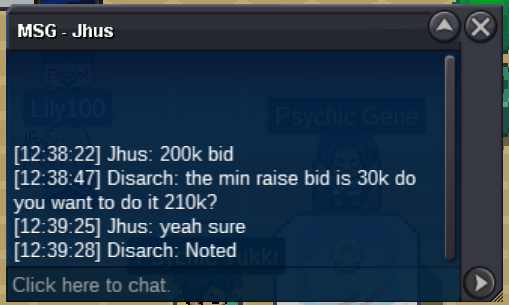
200k
-
Start
-
Done. Can be closed.
-
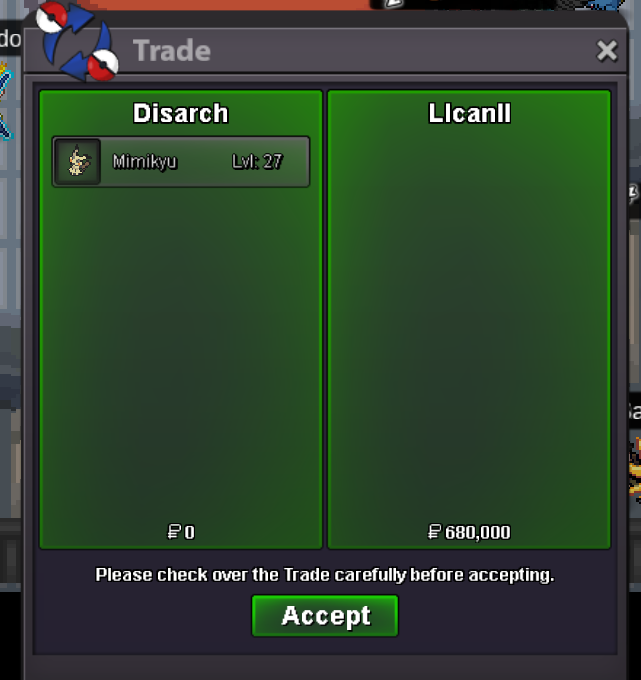
Auction closed. @Llcanll you won. i'm available right now.
-
Bump, 4 hours left.
-
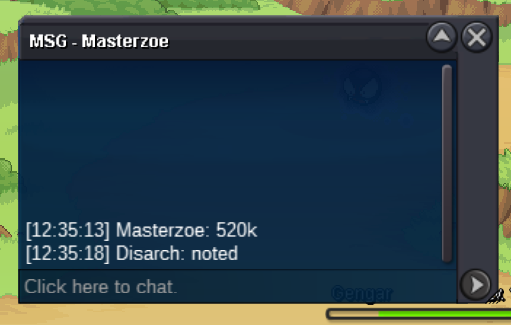
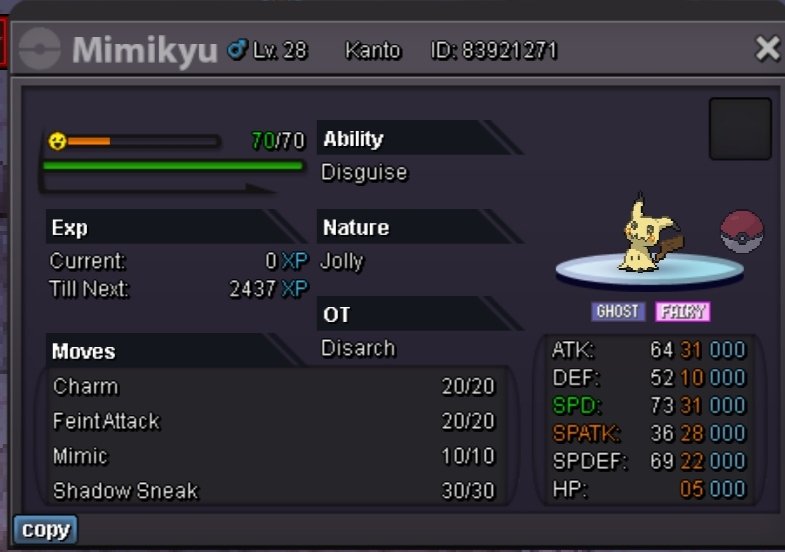
S.O 1M MIN BID 200K C.O 2M By RENACIENTE INSTA 5M TIMER: https://www.tickcounter.com/countdown/4359589/my-countdown
-
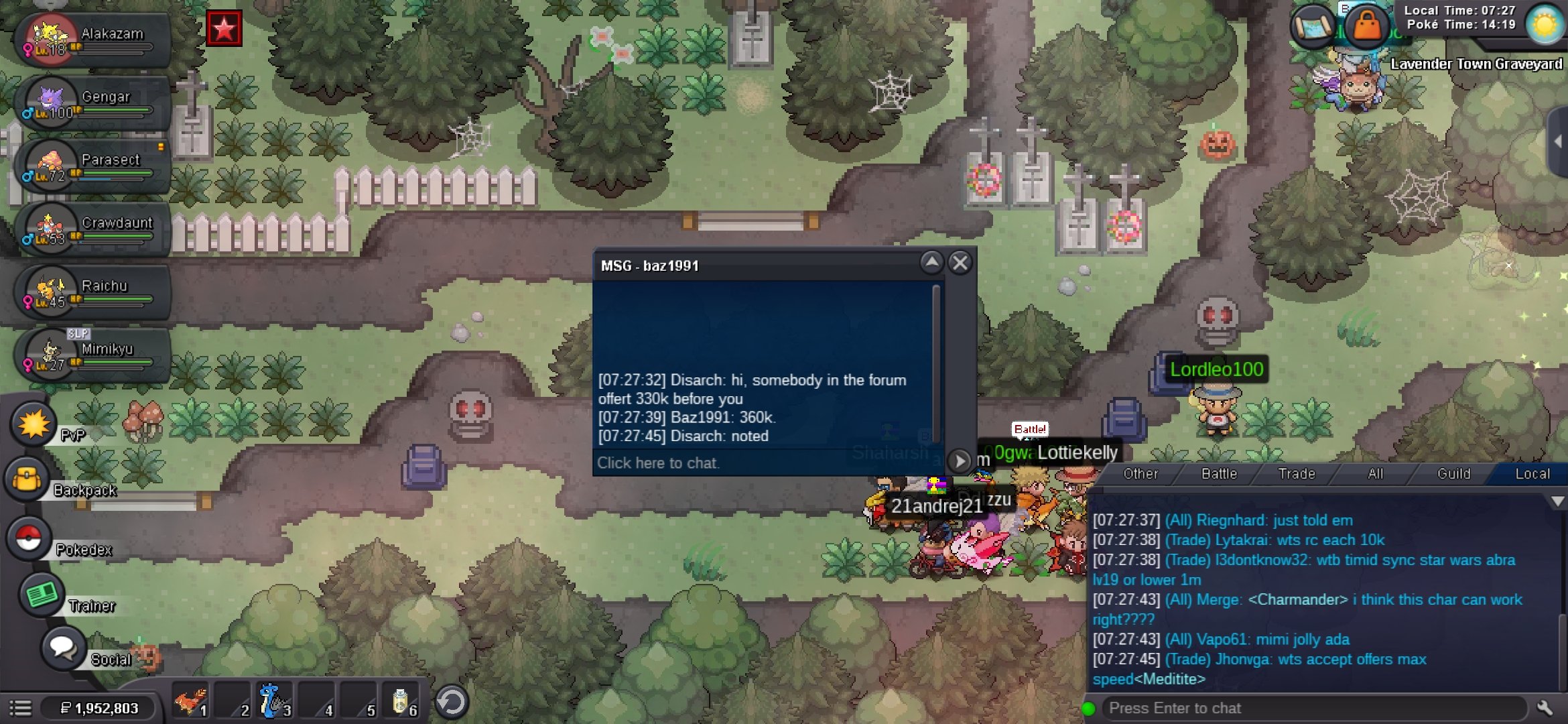
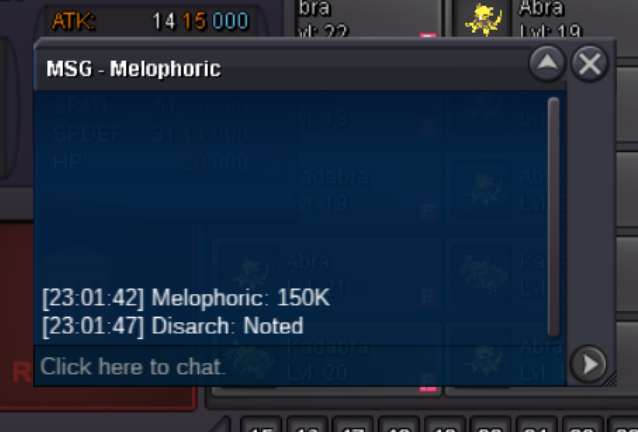
S.O 200K C.O 680K BY LLCANLL MIN BID 30K INSTA 2M TIMER: https://www.tickcounter.com/countdown/4357425/my-countdown
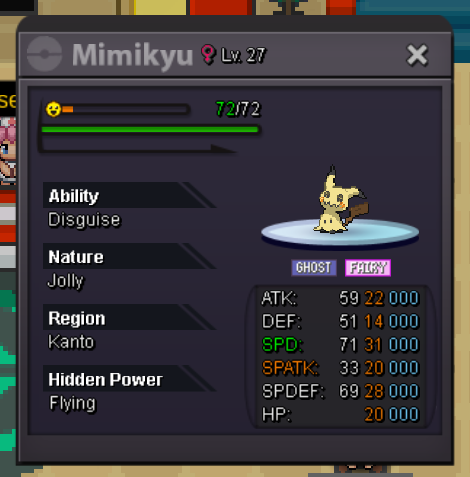 Done, can be closed
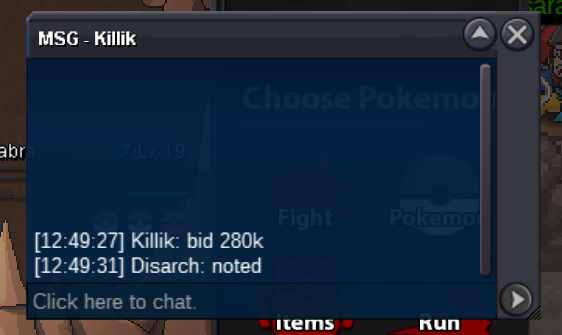
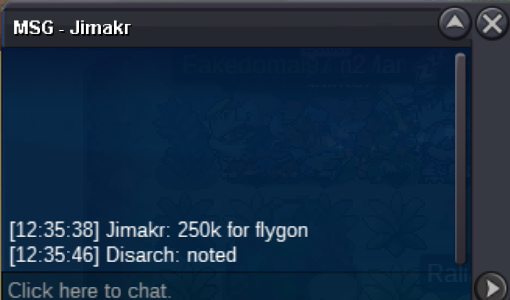
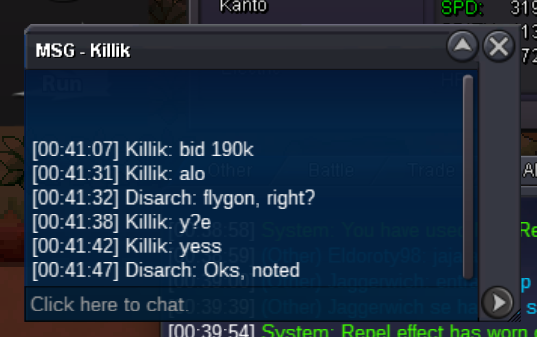
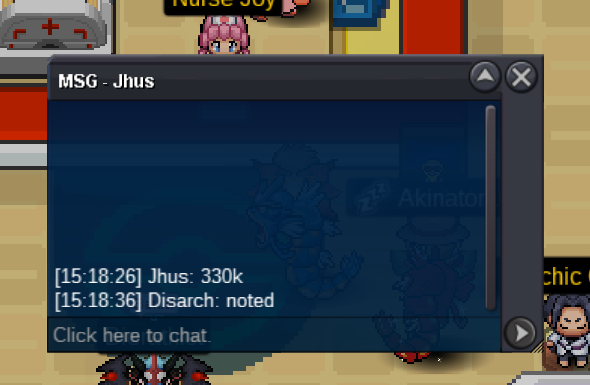
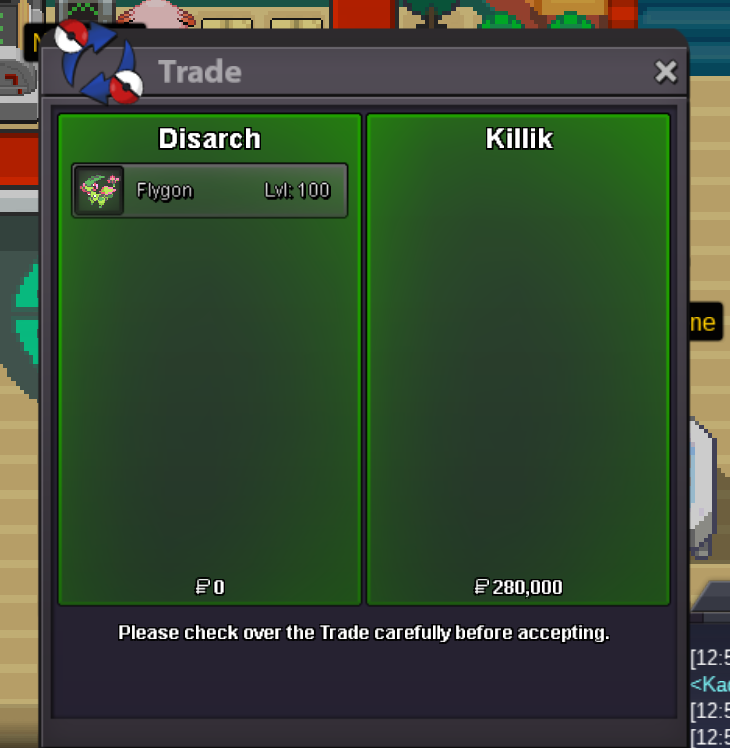 Time out, Killik won.Hello, i can do it right nowS.O 100K C.O 250K BY JIMAKR MIN BID 20K INSTA 1M TIMER: https://www.tickcounter.com/countdown/4350731/my-countdown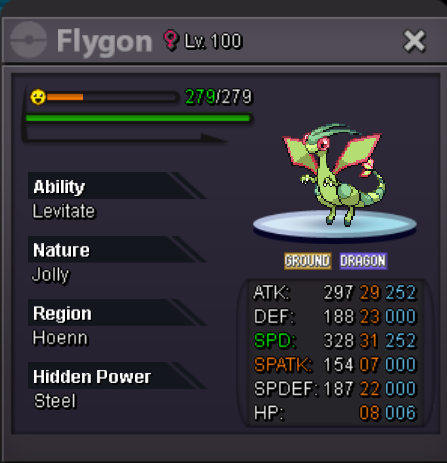
Account
Navigation
Search
Configure browser push notifications
Chrome (Android)
- Tap the lock icon next to the address bar.
- Tap Permissions → Notifications.
- Adjust your preference.
Chrome (Desktop)
- Click the padlock icon in the address bar.
- Select Site settings.
- Find Notifications and adjust your preference.
Safari (iOS 16.4+)
- Ensure the site is installed via Add to Home Screen.
- Open Settings App → Notifications.
- Find your app name and adjust your preference.
Safari (macOS)
- Go to Safari → Preferences.
- Click the Websites tab.
- Select Notifications in the sidebar.
- Find this website and adjust your preference.
Edge (Android)
- Tap the lock icon next to the address bar.
- Tap Permissions.
- Find Notifications and adjust your preference.
Edge (Desktop)
- Click the padlock icon in the address bar.
- Click Permissions for this site.
- Find Notifications and adjust your preference.
Firefox (Android)
- Go to Settings → Site permissions.
- Tap Notifications.
- Find this site in the list and adjust your preference.
Firefox (Desktop)
- Open Firefox Settings.
- Search for Notifications.
- Find this site in the list and adjust your preference.