




New Trade Zone
Trade Zone is now live
Use the new Trade Zone for auctions and instant-price trades so Pokemon and item offers are easy to find.

Tamteck
Suspended
-
Joined
-
Last visited
Everything posted by Tamteck
-
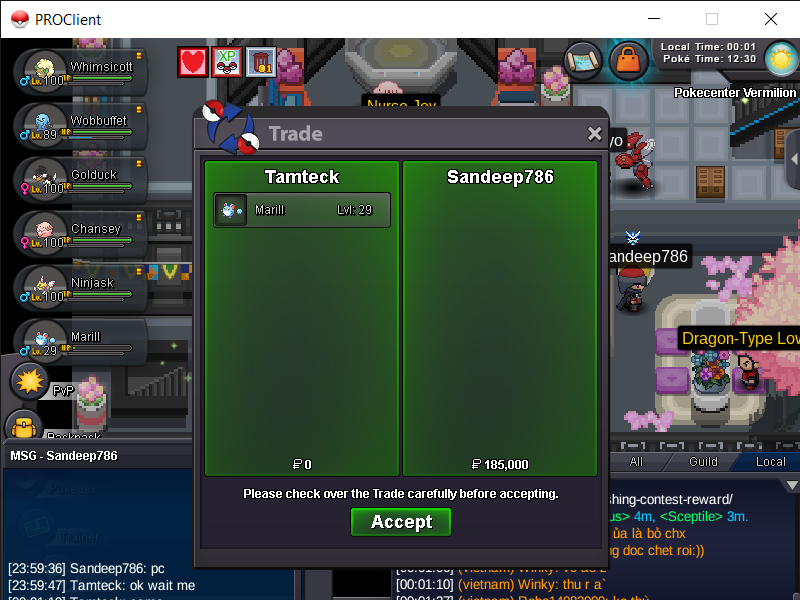
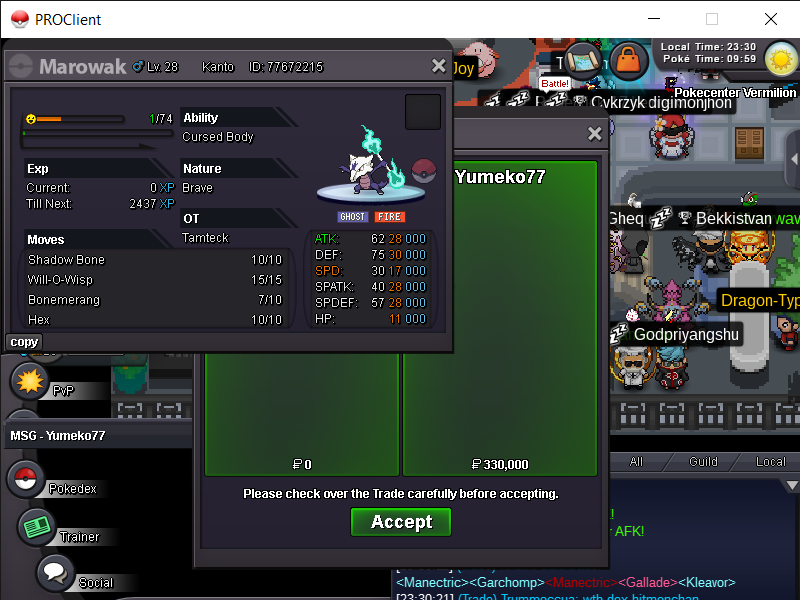
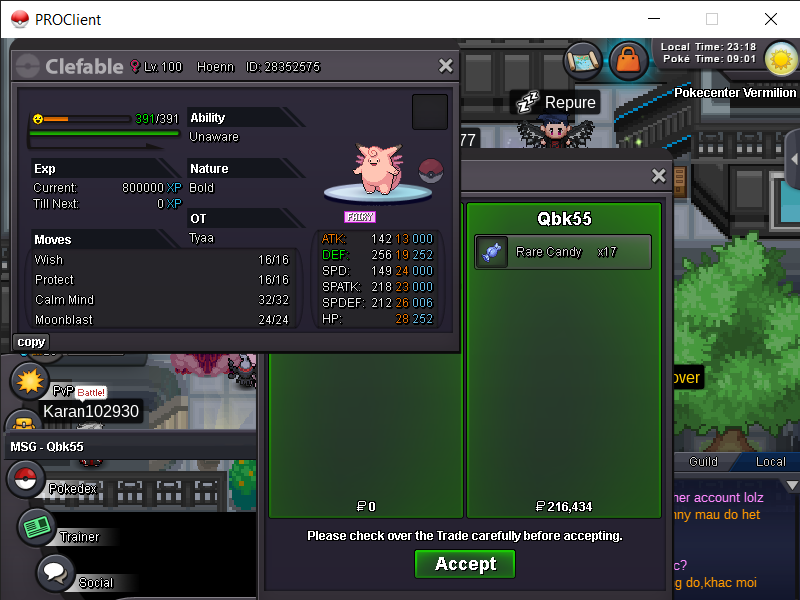
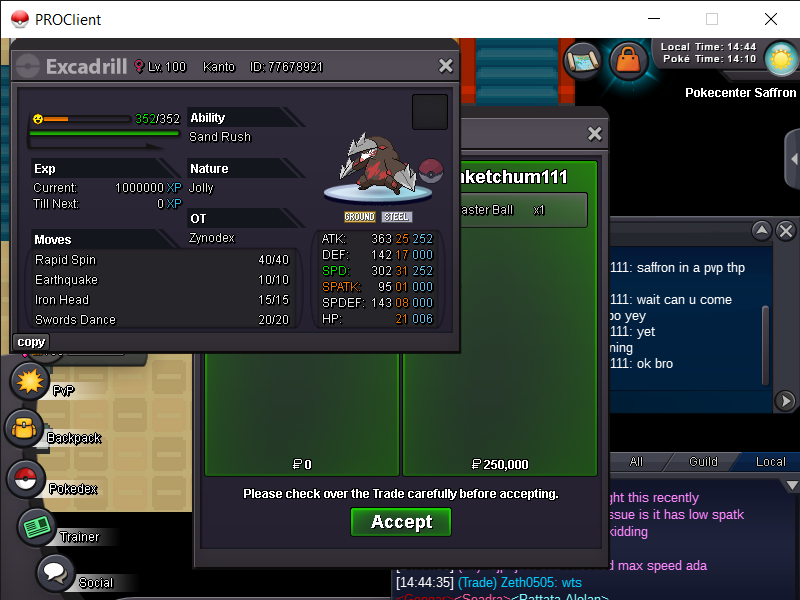
250k last price i can sell bro @Lor3hcccan you online now ? @Taushifwhen u can online ? @TaushifDear MOD, I accidentally released my greninja Sever: Gold ID: 69005813
 i sold bro very sory :(( @Vuxuan0123when can you be online ? @Tinxytamteck : server gold thanks youWhen can you trade?Welcome to tamteck's pokemon shop - CONTACT - Discord - tamteck - PAYMENTS ACCEPTED - Pokedollars reroll ticket - 750k nature reroll - 375k coin capsun - 500k masterball - 80k rare candy - 7k Below is what I have Thank you for spending your precious time with me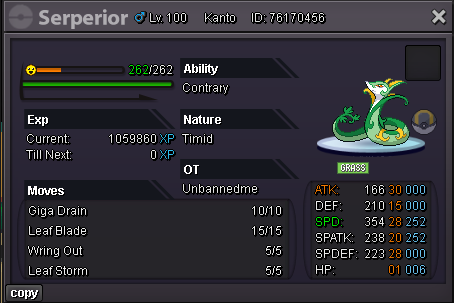
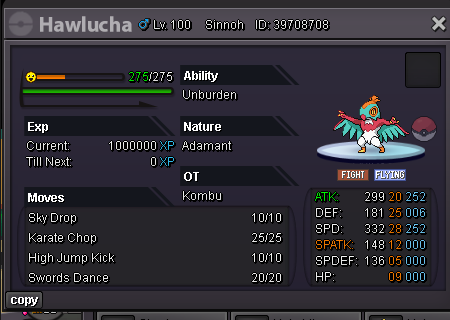
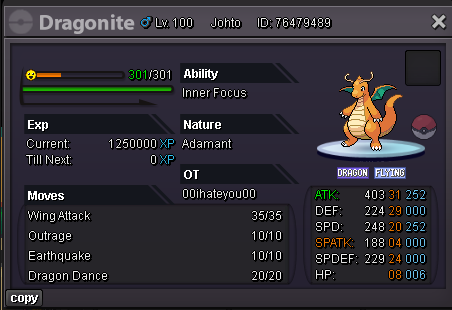
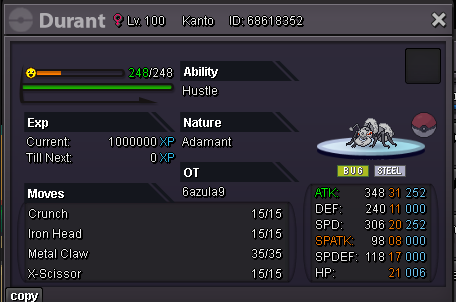
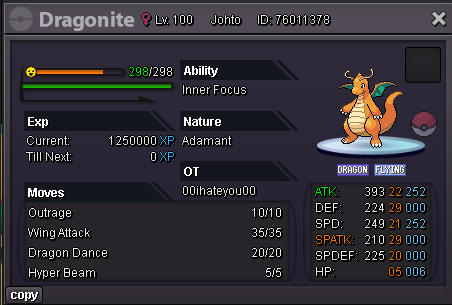
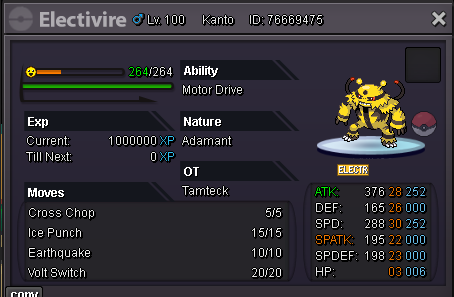
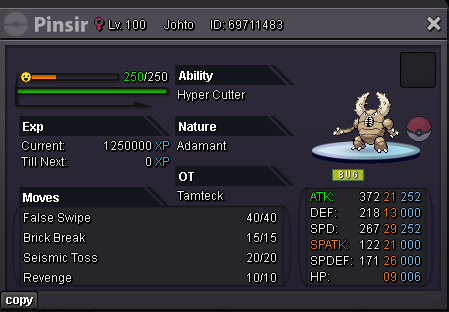
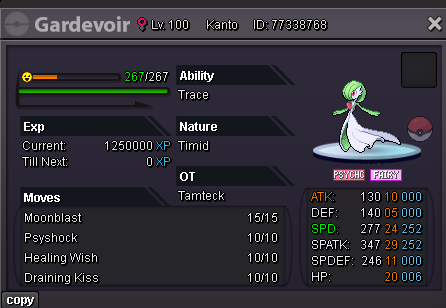
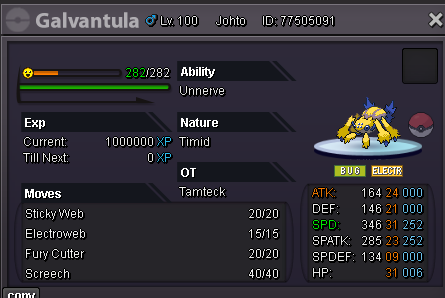
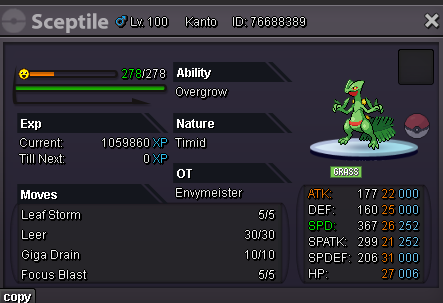
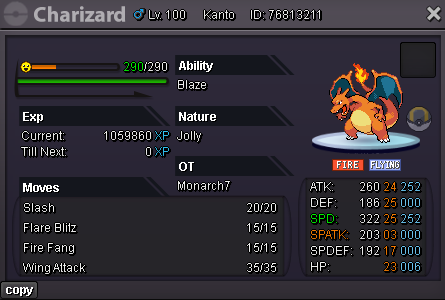
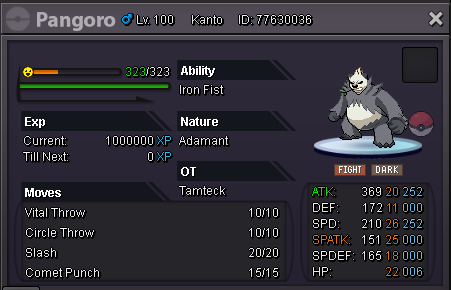
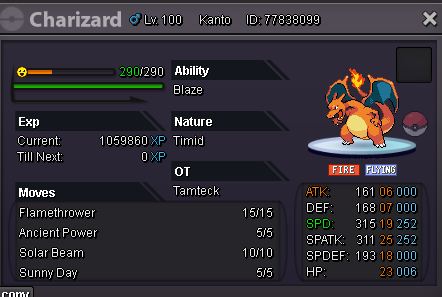
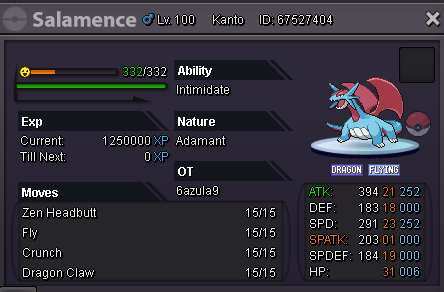
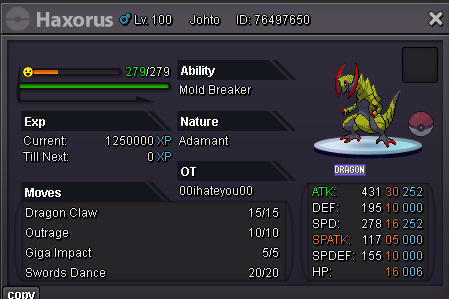
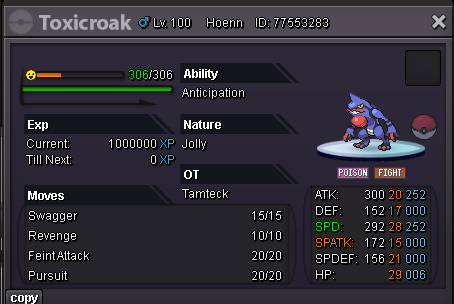
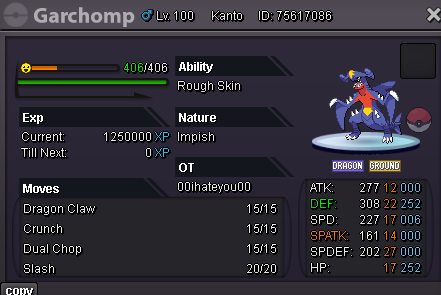
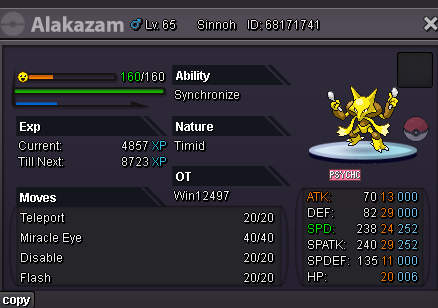
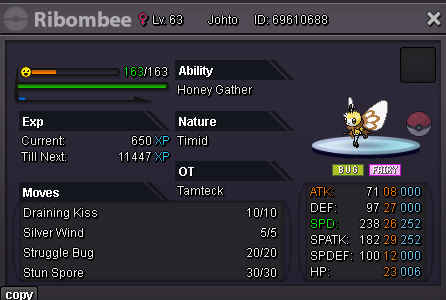
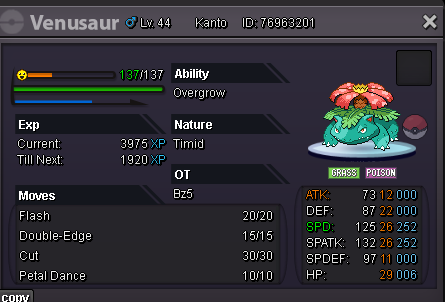
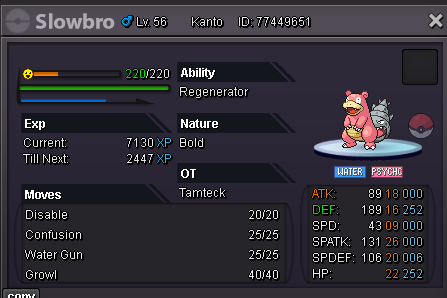
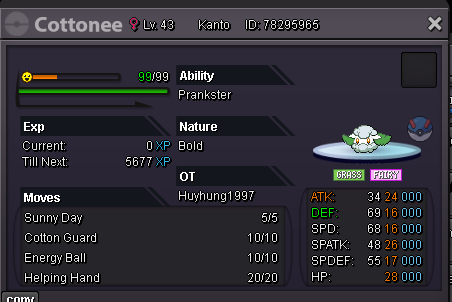
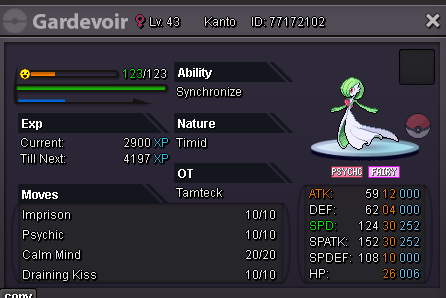
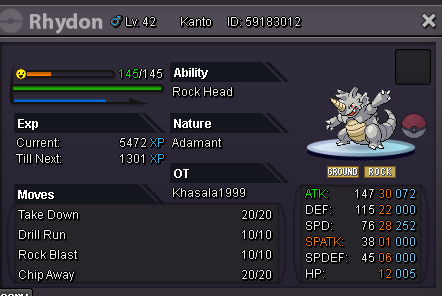
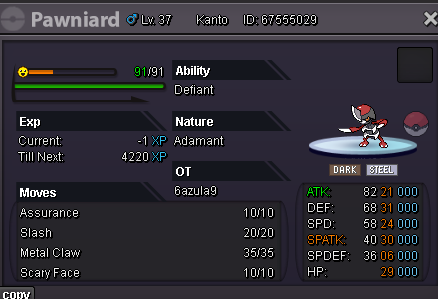
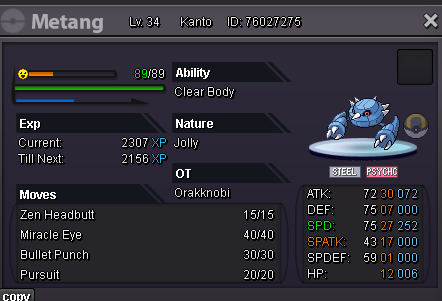
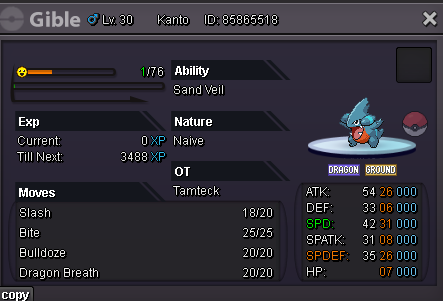
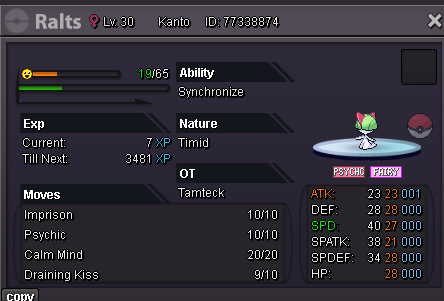
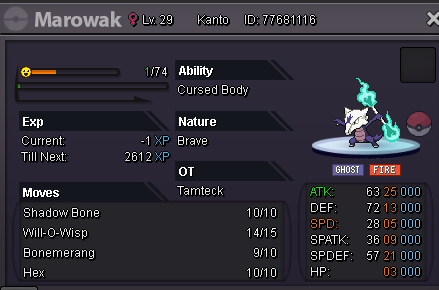
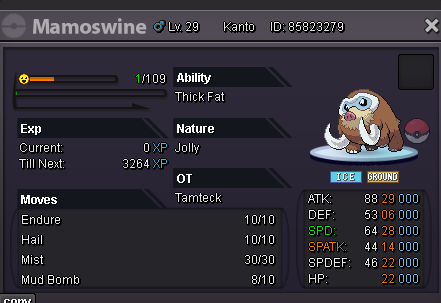
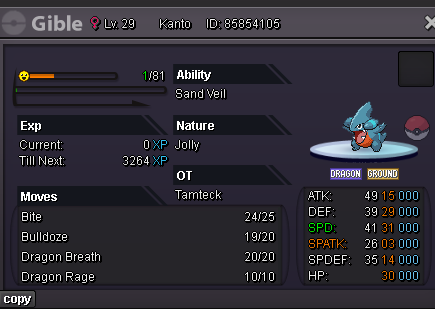

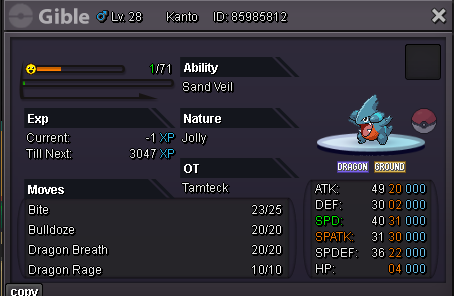
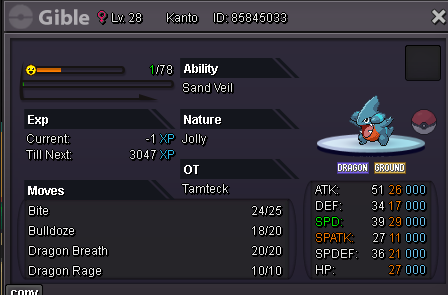
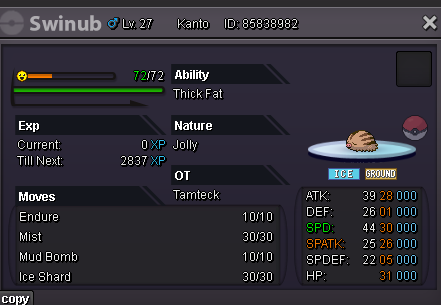
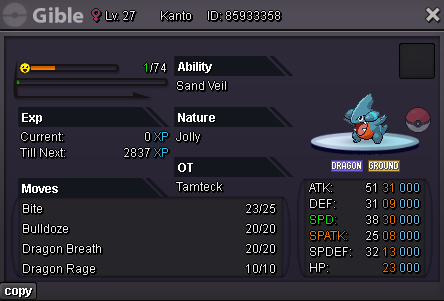
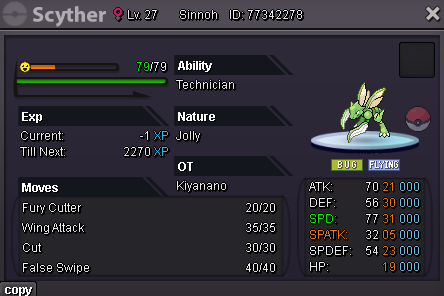
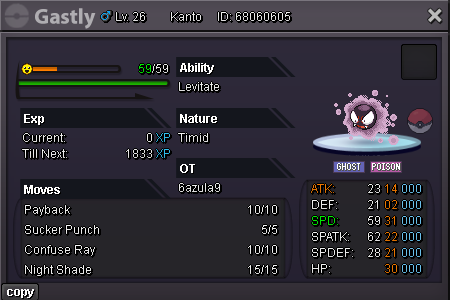
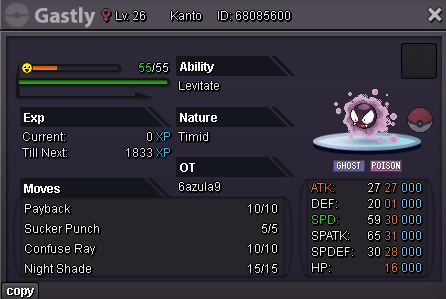

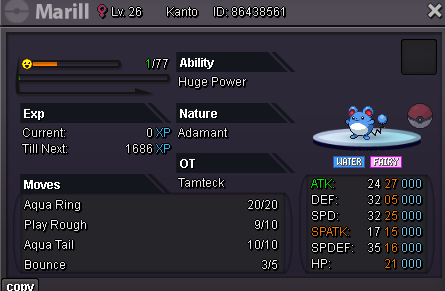
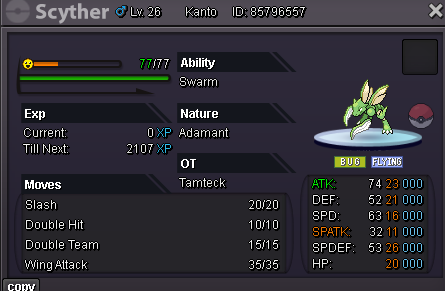
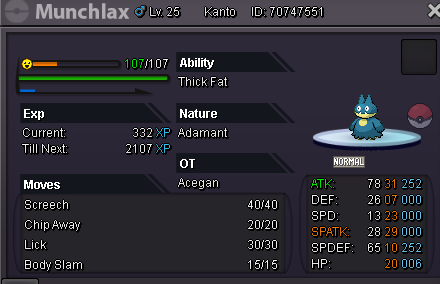
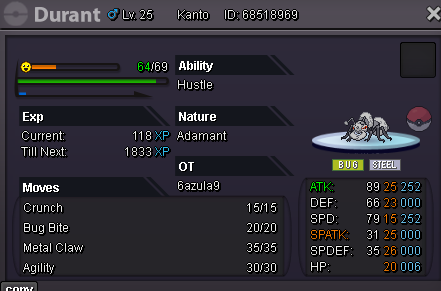
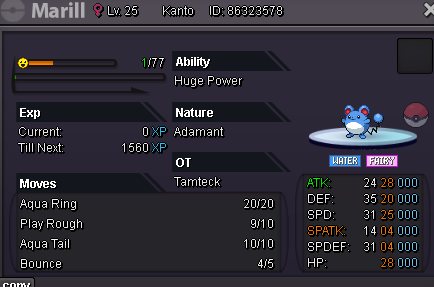
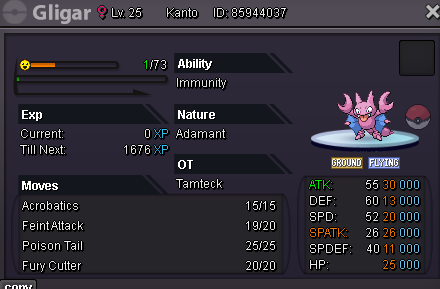
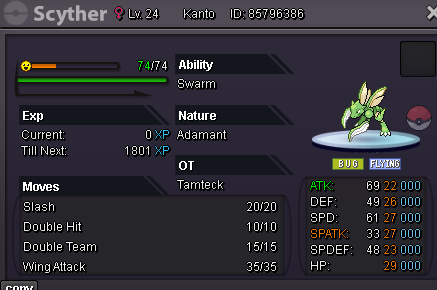
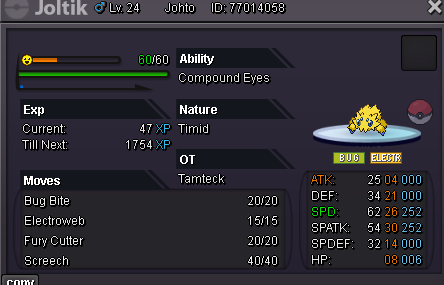
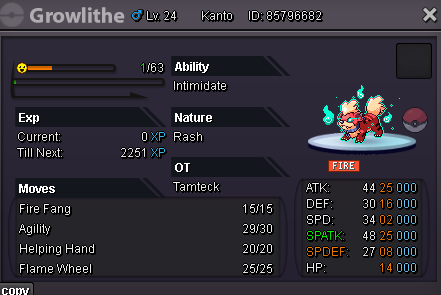
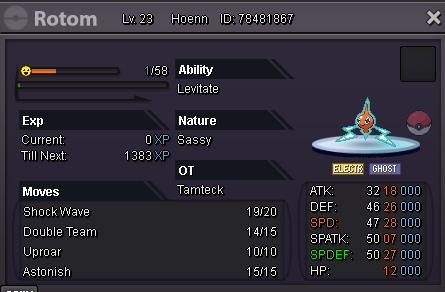
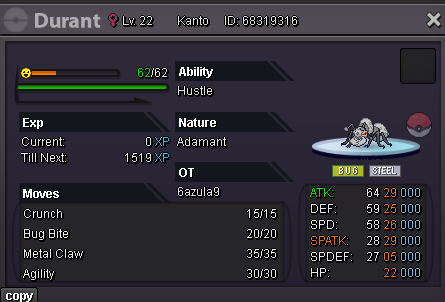
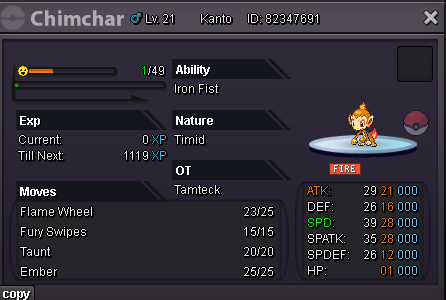
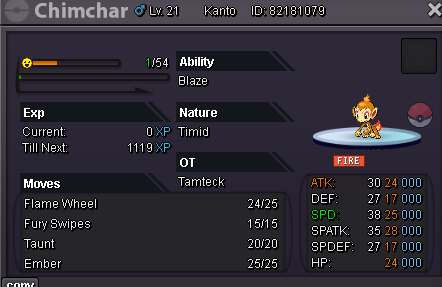
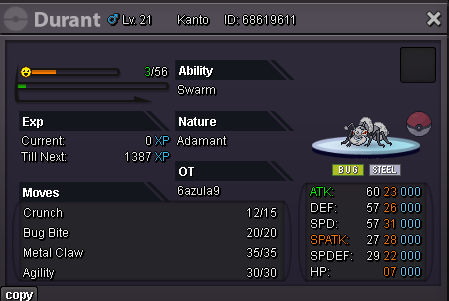
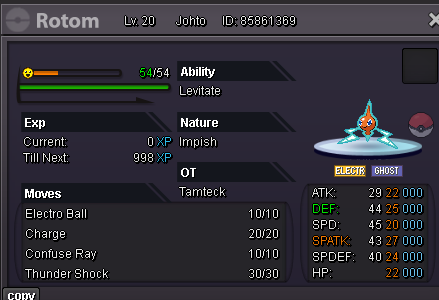
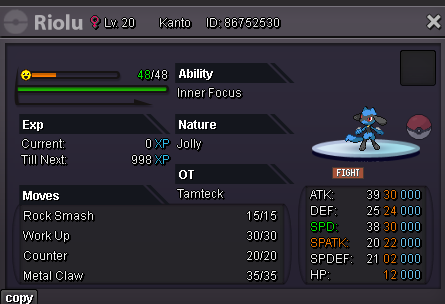
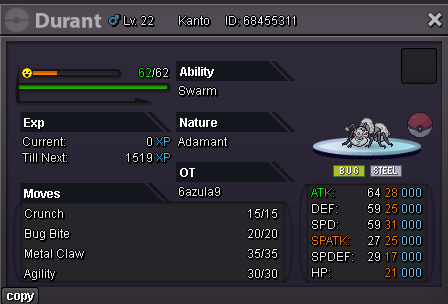
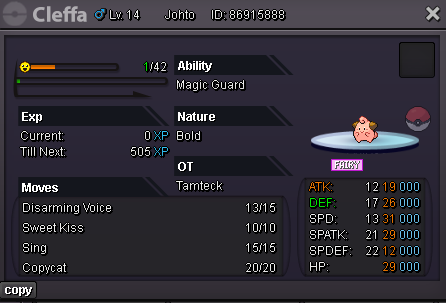
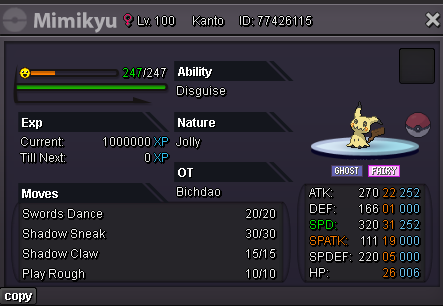
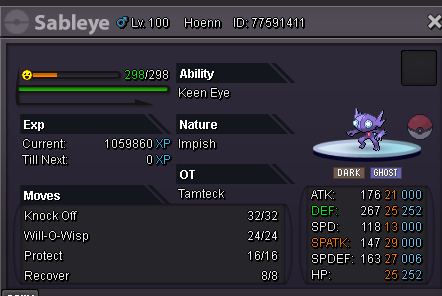
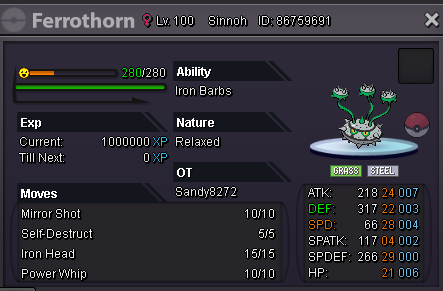 Dear MOD, I accidentally released my Ninjask Lv100 Sever: Gold ID: 65445611 OT: Anhklopper123 Please help me restore it, Thank and best gregrad.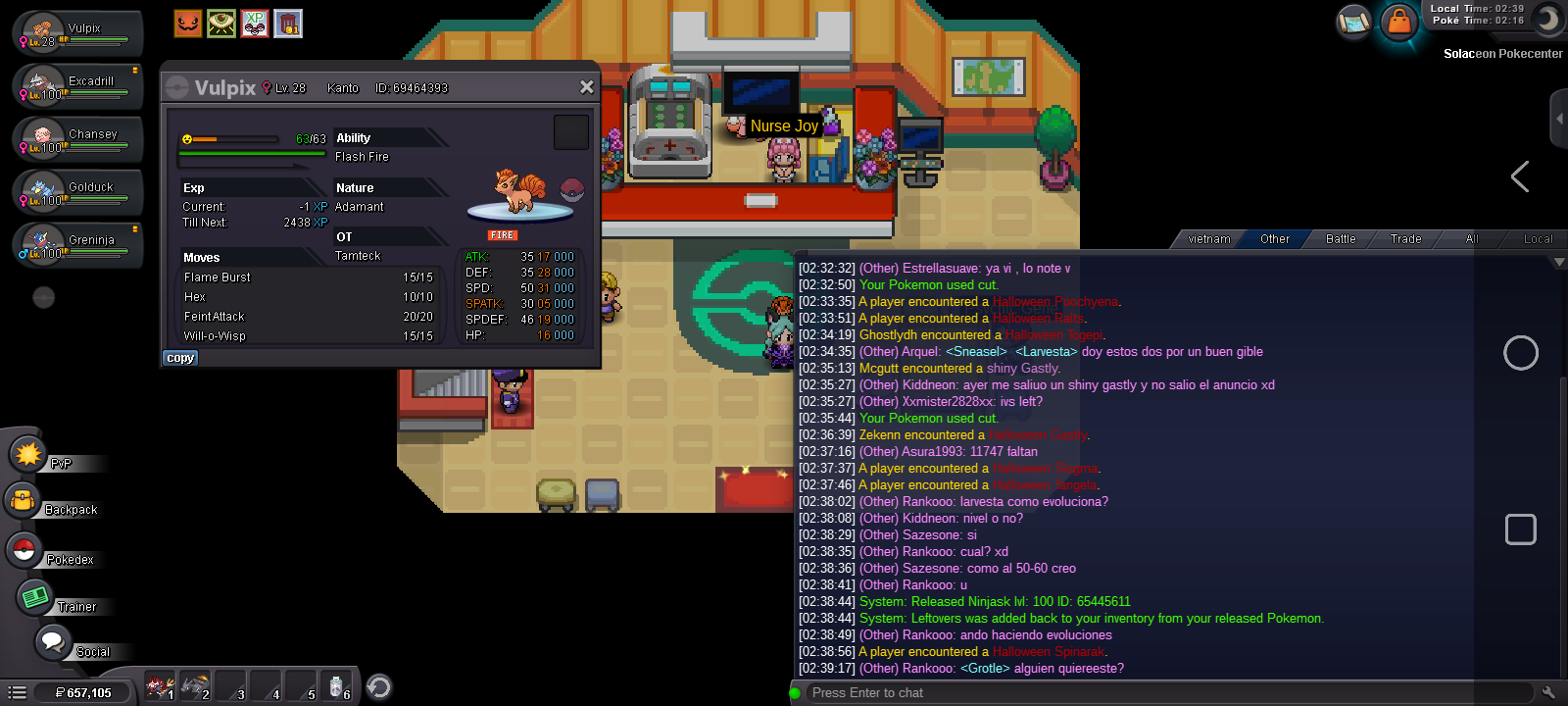




Account
Navigation
Search
Configure browser push notifications
Chrome (Android)
- Tap the lock icon next to the address bar.
- Tap Permissions → Notifications.
- Adjust your preference.
Chrome (Desktop)
- Click the padlock icon in the address bar.
- Select Site settings.
- Find Notifications and adjust your preference.
Safari (iOS 16.4+)
- Ensure the site is installed via Add to Home Screen.
- Open Settings App → Notifications.
- Find your app name and adjust your preference.
Safari (macOS)
- Go to Safari → Preferences.
- Click the Websites tab.
- Select Notifications in the sidebar.
- Find this website and adjust your preference.
Edge (Android)
- Tap the lock icon next to the address bar.
- Tap Permissions.
- Find Notifications and adjust your preference.
Edge (Desktop)
- Click the padlock icon in the address bar.
- Click Permissions for this site.
- Find Notifications and adjust your preference.
Firefox (Android)
- Go to Settings → Site permissions.
- Tap Notifications.
- Find this site in the list and adjust your preference.
Firefox (Desktop)
- Open Firefox Settings.
- Search for Notifications.
- Find this site in the list and adjust your preference.