New Trade Zone
Trade Zone is now live
Use the new Trade Zone for auctions and instant-price trades so Pokemon and item offers are easy to find.

Jessoliviaevans
Registered User
-
Joined
-
Last visited
Everything posted by Jessoliviaevans
-
discord username: 0xJessicaa IGN: Reddpandaa / Jessoliviaevans
-
can't add you on discord
-
LMAO I forgot how to delete posts
-
-
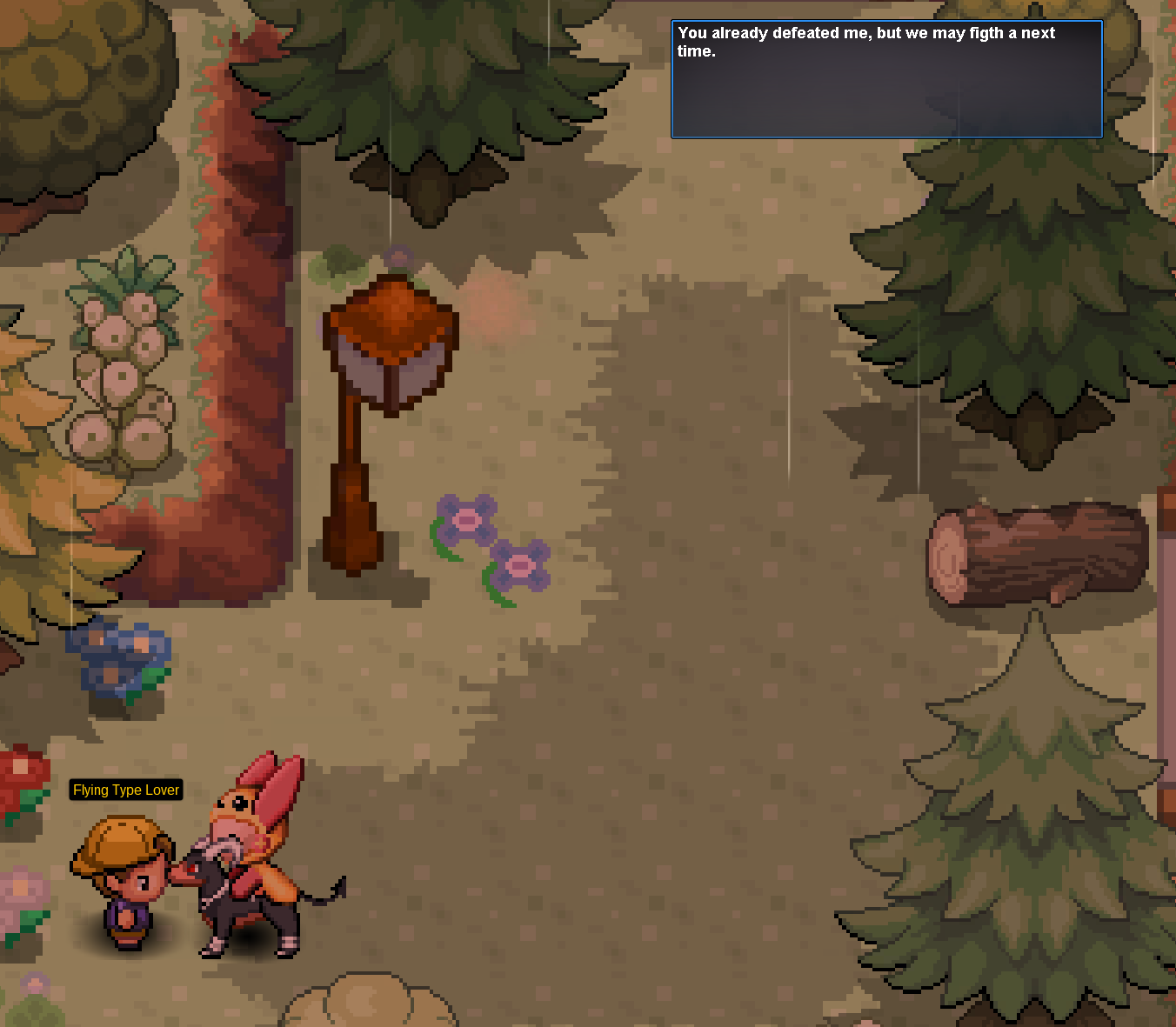
I'm like 99% sure I haven't even attempted to start the quest and when I speak to them it says I've battled them and the text is glitched IGN: jessoliviaevans
-
hey I'm interested in the char. my discord is: 0xjessicaa IGN: Jessoliviaevans
-
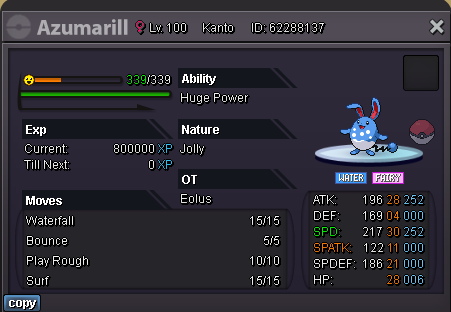
Price: 100k Discord ID: 821002396481093633 IGN: Jessoliviaevans
-
110k
-
85k
-
45k
-
35k
-
25k! I can go all day!
-
16k
-
10k!
-
doesn't have to be ev trained, if it is, it's a plus!
-
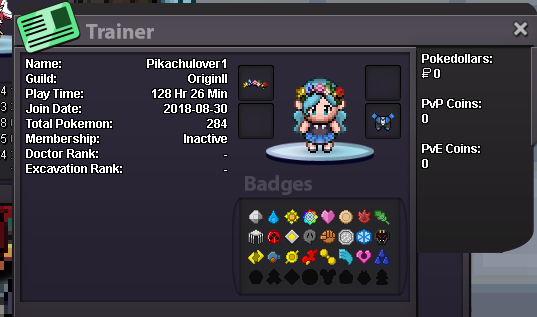
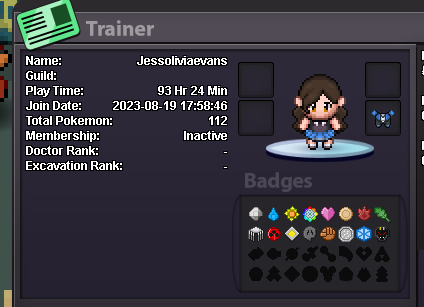
I'm looking to join a guild on the Gold server. I have a combined total of 221 hours on two accounts: one from 2018 and my new one with 98 hours, which I gained in a short time I've given a significant number of Pokémon away to help new players on their journey and plan to continue doing so, especially within a new guild that I hope to be welcomed into. I'm active within the game and on the PRO Discord, and I plan to play this game every day until I finish the story and focus on PvP, as I've been using Pokémon Showdown until returning to play this again.
-
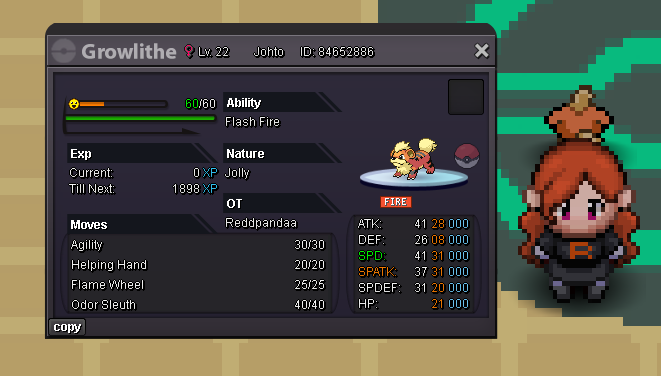
Preferably 31 speed - 25+ in all other areas - will consider lower must be kanto/johto
-
Has to be kanto or Johto region only