New Trade Zone
Trade Zone is now live
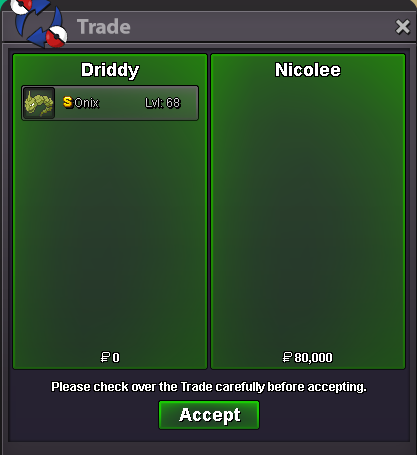
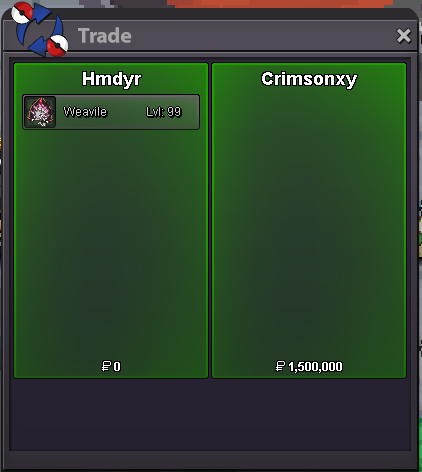
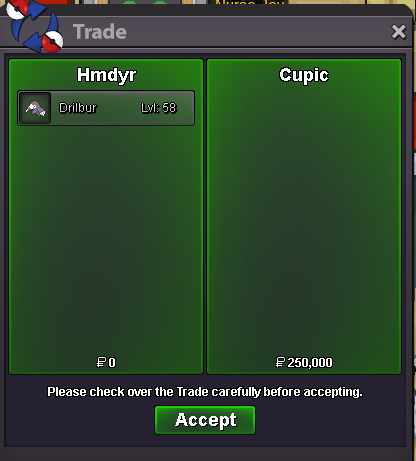
Use the new Trade Zone for auctions and instant-price trades so Pokemon and item offers are easy to find.

Hmdyr
Registered User
-
Joined
-
Last visited
Everything posted by Hmdyr
-
INSTA
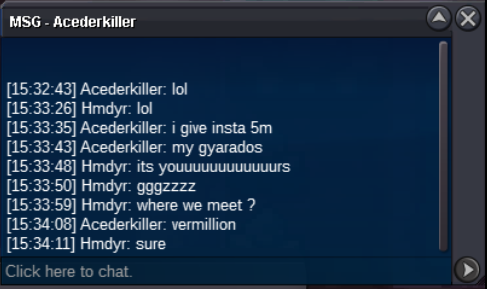
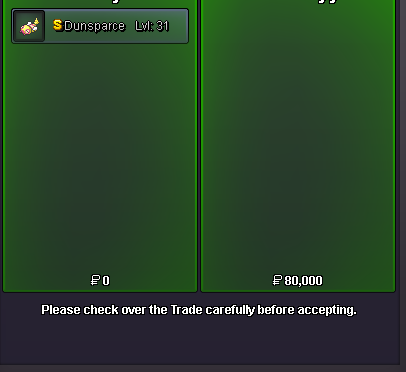
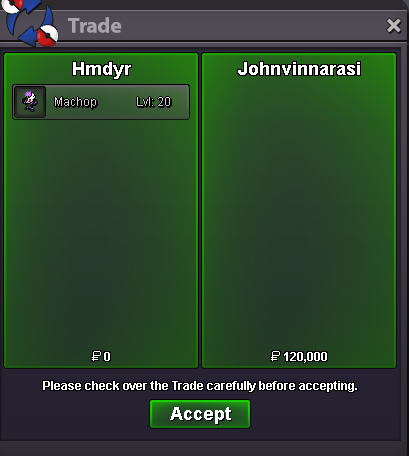
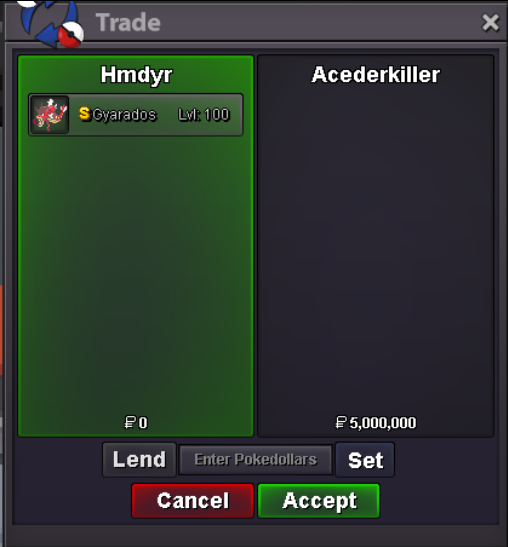 @Playerpro thank you 😄 welcome anytime !Bump
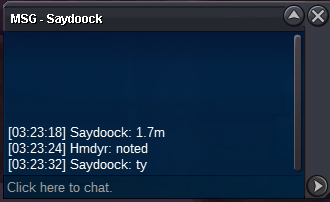
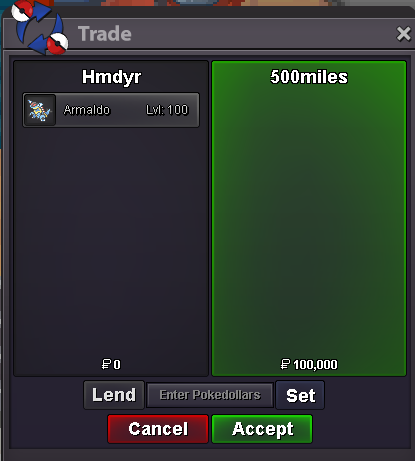
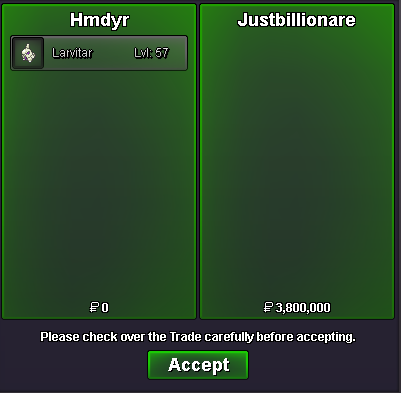
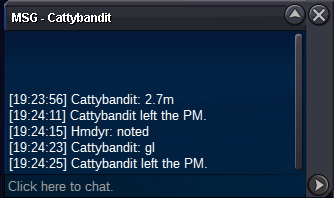
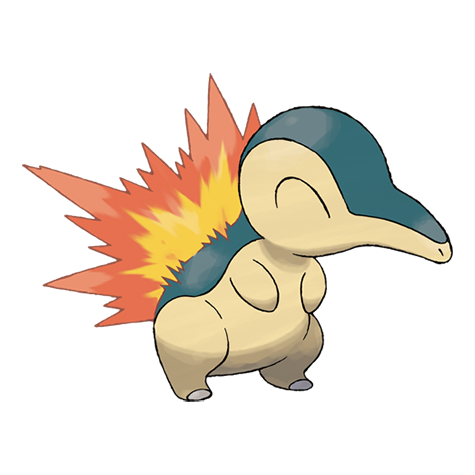 now yeah its wonvermilionHi @Justbillionare you won the auction im in game HMDyR the auction ends and the winner is @Justbillionare in case your are not in game you can add me on discord HMDyR#1808Auction will end at11:25 AM and don't forget 15 minutes rule@Miraichan noted starts 31/05/2025(GMT+1) 11:25 AMBumplike we talked in game i gonna put it for a bid this weekend@Miraichan for Larvitar i already for an offer of 2.5M / and for sneasel no offers yet@Ferocityy sure we meet vermillion DM in game HMDyR@Miraichan What offer do you have in mind
Account
Navigation
Search
Configure browser push notifications
Chrome (Android)
- Tap the lock icon next to the address bar.
- Tap Permissions → Notifications.
- Adjust your preference.
Chrome (Desktop)
- Click the padlock icon in the address bar.
- Select Site settings.
- Find Notifications and adjust your preference.
Safari (iOS 16.4+)
- Ensure the site is installed via Add to Home Screen.
- Open Settings App → Notifications.
- Find your app name and adjust your preference.
Safari (macOS)
- Go to Safari → Preferences.
- Click the Websites tab.
- Select Notifications in the sidebar.
- Find this website and adjust your preference.
Edge (Android)
- Tap the lock icon next to the address bar.
- Tap Permissions.
- Find Notifications and adjust your preference.
Edge (Desktop)
- Click the padlock icon in the address bar.
- Click Permissions for this site.
- Find Notifications and adjust your preference.
Firefox (Android)
- Go to Settings → Site permissions.
- Tap Notifications.
- Find this site in the list and adjust your preference.
Firefox (Desktop)
- Open Firefox Settings.
- Search for Notifications.
- Find this site in the list and adjust your preference.