




New Trade Zone
Trade Zone is now live
Use the new Trade Zone for auctions and instant-price trades so Pokemon and item offers are easy to find.

Hmdyr
Registered User
-
Joined
-
Last visited
Everything posted by Hmdyr
-
♥☻♥
-
Start
-
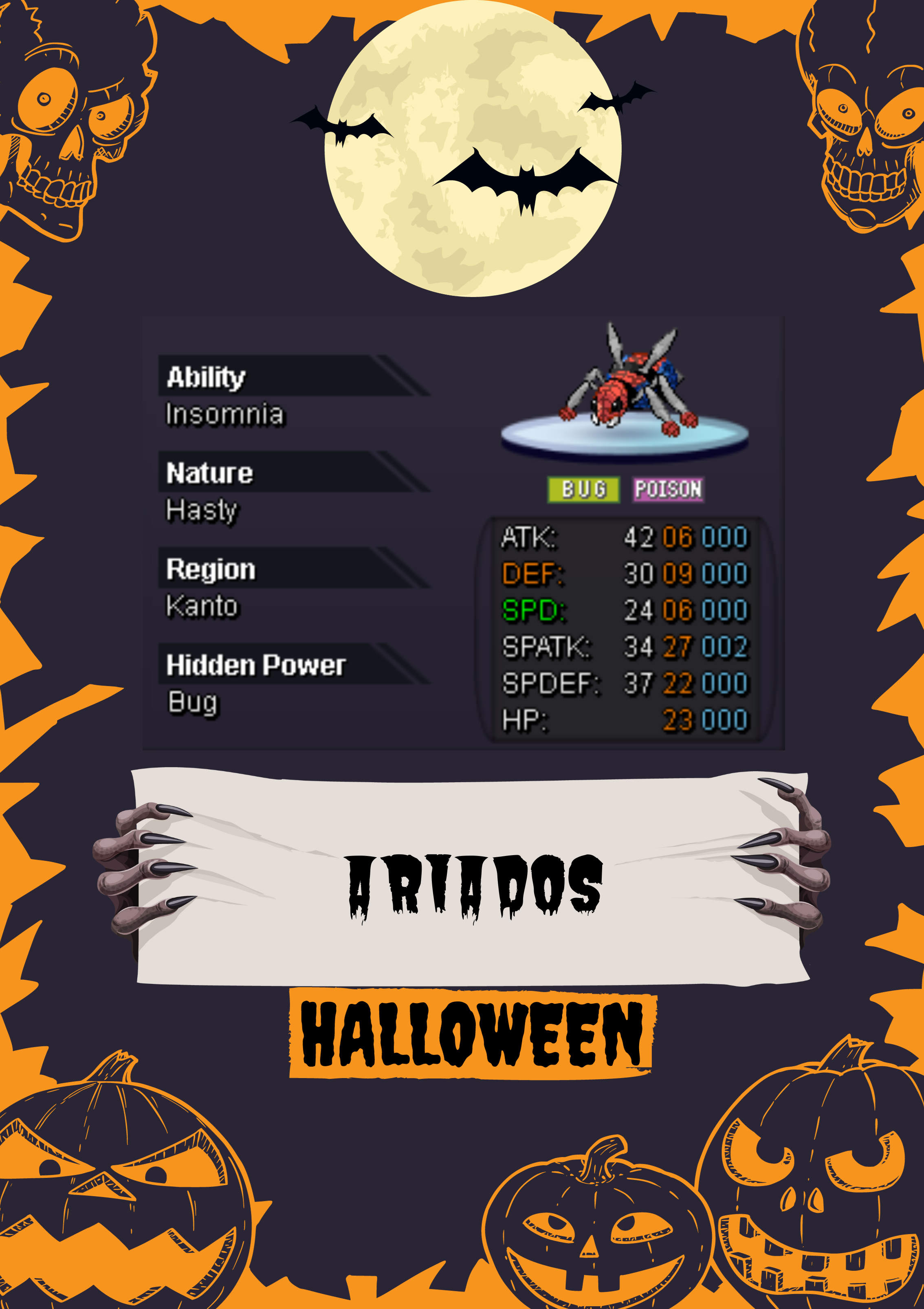
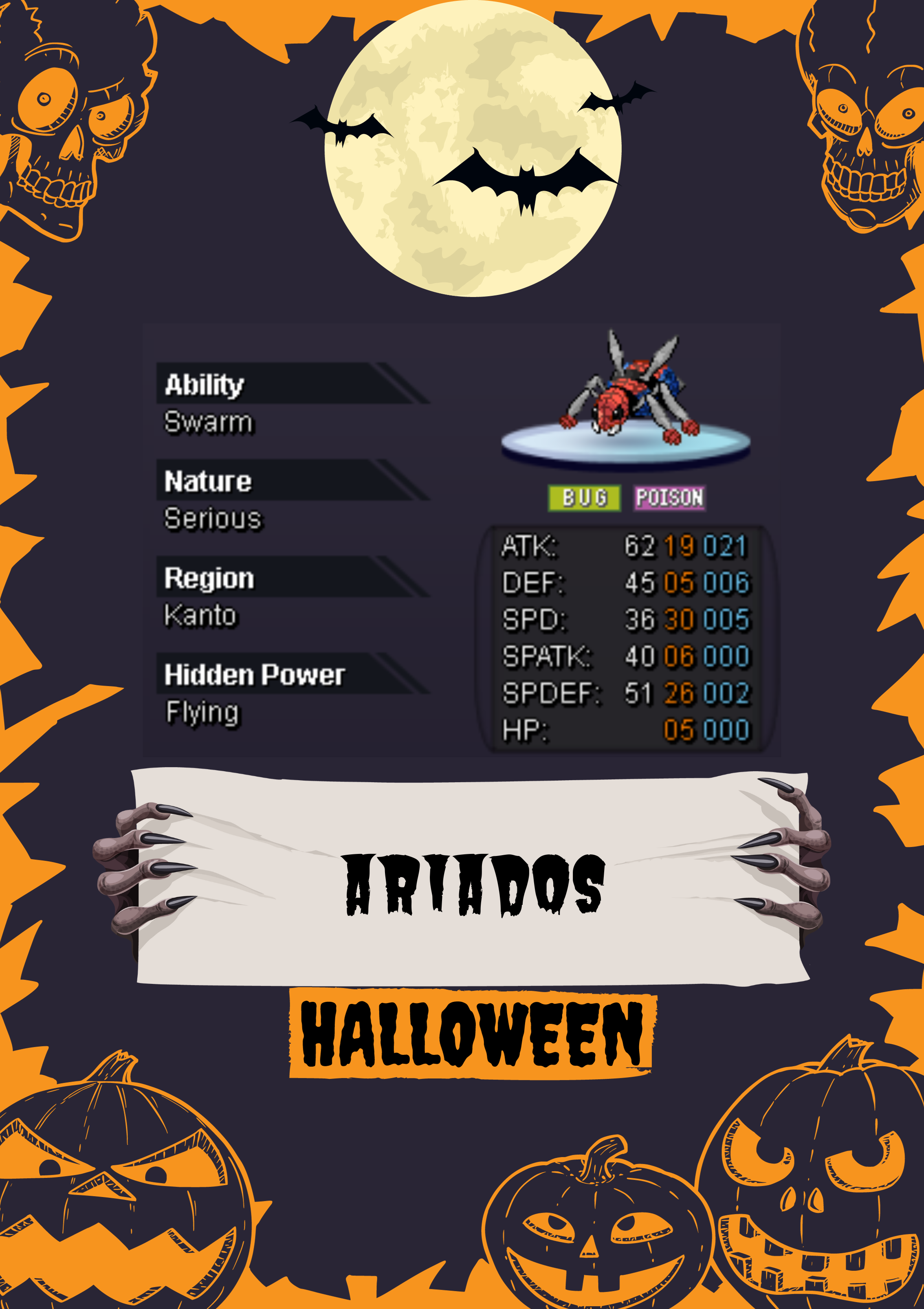
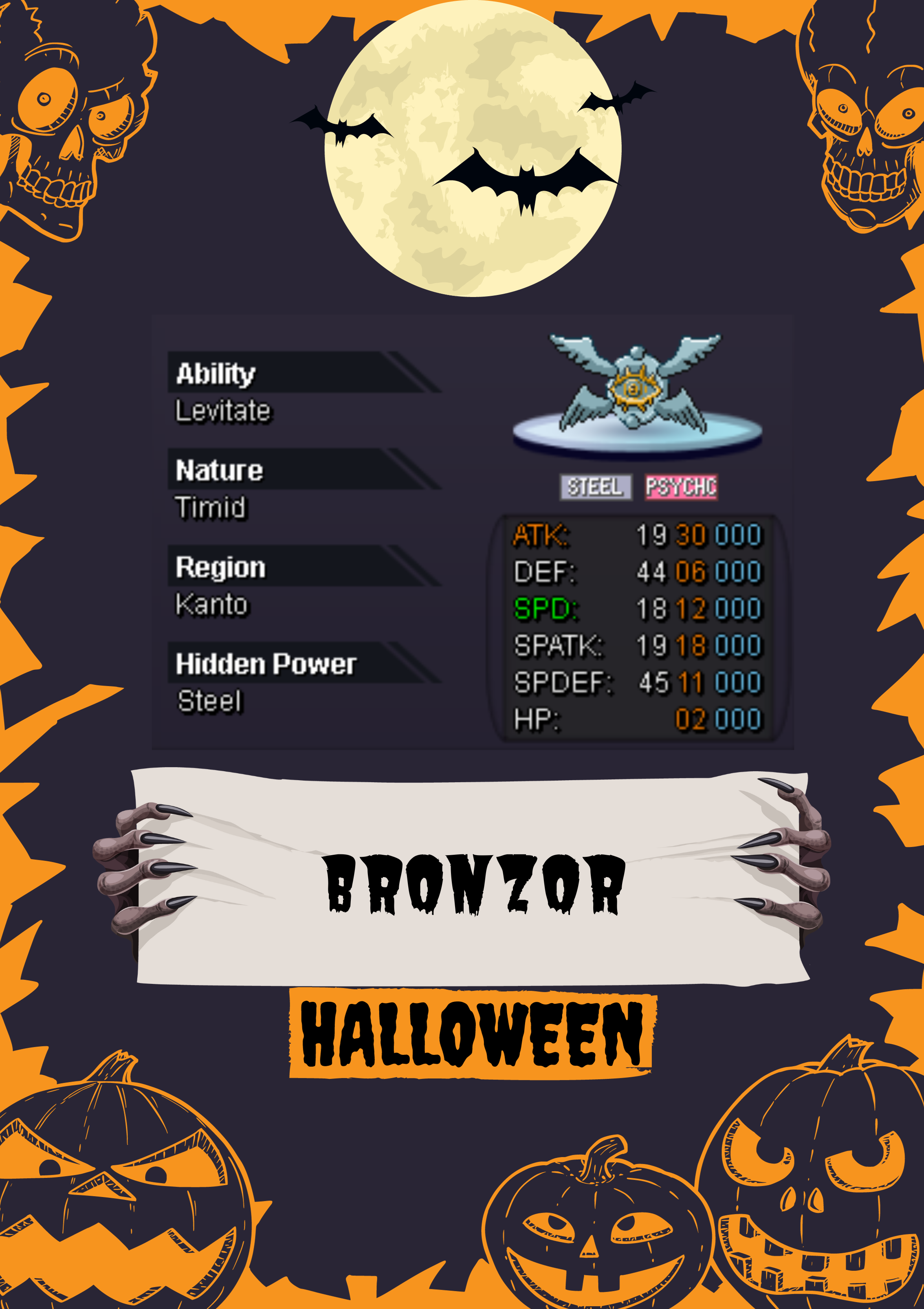
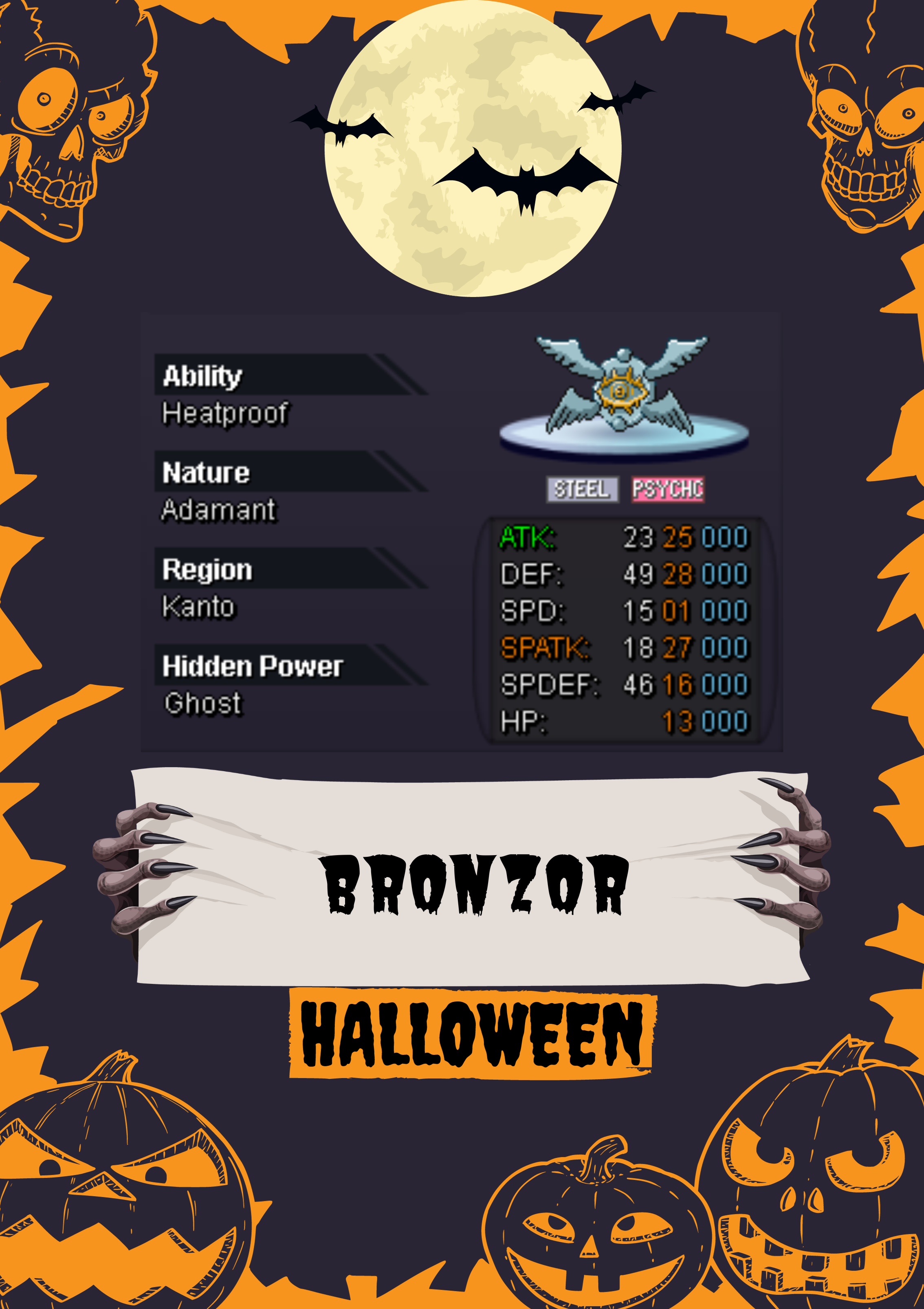
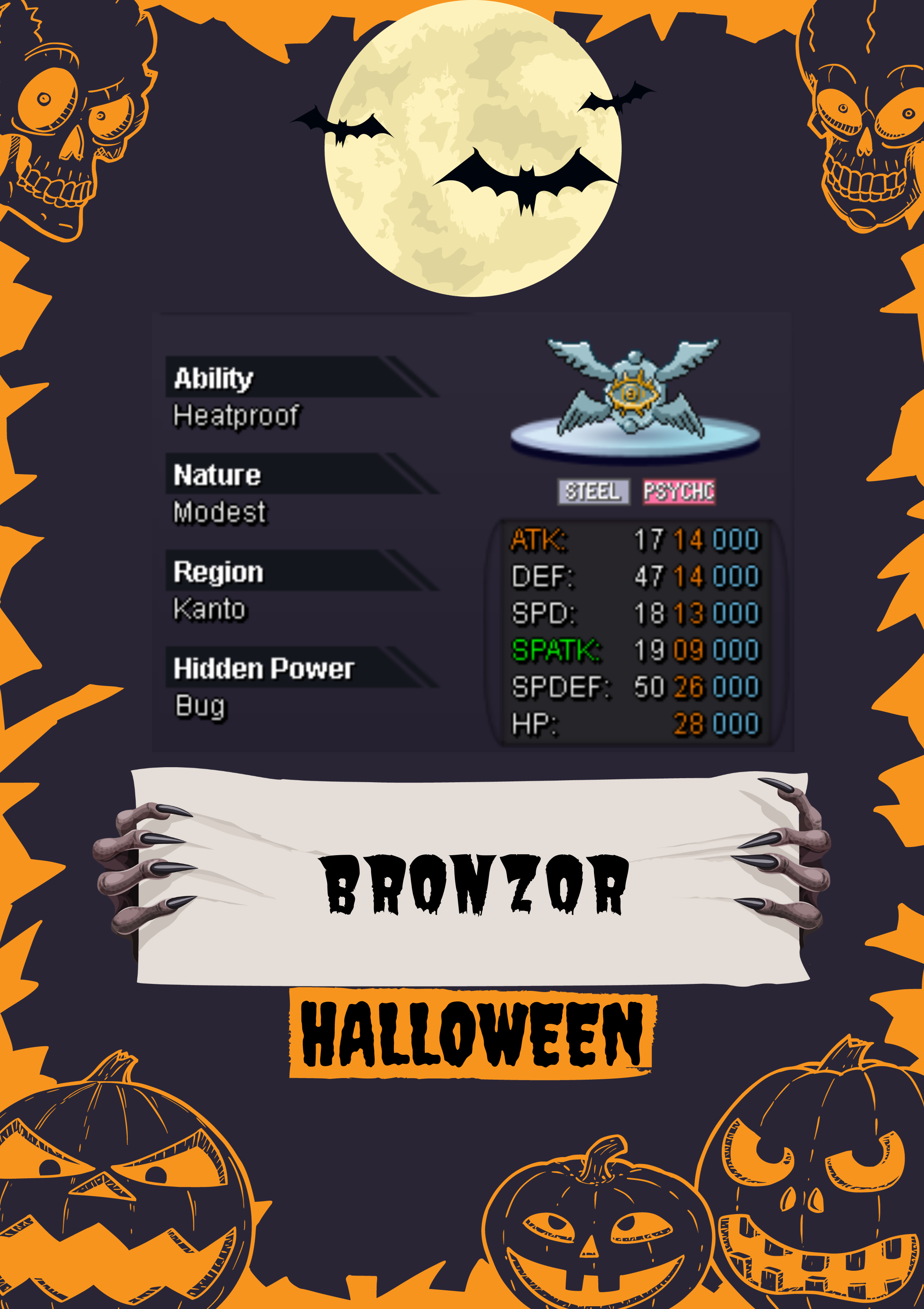
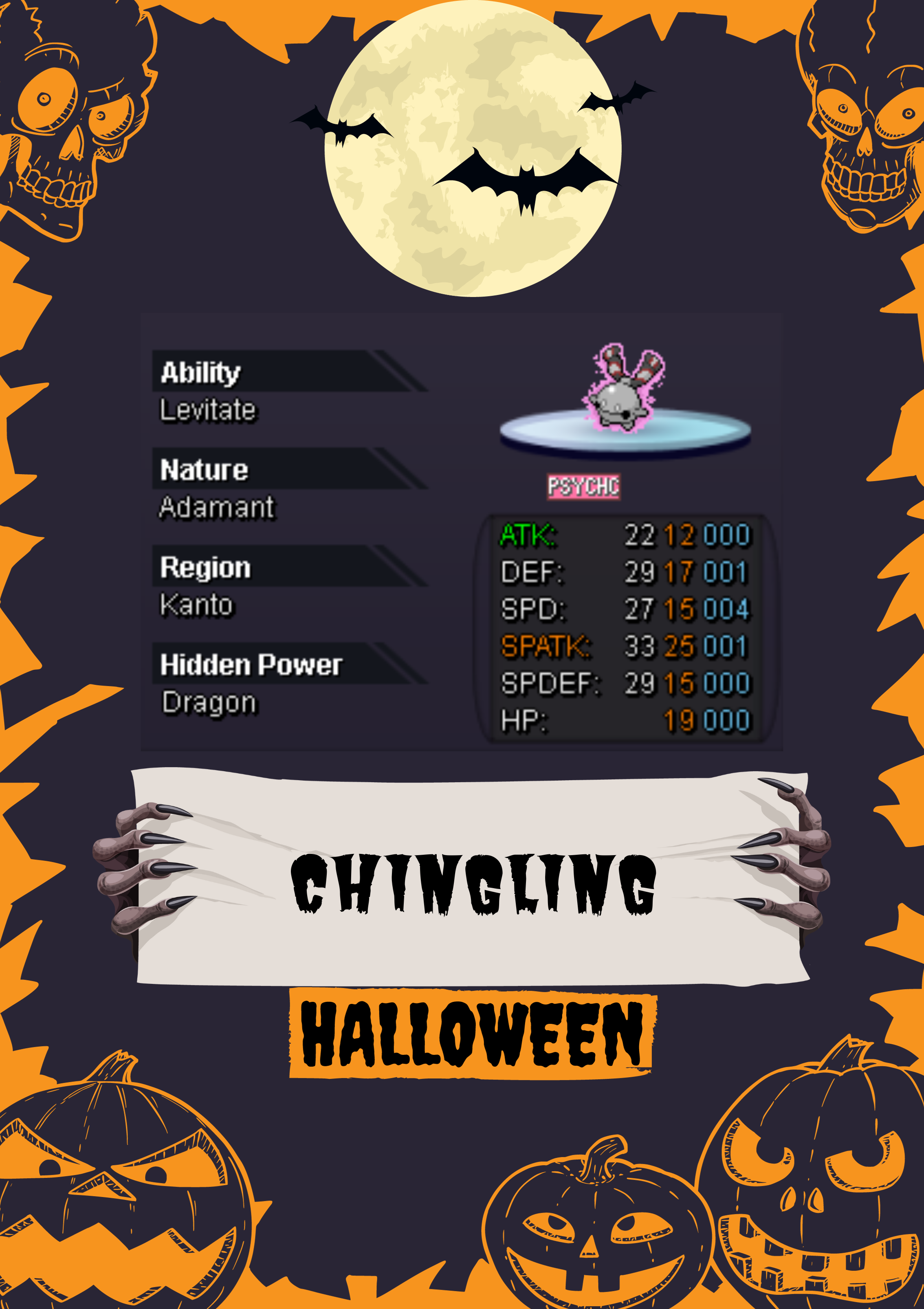
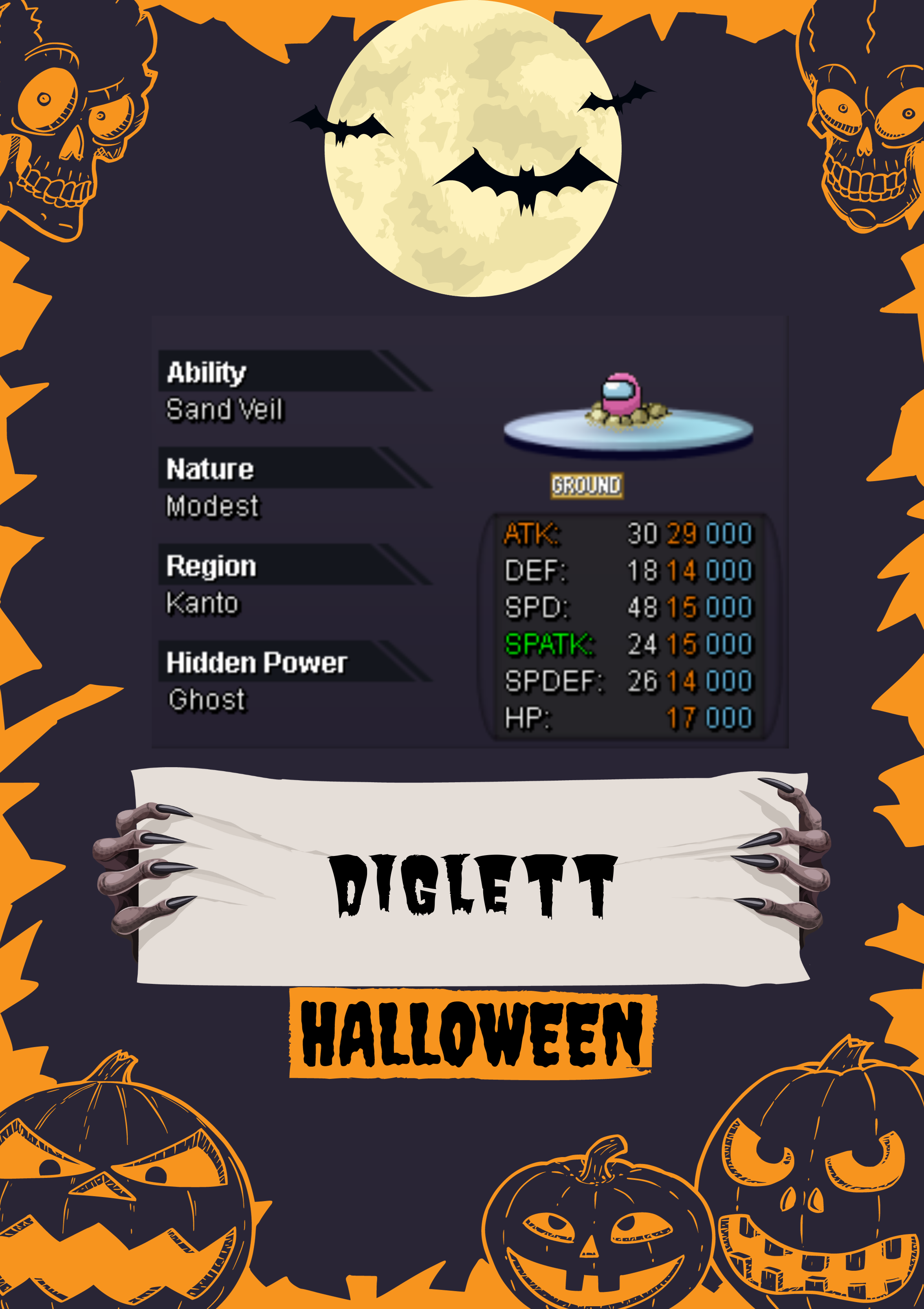
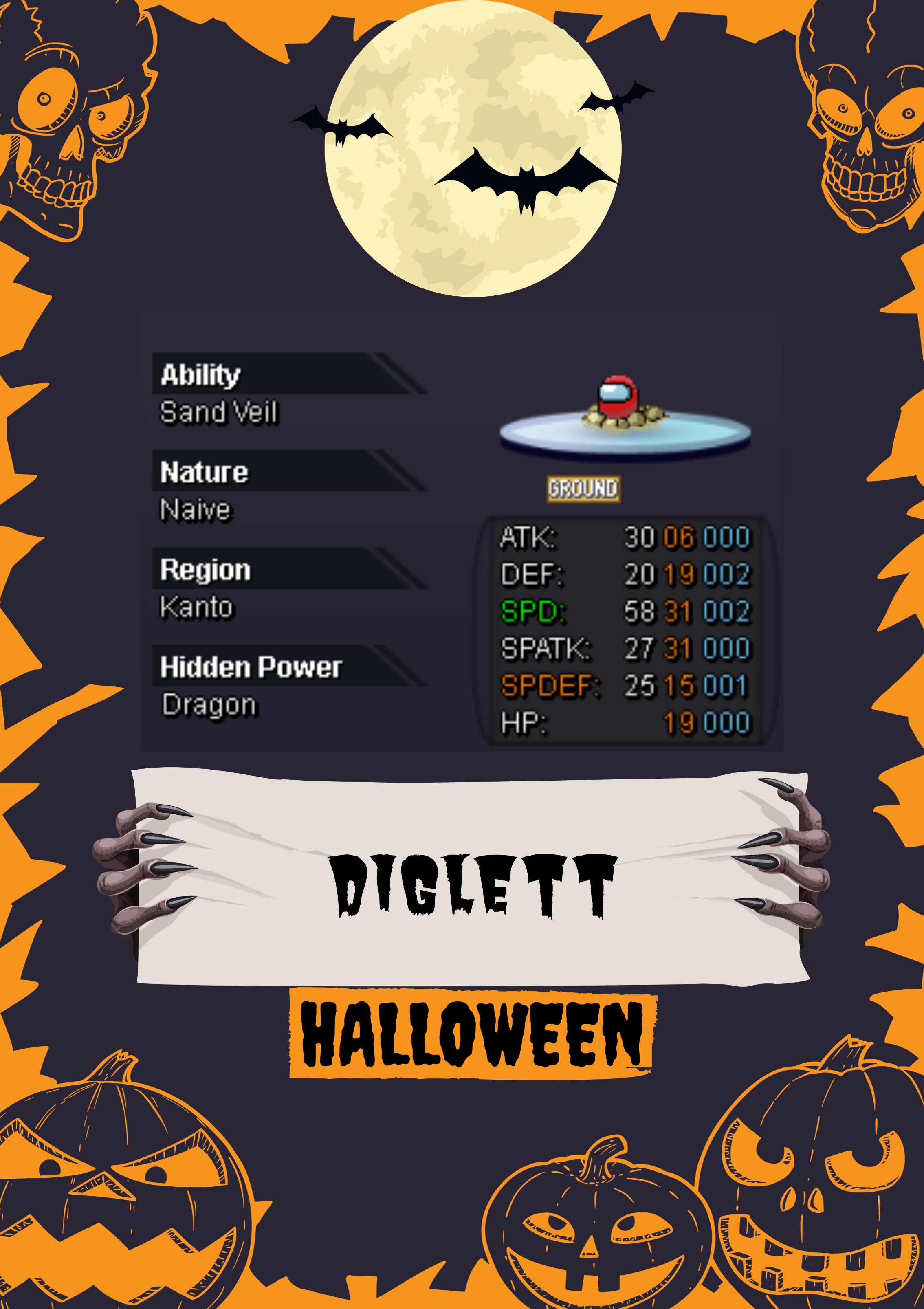
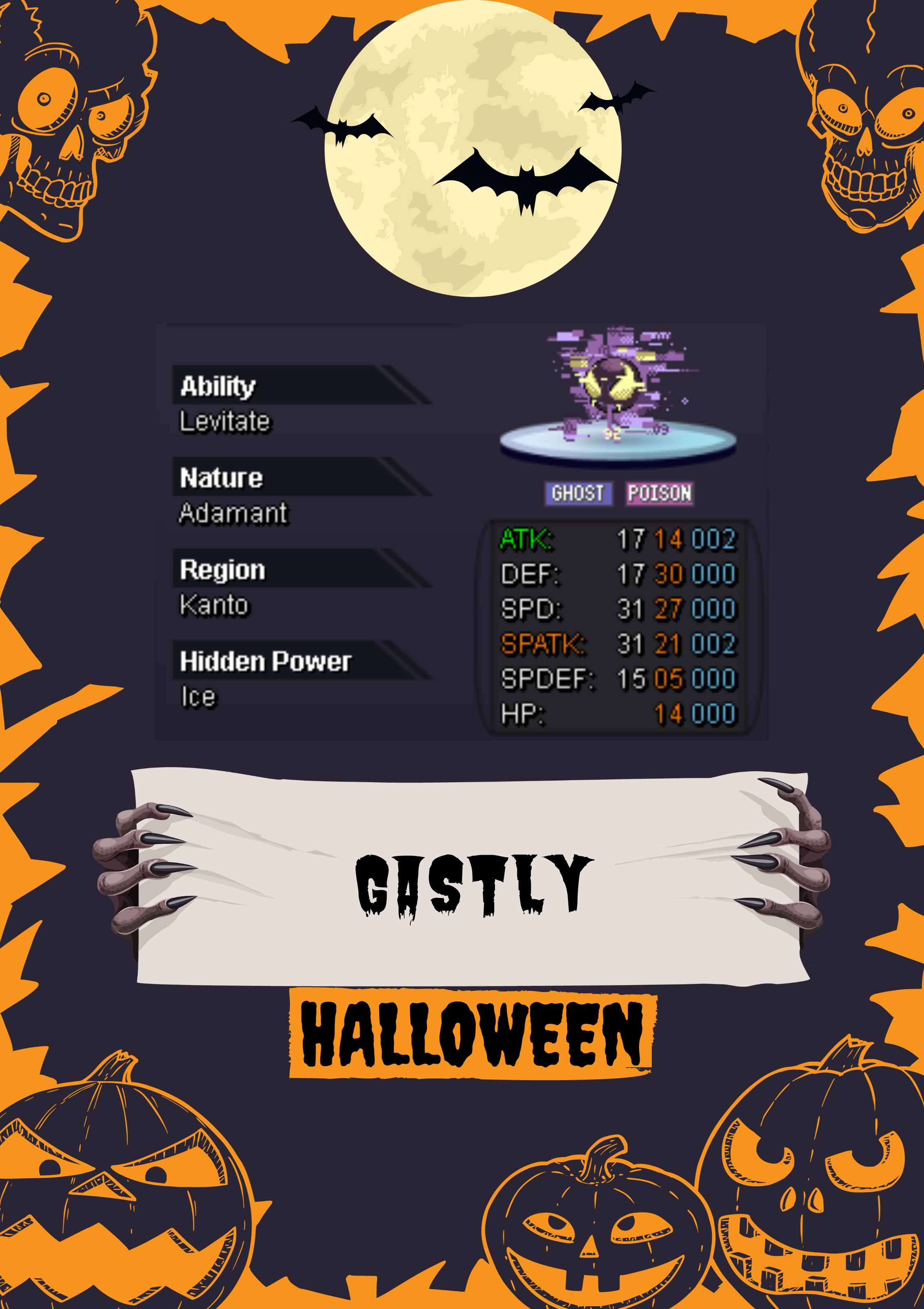
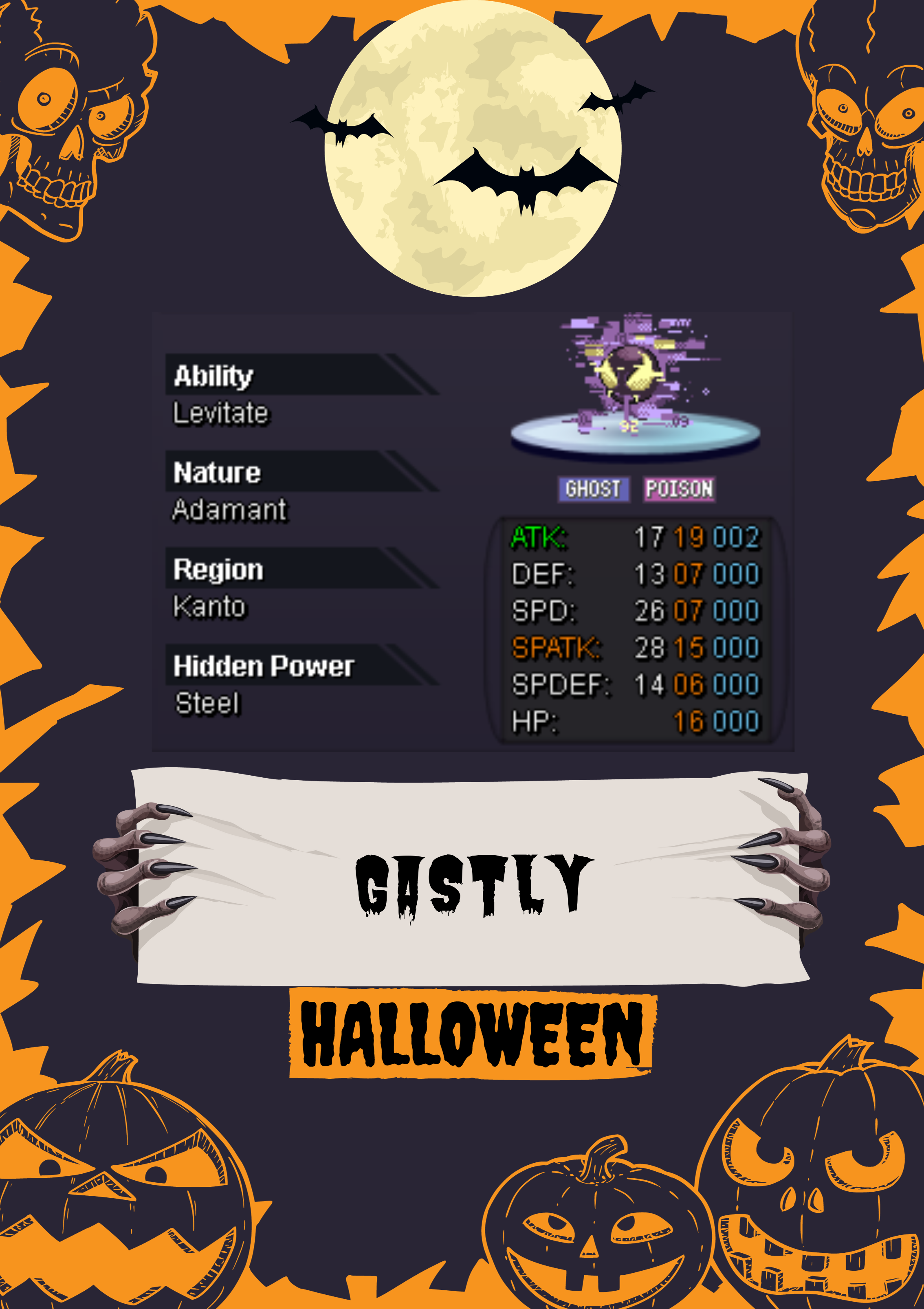
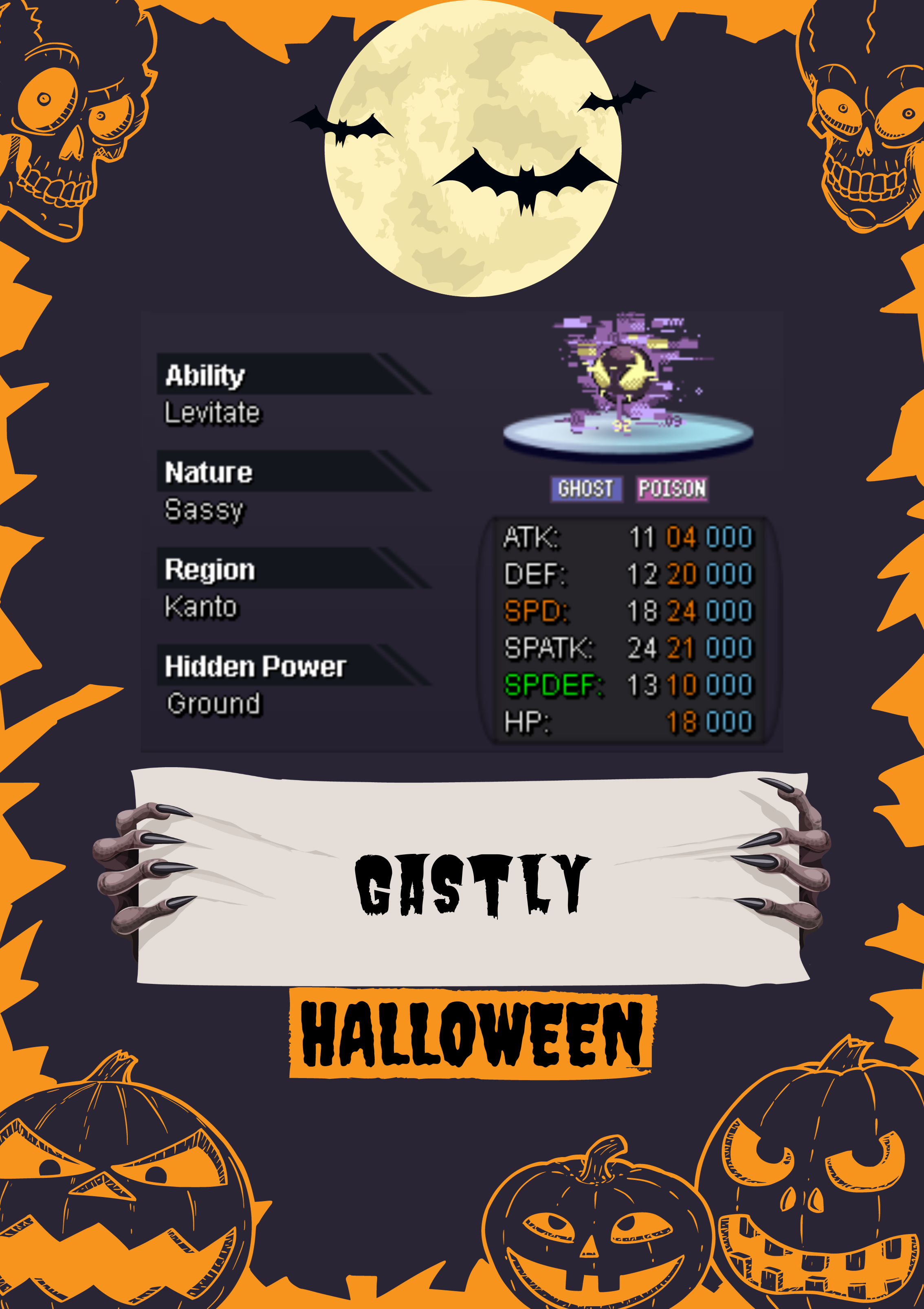
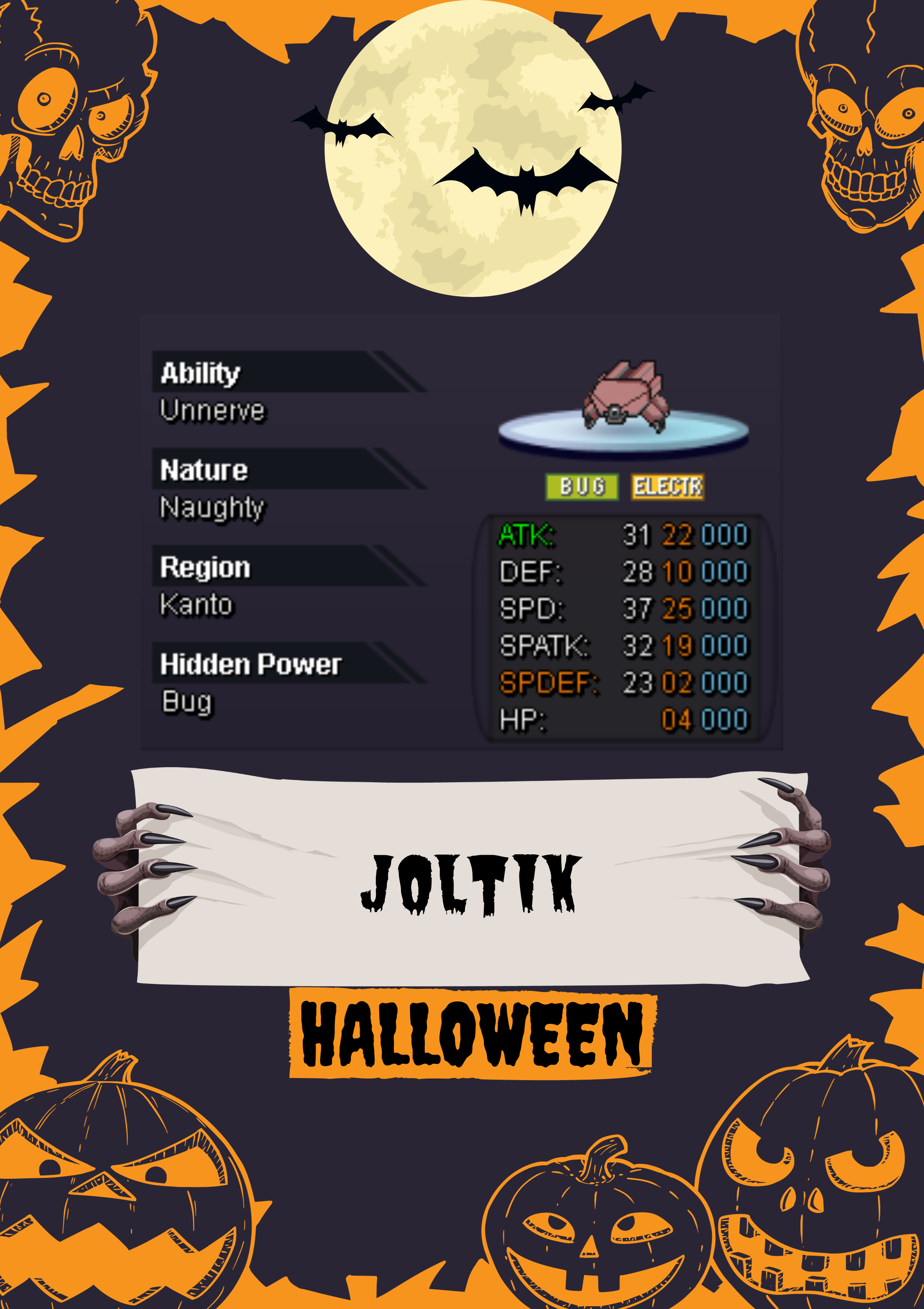
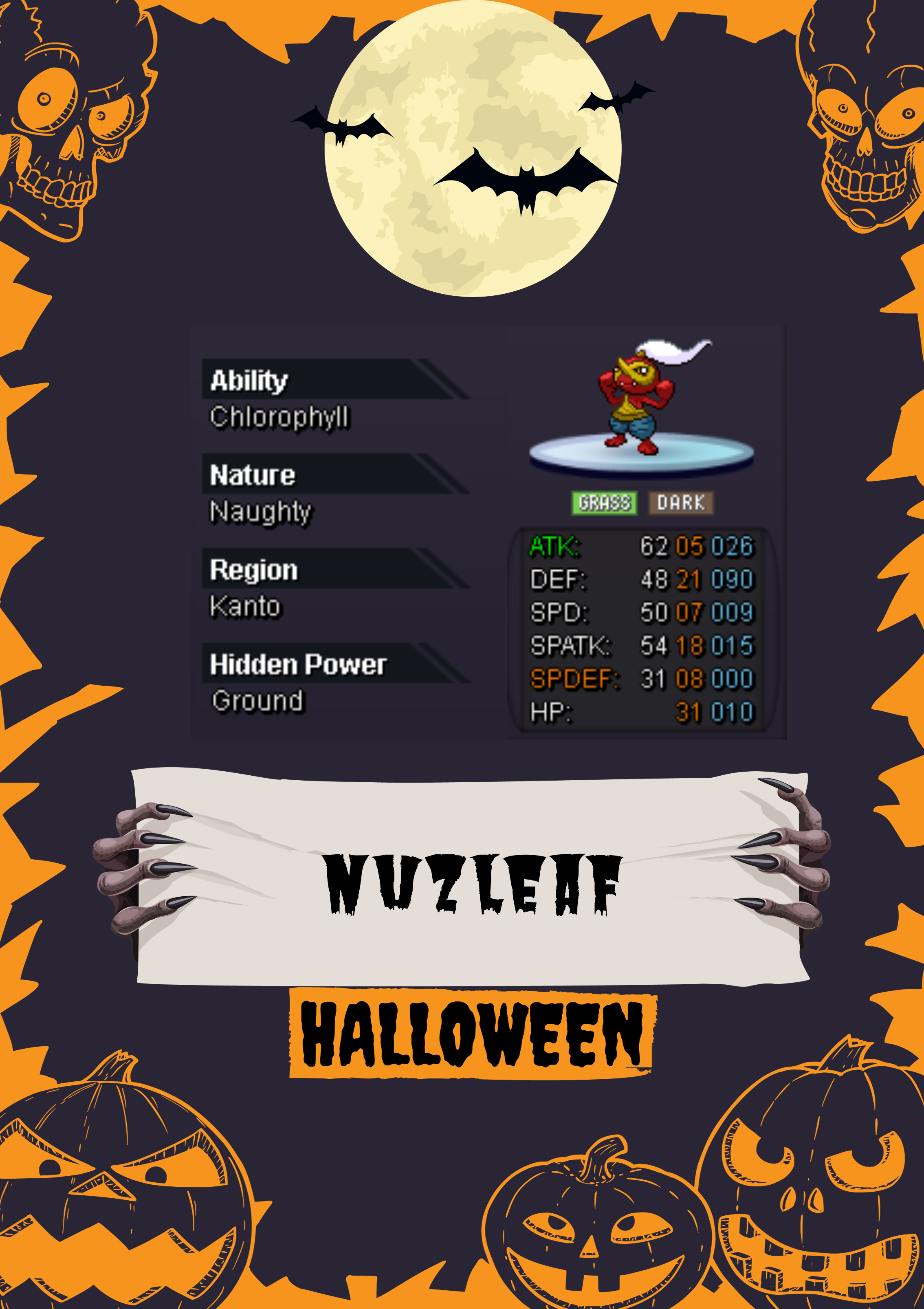
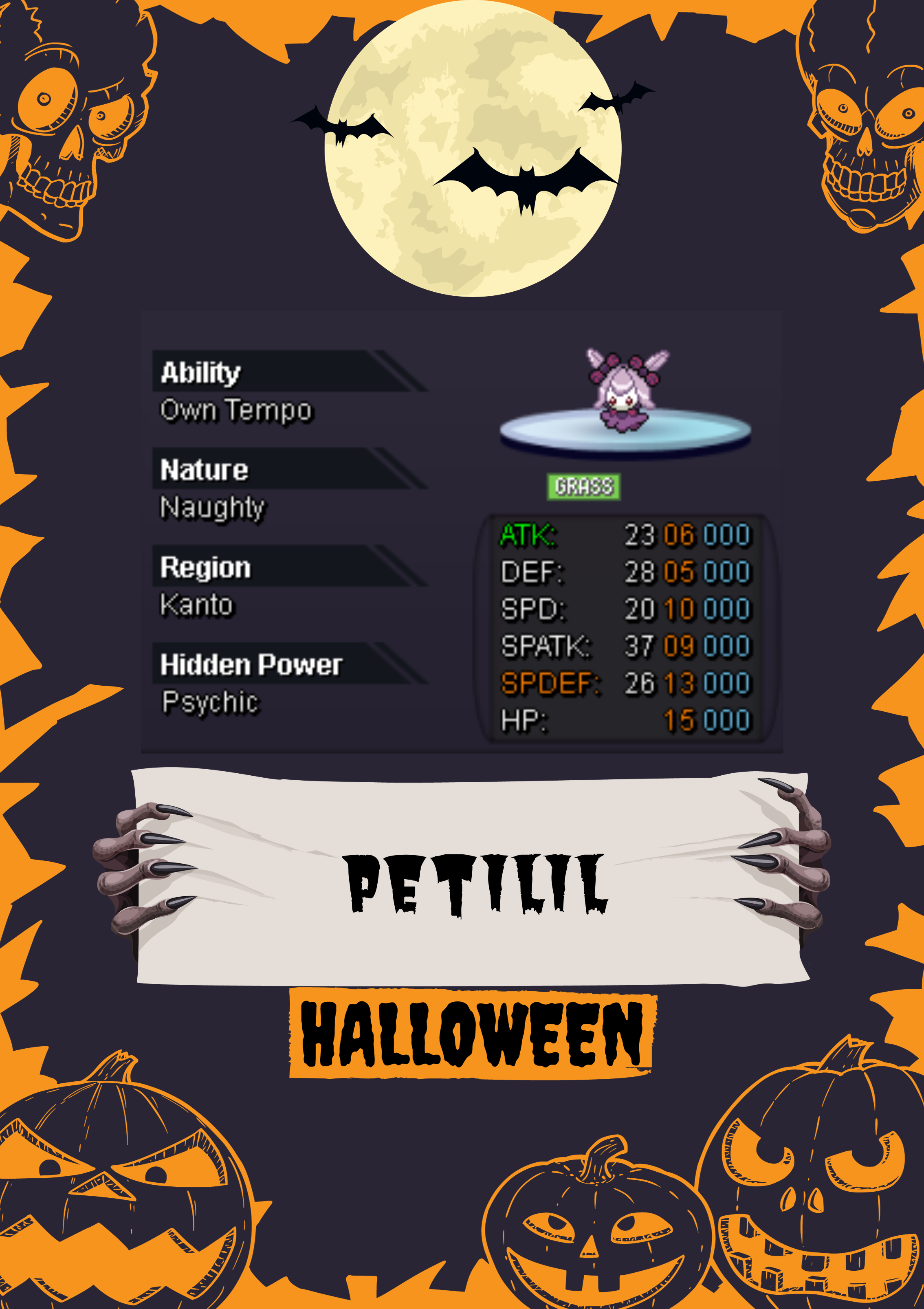
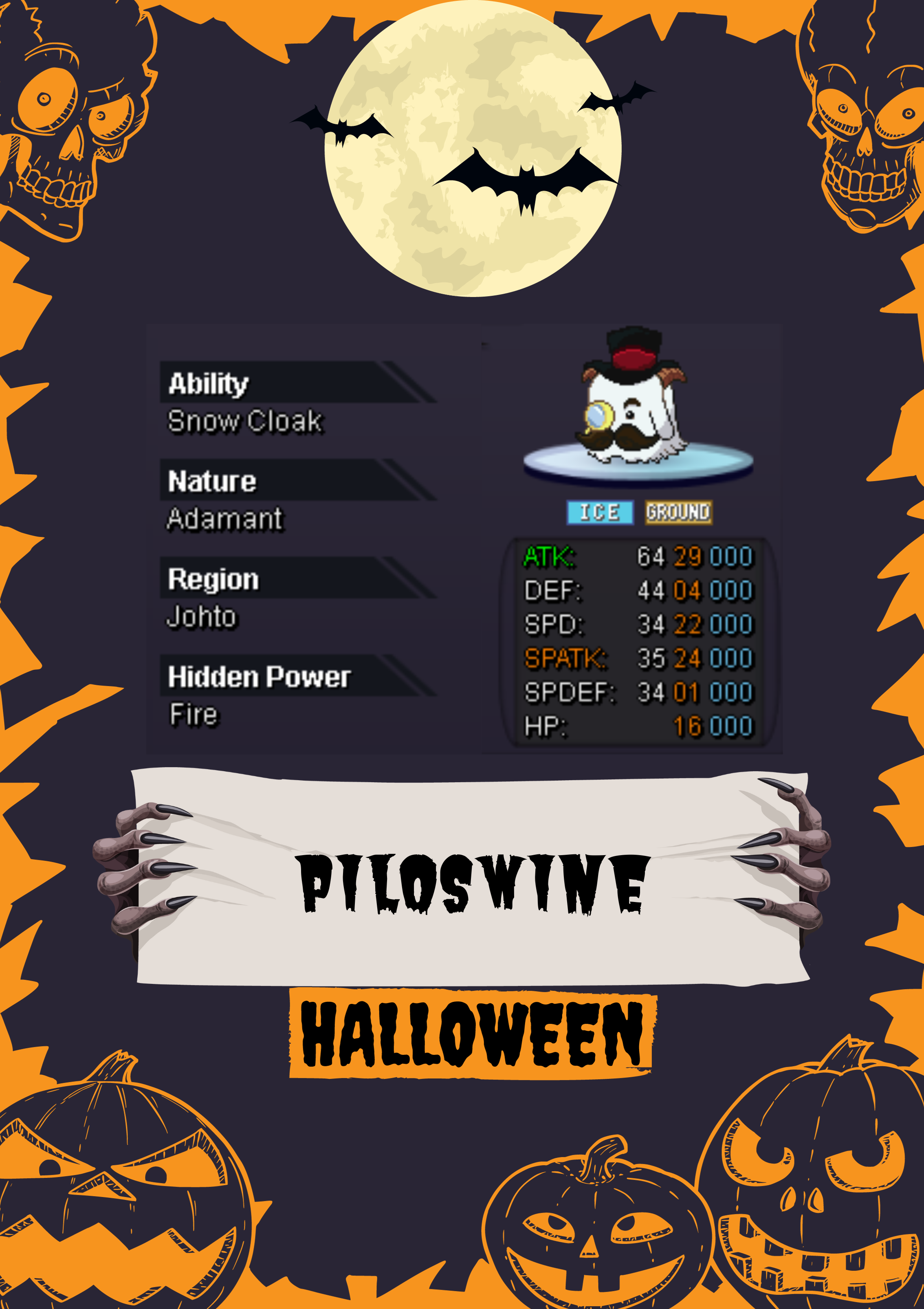
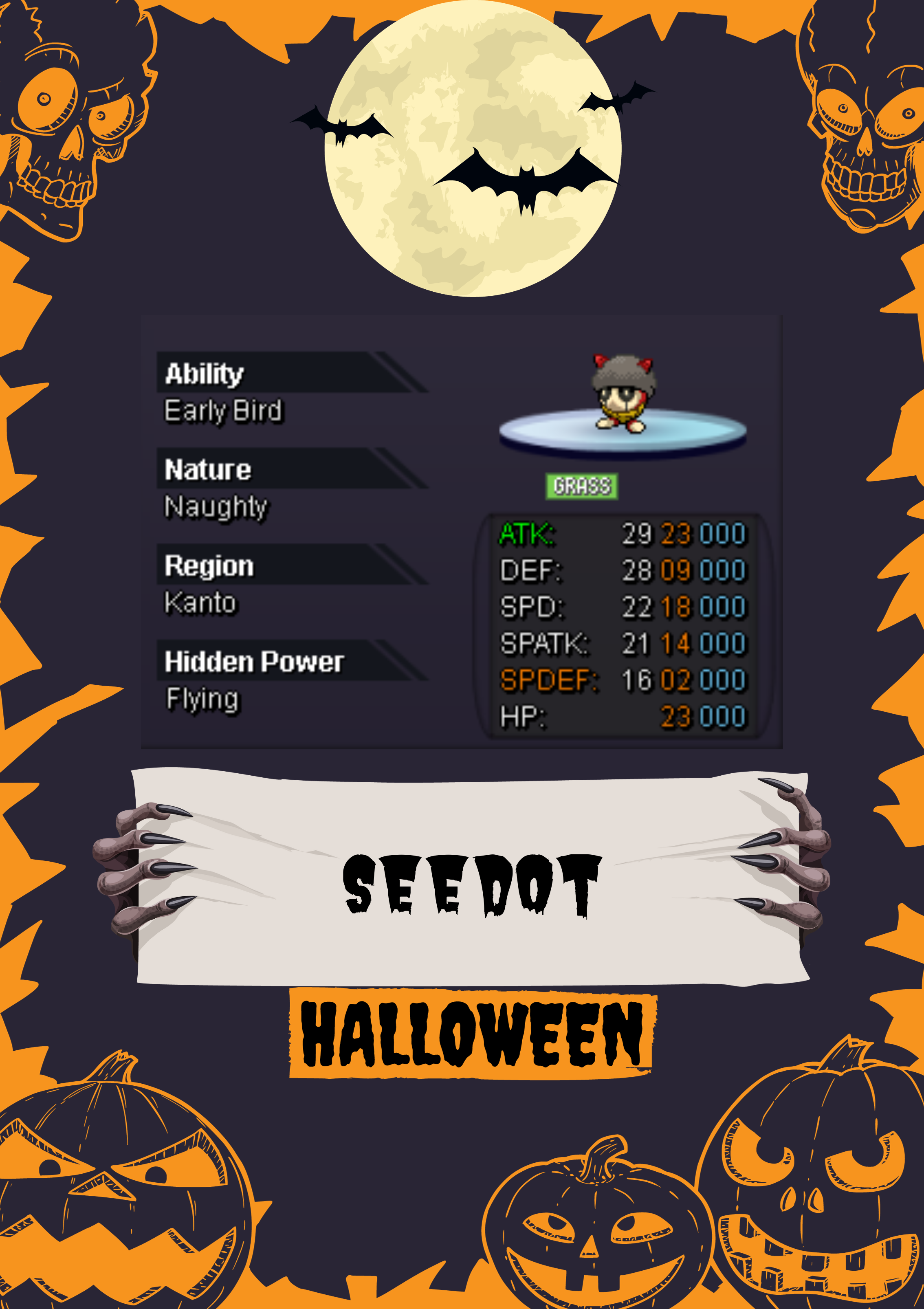
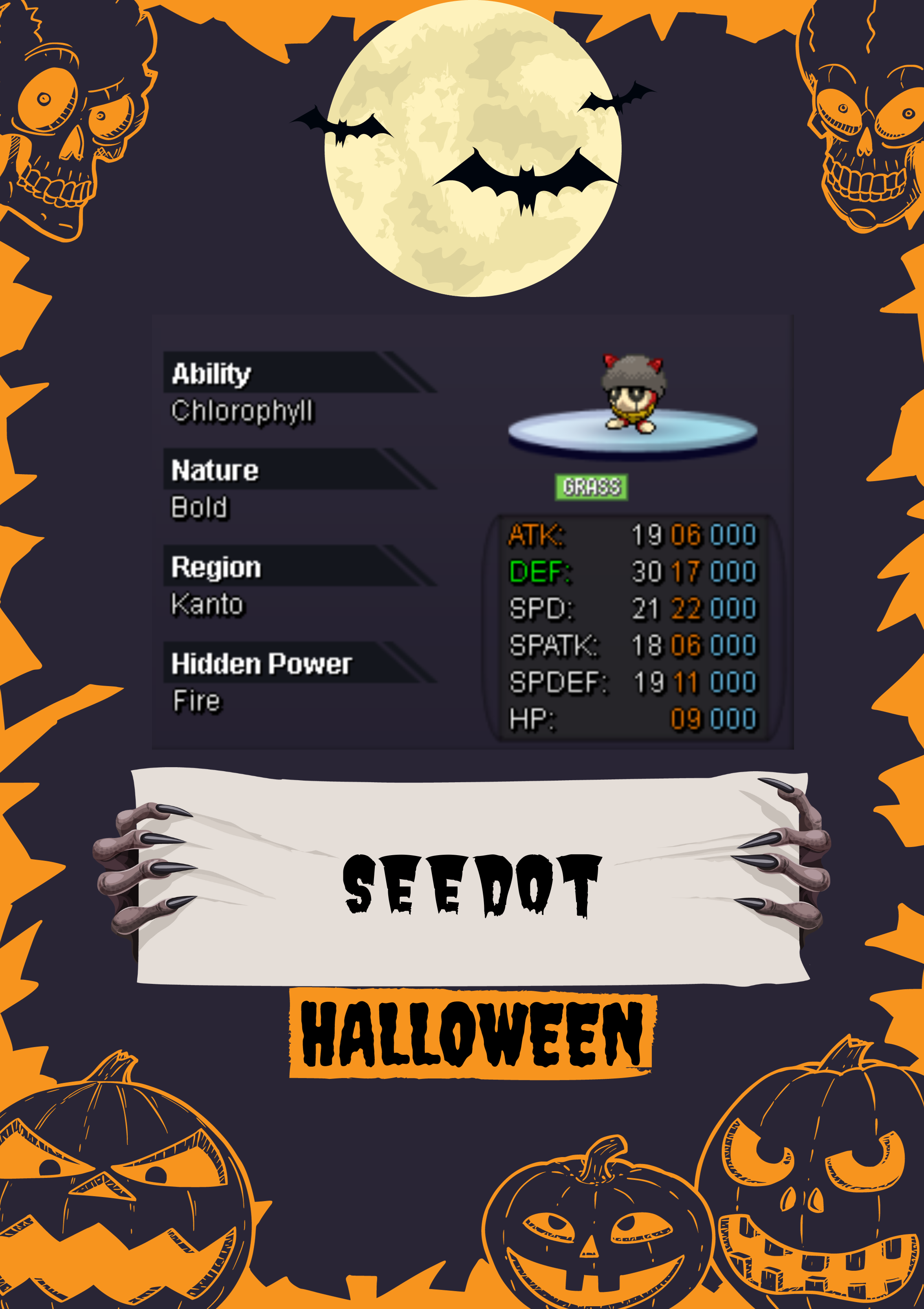
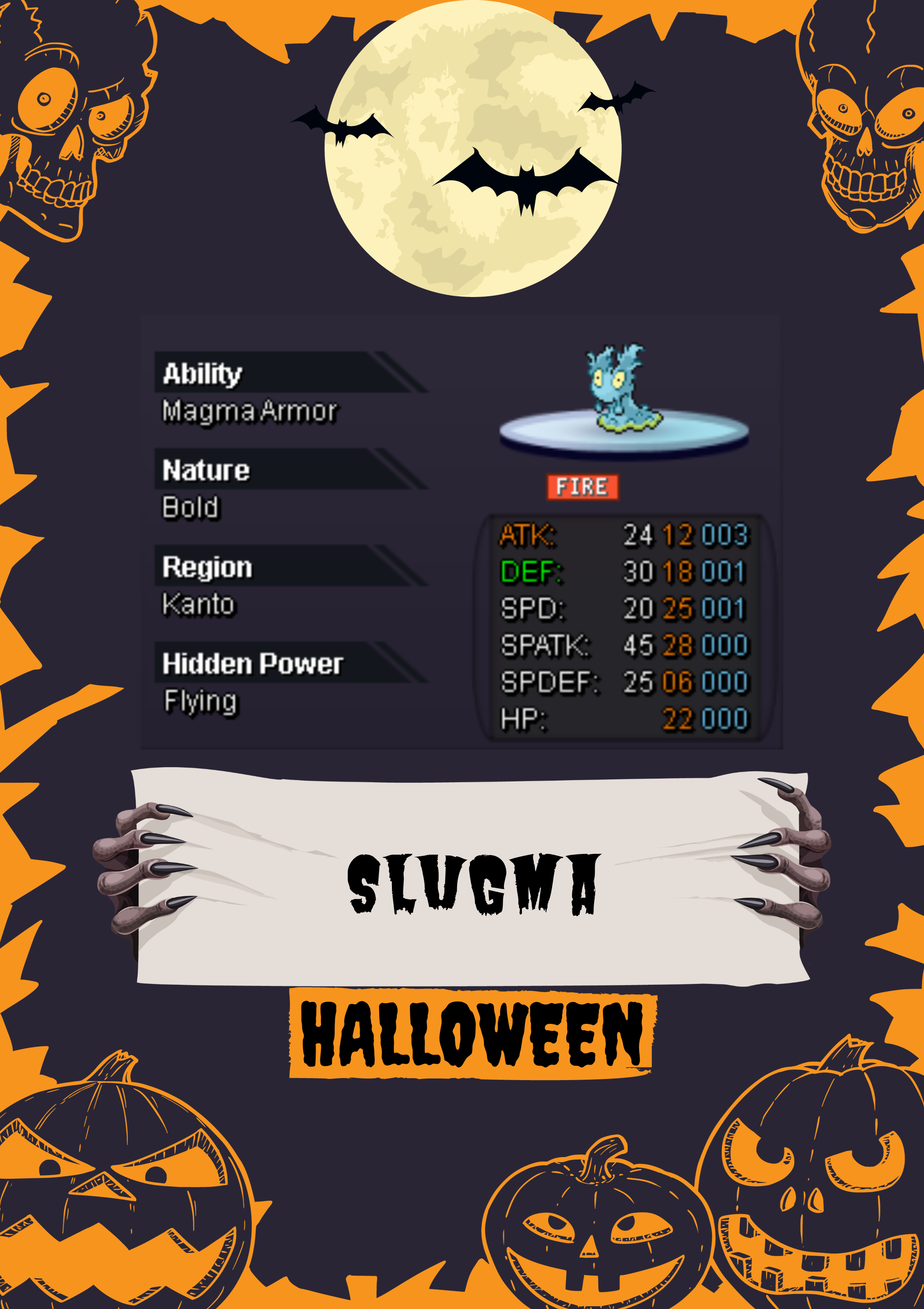
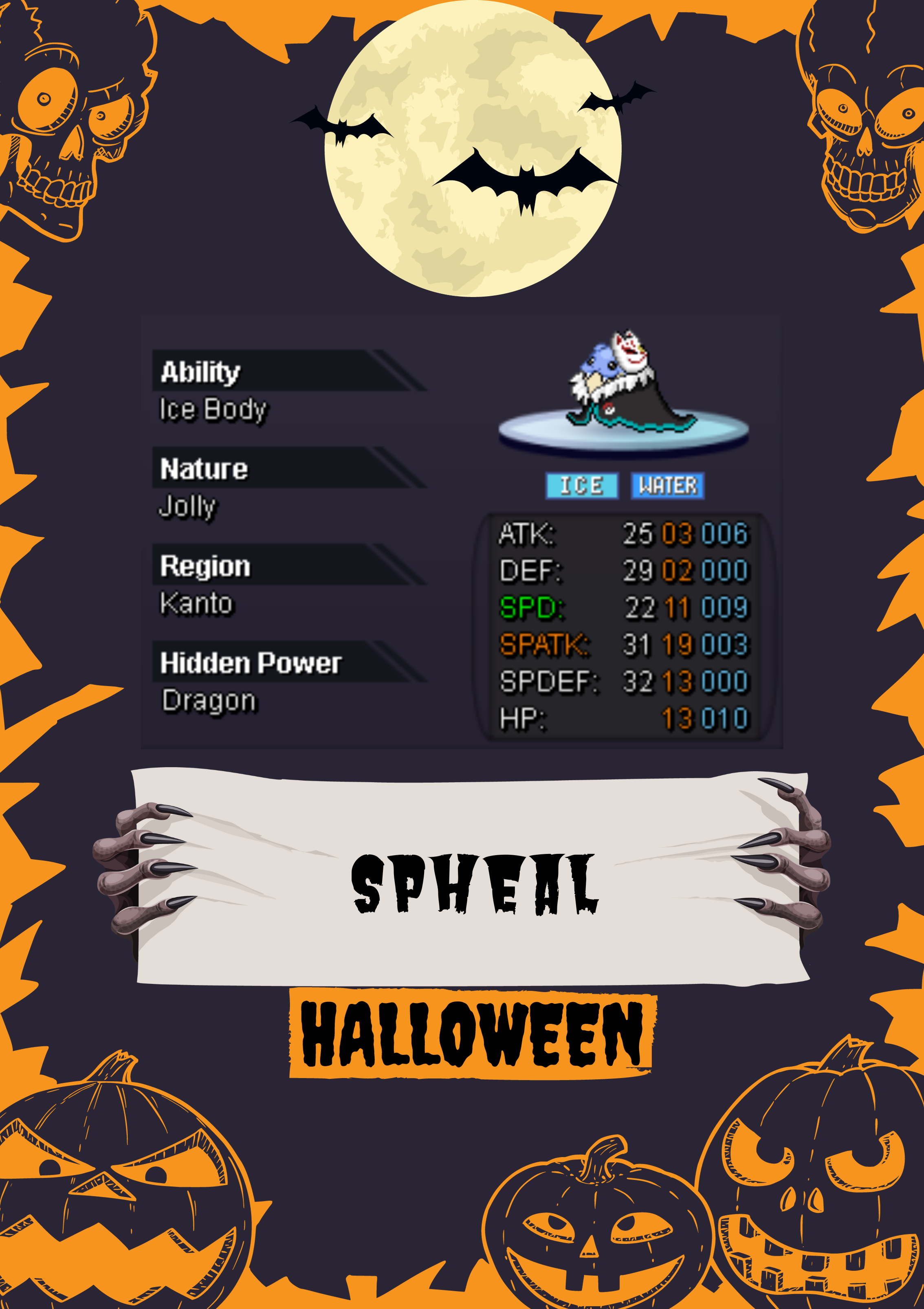
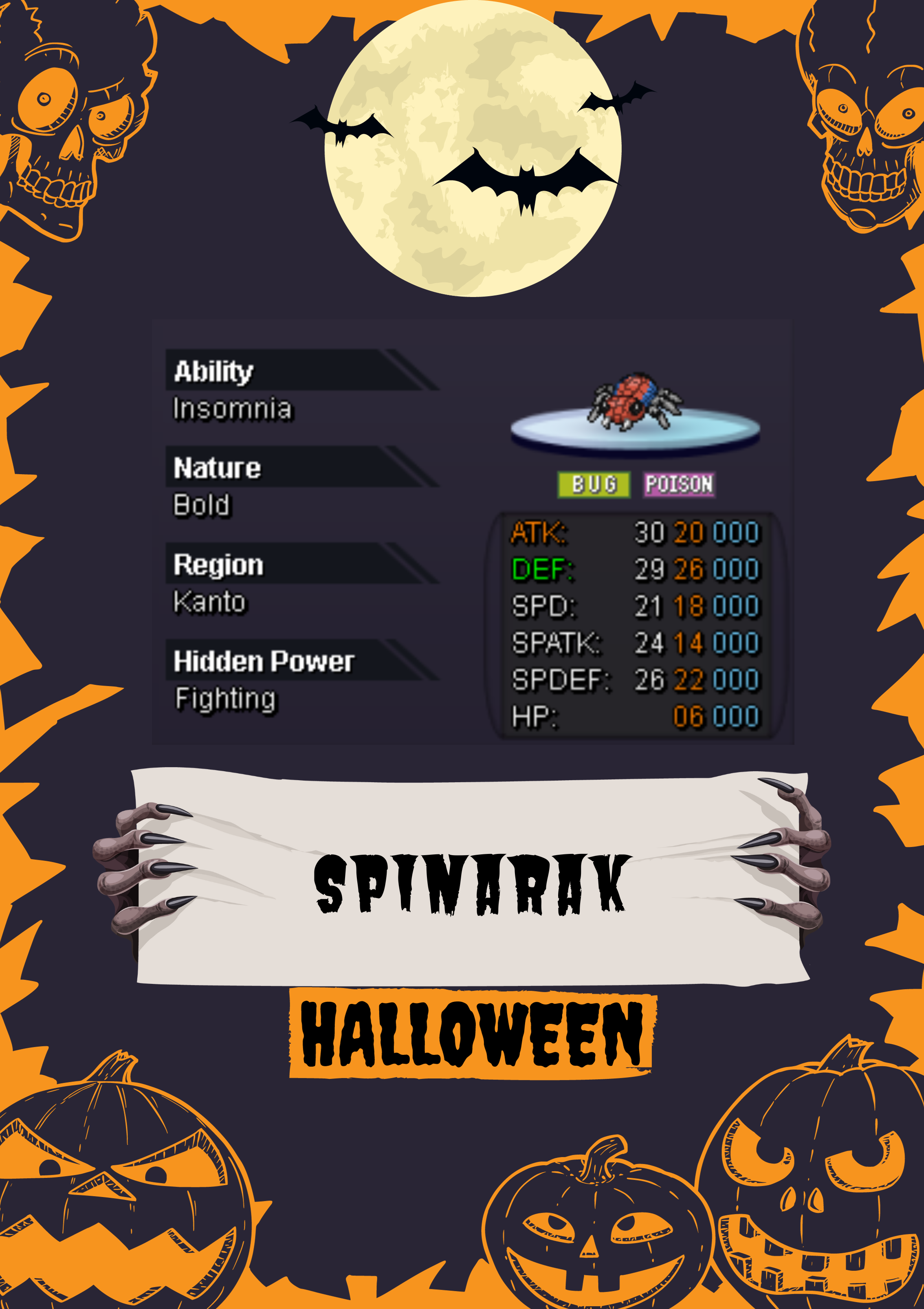
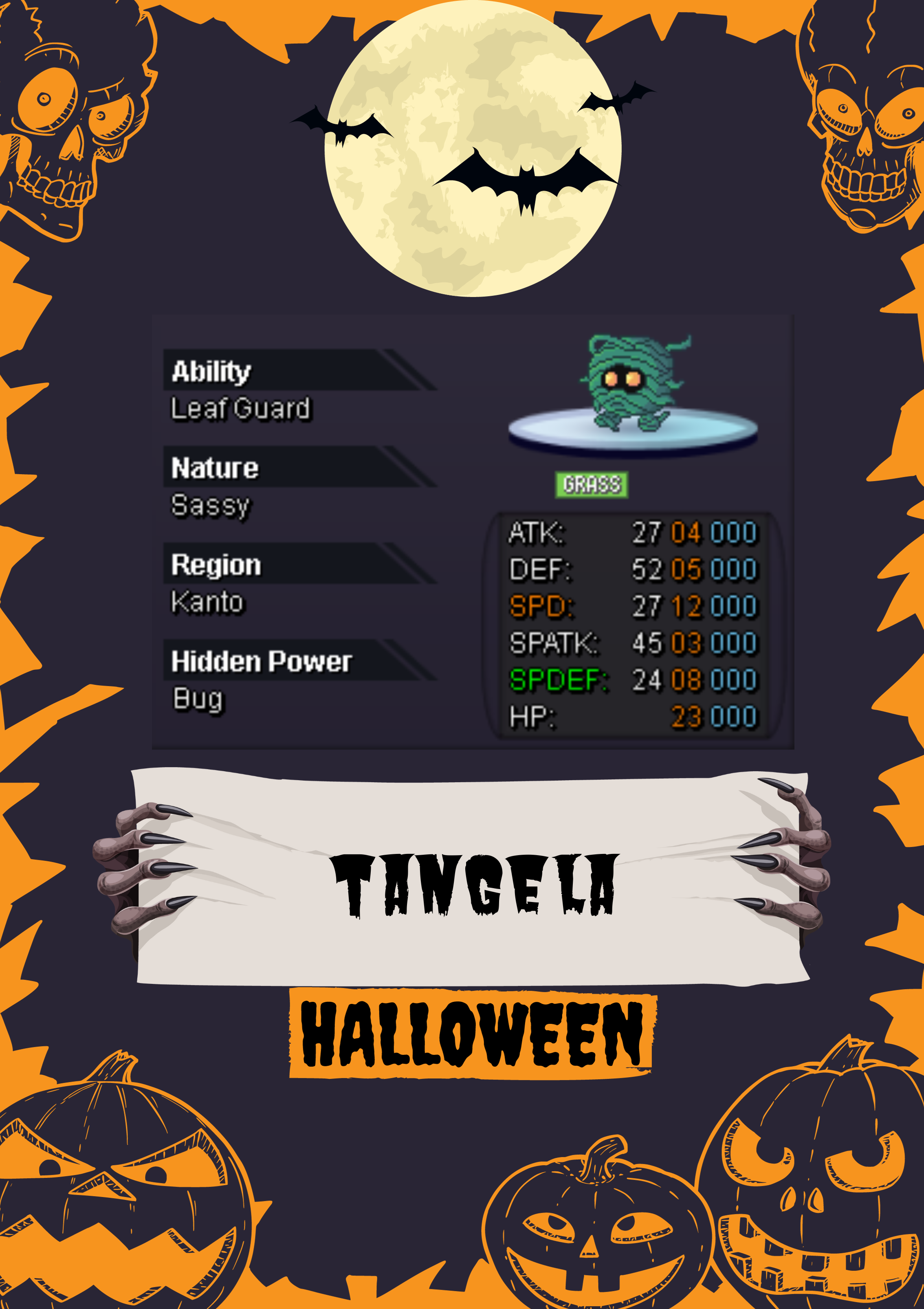
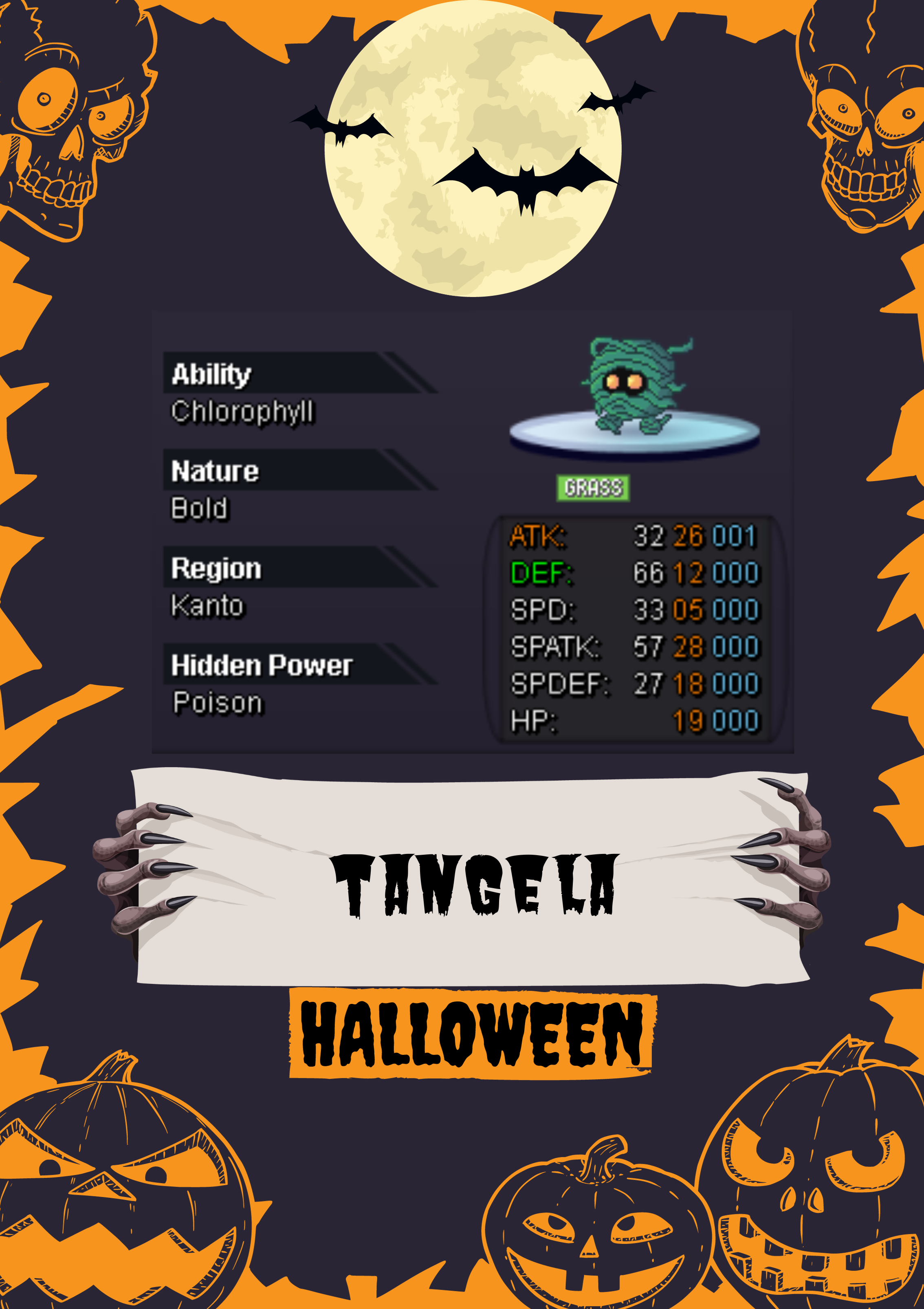
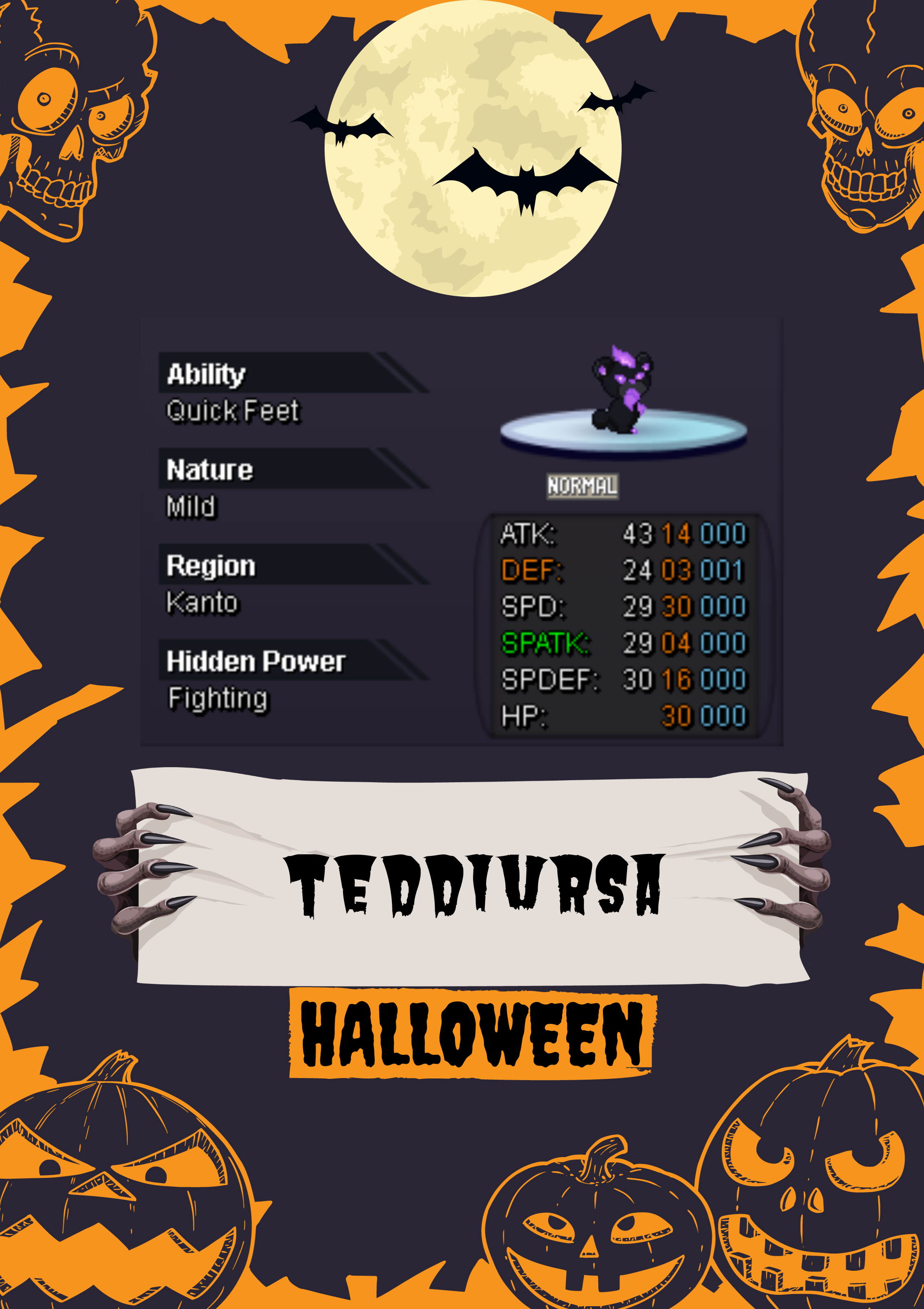
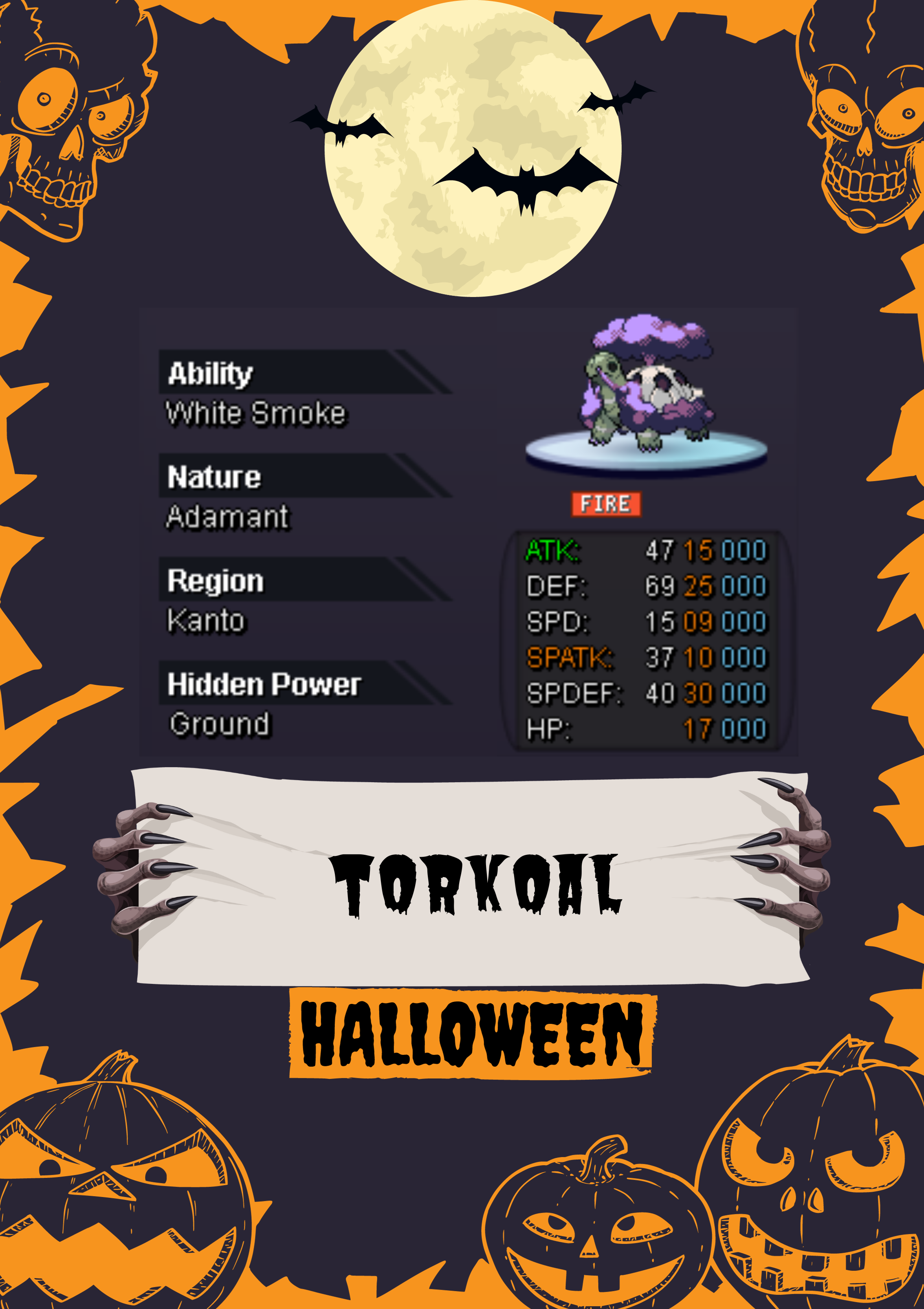
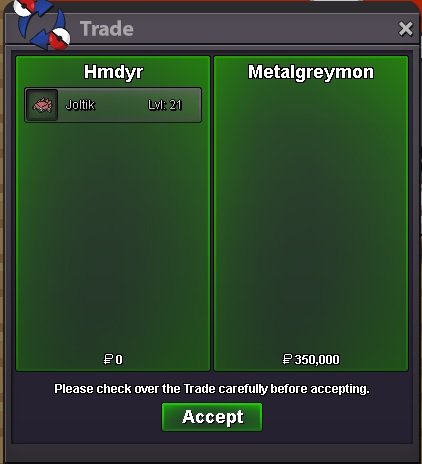
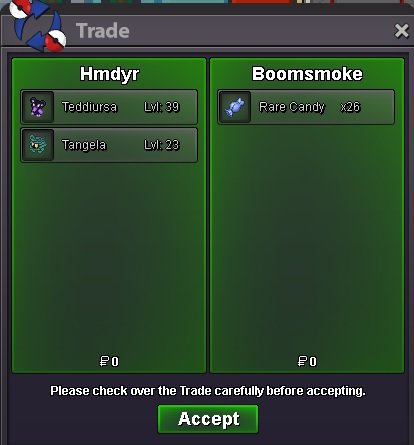
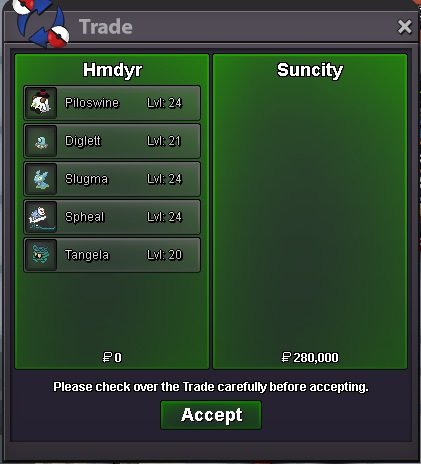
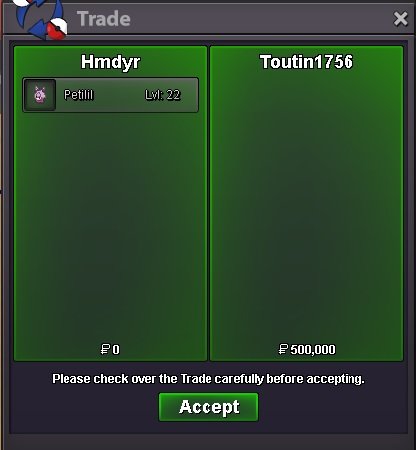
@Lacomus thank you my friend thx to my friend Dridbox ❤️@Mainvijay some one paid 500K but i can't sorry. if the first guy didn't want it i will put it again the rules : 6. Offers received outside of an auction cannot be: - Claimed or used as current or best offer.@Suncity add me im in game HMDyR now / for bold tang i can't already one offered i wait for him@Metalgreymon @Oakprofessor add me HMDyR / Discord : HMDyRWelcome to your shop here you can find your Event Pokémon. Some prices are negotiable! Poke with ( poke ) on waiting for the offer Contact: You can contact me in-game by messaging me at HMDyR/ Discord : HMDyR #HMDyR, or by leaving a message in this shop. Accepted payments other than pokedollar: Coin Capsule: 400k Iv Reroll Ticket: 500k Nature Reroll Ticket: 250k Rare Candy: 5k ____________________________________________________________________________________________ Event Pokémon



















 Hello @Epithet, Its worked. Thank you so much.
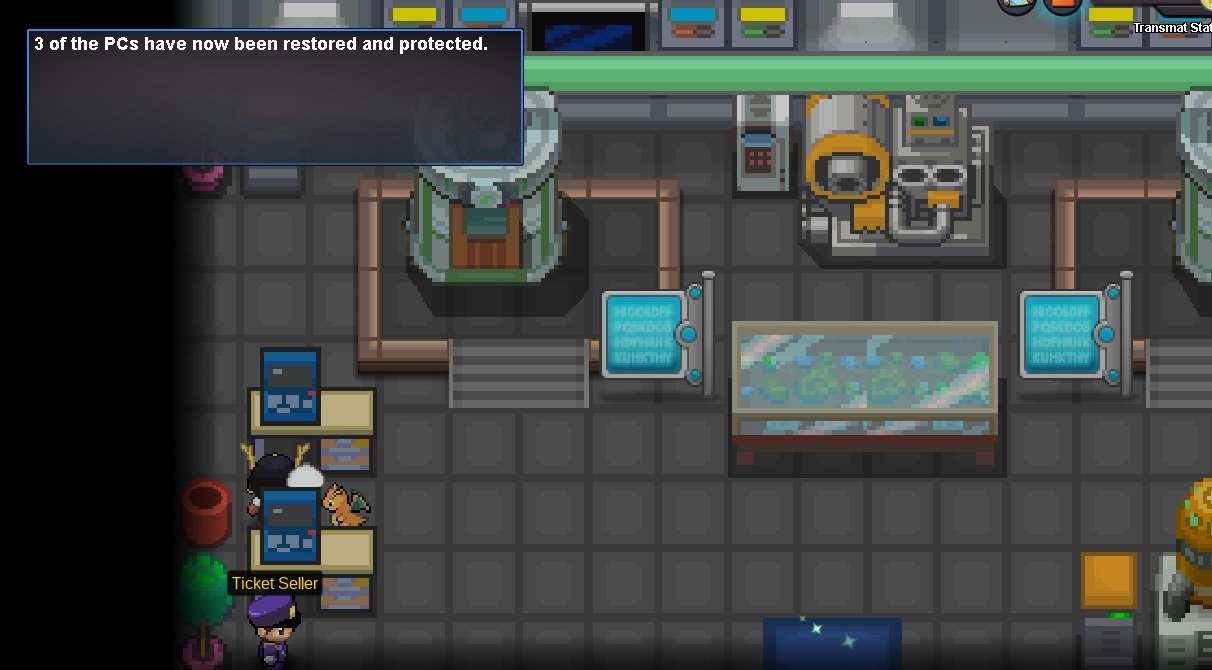 Hello, Im in Hoenn quest teleport all the mission is going good but when im in installing the device on 3PC i just got 2 PC installed P.S (i passed the map 4 times) MAP ⭕ where installed / X not working did i miss something? please i need your help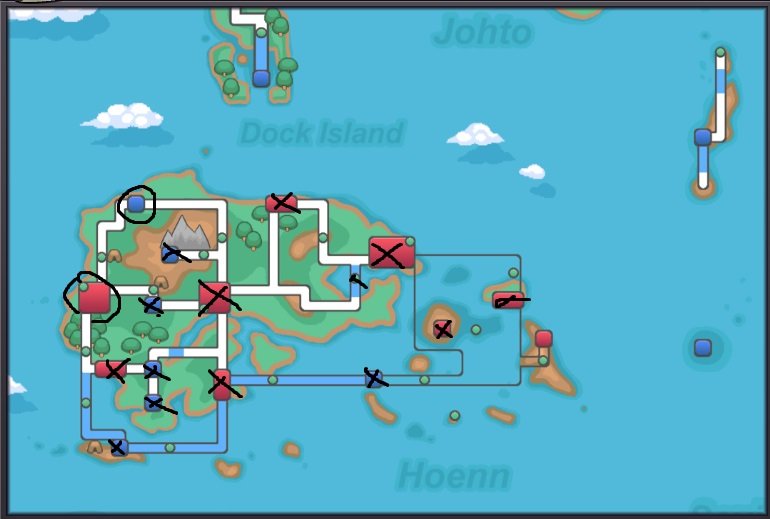


Account
Navigation
Search
Configure browser push notifications
Chrome (Android)
- Tap the lock icon next to the address bar.
- Tap Permissions → Notifications.
- Adjust your preference.
Chrome (Desktop)
- Click the padlock icon in the address bar.
- Select Site settings.
- Find Notifications and adjust your preference.
Safari (iOS 16.4+)
- Ensure the site is installed via Add to Home Screen.
- Open Settings App → Notifications.
- Find your app name and adjust your preference.
Safari (macOS)
- Go to Safari → Preferences.
- Click the Websites tab.
- Select Notifications in the sidebar.
- Find this website and adjust your preference.
Edge (Android)
- Tap the lock icon next to the address bar.
- Tap Permissions.
- Find Notifications and adjust your preference.
Edge (Desktop)
- Click the padlock icon in the address bar.
- Click Permissions for this site.
- Find Notifications and adjust your preference.
Firefox (Android)
- Go to Settings → Site permissions.
- Tap Notifications.
- Find this site in the list and adjust your preference.
Firefox (Desktop)
- Open Firefox Settings.
- Search for Notifications.
- Find this site in the list and adjust your preference.