




New Trade Zone
Trade Zone is now live
Use the new Trade Zone for auctions and instant-price trades so Pokemon and item offers are easy to find.


Xxxrosxxx
Registered User
-
Joined
-
Last visited
Everything posted by Xxxrosxxx
-
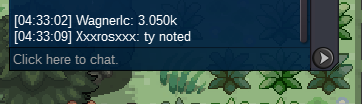
3,050,000
-
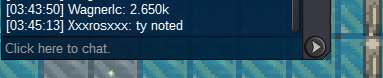
2,650,000
-
Hey @Lunsant1998this is going to be my last attempt to reach out. Wondering if you've made a decision about the auction, would you like to purchase at your offer of 300k?
-
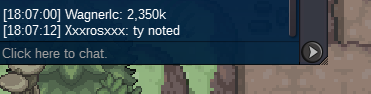
2,350,000
-
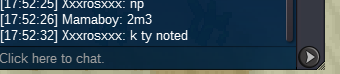
Auction has 12 hrs 54 mins left
-
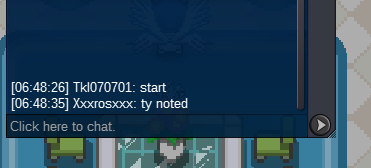
Hey @Lunsant1998it's been a couple days, been wondering if you've made a decision on froakie. ^.^650kIn game and forum posts both count, im strictly going by the time recieved; his was at 6:48 am (in game), and yours is showing 6:49 am when I hover over it. Not sure how it works when they are 30 seconds or less apart, we can also ask a mod which would be the start, though at this point it's been taken higher.
 Tkl started like 30 seconds earlier in game, sorryAuction will end Jan 20th, 6:48 am EST
 s/o 300k 50k min raise no insta pokedollars/cc's-380k Auction will end 72 hours after start offer/bid has been made Good luck all Auction ENDS Jan 20th 6:48 am EST https://www.timeanddate.com/countdown/generic?iso=20240120T0648&p0=2118&msg=Phantump+Auction&font=cursive&csz=1
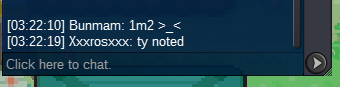
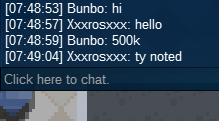
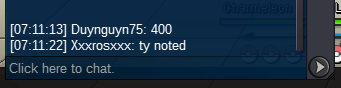
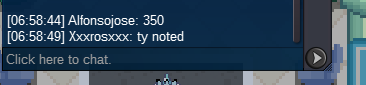
 @Fercho0oI'm back on and should be on for the next 9-10 hours180k@Fercho0oim available now 😃 You can message me in game, xxxrosxxx, or on discord xros6252Got ahold of winner in game and this is what followed; Not sure how I should proceed?
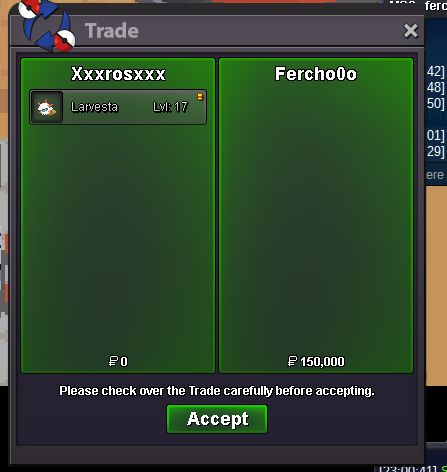
 Auction has ended, @Fercho0ohas won with a bid of 150k! You can message me in game, xxxrosxxx. I'll be on for a bit.My discord is xros6252




Account
Navigation
Search
Configure browser push notifications
Chrome (Android)
- Tap the lock icon next to the address bar.
- Tap Permissions → Notifications.
- Adjust your preference.
Chrome (Desktop)
- Click the padlock icon in the address bar.
- Select Site settings.
- Find Notifications and adjust your preference.
Safari (iOS 16.4+)
- Ensure the site is installed via Add to Home Screen.
- Open Settings App → Notifications.
- Find your app name and adjust your preference.
Safari (macOS)
- Go to Safari → Preferences.
- Click the Websites tab.
- Select Notifications in the sidebar.
- Find this website and adjust your preference.
Edge (Android)
- Tap the lock icon next to the address bar.
- Tap Permissions.
- Find Notifications and adjust your preference.
Edge (Desktop)
- Click the padlock icon in the address bar.
- Click Permissions for this site.
- Find Notifications and adjust your preference.
Firefox (Android)
- Go to Settings → Site permissions.
- Tap Notifications.
- Find this site in the list and adjust your preference.
Firefox (Desktop)
- Open Firefox Settings.
- Search for Notifications.
- Find this site in the list and adjust your preference.