New Trade Zone
Trade Zone is now live
Use the new Trade Zone for auctions and instant-price trades so Pokemon and item offers are easy to find.


Xxxrosxxx
Registered User
-
Joined
-
Last visited
Everything posted by Xxxrosxxx
-
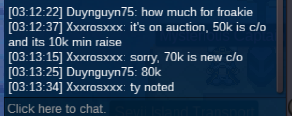
75k kingdra and 125k sceptile
-
Auction ends 1/15 2:38 PM EST
-
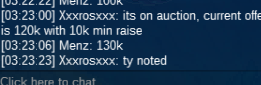
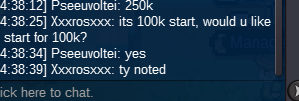
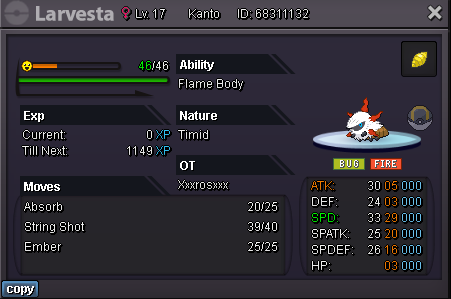
S/o 100k Min raise 25k No Insta Pokedollars Only Auction ends 24 hours after start Good luck all

-
-
So at the moment I have 2 auctions(1 form auction, 1 regular) which have both ENDED but i'm waiting for buyers to get on. In one case its been almost 40 hours. My question is, Can I start a new auction, seeing technically the previous ones are concluded, just waiting for responses. I did read auction rules and didn't see much about it. Thanks in advance!
-
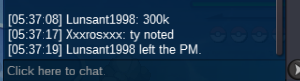
Hey @Dduger15back it's been about 30 hours since auction ended, i've tried reaching out many times in game with no success. In about 6-7 hours when I wake up, If no response I'm going to ask a mod to step in and help out.
-
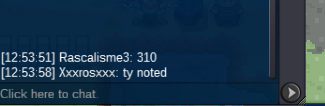
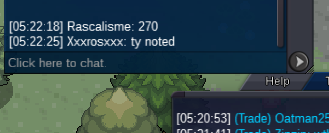
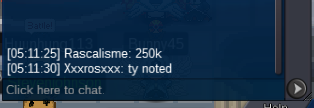
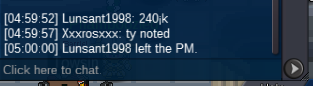
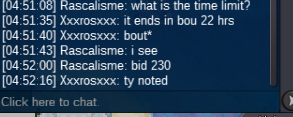
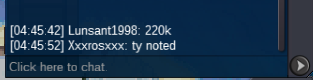
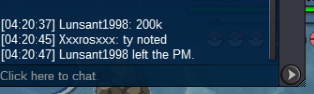
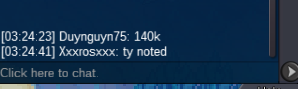
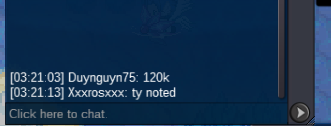
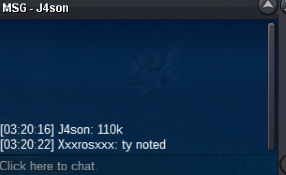
Auction ended! @Rascalisme3 has won with a bid of 310k! You can reach me in game xxxrosxxx, I will try to reach out as well!
-
Start sceptile and Kingdra
-
Account
Navigation
Search
Configure browser push notifications
Chrome (Android)
- Tap the lock icon next to the address bar.
- Tap Permissions → Notifications.
- Adjust your preference.
Chrome (Desktop)
- Click the padlock icon in the address bar.
- Select Site settings.
- Find Notifications and adjust your preference.
Safari (iOS 16.4+)
- Ensure the site is installed via Add to Home Screen.
- Open Settings App → Notifications.
- Find your app name and adjust your preference.
Safari (macOS)
- Go to Safari → Preferences.
- Click the Websites tab.
- Select Notifications in the sidebar.
- Find this website and adjust your preference.
Edge (Android)
- Tap the lock icon next to the address bar.
- Tap Permissions.
- Find Notifications and adjust your preference.
Edge (Desktop)
- Click the padlock icon in the address bar.
- Click Permissions for this site.
- Find Notifications and adjust your preference.
Firefox (Android)
- Go to Settings → Site permissions.
- Tap Notifications.
- Find this site in the list and adjust your preference.
Firefox (Desktop)
- Open Firefox Settings.
- Search for Notifications.
- Find this site in the list and adjust your preference.