New Trade Zone
Trade Zone is now live
Use the new Trade Zone for auctions and instant-price trades so Pokemon and item offers are easy to find.


Lordofthetrades
Registered User
-
Joined
-
Last visited
Everything posted by Lordofthetrades
-
Hey! You may pm me on Discord, my nick is thewhitegandalf. We can coordinate the trade there.
-
Thanks @Gaabo!
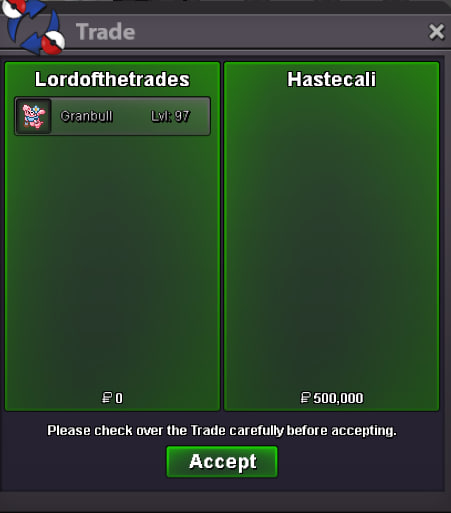 Thanks @Nasslamenace!
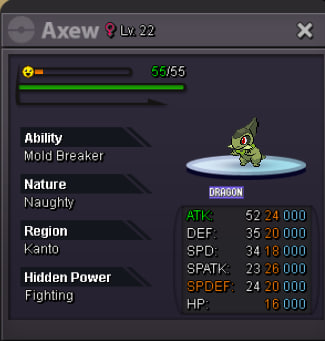
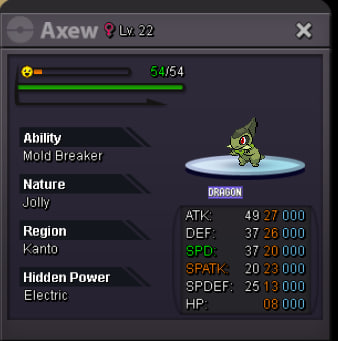
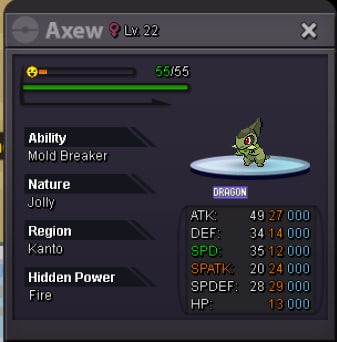
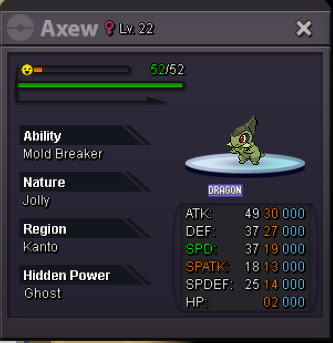
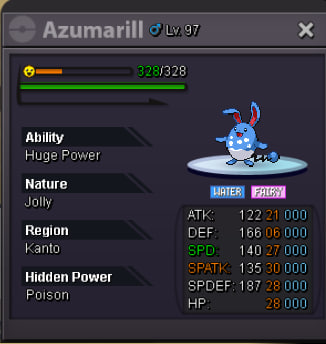
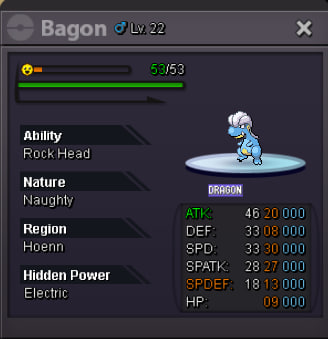
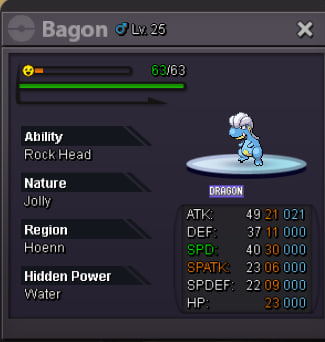
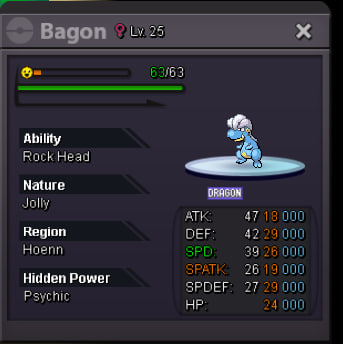
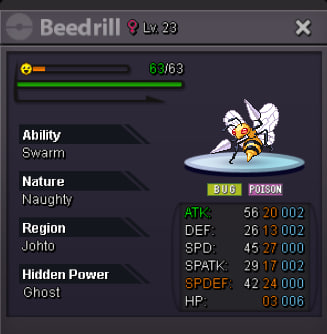
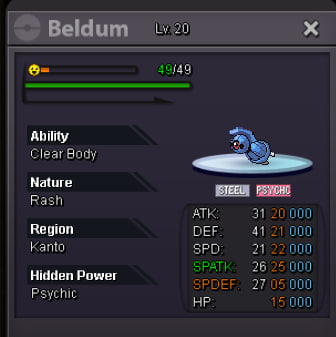
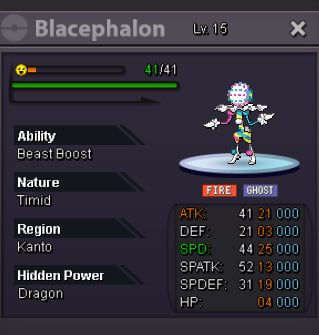
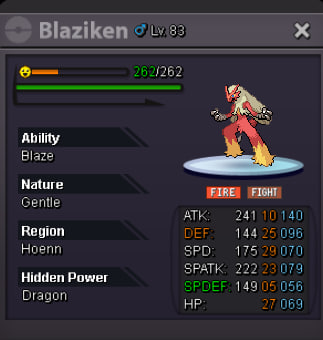
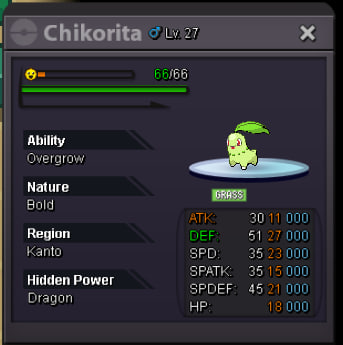
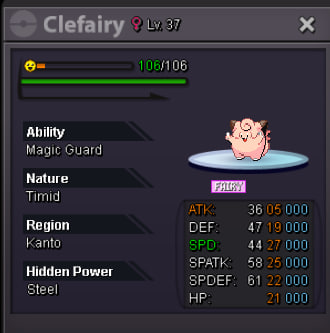
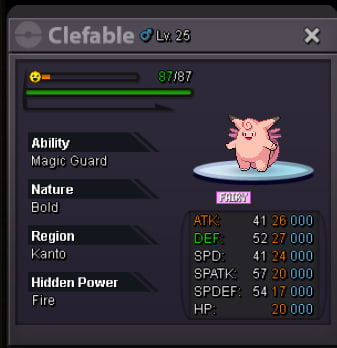
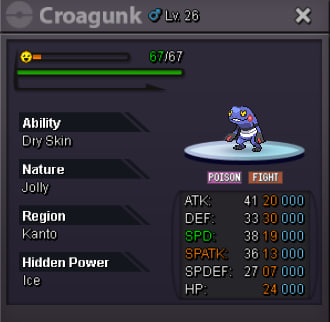
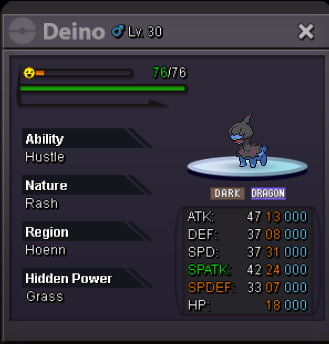
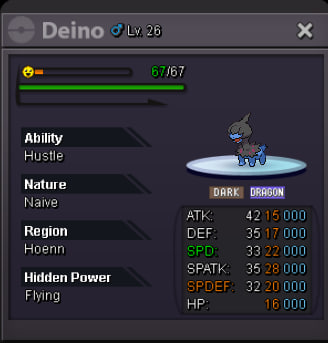
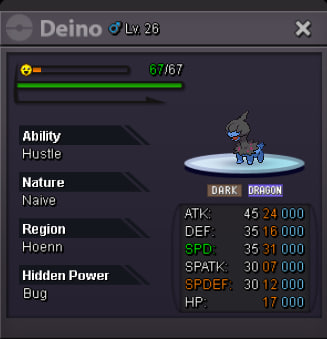
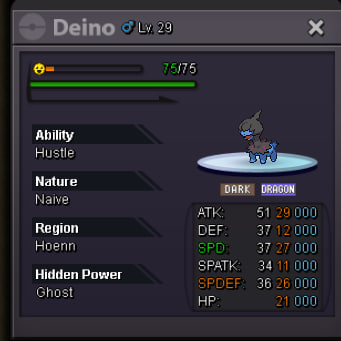
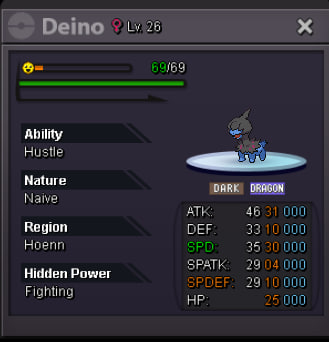
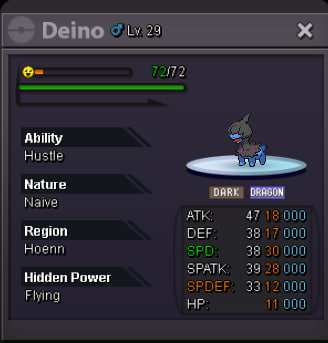
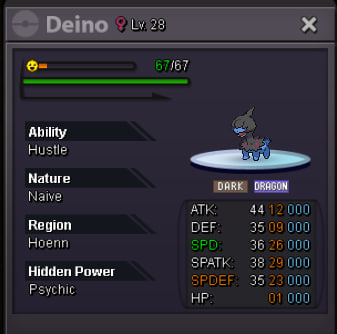
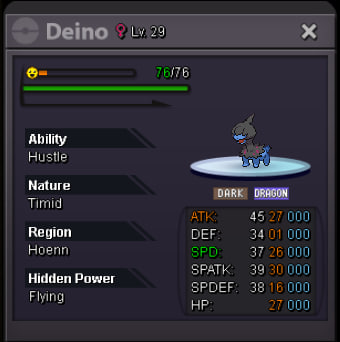
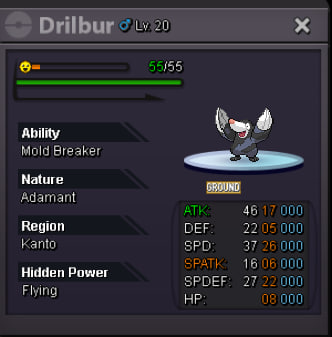
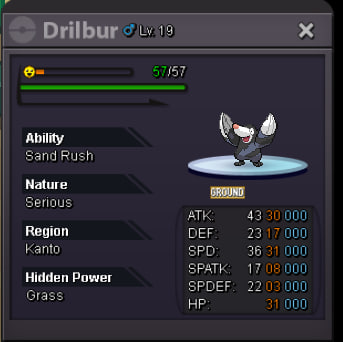
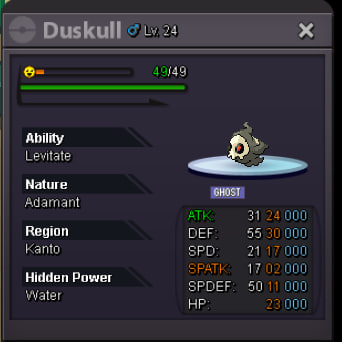
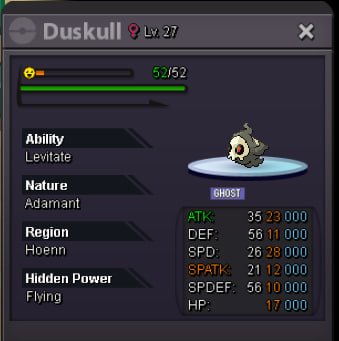
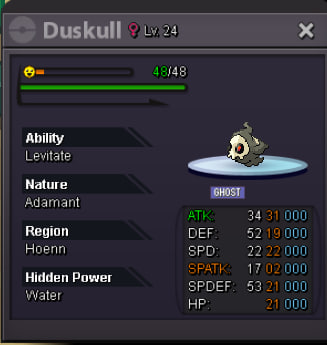
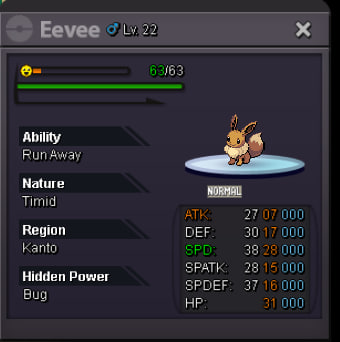
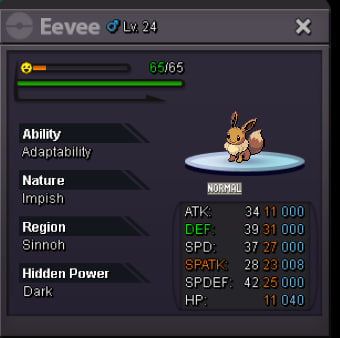
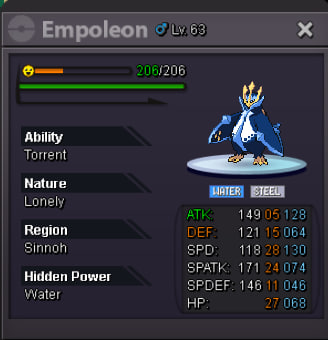
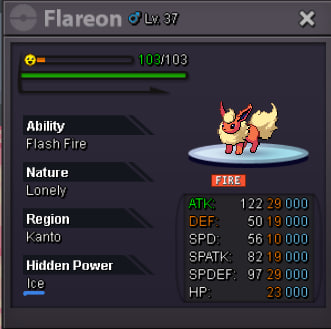
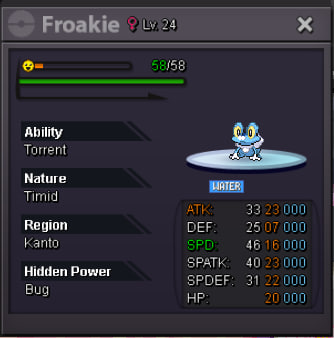
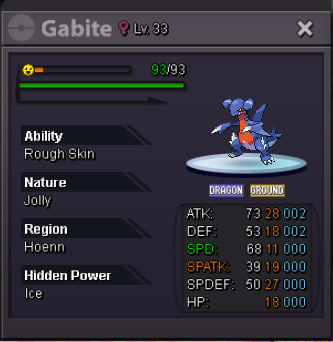
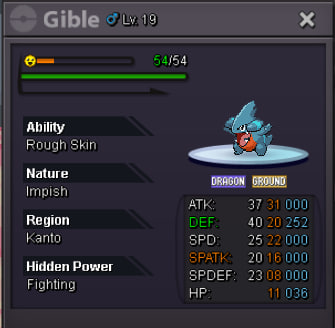
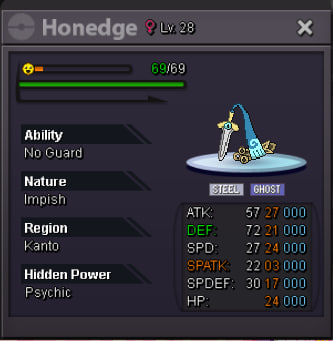
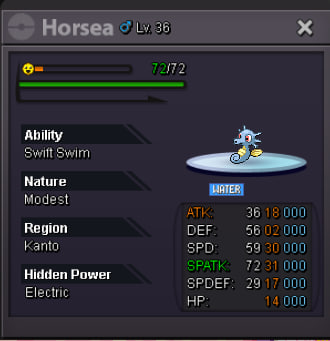
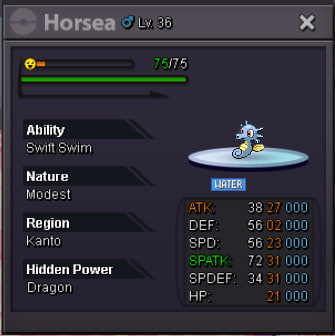
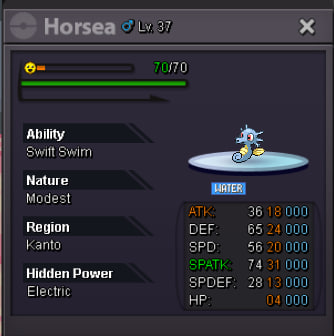
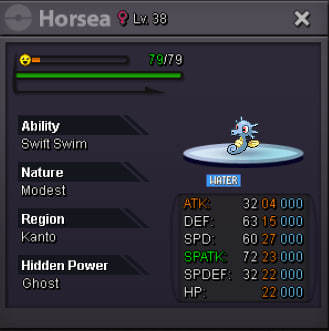
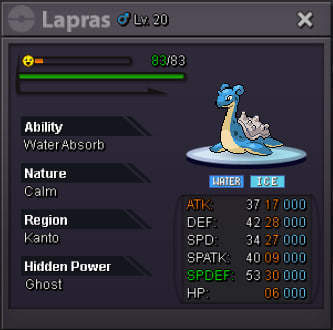
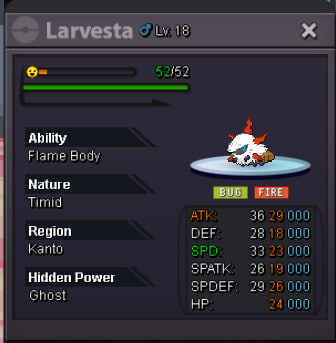
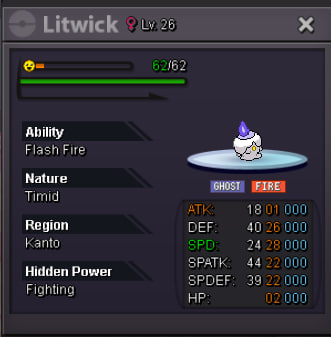
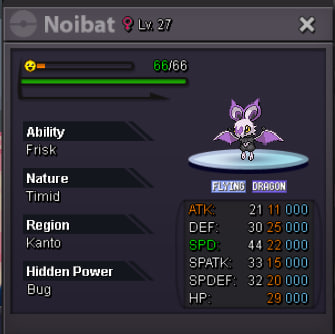
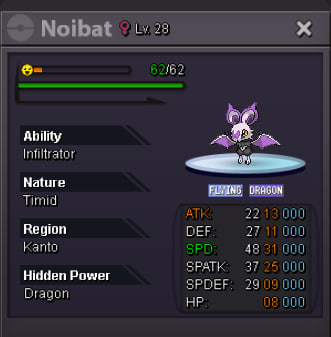
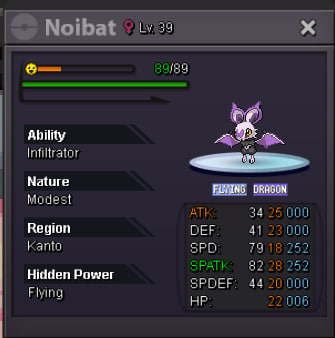
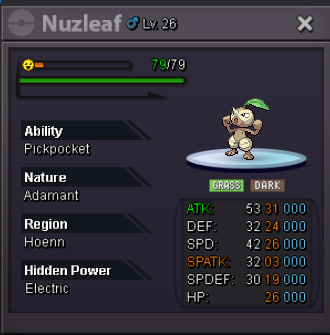
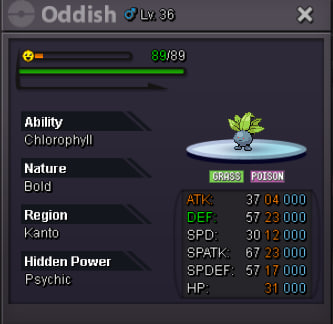
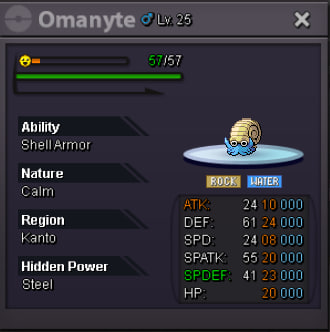
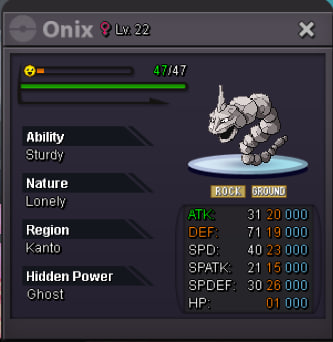
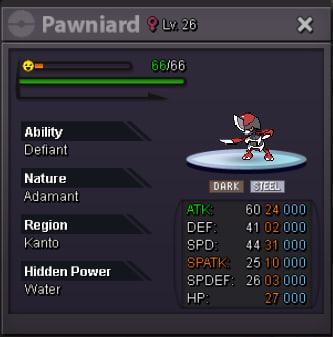
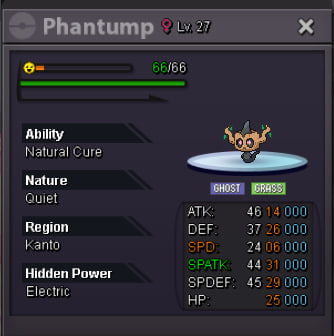
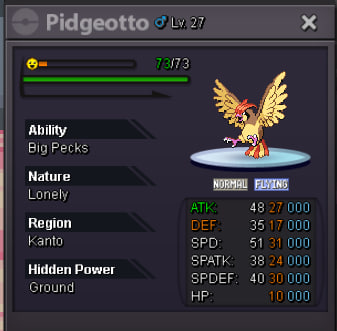
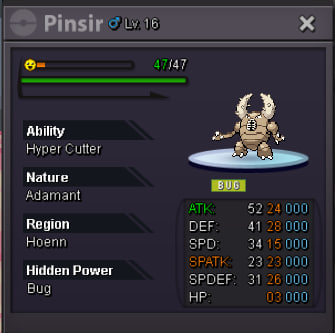
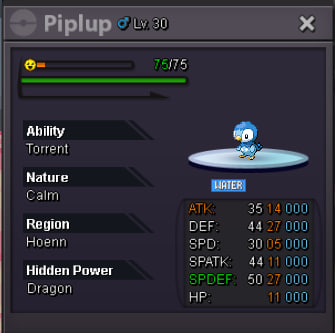
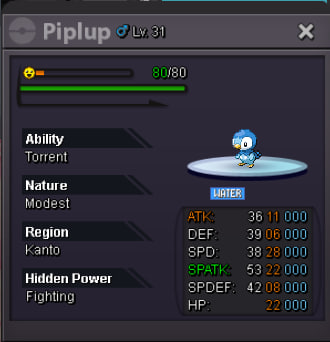
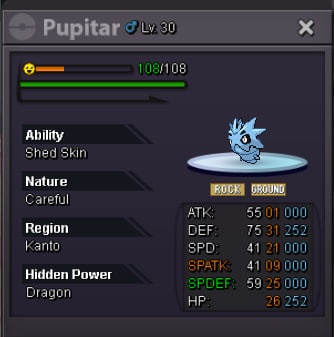
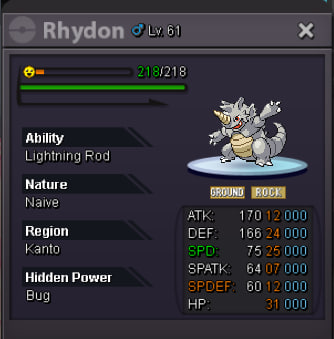
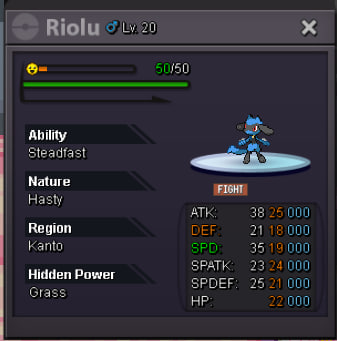
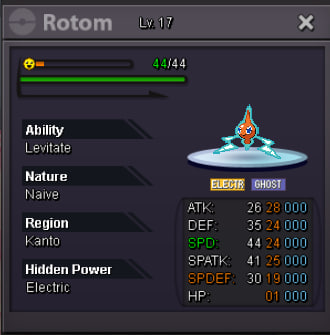
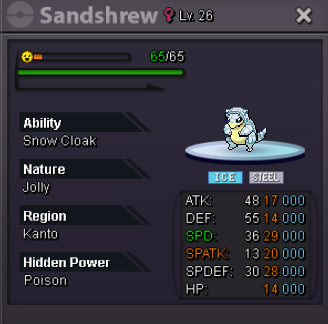
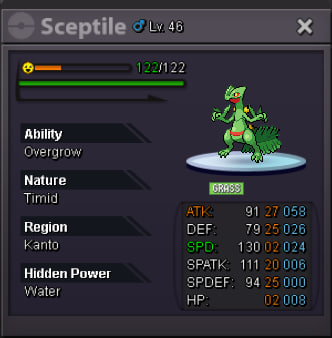
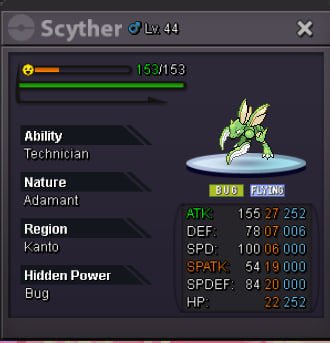
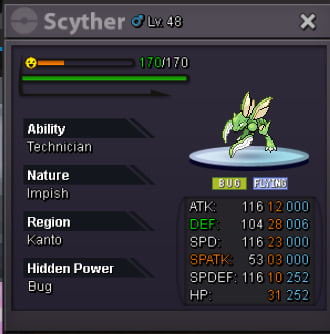
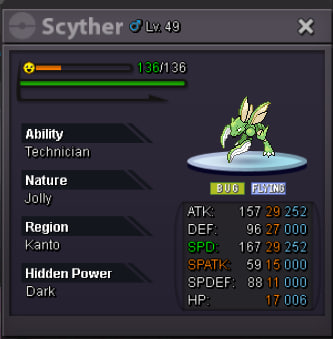
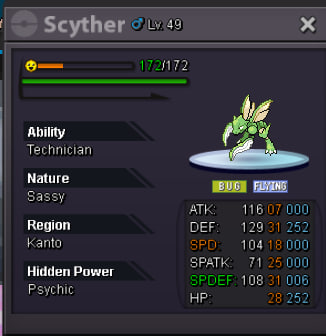
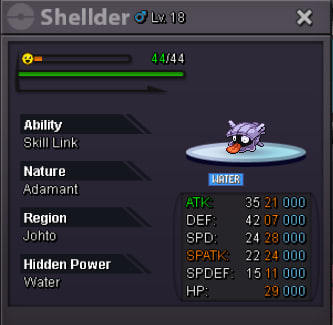
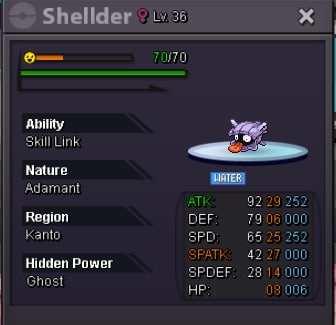
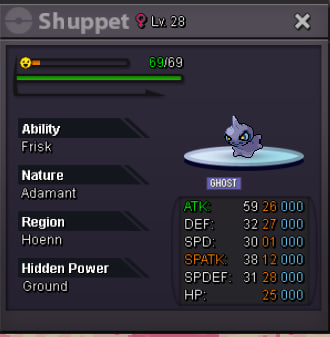
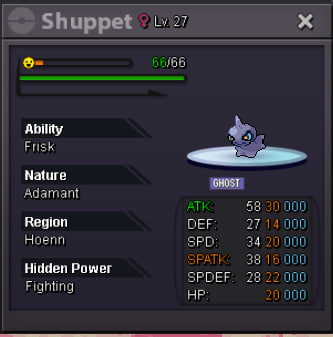
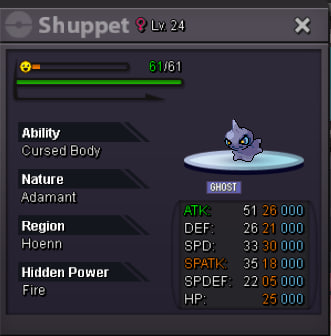
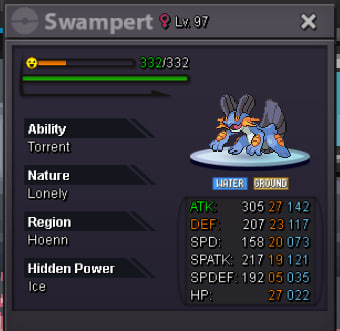
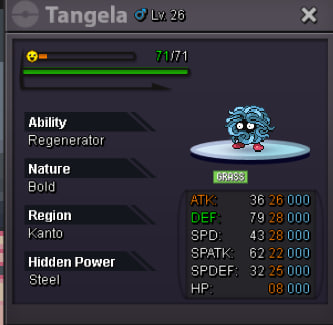
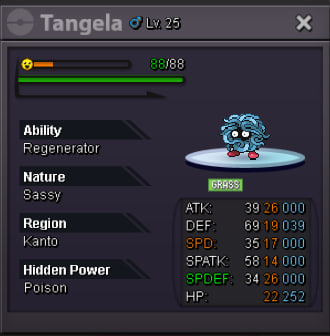
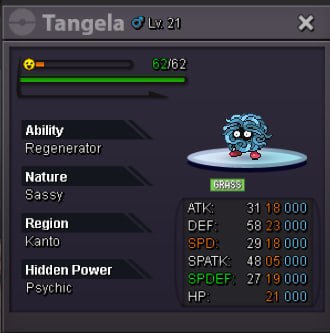
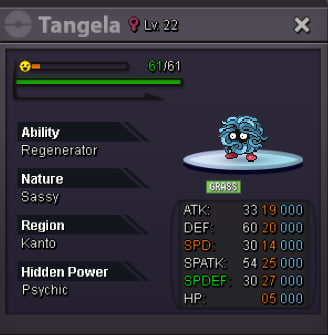
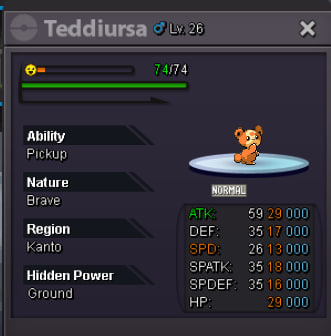
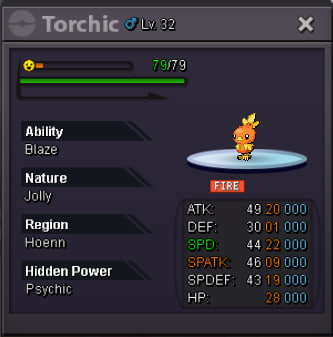
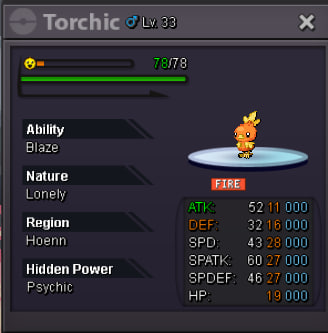
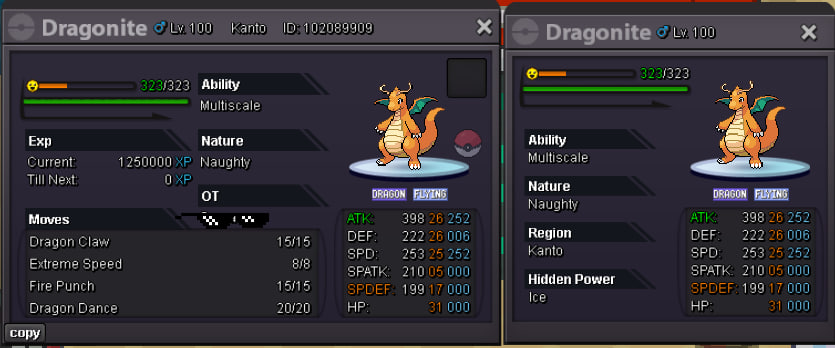
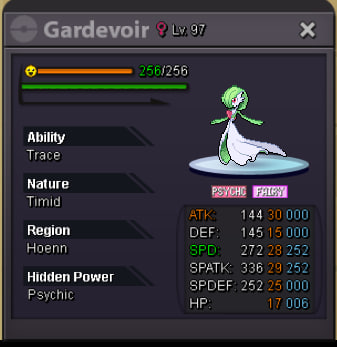
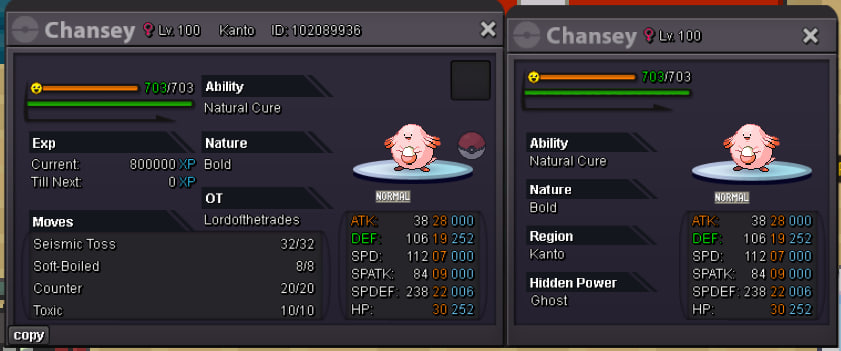
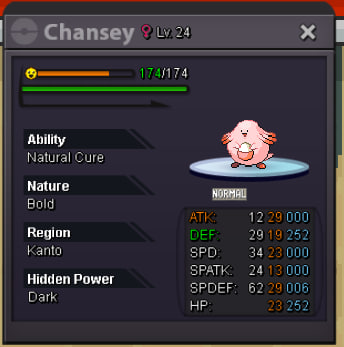
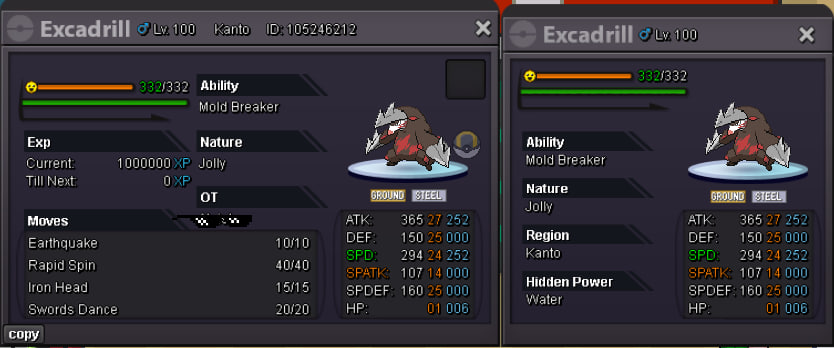
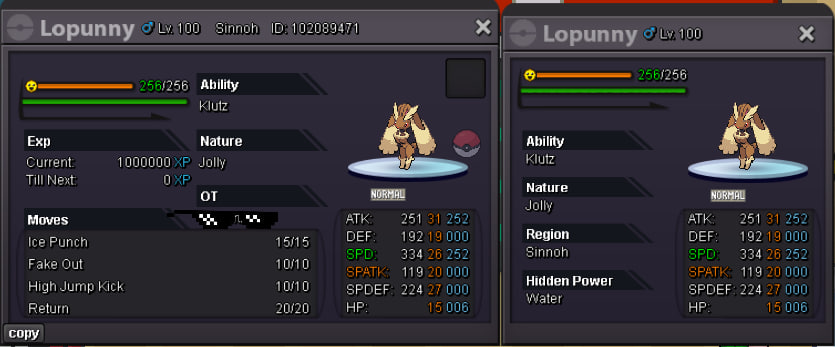
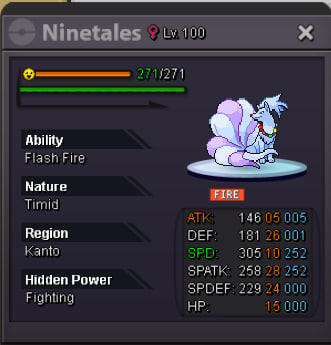
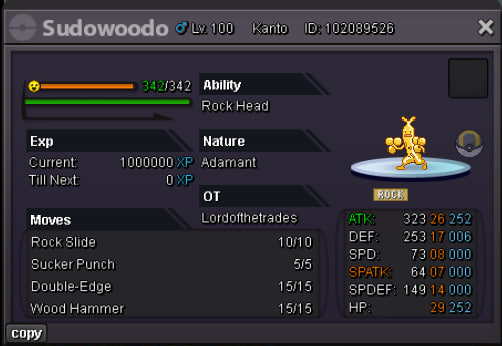
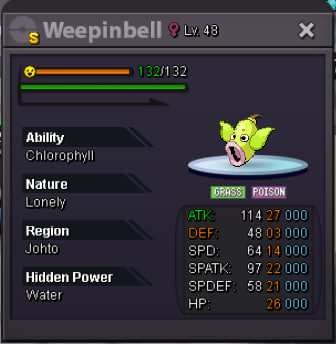
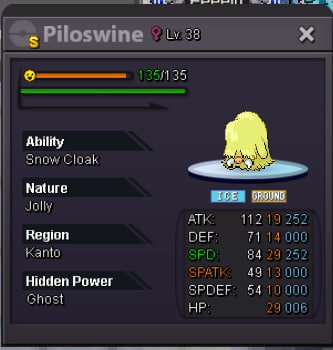
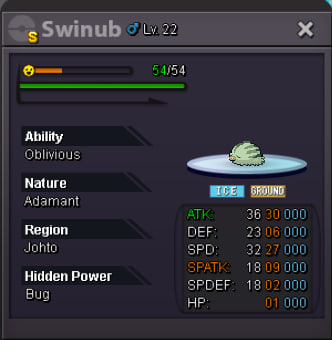
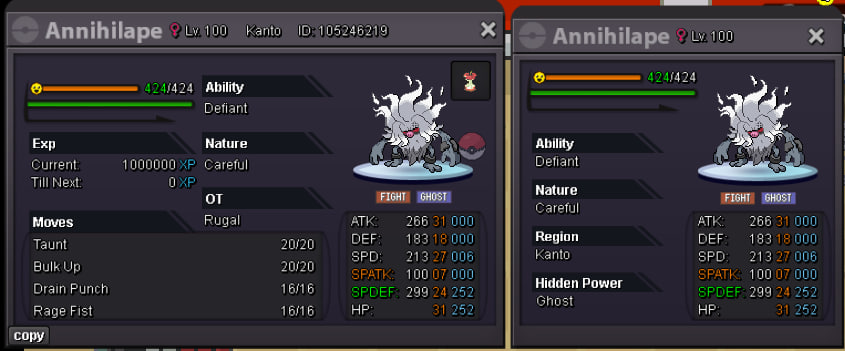
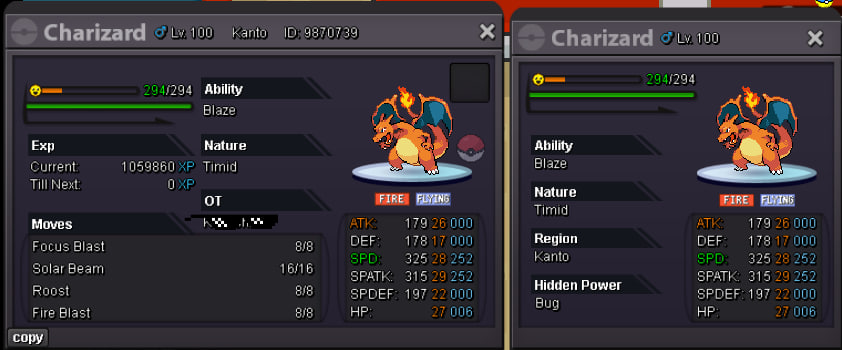
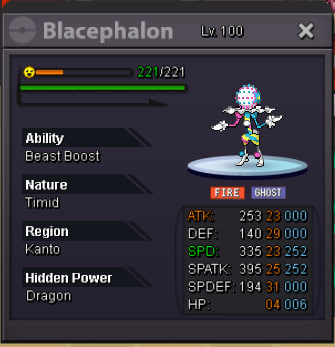
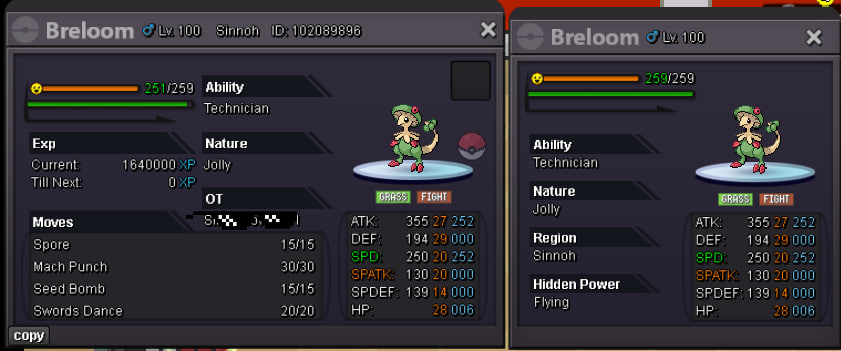
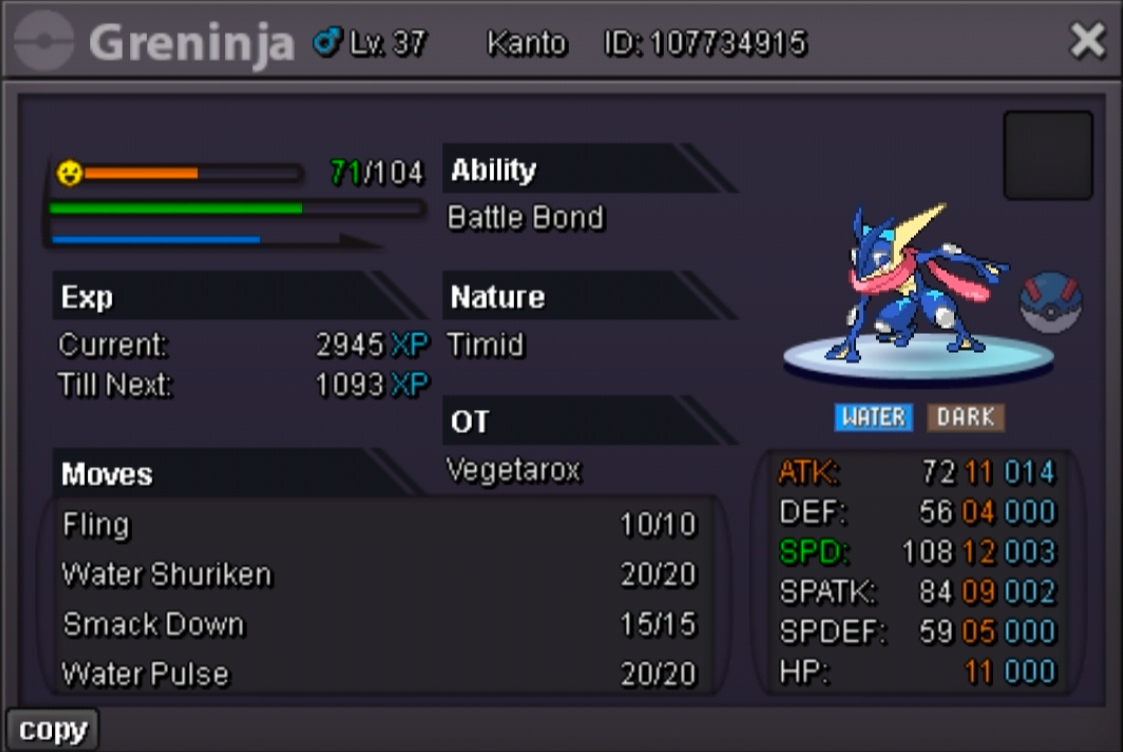
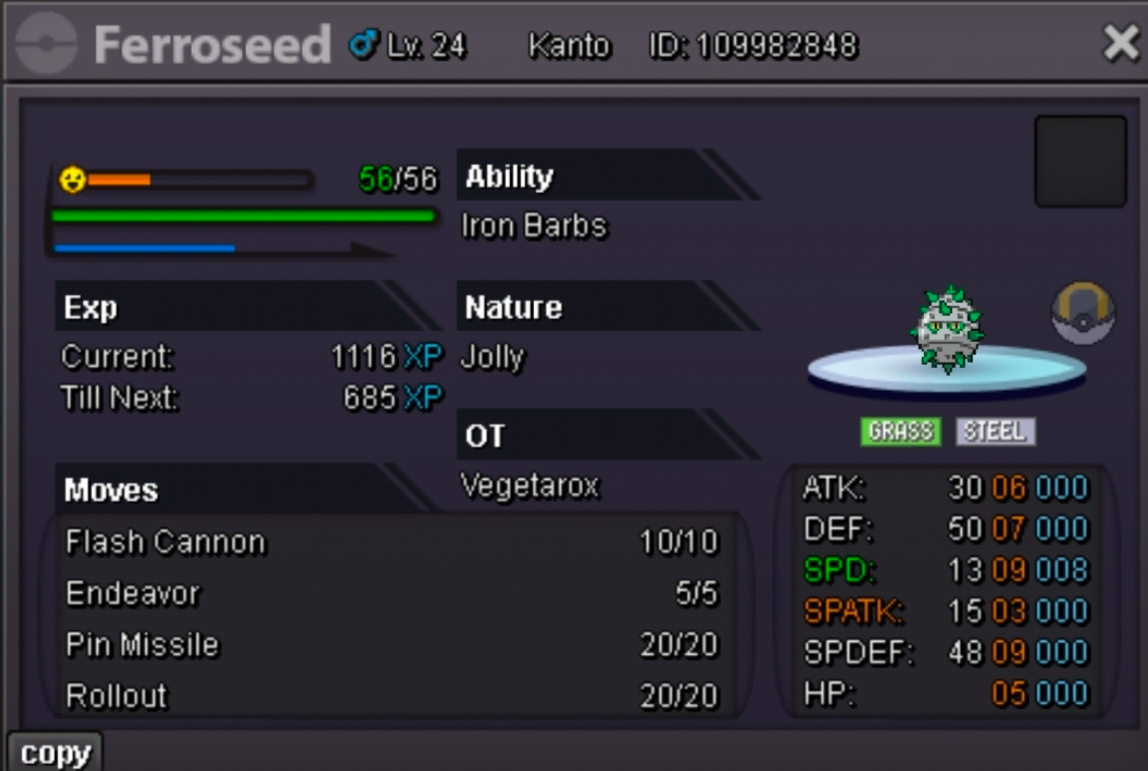
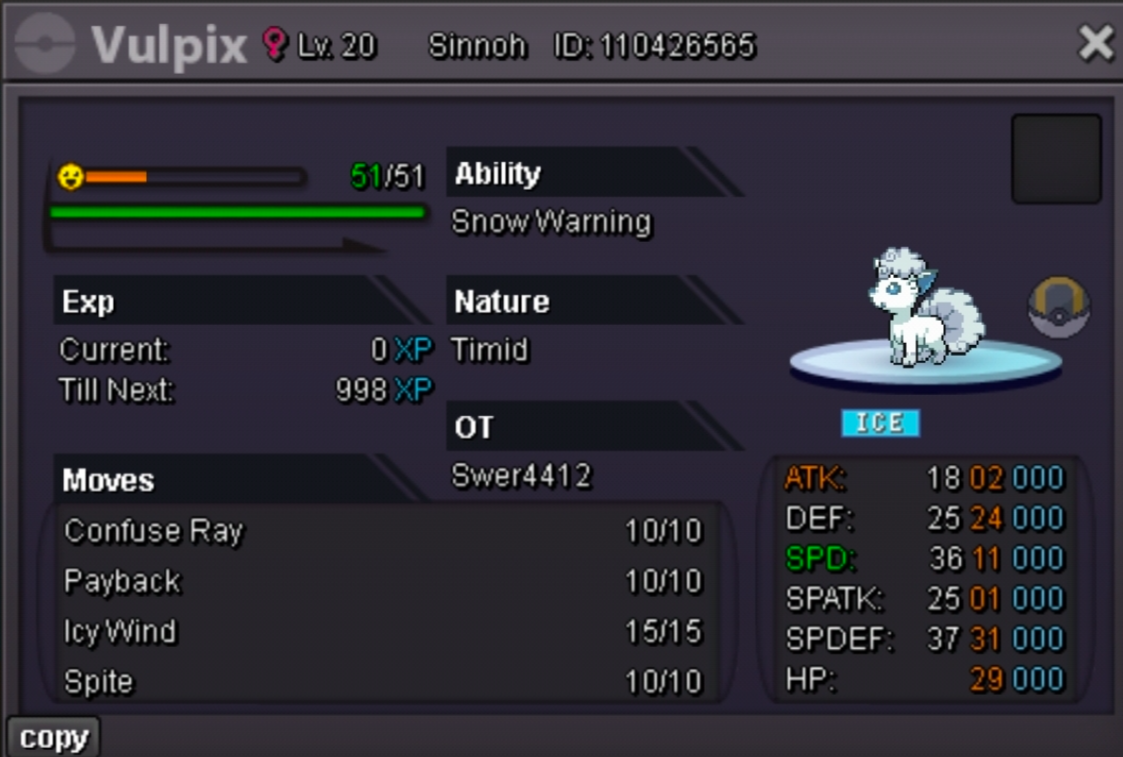
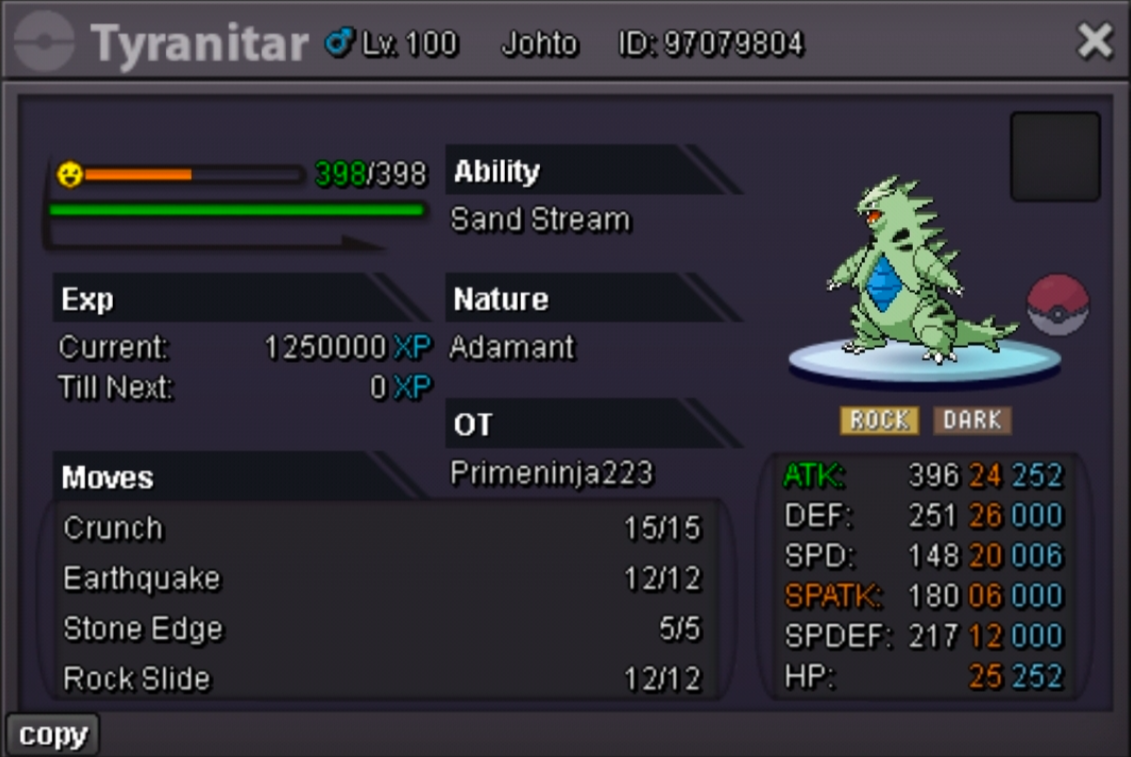
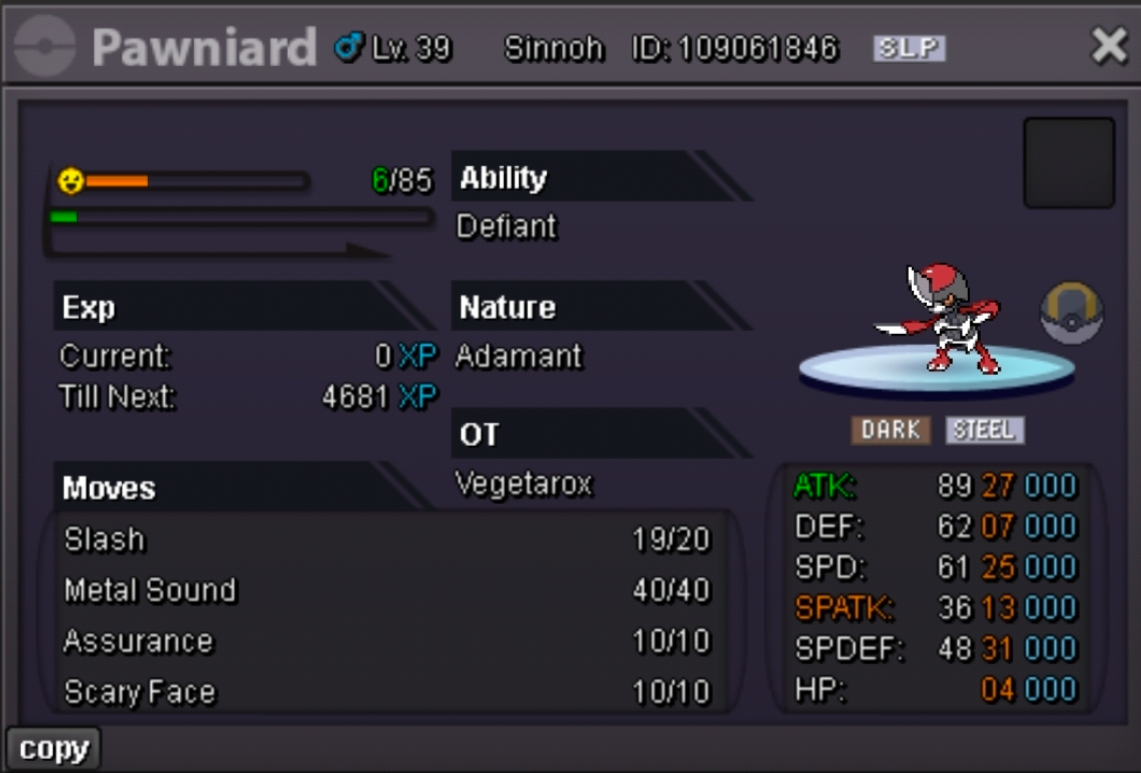
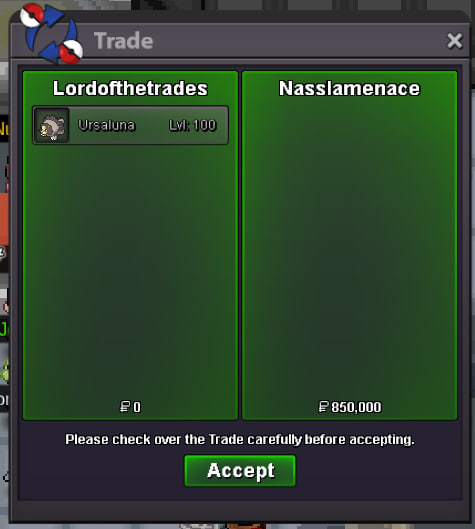 Welcome to our guild shop! Be sure to check out often to stay updated with new mons and offers! Accepted payment methods: RRs = 600k CCs = 500k Nature RRs = 300k RCs = 6k each Pokedollars Offers cannot be canceled Prices are negotiable, ask for them No auctions, only instant prices This is a Silver server shop, if you are from Gold, you should afford the costs of server transfer Featured Mons (new or special offers) Untrained Trained / PVP Shinies / Forms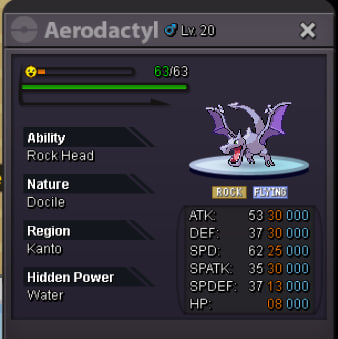
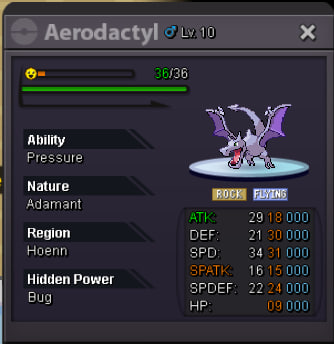
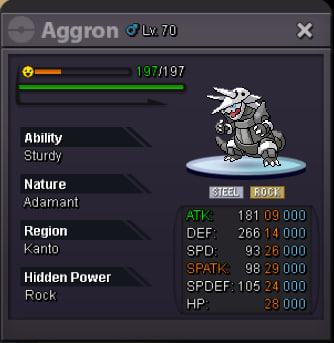
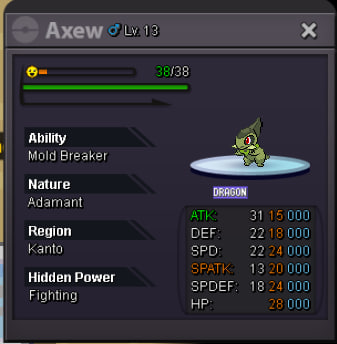
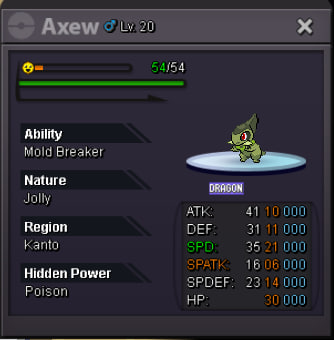
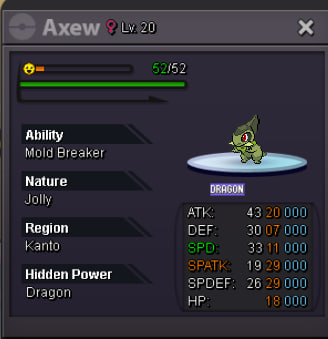
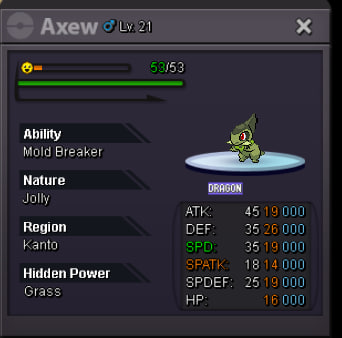
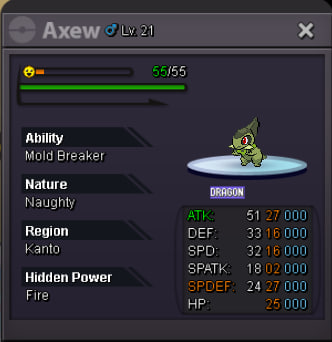
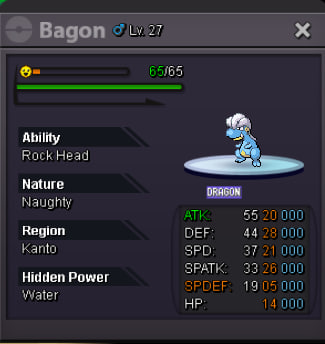
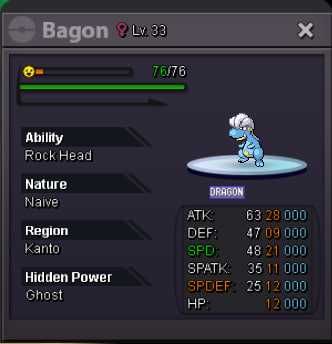
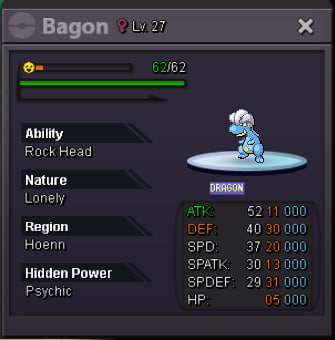
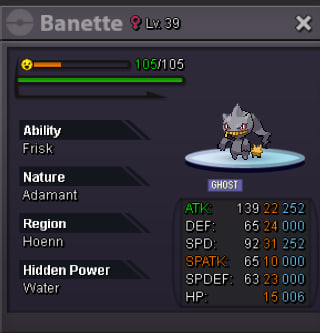
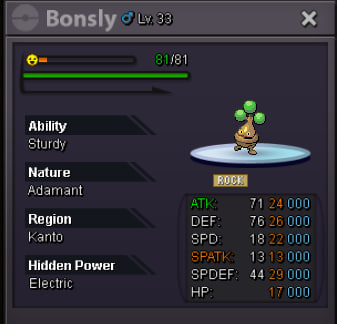
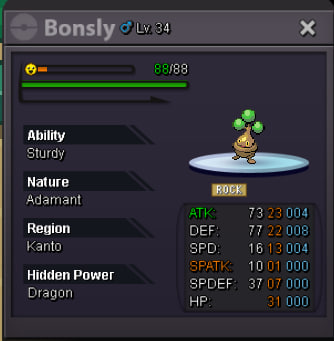
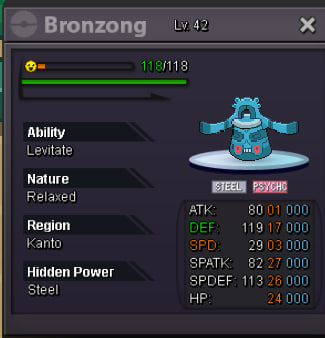
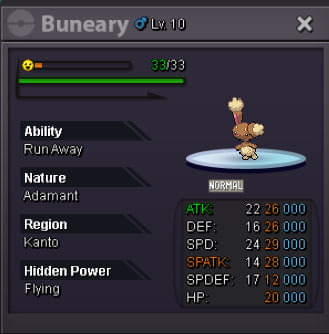
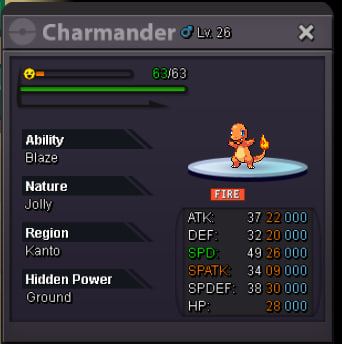

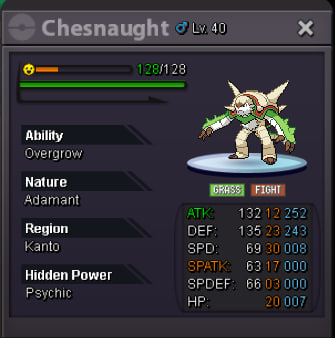
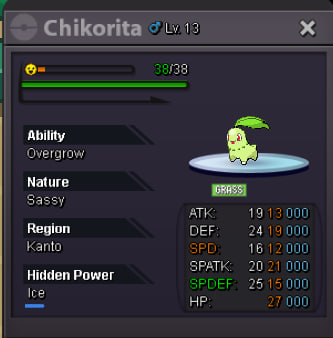

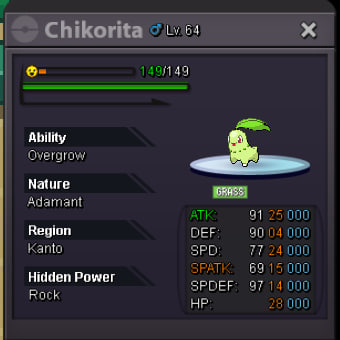


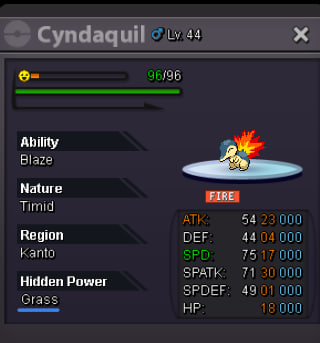
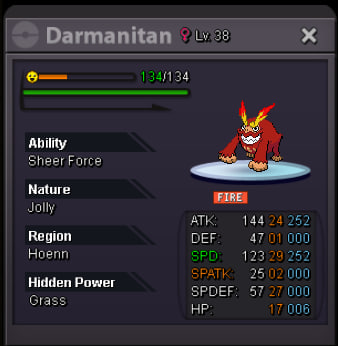
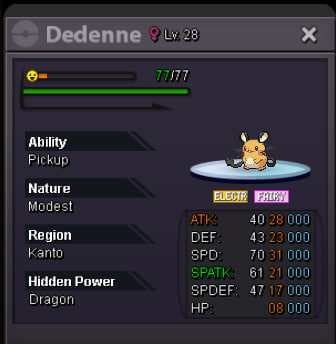
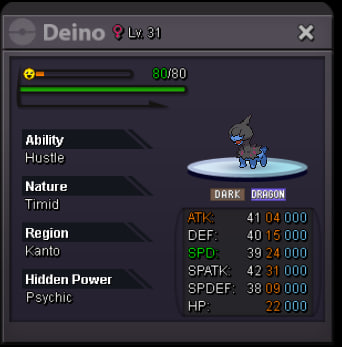
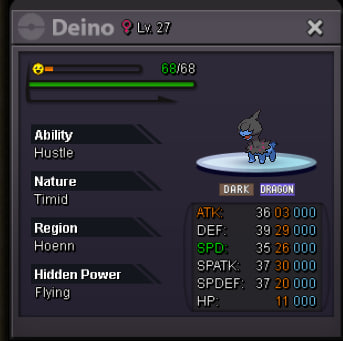
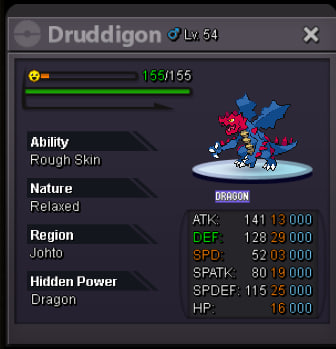
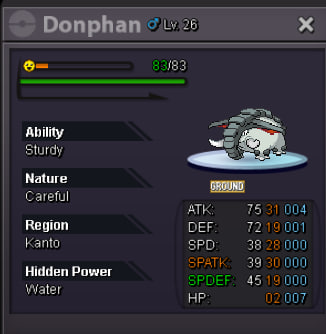
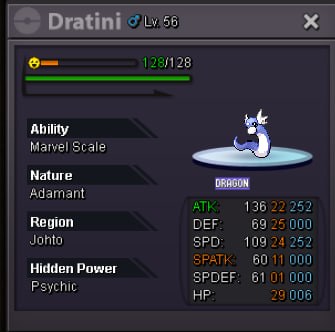

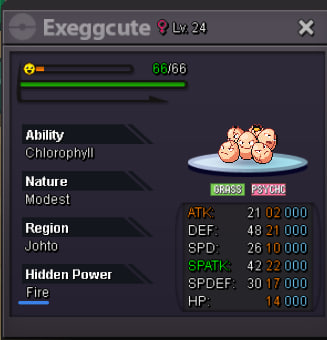
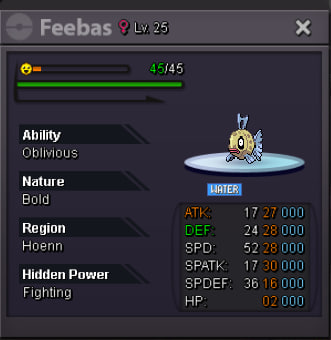
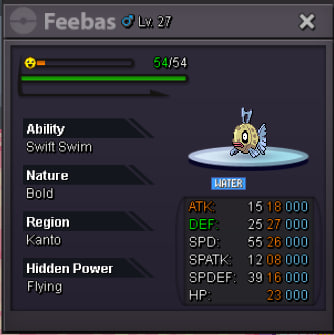
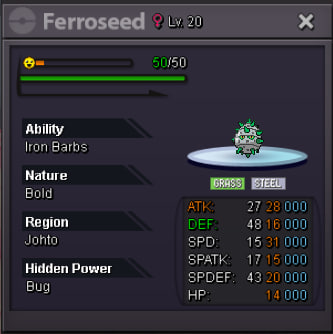
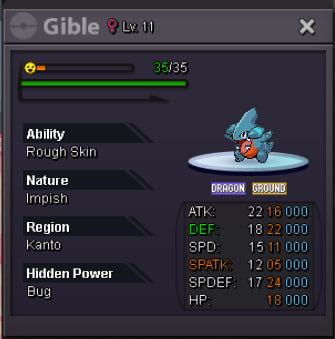
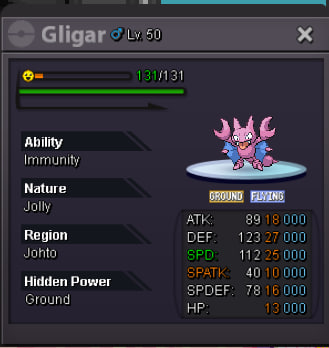
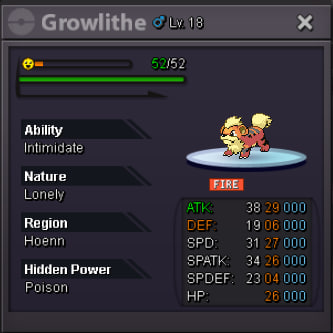
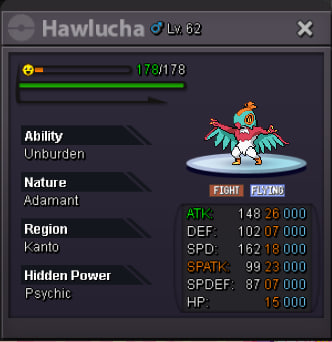
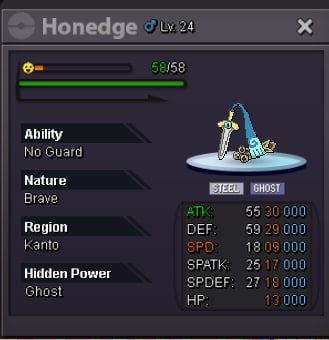
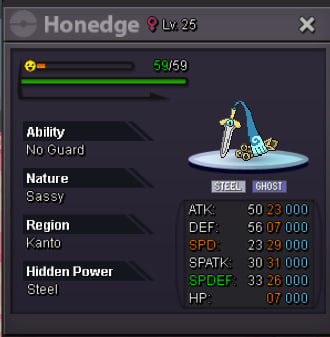
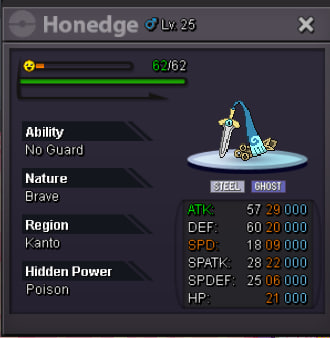
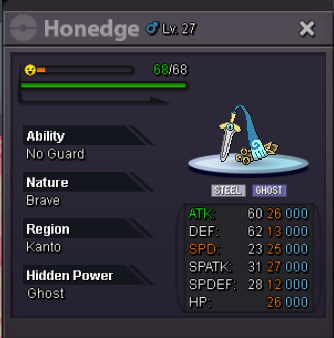

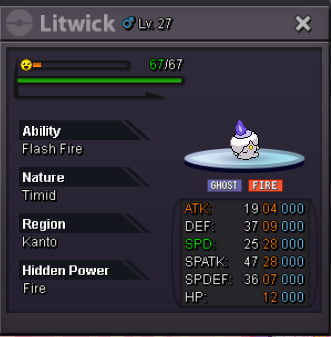
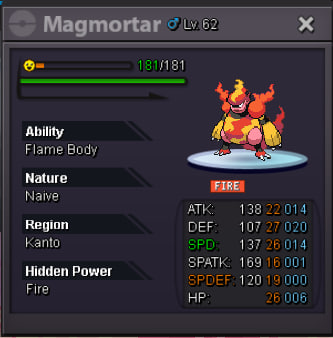
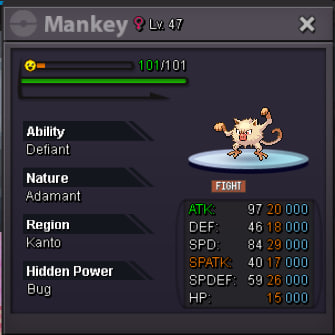
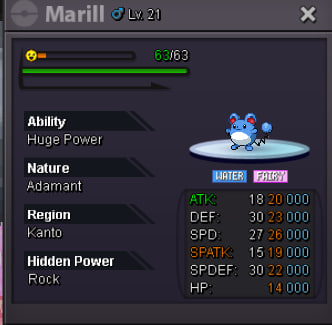
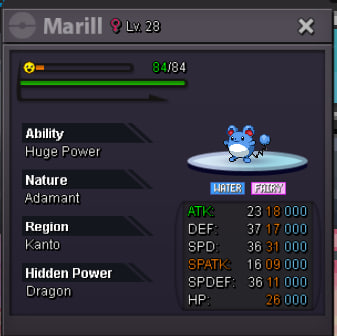
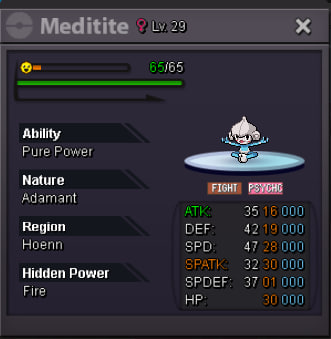
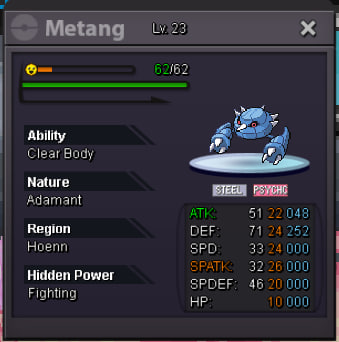
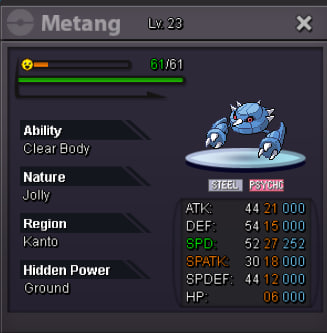
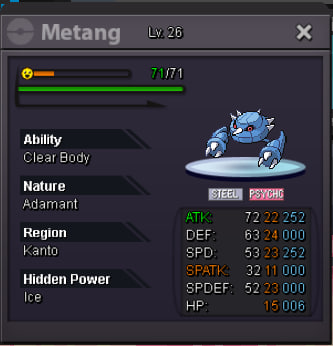
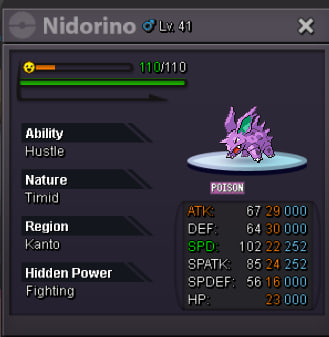
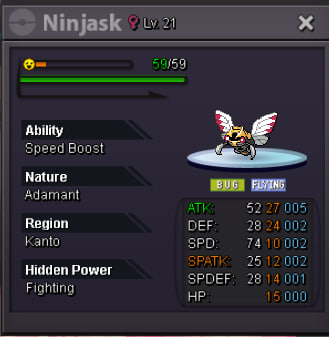
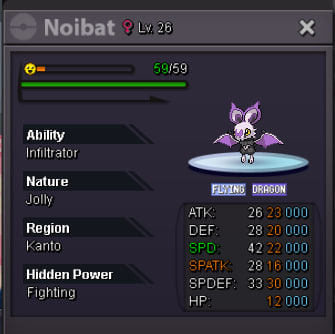
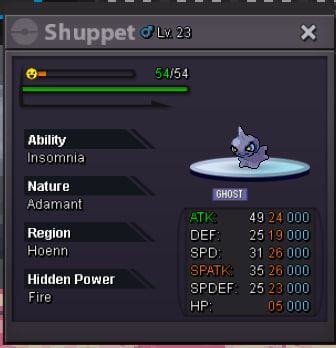
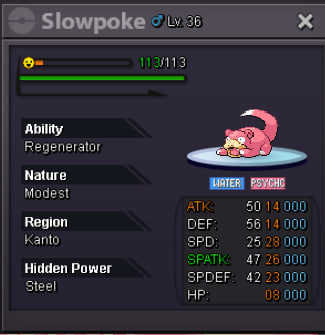
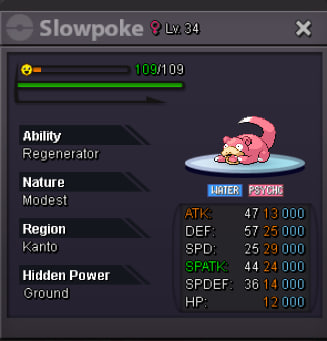
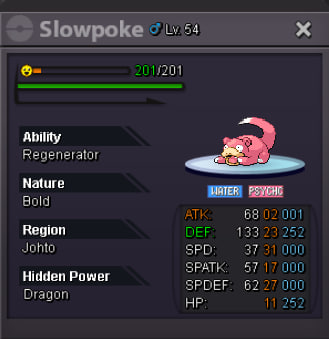
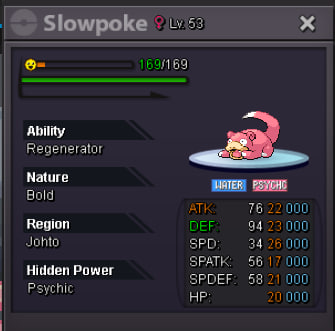

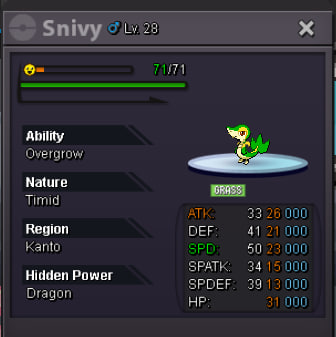
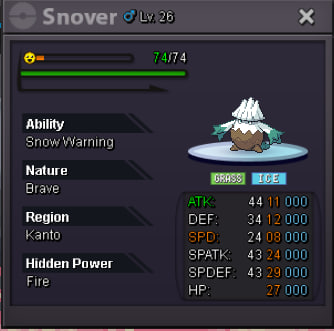

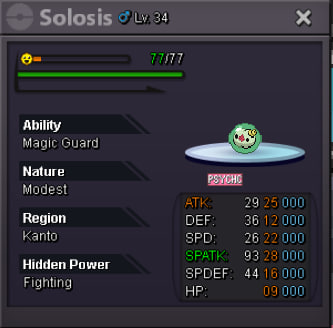


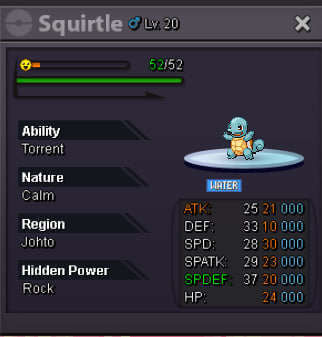
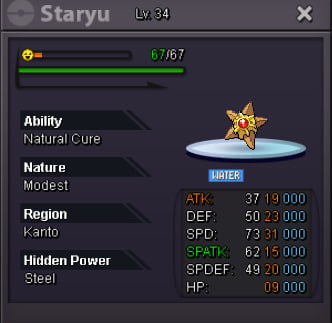
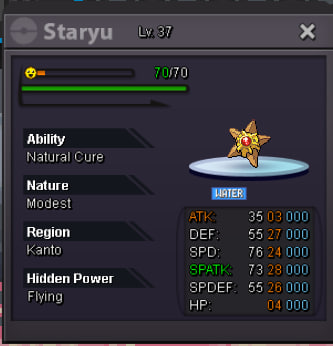
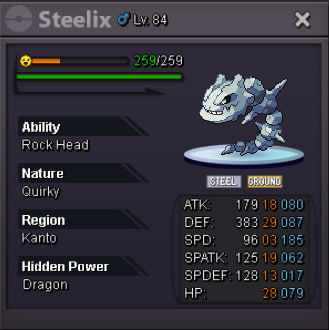
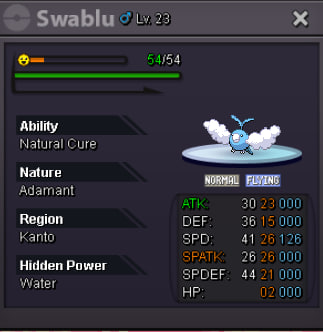

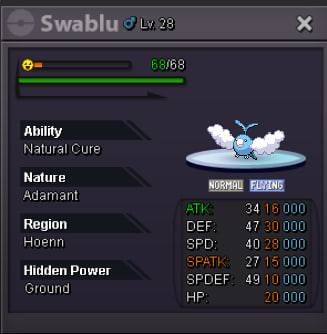
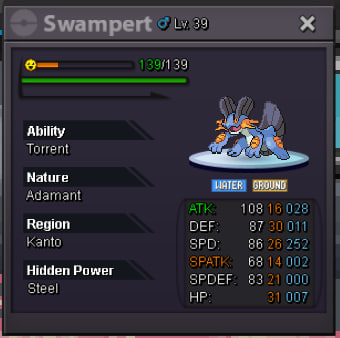
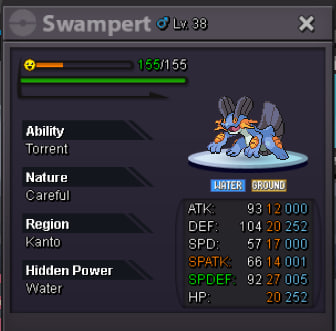

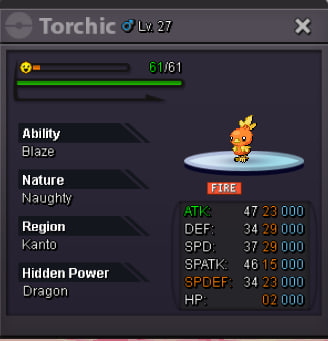
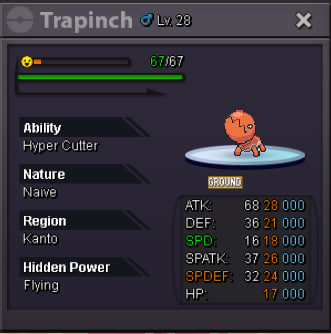




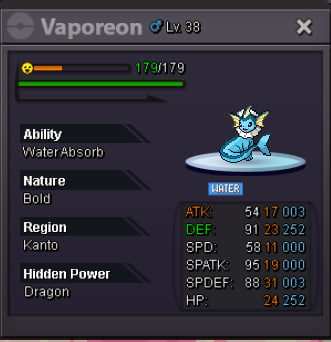
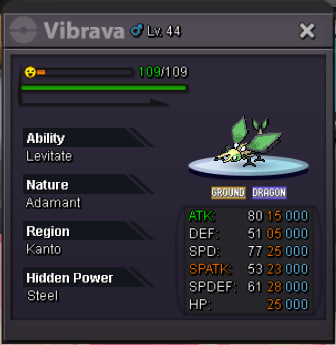
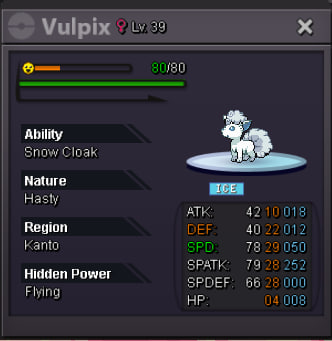
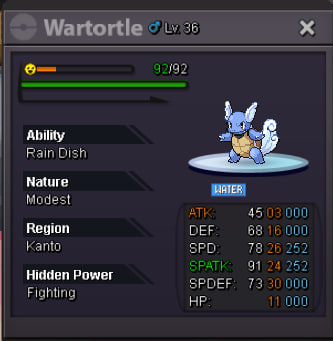
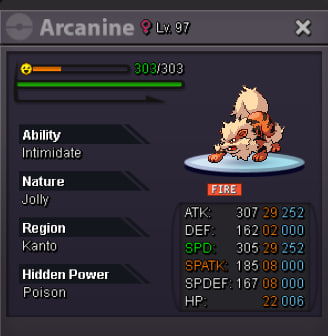
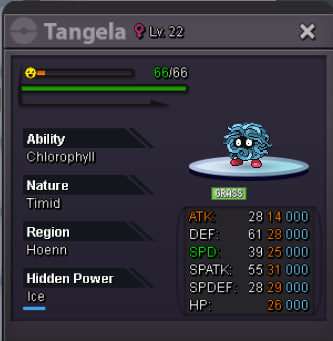
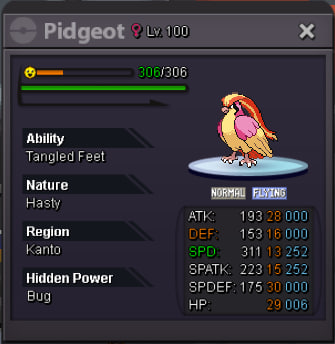
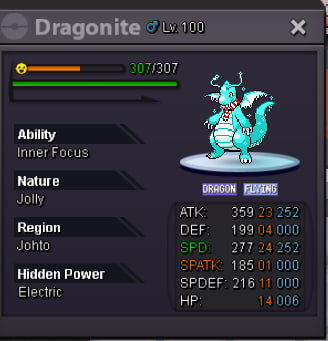
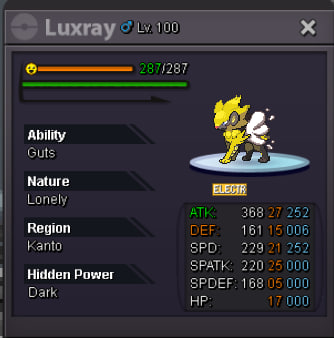
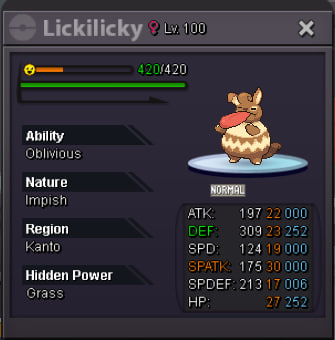
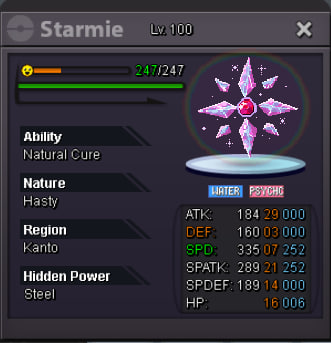
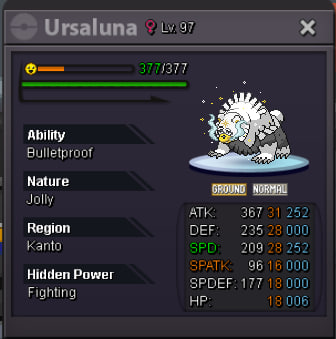
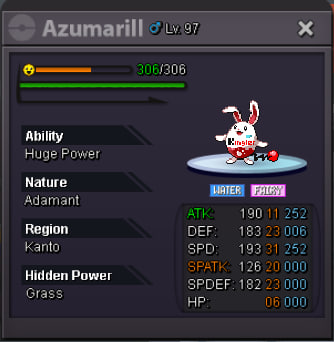
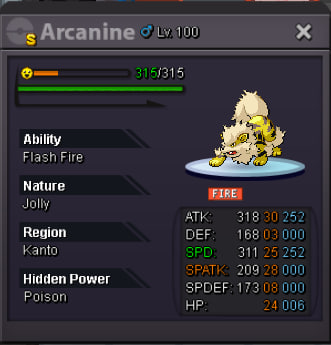
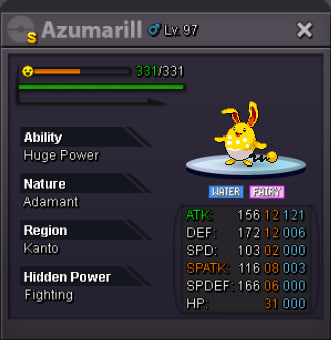
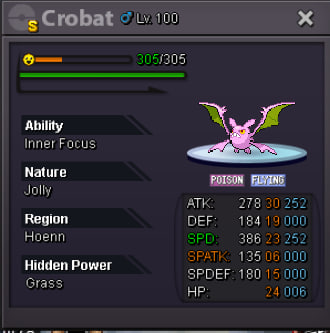
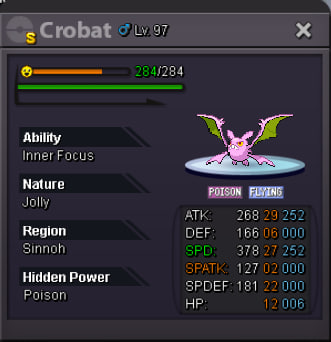
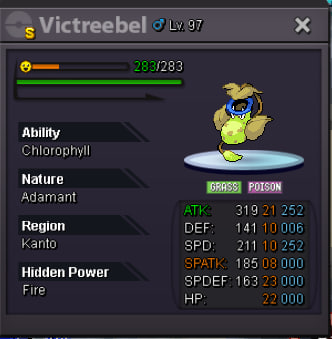


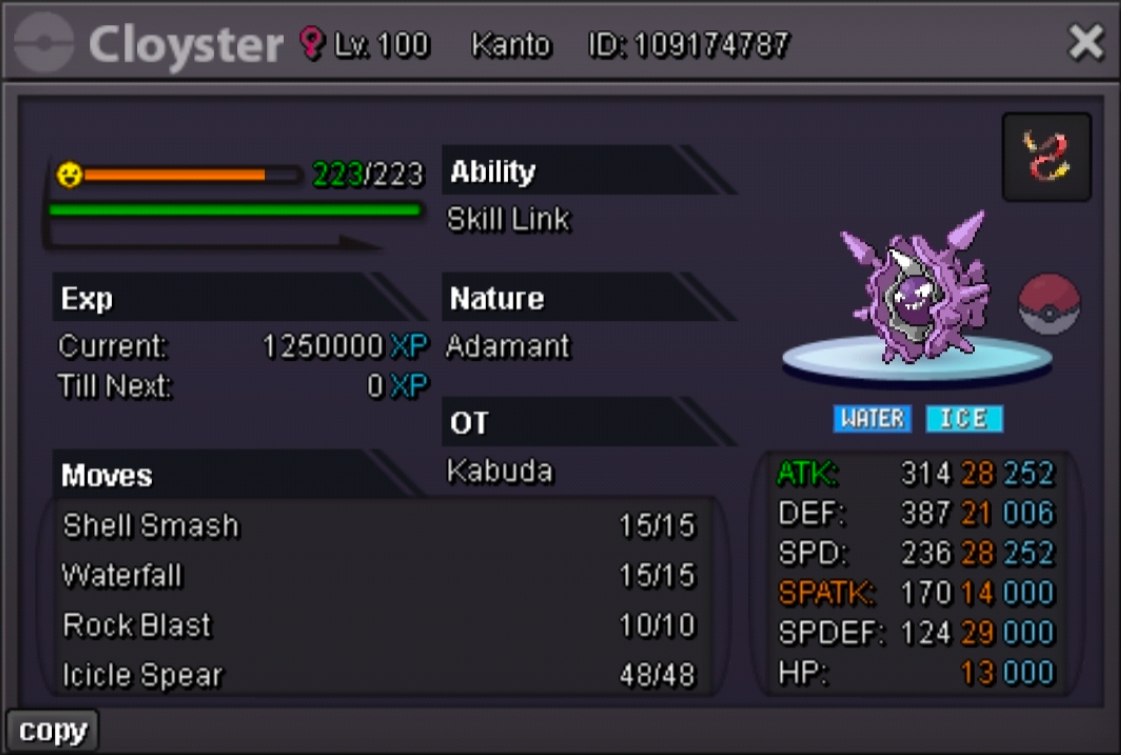
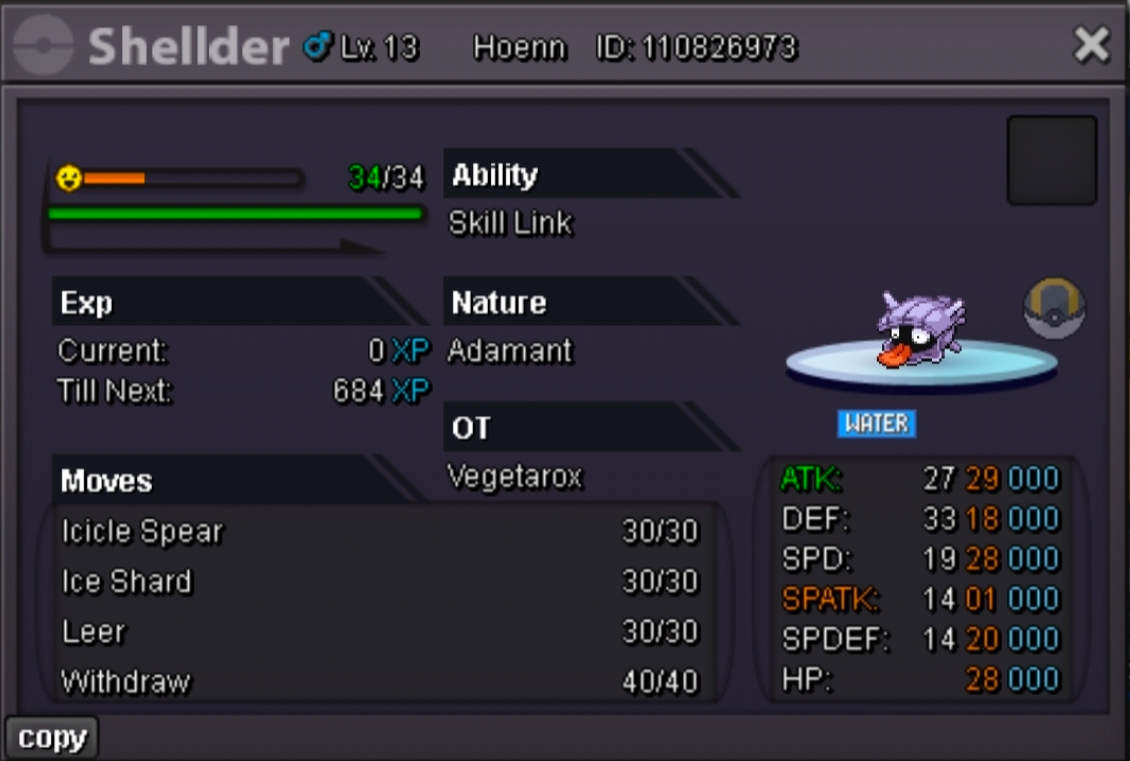
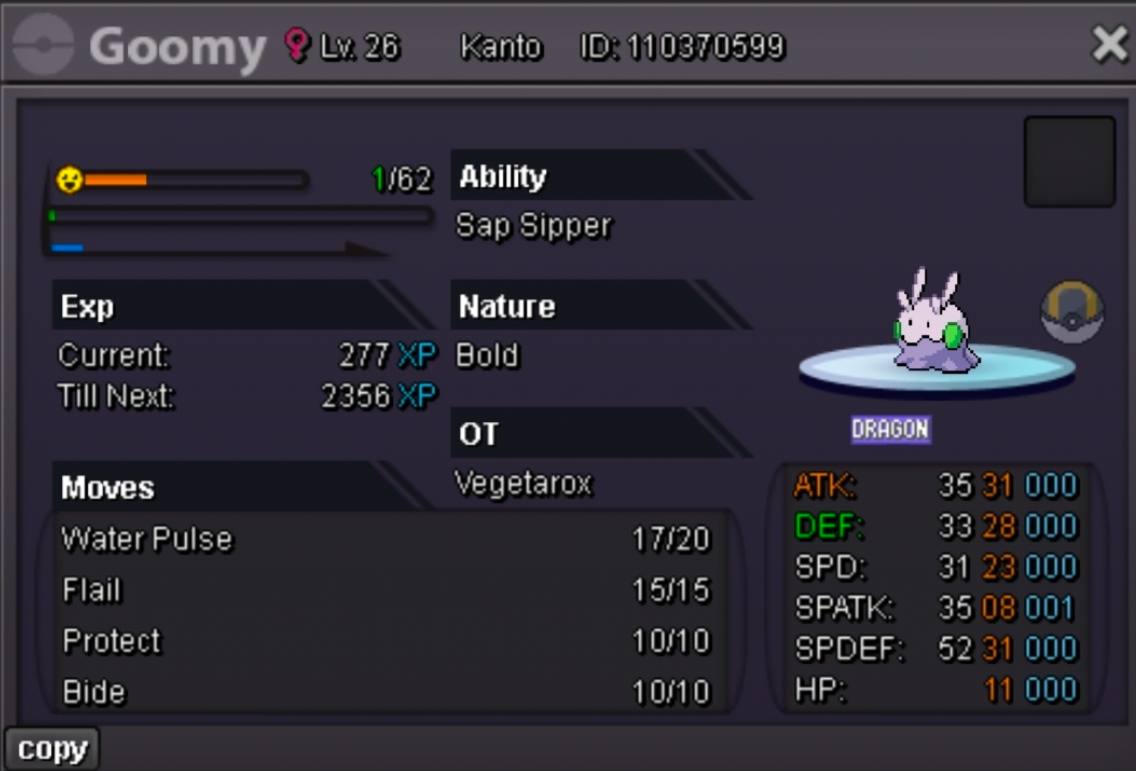
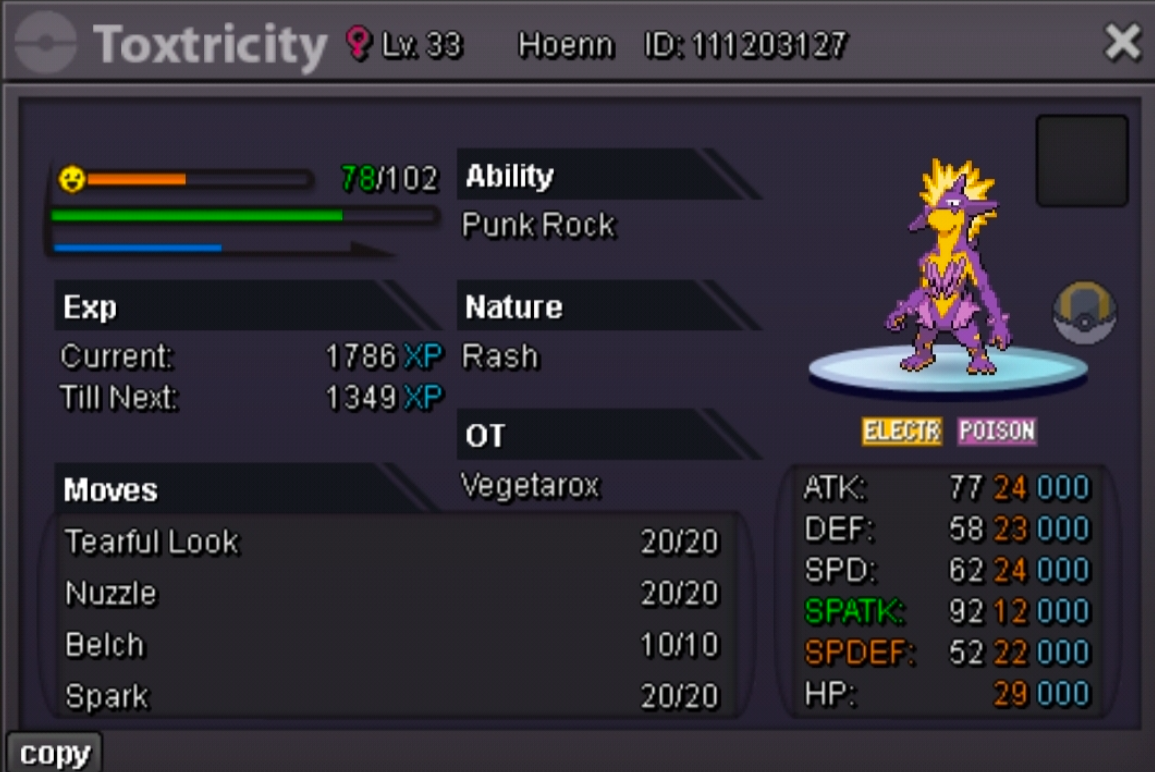
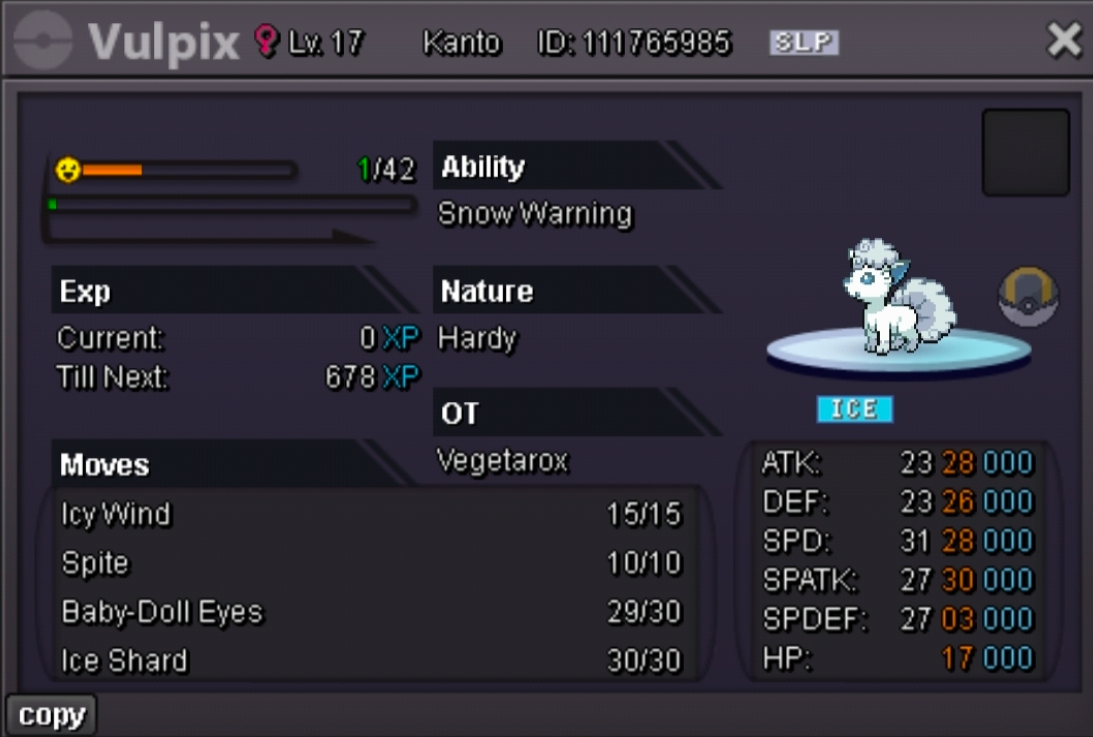
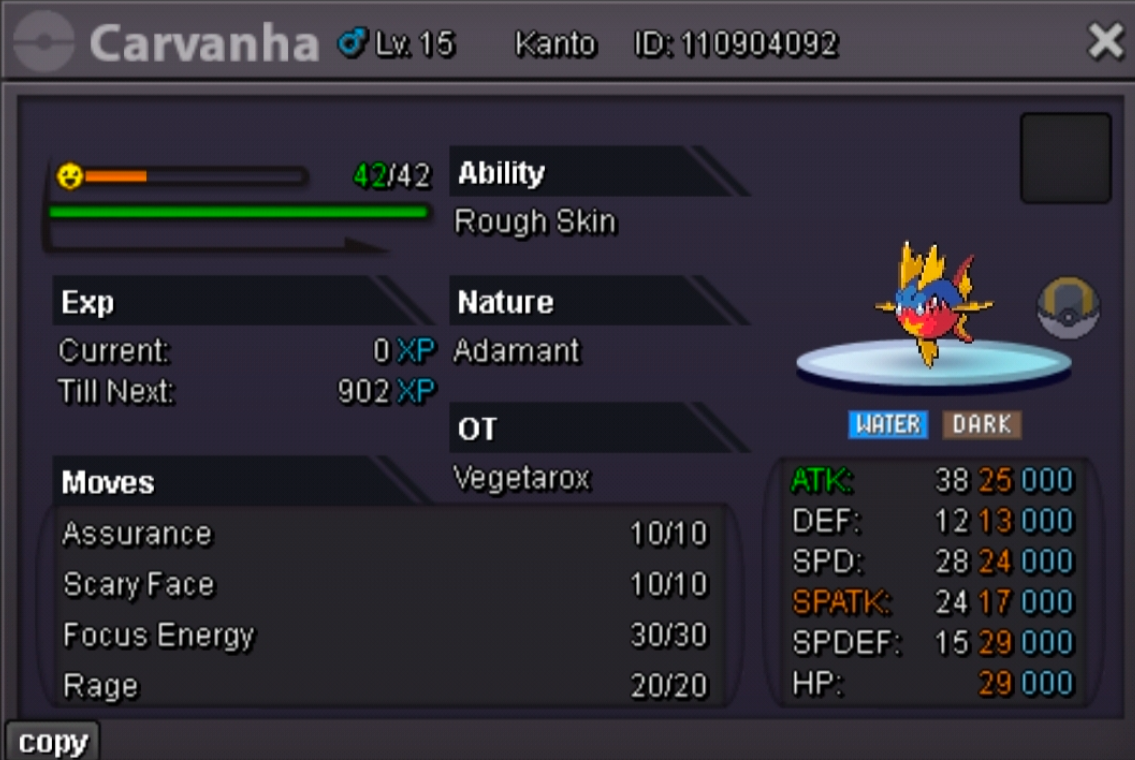
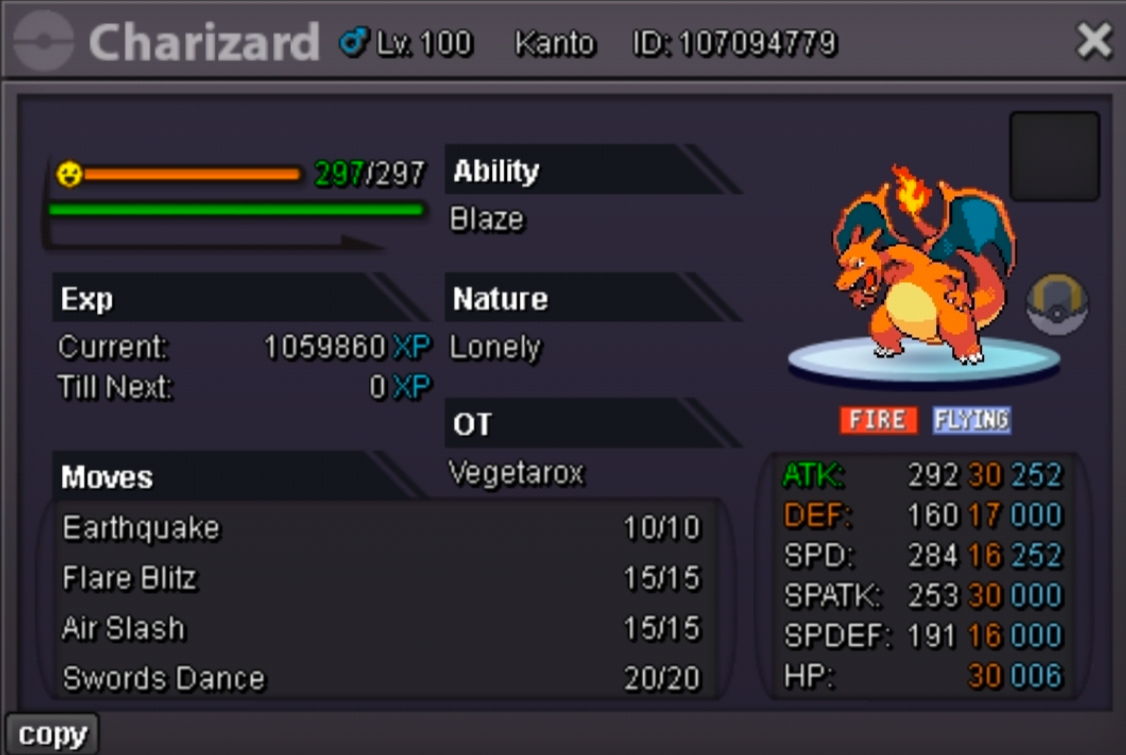
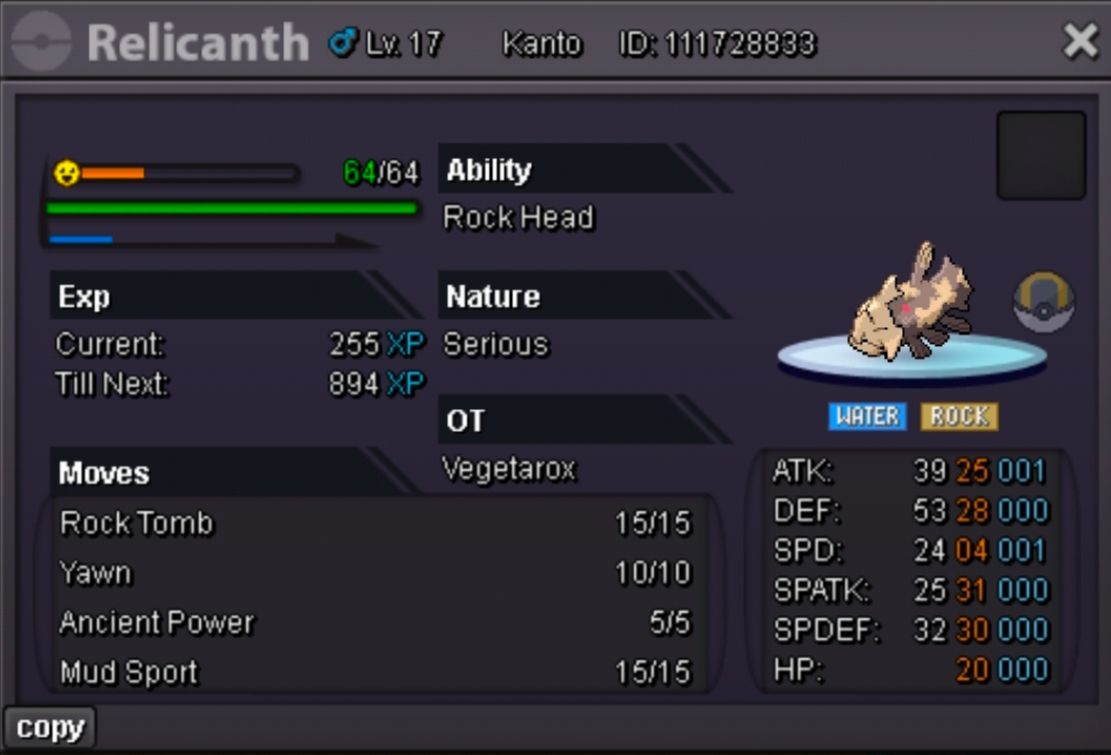
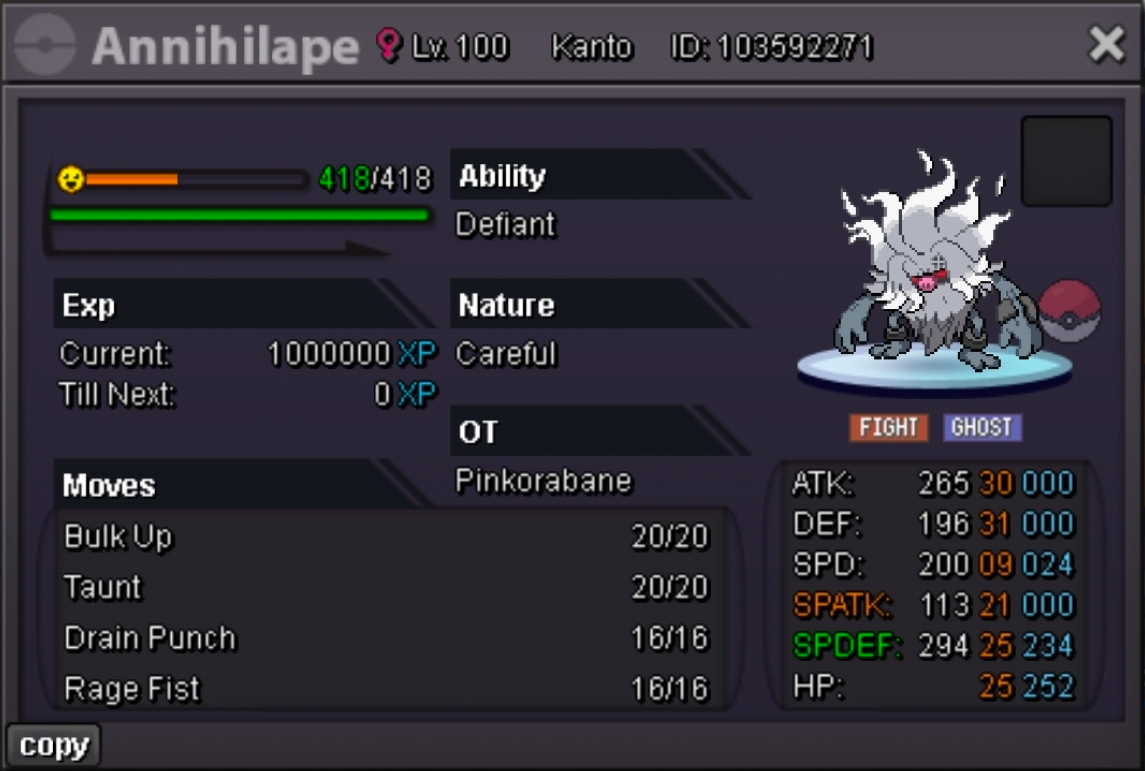
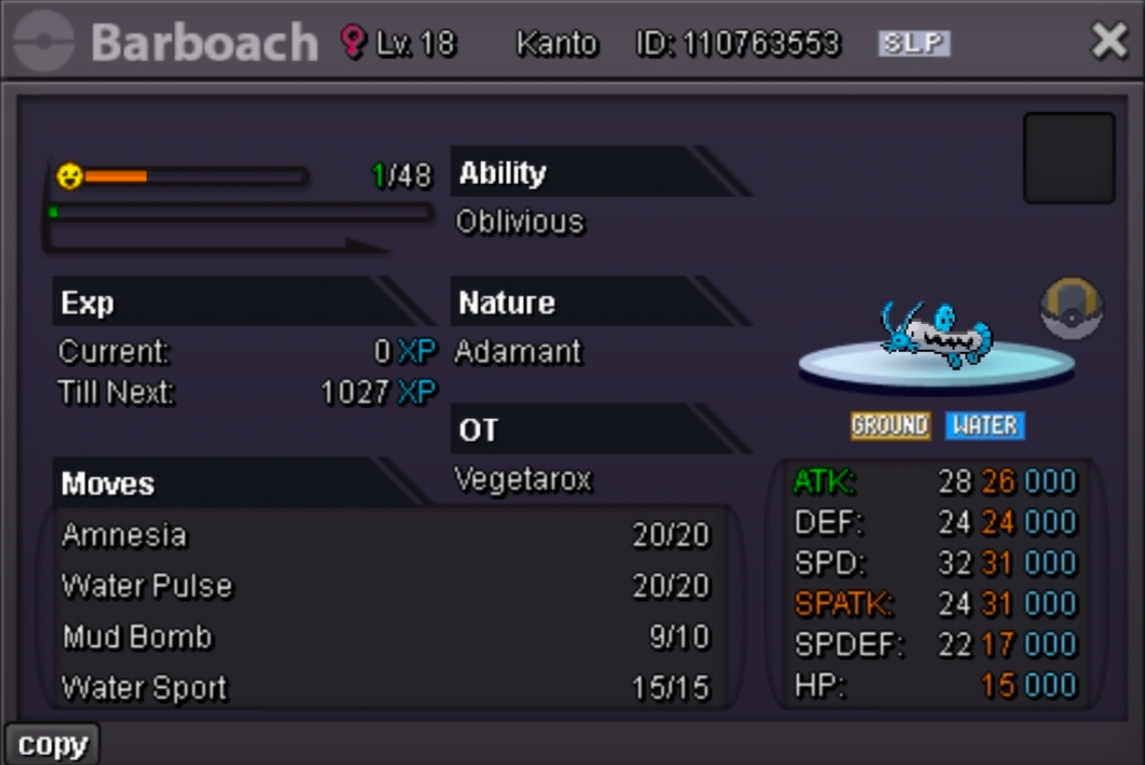
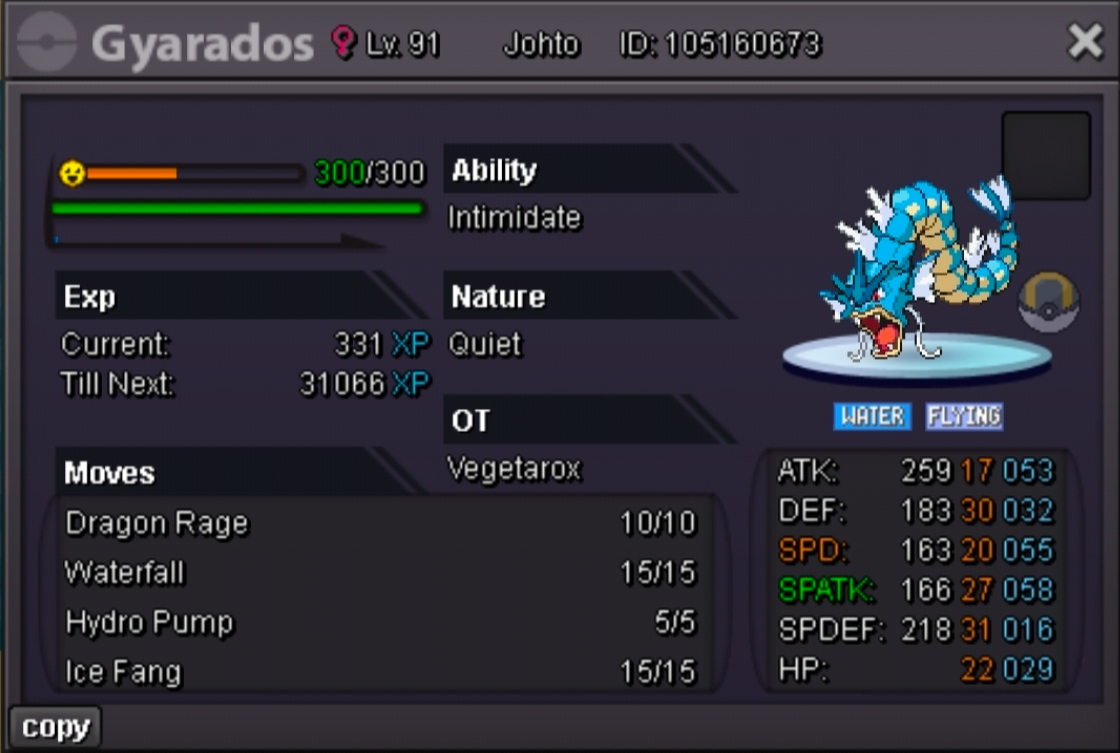
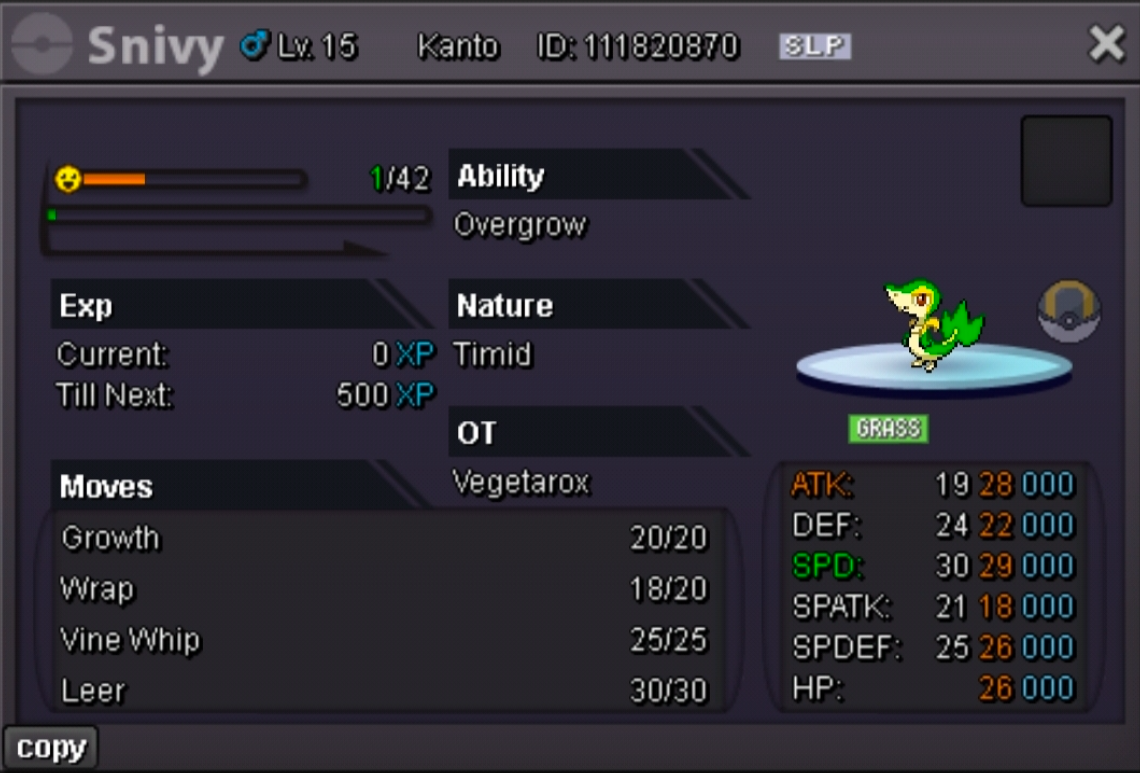
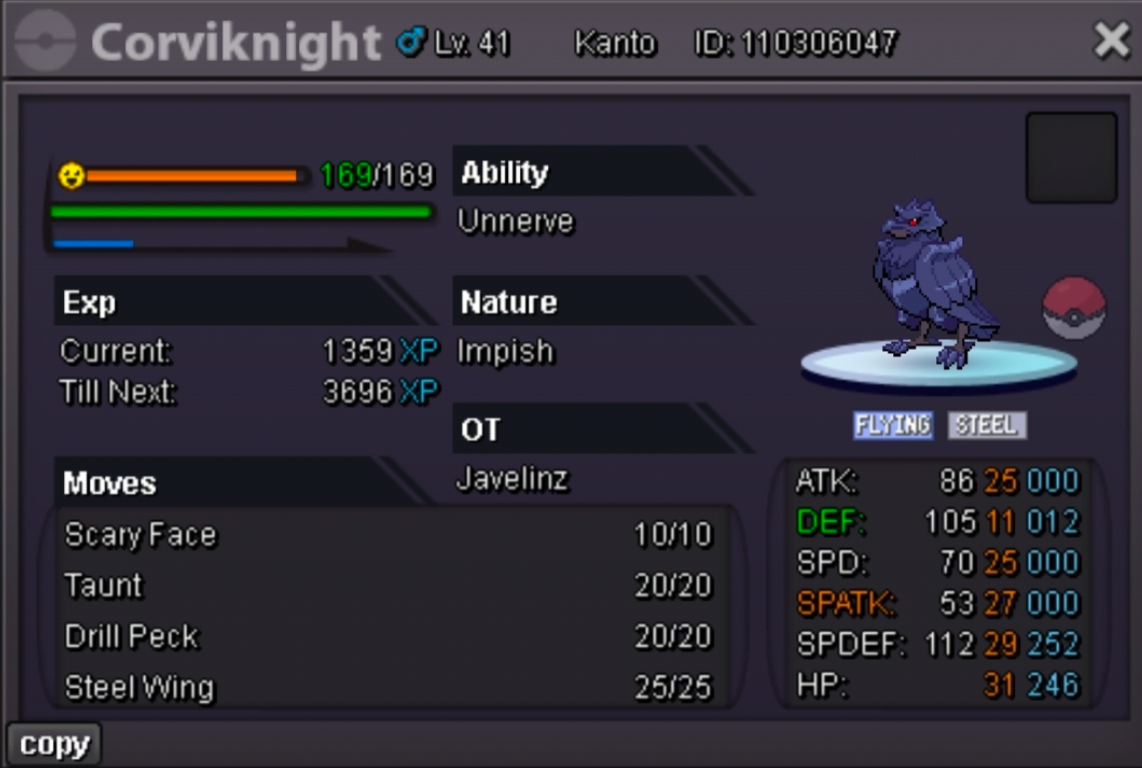
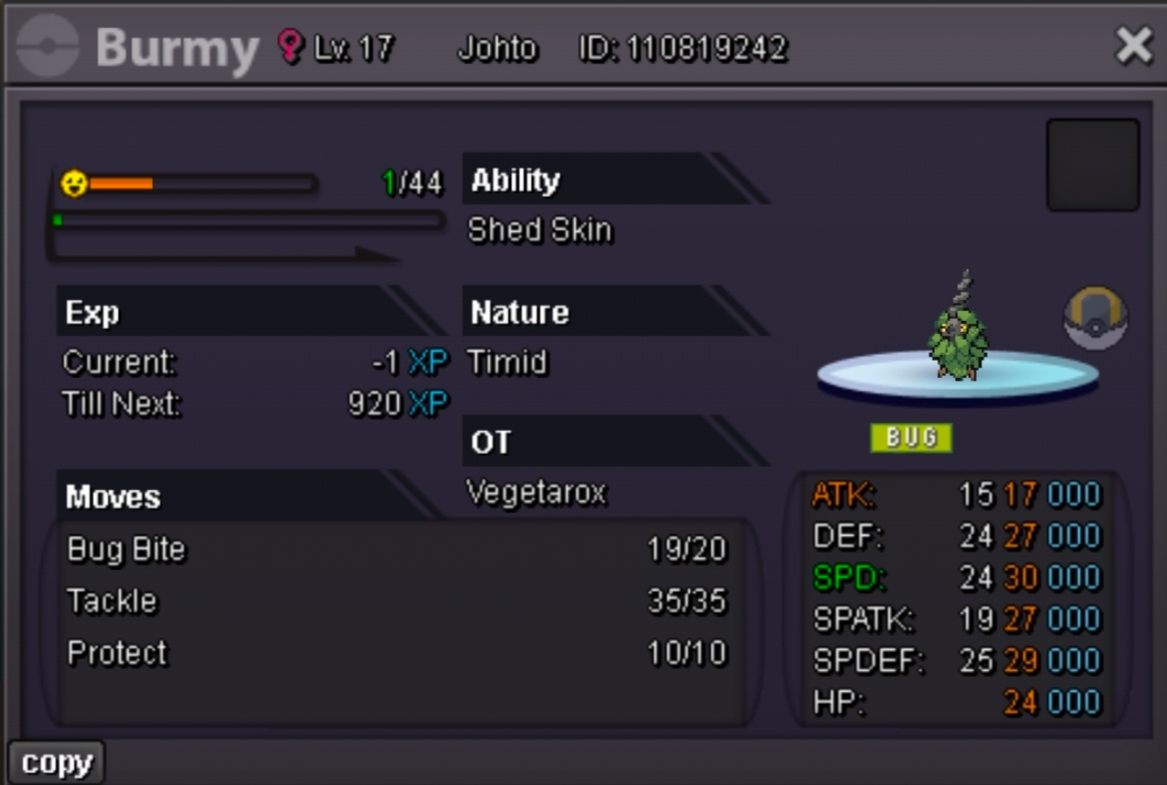
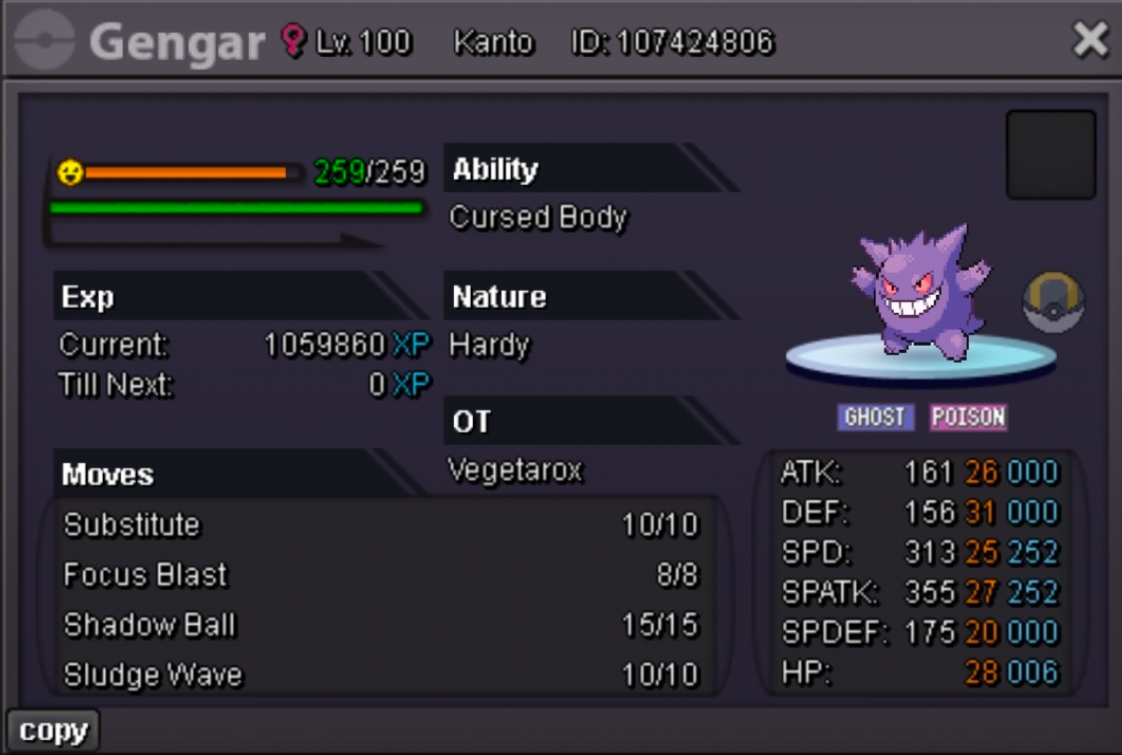

 Thanks @Rega04!
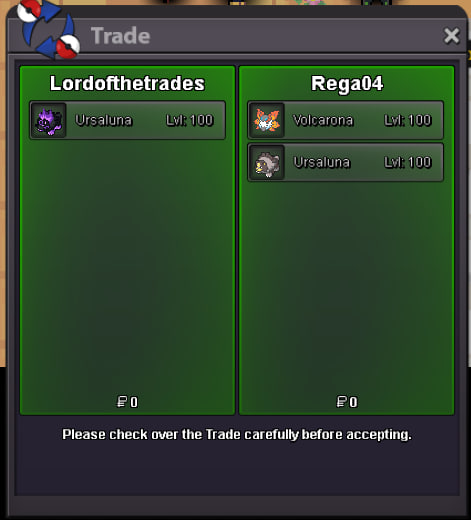 Thank you very much mate, hope you have a great day.Start all.So sorry to read your story mateI can be online in a couple of minutesHey! I take sassy WynautOk, pm me when you're online I'll buy themHey! Can I take Crobat, Larvitar and Xatu for 400k?Does Ursaluna know Fire/Ice Punch?Some prices reduced and new mons addedS.O = 10m Min bid = 100k No insta price Duration = 48hs after the first bid 15 minutes rule applies CCs = 450k RRs = 650k Good luck everybody!
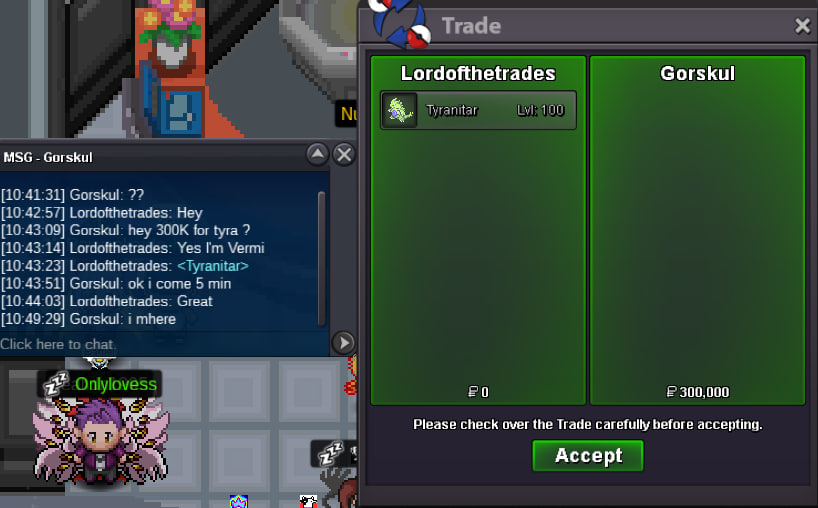
 440k 2nd ferroThanks @Gorskul !
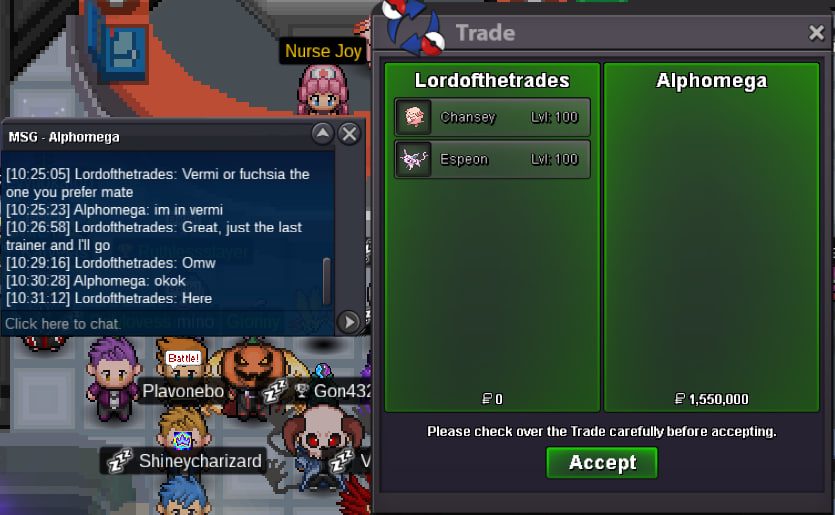
 250kThanks @Alphomega!
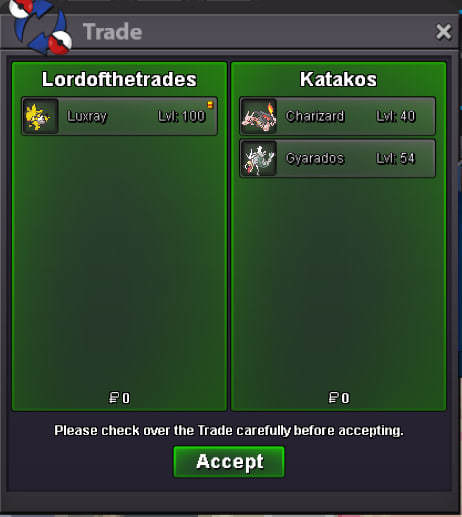
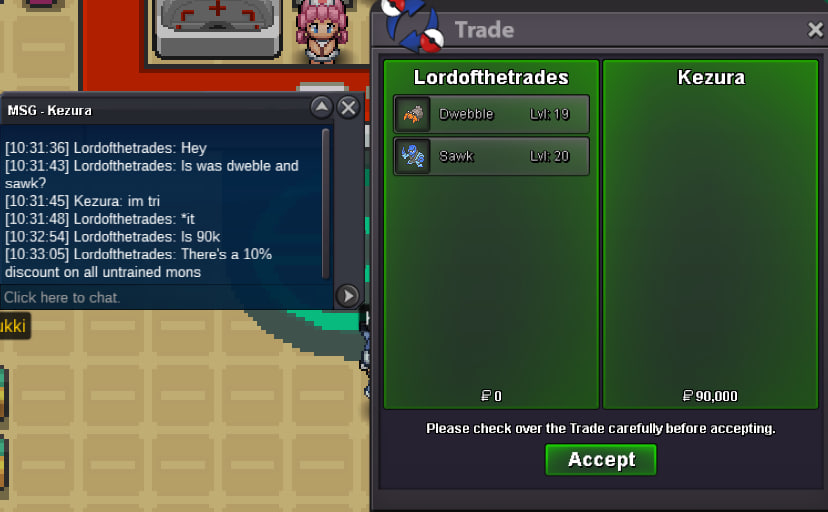
 Thanks @Kezura!
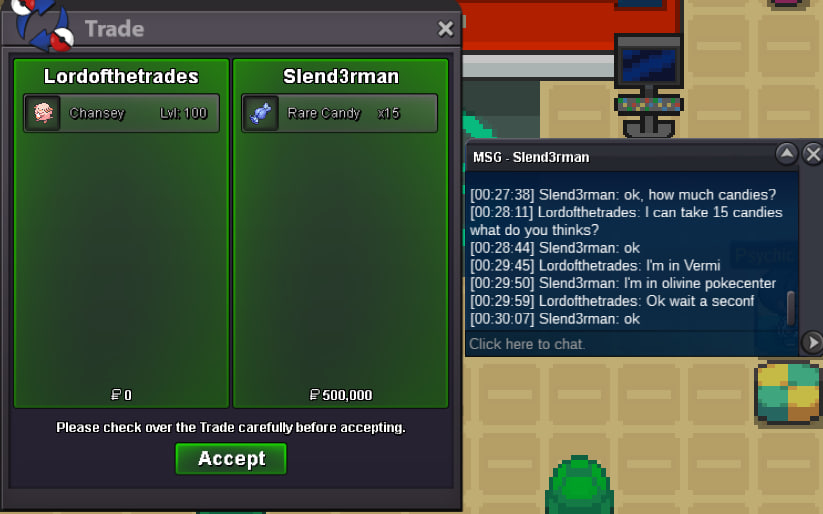
 Thanks @Slend3rman!