New Trade Zone
Trade Zone is now live
Use the new Trade Zone for auctions and instant-price trades so Pokemon and item offers are easy to find.

Gkatakos1989
Suspended
-
Joined
-
Last visited
Everything posted by Gkatakos1989
-
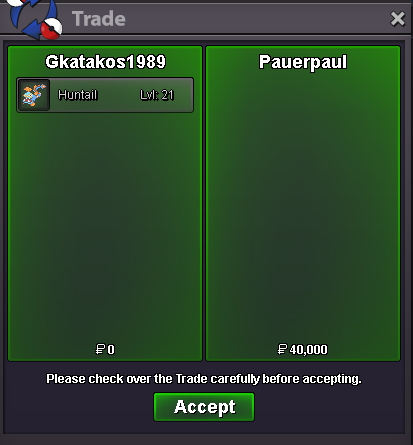
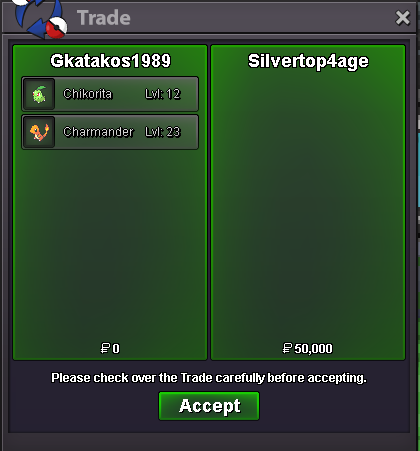
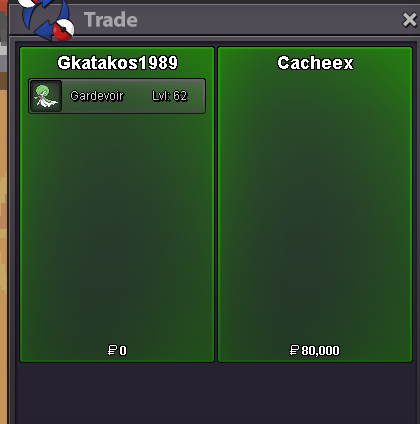
250k frosslass120K CYNDAQUIL60K CHARMANDERSold insta 5.5m
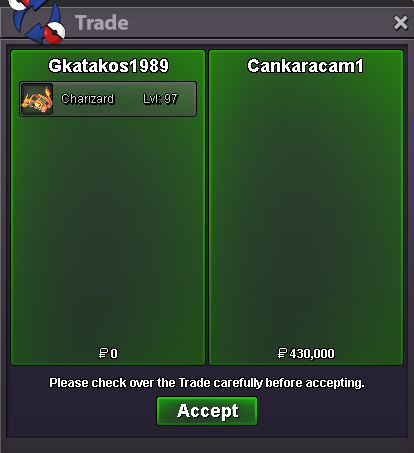
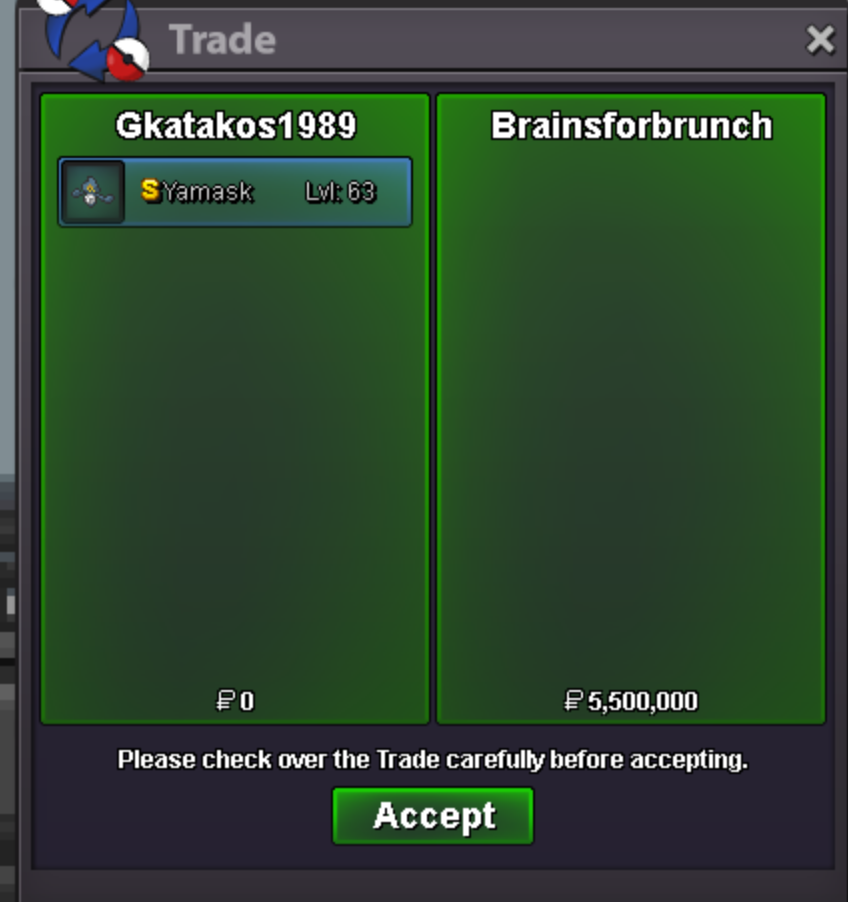 Mistake guys its on Silver server !!!Starting offer : 900k Min Raise : 100k Insta Price : 5,5m Duration of the auction : Ends 48h after 1st bid . Accepted payments : Pokedollars or Coin Capsule (400k).
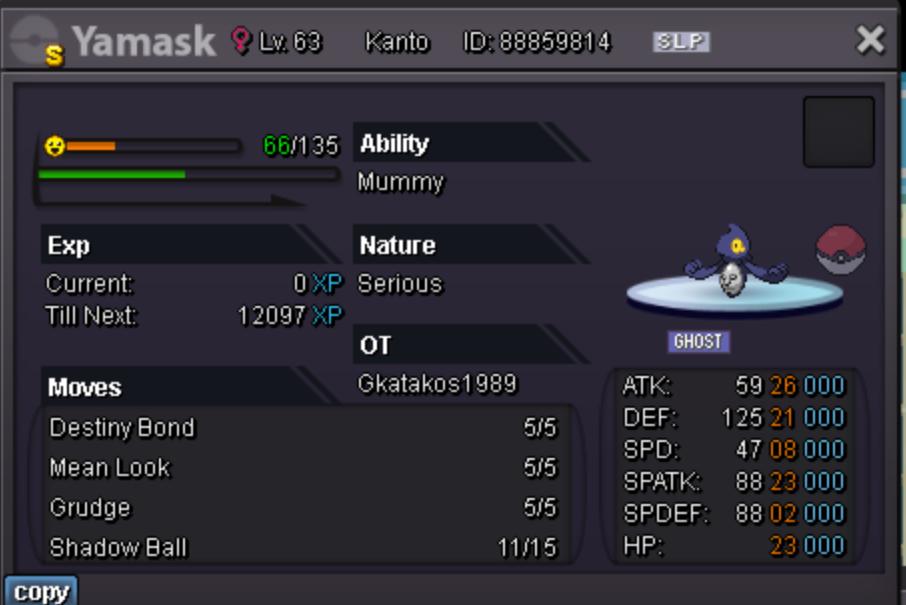 300k charmander
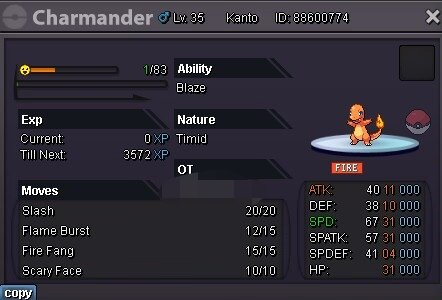 Hi, i didint knew that i will remove them but i saw a lot of stores having them before i did mine. Anyway i have to remove the hlw forms and alolans too?? Best regards
Account
Navigation
Search
Configure browser push notifications
Chrome (Android)
- Tap the lock icon next to the address bar.
- Tap Permissions → Notifications.
- Adjust your preference.
Chrome (Desktop)
- Click the padlock icon in the address bar.
- Select Site settings.
- Find Notifications and adjust your preference.
Safari (iOS 16.4+)
- Ensure the site is installed via Add to Home Screen.
- Open Settings App → Notifications.
- Find your app name and adjust your preference.
Safari (macOS)
- Go to Safari → Preferences.
- Click the Websites tab.
- Select Notifications in the sidebar.
- Find this website and adjust your preference.
Edge (Android)
- Tap the lock icon next to the address bar.
- Tap Permissions.
- Find Notifications and adjust your preference.
Edge (Desktop)
- Click the padlock icon in the address bar.
- Click Permissions for this site.
- Find Notifications and adjust your preference.
Firefox (Android)
- Go to Settings → Site permissions.
- Tap Notifications.
- Find this site in the list and adjust your preference.
Firefox (Desktop)
- Open Firefox Settings.
- Search for Notifications.
- Find this site in the list and adjust your preference.