New Trade Zone
Trade Zone is now live
Use the new Trade Zone for auctions and instant-price trades so Pokemon and item offers are easy to find.

Rhiquiki
Registered User
-
Joined
-
Last visited
-
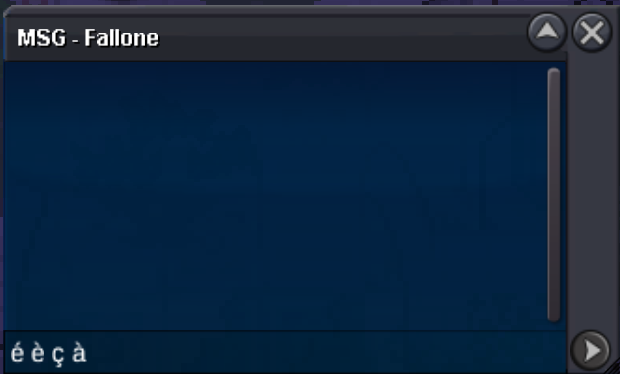
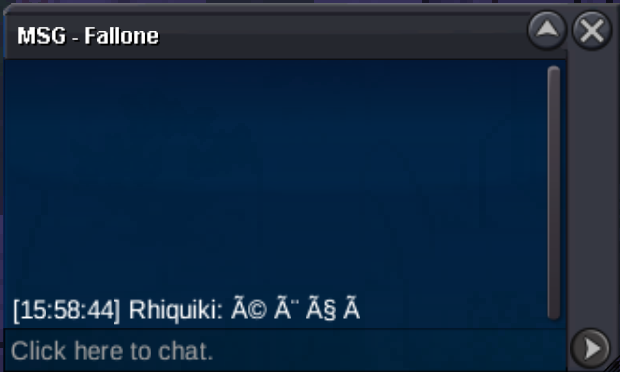
I just want to tell you that special characters are bugged in PM, and it's frustrating (especially for french people) because it's turned some words into coded message... That's not pressing but should be better if patched quickly. Thank you 😄
-
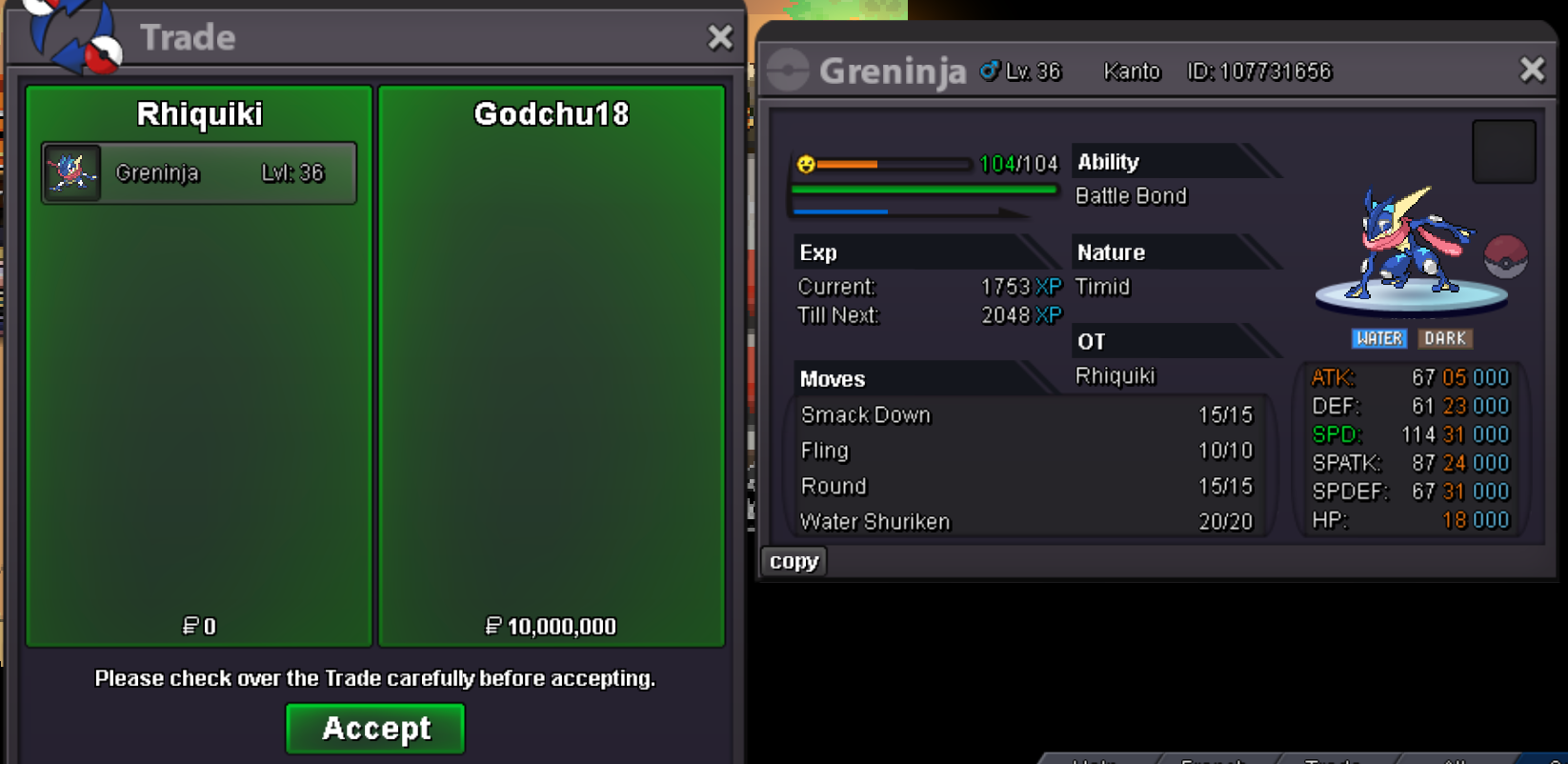
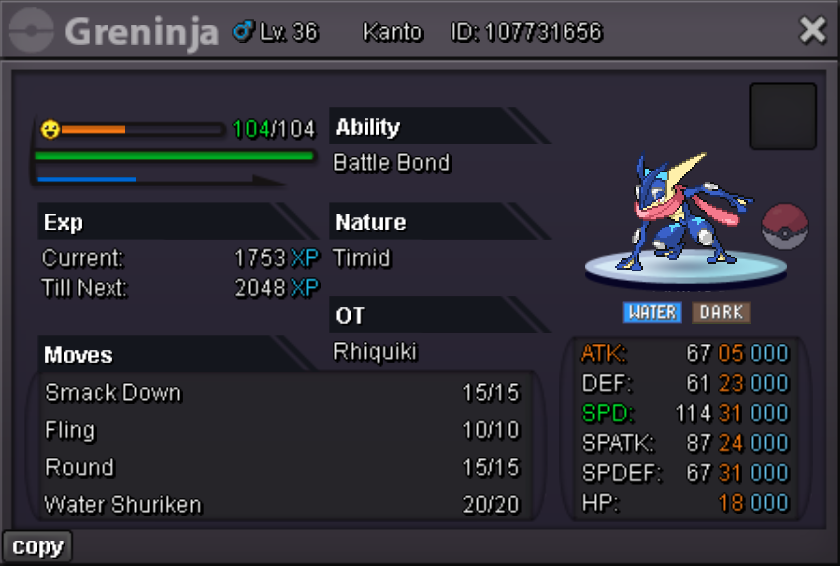
gz Godchu18, you win! pm me in-game: Rhiquikiit's the good picture and the same pokemon as yesterday, I only have one greninja, all good 🙂is it fixed?Auction details: Start Price: 2m Insta price: N/A End: 35h after first bid - 10/13/25 at 21:16 UTC Min bid: 100k Accepted Payment: Pokedollars / Coin Capsule (x1 CC = 450k) Important reminder: Don't forget the 15 minutes rule: "If a bid is received in the final 15 minutes of the auction, the end point will be delayed by 15 minutes from that bid, and will be delayed by 15 minutes for each new bid thereafter, until the current offer has been held for a full 15 minutes." In-Game Name: Rhiquiki Discord: Rhiquiki
 startHello I got it back, thank you very much!bumpHello, Don't worry, I know it's taking time and I'm not that pressed (that's why I answered you that late). I just released the Klefki and now waiting for my Bisharp. Thank you for your response, have a good day!bumpbumpbumpbumpbump