New Trade Zone
Trade Zone is now live
Use the new Trade Zone for auctions and instant-price trades so Pokemon and item offers are easy to find.

Redlinx
Registered User
-
Joined
-
Last visited
-
-
13m fine by me as i told. Ill dm later im busy rn thx
-
Wtb black bandana and sunnies, pirate eye patch and peach kimono.
-
Hi i would like to buy shiny kyogre. Can you do 12,5m since i need to transfer from silver ? (If not thats totaly fine will take it anyway)
-
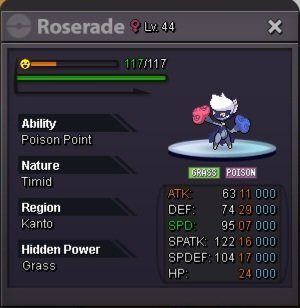
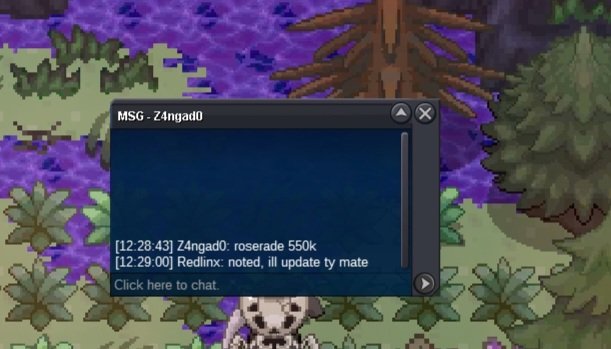
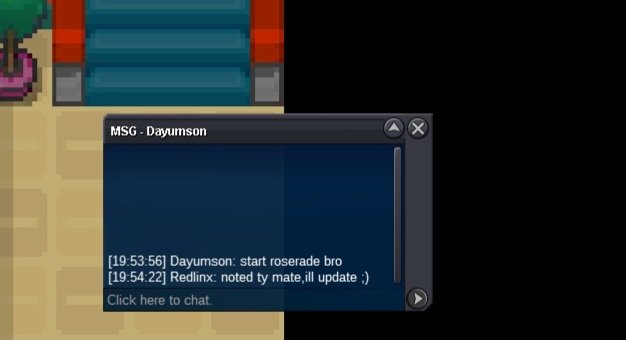
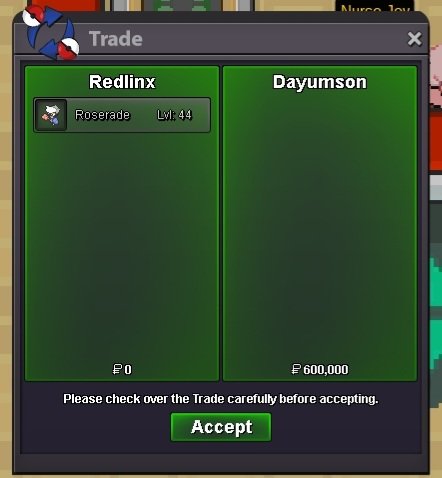
Shadow Roserade sold.
-
You won. Contact me in game or via discord (Hjroki1985).
-
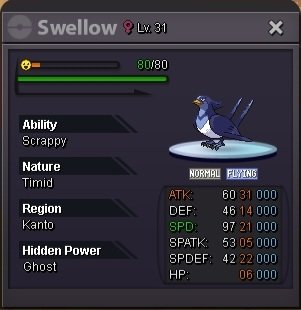
Shadow Swellow sold.

-
Ill log then give me 5 min 😉
-
You won. Contact me in game or via discord (Hjroki1985)
-
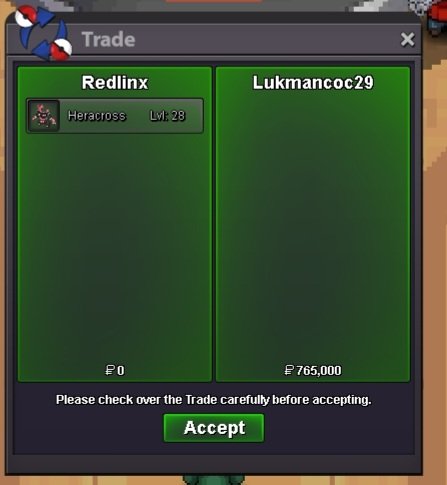
Valentine Heracross sold.
-
You won. Contact me in game or via discord (Hjroki1985).
-
c.o 610k
 (!NOT A BUNDLE!) Start offer: 500k each. Min bid: 50k each. Insta: None. Duration: 48h after the first bid each. Accepted payments: Pokedollars/Reroll ticket(500k)/Coin capsule(400k). (sold) Swellow timer: https://www.timeanddate.com/countdown/to?iso=20240325T1704&p0=333&msg=Swellow+timer&font=cursive&csz=1 (sold) Roserade timer: https://www.timeanddate.com/countdown/to?iso=20240325T1954&p0=333&msg=Roserade+timer+&font=cursive&csz=1 (sold) Heracross timer: https://www.timeanddate.com/countdown/to?iso=20240324T1644&p0=333&msg=Heracross+timer&font=cursive&csz=1