




New Trade Zone
Trade Zone is now live
Use the new Trade Zone for auctions and instant-price trades so Pokemon and item offers are easy to find.

Miacraigharv
Registered User
-
Joined
-
Last visited
-
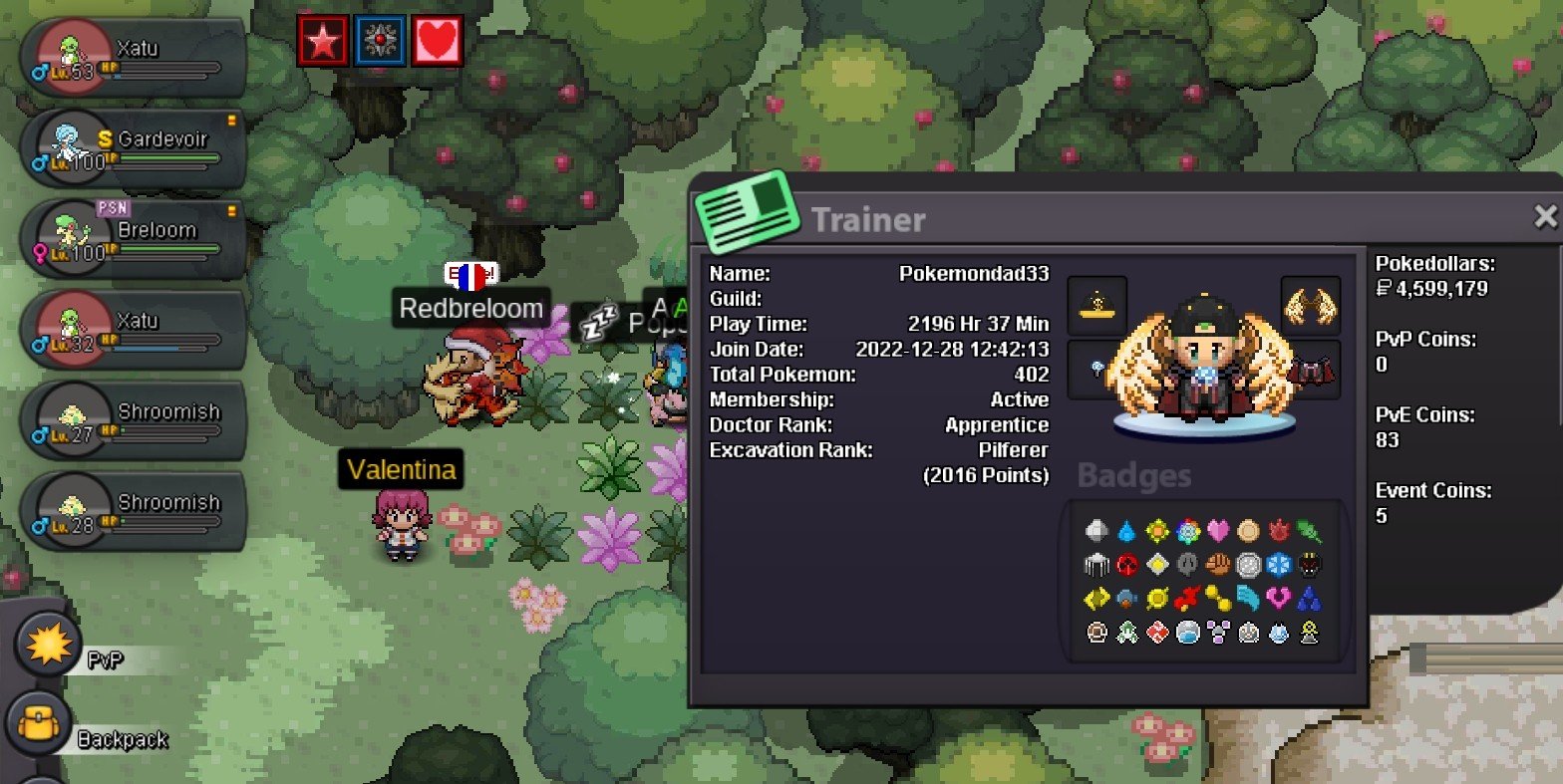
Hey. My ign is pokemondad33. I'm 35 years young and a father of 3 children. Im from the United Kingdom and English is my main language. I'll be honest, I don't do PVP but I have a passion for hunting. I play for hours every day. Only been playing for around 1 year with 2k+ hours. So I would say I'm quite dedicated and show love for the game. I can also pull my weight in helping the guild by doing some ev training when needed. So I'm looking to join your guild if you would have me 😃 thanks! P.s. suidoof for the win kekw
-
It worked for me !!!! Tysm
-
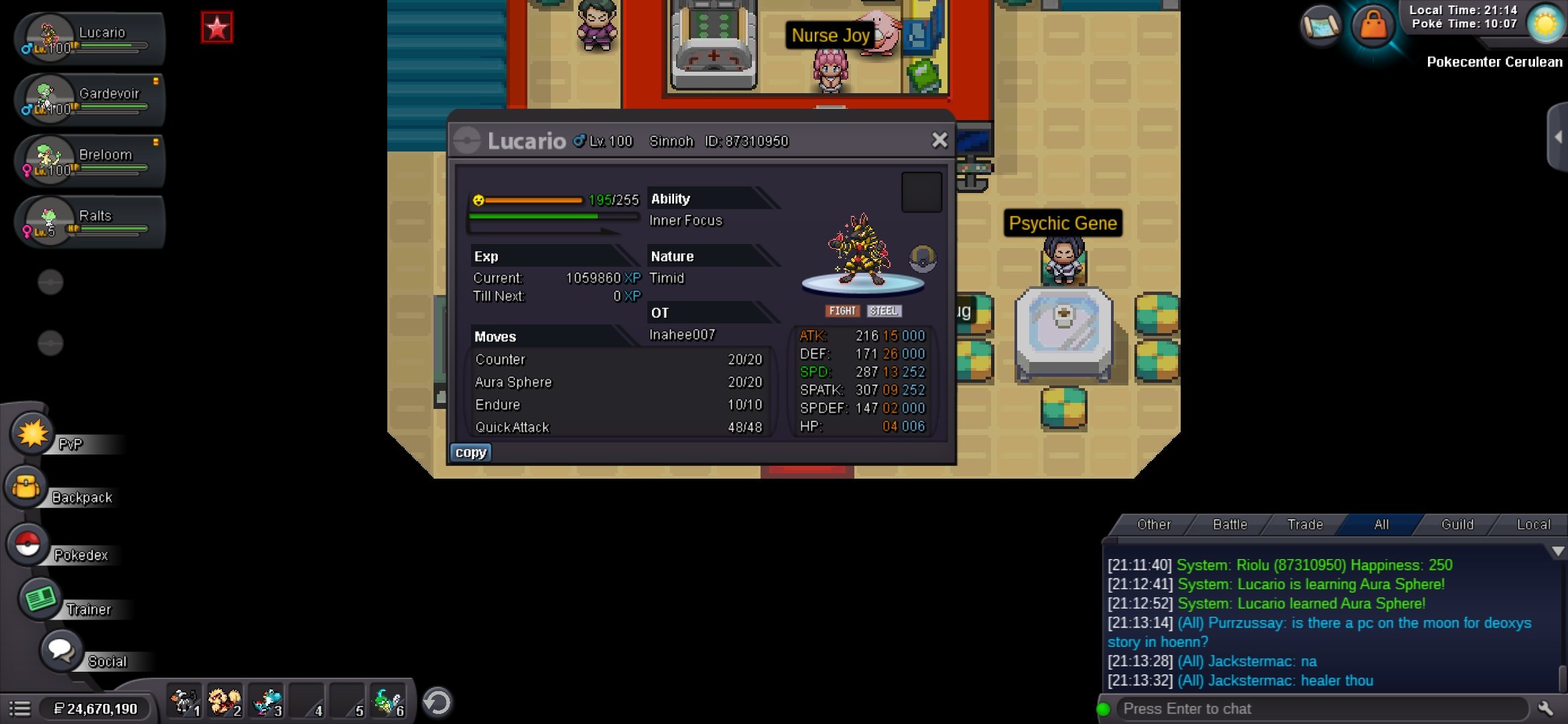
I have a halloween riolu that won't evolve. I think it needs to be max happy before lvl 100. If its not max happy before lvl 100 then it never will be able to evolve im afraid. There is a post on this forum somewhere that explains it all.
-
1.6m
-
-
5.5m
-
3m4.5m4m3.2m2.4m2.3m

