New Trade Zone
Trade Zone is now live
Use the new Trade Zone for auctions and instant-price trades so Pokemon and item offers are easy to find.

H3h3h3
Registered User
-
Joined
-
Last visited
Everything posted by H3h3h3
-
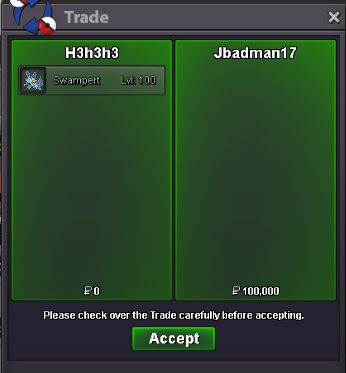
all trade done , except one Swampert for 100k . Jbadman17 please contact me for trade
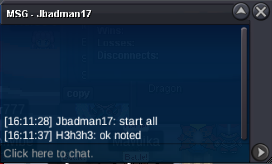 yo bro you won shiny auction pm me in game for tradeco galva hp ice : 500k 1 hour left in auction
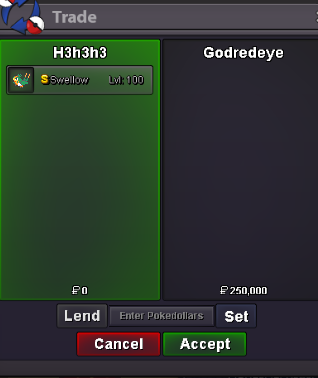
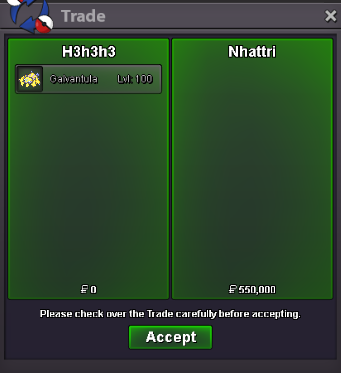
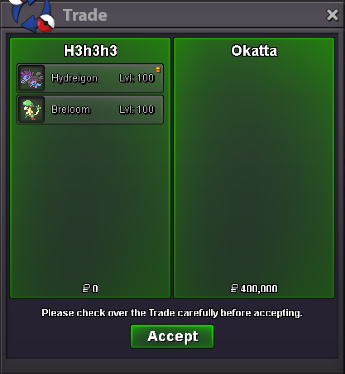
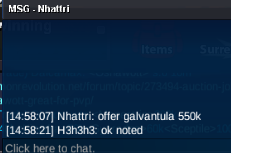
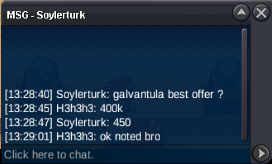
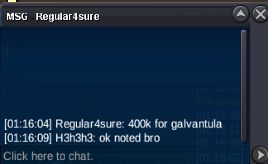
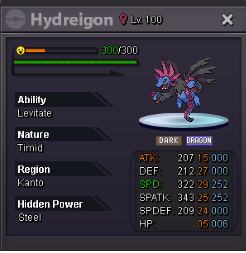
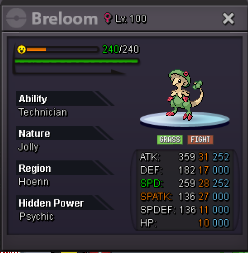
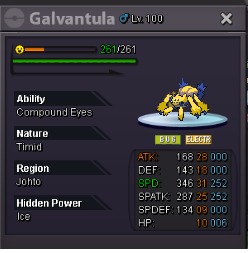
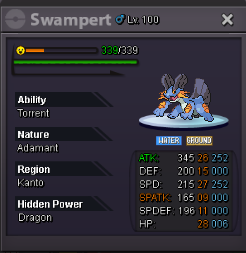
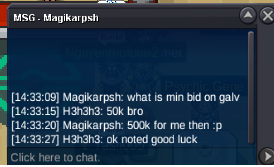 yo bro breloom already started by jbadman17 . would you like to bid 50k ?1) Hydreigon c.o : 150k - minimum bid : 50k by Kveis 2)swampert c.o : 100k - minimum bid : 50k by @Jbadman17 3) Galvantula 31spd hp ice c.o : 450k - minimum bid : 50k by @Soylerturk 4) breloom technician h.a c.o : 250k - minimum bid : 50k by Kveis 5)Shiny swellow hidden ability scrappy c.o : 200k - minimum bid : 50k by @Godredeye auction end 3 days after first bid . payment : pokedollars and can take coin capsule = 500k each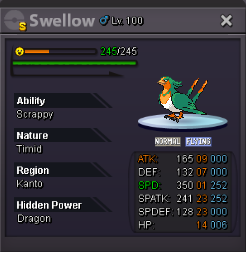
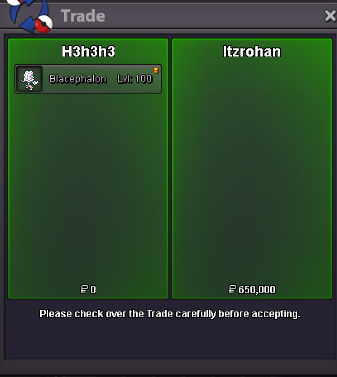
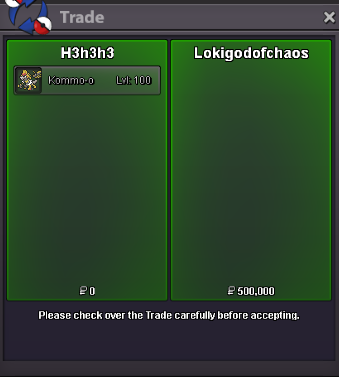
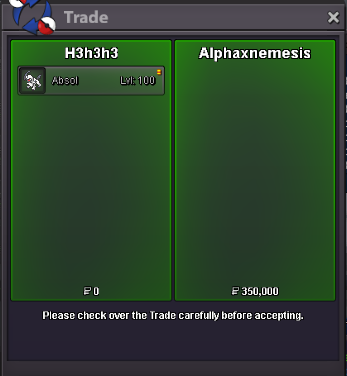
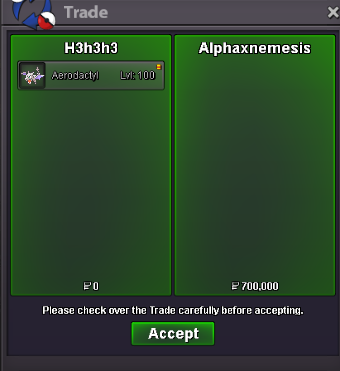
 can you please contact me bro , i need to start a new threadhello bro ive been trying to contact you for days now please dm me for tradehello bro you won jolly kommo-o auction pm me in game for a tradeyou won blacephalon auction pm me in game for a trade broyou won aerodctyl auction bro , for absol there is still 1-2 hours till end8 hours left in auctionC.o : 600k aerodactyl C.o : 350k absol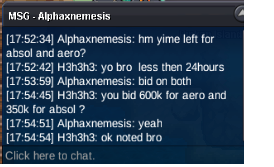
Account
Navigation
Search
Configure browser push notifications
Chrome (Android)
- Tap the lock icon next to the address bar.
- Tap Permissions → Notifications.
- Adjust your preference.
Chrome (Desktop)
- Click the padlock icon in the address bar.
- Select Site settings.
- Find Notifications and adjust your preference.
Safari (iOS 16.4+)
- Ensure the site is installed via Add to Home Screen.
- Open Settings App → Notifications.
- Find your app name and adjust your preference.
Safari (macOS)
- Go to Safari → Preferences.
- Click the Websites tab.
- Select Notifications in the sidebar.
- Find this website and adjust your preference.
Edge (Android)
- Tap the lock icon next to the address bar.
- Tap Permissions.
- Find Notifications and adjust your preference.
Edge (Desktop)
- Click the padlock icon in the address bar.
- Click Permissions for this site.
- Find Notifications and adjust your preference.
Firefox (Android)
- Go to Settings → Site permissions.
- Tap Notifications.
- Find this site in the list and adjust your preference.
Firefox (Desktop)
- Open Firefox Settings.
- Search for Notifications.
- Find this site in the list and adjust your preference.