New Trade Zone
Trade Zone is now live
Use the new Trade Zone for auctions and instant-price trades so Pokemon and item offers are easy to find.

Jaxmanhitt
Registered User
-
Joined
-
Last visited
-
350k jaxmanhitt
-
300k Jaxmanhitt
-
200k Jaxmanhitt
-
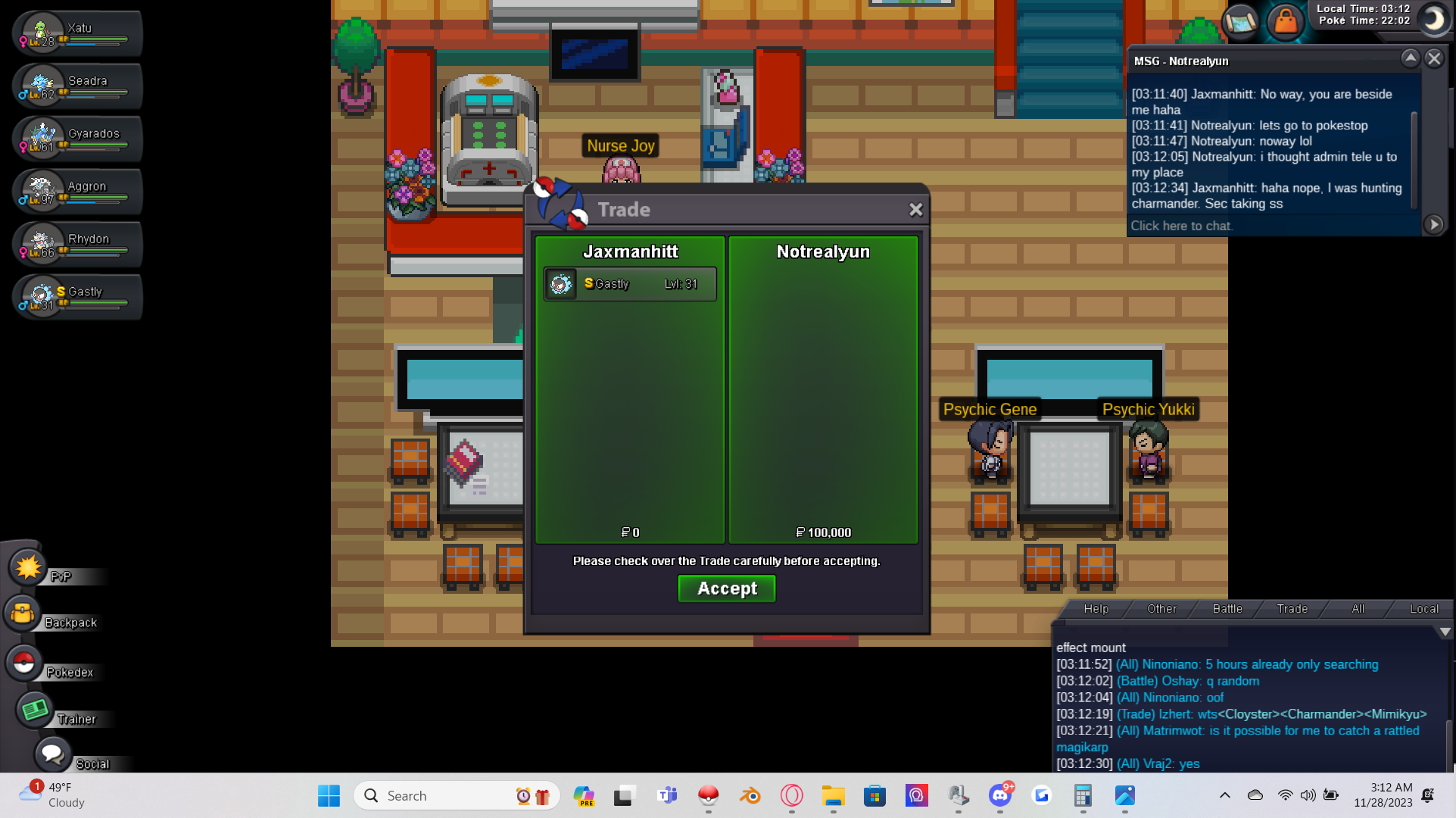
Auction has concluded and trade is done, Ty so much for the time!
-
Heya, ty so much for letting me know! I will add you on discord now
-
Cant get ahold of winner so I have reported this auction for help. I need to head to bed, I will update with any info tomorrow once mod helps!
-
Please accept my friend request asap when you log in.
-
Auction has ended, Notrealyun is highest bidder. I will attempt to contact ingame!
-
Thank you very much!~ and I apologize for the mistake!
-
26K by Gubeto
-
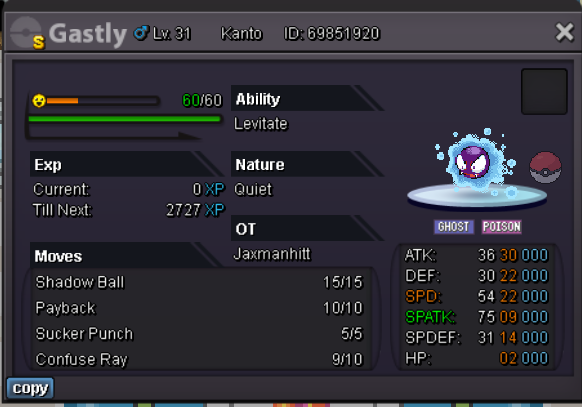
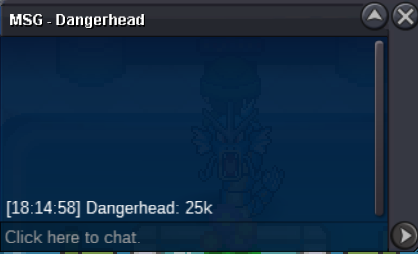
Dangerhead Bid 25K starting 24 Hr clock at 6:16 or 18:16 CST
-
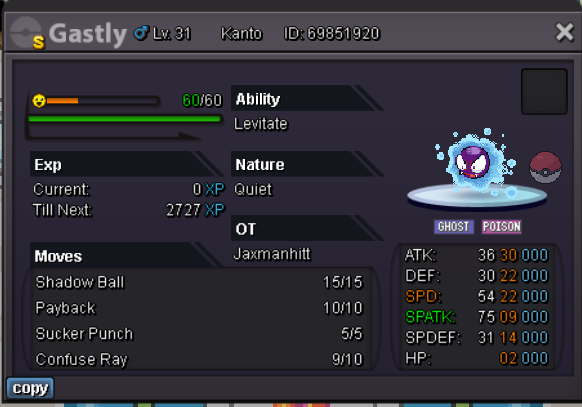
Auction starts at time of first bid and will continue for 24 Hrs. 15 minute rule applies to auction. Refer to rules if you need to know how it works. Starting bid at 20K Min Bid 1K. Glhf, Hope someone that wants it gets it. Thank you for your time!
-
I do use syncs but it doesnt always give correct sync. Just got unlucky.. Correct me if I am wrong in my thinking of how the syncs work..
-
-
JW what I should be looking at in terms of price.. I'd like to auction it and am trying to figure out a starting point. Thanks to anyone who helps!