New Trade Zone
Trade Zone is now live
Use the new Trade Zone for auctions and instant-price trades so Pokemon and item offers are easy to find.

Jaxmanhitt
Registered User
-
Joined
-
Last visited
Everything posted by Jaxmanhitt
-
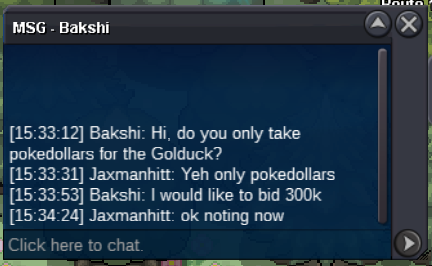
Bump 38 Minutes Left on auction.Bakshi Bid 300K
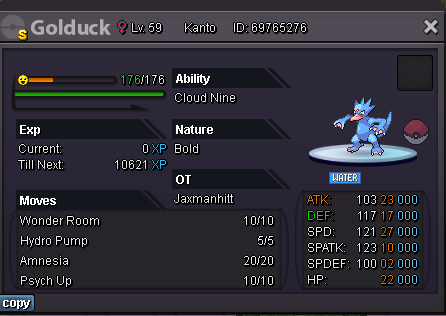
 ^Fiqnewbie just bid 205K in PM to meFiqnewbie Bid 130K in PM to meThank you very much! I will keep all of this in mind for future auctions and hopefully not make any mistakes again! I appreciate it!Pharceus bid .500 so 24 hrs starting now. So yall know, .500 is 500 pokedollars. NOT 500K. glhf!Welcome to the auction Start: 500 Pokedollars Min bid: 500 pokedollars Duration: 24 hours (after the first bid) Payment: Pokedollars. No cancellations, No insta. GLHF 🙂
 https://pokemonrevolution.net/forum/topic/227534-setting-up-a-controller-for-the-complete-noob-myself-included-made-easy/Ok all, before I start.. I am very new to Pokemon Revolution and I have been trying to set up a controller for PRO since I started maybe 2 weeks ago. I have a severe tbi and I get confused easily. But ILL try to make this as easy to follow as I can. Please keep in mind the button assignments and what I tell you their function is. I haven't been able to find a complete setup and really hope you find this setup I made works for you as well as it does for me. The Left stick is directional. Left trigger lets you mount and unmount the bike Right trigger lets you mount and unmount surf water mount D Pad allows for the use of your 1,2,3,4 quickslot items. Depending on your controller, the bottom button on buttons is the interact. Your D Pad in battle also servers as the battle menu directions, Example, Pressing 1 or <-- On the Dpad will open up "Fight" and then you just hit with corresponding number 1 through 4 of your moves in your list of moves on the D pad for you to use an attack. For example if I hit 1 again, I will use Dragon Claw. Example is in this .gif https://gyazo.com/0d1743ce733cd61f761a427027536edc Anyways, hope it helps folks..
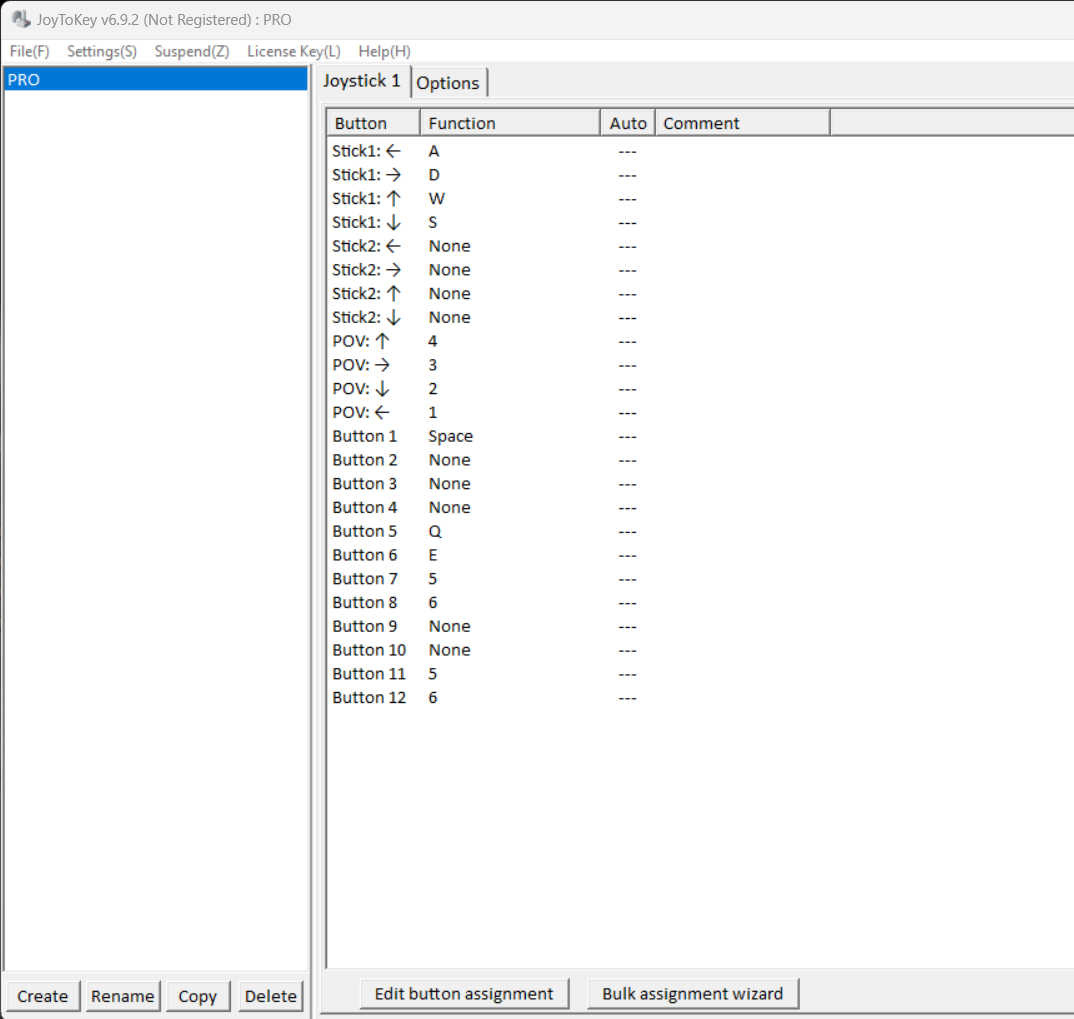 Hey so Im going to make a guide real quick and then ill re post here saying where it is.