




New Trade Zone
Trade Zone is now live
Use the new Trade Zone for auctions and instant-price trades so Pokemon and item offers are easy to find.

H3b3r0004
Suspended
-
Joined
-
Last visited
Everything posted by H3b3r0004
-
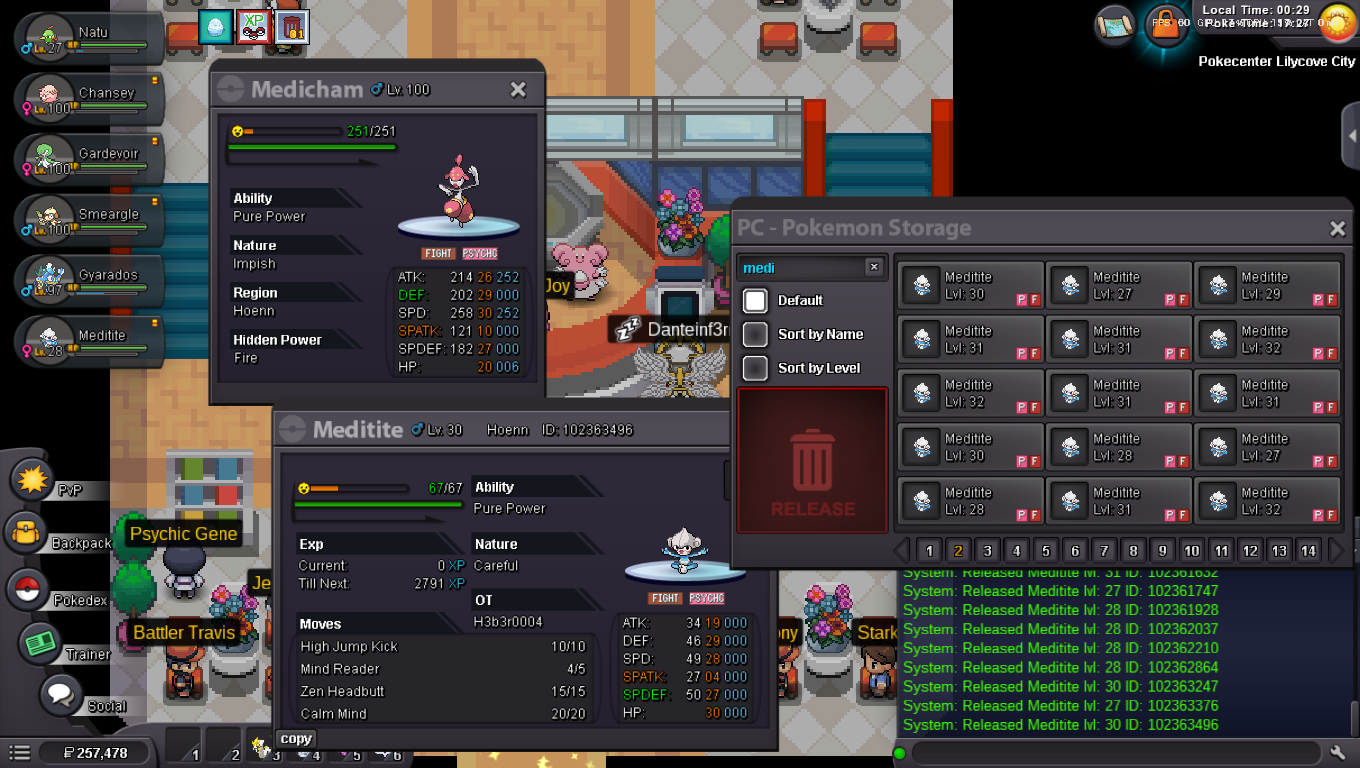
Tipo de solicitud: liberación accidental Nombre de usuario: h3b3r0004 Servidor: Plata Pokémon: meditite id: 102363496 necesito recuperarlo, muchisimas gracias 🙂
-
700k
-
hi 1.550m
-
1m
-
106k
-
180K
-
I sent him a pm and he doesn't answer here either. If you like to force trade, it would help me a lot. This has been going on for a while.I sent him a pm and he doesn't answer here either.
-
Hi, The guys told me to talk to a staff member, I accidentally deleted my strawberry (pink) Easter Day (togepi) togepi. I don't have an image capture because I didn't plan to delete it... I thought I was deleting another one and the chat went by quickly. I didn't know they could be recovered T.T I need help to recover it :c thank you very much
-
-
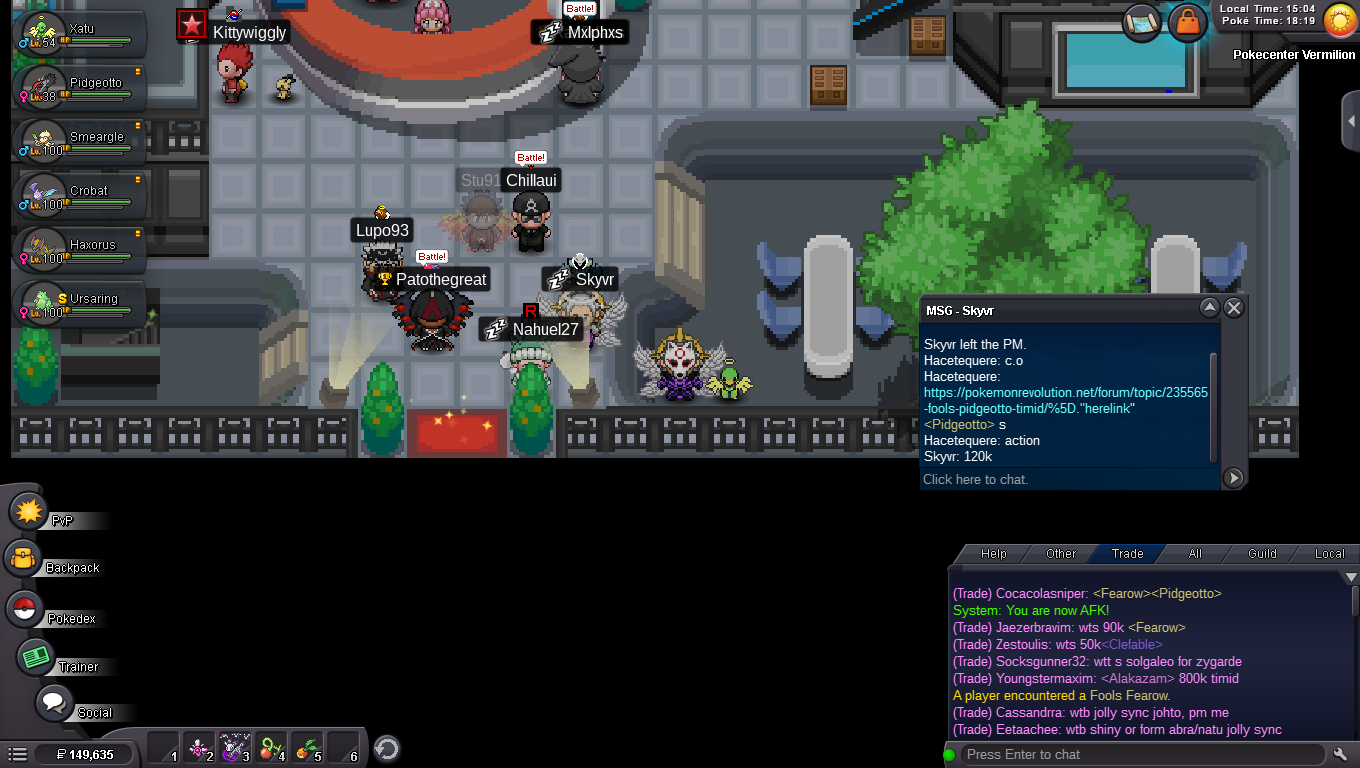
congratulations 2004pofe you have won the pidgeotto!! In the auction. I will contact you to give you the prize in the game
-
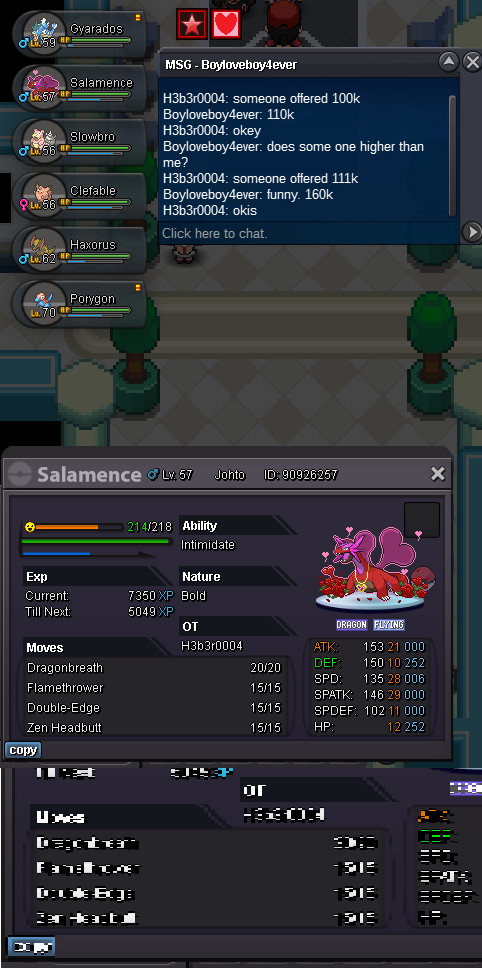
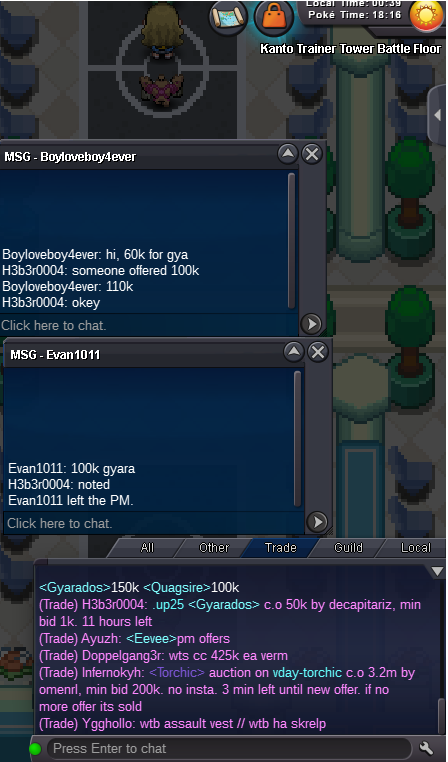
s.o : 100k Mid raise : 10k 24 hrs after first bid Coin Capsule : 360k Iv Reroll : 550k Nature Reroll : 250k
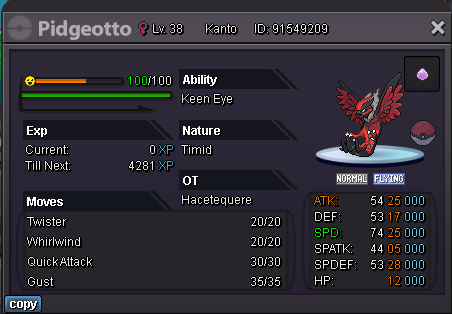 Felicitación Boyloveboy4ever!!thank you very much mod. for your great work. excellent
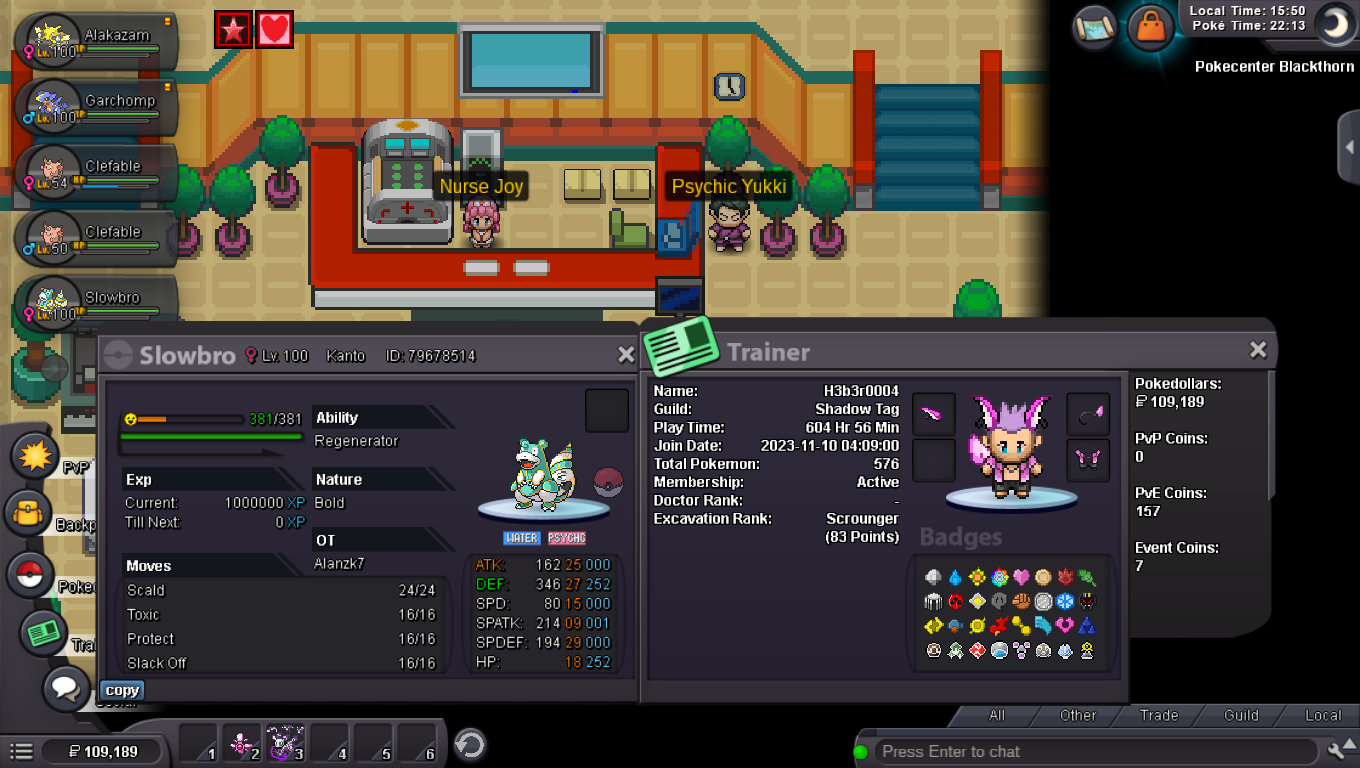 Oferta inicial: 50k Fin: 24 horas después de cumplida la oferta inicial. Precio Insta: No Aumento mínimo: 1k Pagos aceptados: Cápsulas de monedas : 400k Boleto de repetición: 500k PRO IGN: h3b3r0004 DISCORD: skywarrior3348 08:04hs arg
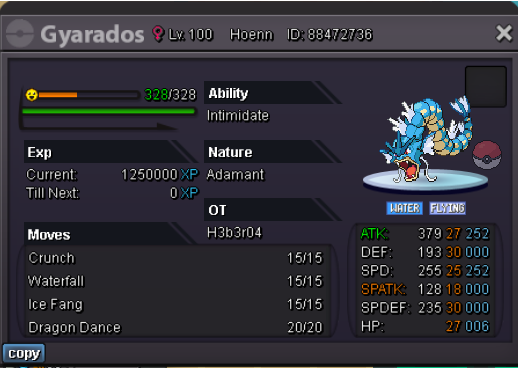 700k slowbro$1.450.000$1.250.000 pokedollarscomenzar



Account
Navigation
Search
Configure browser push notifications
Chrome (Android)
- Tap the lock icon next to the address bar.
- Tap Permissions → Notifications.
- Adjust your preference.
Chrome (Desktop)
- Click the padlock icon in the address bar.
- Select Site settings.
- Find Notifications and adjust your preference.
Safari (iOS 16.4+)
- Ensure the site is installed via Add to Home Screen.
- Open Settings App → Notifications.
- Find your app name and adjust your preference.
Safari (macOS)
- Go to Safari → Preferences.
- Click the Websites tab.
- Select Notifications in the sidebar.
- Find this website and adjust your preference.
Edge (Android)
- Tap the lock icon next to the address bar.
- Tap Permissions.
- Find Notifications and adjust your preference.
Edge (Desktop)
- Click the padlock icon in the address bar.
- Click Permissions for this site.
- Find Notifications and adjust your preference.
Firefox (Android)
- Go to Settings → Site permissions.
- Tap Notifications.
- Find this site in the list and adjust your preference.
Firefox (Desktop)
- Open Firefox Settings.
- Search for Notifications.
- Find this site in the list and adjust your preference.