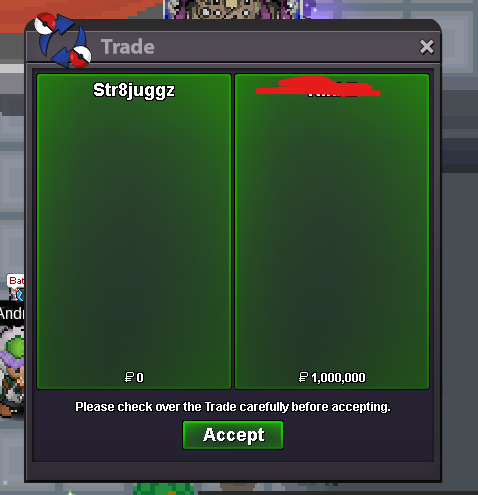
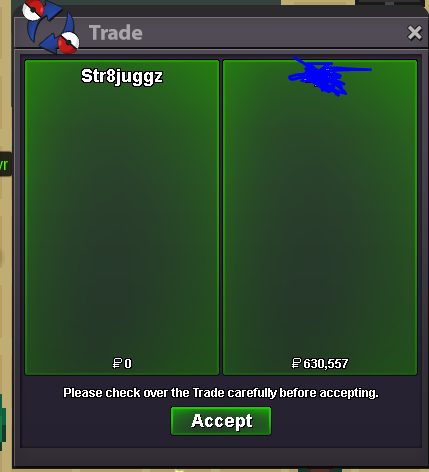
New Trade Zone
Trade Zone is now live
Use the new Trade Zone for auctions and instant-price trades so Pokemon and item offers are easy to find.

Str8juggz
Registered User
-
Joined
-
Last visited
-
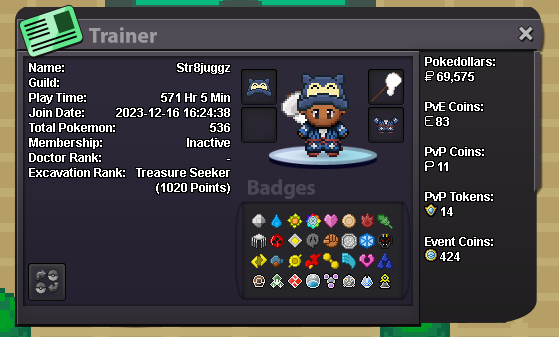
° what can you contribute to Eternity? A Respectable percentage of the pvp points needed to dominate and stay in first place. As a skilled player in chess I more or less see pvp as the same thing xd its fun. ° what is your real life and ingame name? RLN: Kojo// IGN: Str8juggz ° how old are you and where are you from? 19 yr old from the UK ° discord tag? how often are you online there (iboogz.) Online often ° screenshot of your trainercard
-
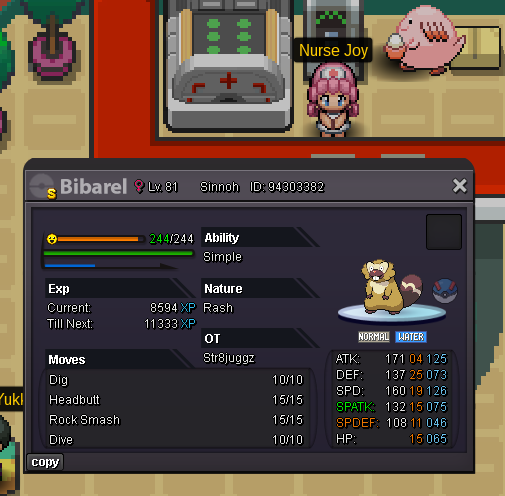
Hey im just wondering if you could turn this big boy back into a bidoof for me its way cooler. Completely understand if not but I thought ill give it a try anyways.
-
openStr8juggz (Silver)Open!What do you need. Dm me on discord to make it easierSuccessfull all 4 regions + subway and teleport
 bumpSuccessful Kanto
 Hey! Yeah thats possible. You got discord? If so add iboogz so we can discuss the cost and other thingsWere open again boysDear staff, Im 95% sure its meant to be like this and im just tripping however I just started a battle with a raikou and threw one fast ball at it. It procceeded to break out and use roar once. The battle ended immediatley. Is this a bug? Am I not able to catch it any more? Do I have to fight Nikola for it to respawn? Best wishes, Str8juggzSuccessfull story service