




New Trade Zone
Trade Zone is now live
Use the new Trade Zone for auctions and instant-price trades so Pokemon and item offers are easy to find.

Noluckyone
Registered User
-
Joined
-
Last visited
Everything posted by Noluckyone
-
1.5m
-
Trade done for the naive gible
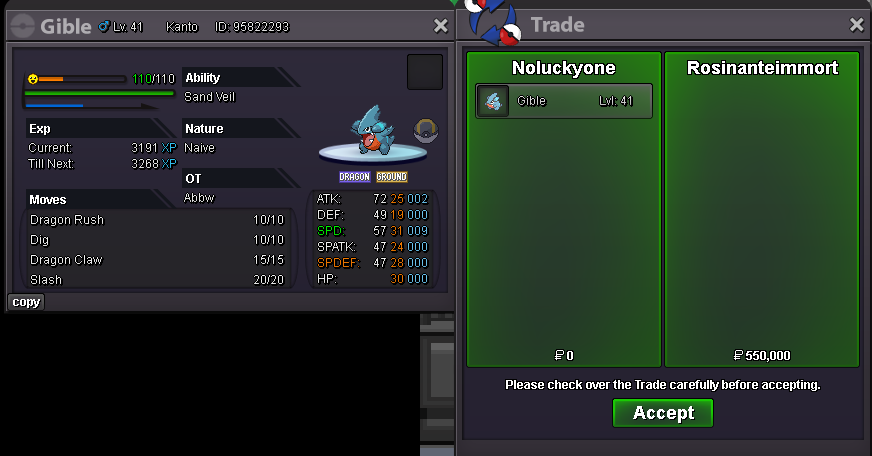
-
Trade done Can be closed 😃
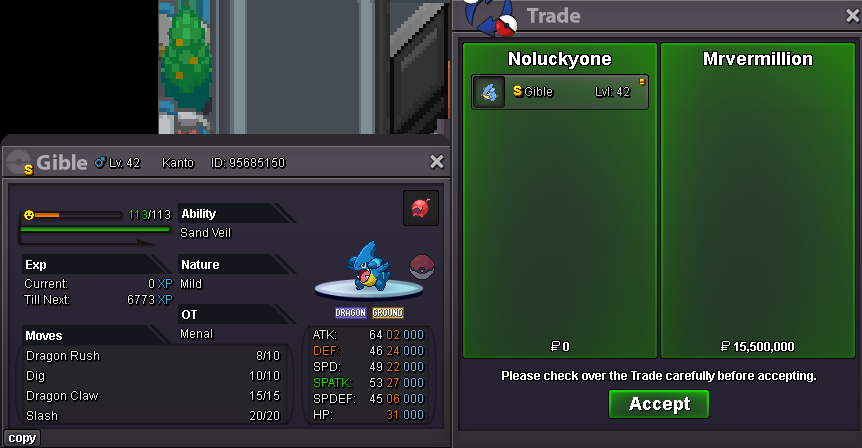
-
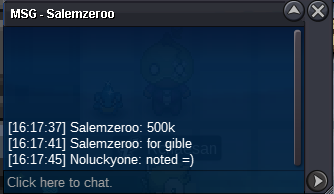
congrats @Arah11 you've won the jolly gible I'm in verm for the tradeBumpCongratz @Uxxelmon you win the shiny gible I will be online in like 2-3h If thats alright with you we Can meet then 🙂Start !Start naive gible 100k Naive gible auction ends 09/13/24 at 4:26pm gmt+2
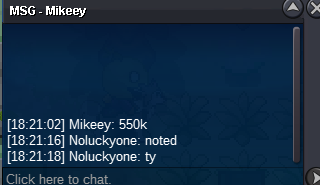
 jolly gible auction ends 09/13/24 at 3:45 pm gmt+2Starting Auction : 100k each Gible Minimum Bid : 50k each Gible No insta Auction Ends 24h After the First Bid is Placed Starting Auction : 100k Magnezone Minimum Bid : 20k No insta Auction Ends 24h After the First Bid is Placed Accepted Payment CC : 400k each // Cash Reminder This is Not a bundle, each Pokemon got its own Bid, they are sold seperaly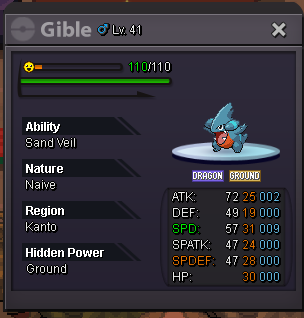

 Trade done 😃 Can be closed
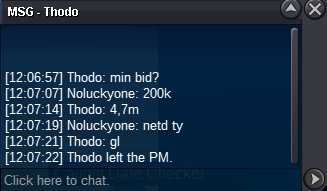
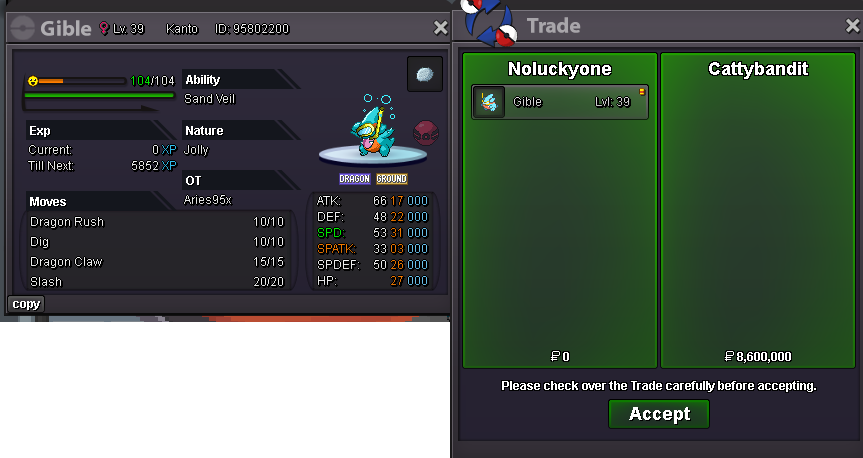 i'm online at verm @Cattybandit@Cattybandit you are right 😃 you are the winner with an 8.6m bid Congratsauction started auction ends 09/12/24 1:42 pm gmt+2Starting Auction : 3m Minimum Bid : 200k No insta Auction ends 30h After the First Bid is Placed Accepted Payments CC : 400k each // iv rr : 500k each // nat rr : 250k each // rc : 5k each
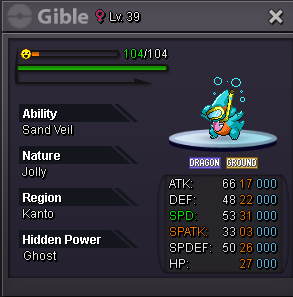 Trade done 😃 Can be closed
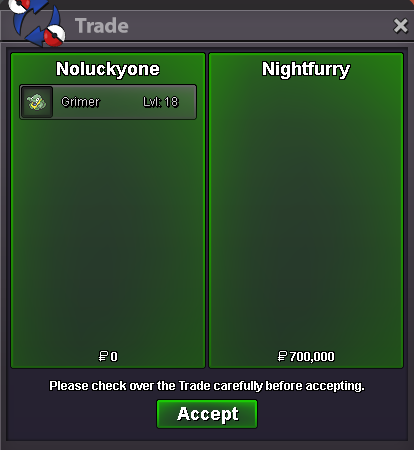 Auction started Auction ends 09/13/24 10:11 am gmt+2
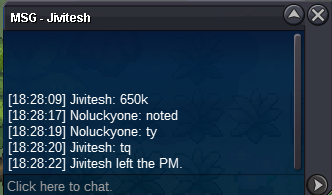
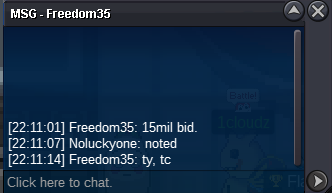 gz @Nightfurry you won the auction Let me know when we can do the tradebump little less than 4h leftStarting Auction : 15m Minimum Bid : 500k No insta Auction ends 60h after the first bid is placed Accepted Payments CC : 400k each // iv rr : 500k each // nat rr : 250k each Cash Reminder This is a cross server auction so if the winner is on gold i will go on gold server for the trade
 Auction started Auction ends 09/10/24 at 6:55 pm gmt+2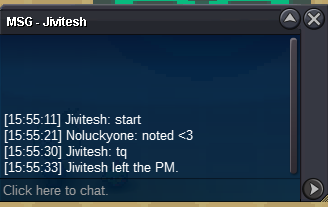


Account
Navigation
Search
Configure browser push notifications
Chrome (Android)
- Tap the lock icon next to the address bar.
- Tap Permissions → Notifications.
- Adjust your preference.
Chrome (Desktop)
- Click the padlock icon in the address bar.
- Select Site settings.
- Find Notifications and adjust your preference.
Safari (iOS 16.4+)
- Ensure the site is installed via Add to Home Screen.
- Open Settings App → Notifications.
- Find your app name and adjust your preference.
Safari (macOS)
- Go to Safari → Preferences.
- Click the Websites tab.
- Select Notifications in the sidebar.
- Find this website and adjust your preference.
Edge (Android)
- Tap the lock icon next to the address bar.
- Tap Permissions.
- Find Notifications and adjust your preference.
Edge (Desktop)
- Click the padlock icon in the address bar.
- Click Permissions for this site.
- Find Notifications and adjust your preference.
Firefox (Android)
- Go to Settings → Site permissions.
- Tap Notifications.
- Find this site in the list and adjust your preference.
Firefox (Desktop)
- Open Firefox Settings.
- Search for Notifications.
- Find this site in the list and adjust your preference.