New Trade Zone
Trade Zone is now live
Use the new Trade Zone for auctions and instant-price trades so Pokemon and item offers are easy to find.

Lordgui
Registered User
-
Joined
-
Last visited
Everything posted by Lordgui
-
start staryu 1m
-
I traded with him on the main account because his alt didn't make the event island and I was on the island.
-
now waiting for Harry17 answer, for crobat
-
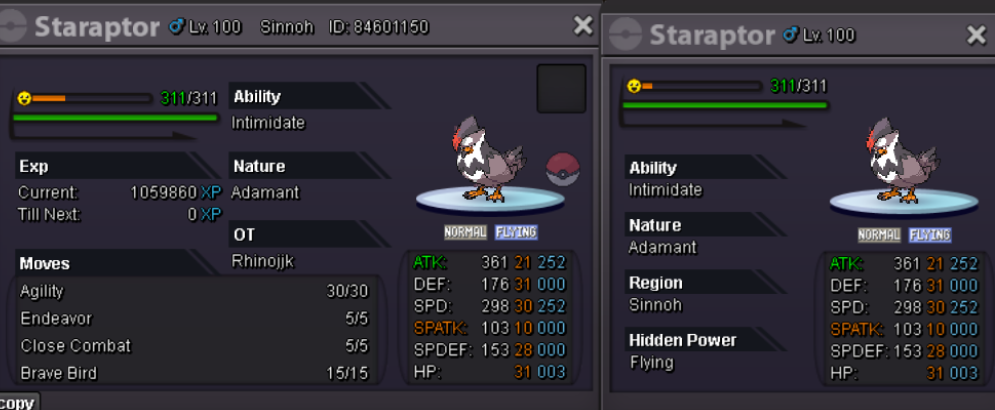
Staraptor sold Bloodylaw

-
Harry17 finish crobat you win pm me your online my discord Eloma0561
-
im on now bro Lordgui my name
-
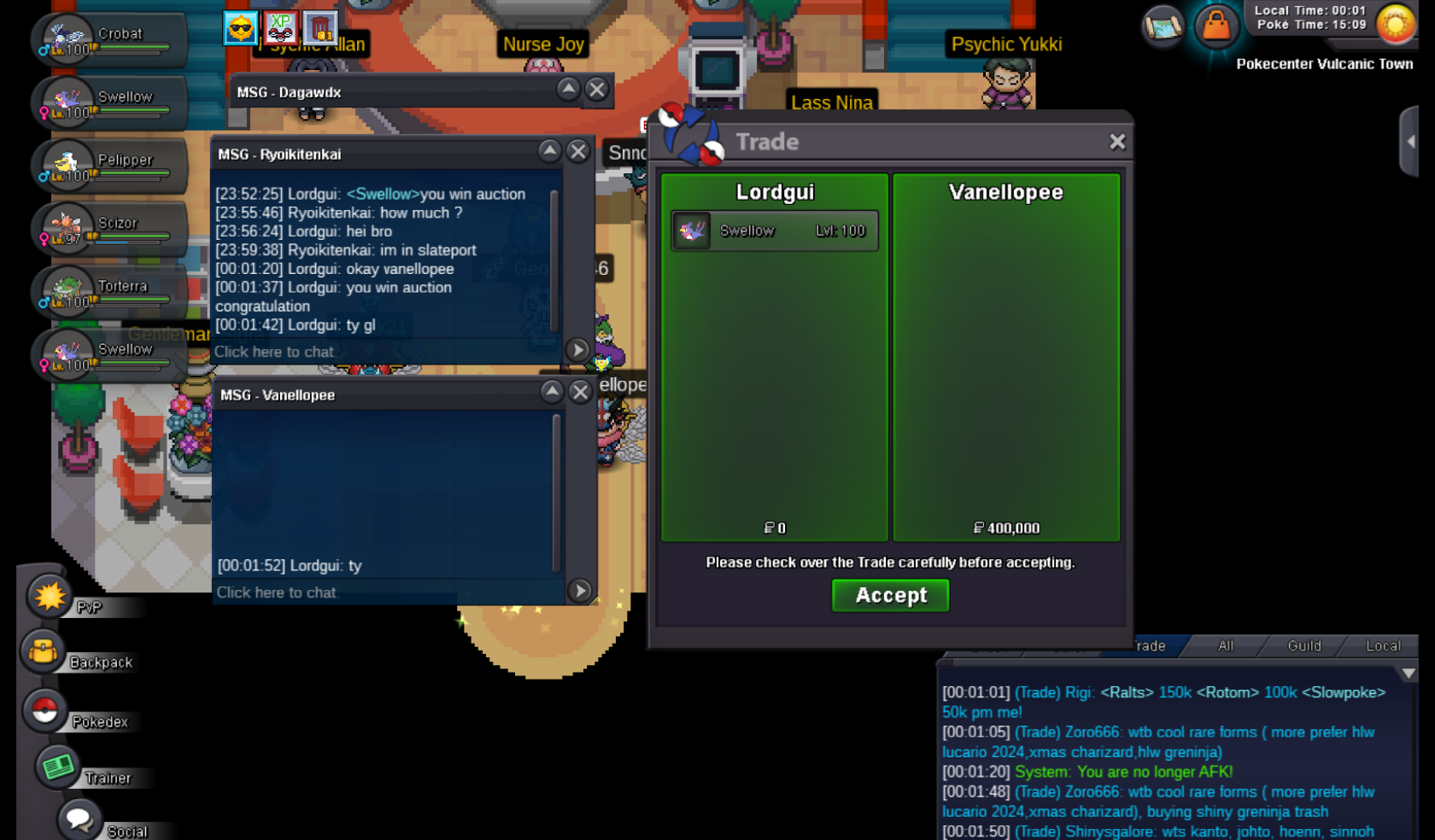
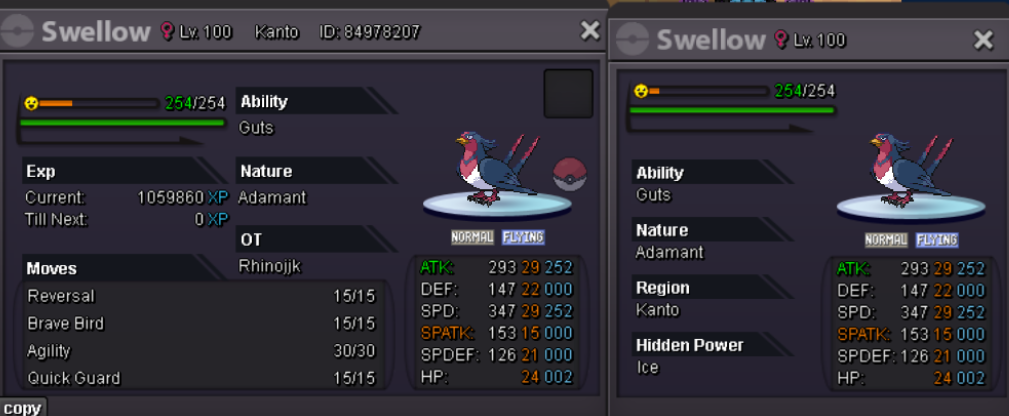
Ryoikitenkai you win auction swellow
-
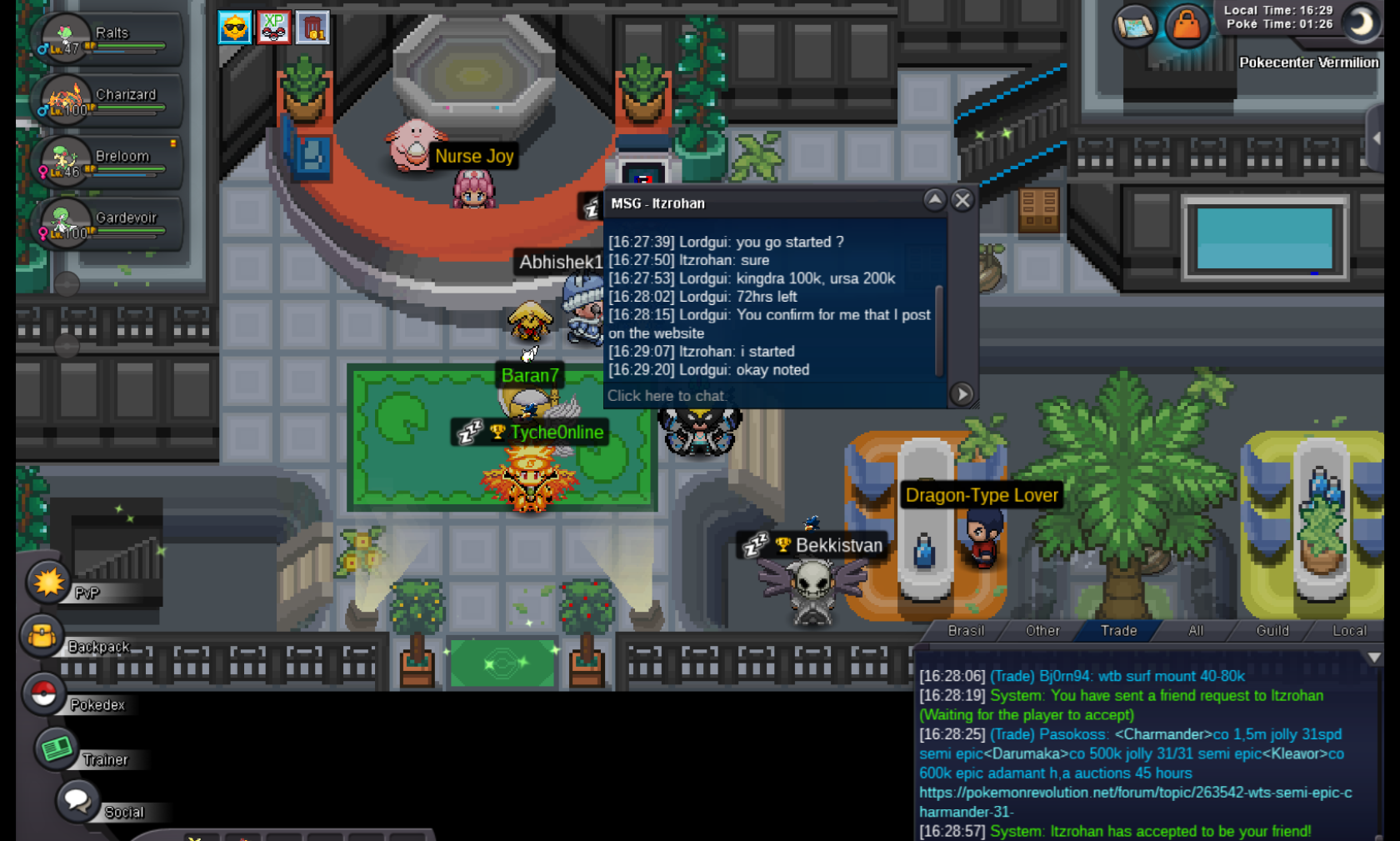
Itzrohan you win auction kingdra and ursaluna
-
Harry17 started crobat 100k min bid 20k 72hrs left
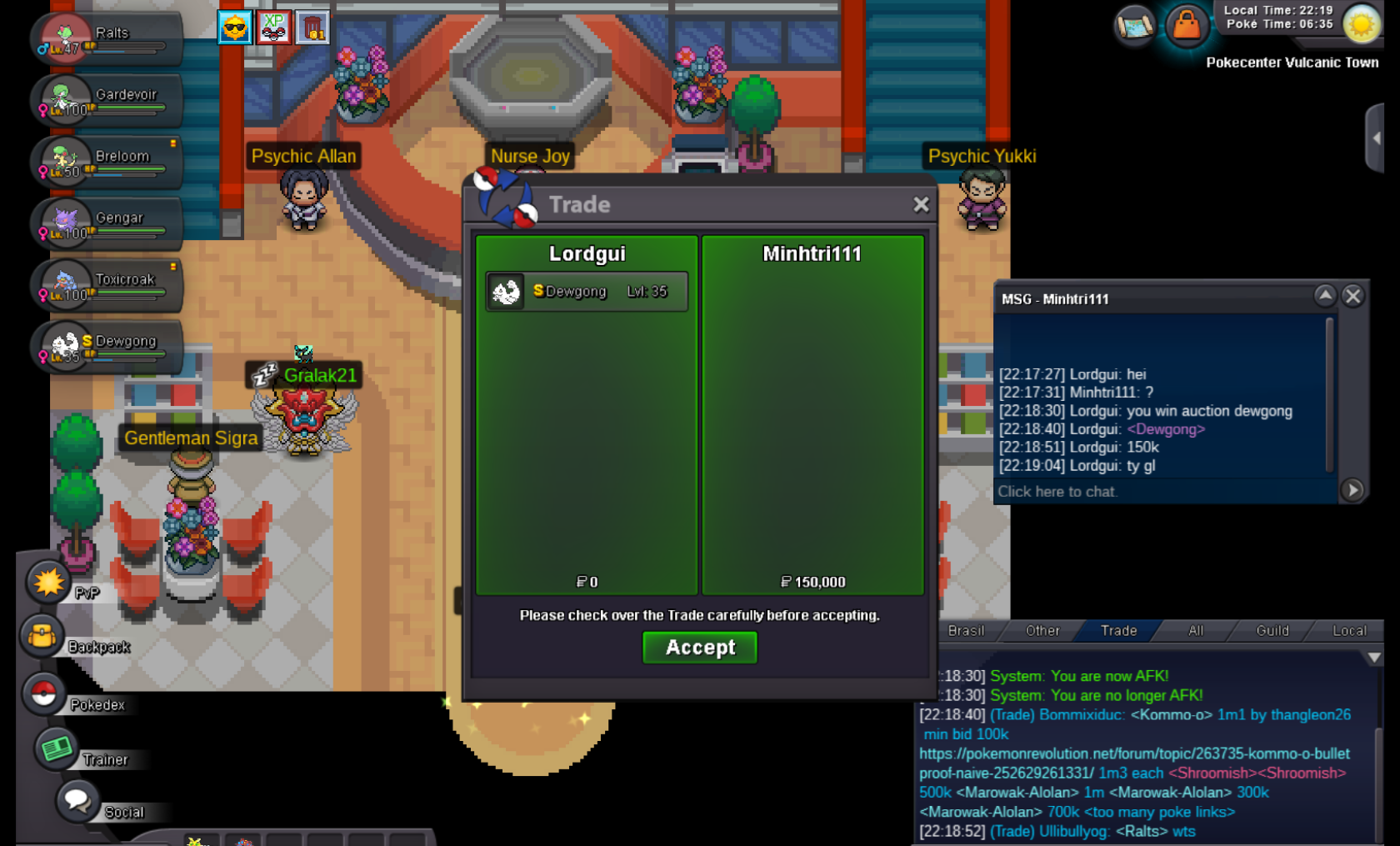
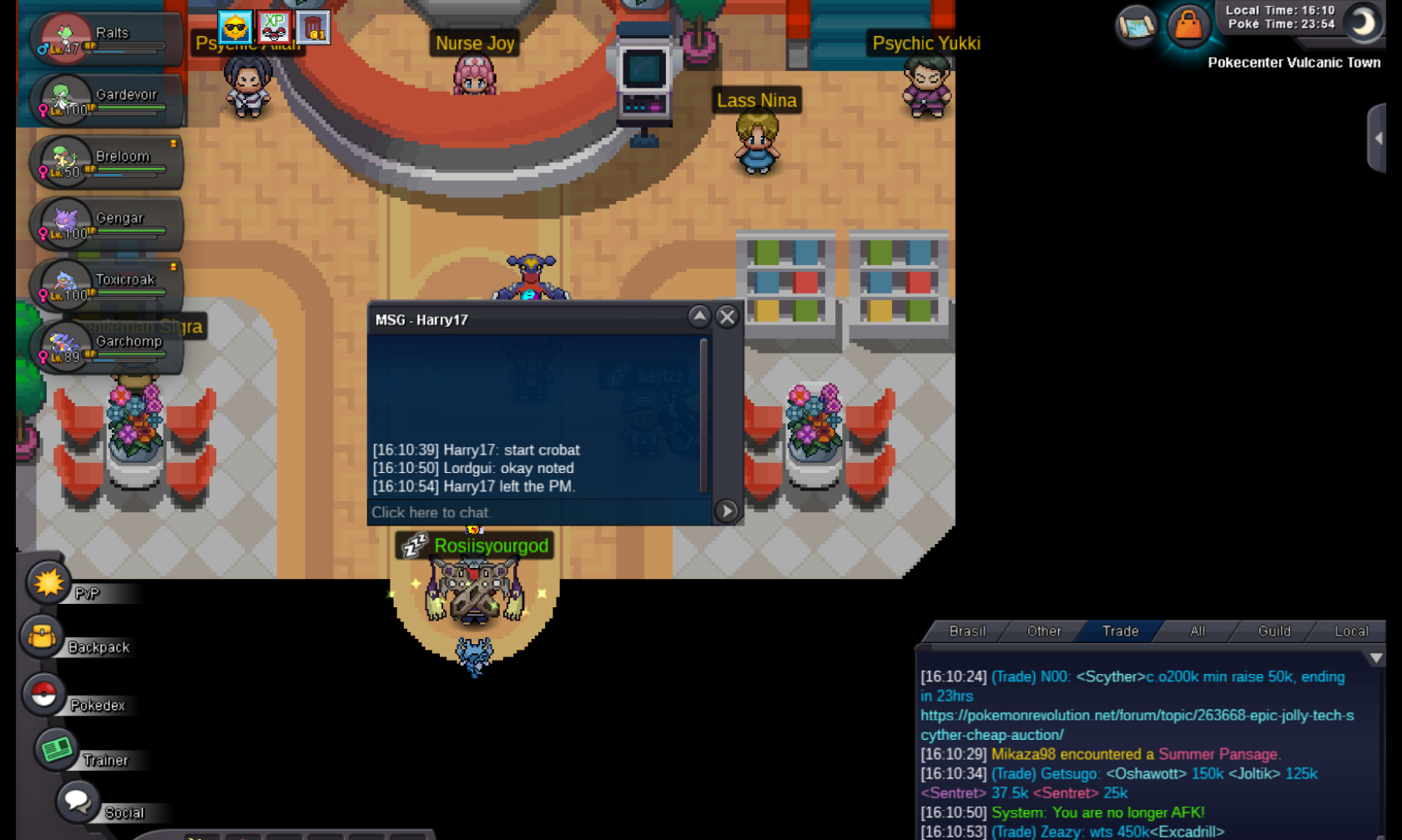 finish staraptor Bloodylaw you win contact me discord Eloma0561 or in gameless than 2 hours to finish staraptorFinish Dewgong, Minhtri111 you win 150kupdateRyoikitenkai start swellow 30/27 48hrs leftupdateMinhtri111 bid dewgong now 150k min bid 50k
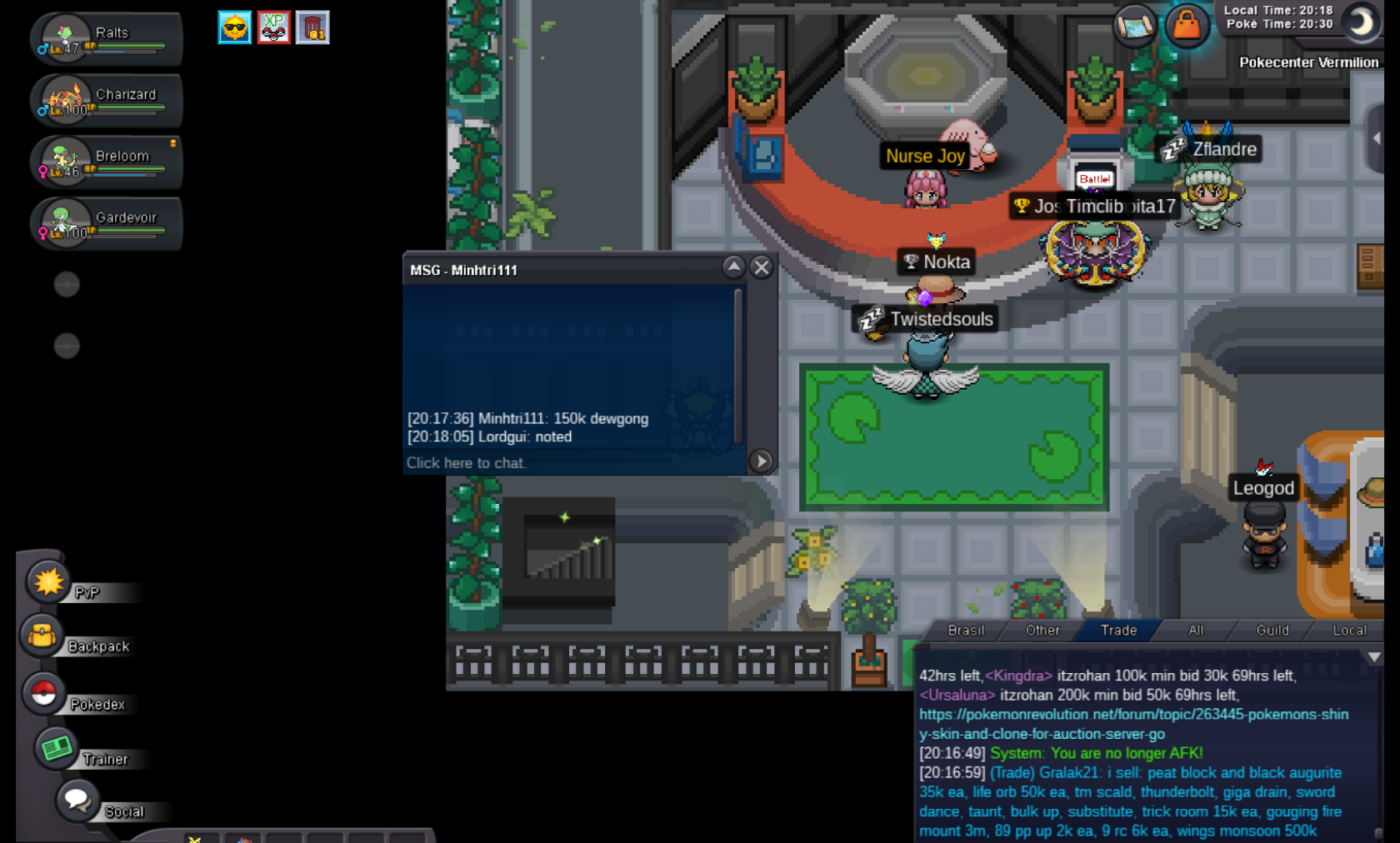 updatenoted itz
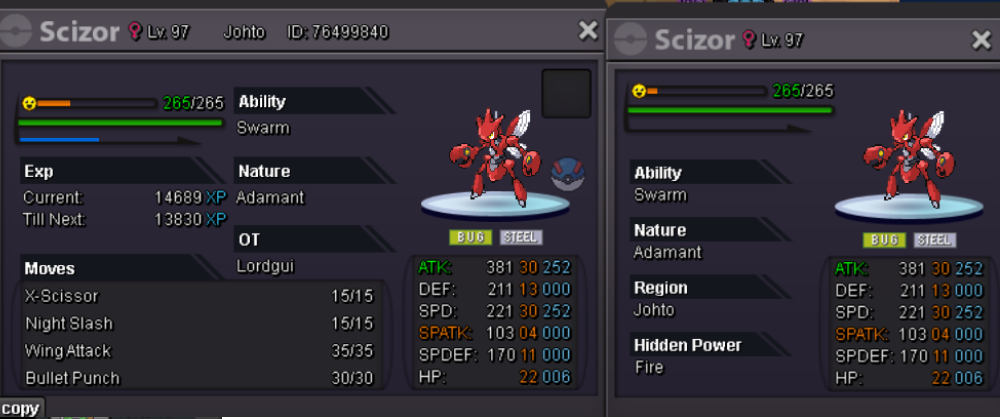
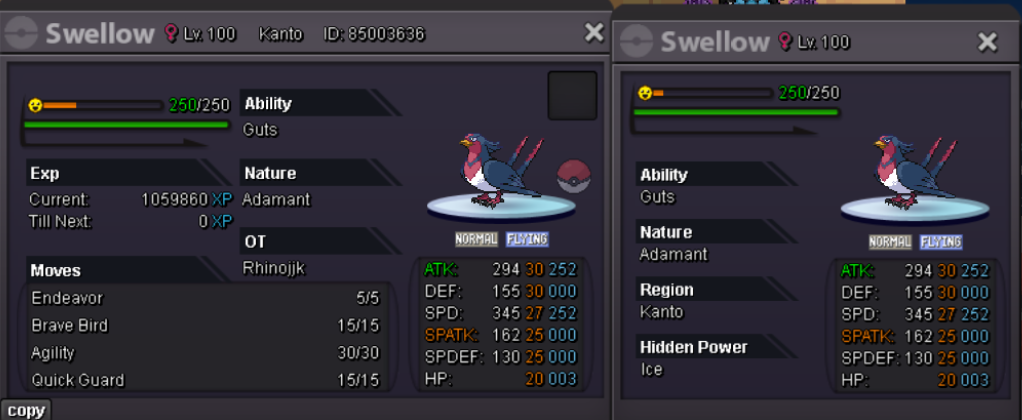
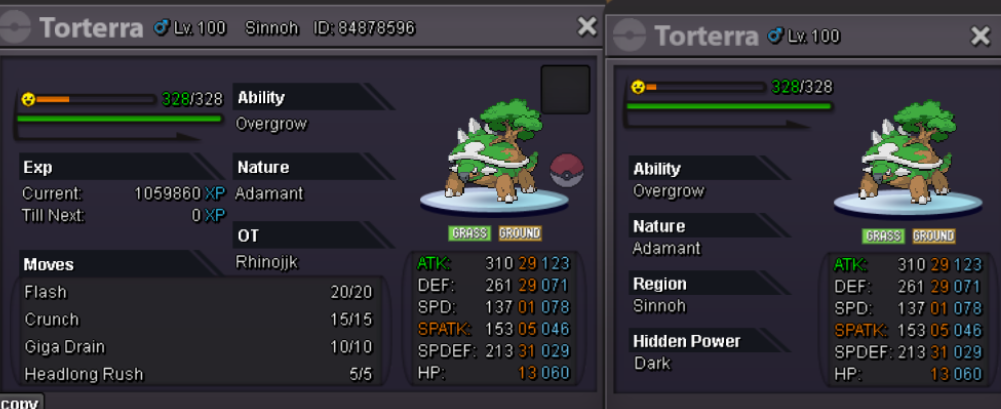
 It is not a bundle joint sale, I am selling it separately. Pelipper insta 1m (start 200k min bid 50k 48hrs left) Scizor insta 1m (start 300k min bid 50k 48hrs left) Staraptor insta 600k (start 200k min bid 50k 48hrs left) Swellow insta 1m (start 400k min bid 50k 48hrs left) Swellow insta 1m (start 400k min bid 50k 48hrs left) Torterra insta 600k (start 200k min bid 50k 48hrs left) The auction begins with the first bid, the bidder saying "start" or "value." From the moment the bidder placed the bid, 48 hours will count down until the auction ends, at the same time the bid was placed. Well, if you want to buy, the best recommendation would be Insta.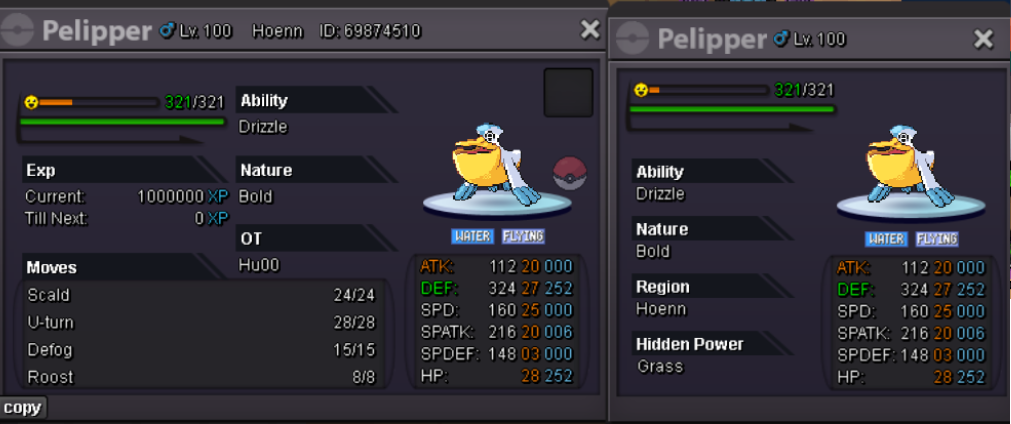
 update