New Trade Zone
Trade Zone is now live
Use the new Trade Zone for auctions and instant-price trades so Pokemon and item offers are easy to find.

Itachiaz
Registered User
-
Joined
-
Last visited
-
text me on discord now can come online itachiaz7
-
450k
-
Winner- Reevarp 550k pls contact me
-
last minutes
-
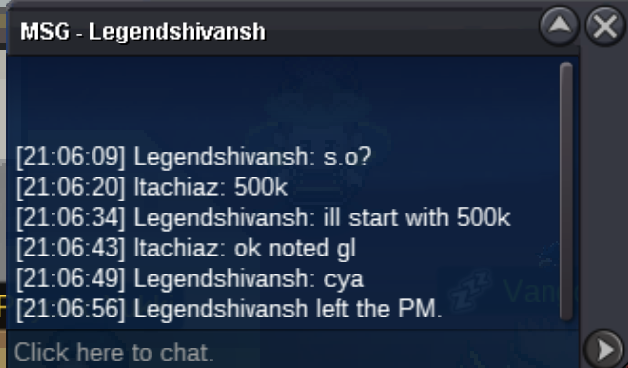
Start: 500k
-
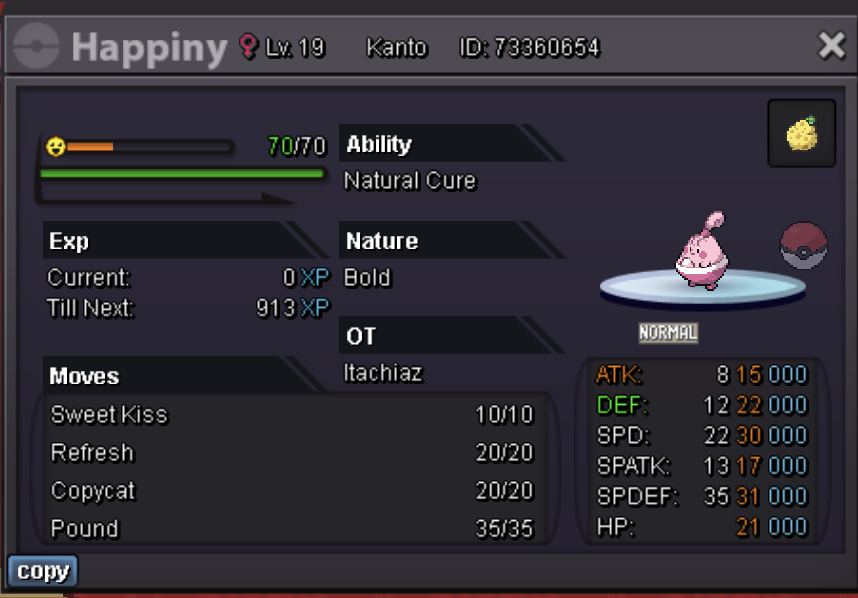
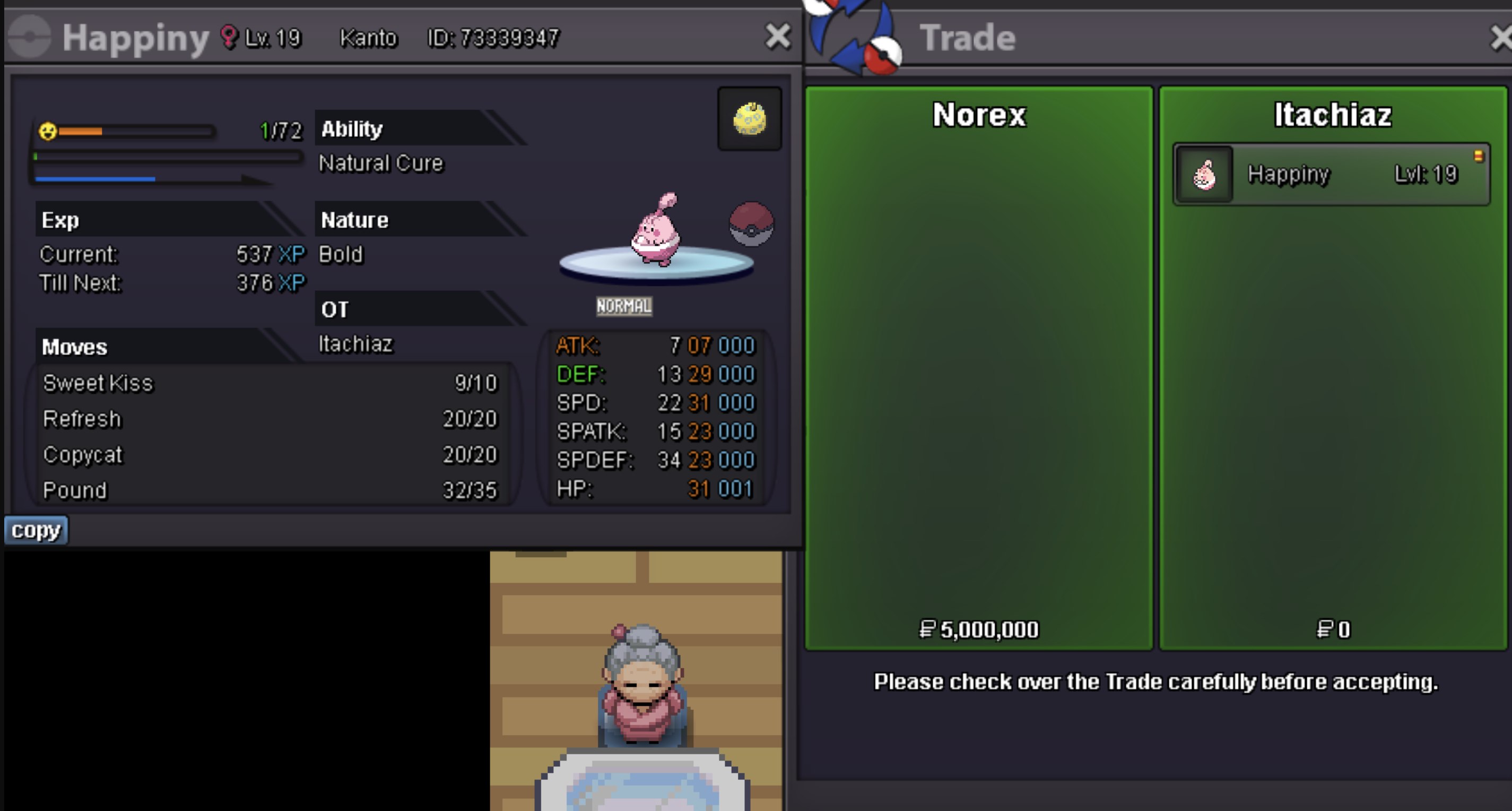
Happiny Start Price: 500k Insta: 3m Min. Raise: 50k Accepted Payment(s): Pokedollar, rare candies = 6k Auction time: 48 hours after first bid
-
Happiny sold to Norex for insta price 5m
-
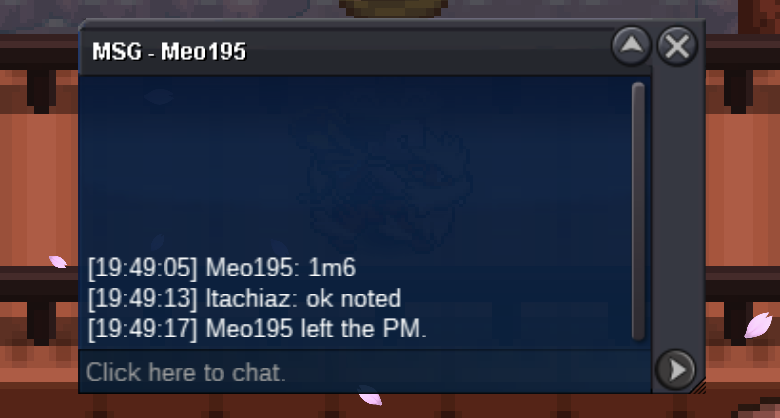
1.6m
-
Happiny Start Price: 1.5m Insta: 5m Min. Raise: 100k Accepted Payment(s): Pokedollar, rare candies = 6k Auction time: 48 hours after first bid Good luck everyone ❤️
 Beldum - 66k ItachiazHi. Würde gerne eurer Gilde beitreten, deshalb meld ich mich mal unter diesem Beitrag. Meldet euch gerne. DankeIf i want to login it states that it is an outdated version. Everytime I click on the link and download it. The first time I connect and after that it again shows outdated client (downloaded it 4 times now). Pls help what to do. ThanksHelp. I accidently released my pokemon (15.03.24- 23:35:50. Server: Gold Beedrill lvl 100 ID: 64099343 My name: Itachiaz Thank you
 Auction 24 hrs after first offer min raise 10k Start price: 50k pay with pokedollar ❤️