




New Trade Zone
Trade Zone is now live
Use the new Trade Zone for auctions and instant-price trades so Pokemon and item offers are easy to find.

Mrfluffballs
Registered User
-
Joined
-
Last visited
Everything posted by Mrfluffballs
-
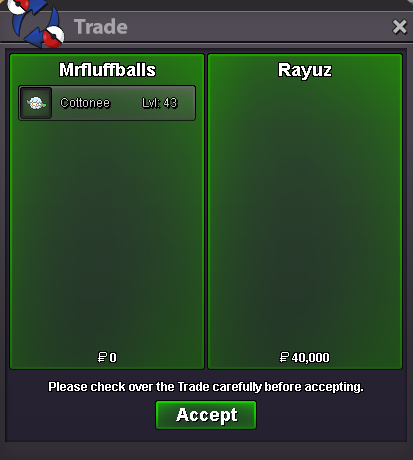
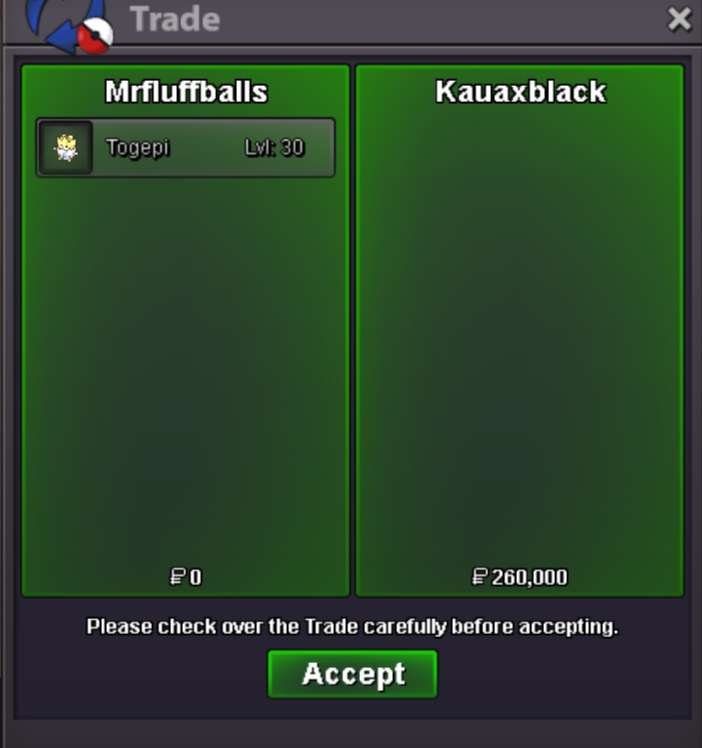
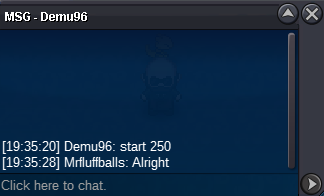
Several prices have been updated.BumpCongrats! You've won, lmk when you can pick it up. Or add me on discord. Xeratios is my discord tagI'll start, 500kbumpAlready did..Details: - Starting price: 250k - Ends 48 hours after the starting price has been met. - No insta. - min. raise of 10k - accepted payments: pokedollars or cc's. (coin capsule 400k each)
 BumpbumpbumpYou online ingame? If you can, add me on Discord: xeratiosFluffbusters guildshop! - Fake offers will be reported. - Contact through game or Discord, as stated on each individual screenshot. (I only manage the guildshop, i am not responsible for any sales.) Accepted payment methods - Coin capsule, 400k. - IV reroll, 500k. - Nature reroll, 250k. Trained Untrained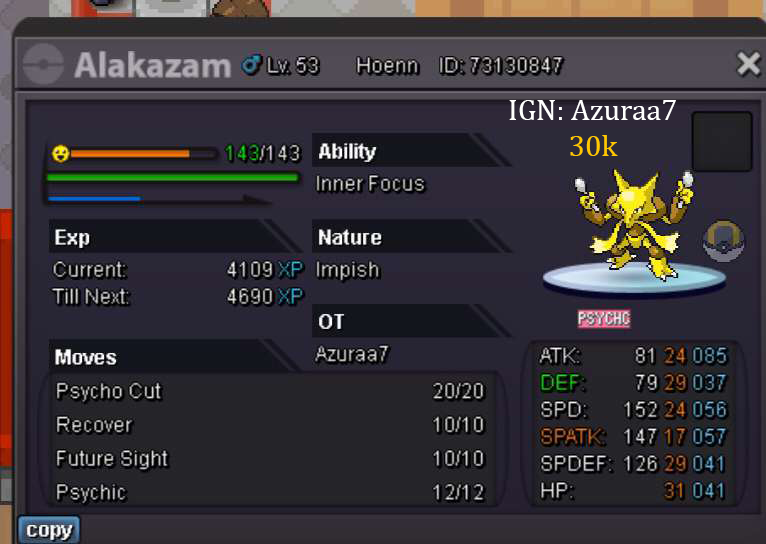
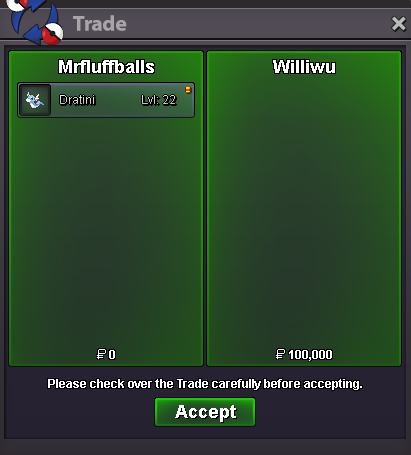
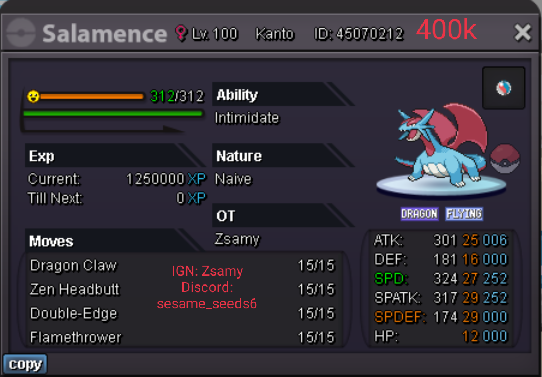 Shop has been updated, 8 pokemon have been added. untrained: 6 panchams and 2 cottonee for bossesbump20 pokemon have been added. trained: toxicroak, charizard, 2 ttars, alolan vulpix, tentacruel, scizor, 2 volcarona, lucario, kommo-o, mimikyu, lopunny. untrained: golbat, 2 dratini, clefairy, 2 skarmory, snorunt. Some price adjustments have been made. More trained pokemon coming in the next couple of days.bump
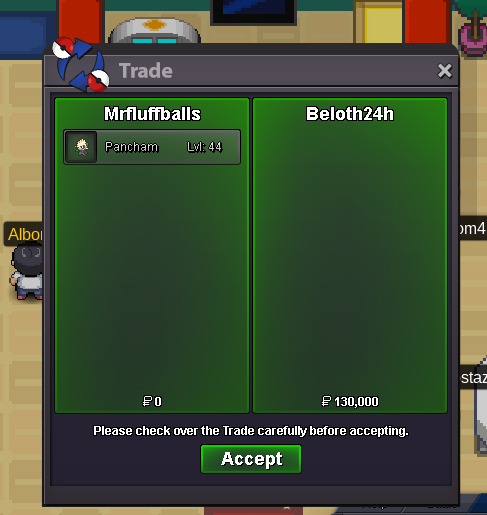
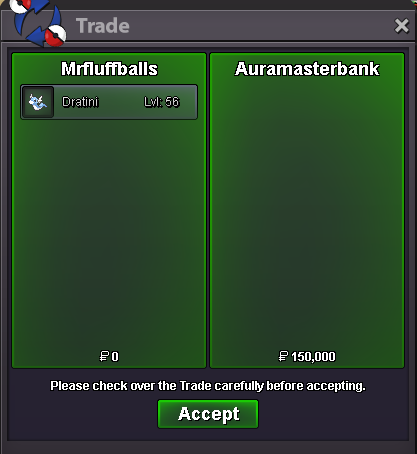


Account
Navigation
Search
Configure browser push notifications
Chrome (Android)
- Tap the lock icon next to the address bar.
- Tap Permissions → Notifications.
- Adjust your preference.
Chrome (Desktop)
- Click the padlock icon in the address bar.
- Select Site settings.
- Find Notifications and adjust your preference.
Safari (iOS 16.4+)
- Ensure the site is installed via Add to Home Screen.
- Open Settings App → Notifications.
- Find your app name and adjust your preference.
Safari (macOS)
- Go to Safari → Preferences.
- Click the Websites tab.
- Select Notifications in the sidebar.
- Find this website and adjust your preference.
Edge (Android)
- Tap the lock icon next to the address bar.
- Tap Permissions.
- Find Notifications and adjust your preference.
Edge (Desktop)
- Click the padlock icon in the address bar.
- Click Permissions for this site.
- Find Notifications and adjust your preference.
Firefox (Android)
- Go to Settings → Site permissions.
- Tap Notifications.
- Find this site in the list and adjust your preference.
Firefox (Desktop)
- Open Firefox Settings.
- Search for Notifications.
- Find this site in the list and adjust your preference.