




New Trade Zone
Trade Zone is now live
Use the new Trade Zone for auctions and instant-price trades so Pokemon and item offers are easy to find.

Mrfluffballs
Registered User
-
Joined
-
Last visited
Everything posted by Mrfluffballs
-
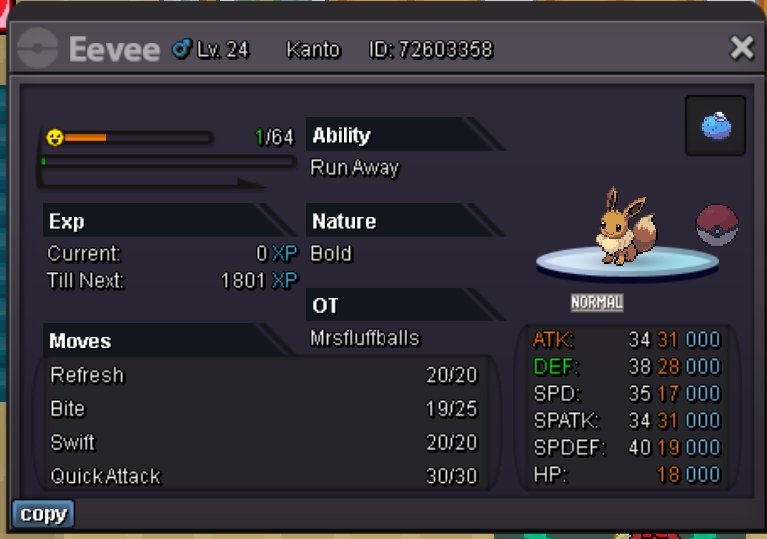
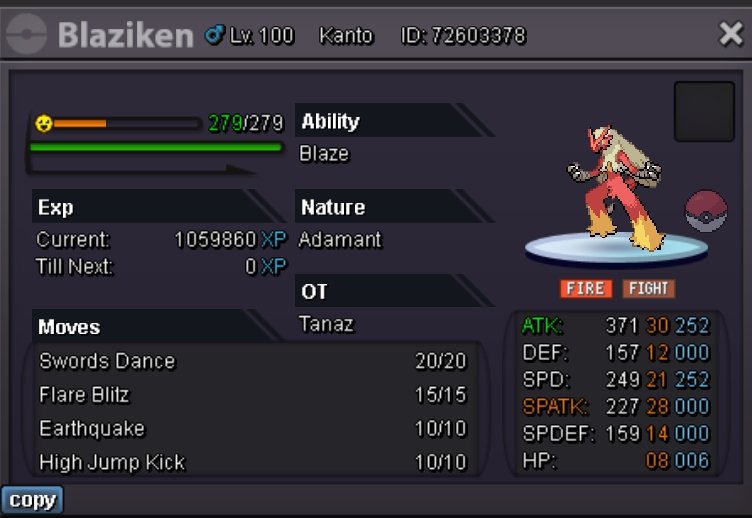
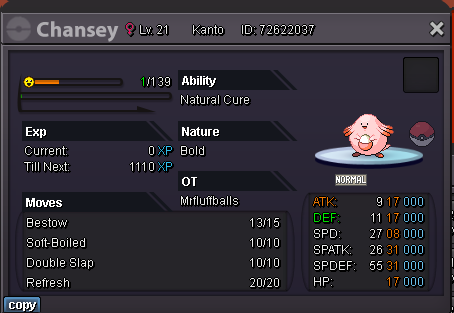
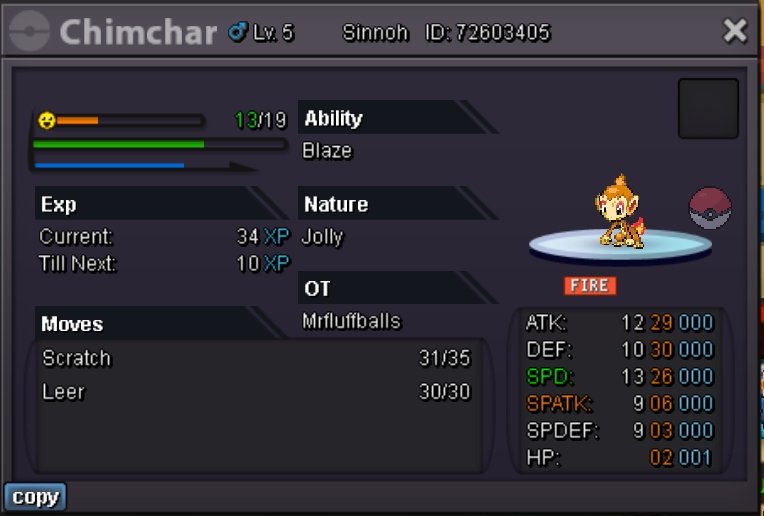
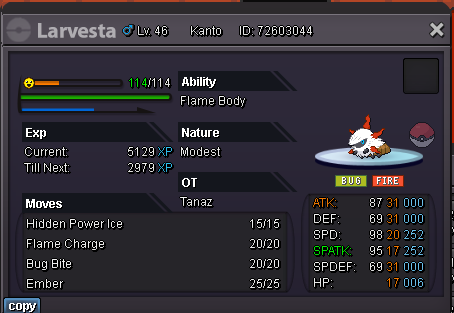
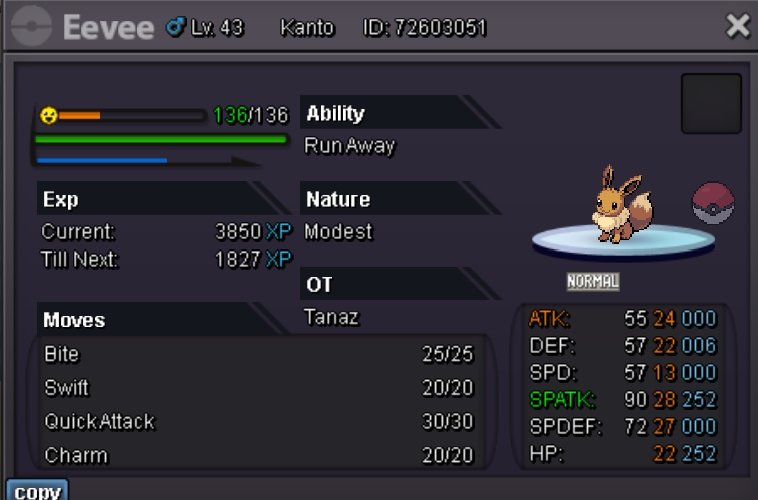
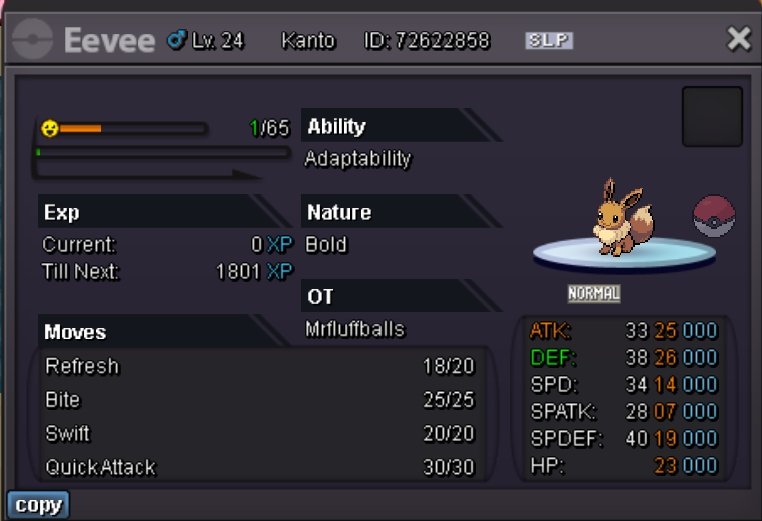
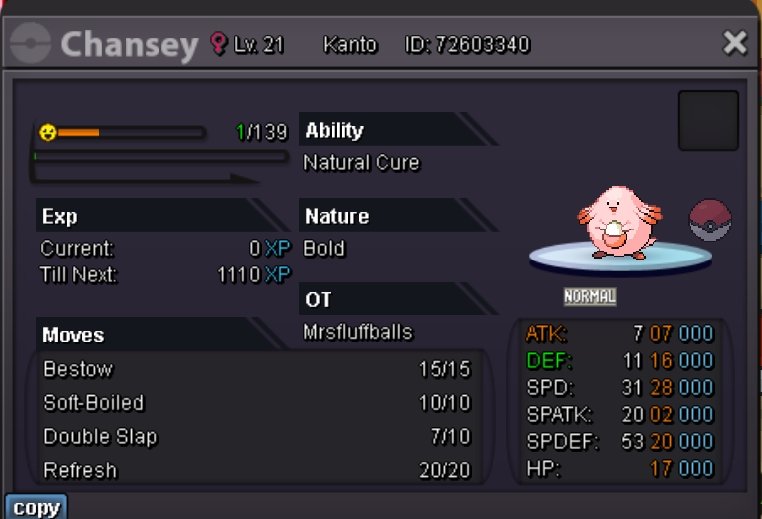
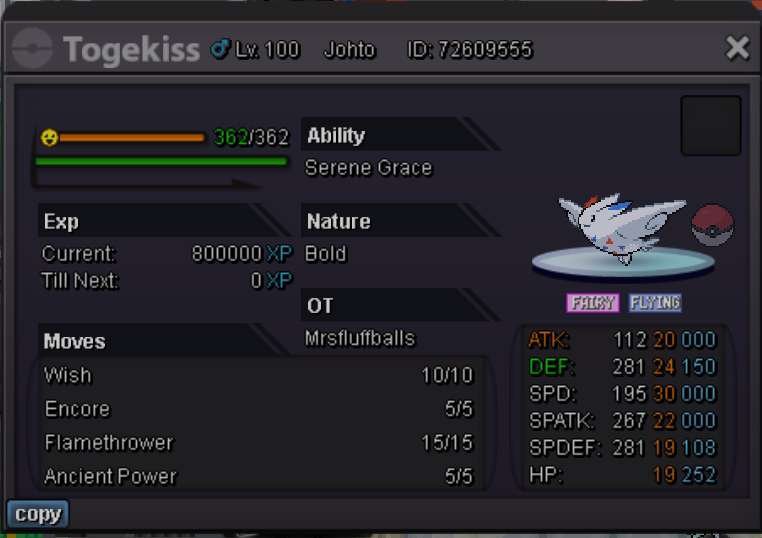
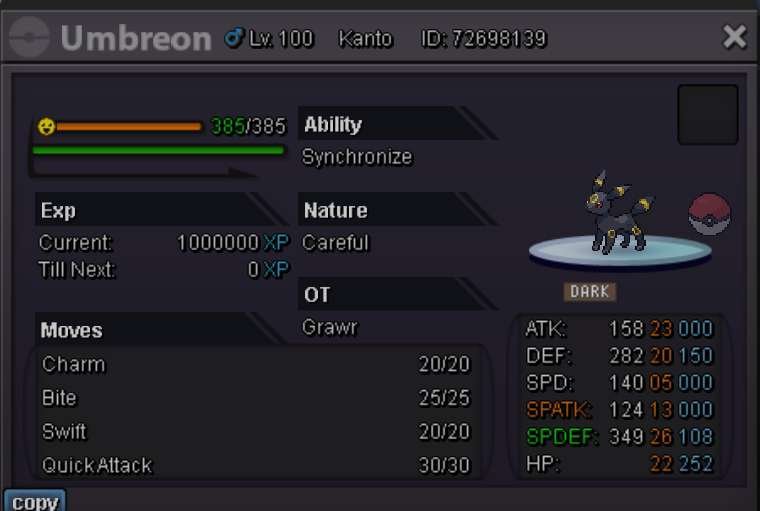
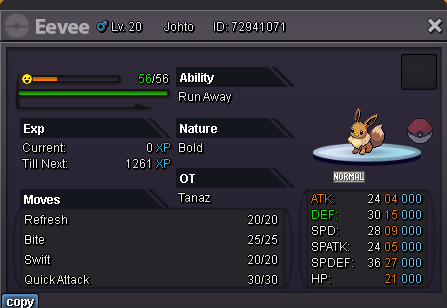
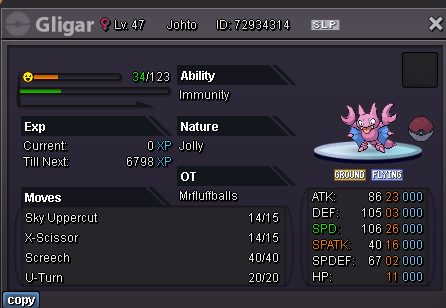
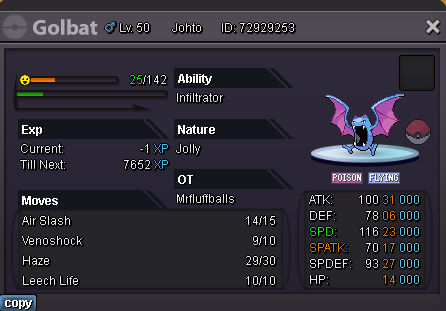
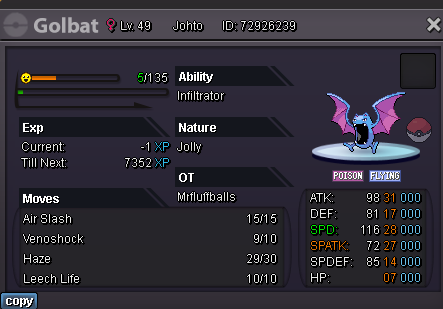
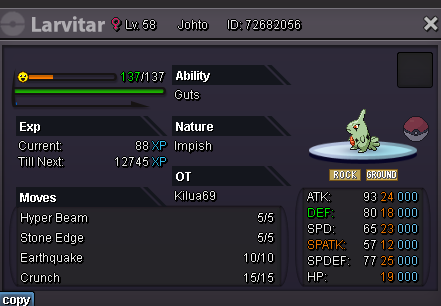
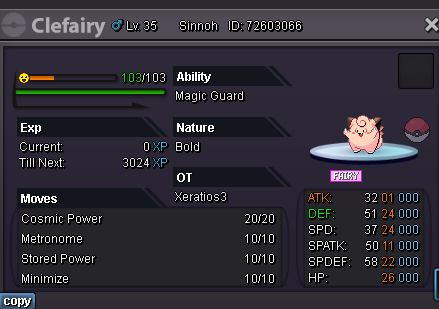
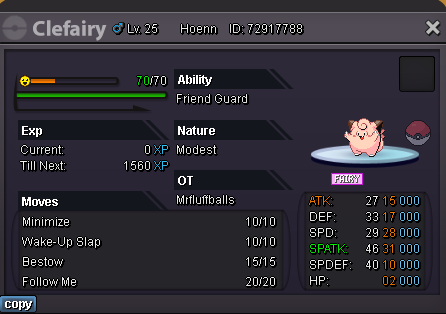
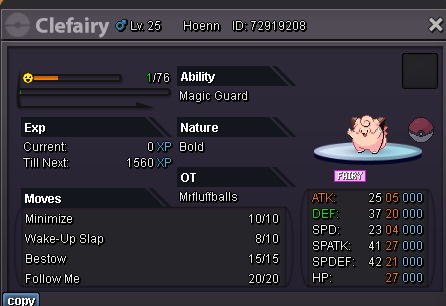
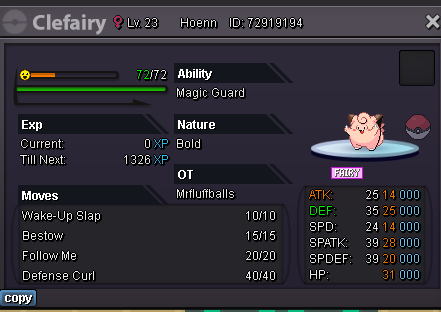
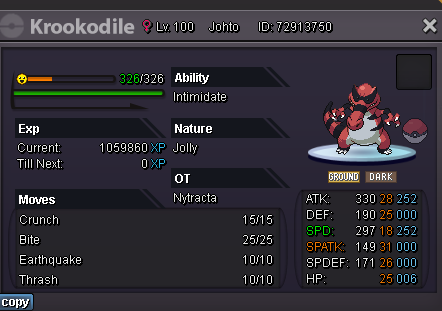
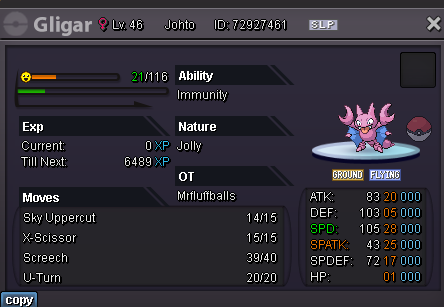
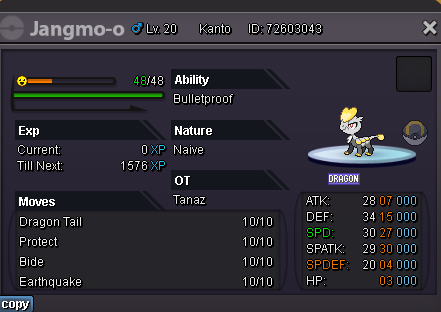
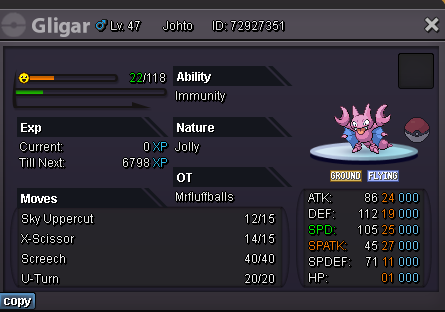
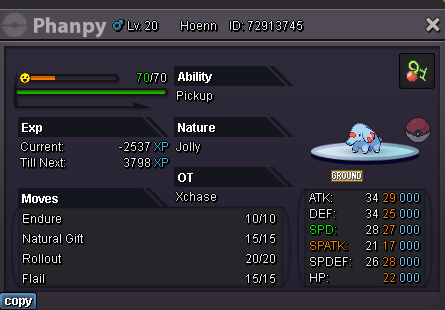
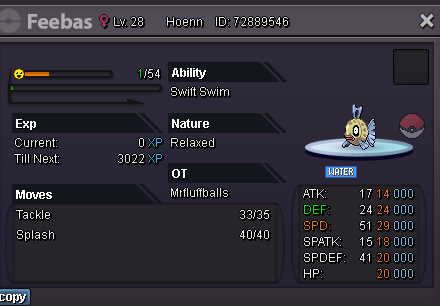
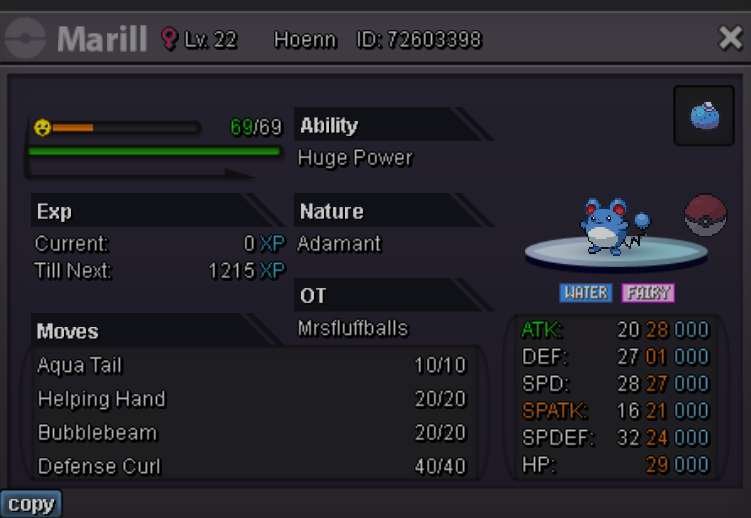
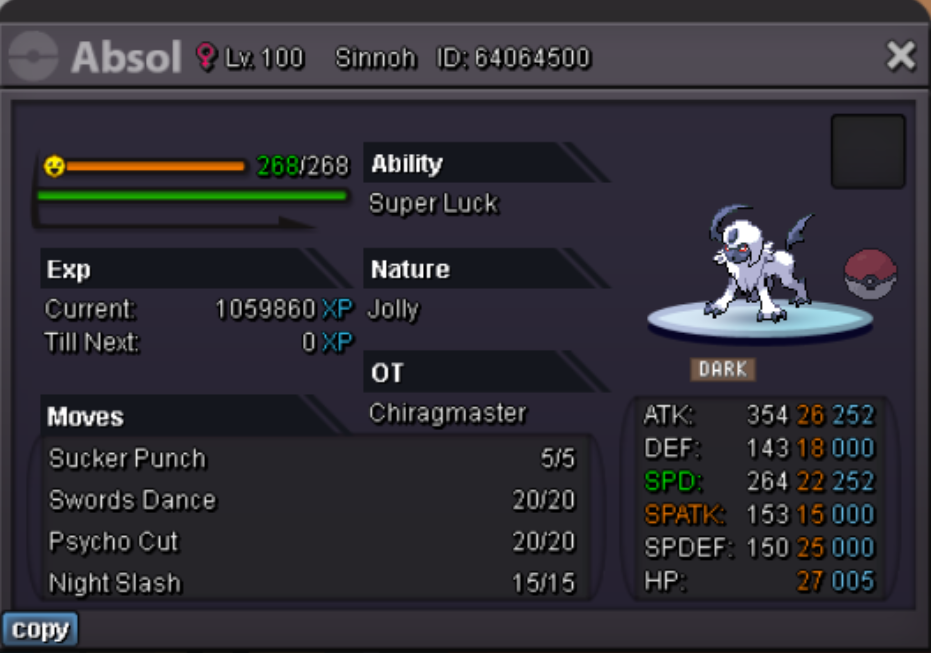
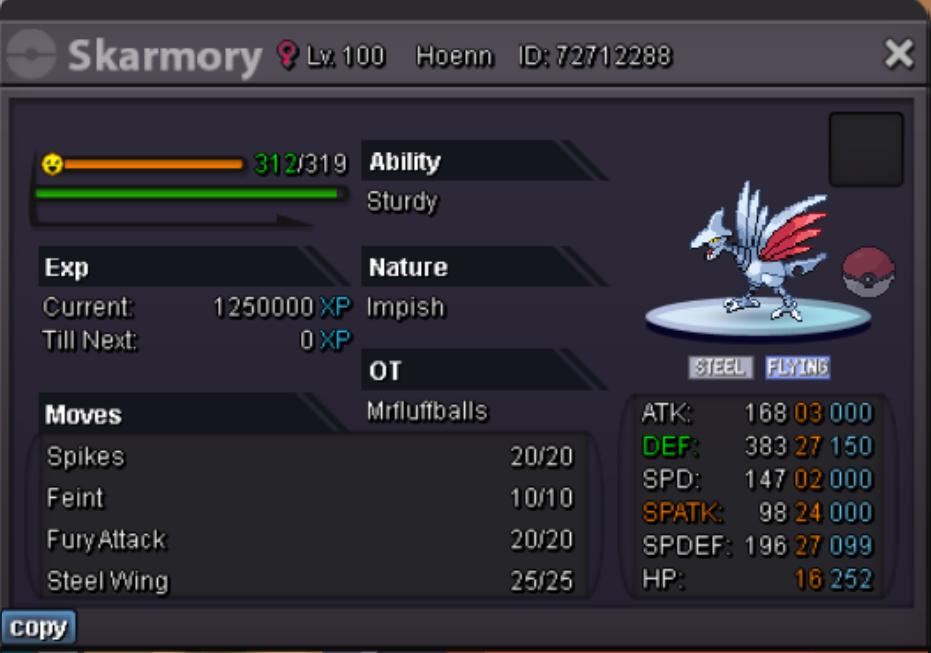
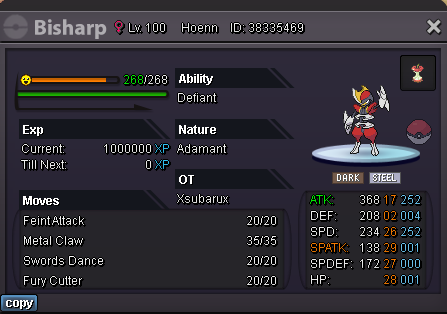
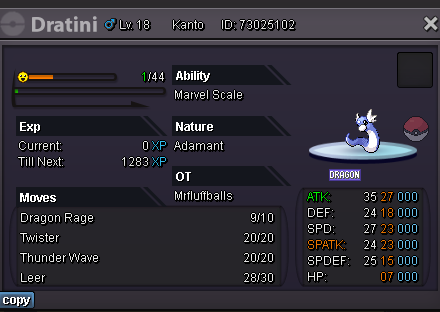
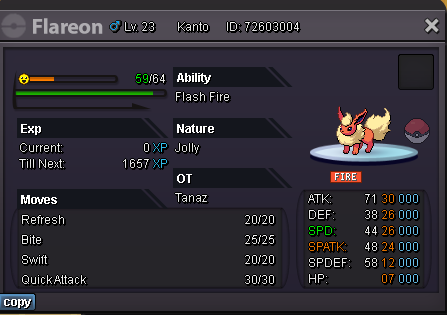
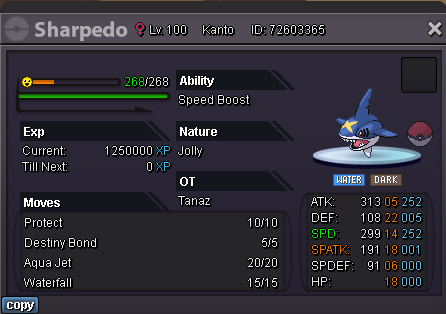
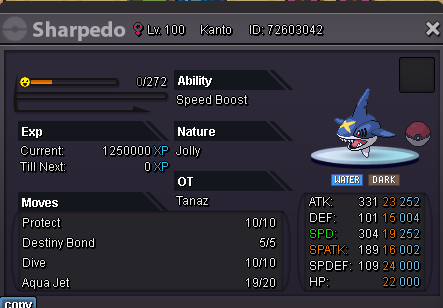
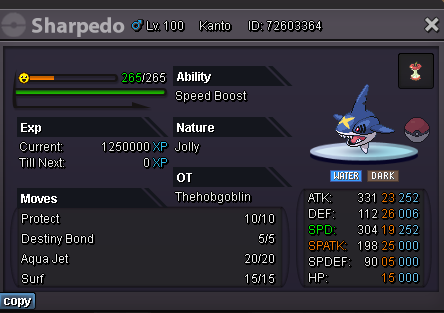
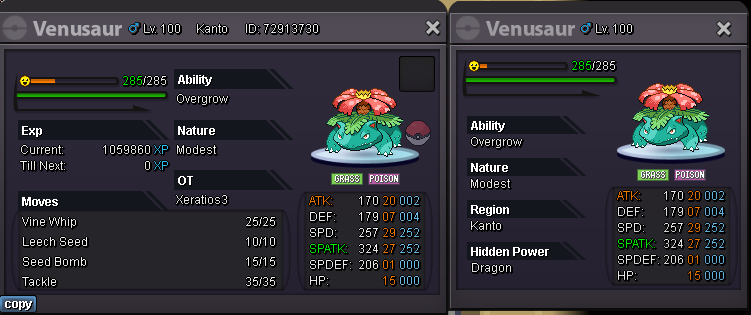
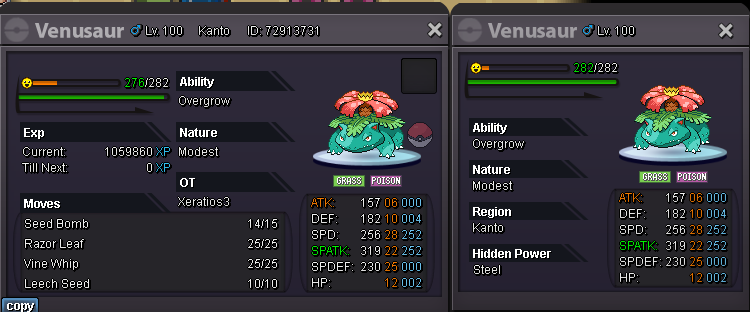
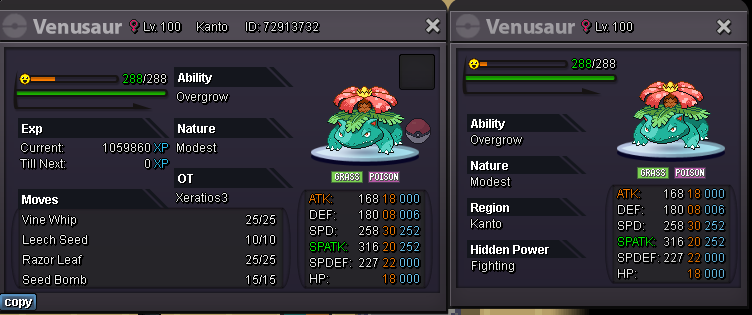
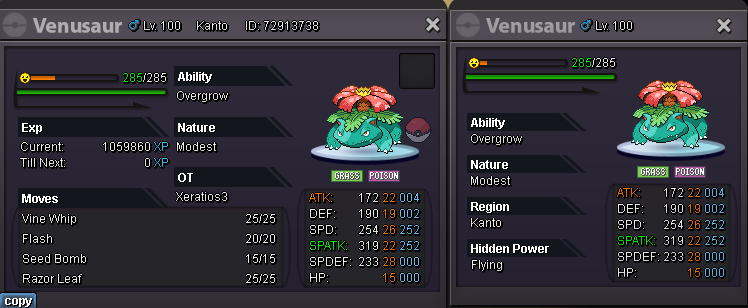
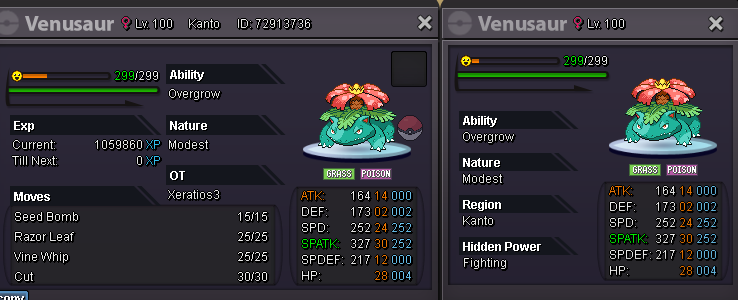
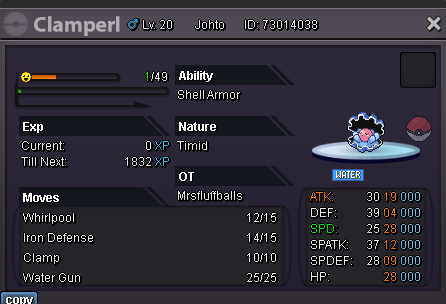
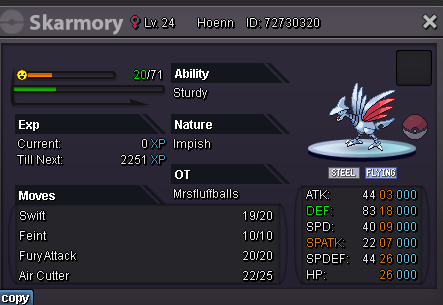
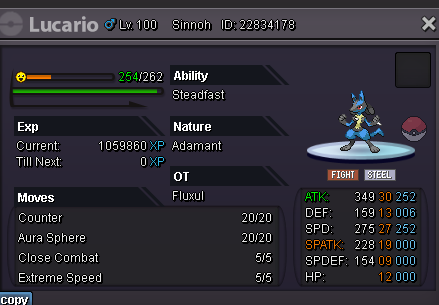
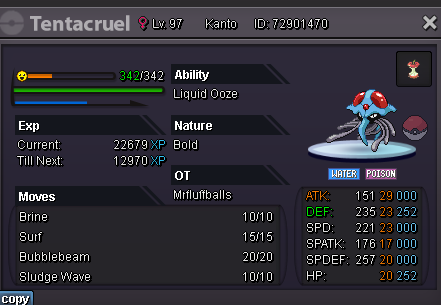
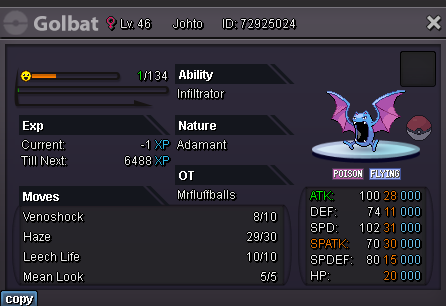
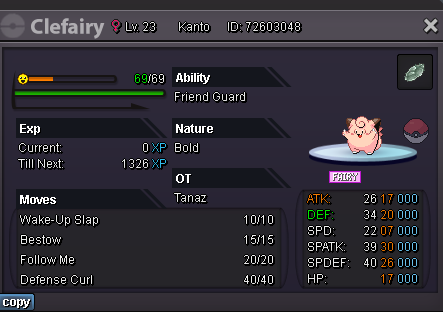
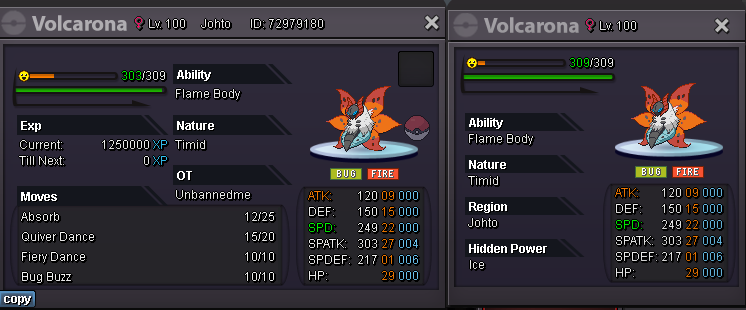
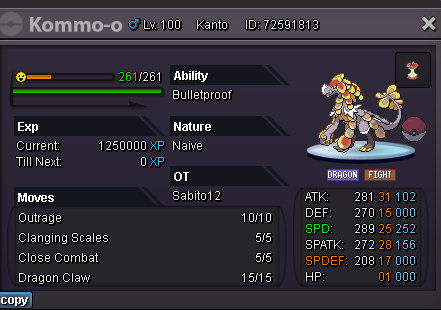
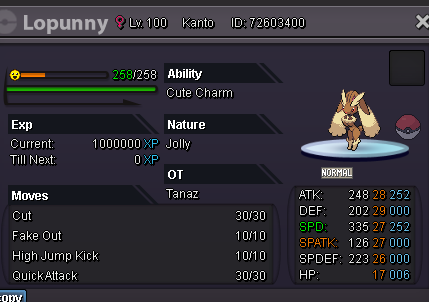
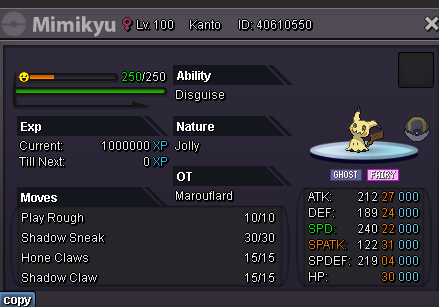
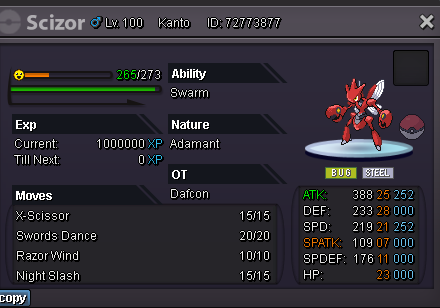
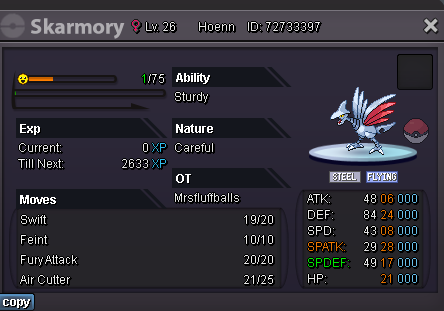
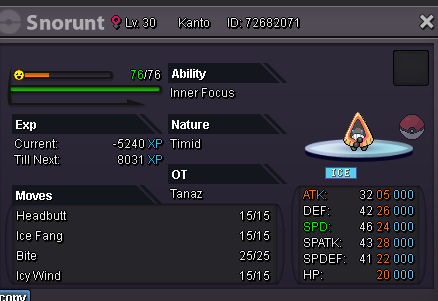
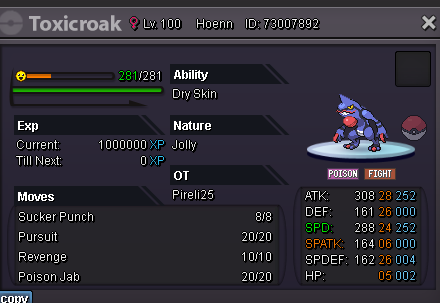
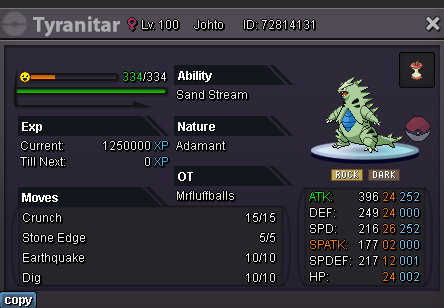
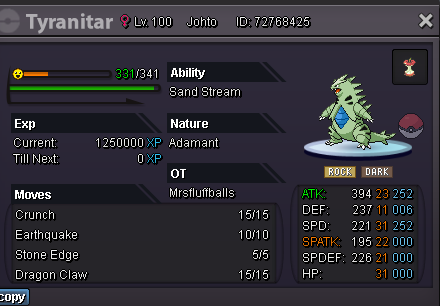
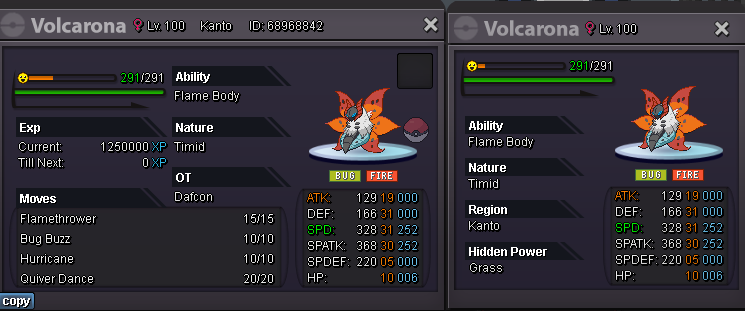
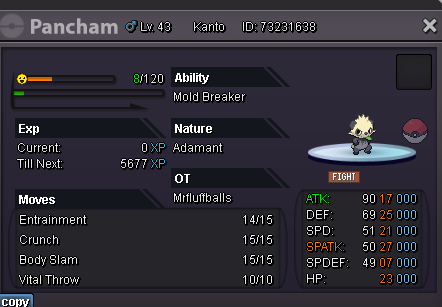
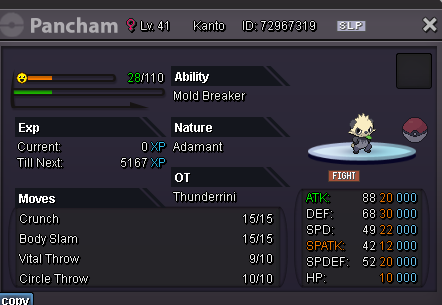
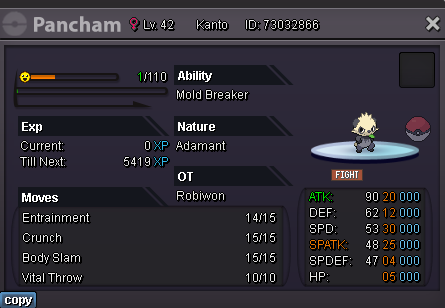
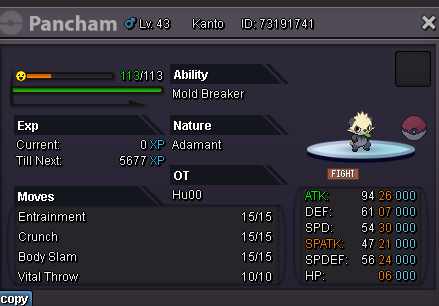
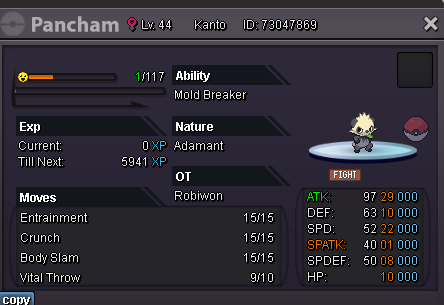
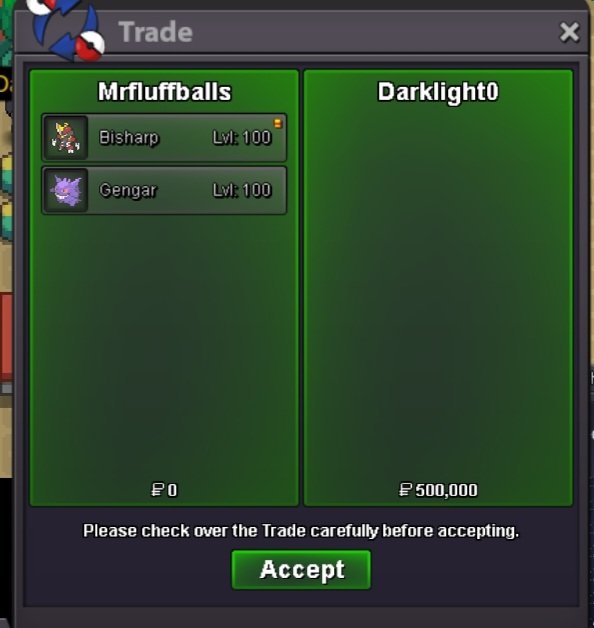
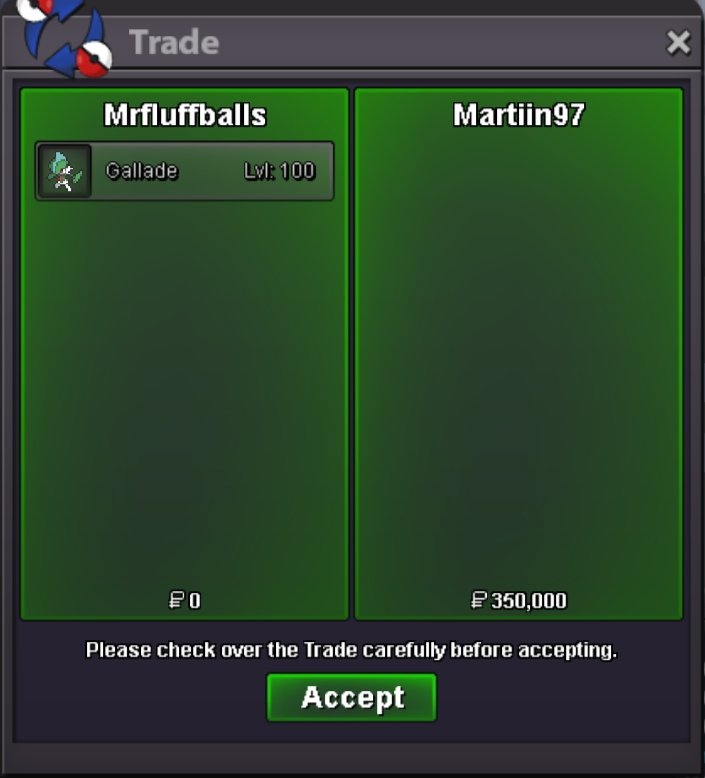
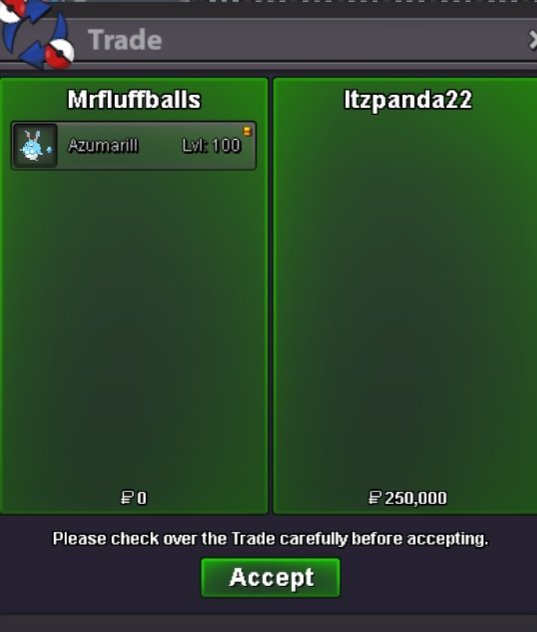
Shop has been updated, 15 pokémons have been added to both sections. Prices have been updated aswell. More coming in the next few days.SureBump P250k on eeveeAlright where you at?Sorry, 100 is low for it.AlrightSounds good to me, add me on discord or lmk in game where to meetIve tried contacting you ingame but cant, could you add me on discord or contact us ingame when youre around?bumpBumpBump- All prices are negotiable as long as they're reasonable. - Fake offers will be reported. - Sales will happen by Mrfluffballs or Mrsfluffballs - Contact through game, or Discord. Discord: Xeratios or mrsfluffballs - Coin capsule, 400k. - IV reroll, 500k - Nature reroll, 250k - Rare candy, 5k
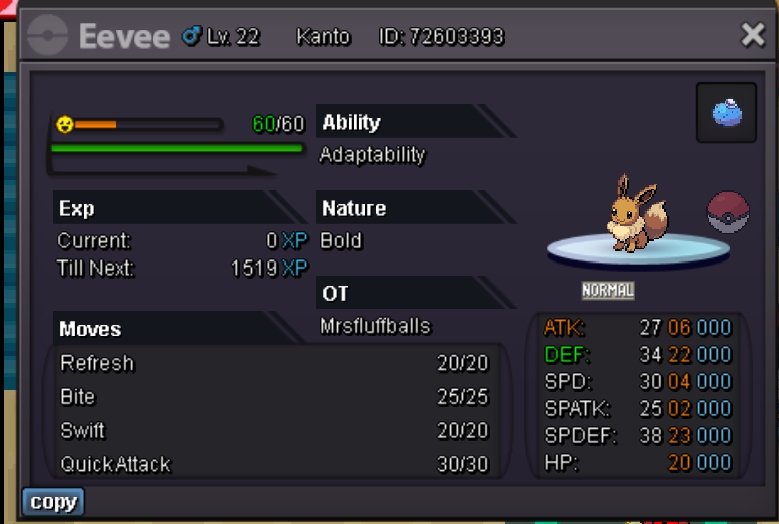
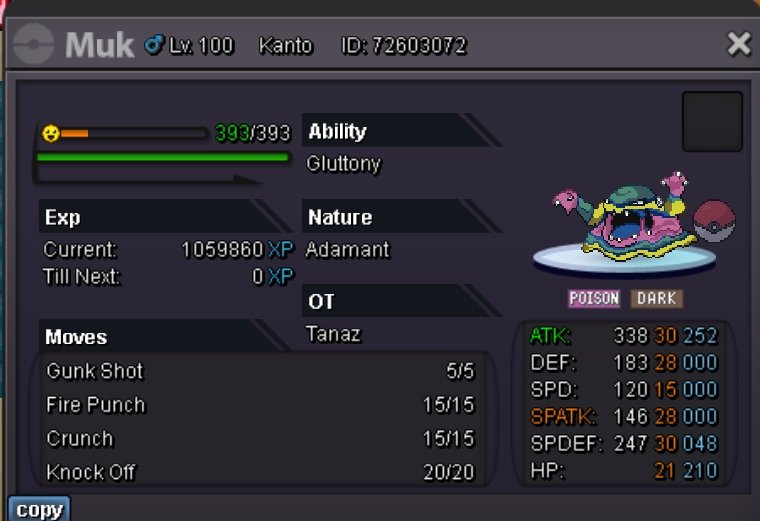
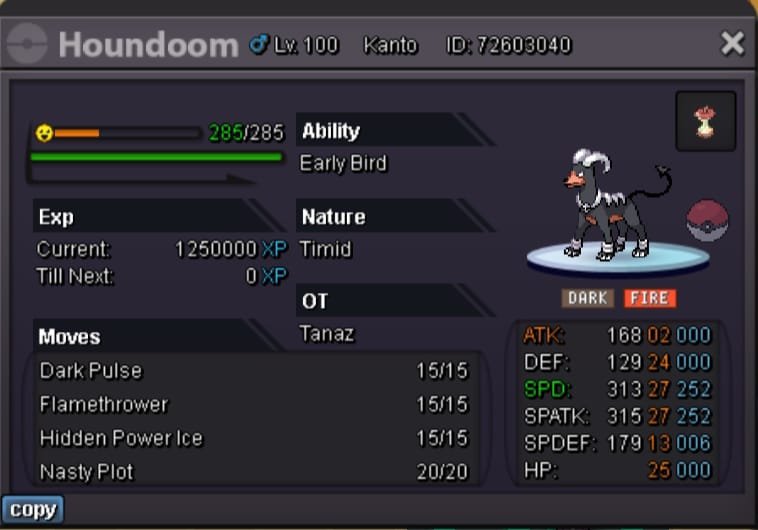
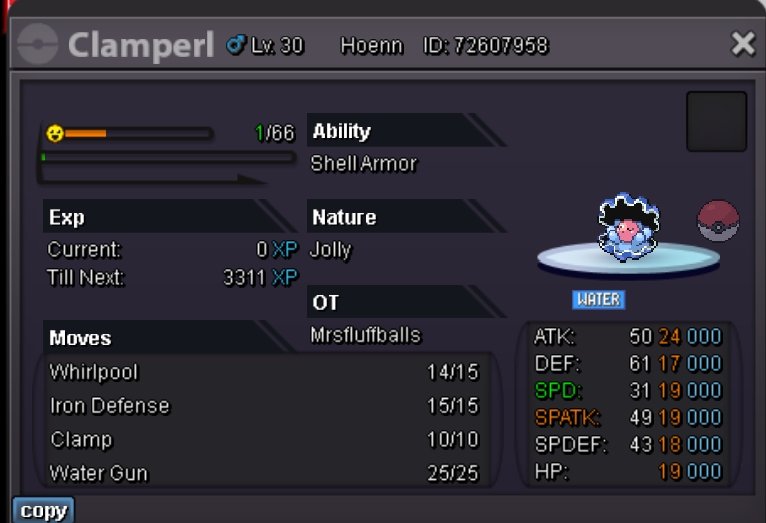
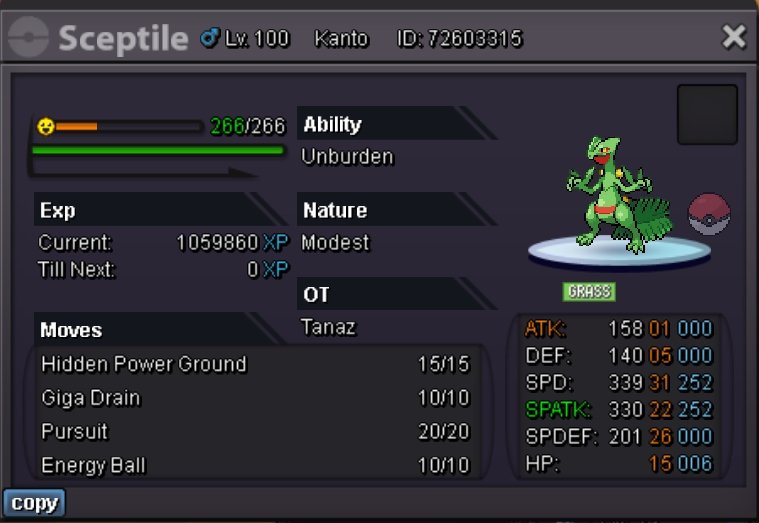
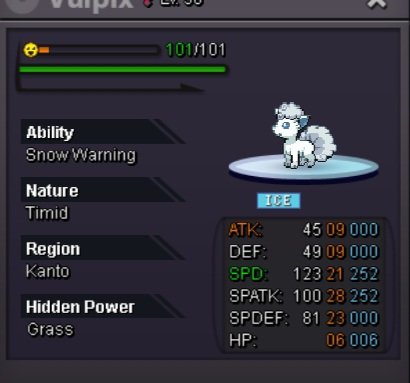
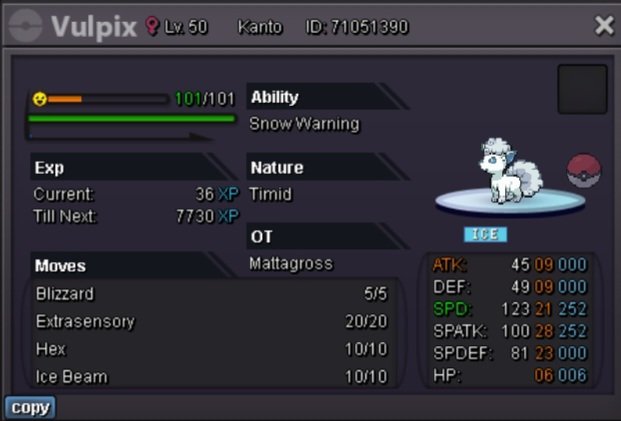
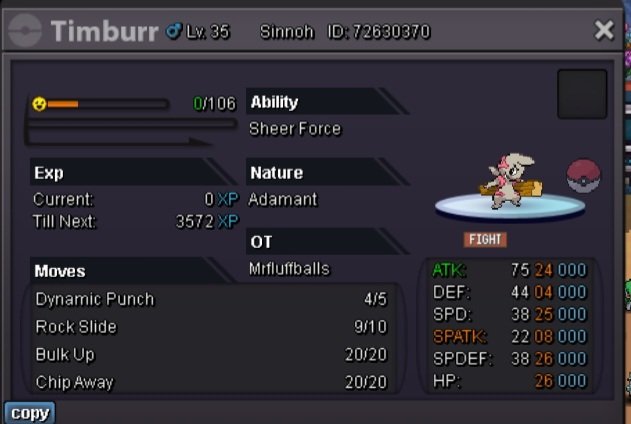
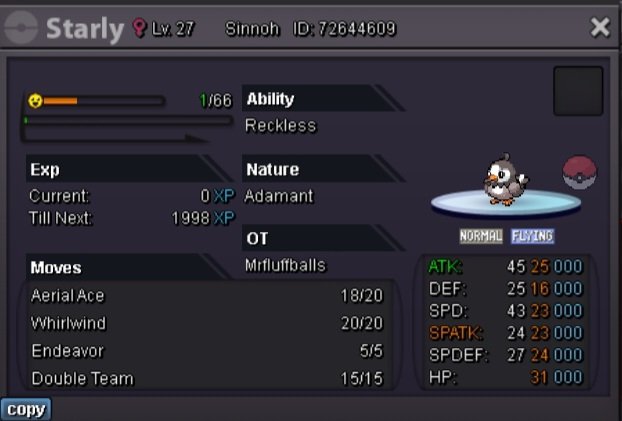
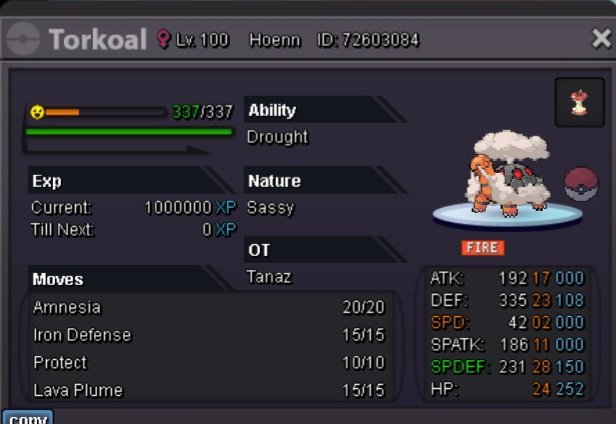
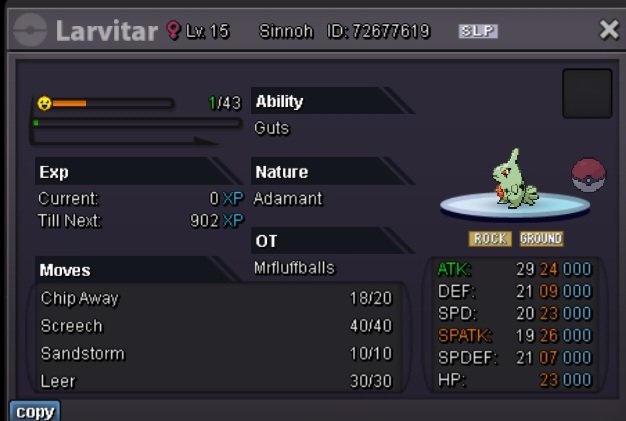
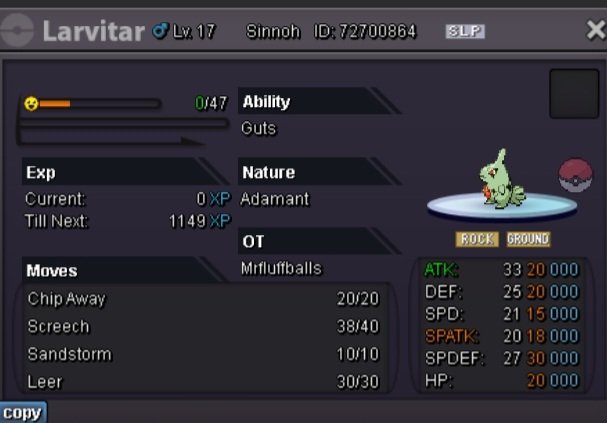
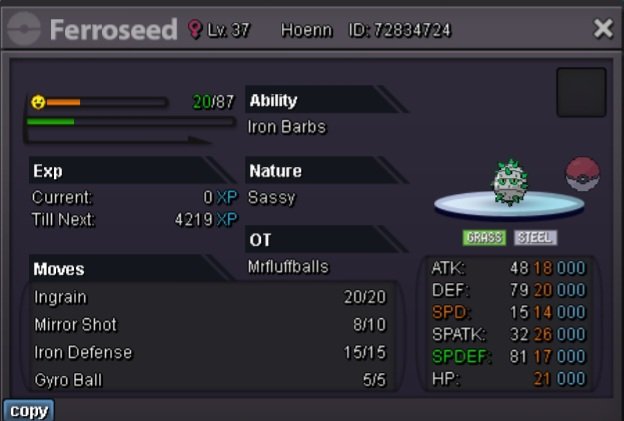
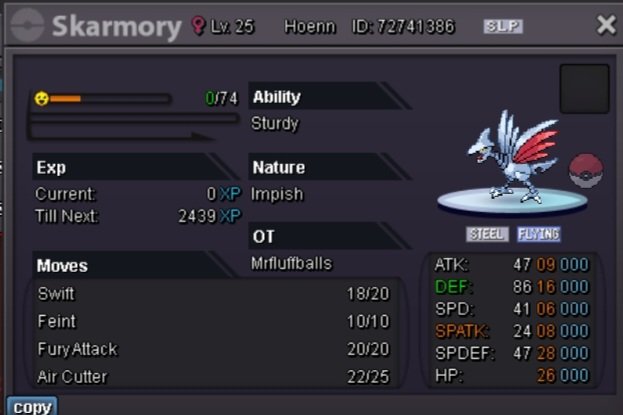
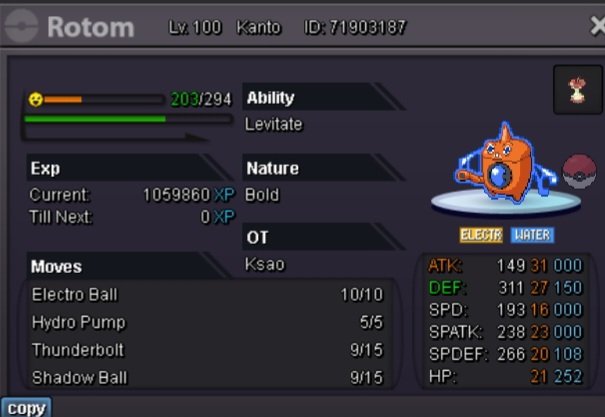
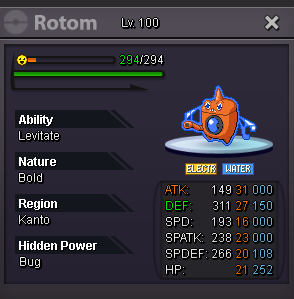




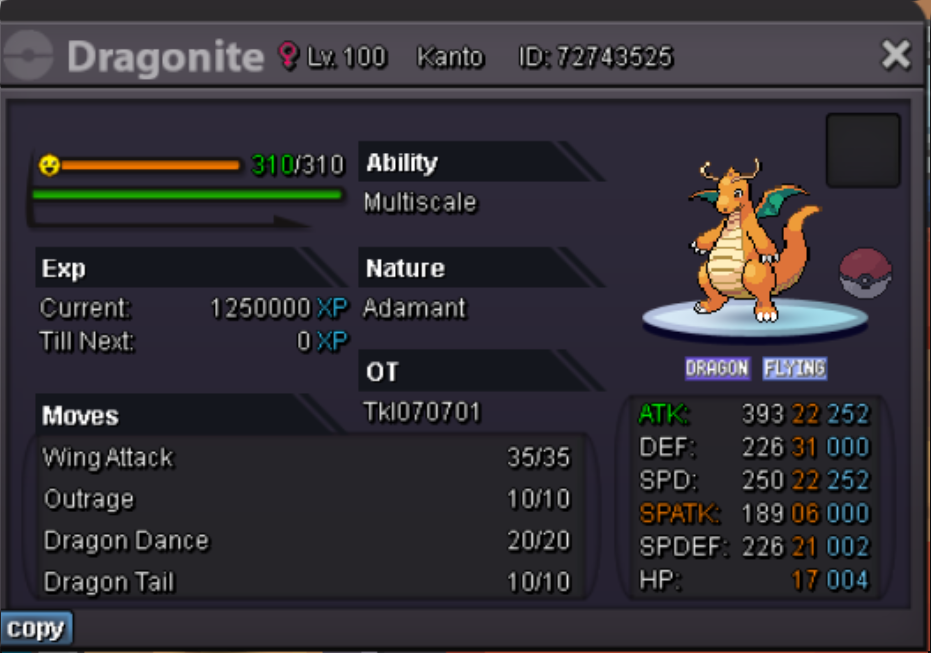
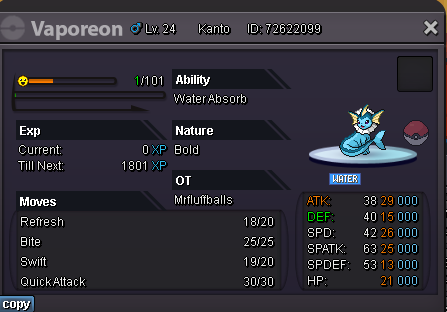
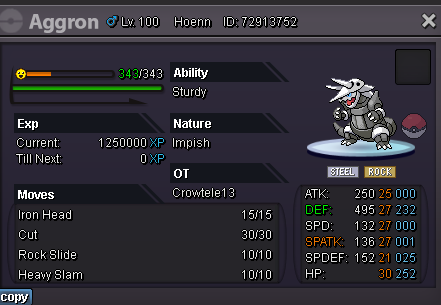
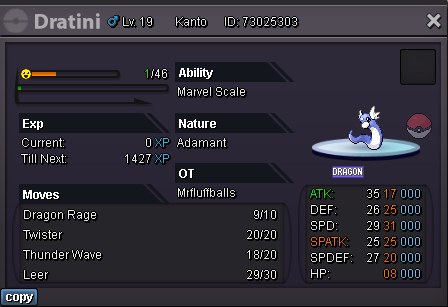

.png.e239eb3f8cccd2a93e27c18bff737c88.png)




Account
Navigation
Search
Configure browser push notifications
Chrome (Android)
- Tap the lock icon next to the address bar.
- Tap Permissions → Notifications.
- Adjust your preference.
Chrome (Desktop)
- Click the padlock icon in the address bar.
- Select Site settings.
- Find Notifications and adjust your preference.
Safari (iOS 16.4+)
- Ensure the site is installed via Add to Home Screen.
- Open Settings App → Notifications.
- Find your app name and adjust your preference.
Safari (macOS)
- Go to Safari → Preferences.
- Click the Websites tab.
- Select Notifications in the sidebar.
- Find this website and adjust your preference.
Edge (Android)
- Tap the lock icon next to the address bar.
- Tap Permissions.
- Find Notifications and adjust your preference.
Edge (Desktop)
- Click the padlock icon in the address bar.
- Click Permissions for this site.
- Find Notifications and adjust your preference.
Firefox (Android)
- Go to Settings → Site permissions.
- Tap Notifications.
- Find this site in the list and adjust your preference.
Firefox (Desktop)
- Open Firefox Settings.
- Search for Notifications.
- Find this site in the list and adjust your preference.