-
-
can be closed.
Now can finally say just trade with rn I have won ig 🤪 @Pokeboiiii
-
can be closed.
25.5m
-
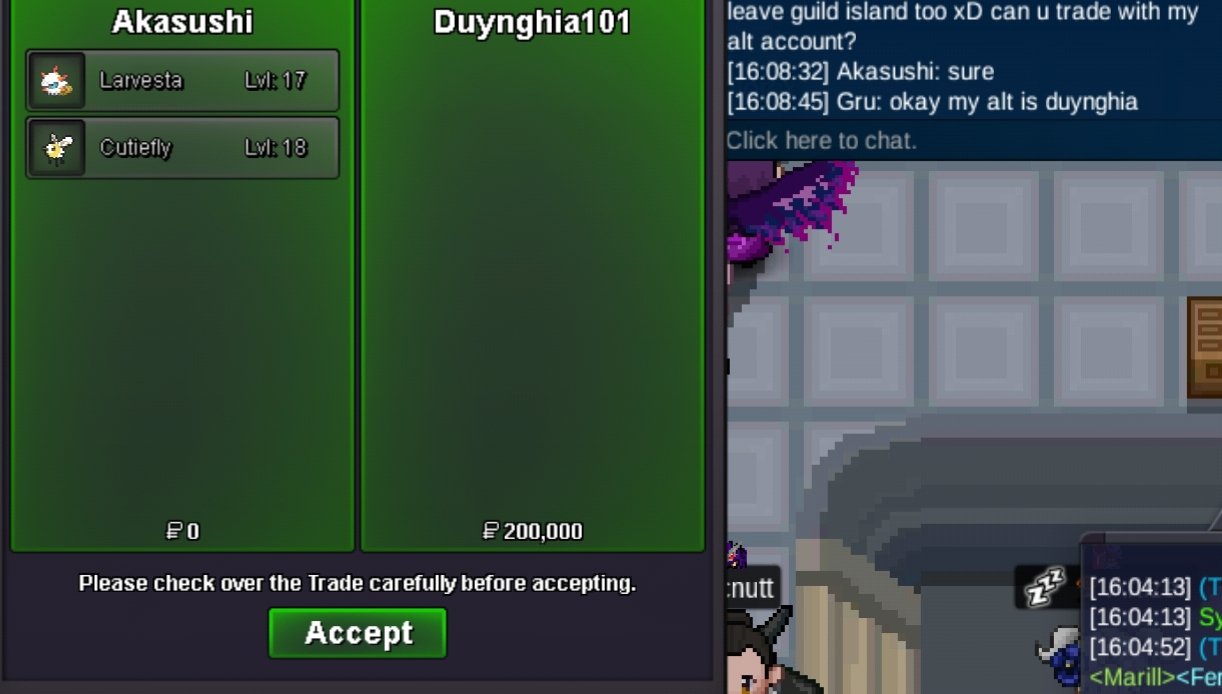
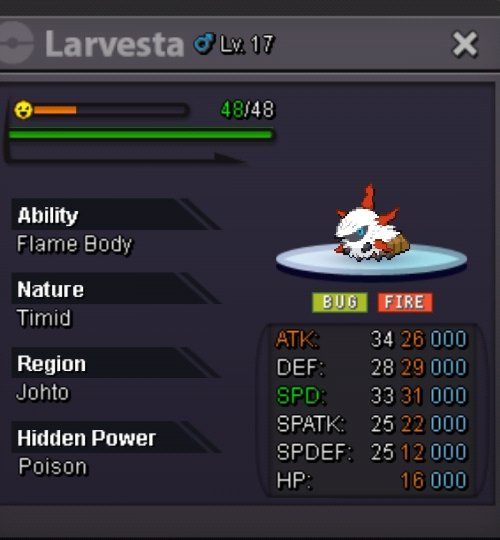
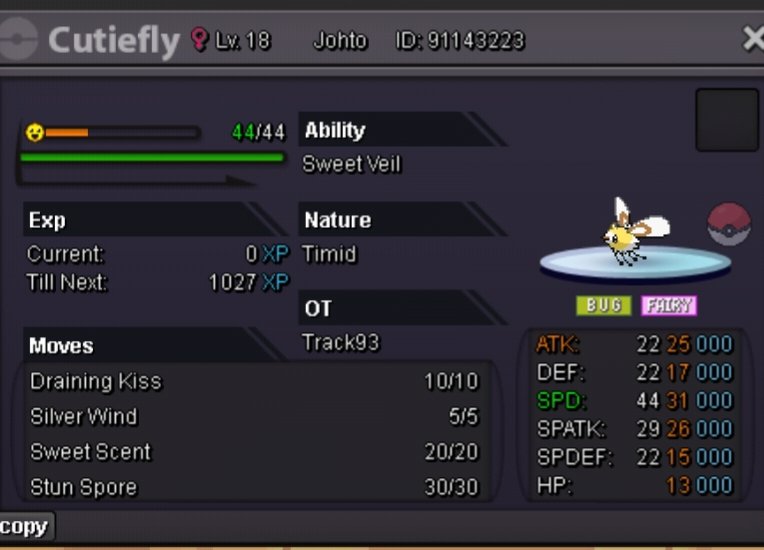
Max Speed timid Cutiefly/Larvesta Bundle
-
[CLOSED] Selling SHINY LARVITAR | GUTS-CAREFUL
17m
-
Max Speed timid Cutiefly/Larvesta Bundle
- Max Speed timid Cutiefly/Larvesta Bundle
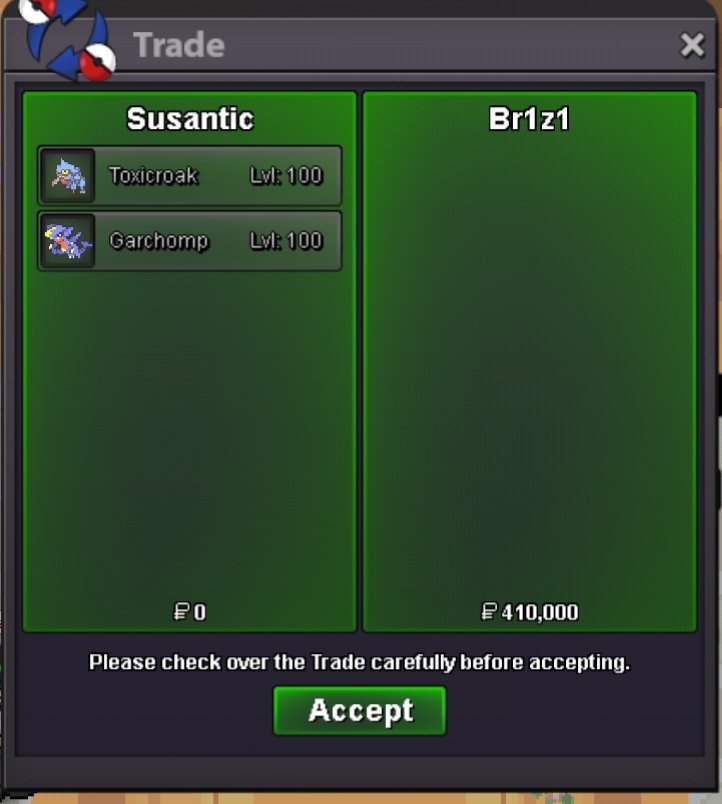
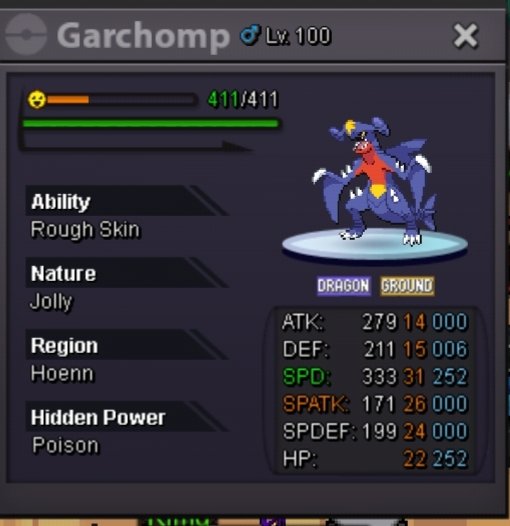
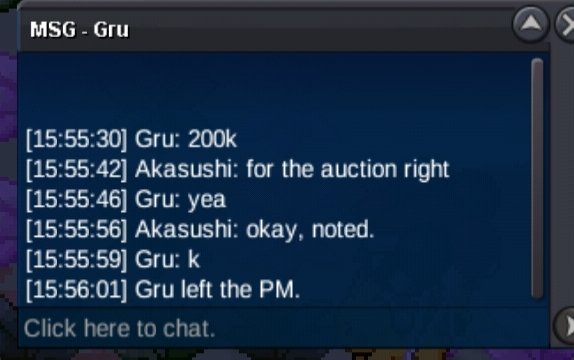
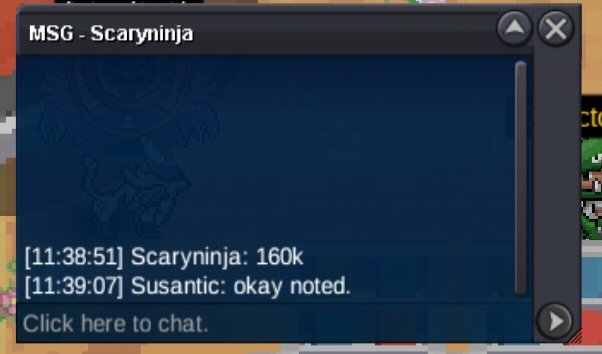
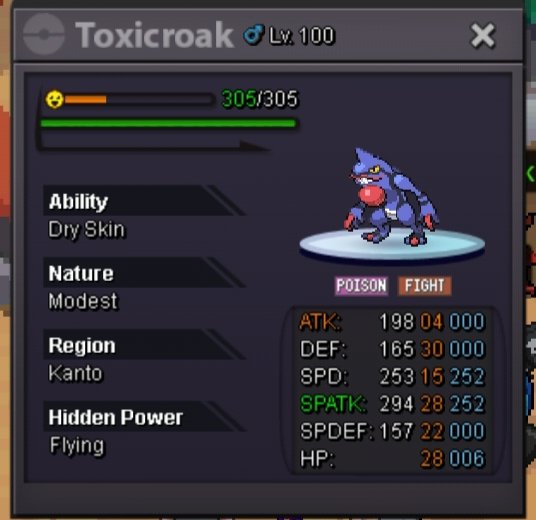
Start offer : 100k min raise : 20k Payment method: Cash Auction lasts for 24 hours after start offer has been met. Bundle auction so winners takes them both. Gl in the auction 🫰- Tank Chomp h.a Max speed Jolly // Modest Dry Skin Toxicroak
- Tank Chomp h.a Max speed Jolly // Modest Dry Skin Toxicroak
@Br1z1you have won the auction, gz. Let me know when we can meet for trade- Tank Chomp h.a Max speed Jolly // Modest Dry Skin Toxicroak
30 minutes left- Tank Chomp h.a Max speed Jolly // Modest Dry Skin Toxicroak
- Tank Chomp h.a Max speed Jolly // Modest Dry Skin Toxicroak
@Maffen min raise is 10k, your bid isn't valid- Tank Chomp h.a Max speed Jolly // Modest Dry Skin Toxicroak
S.o 10k min bid 10k no insta Payment method = Cash Auction lasts for 24 hours once started. Bundle auction winner gets both.- Allow PvP on Multiple Servers with the Same Account
+1- The Ghost of Uchiha MADARA Set ! [very RARE PVP chest exclusive]
start (money in Smurf378)- (CLOSE) PvPable Turbo Shiny Charizard 🌟
66m - Max Speed timid Cutiefly/Larvesta Bundle
Akasushi
Registered User
-
Joined
-
Last visited
Account
Navigation
Search
Configure browser push notifications
Chrome (Android)
- Tap the lock icon next to the address bar.
- Tap Permissions → Notifications.
- Adjust your preference.
Chrome (Desktop)
- Click the padlock icon in the address bar.
- Select Site settings.
- Find Notifications and adjust your preference.
Safari (iOS 16.4+)
- Ensure the site is installed via Add to Home Screen.
- Open Settings App → Notifications.
- Find your app name and adjust your preference.
Safari (macOS)
- Go to Safari → Preferences.
- Click the Websites tab.
- Select Notifications in the sidebar.
- Find this website and adjust your preference.
Edge (Android)
- Tap the lock icon next to the address bar.
- Tap Permissions.
- Find Notifications and adjust your preference.
Edge (Desktop)
- Click the padlock icon in the address bar.
- Click Permissions for this site.
- Find Notifications and adjust your preference.
Firefox (Android)
- Go to Settings → Site permissions.
- Tap Notifications.
- Find this site in the list and adjust your preference.
Firefox (Desktop)
- Open Firefox Settings.
- Search for Notifications.
- Find this site in the list and adjust your preference.