New Trade Zone
Trade Zone is now live
Use the new Trade Zone for auctions and instant-price trades so Pokemon and item offers are easy to find.

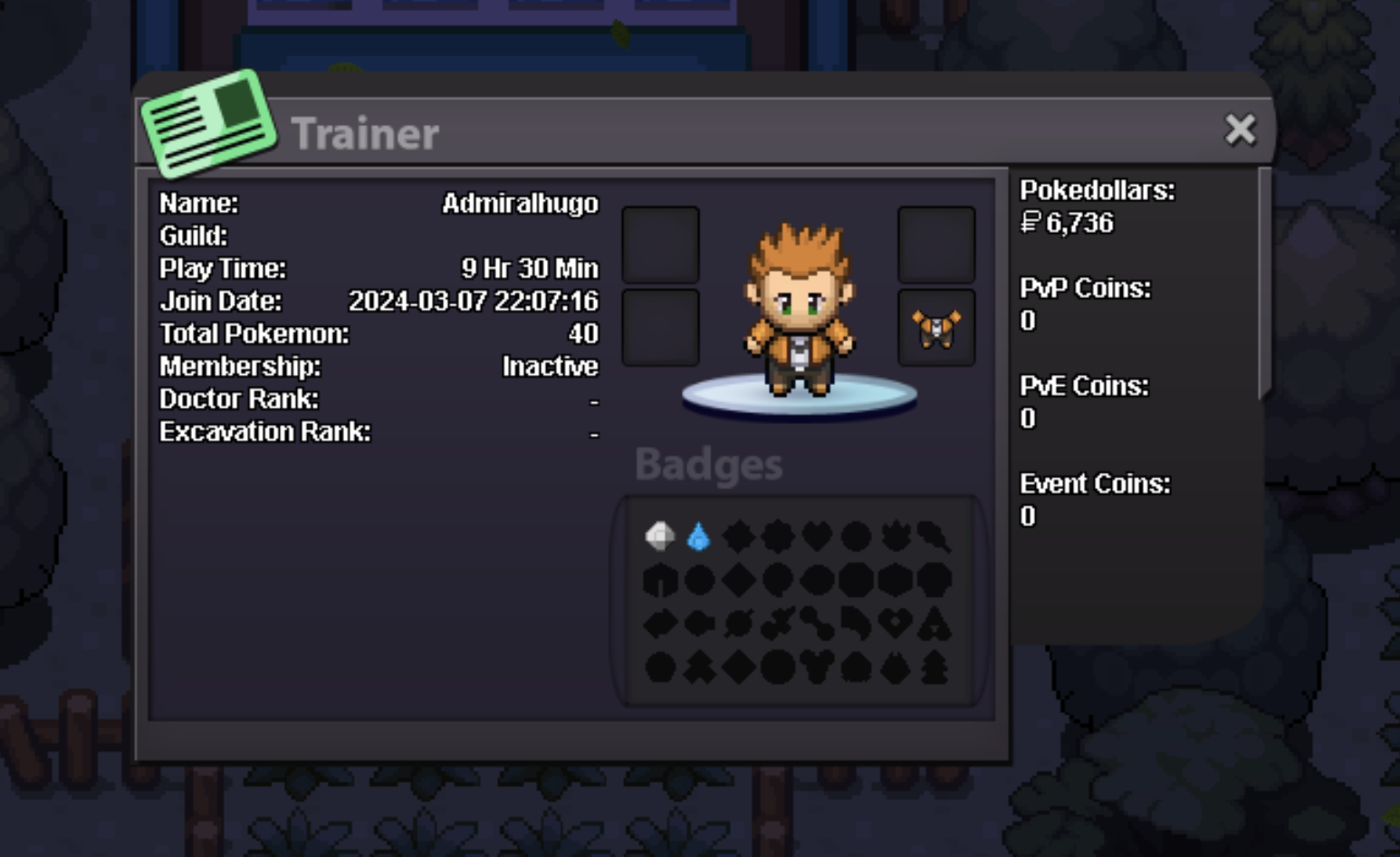
Admiralhugo
Registered User
-
Joined
-
Last visited
-
1) I am anew player and I love pokemon games, I was so upset that I heard this game so late. I will be definitely playing this game for long years. 2) I am a chill player so investment wise I was thinking buying some coins and try to improve my game play so I can join hunts and etc.. 3) I am fairly active on discord but on my own channel with my friends but if it's necessary I'll be glad to hang out with you guys! 4) As I said I am a chill player for now I usually play 1 or 2 hours max but I willing to increase that number.