




New Trade Zone
Trade Zone is now live
Use the new Trade Zone for auctions and instant-price trades so Pokemon and item offers are easy to find.

Pietje
Suspended
-
Joined
-
Last visited
Everything posted by Pietje
-
Aegislash 2 has been won by @Nimn1m300k - azumarill had been won by @Immalaugh 275k
-
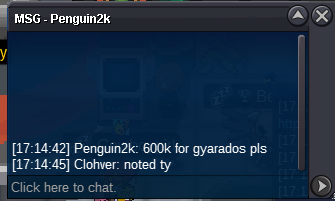
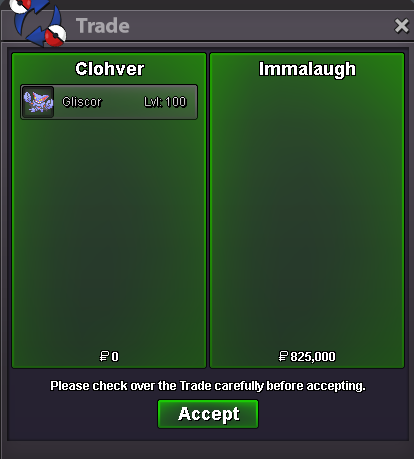
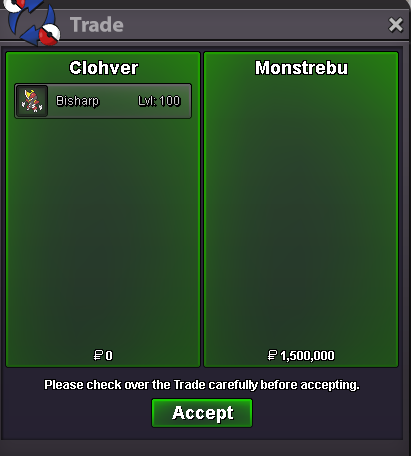
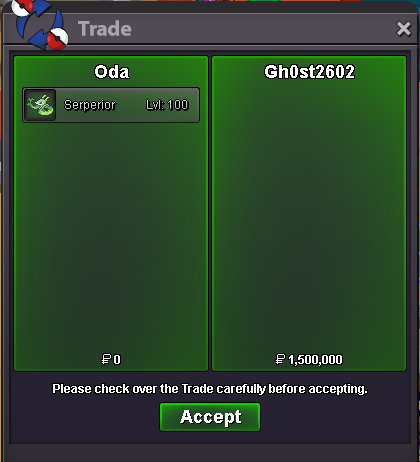
The winner of garchomp 600k and hippodown 300k is @Gralak21 . - the winner of gliscor 825k is @Immalaughcurrent standings - garchomp 600k - gliscor jolly 700k - aegislash 2 300k - gyarados 550k - azumarill 225k - hippo 300k - manetric/carefull gliscor / aegislash 1 have not been started yet.Has not been started yet.gliscor 1: s.o 600k min bid 25k insta 3m gliscor 2: s.o 600k min bid 25k insta 3m garchomp . s.o 500k min bid 50k insta 1.5m aegislash 1 : s.o 300k min bid 100k insta 1.5m aegislash 2. s.o 300k min bid 100k insta 1.5m hippowdon s.o 300k min bid 50k insta 1.5m HP ICE manetric: s.o 900k min bid 50k - insta 2.5m gyarados s.o 500k min bid 50k insta 2m bisharp s.o 500k min bid 25k insta 1.5m azumarill s.o 200k min 25k insta 1m when bidding on a pokemon that doubled mention the number for every pokemon counts the same timer when its started - 48 hours. basic trade rules applied.700kStart hippo1.7m jolly chomp1.5m garchomp jolly500 first oneStart alo 2m gligar1m@Legitly you've won, gz. pm me either here or ingame. ill be available for the next couple hours.


Account
Navigation
Search
Configure browser push notifications
Chrome (Android)
- Tap the lock icon next to the address bar.
- Tap Permissions → Notifications.
- Adjust your preference.
Chrome (Desktop)
- Click the padlock icon in the address bar.
- Select Site settings.
- Find Notifications and adjust your preference.
Safari (iOS 16.4+)
- Ensure the site is installed via Add to Home Screen.
- Open Settings App → Notifications.
- Find your app name and adjust your preference.
Safari (macOS)
- Go to Safari → Preferences.
- Click the Websites tab.
- Select Notifications in the sidebar.
- Find this website and adjust your preference.
Edge (Android)
- Tap the lock icon next to the address bar.
- Tap Permissions.
- Find Notifications and adjust your preference.
Edge (Desktop)
- Click the padlock icon in the address bar.
- Click Permissions for this site.
- Find Notifications and adjust your preference.
Firefox (Android)
- Go to Settings → Site permissions.
- Tap Notifications.
- Find this site in the list and adjust your preference.
Firefox (Desktop)
- Open Firefox Settings.
- Search for Notifications.
- Find this site in the list and adjust your preference.