




New Trade Zone
Trade Zone is now live
Use the new Trade Zone for auctions and instant-price trades so Pokemon and item offers are easy to find.

Sametreiz
Registered User
-
Joined
-
Last visited
Everything posted by Sametreiz
-
-
-
bump
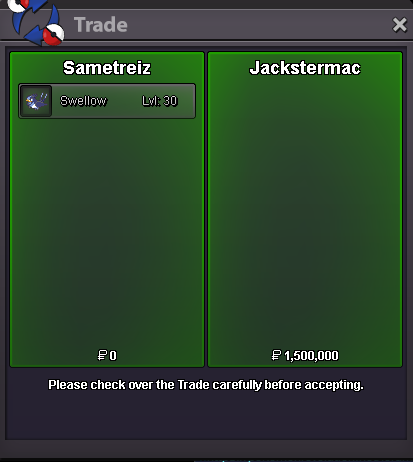
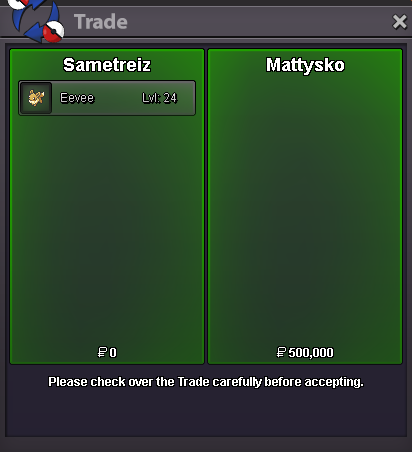
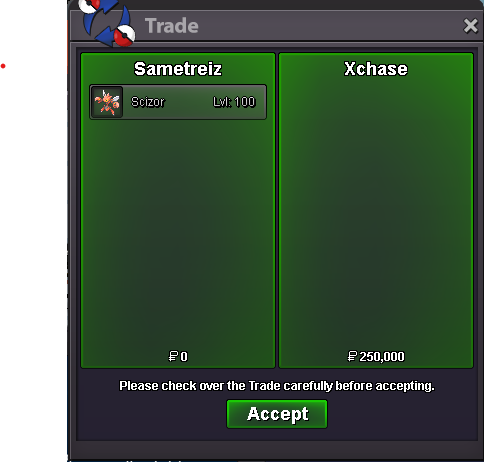
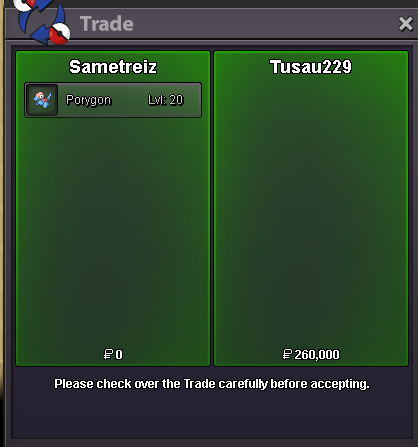
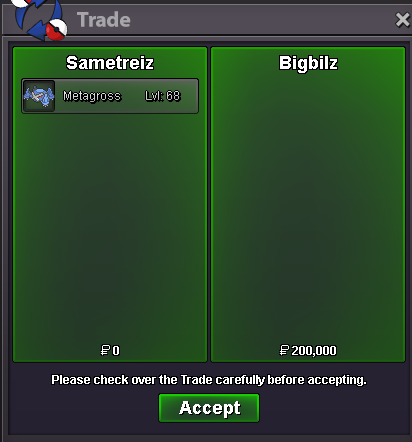
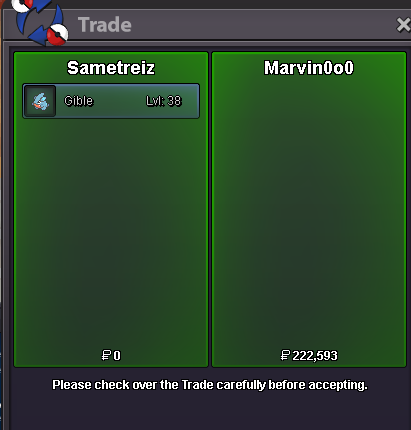
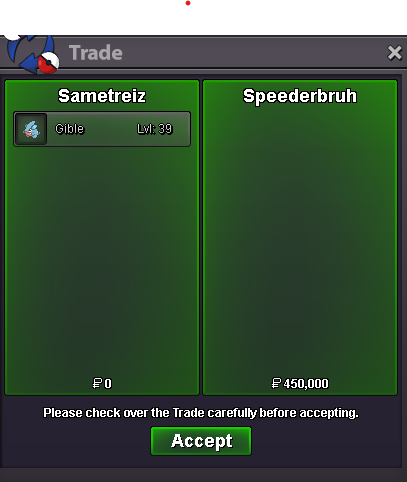
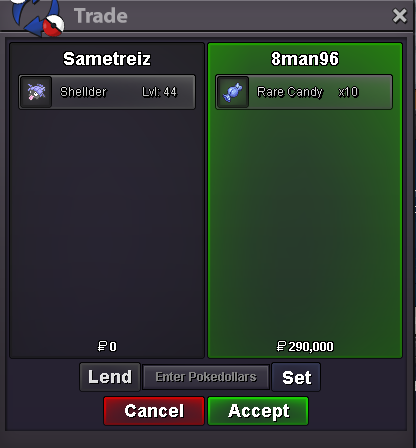
 bumpWELCOME TO SAMETREİZ POKEMON SHOP Contact İNGAME:Sametreiz DİSCORD: .sensial Payment Methods: Pokedollars CC = 500K IV Reroll Ticket = 750K UNTRAINED Spoiler TRAINED Spoiler EVENT/SHINY/PİNK Spoiler BOSS POKE Spoiler
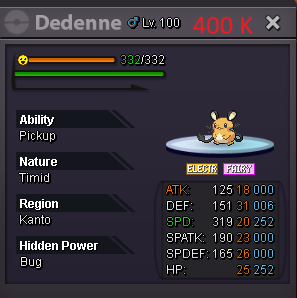
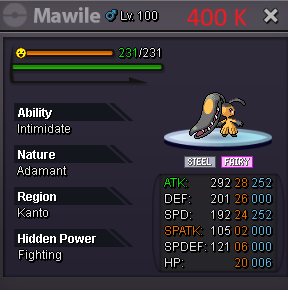
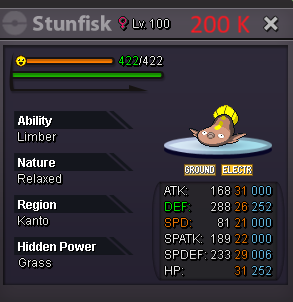
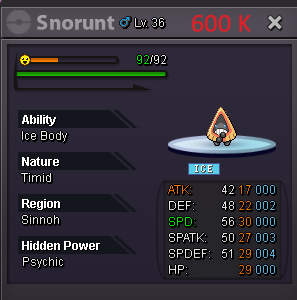
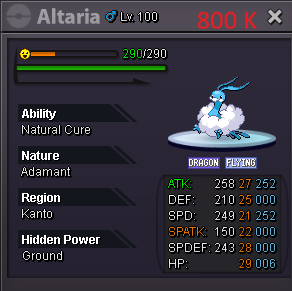
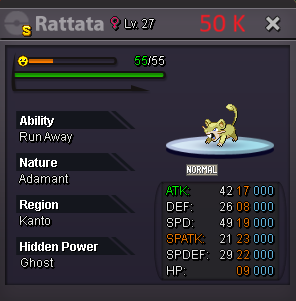
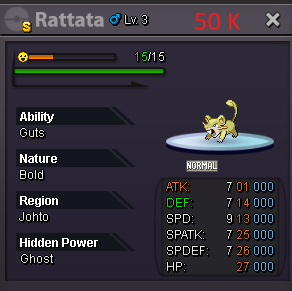
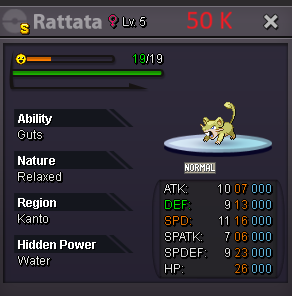
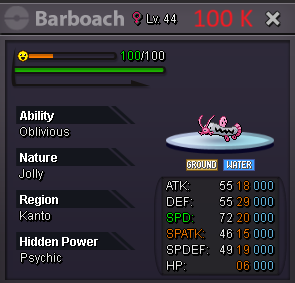
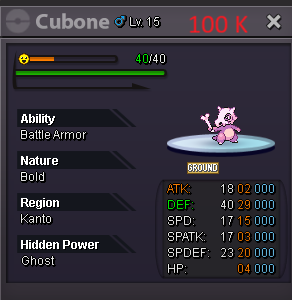
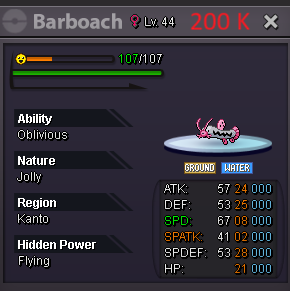
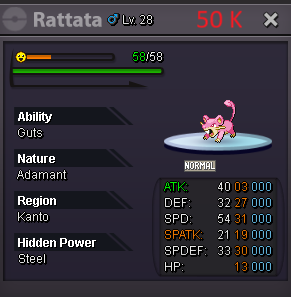
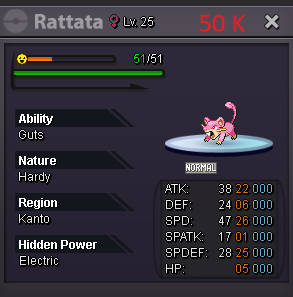
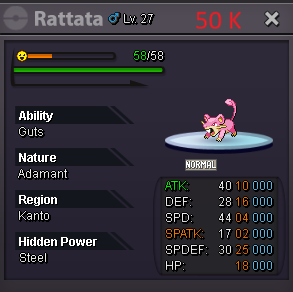
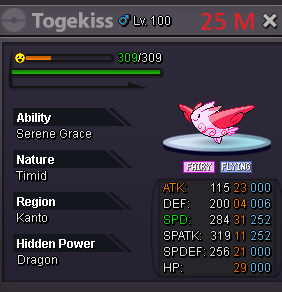
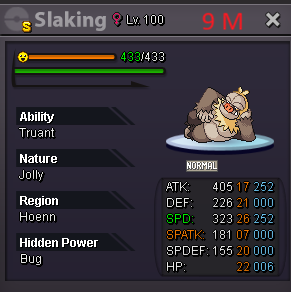
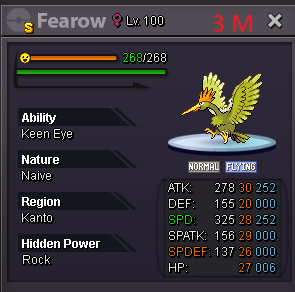
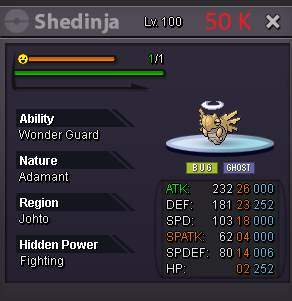
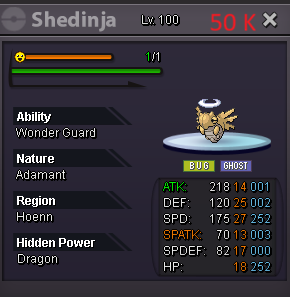
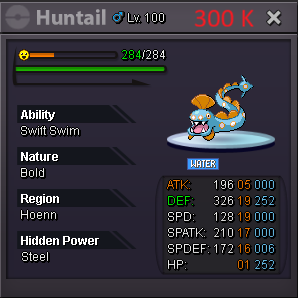
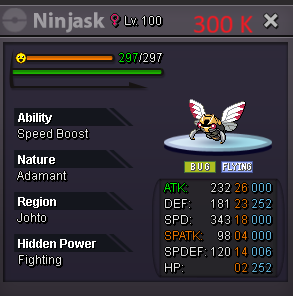
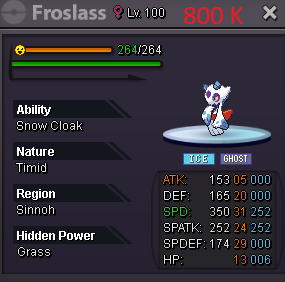
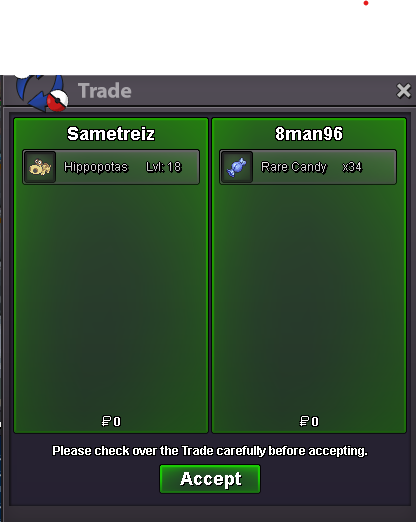
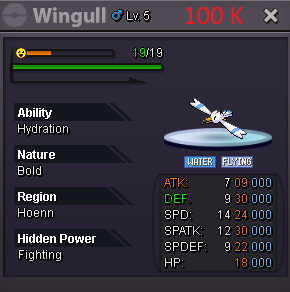 3 m1.7 m1.4 m1.1 mHello, I am still waiting for an answer. Normally it can be exchanged. I bought it recently. Can you please answer me?I am having trouble with the exchange of my mount that I bought 2 months ago.
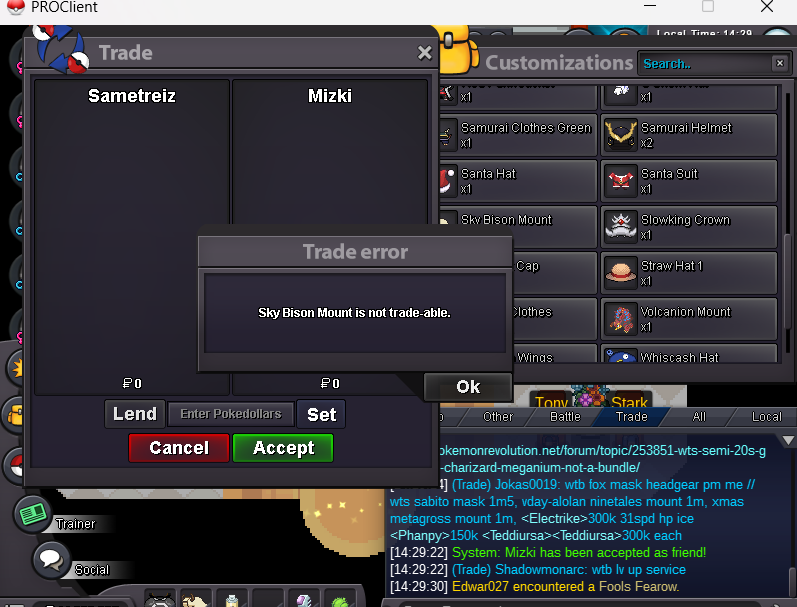 start sky bison mouny (2)750 k1.6 m garchomp2.1 m


Account
Navigation
Search
Configure browser push notifications
Chrome (Android)
- Tap the lock icon next to the address bar.
- Tap Permissions → Notifications.
- Adjust your preference.
Chrome (Desktop)
- Click the padlock icon in the address bar.
- Select Site settings.
- Find Notifications and adjust your preference.
Safari (iOS 16.4+)
- Ensure the site is installed via Add to Home Screen.
- Open Settings App → Notifications.
- Find your app name and adjust your preference.
Safari (macOS)
- Go to Safari → Preferences.
- Click the Websites tab.
- Select Notifications in the sidebar.
- Find this website and adjust your preference.
Edge (Android)
- Tap the lock icon next to the address bar.
- Tap Permissions.
- Find Notifications and adjust your preference.
Edge (Desktop)
- Click the padlock icon in the address bar.
- Click Permissions for this site.
- Find Notifications and adjust your preference.
Firefox (Android)
- Go to Settings → Site permissions.
- Tap Notifications.
- Find this site in the list and adjust your preference.
Firefox (Desktop)
- Open Firefox Settings.
- Search for Notifications.
- Find this site in the list and adjust your preference.