New Trade Zone
Trade Zone is now live
Use the new Trade Zone for auctions and instant-price trades so Pokemon and item offers are easy to find.

Stitchmiester
Registered User
-
Joined
-
Last visited
-
Thank you all! It is working much better! @Fusionflair is there any specific difference between the two clients? Something that the Android client has that the legacy client doesn't?
-
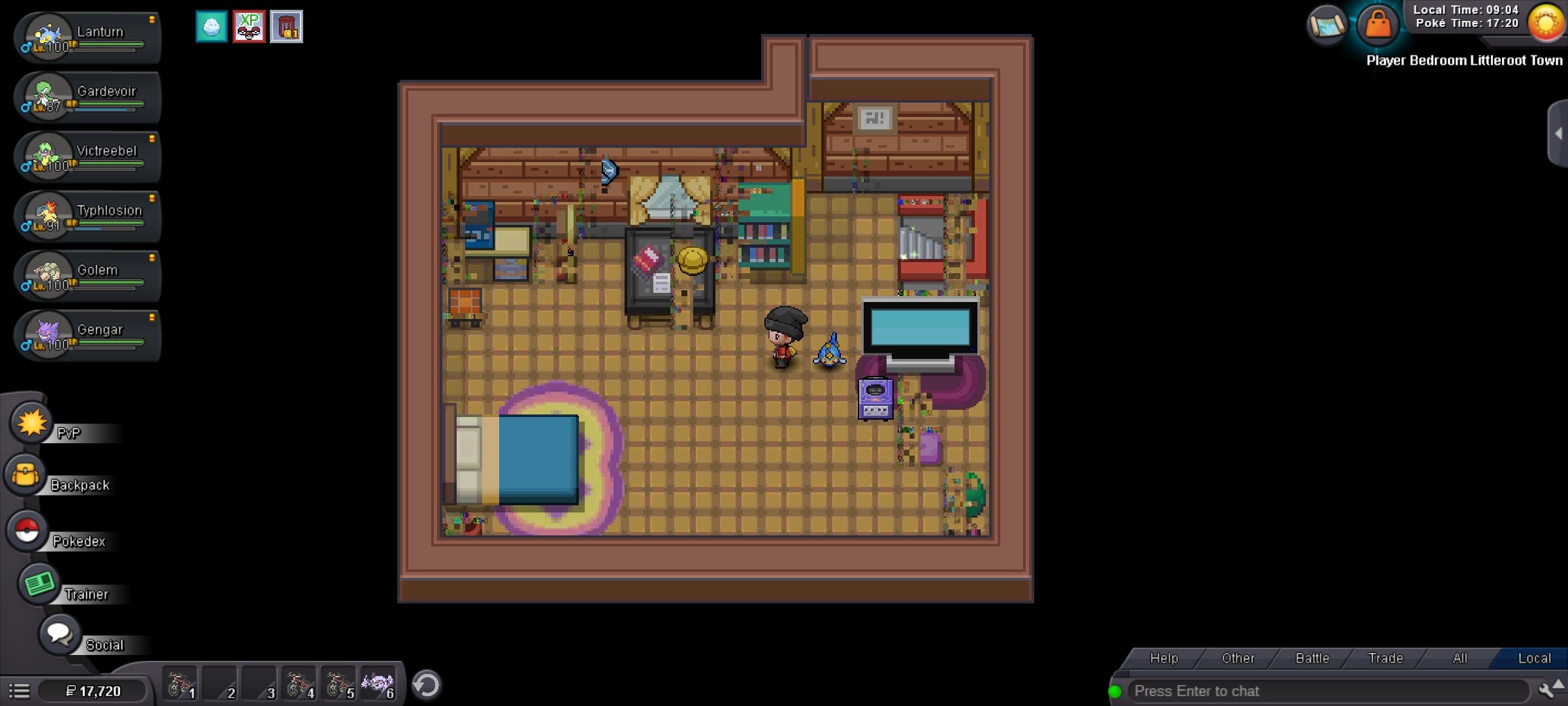
I have been playing on Android Galaxy S21 for a while now. When I open the app, many times the app will flicker black. When I log into the game, sometimes it stops, but sometimes it continues to flicker, or even move my character in a lag motion when I walk. I have updated the app many times and have uninstalled and I continue to have issues. Sometimes there is no issue playing and then it will start lagging, glitching or flickering when I walk into a building or a new zone. Screen_Recording_20240509_090537_PROClient.mp4 Screen_Recording_20240509_090455_PROClient.mp4 Screen_Recording_20240509_144537_PROClient.mp4