




New Trade Zone
Trade Zone is now live
Use the new Trade Zone for auctions and instant-price trades so Pokemon and item offers are easy to find.

Zio0the8keeper
Registered User
-
Joined
-
Last visited
Everything posted by Zio0the8keeper
-
s.o 1m insta:n/a min bid:250k auction time :48hrs (starts after first bid ) 15 min auction rule applies here good luck for auction 🙂
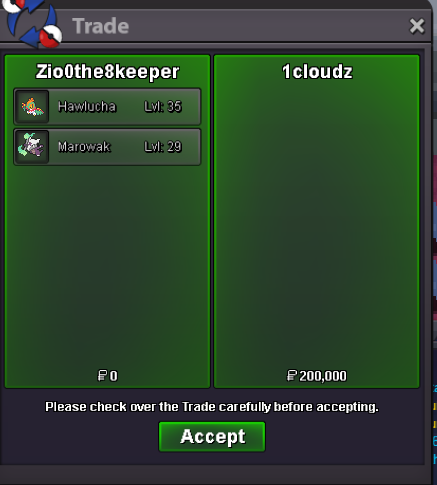
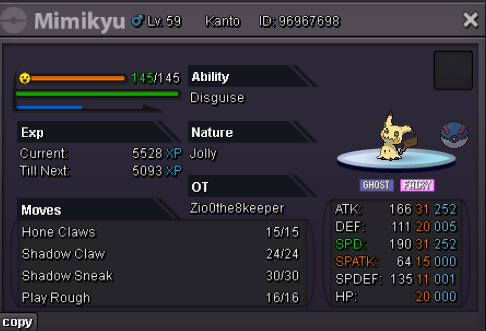 Auction is over and 1cloudz is the winners.o 200k min:50k insta:n/a auction time: 24hrs(starts after first bid) have a nice auction 🙂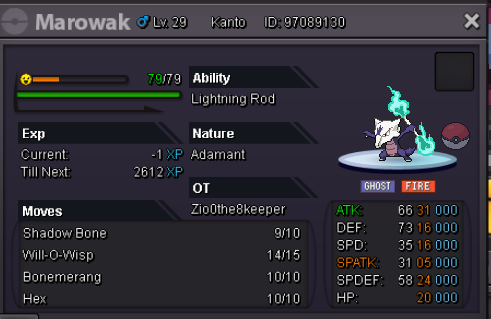
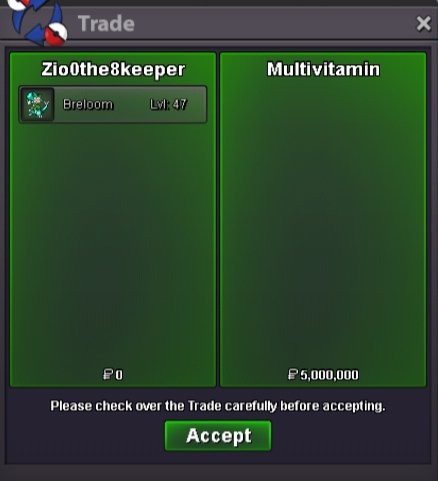
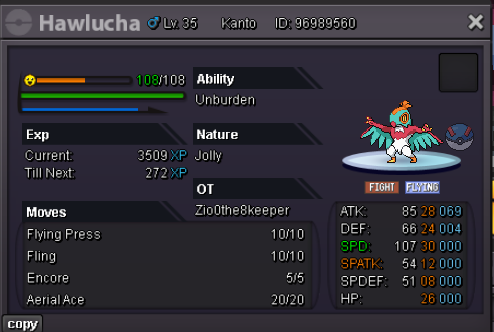 Auction has ended and winner is multivitaminatk 28+ and speed 28+ other ivs 20+S.o:300k Insta :n/a Auction duration: 24hrs Accept only pokedollers If winner is from another server he will have to transfer to get it Good luck with auction
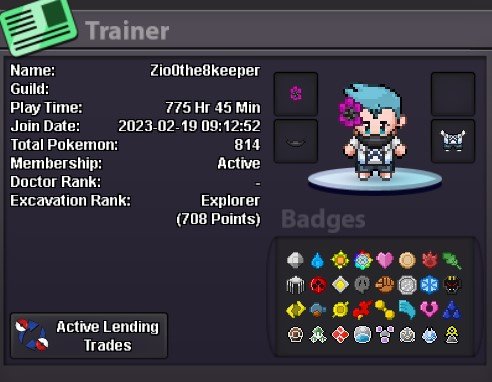
 To Dear guild leader IG name:Zio0the8keeper i am 18 year old i am from india(gmt+5:30) i like to pvp in pro i want to improve my pvp skills by playing alongside with your guild and i think i can be great asset in pvp for your guild my highest rating was 272 which was last season Discord name:zio here is my trainercard,
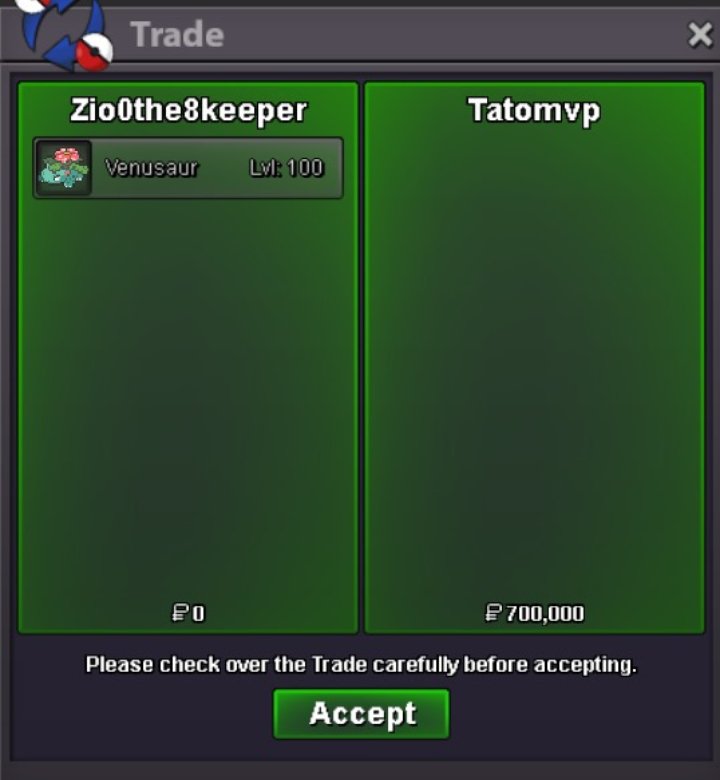
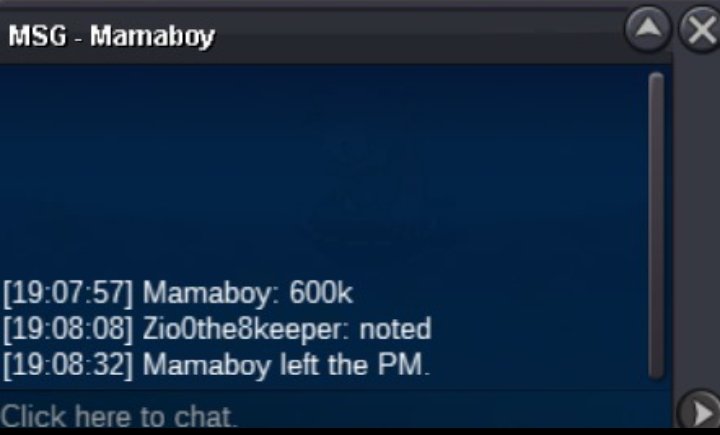
 900kTatomvp is account of Q25 from gold so don't get confused about the trader name
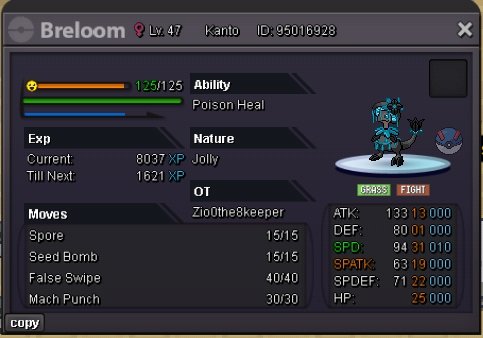
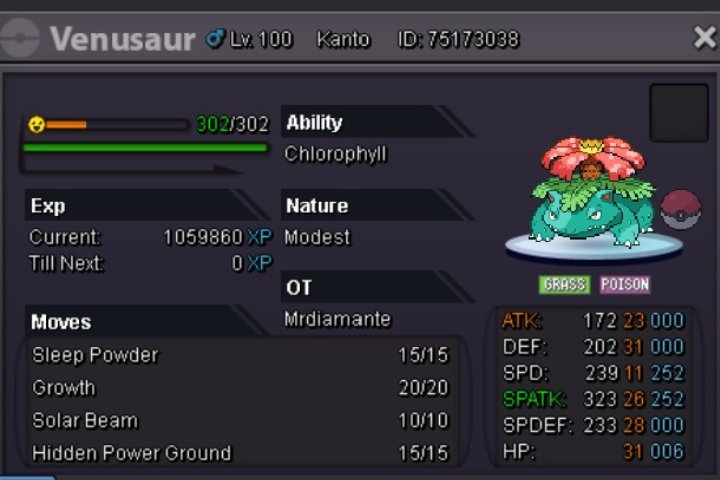
 What's your another account ig nameOkAuction has ended and winner is Q25S.0 500k Min bid ;100k N/A insta Auction duration:24hrs
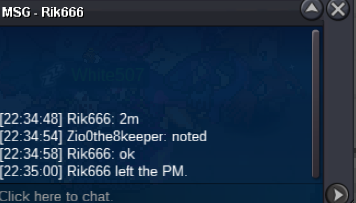
 Username: zio0The8keeper Server:gold Country/timezone: 🇮🇳 GMT+5:30Ok I am tranfering my acc anywaysI will transfer my server and get it5.05m4.55m4.1m4m

Account
Navigation
Search
Configure browser push notifications
Chrome (Android)
- Tap the lock icon next to the address bar.
- Tap Permissions → Notifications.
- Adjust your preference.
Chrome (Desktop)
- Click the padlock icon in the address bar.
- Select Site settings.
- Find Notifications and adjust your preference.
Safari (iOS 16.4+)
- Ensure the site is installed via Add to Home Screen.
- Open Settings App → Notifications.
- Find your app name and adjust your preference.
Safari (macOS)
- Go to Safari → Preferences.
- Click the Websites tab.
- Select Notifications in the sidebar.
- Find this website and adjust your preference.
Edge (Android)
- Tap the lock icon next to the address bar.
- Tap Permissions.
- Find Notifications and adjust your preference.
Edge (Desktop)
- Click the padlock icon in the address bar.
- Click Permissions for this site.
- Find Notifications and adjust your preference.
Firefox (Android)
- Go to Settings → Site permissions.
- Tap Notifications.
- Find this site in the list and adjust your preference.
Firefox (Desktop)
- Open Firefox Settings.
- Search for Notifications.
- Find this site in the list and adjust your preference.