New Trade Zone
Trade Zone is now live
Use the new Trade Zone for auctions and instant-price trades so Pokemon and item offers are easy to find.

Oppsicle
Registered User
-
Joined
-
Last visited
-
Auction complete please close
-
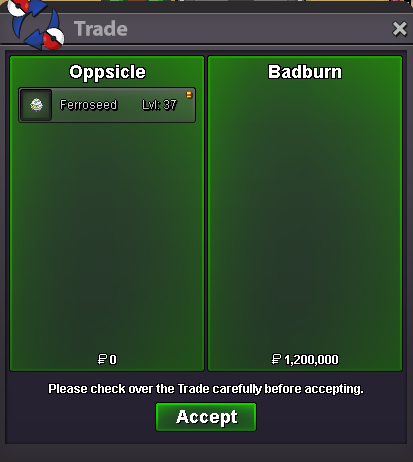
Auction winner is IGN: badburn message me in game or add my discord: #chotchboy9292 I’ll be on for the next few hours
-
About 20 hours left
-
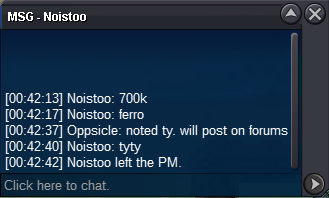
C.O: 700K
-
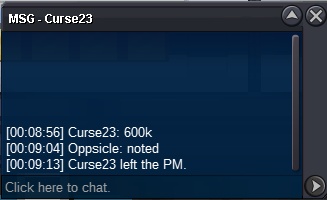
C.O: 600k
-
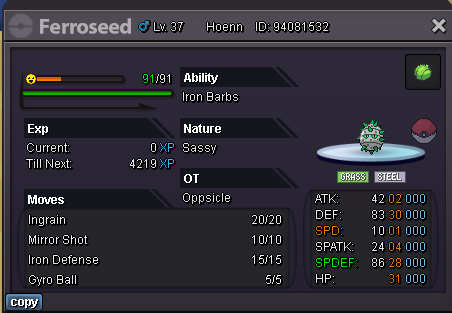
Auction: Tanky ferro 01 speed, 31hp, 28spdef, 30def Start Point/Price: 500k End Point: 19:04 07/16/24 GMT-10 Insta: 4m Min. Raise: 100k Accepted Payments: Coin Capsule: 400k RC: 5k IV Reroll: 500k Nature Reroll: 250k
-
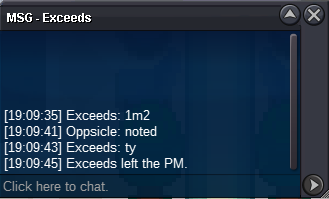
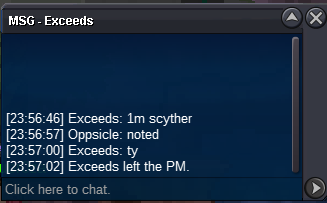
Auction done IGN: Exceeds won Msg me on discord Chotchboy#9292 or in game to claim
-
2 hours leftC.O: 1m
 Auction complete, close thread please.
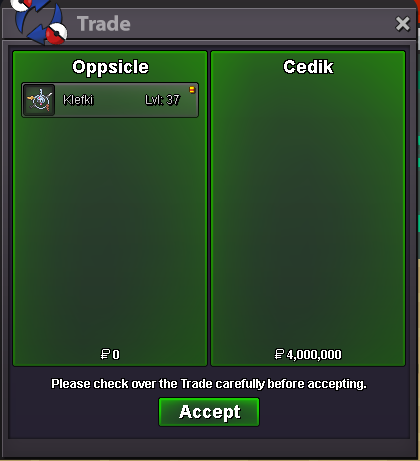 29 hours leftBumpC.O 4m 24 hours left● What's your IGN? Oppsicle ● How old are you? 23 ● Where are you from? Hawaii, USA ● What's your total playtime? 4798(Its glitched, real playtime is around 1k hours) ● What do you enjoy doing in the game? I enjoy hunting, bossing, shiny hunting, pvp(currently building a team and trying to learn!), growing pokedollar count:) ● Would you like to offer some kind of service to the guild? I would like to help with price checks as i am learning the market very well and would eventually like to help with PVP advice as I gain experience And the most important question of them all: Which Bidoof Form do you like the most? Suidoof, because suicune is one of my favorite legendaries