New Trade Zone
Trade Zone is now live
Use the new Trade Zone for auctions and instant-price trades so Pokemon and item offers are easy to find.

Cuthalion3e
Registered User
-
Joined
-
Last visited
Everything posted by Cuthalion3e
-
Hello, sorry for the late reply. I'm facing serious problems of crashes in the game, so I have the shop closed indefinitely. I hope I can come back in the next few weeks, but I won't be sure about that...
-
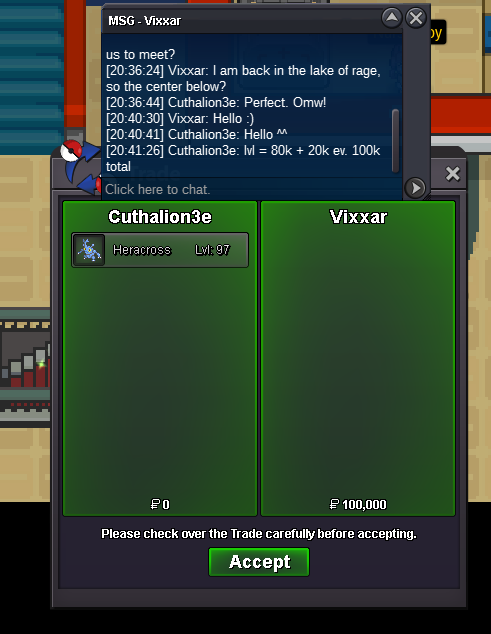
First service requested by @Vixxar Thak you very much for your trust!
-
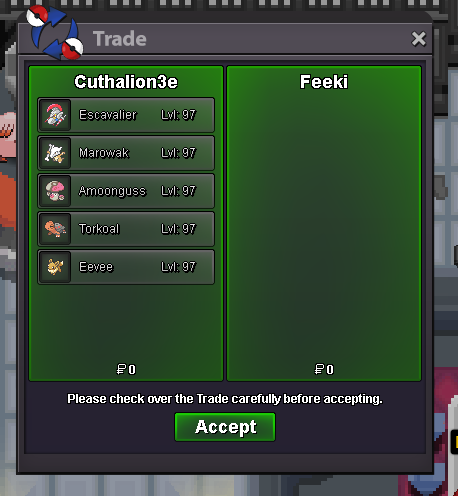
Another completed service for @Feeki! Thank you very much for your trust and for choosing me!



-
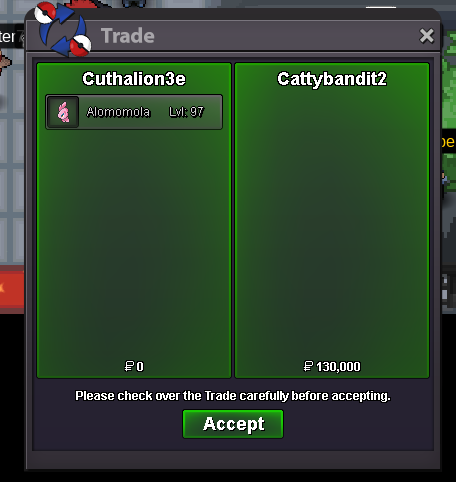
EV and LVL service completed for @Cattybandit2. Thank you very much for choosing me!
-
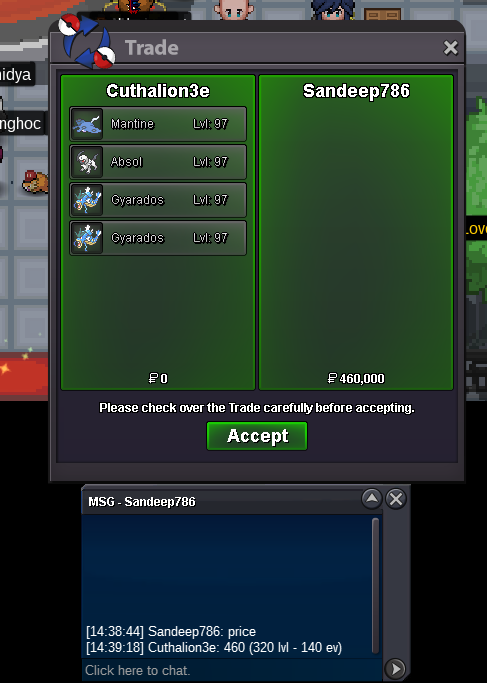
Another EV + LVL service for @Sandeep786. Thank you very much for choosing me!
-
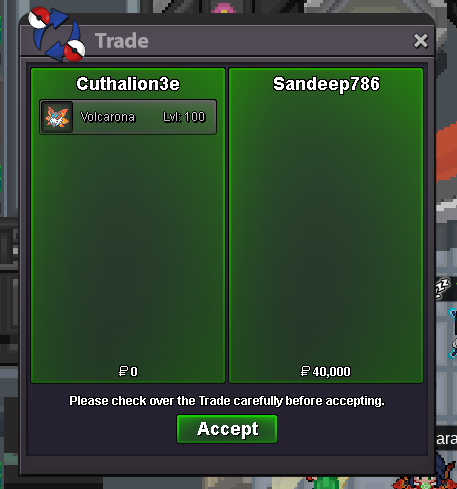
Another EV service completed for @Sandeep786. Thank you very much for choosing me!
-
Another LVL + EV service for @Popopop1279. Thank you very much for choosing me again! Note: Paid in advance. (360k)
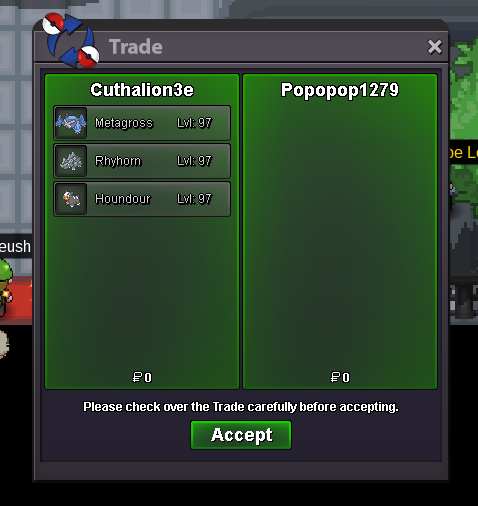
-
Lvl service completed for @Popopop1279. Thank you very much for choosing me!! Note: Paid in advance. (40k)
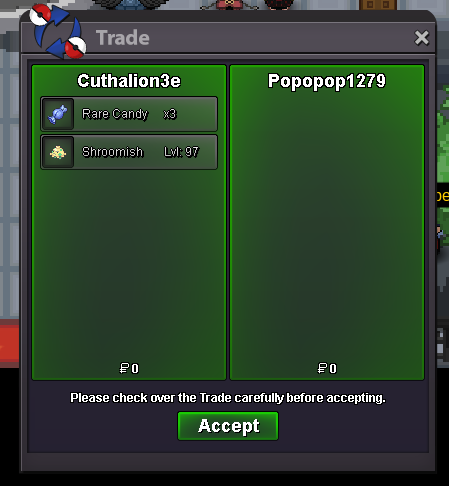
-
Another EV +Lvl Up service for @Sandeep786. Thank you for choosing me again!!
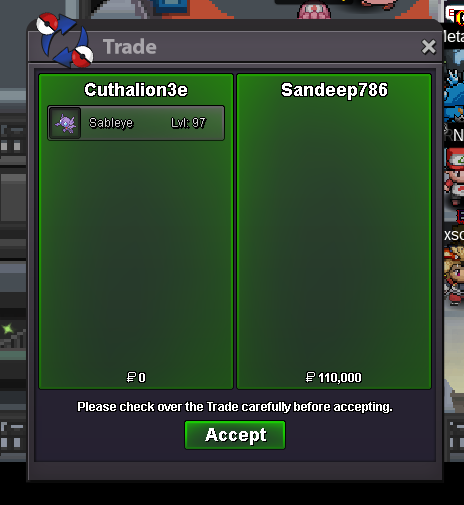
-
Another lvl service for @Thienho15300 with a small discount. Thank you very much for choosing me!
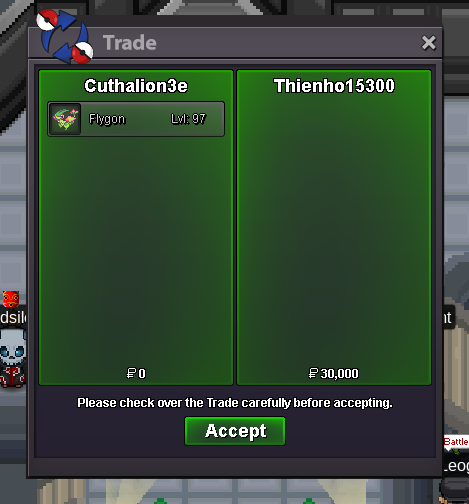
-
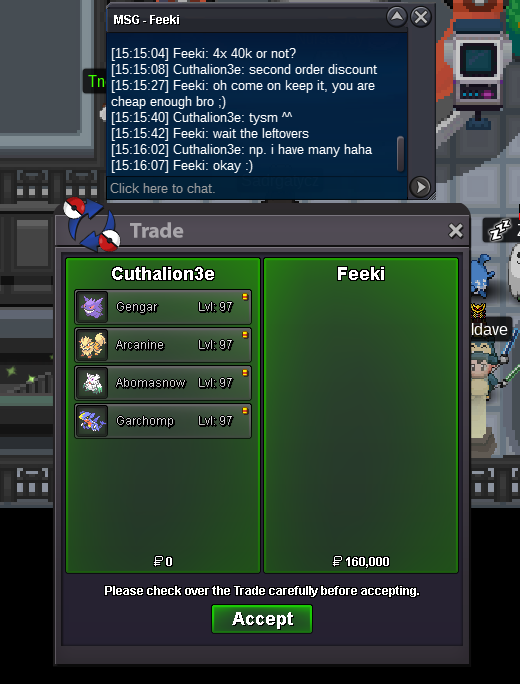
Another lvl service for @Feeki! Thank you very much for choosing me again for this service!
-
440k
-
330k
-
300k
-
270k
-
230k
-
190k 🫡
-
90k
-
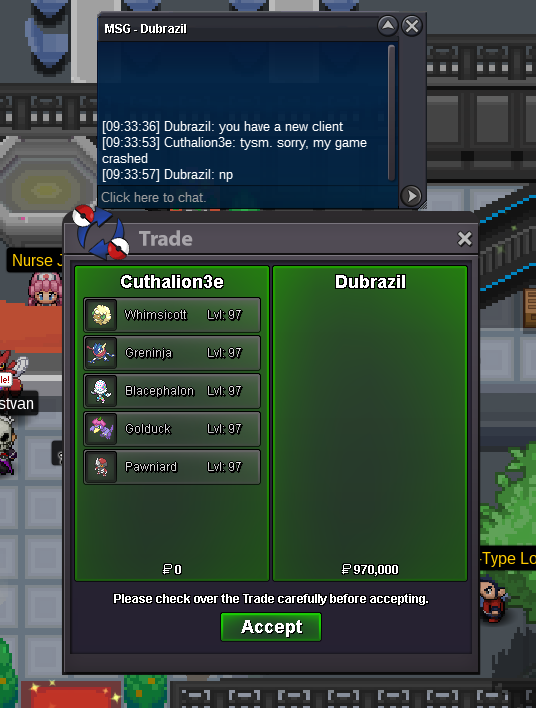
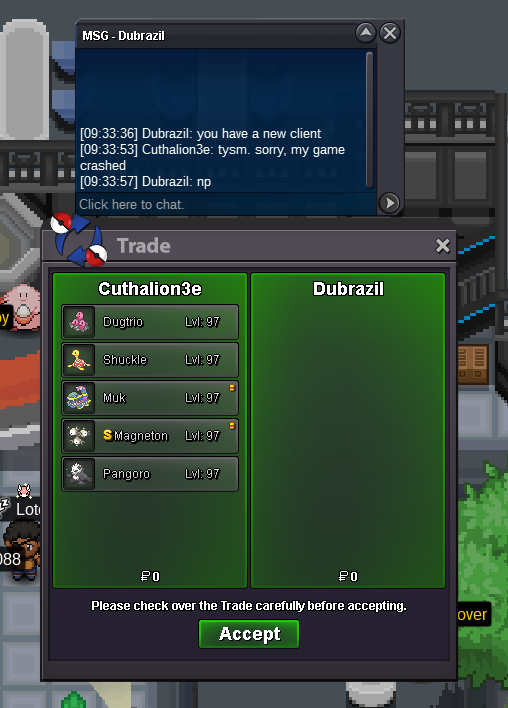
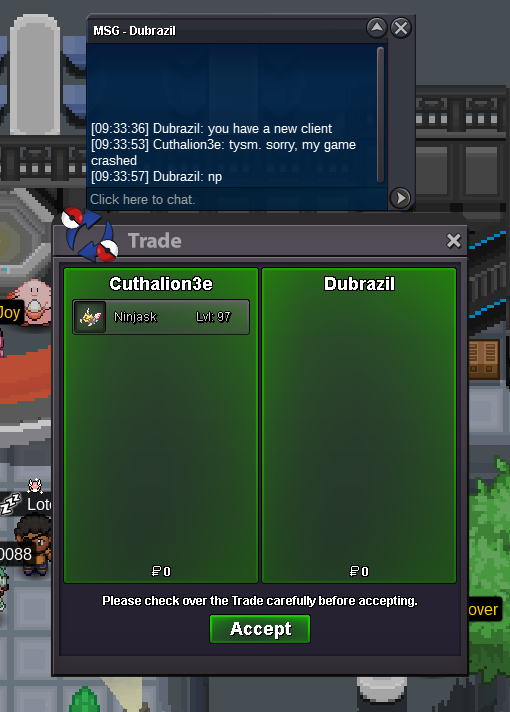
A short time ago I chreated this shop and today I see it receiving several orders. This makes me extremely happy!! Thank you so much to @Dubrazil for choosing me. I hope I can do more services for you!!
-
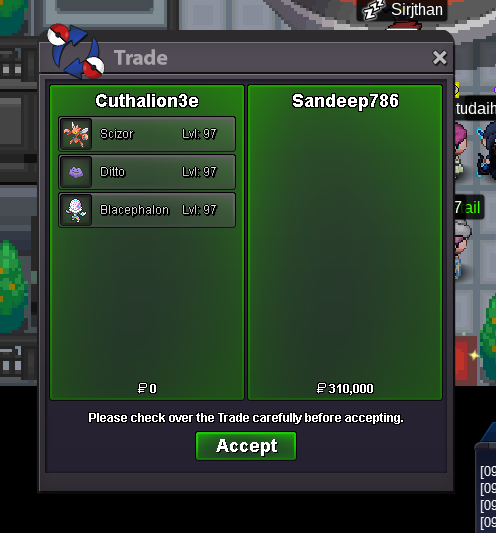
Another EV + Lvl Up service for @Sandeep786. Thank you very much for choosing me again!
-
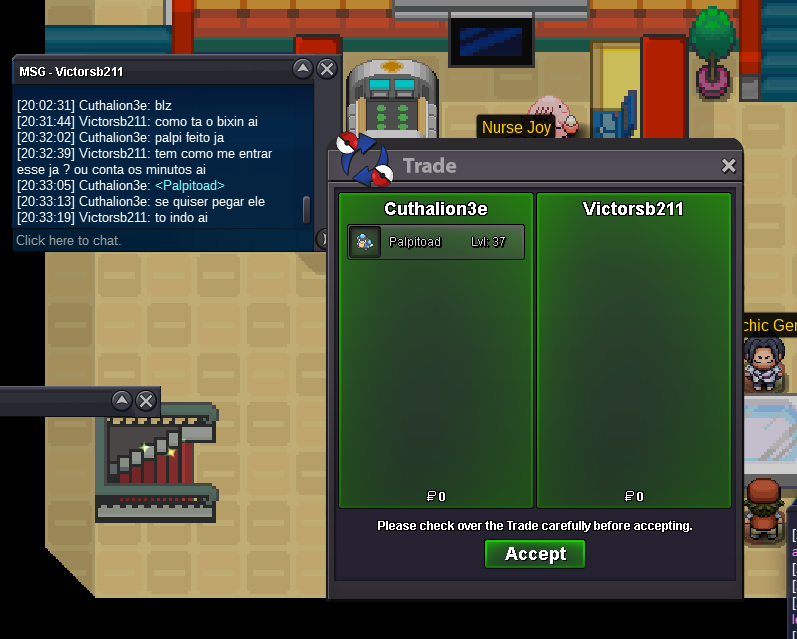
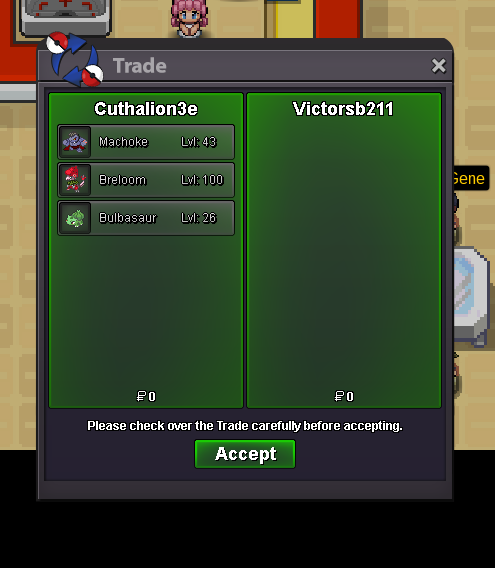
Another EV service for @Victorsb211. Thank you for choosing me again!! Note: He paid for the service in advance.
-
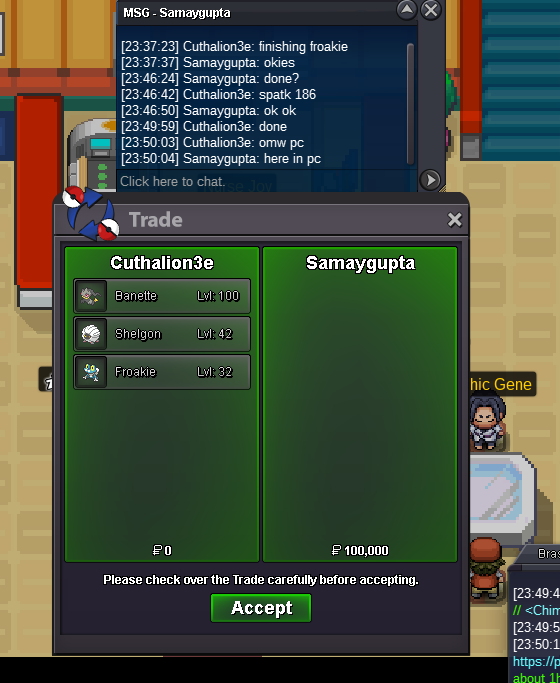
EV service successfully completed. Thank you @Samaygupta for the opportunity and preference!
-
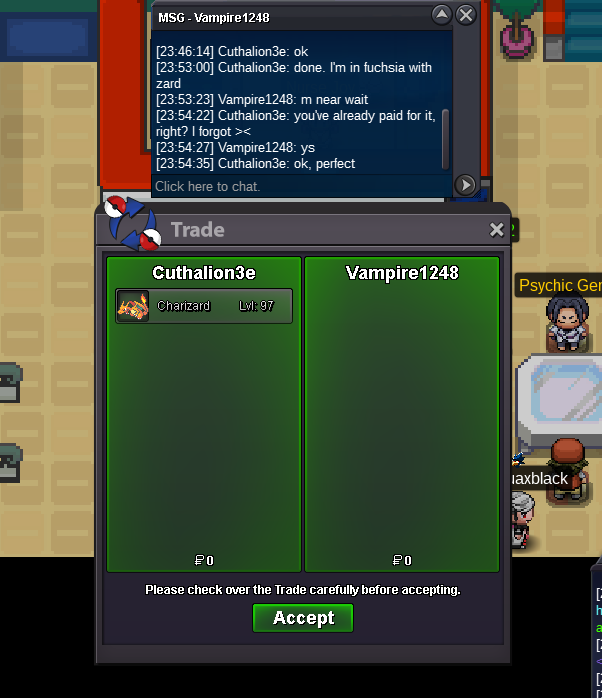
Lvl up + ev service done. Thank you Vampire for the opportunity! Note: I forgot that he had already paid, but luckily I took a screenshot of the inicial trade! ><
-
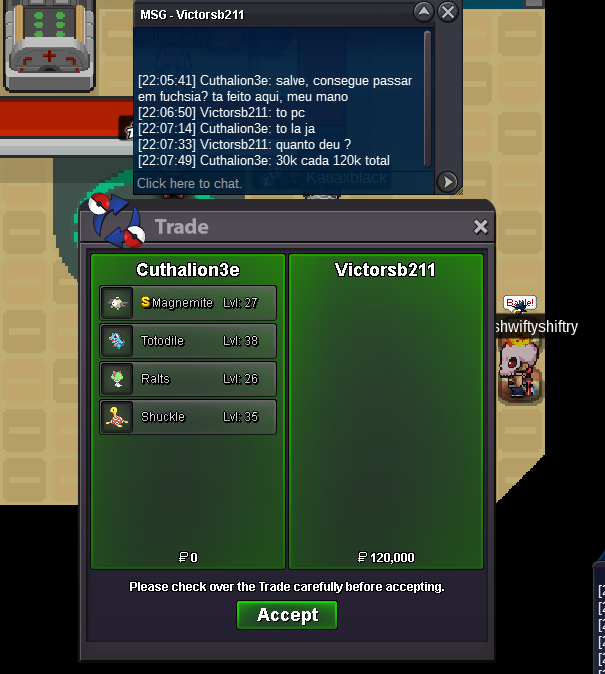
We are at full steam today. Another service completed!! I'm happy that the shop is flowing positively. I hope I can always serve this wonderful community of a franchise that I love so much!!
-
A fast EV service with a discount for a close friend! Today the shop was busier and that makes me very happy!!