New Trade Zone
Trade Zone is now live
Use the new Trade Zone for auctions and instant-price trades so Pokemon and item offers are easy to find.


Safiyre
Registered User
-
Joined
-
Last visited
Everything posted by Safiyre
-
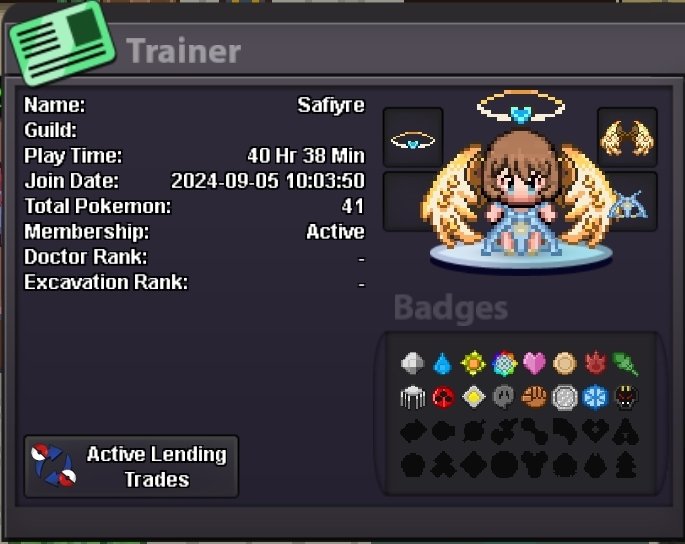
Hi! I'd be interested in joining if possible ^-^ To answer the questions~ Can you see yourself playing this game for at least 1-2 years? I plan to! I love pokemon although I am a little late to finding out about pro What type of investment are you leaning towards in-game? (e.g., time, willingness to help, etc.) I'd like to help others if I can but I'm still new myself so atm I'm just working on clearing all the regions, and hunting for pokemon How active are you on Discord? (It's important for guild members to participate in Discord discussions, events, and updates to stay connected with the community.) I can be active no problem- I'm not on that much right now cause I have no reason to be. I do check the pro discord daily though How active are you in-game? I added my trainer card, I know it's not alot of hours so far but I'm sure that will jump up lol