New Trade Zone
Trade Zone is now live
Use the new Trade Zone for auctions and instant-price trades so Pokemon and item offers are easy to find.

Intgmng
Registered User
-
Joined
-
Last visited
Everything posted by Intgmng
-
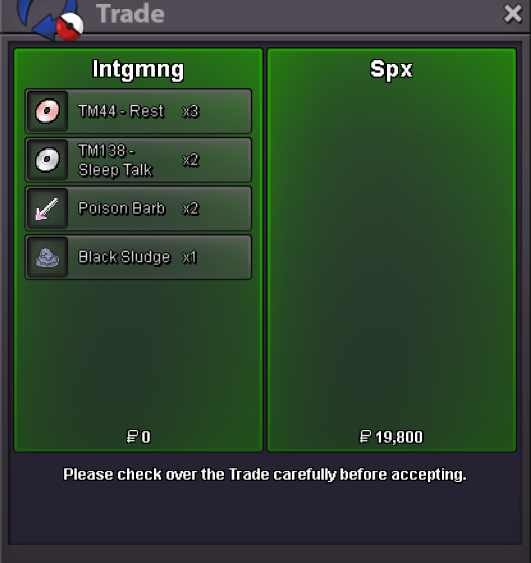
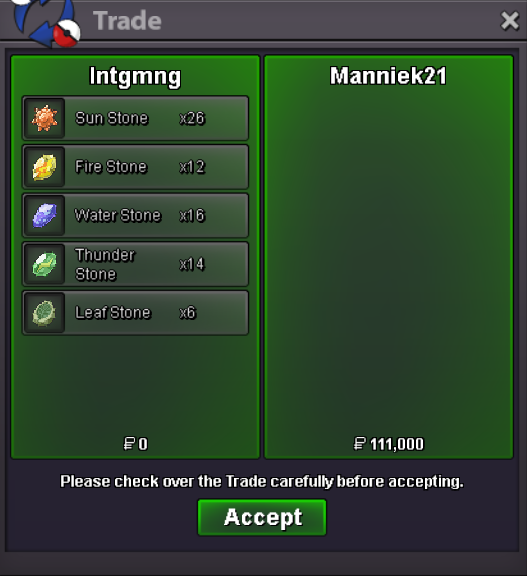
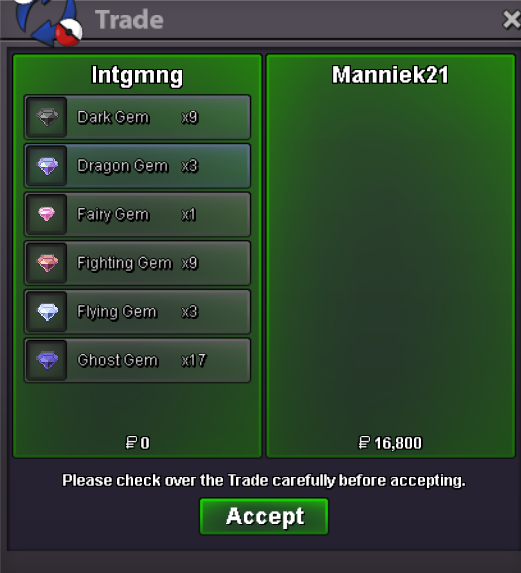
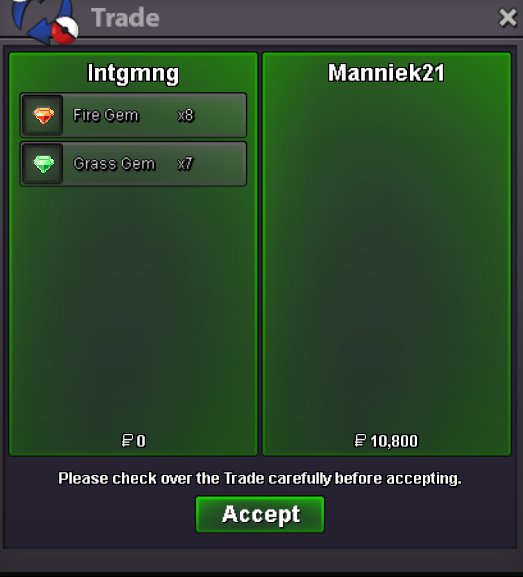
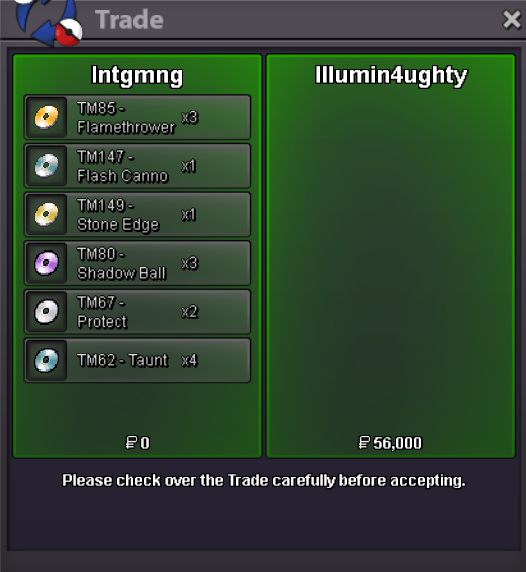
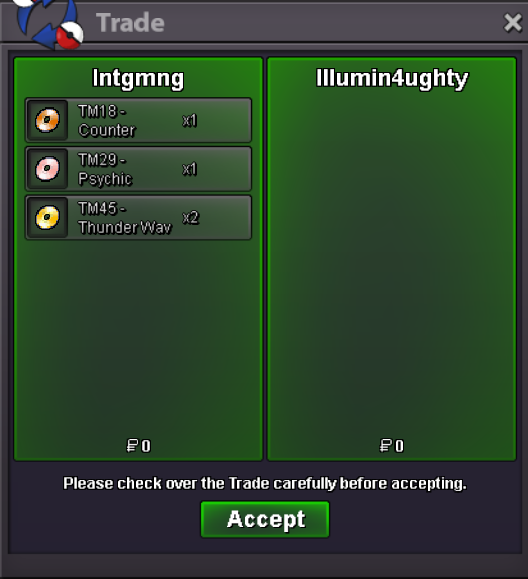
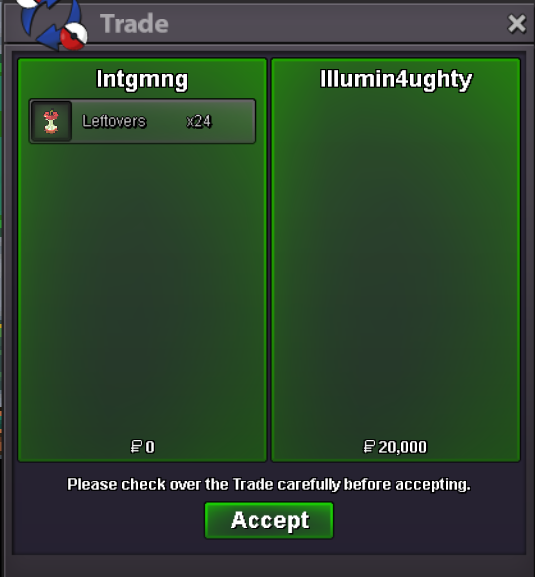
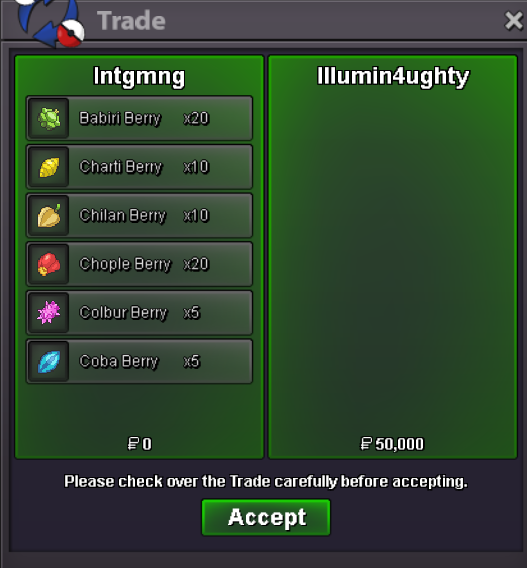
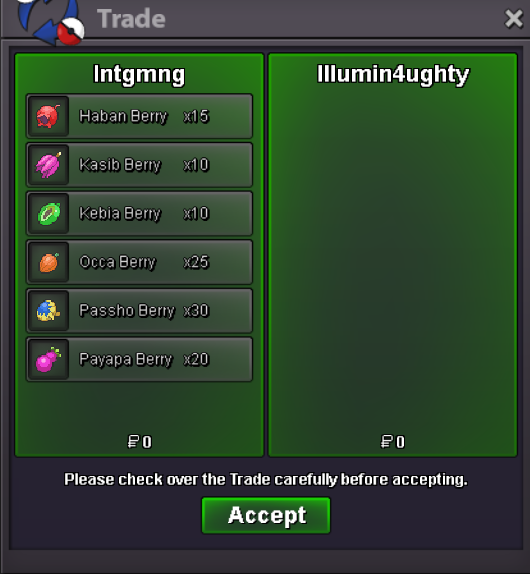
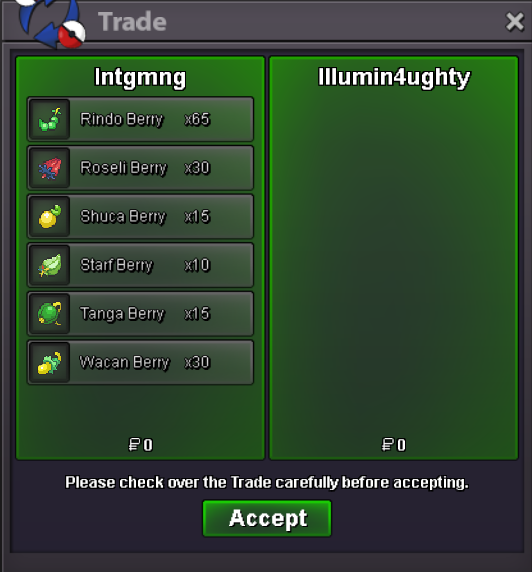
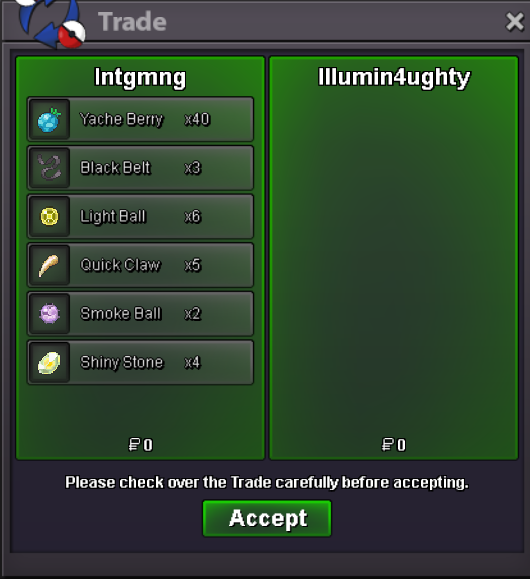
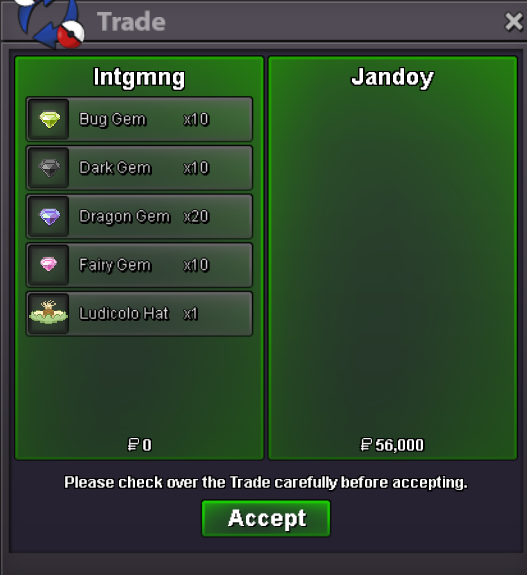
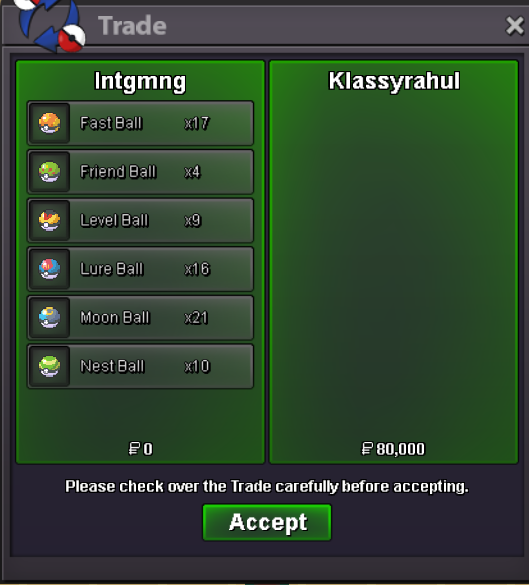
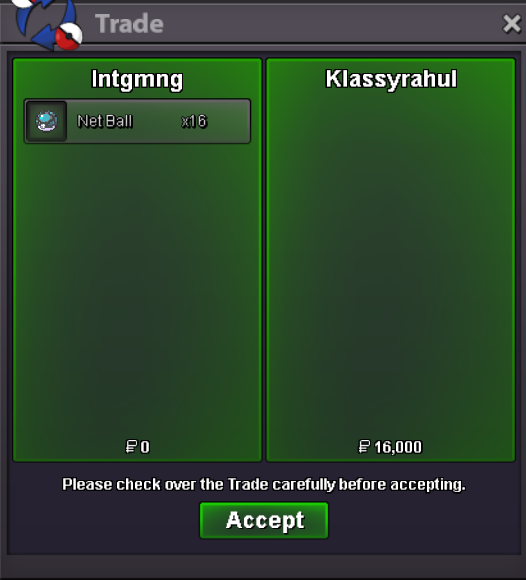
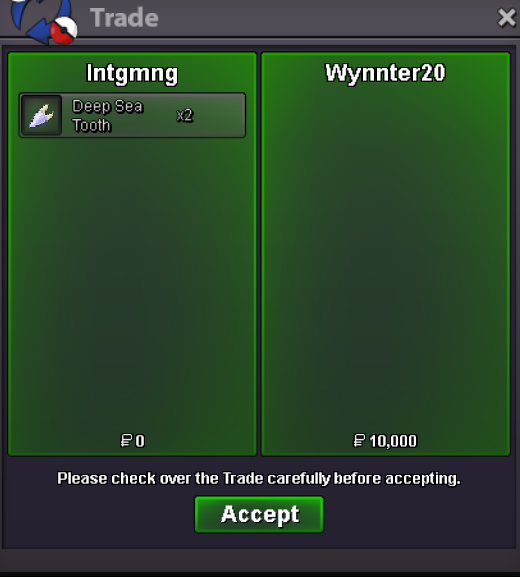
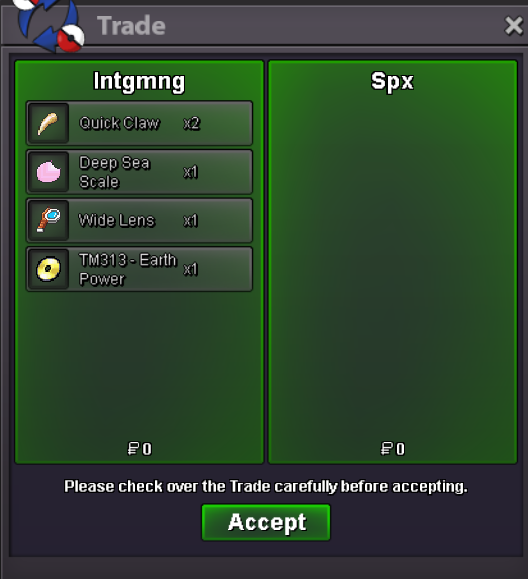
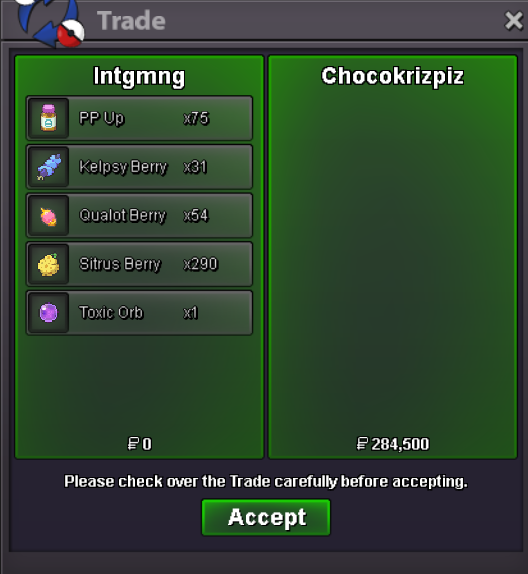
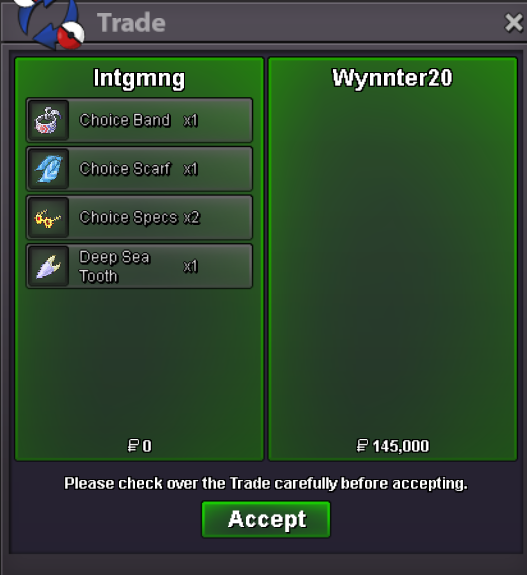
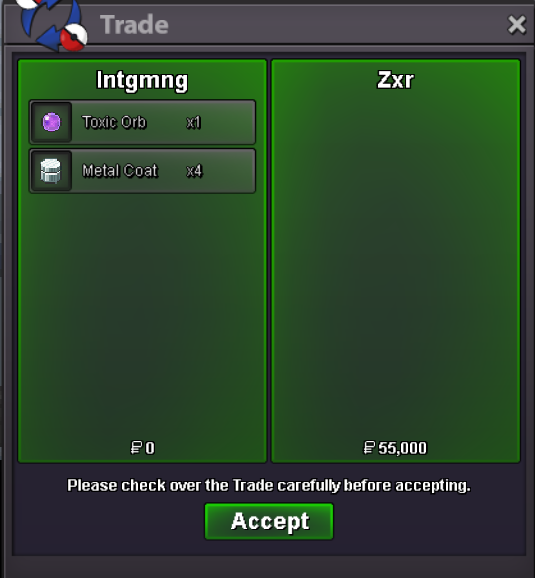
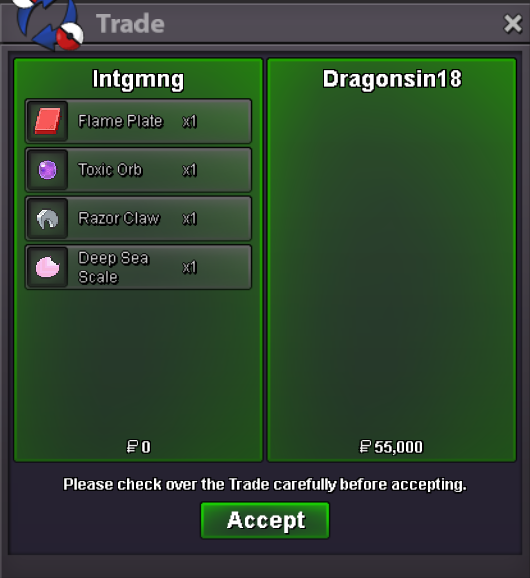
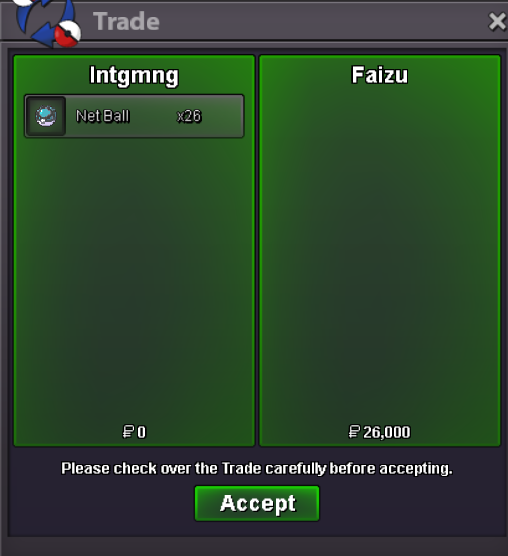
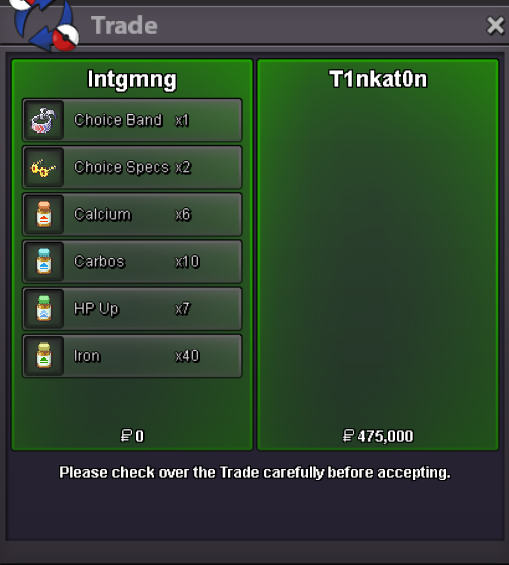
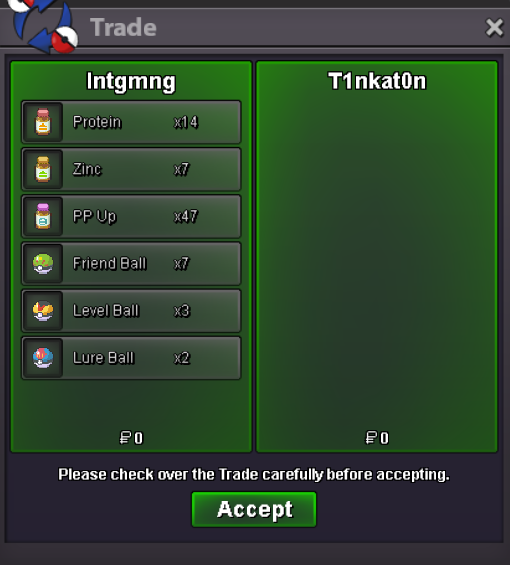
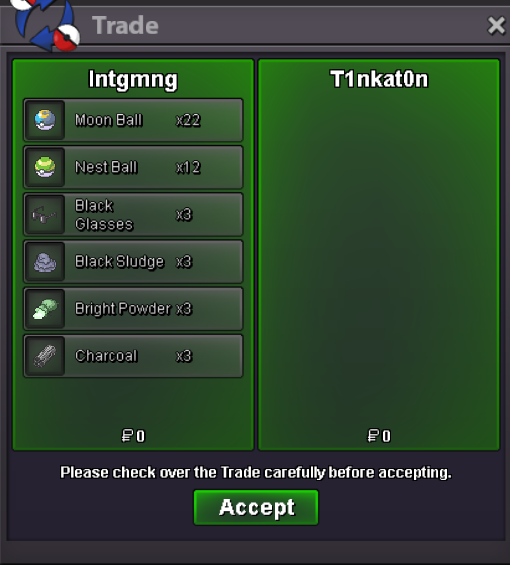
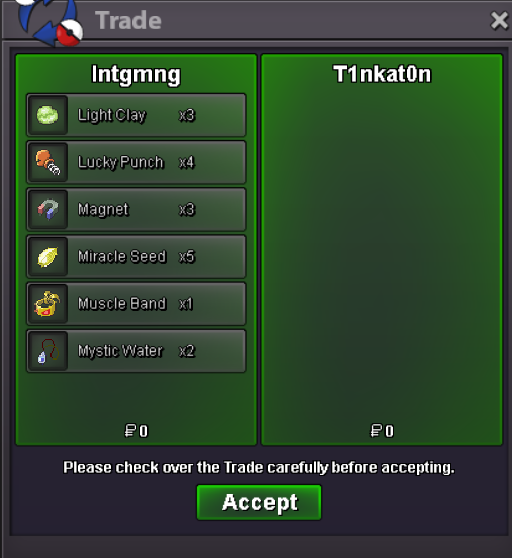
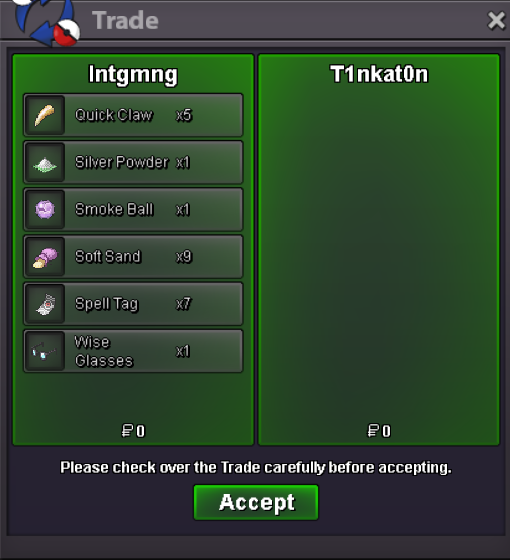
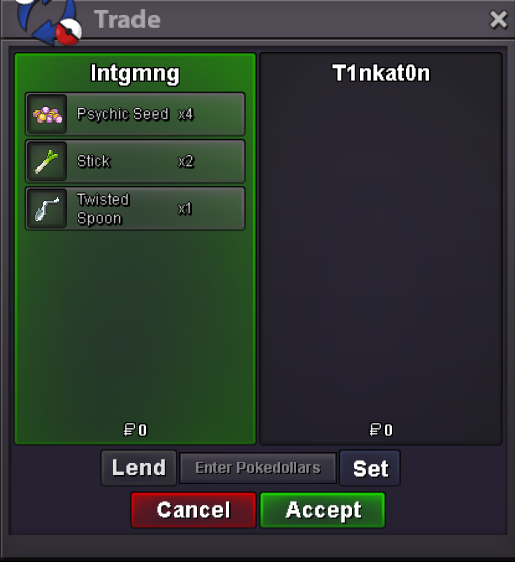
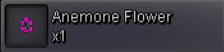
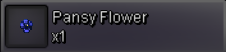
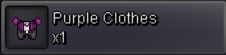
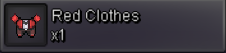
All trades realized through my account - Intgmng Accepted forms of payment: Pokedollar Rare Candy (6k value) EV Reduction Berries - 1k Each Quest Items Vitamins & PP Ups - 2k Each Gems Berries - 50 Each Special Pokeballs - 1.5k Each Orbs & Choice Items - 35k Each Plates and Special Rocks - 10k Each Held Items - 1k Each Budget Evolution Items - 1.5k Each Evolution Items - 5k Each Premium Evolution Items - 40k Each Cosmetics - Listed Price Baton Pass Boss Team LEND ONLY 55k per 24hrs - all needed items included


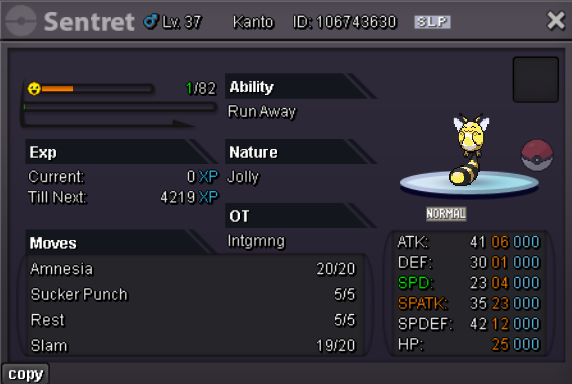
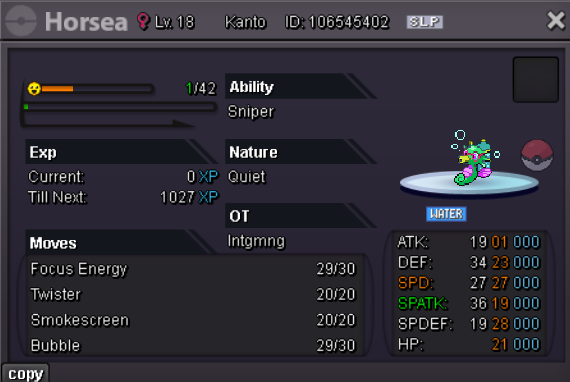
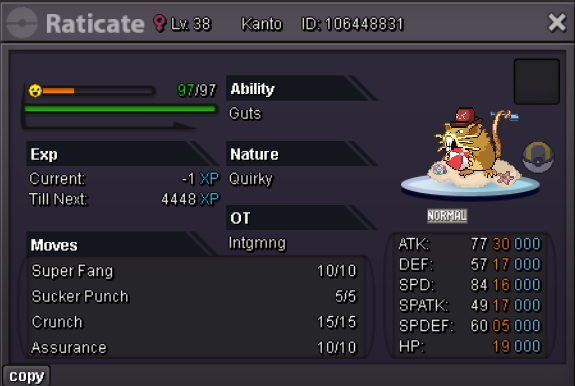
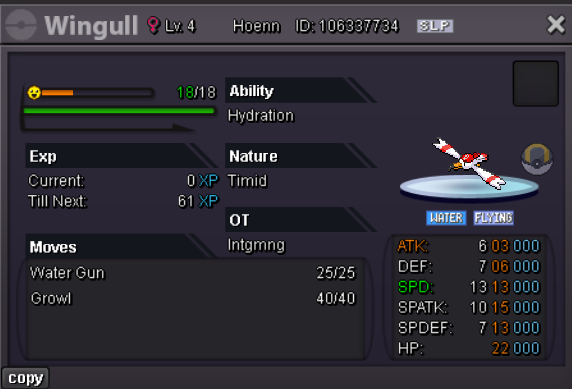
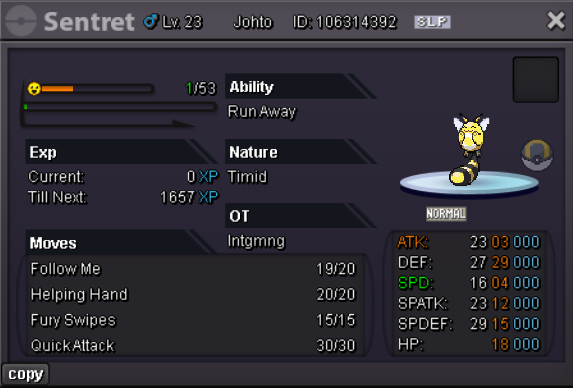
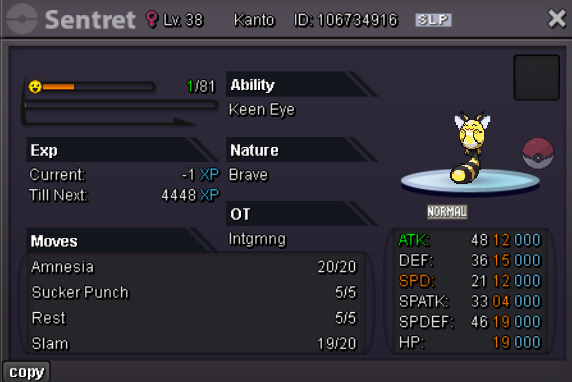
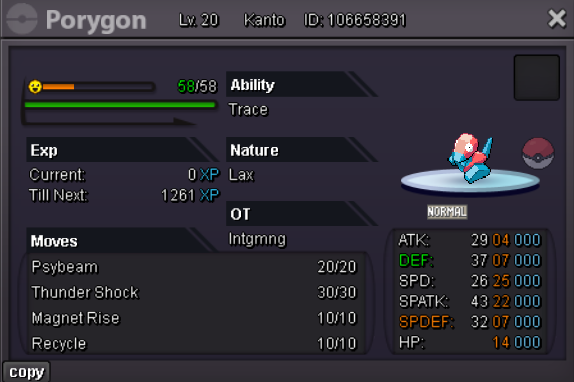
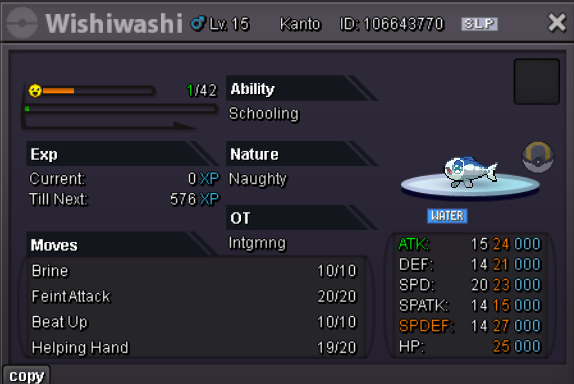
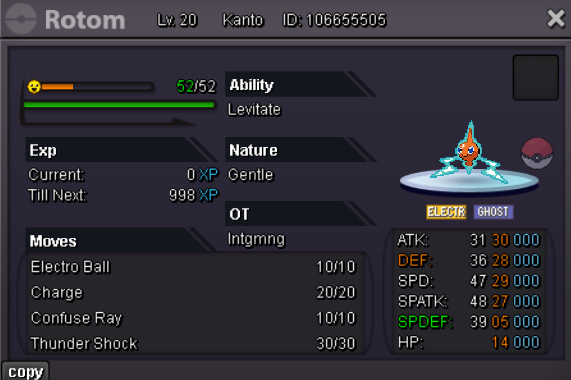
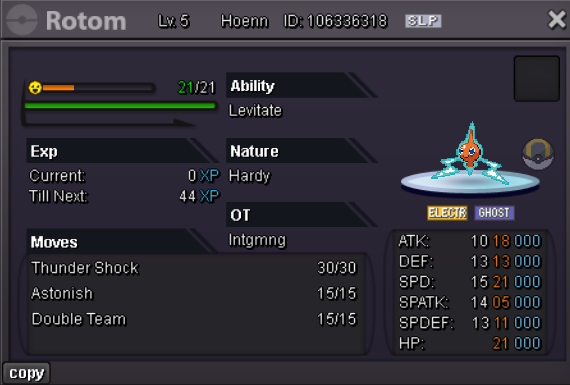


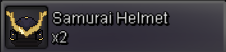
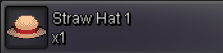
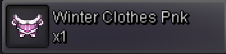
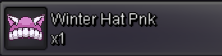


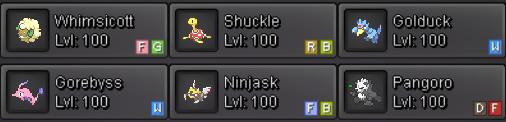


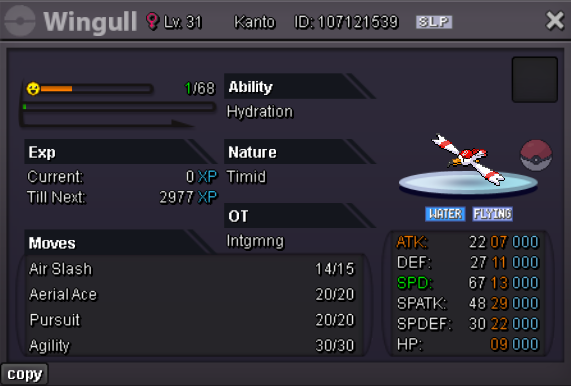

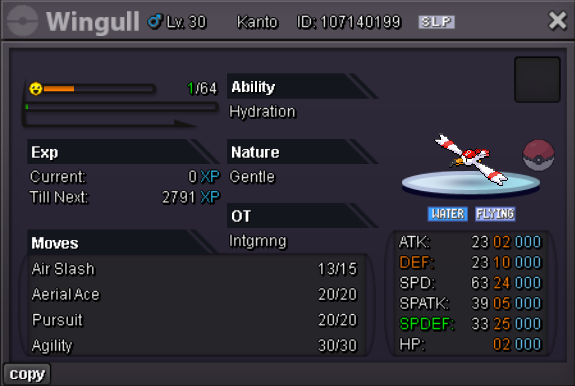


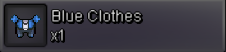
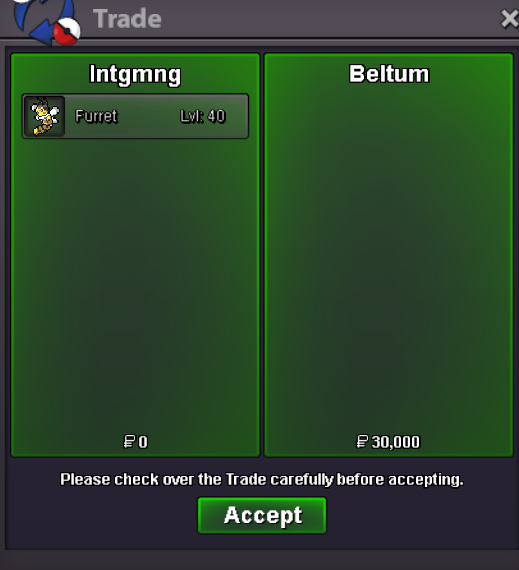
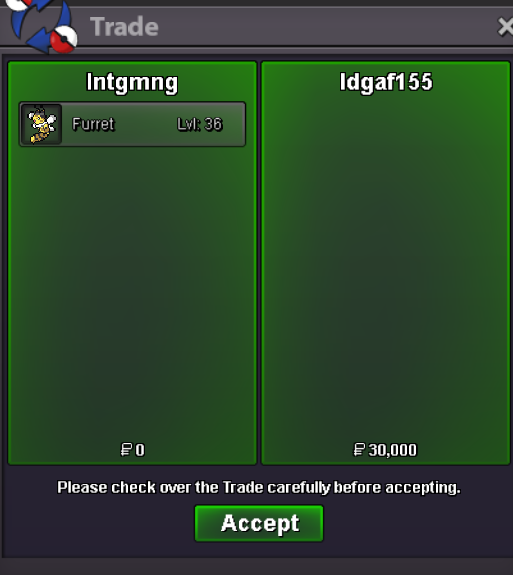
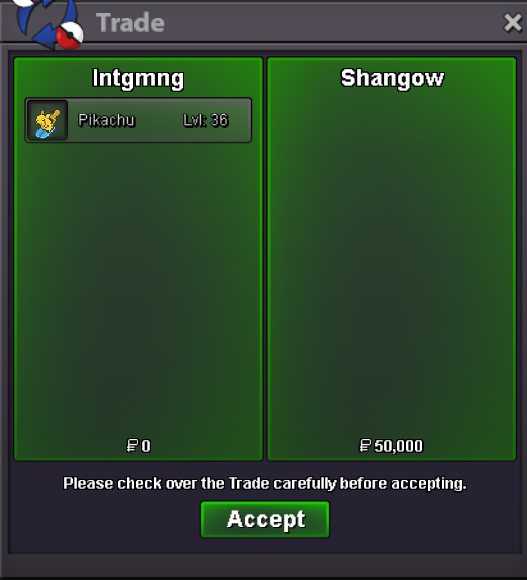
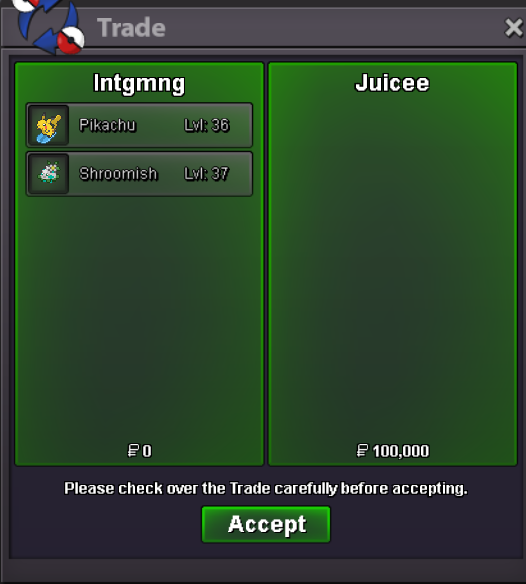
 start 1mAccepted Forms of Payment: Pokedollar Rare Candy - 6k To buy a form that I have multiple of, please type in the poke ID or screenshot the one you would like and post it along with your comment IN GAME MESSAGES TAKE PRIORITY: If i get a dm asking to buy a pokemon at the same time as a comment is created on the forum the sale will go to the in-game messager Common Forms 30k each Uncommon Forms 50k each Non-Form Pokemon: Frisk Sentret/Furret 5k each - 6 in stock Decent IV False Swiper shroom/scyther 5k each - 7 in stock Sold Pokemon will appear here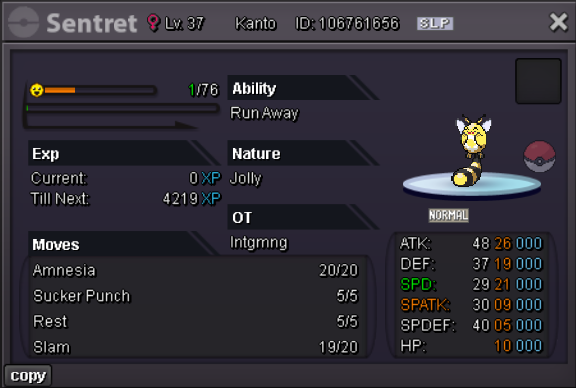
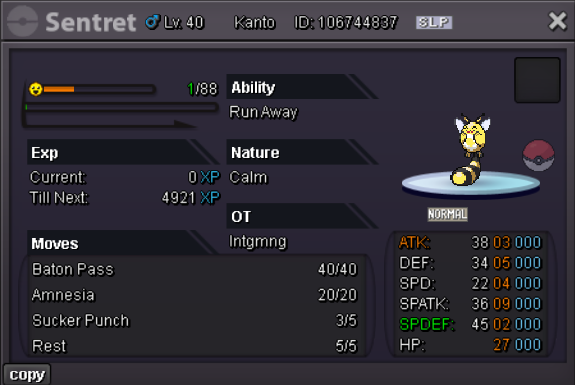
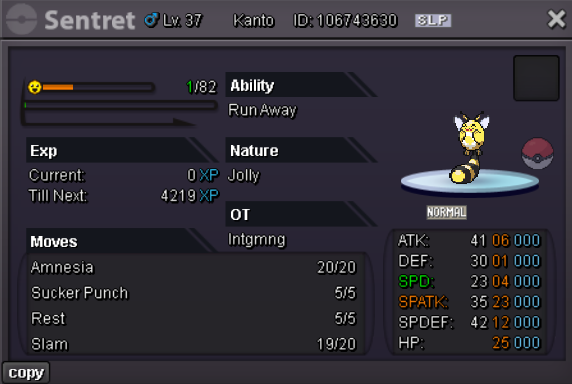
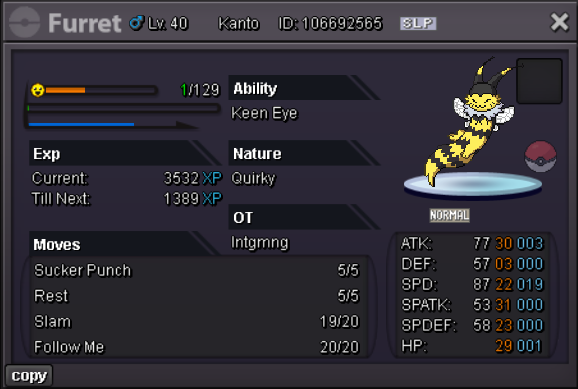
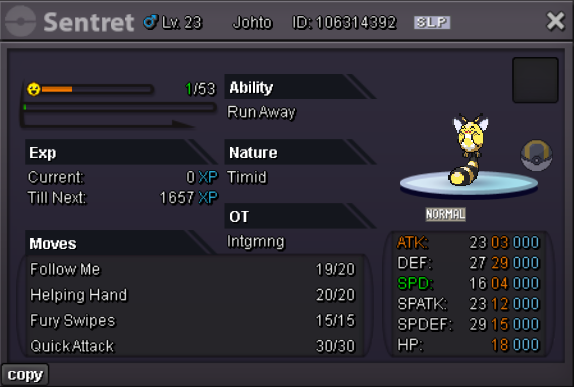
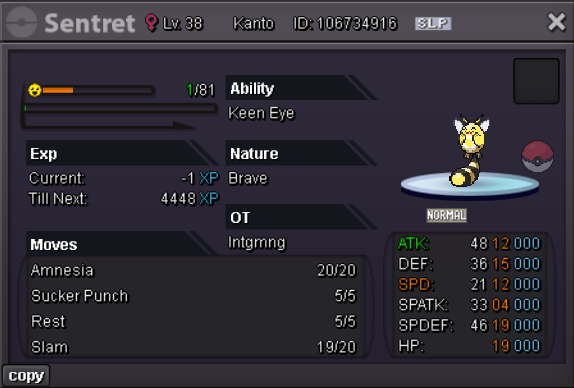
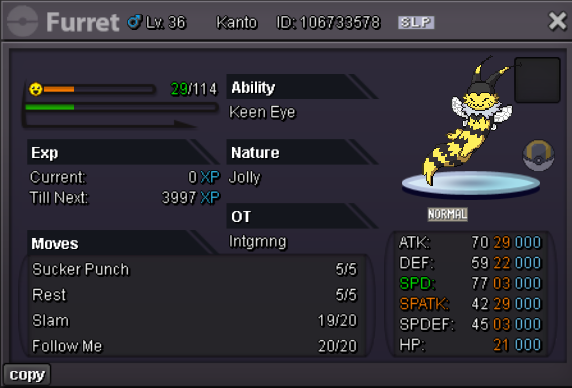
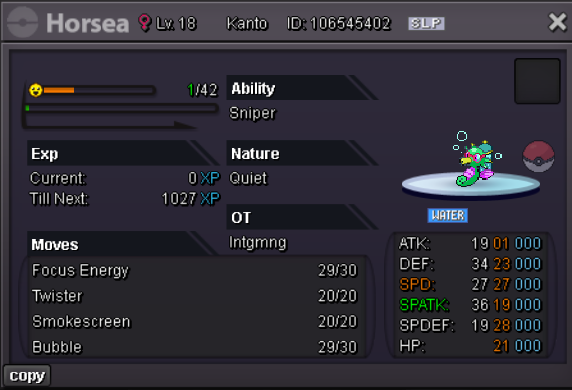
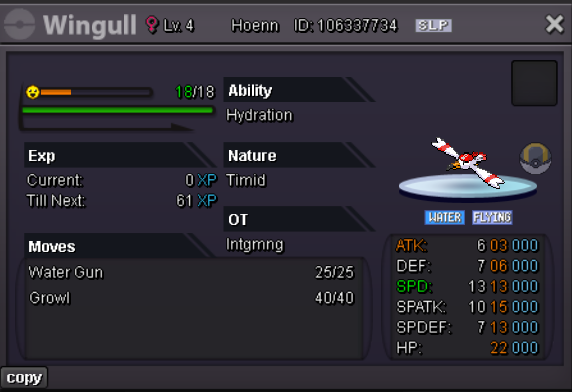
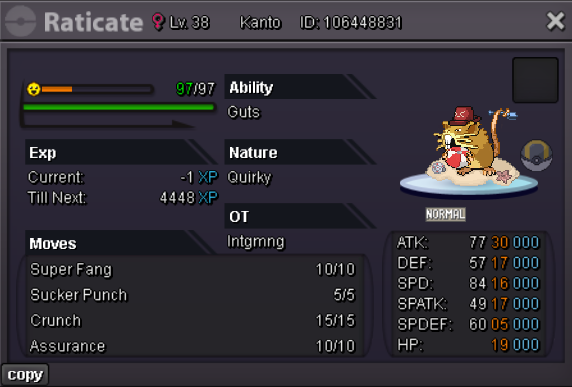
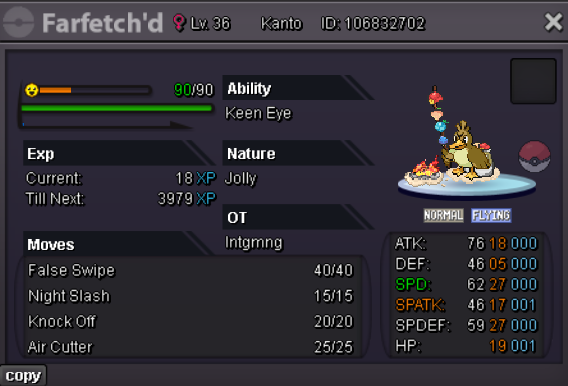
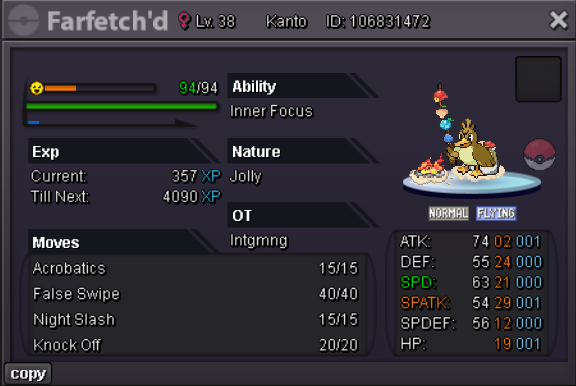
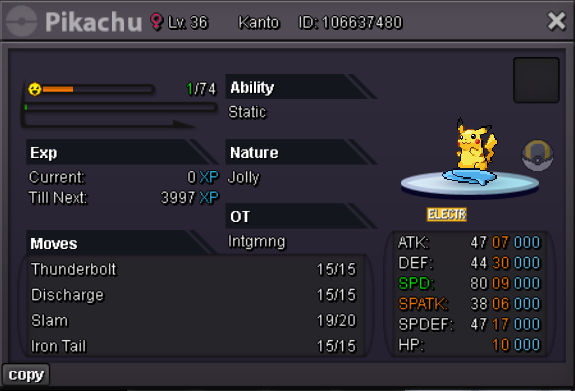
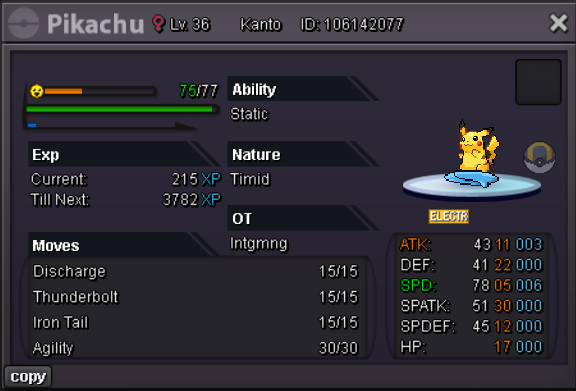
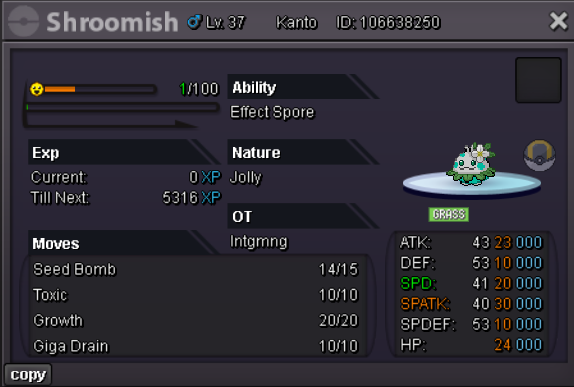 yea next time ill just do that lol, im on rn thoim back online now
Account
Navigation
Search
Configure browser push notifications
Chrome (Android)
- Tap the lock icon next to the address bar.
- Tap Permissions → Notifications.
- Adjust your preference.
Chrome (Desktop)
- Click the padlock icon in the address bar.
- Select Site settings.
- Find Notifications and adjust your preference.
Safari (iOS 16.4+)
- Ensure the site is installed via Add to Home Screen.
- Open Settings App → Notifications.
- Find your app name and adjust your preference.
Safari (macOS)
- Go to Safari → Preferences.
- Click the Websites tab.
- Select Notifications in the sidebar.
- Find this website and adjust your preference.
Edge (Android)
- Tap the lock icon next to the address bar.
- Tap Permissions.
- Find Notifications and adjust your preference.
Edge (Desktop)
- Click the padlock icon in the address bar.
- Click Permissions for this site.
- Find Notifications and adjust your preference.
Firefox (Android)
- Go to Settings → Site permissions.
- Tap Notifications.
- Find this site in the list and adjust your preference.
Firefox (Desktop)
- Open Firefox Settings.
- Search for Notifications.
- Find this site in the list and adjust your preference.