




New Trade Zone
Trade Zone is now live
Use the new Trade Zone for auctions and instant-price trades so Pokemon and item offers are easy to find.

Sbongos
Suspended
-
Joined
-
Last visited
Everything posted by Sbongos
-
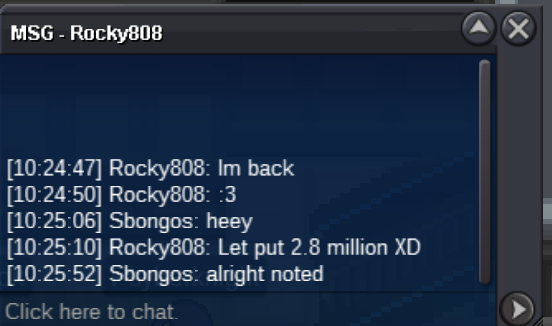
highest offer is 2.8m
-
rocky808 2.8m
-
completed
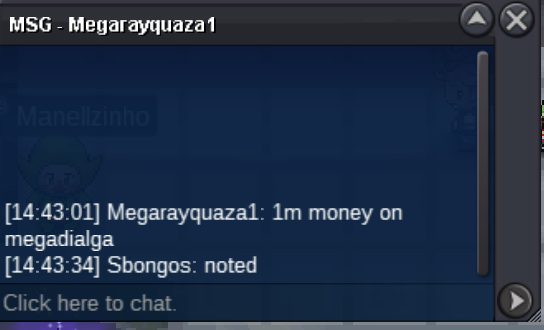
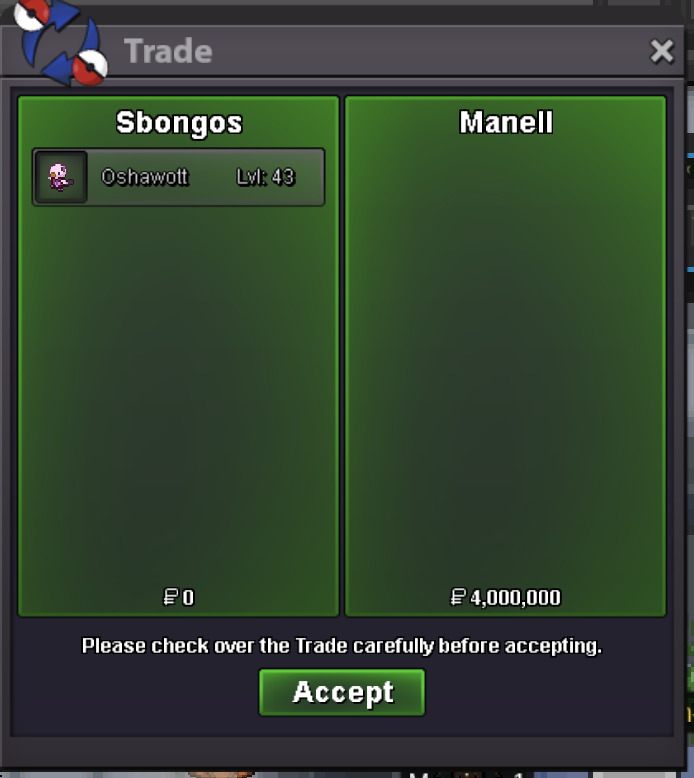 @Manell has won the auction1m from megarayquaza on megadialga account
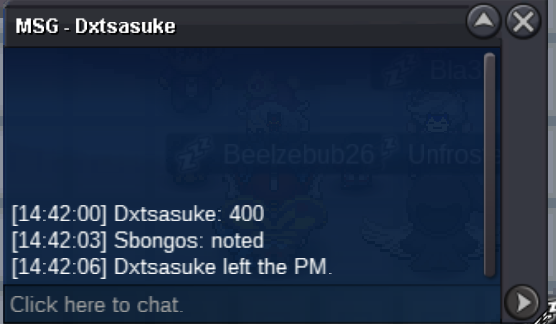
 400k by dxtsasuke
 s.o 100k min bid 100k ends 24h after first bid
 4m by manell
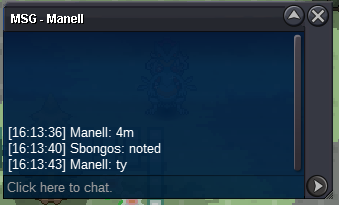 S.O 2M min bid 250K NO INSTA ends 24H after first bid
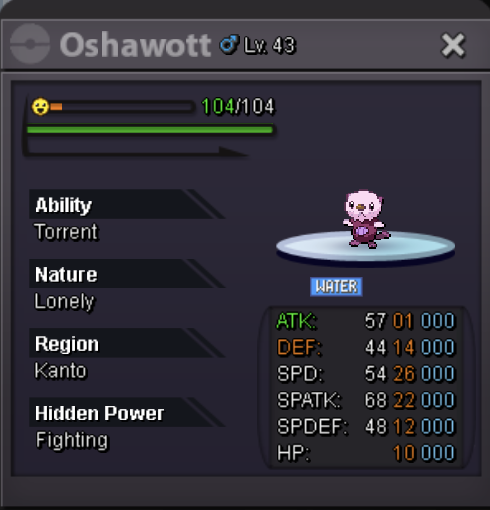 Trade is finished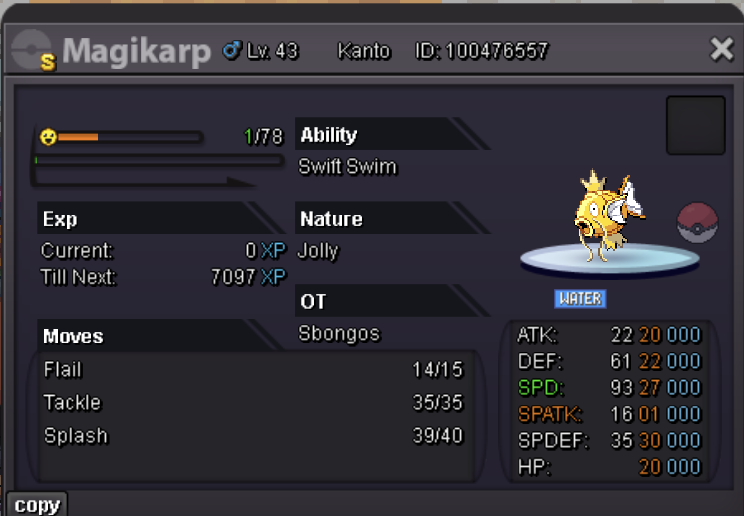
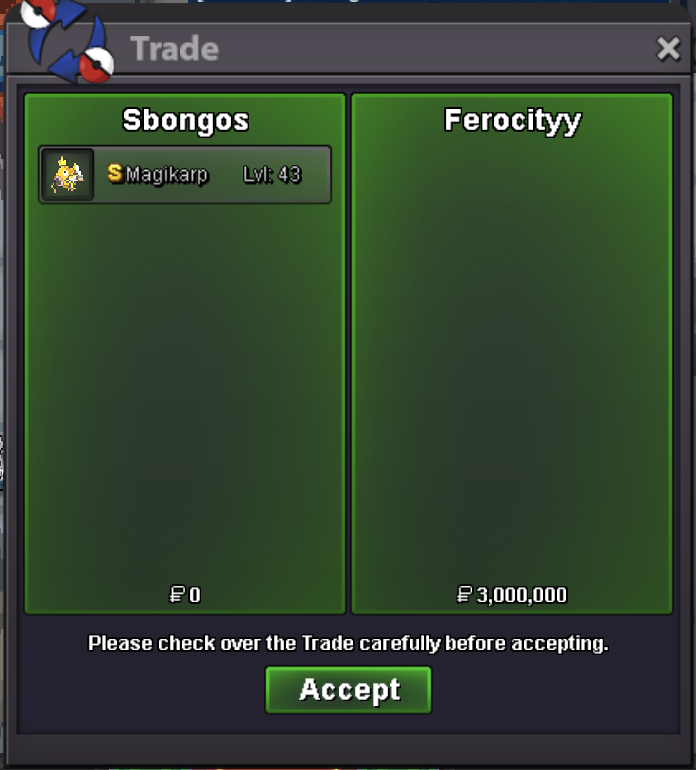 Please dont take it personally. I have nothing against you. I am still waiting for a MOD to help me sort this out.@Justkaio I tend to agree with you, but I have never been in this situation before and the rules describe only what I posted above. Anyhow, I don't feel ok to take this decision.There is this rule: It seems that @Anhnguyen3120 won, but as I await for mod intervention I will not sell the pokemon just yet, as the situtation is not clear.
 @Anhnguyen3120You edited your comment after @Ferocityy made their offer. It would have been best if you made a separate reply. Now I really dont know who won this, as I dont know if what you did is allowed as an offer.S.O 100K MIN BID 50K ENDS 24H AFTER FIRST BID
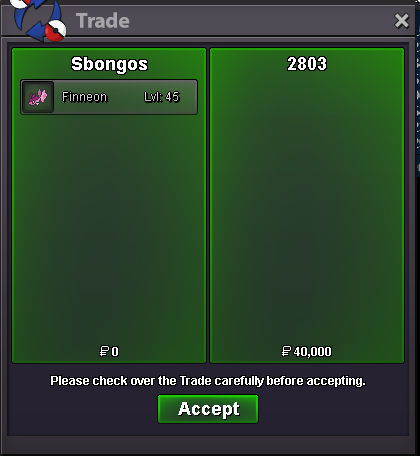
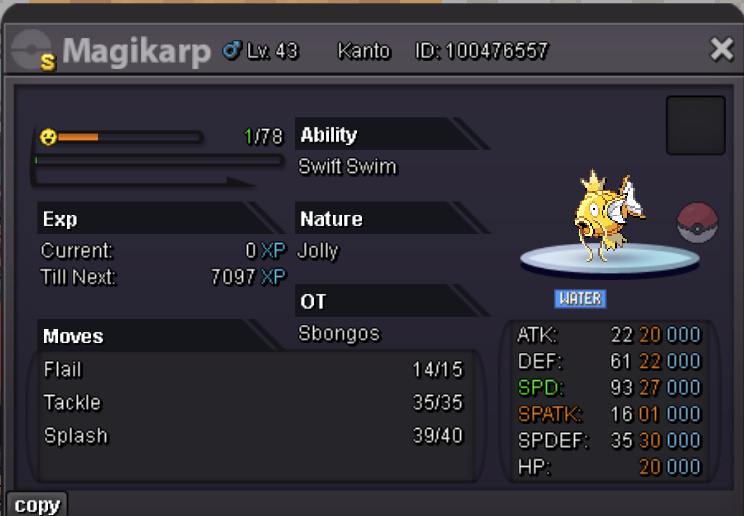 trade complete
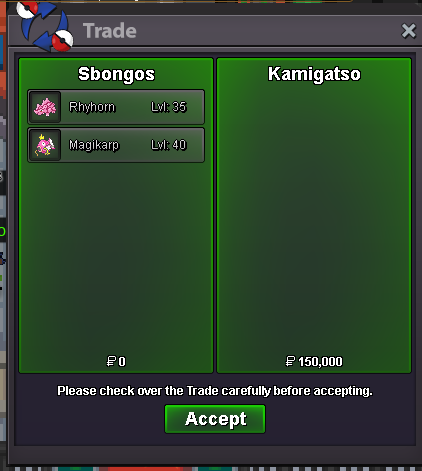 2 xatus sold to 1cloudz
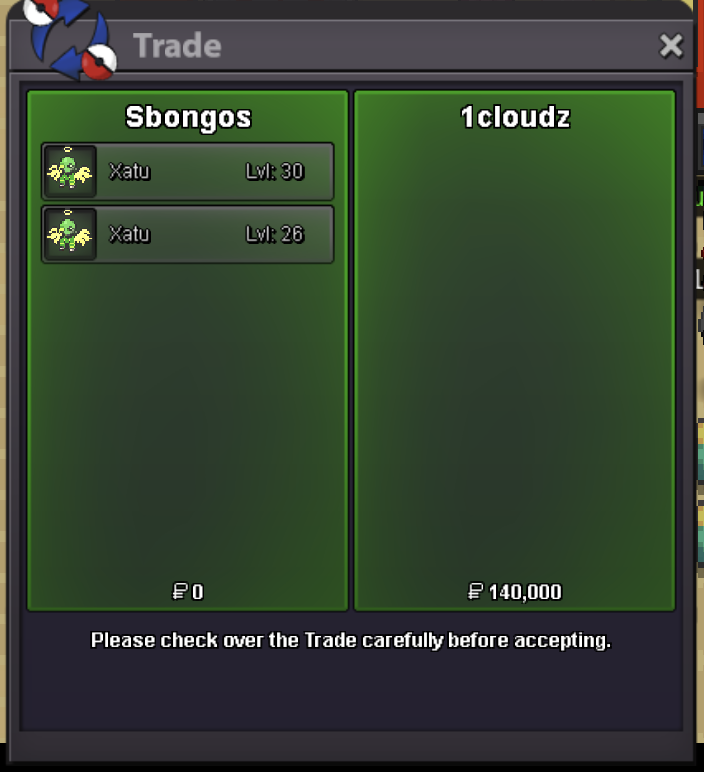 s lumineon sold
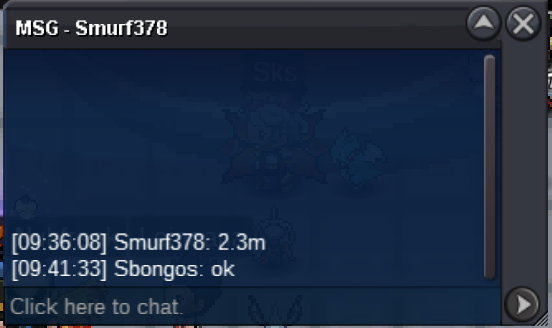
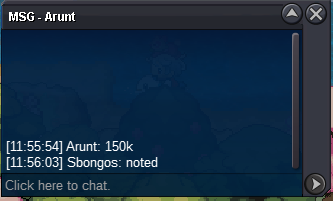
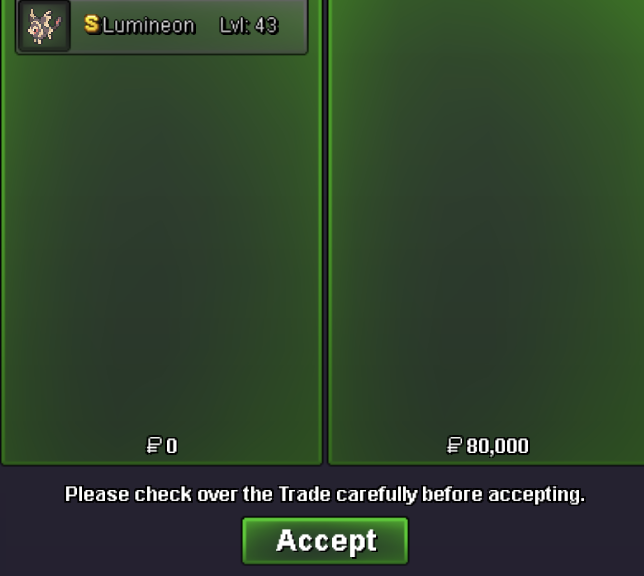 sold some pokemon through discord
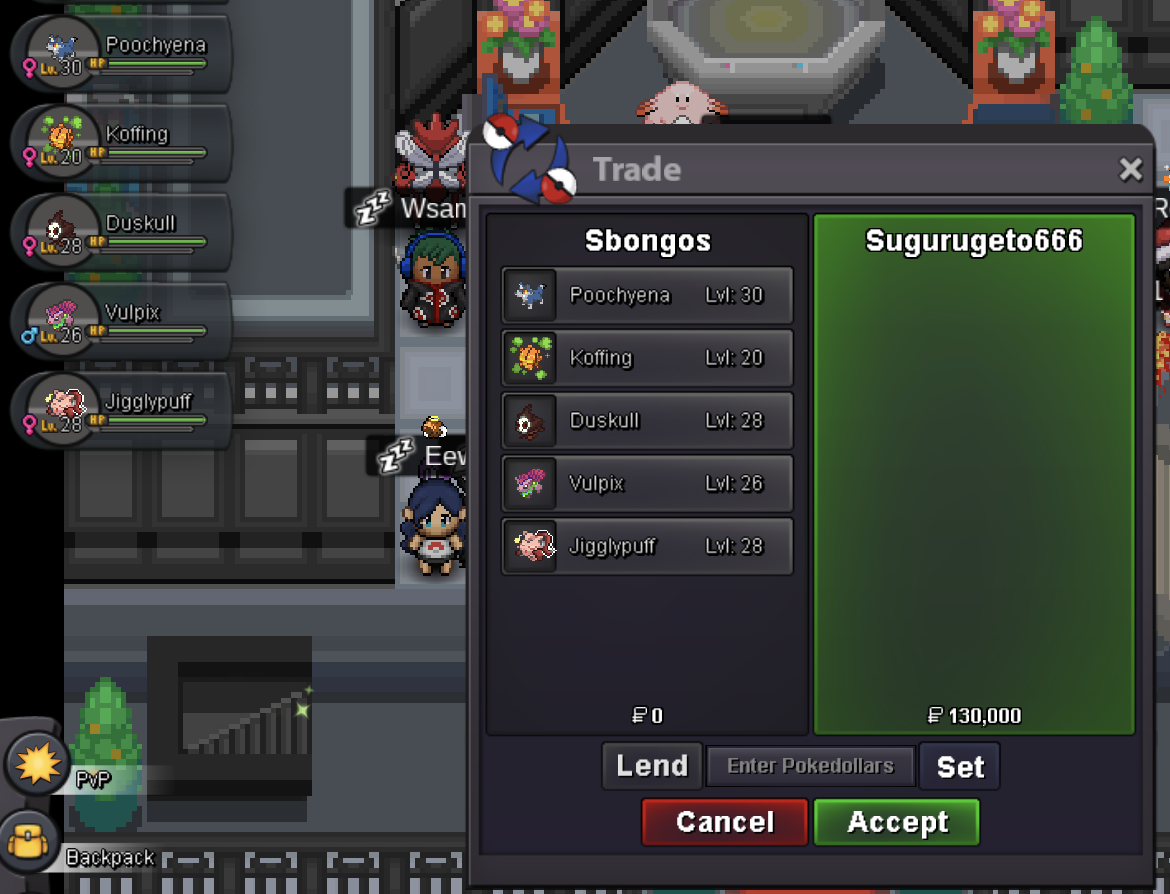 Yes, contact me here on pm or on discord to find an hour tomorrow@1cloudz pm me in game i am in vermilion for 1 hour more@Gatso Alright I will be online at vermi for the next hour! If you are on, pm me in game

Account
Navigation
Search
Configure browser push notifications
Chrome (Android)
- Tap the lock icon next to the address bar.
- Tap Permissions → Notifications.
- Adjust your preference.
Chrome (Desktop)
- Click the padlock icon in the address bar.
- Select Site settings.
- Find Notifications and adjust your preference.
Safari (iOS 16.4+)
- Ensure the site is installed via Add to Home Screen.
- Open Settings App → Notifications.
- Find your app name and adjust your preference.
Safari (macOS)
- Go to Safari → Preferences.
- Click the Websites tab.
- Select Notifications in the sidebar.
- Find this website and adjust your preference.
Edge (Android)
- Tap the lock icon next to the address bar.
- Tap Permissions.
- Find Notifications and adjust your preference.
Edge (Desktop)
- Click the padlock icon in the address bar.
- Click Permissions for this site.
- Find Notifications and adjust your preference.
Firefox (Android)
- Go to Settings → Site permissions.
- Tap Notifications.
- Find this site in the list and adjust your preference.
Firefox (Desktop)
- Open Firefox Settings.
- Search for Notifications.
- Find this site in the list and adjust your preference.