New Trade Zone
Trade Zone is now live
Use the new Trade Zone for auctions and instant-price trades so Pokemon and item offers are easy to find.

Sbongos
Suspended
-
Joined
-
Last visited
Everything posted by Sbongos
-
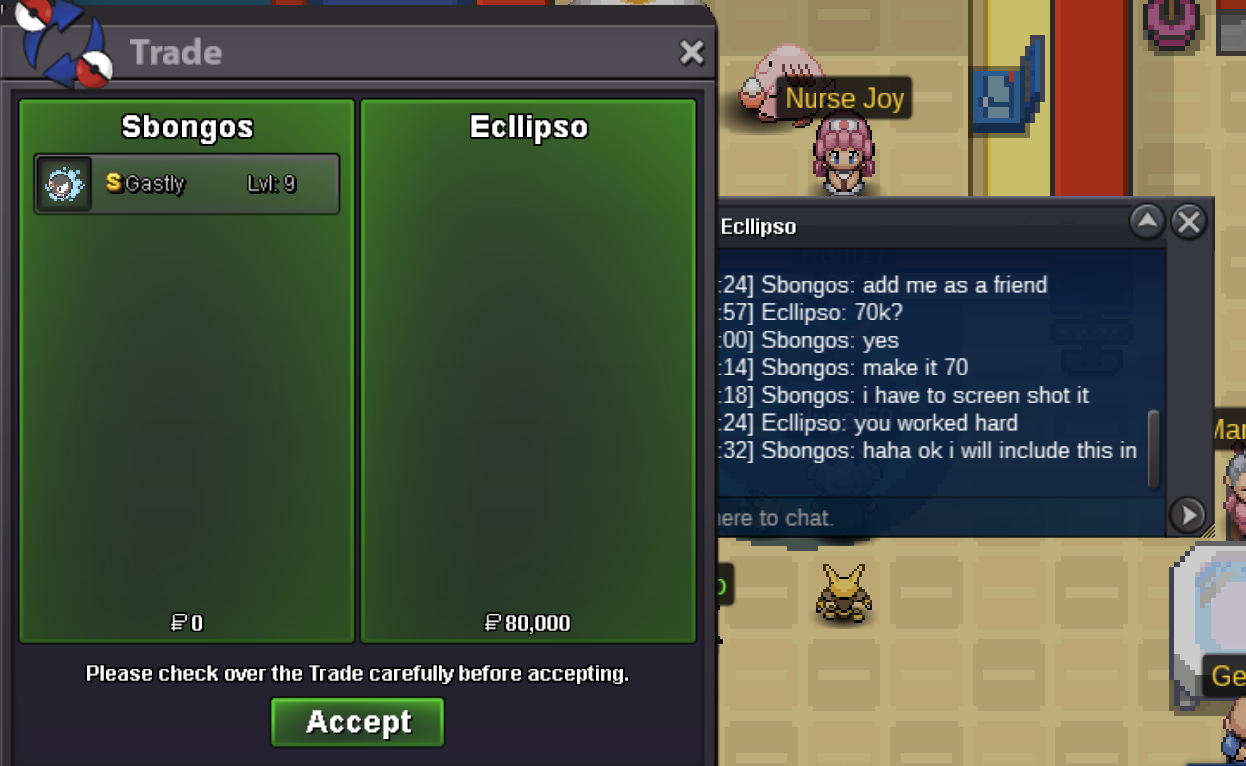
Gastly has been traded
-
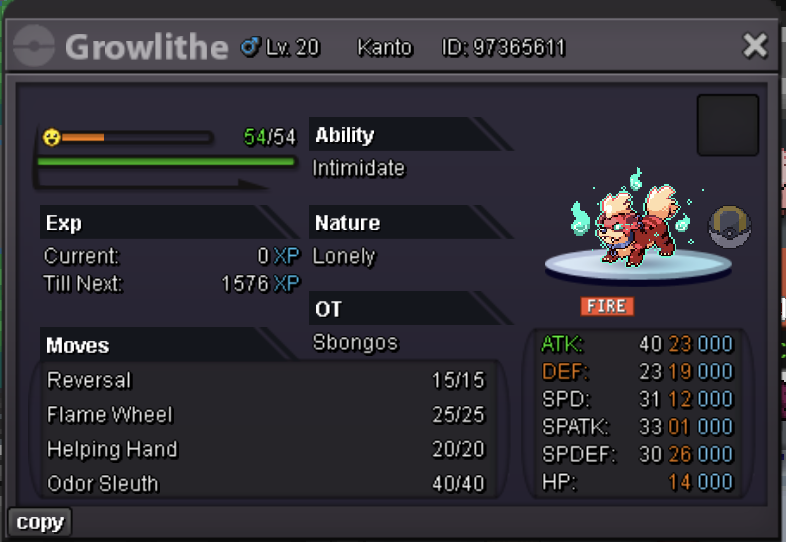
The growlithe auction has not ended
-
Koffing won by @Zncholo for 60k Gastly won by @Ecllipso for 70k Tangela won by @Nxtaryan for 50k i will be online in about 1 hr
-
bump 13 hours left
-
-
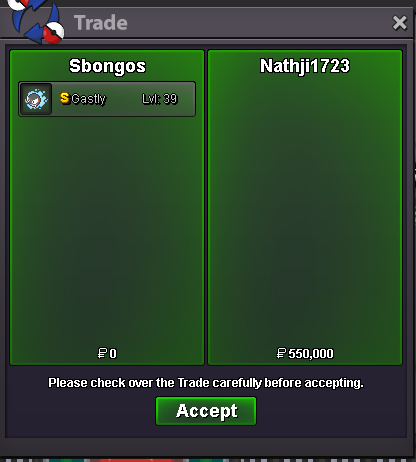
trade complete
-
EDIT: sorry wrong server
-
-
-
The auction ends in 4 hours
-
-
-
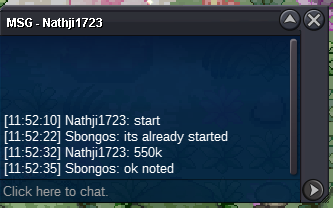
Nathji1723 550k
-
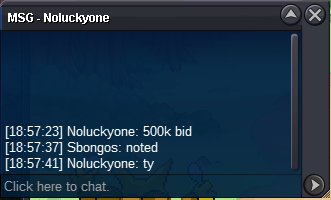
Noluckyone 500k
-
s.o 50k min bid 50k ends 48h after first bid

-
Trade has been completed. This can be closed. This can
-
Yes you are right! I am in vermilion now, we can trade
-
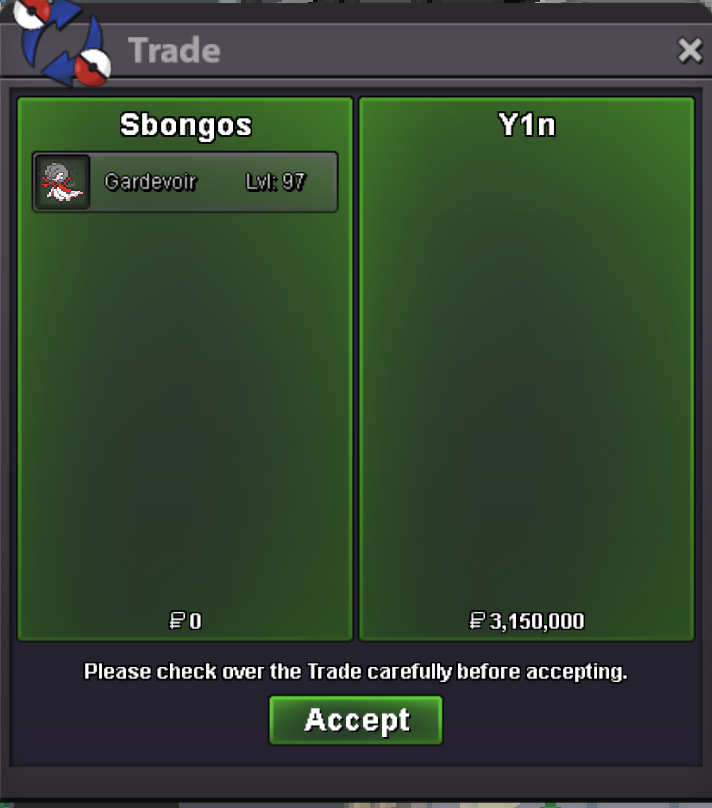
- Forum: If a bid is received in the final 15 minutes of the auction, the end point will be delayed by 15 minutes from that bid, and will be delayed by 15 minutes for each new bid thereafter, until the current offer has been held for a full 15 minutes. Must be accurate to the minute that the auction is set to end. I am sorry I did not know of this rule. As it stand then yes Y1n Won for 3.150m
-
Can a trade MOD intervent? in my case it shows y1n comment at 1.35 gmt +2
-
Holy. I ddin't see that there was so much last minute interest. However, the auction finished 1.34 GMT+2 meaning that Senku910 won with 2.7m.
-
go check at prof oak
-
The evolved pokemon need to be from kanto
-
reposted by senku
-
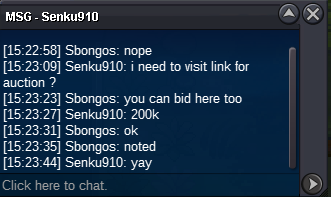
Senku910 1.4m
-
Mijori 1.1.m