




New Trade Zone
Trade Zone is now live
Use the new Trade Zone for auctions and instant-price trades so Pokemon and item offers are easy to find.

Mellyjelly
Registered User
-
Joined
-
Last visited
Everything posted by Mellyjelly
-
Sry to what u y'all think but it doesn't end yet I did the count down and the time was still on during the bid yet.
-
Auction ended* S.o:100k Min bid:25k No insta Auction ends after 48hrs from the first bid.
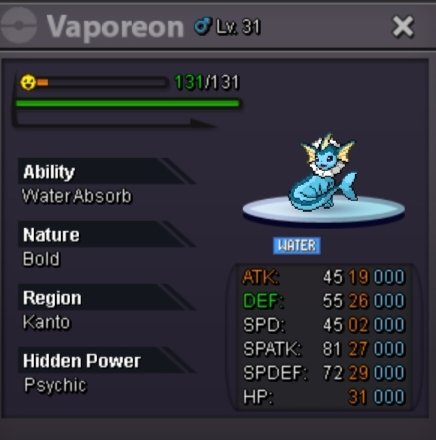

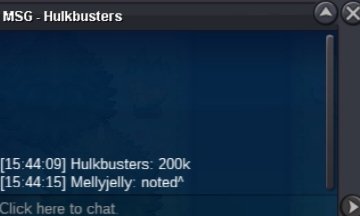
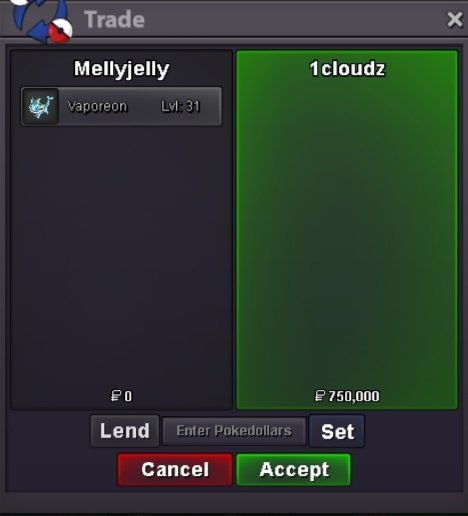
-
1 angel ears too
-
I wanna buy 1 black gracidea flower
-
Single all
-
No bundle
-
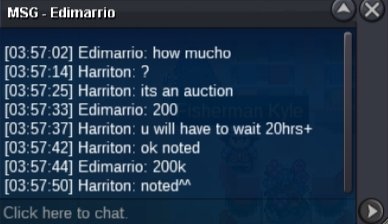
Auction ended S .o:100k Min bid:25k No insta Auction time:36hrs Auction ends after the first bid C.o:200k 2.C.o:125k 3.c.o:125k 4.c.o:100k
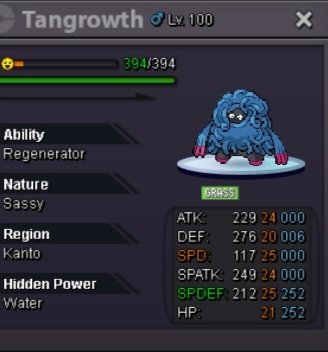
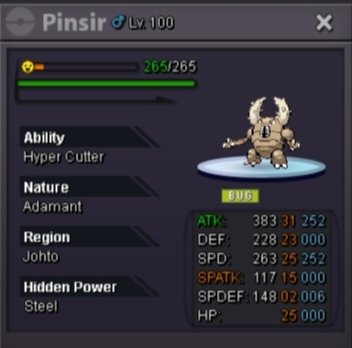
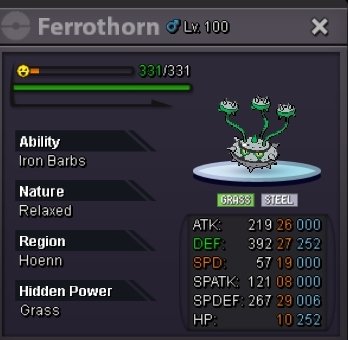
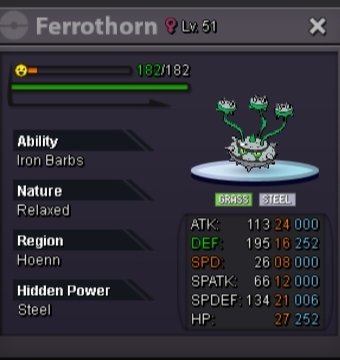

-
Hp?
-
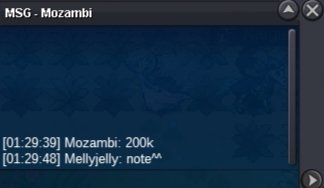
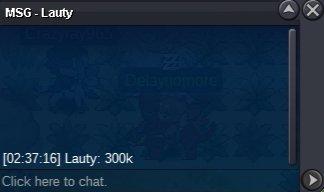
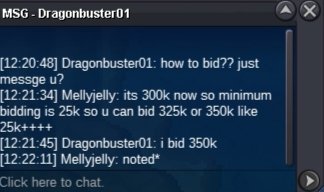
Auction ended* Winner Dragonbuster01 by 350k Min bid:25k No insta Auction time:48hrs Auction ends after the first bid Items such as:rcs(6k),cc(480k)ivs rr(520k),nature rr(250k)all accepted.

-
-
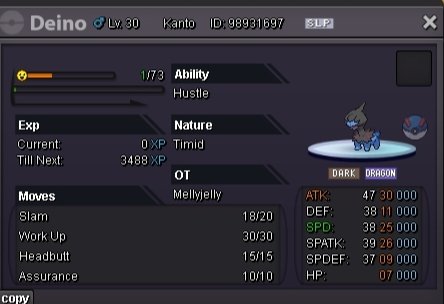
What about hydreigon?does it learns dragon dance?
-
Helo ig I'm the last person where is my reward @@
-
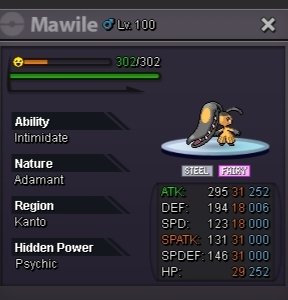
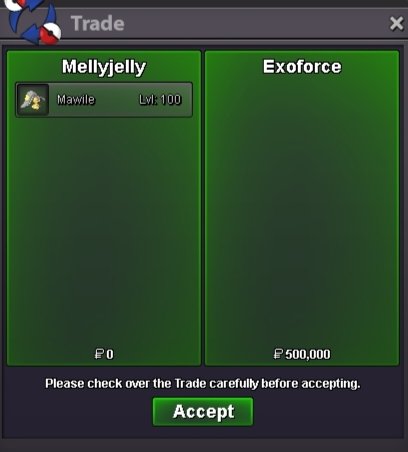
Auction ended!winner"@Exoforce"with 500k bid. Min bid:50k Auction ends 24hrs after the first bid Insta:3m


-
No auction:///
-
Auction ended and the winner is paulpinak (12/01/25 at 11:51 am GMT+0)
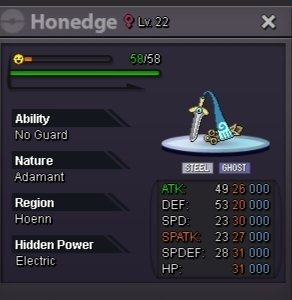
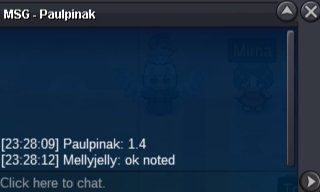
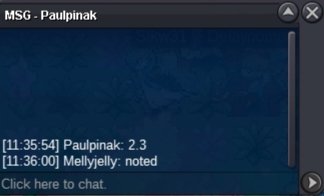
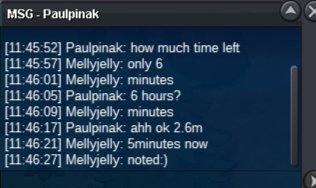
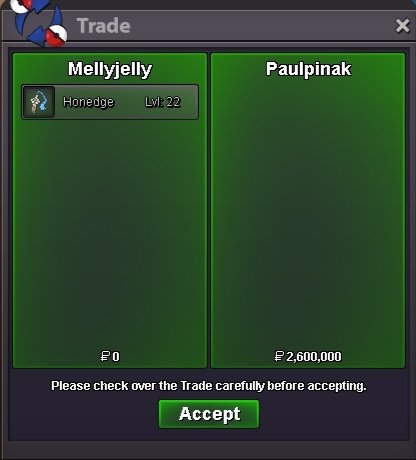 Congratulations @Hikennoacetryou won the auction ^^You may come anytime.NotedAution ended!.

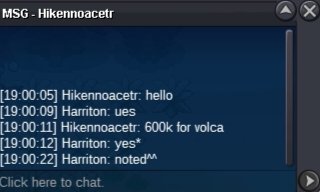
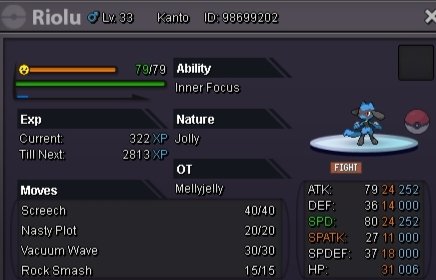
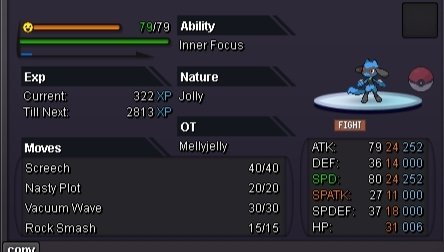
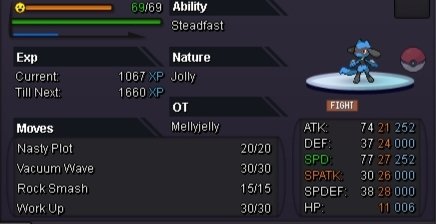
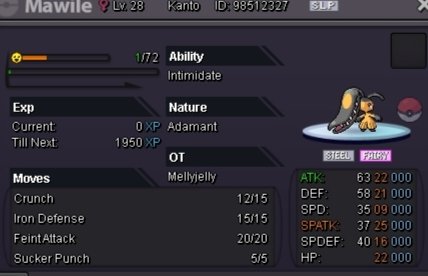
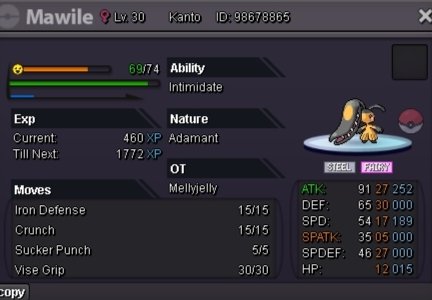
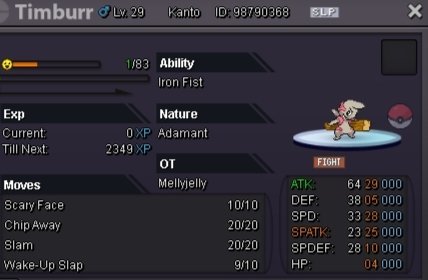
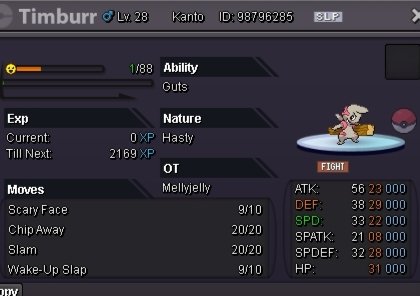
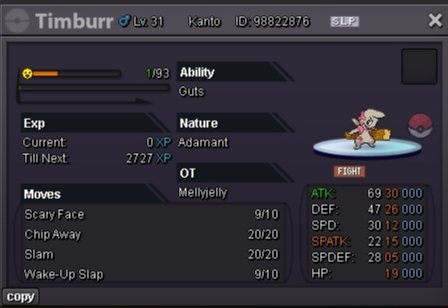
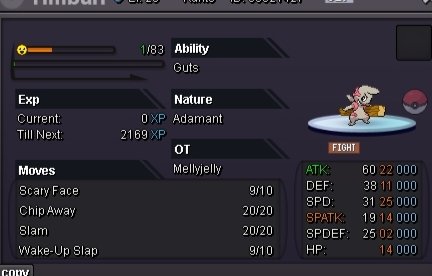
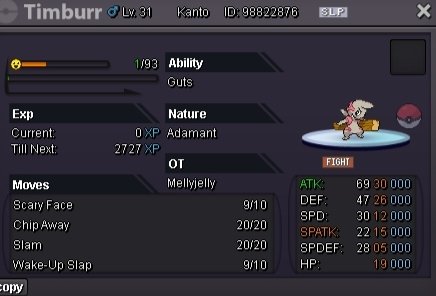
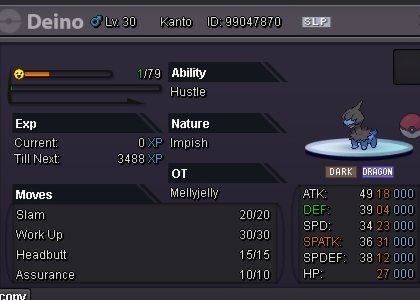
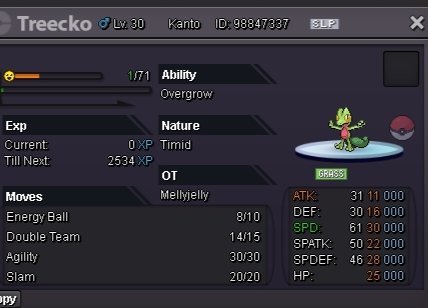
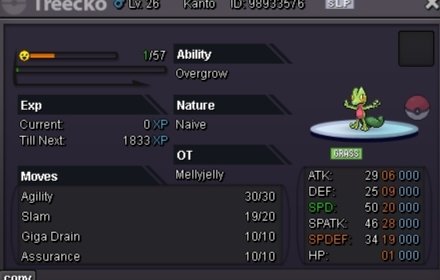
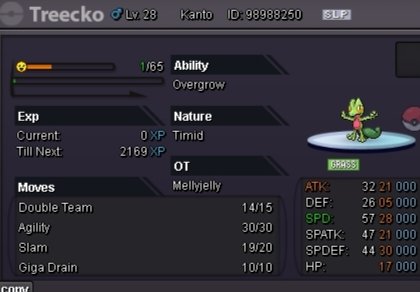
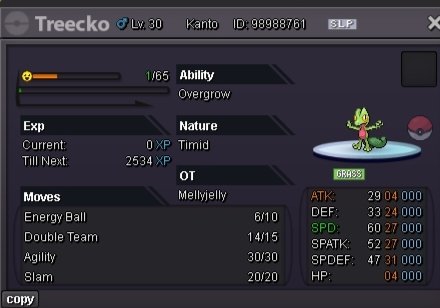
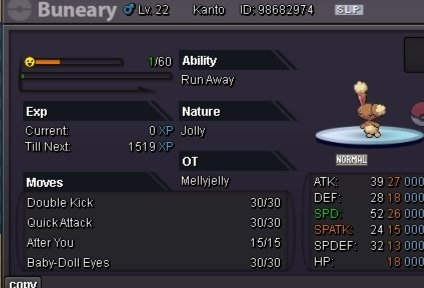
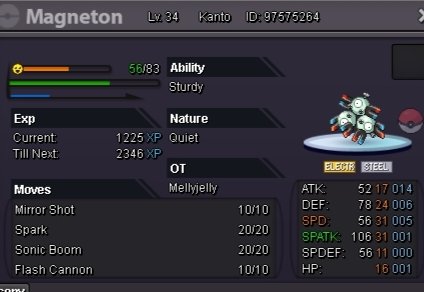
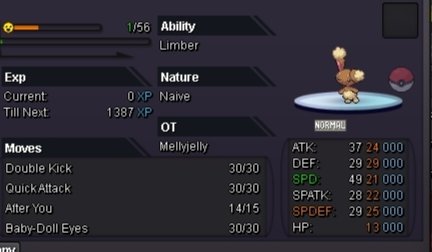
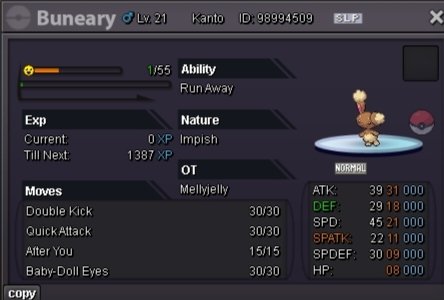
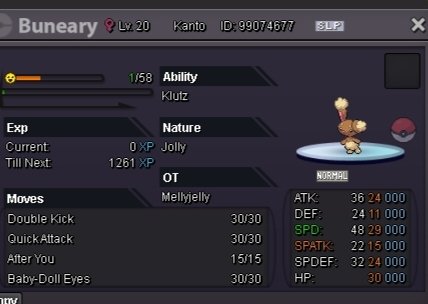
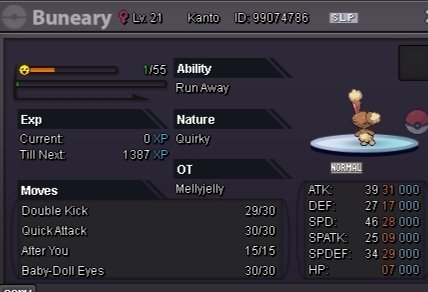
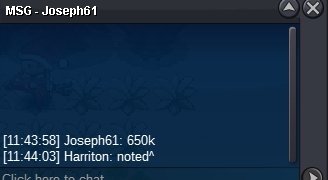 @Gigicuccuim ready to trade with u:) when are you?Bro I'm banned from trading pls wait 30th December I'll have the ser:) 325k as i won the auctionHello warriors,these are the pokemons i want to sell: For any more informations or doubts please pm me^?!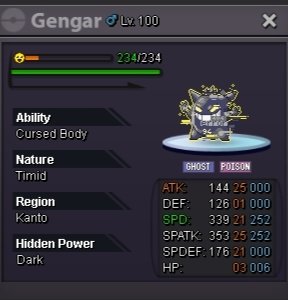








Account
Navigation
Search
Configure browser push notifications
Chrome (Android)
- Tap the lock icon next to the address bar.
- Tap Permissions → Notifications.
- Adjust your preference.
Chrome (Desktop)
- Click the padlock icon in the address bar.
- Select Site settings.
- Find Notifications and adjust your preference.
Safari (iOS 16.4+)
- Ensure the site is installed via Add to Home Screen.
- Open Settings App → Notifications.
- Find your app name and adjust your preference.
Safari (macOS)
- Go to Safari → Preferences.
- Click the Websites tab.
- Select Notifications in the sidebar.
- Find this website and adjust your preference.
Edge (Android)
- Tap the lock icon next to the address bar.
- Tap Permissions.
- Find Notifications and adjust your preference.
Edge (Desktop)
- Click the padlock icon in the address bar.
- Click Permissions for this site.
- Find Notifications and adjust your preference.
Firefox (Android)
- Go to Settings → Site permissions.
- Tap Notifications.
- Find this site in the list and adjust your preference.
Firefox (Desktop)
- Open Firefox Settings.
- Search for Notifications.
- Find this site in the list and adjust your preference.