New Trade Zone
Trade Zone is now live
Use the new Trade Zone for auctions and instant-price trades so Pokemon and item offers are easy to find.


Arshuuu
Registered User
-
Joined
-
Last visited
Everything posted by Arshuuu
-
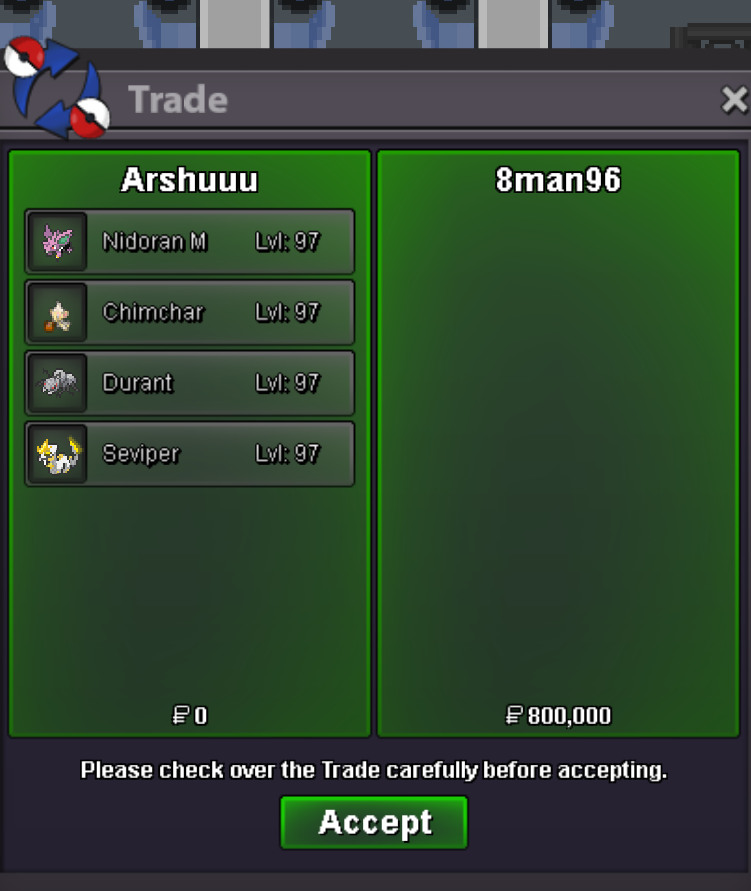
10 mons level up service
-
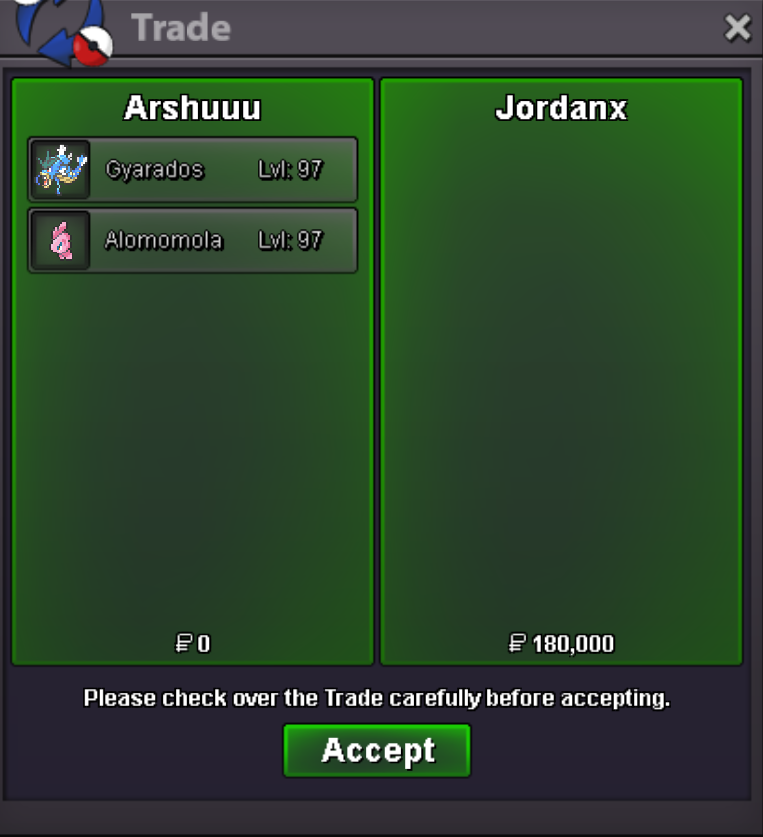
Level up service
-
start both
-
BUMP 10 spots left for level up service
-
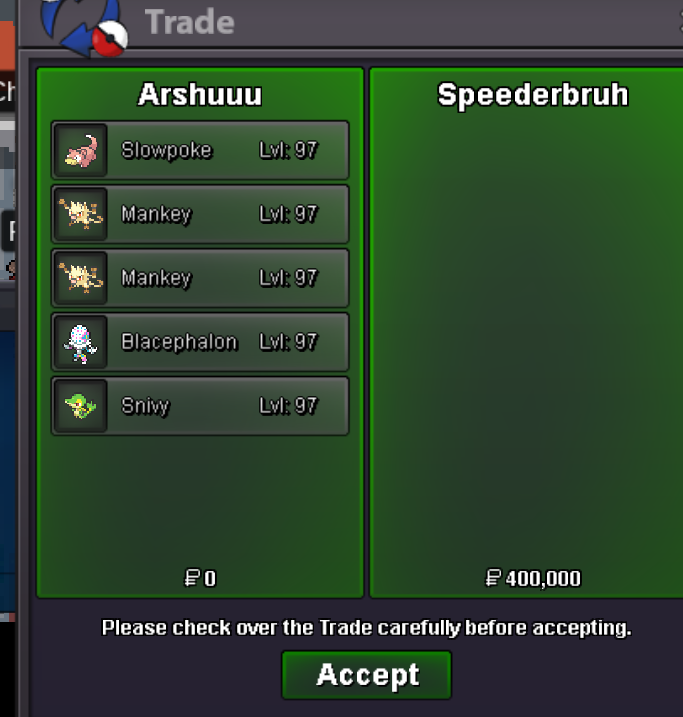
Level up service
-
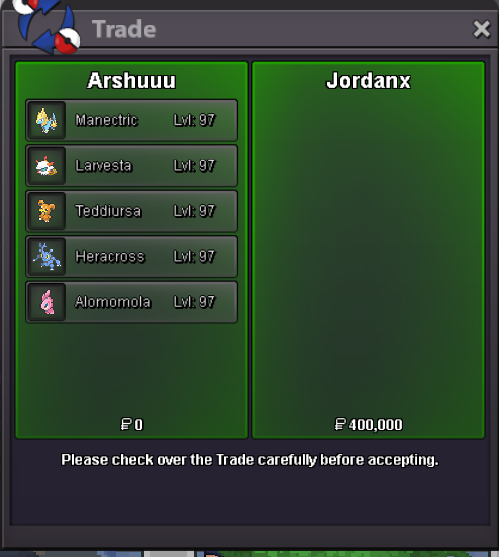
LVL UP SERVICE PM FOR FAST LEVEL UP SERVICE
-
Chomp and meta done?
-
@Losmatador you won
-
Bump 2 hours left
-
Start garchomp and meta
-
Will transfer account to gold, please wait 4-5 hours till i reach my destination
-
Ohh damm, i am silver player, did not checked the server,i'm in a train rn , Mods do i have to transfer or if @Vangogsan agree my bid can be null and void?
-
There, wont be online for much time, travelling so if possible lets complete the trade quickly
-
Coming vermi arshuuu ign
-
Insta
-
Bump
-
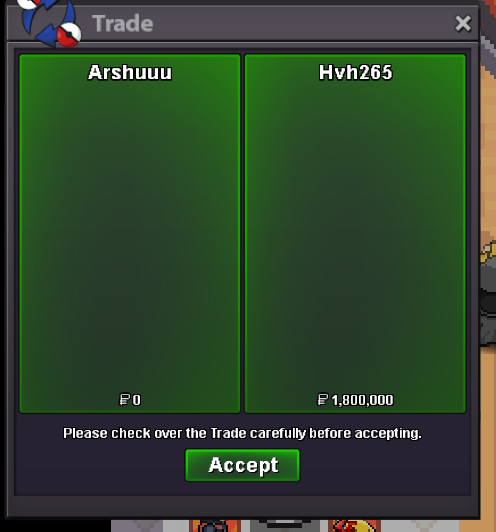
story service and transit
-
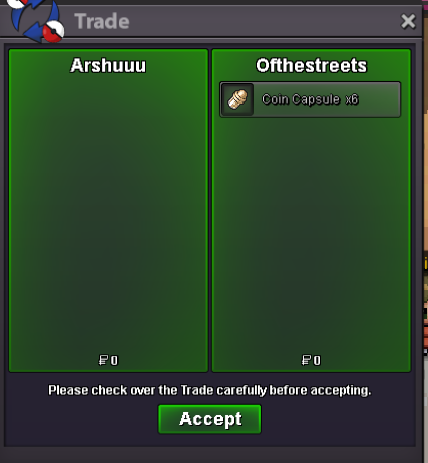
Superfast story service, Half hoenn, sinnoh and subway, teleport in 4 hours
-
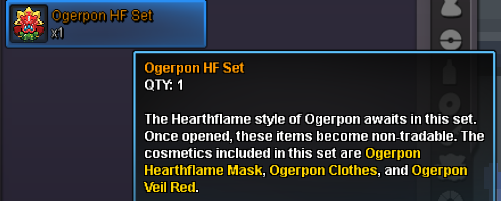
Server: Silver [You can bid from Gold but have to transfer to complete the trade ] Ends: [48h after first bid] 🧤 Item: Ogerpon HF Set (Hearthflame Style) 🎁 Includes: Ogerpon Hearthflame Mask Ogerpon Clothes Ogerpon Veil Red ⚠️ Note: Becomes non-tradable once opened. 💰 Starting Offer: [1.2M] ⏫ Min. Bid Increment: [100k] ⏳ Insta Buy: None CC accepted at 450k and RR at 650k Rules: ✅ All PRO Auction rules applied ✅ Includes 15 min extension rule 📩 Feel free to PM me in-game or here for any questions! Good luck and happy bidding! 🧢🔥
-
Sorry did not saw it was gold auction, can a mod remove my bid?
-
Hippo 600k
-
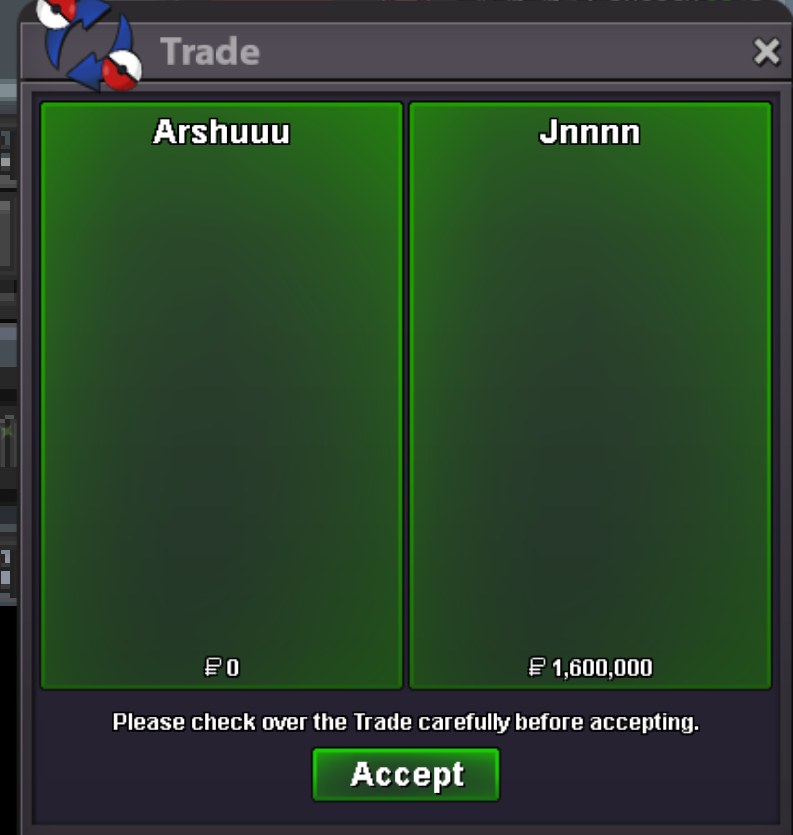
Story service
-
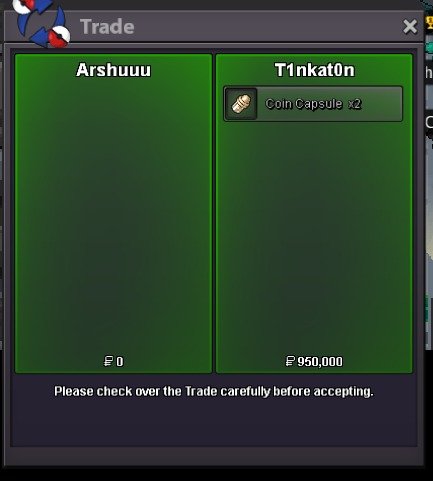
story and teleport+subway
-
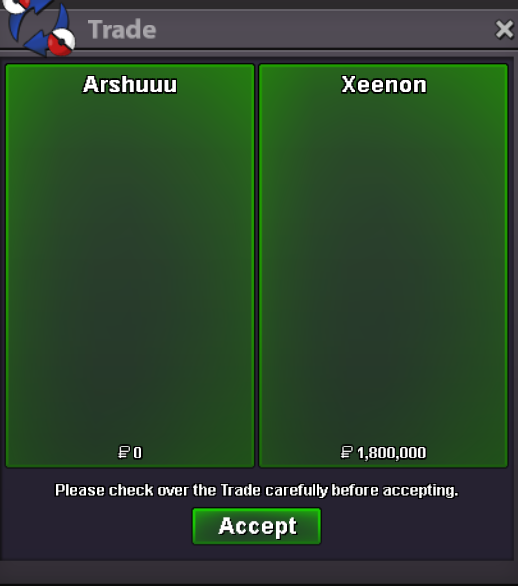
story service+ subway and teleport
-
15 mons lvl up service