New Trade Zone
Trade Zone is now live
Use the new Trade Zone for auctions and instant-price trades so Pokemon and item offers are easy to find.


Rhulk
Registered User
-
Joined
-
Last visited
Everything posted by Rhulk
-
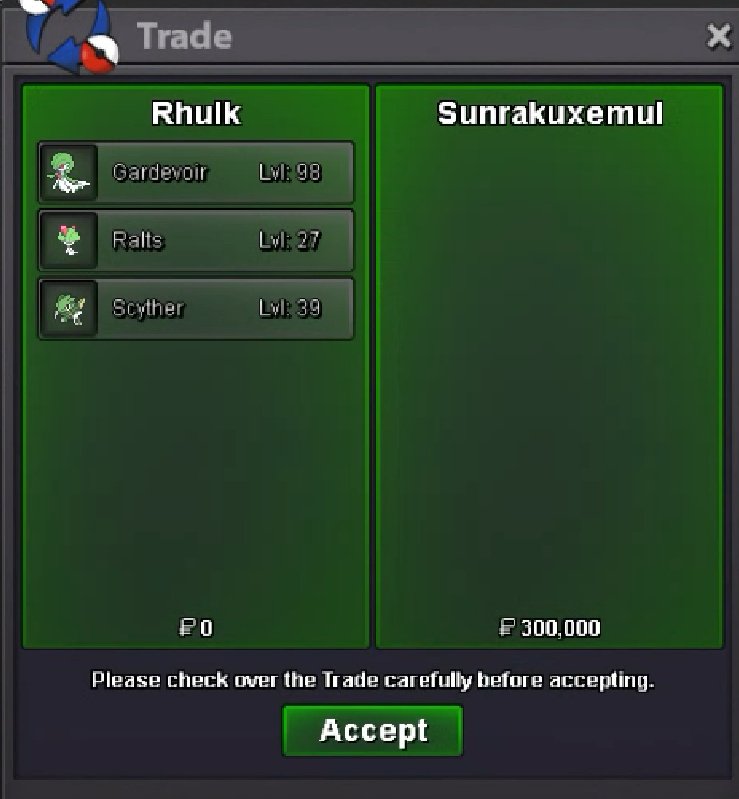
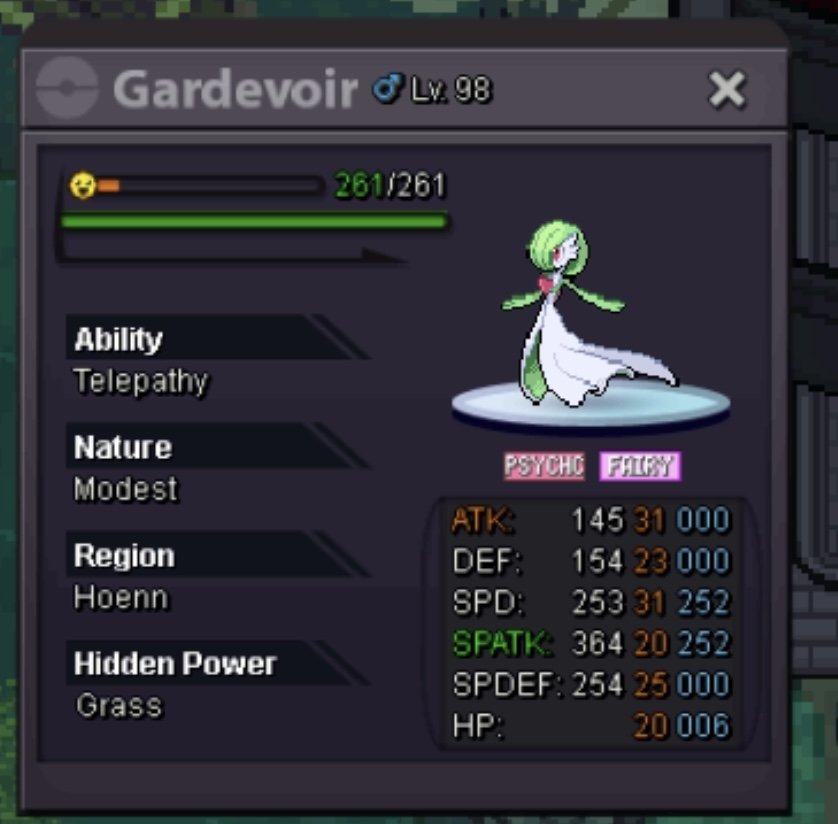
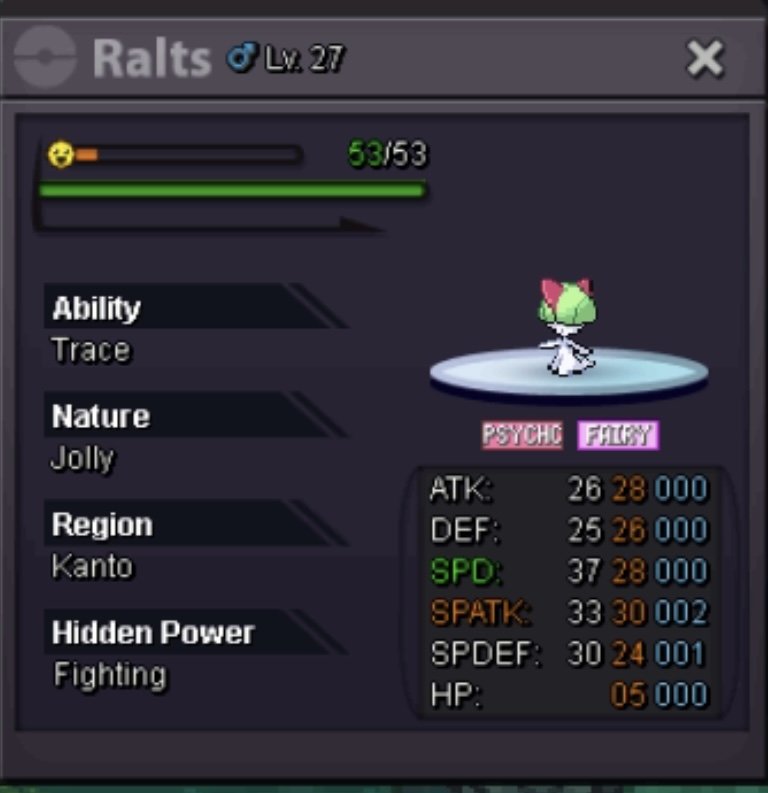
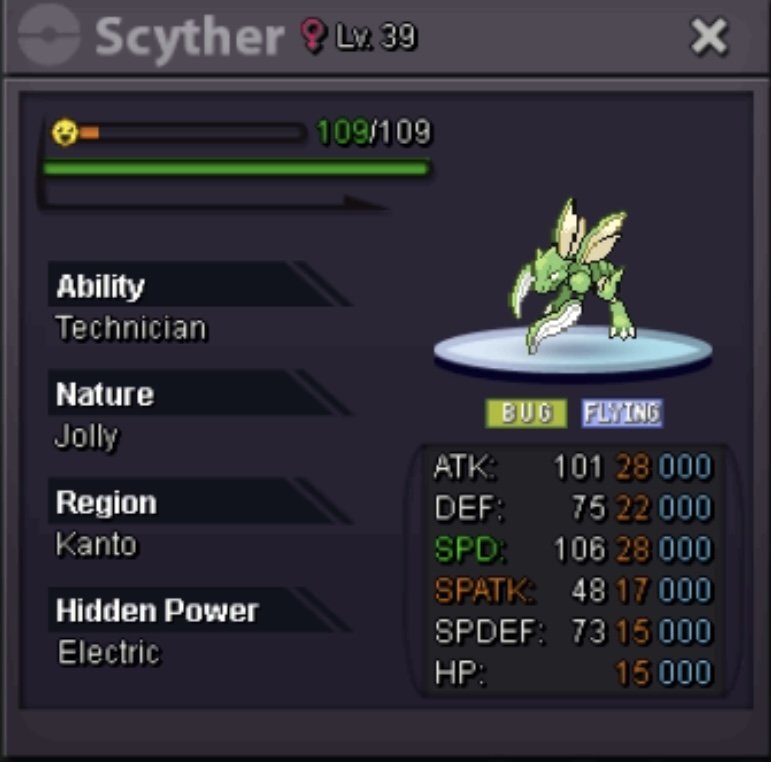
Decent cheap auction. Future jolly Sharpness Gallade Hard Hitting Gardevoir and a decent jolly Scyther Start: 100k Minimum raise: 100k Duration: 24hr after started No Insta. Payments Accepted: cash or RC (6k each)
 Would love to see Mirage Island get some spooky love for Halloween this year. Taillow needs some love with a event form, and Zoura fits the theme as well!600k600k3.11.52m1.2700kStill -1 I think anonymous names are a bad idea. I think you misunderstand my point. You should see the other persons team, and make proper moves and predictions no matter if you know know their name or their name is anonymous.-1 names should not dictate how you play the match. The eventual server merge will fix a lot of the “diversity” issues. Adding more players and teams to the pool. Also adding a token shop with desirable options will bring more people in farming tokens as well.5.4m2.5That would be the best looking form for those to have ever came out.5mYeah I was looking at post time not start. Oops.Didn’t his 650k bid go in after the end time? And mine was 3hours priorI should have won at 600k I think. He was at 24 hr mark when he outbid me. @Larfleezeconfirm?700k600k.