




New Trade Zone
Trade Zone is now live
Use the new Trade Zone for auctions and instant-price trades so Pokemon and item offers are easy to find.


Codyful
Registered User
-
Joined
-
Last visited
Everything posted by Codyful
-
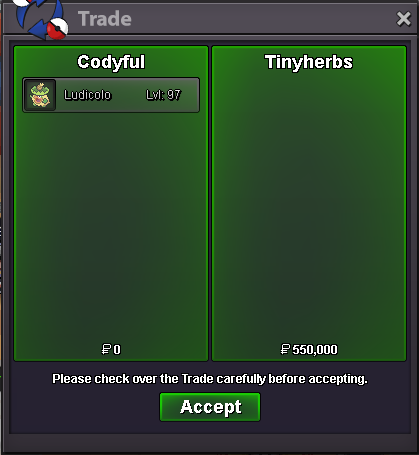
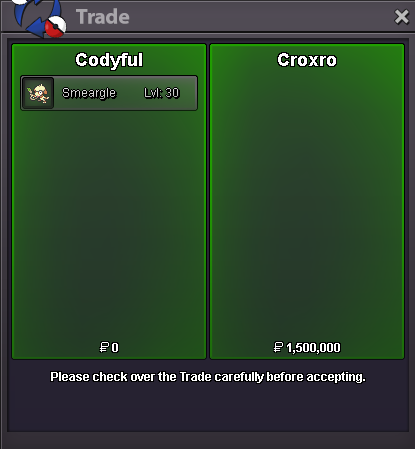
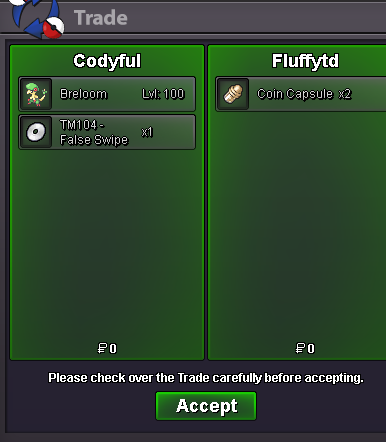
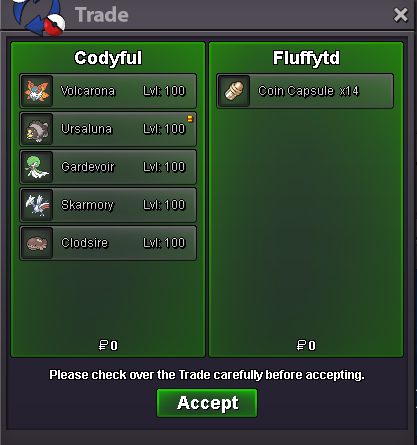
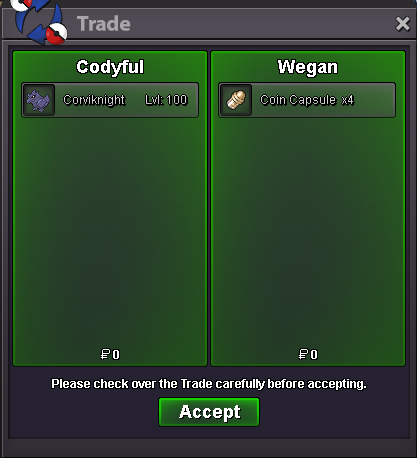
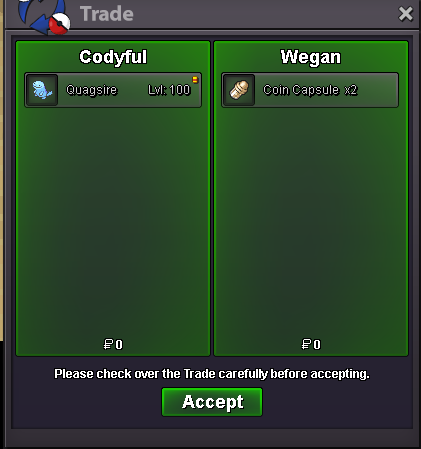
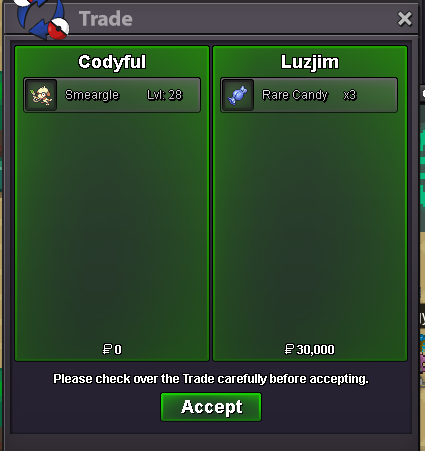
8m pay in ccs7,7m pay in ccs fill rest with cashi buy I pay 2 ccs and 50k
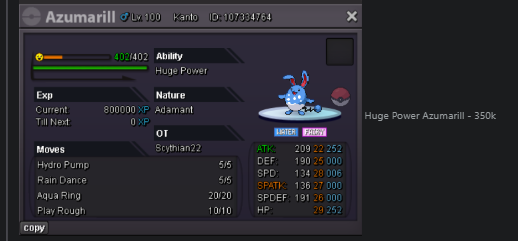
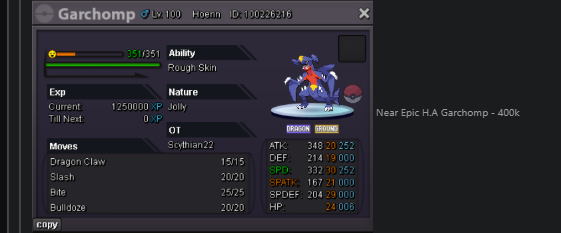
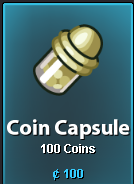
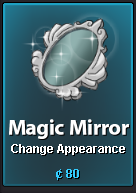
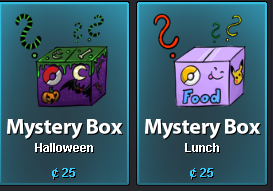
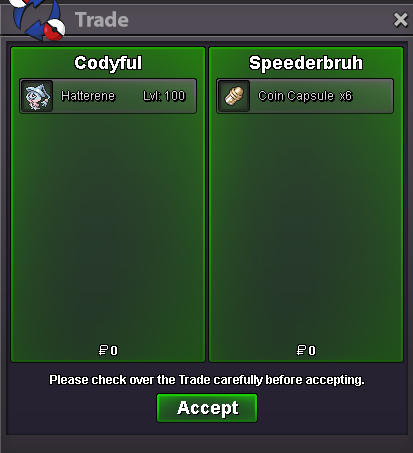
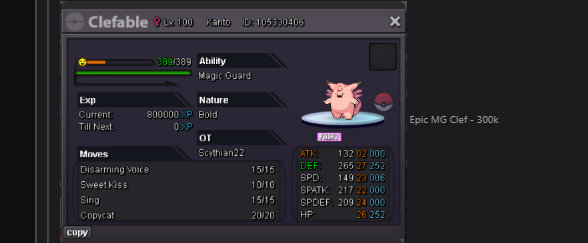 20.5m pay in ccs11m in coin capsulesPro's Start-End Guide Hello everyone, my name is Cody. I have been playing Pokémon Revolution Online since 2021, and during that time I have gained a lot of experience with the game’s systems, community, and progression. The purpose of this guide is to help new and returning players better understand the game and avoid some of the common mistakes that many beginners make. When I first started, there were many things that were confusing or difficult to learn, especially regarding trading, chat rules, abbreviations used by players, and overall progression. In this guide, I will share my personal experience, tips, and advice to help players get started. The guide will cover topics such as Trade Chat, common abbreviations, important rules, a basic story walkthrough, and other useful information that can help improve your overall experience. My goal is to make the early stages of the game clearer, easier, and more enjoyable for new players. I hope this guide will be helpful, and I wish everyone the best of luck on their journey! P.S If I'm missing any information, Please point it out here or my discord. (Useful command if you are on desktop to find content) CTRL F [content]) Discord: codyful Ingame: Codyful Credits (COMING SOON) Spoiler Chat Commands and Reborn Bot commands (COMING SOON) Spoiler Common Abbreviations Trade Chat Abbreviations Spoiler Chat Abbreviations Spoiler Stuff I do even during the endgame! Spoiler Story Spoiler What to do after story? Spoiler Move Tutor Locations (WITH EVERY DAYCARE LOCATIONS ASWELL) and guides to egg move tutors and how to Unlock them (COMING SOON) Spoiler How to get PvE Coins? Spoiler Coin Shop Guide Spoiler Mega Stone Quest Links Spoiler Boss Teams and Info (COMING SOON) Spoiler How to repel pokemon? Spoiler Dungeons (COMING SOON) Spoiler Love Island (COMING SOON) Spoiler Events (COMING SOON) Spoiler PvP INFO (COMING SOON) Spoiler Forum Navigation (COMING SOON) Spoiler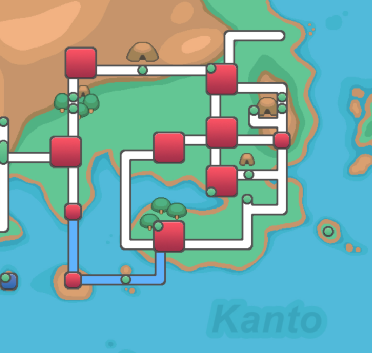
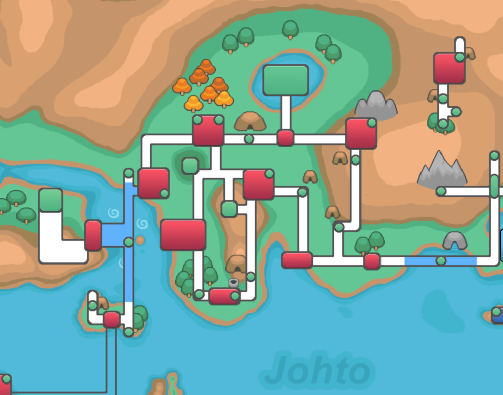
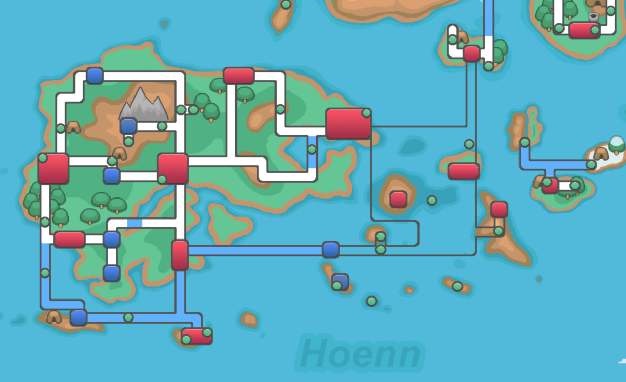
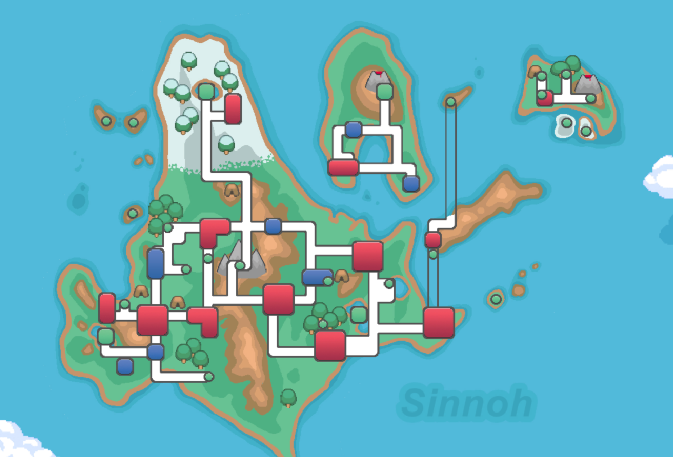
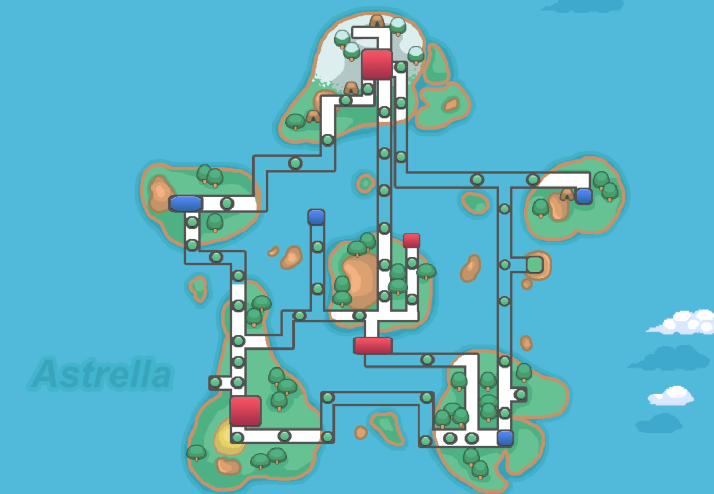
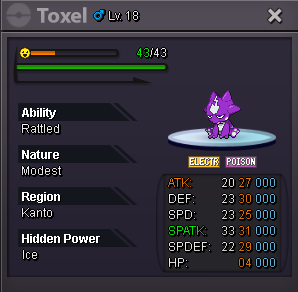
 can i have the lucariobumpbumpbumpbumpMost REPELS you used in one event? 1) What Form and what type of repels? 2) How many days did you hunt the pokemon?Bump. like ken said in stream today. Season 3 of the BCCPPPCOPP Pot has started


Account
Navigation
Search
Configure browser push notifications
Chrome (Android)
- Tap the lock icon next to the address bar.
- Tap Permissions → Notifications.
- Adjust your preference.
Chrome (Desktop)
- Click the padlock icon in the address bar.
- Select Site settings.
- Find Notifications and adjust your preference.
Safari (iOS 16.4+)
- Ensure the site is installed via Add to Home Screen.
- Open Settings App → Notifications.
- Find your app name and adjust your preference.
Safari (macOS)
- Go to Safari → Preferences.
- Click the Websites tab.
- Select Notifications in the sidebar.
- Find this website and adjust your preference.
Edge (Android)
- Tap the lock icon next to the address bar.
- Tap Permissions.
- Find Notifications and adjust your preference.
Edge (Desktop)
- Click the padlock icon in the address bar.
- Click Permissions for this site.
- Find Notifications and adjust your preference.
Firefox (Android)
- Go to Settings → Site permissions.
- Tap Notifications.
- Find this site in the list and adjust your preference.
Firefox (Desktop)
- Open Firefox Settings.
- Search for Notifications.
- Find this site in the list and adjust your preference.