




New Trade Zone
Trade Zone is now live
Use the new Trade Zone for auctions and instant-price trades so Pokemon and item offers are easy to find.


Puffola
Registered User
-
Joined
-
Last visited
Everything posted by Puffola
-
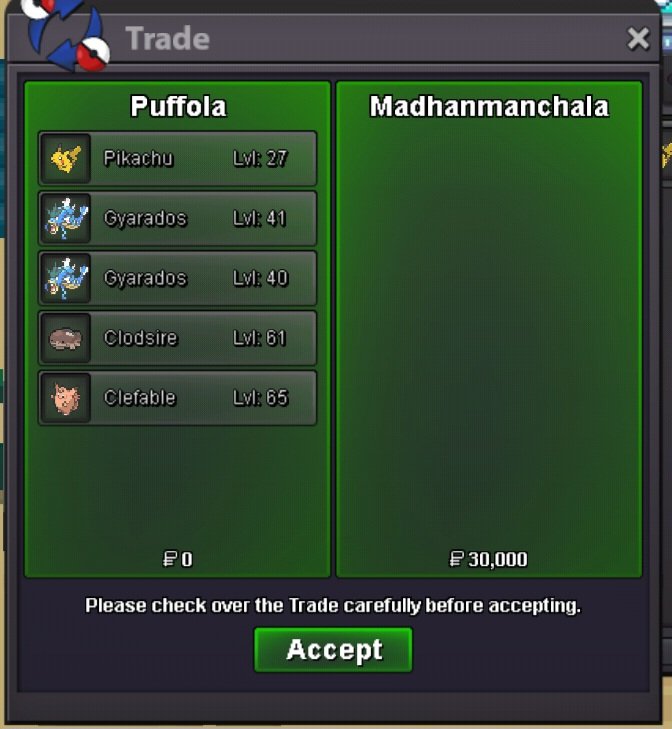
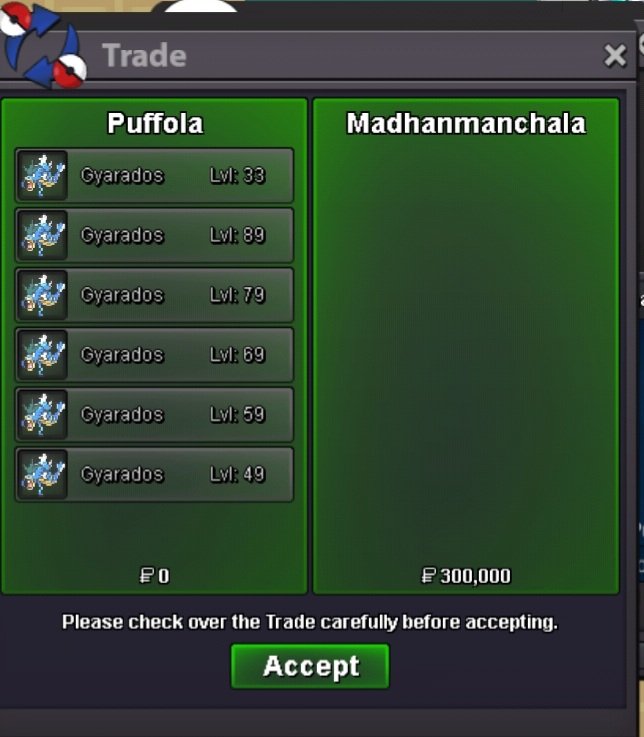
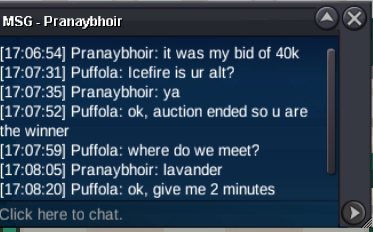
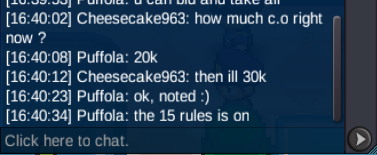
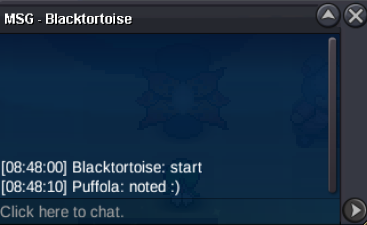
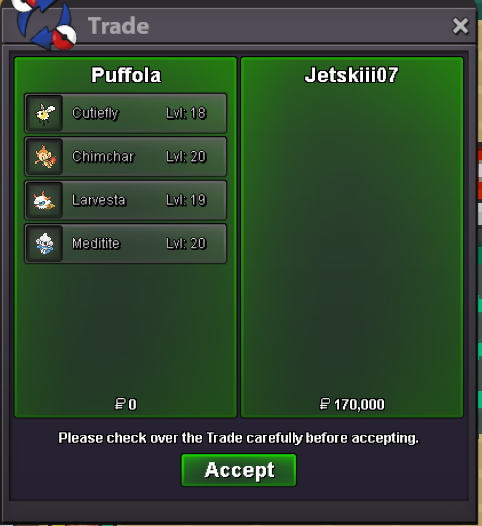
61st service Thanks @Madhanmanchala for the trust!💚
-
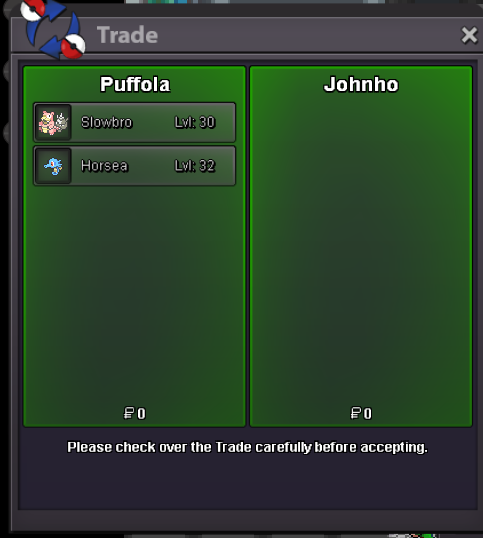
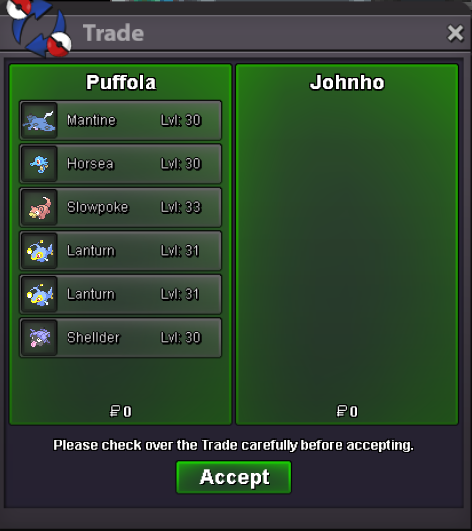
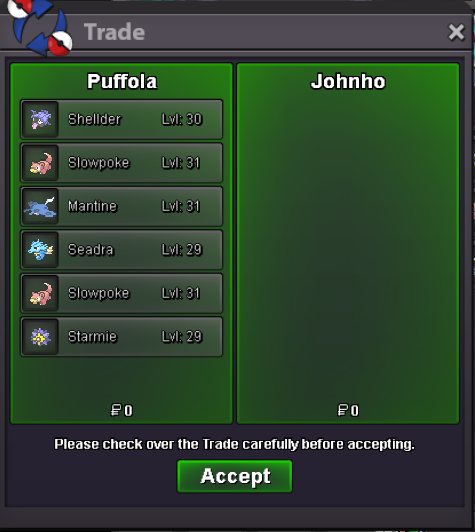
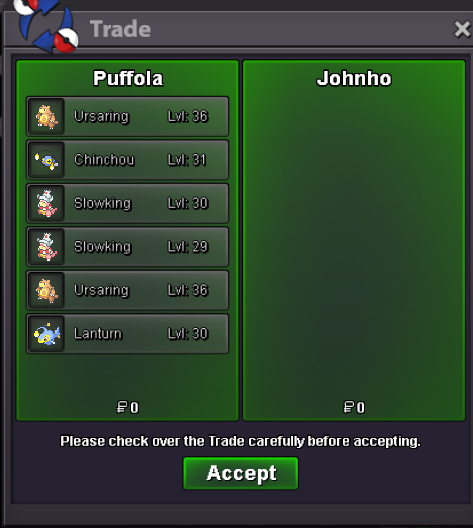
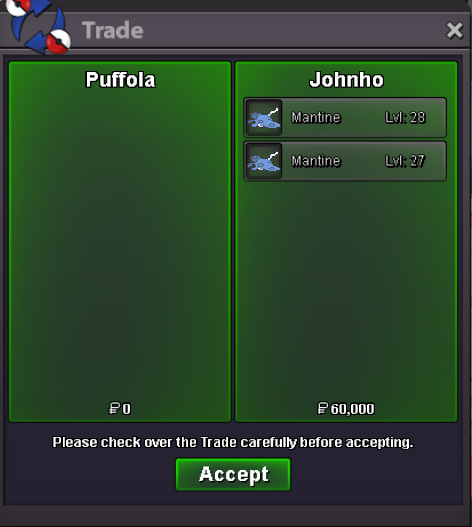
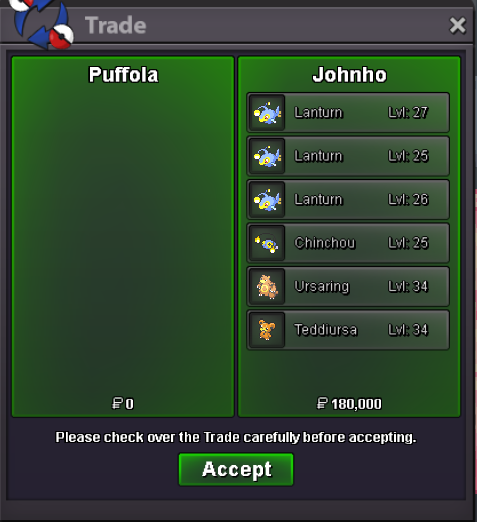
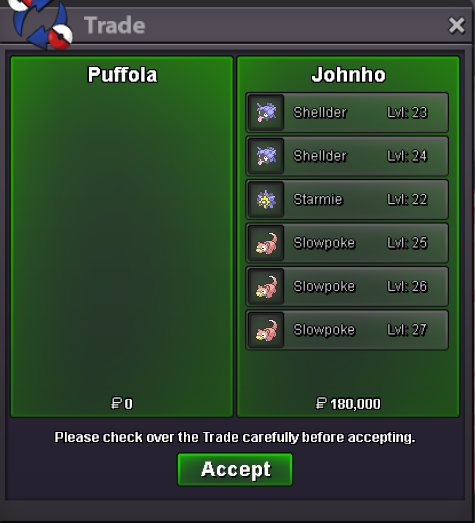
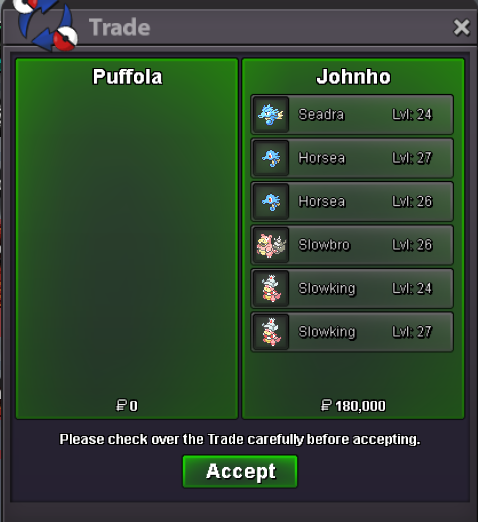
60th service Thanks @Johnho for the trust! 🤗
-
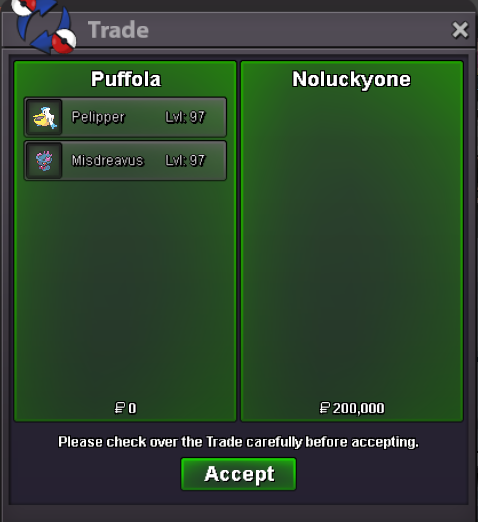
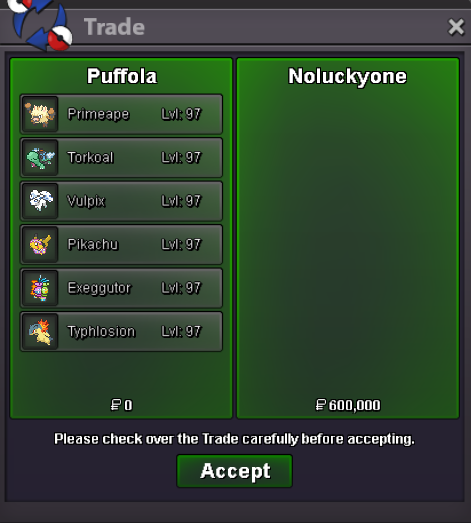
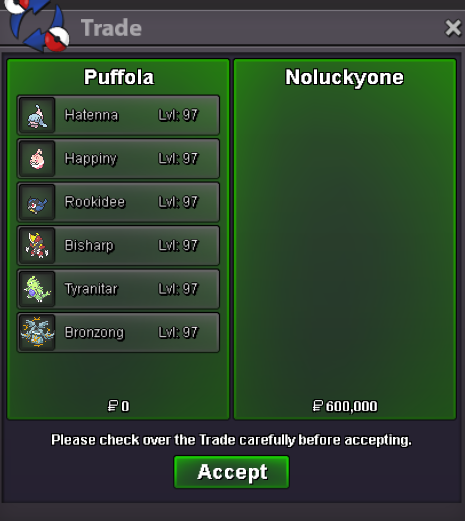
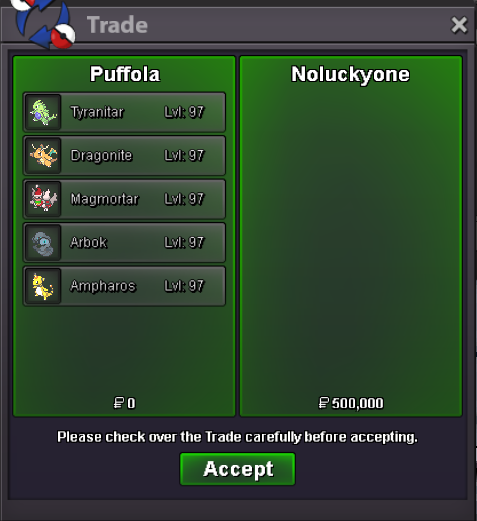
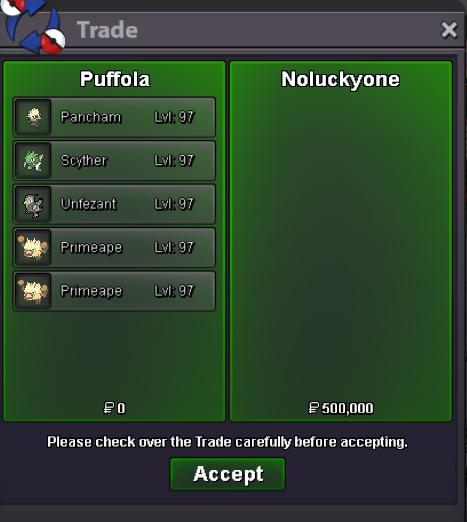
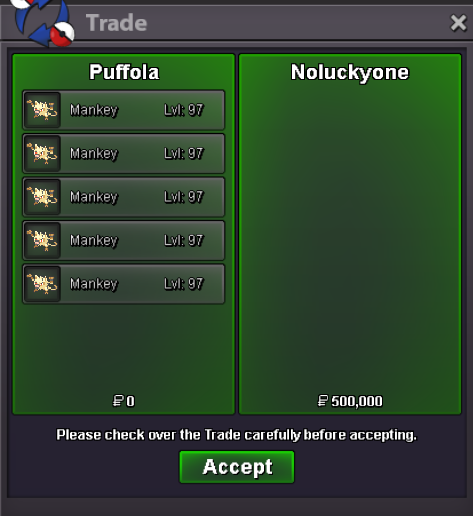
59th service Thanks @Noluckyone for the trust! 💚
-
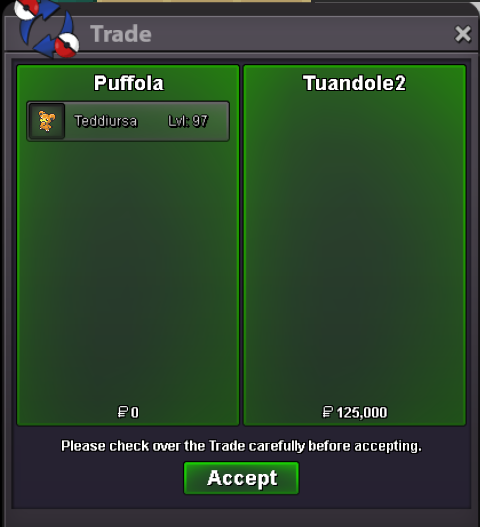
59th service Thanks @Tuandole2 for the trust! 🤗
-
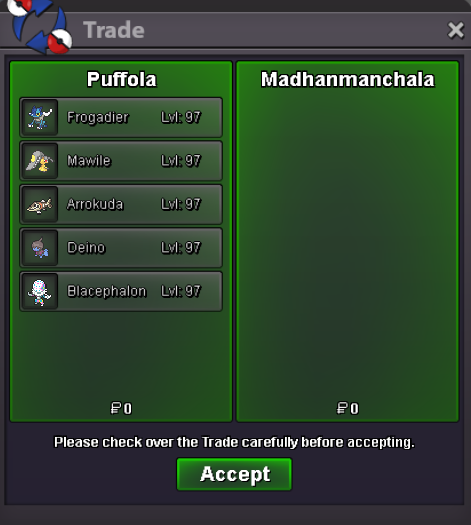
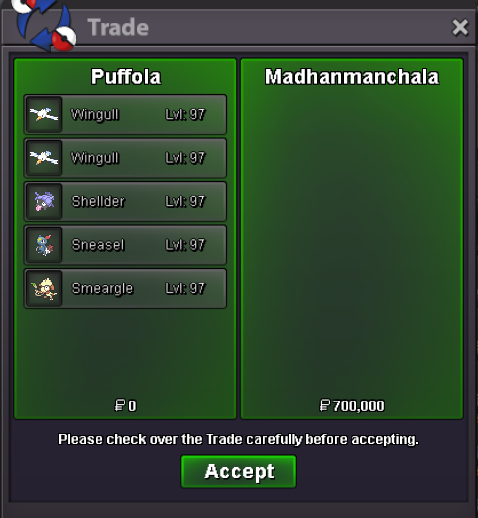
58th service Thanks @Madhanmanchala for the trust!🤗
-
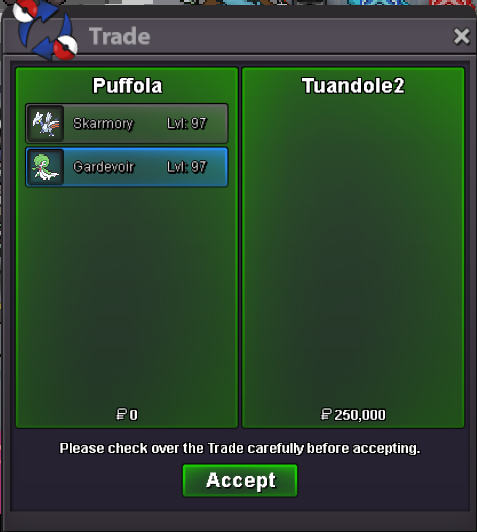
57th service Thanks @Tuandole2 for the trust! 🤗
-
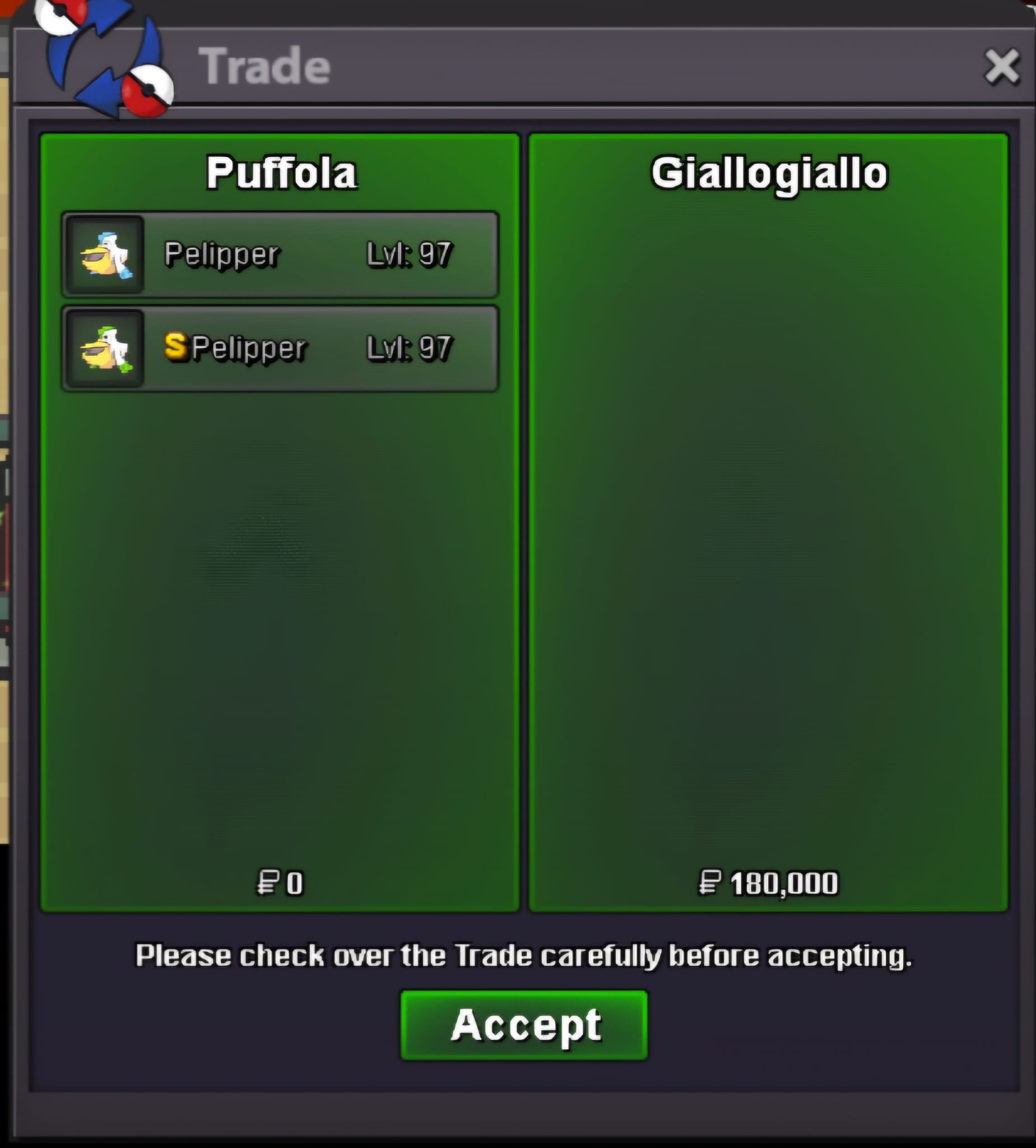
56th service Thanks @Giallogiallo for the trust!🤗
-
Auction Details: It’s a BUNDLE! S.O: 10k Duration: 8 hours (after start) Insta: N/A Minimum Bid: 10k Accepted Payments: Pokedollars, Coin Capsule (x1 CC= 480k) Bid here or in-game Important reminders: • If you intend to purchase with an alt account, specify the account alongside your bid. • If a bid is received in the final 15 minutes of the auction, the end point will be delayed by 15 minutes from that bid, and will be delayed by 15 minutes for each new bid thereafter, until the current offer has been held for a full 15 minutes. Good luck and have fun! 🦥
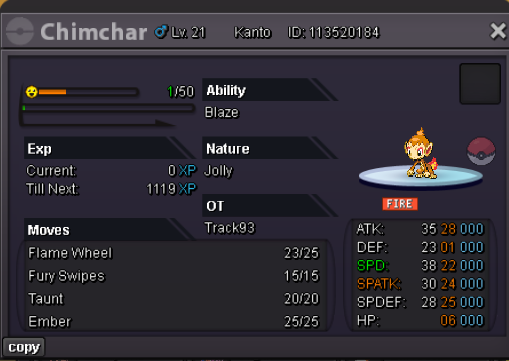
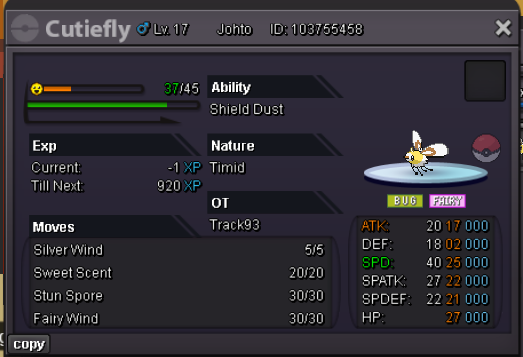
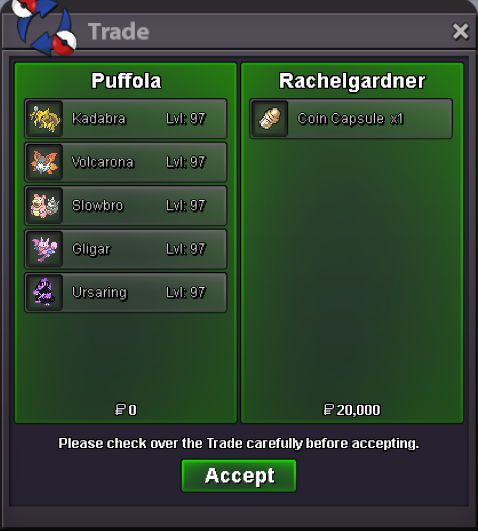
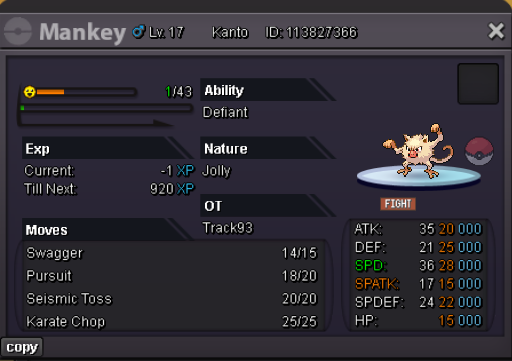 55th service Thanks @Rachelgardner for the trust! 🤗
 54th service Thanks @Madhanmanchala for the trust! 🤗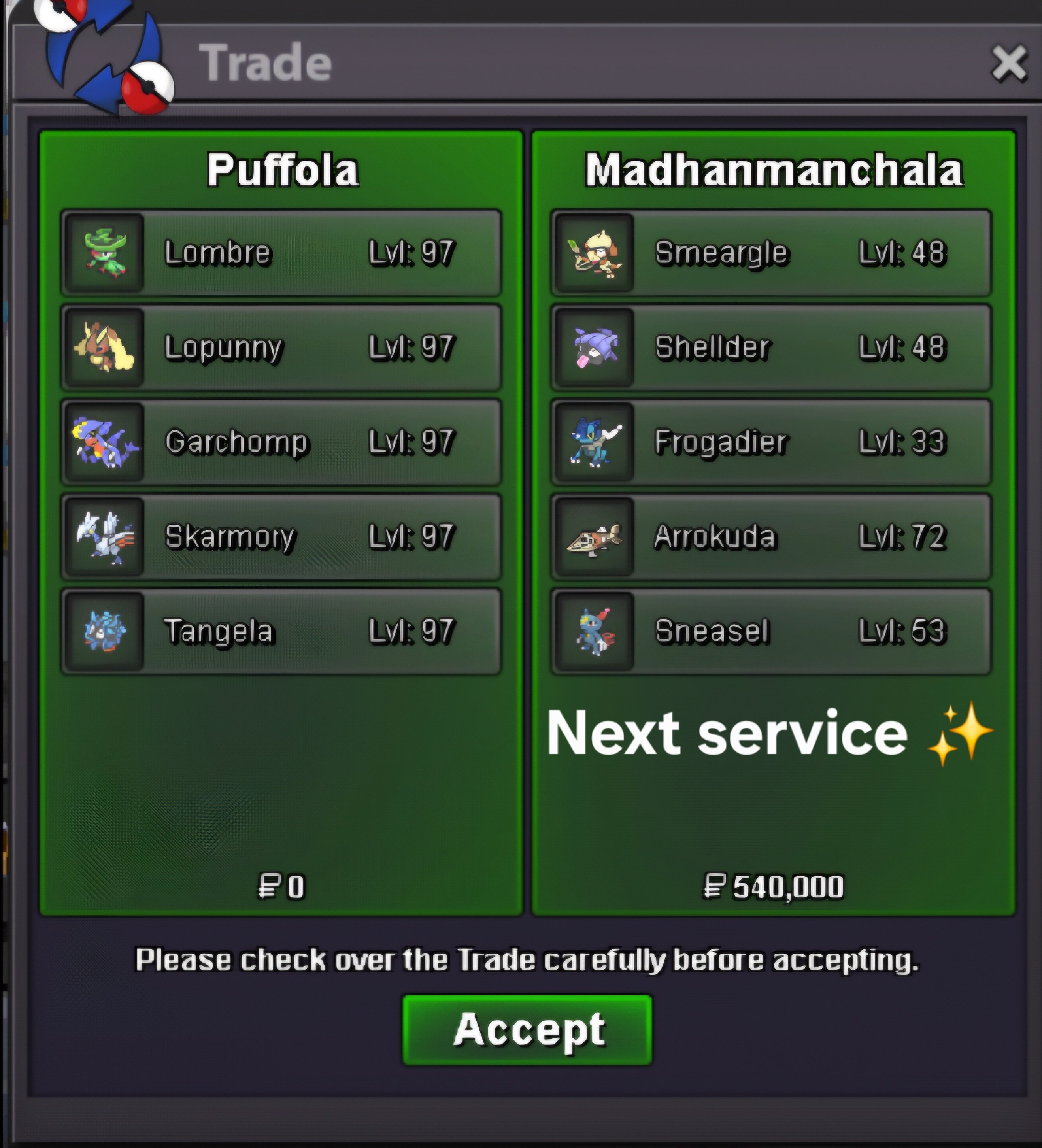
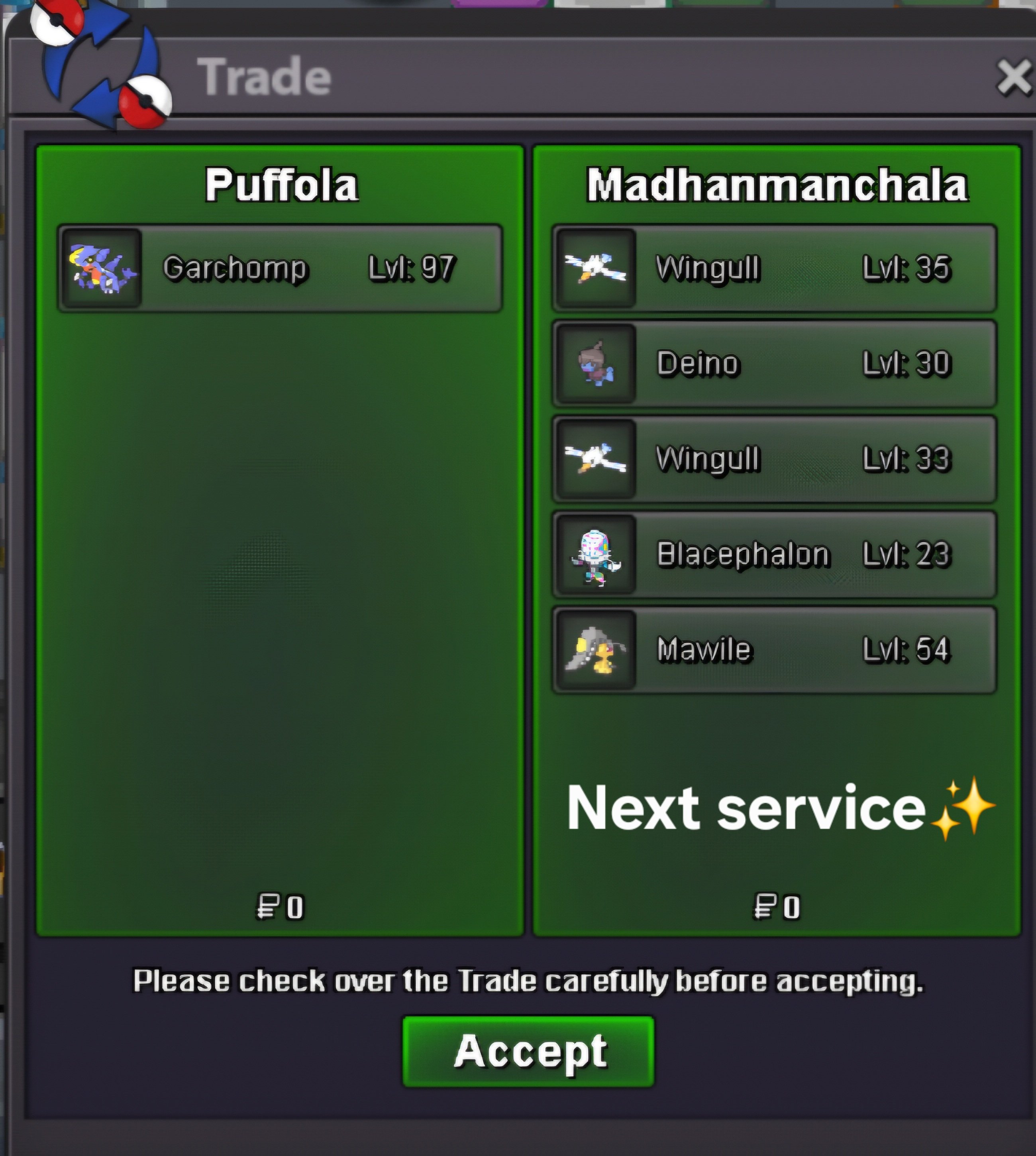 Auction Details: It’s a BUNDLE! S.O: 10k Duration: 20 hours (after start) Insta: N/A Minimum Bid: 10k Accepted Payments: Pokedollars, Coin Capsule (x1 CC= 480k) Bid here or in-game Important reminders: If you intend to purchase with an alt account, specify the account alongside your bid. If a bid is received in the final 15 minutes of the auction, the end point will be delayed by 15 minutes from that bid, and will be delayed by 15 minutes for each new bid thereafter, until the current offer has been held for a full 15 minutes. Good luck and have fun!🦥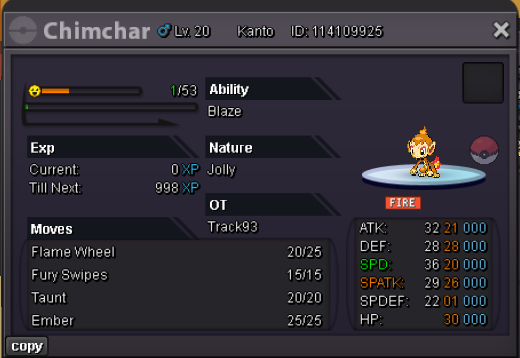
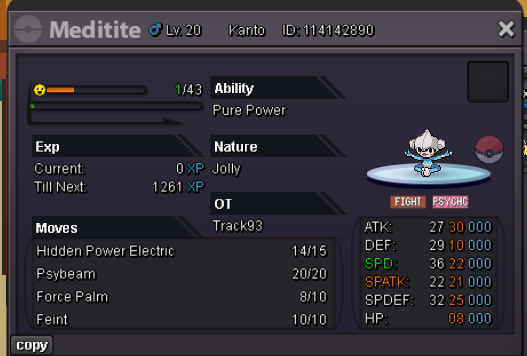
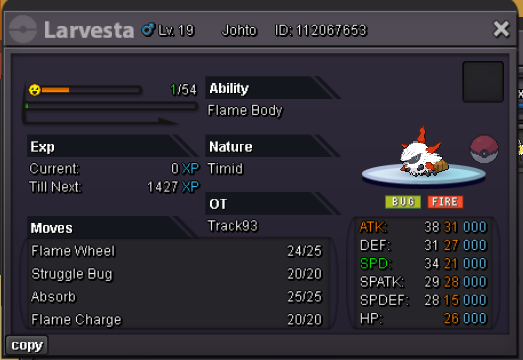
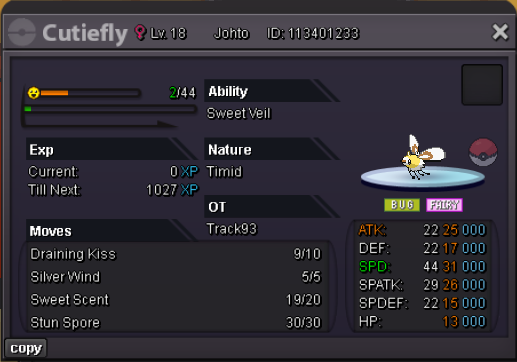 53rd service Thanks @Potatosmjam for the trust! 🤗
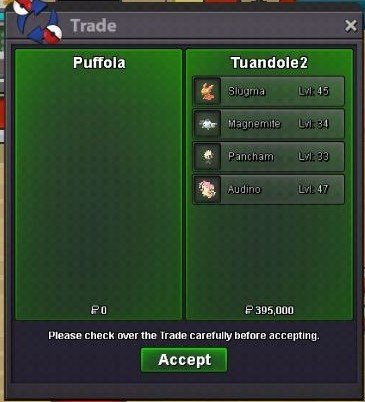
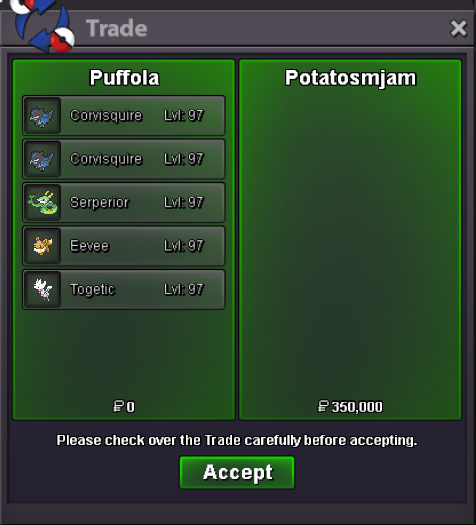 52nd service Thanks @Tuandole2 for the trust! 🤗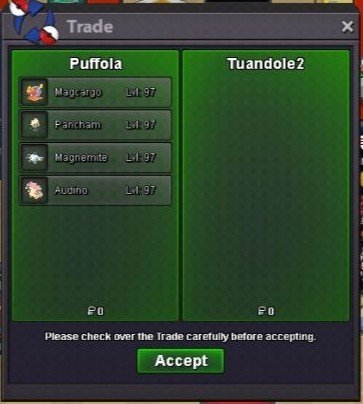
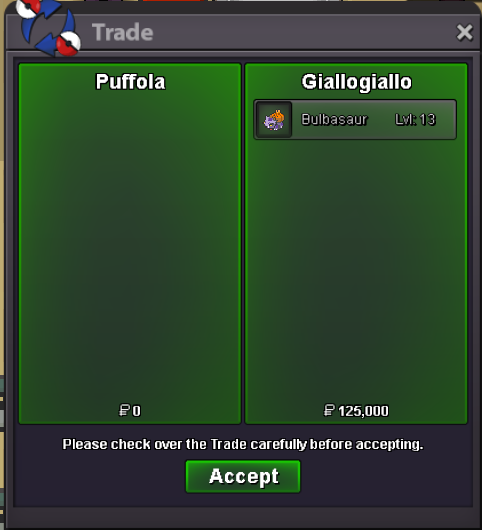
 51st service Thanks @Giallogiallo for the trust! 🤗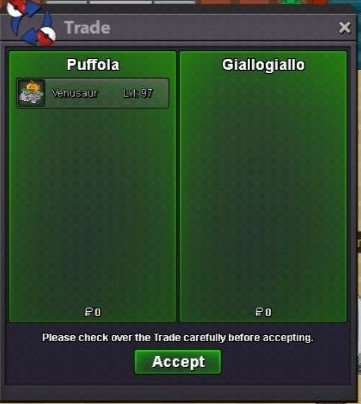
 50th service Thanks @onyxlira for the trust! 💚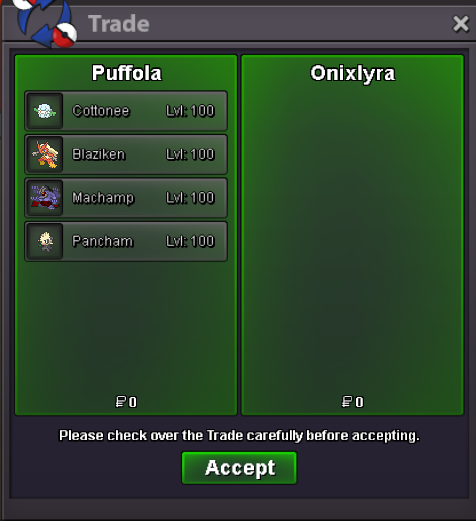
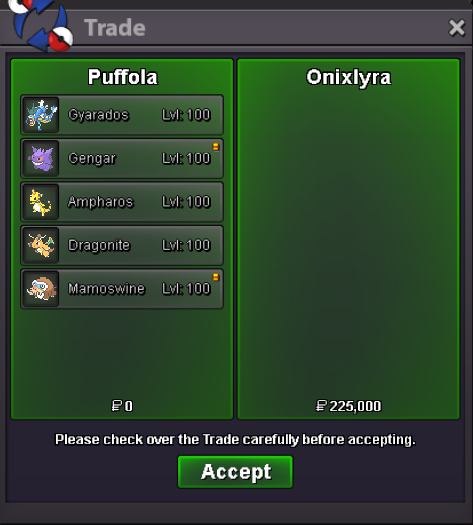 49th service Thanks @Mattegray for the trust!🤗
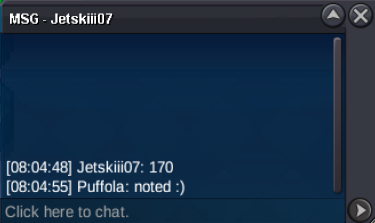
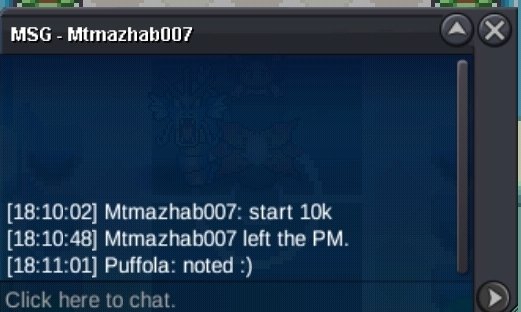
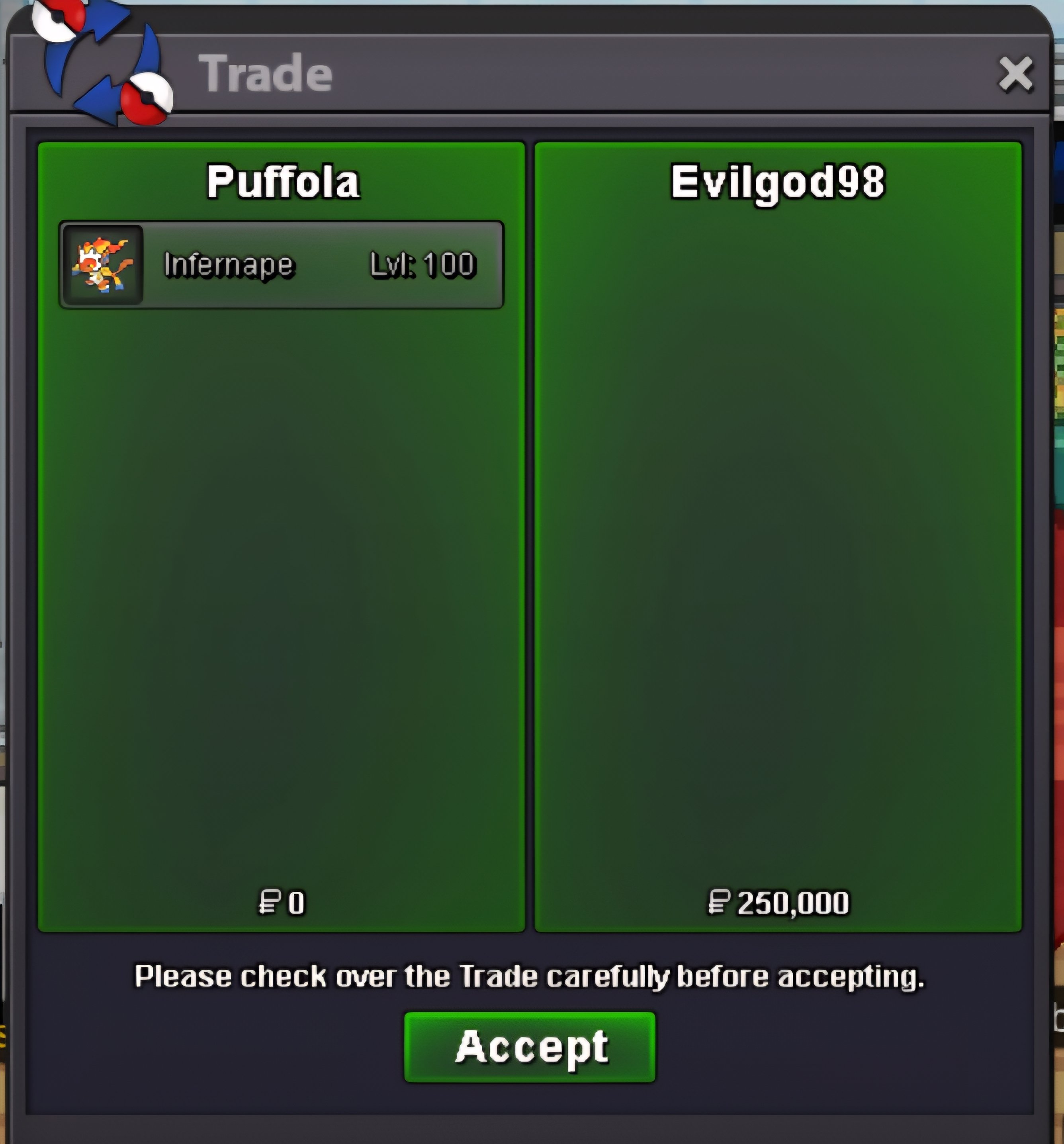
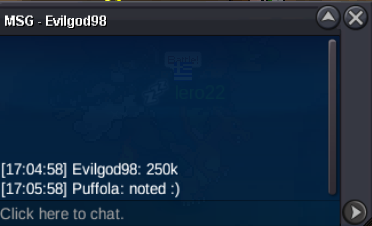
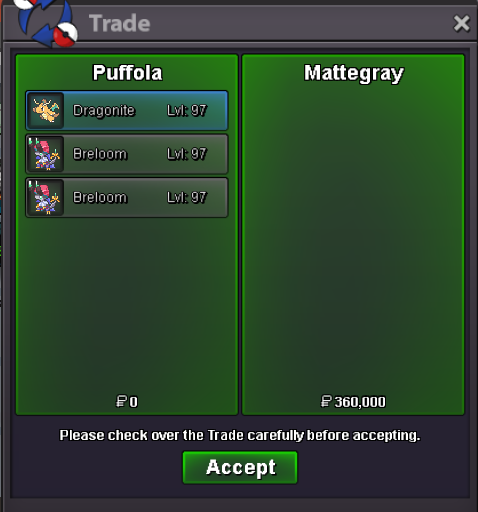 @Evilgod98 U won the auction! 😁

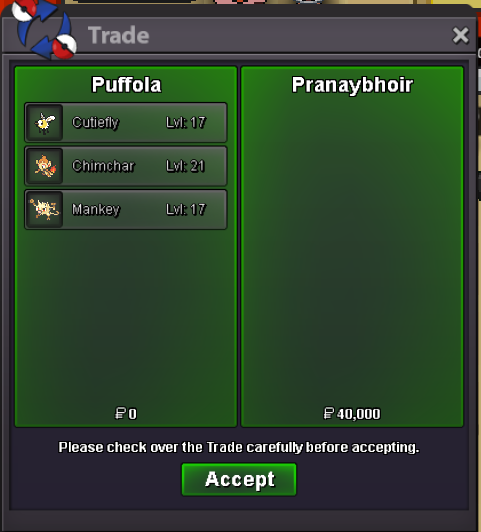
Account
Navigation
Search
Configure browser push notifications
Chrome (Android)
- Tap the lock icon next to the address bar.
- Tap Permissions → Notifications.
- Adjust your preference.
Chrome (Desktop)
- Click the padlock icon in the address bar.
- Select Site settings.
- Find Notifications and adjust your preference.
Safari (iOS 16.4+)
- Ensure the site is installed via Add to Home Screen.
- Open Settings App → Notifications.
- Find your app name and adjust your preference.
Safari (macOS)
- Go to Safari → Preferences.
- Click the Websites tab.
- Select Notifications in the sidebar.
- Find this website and adjust your preference.
Edge (Android)
- Tap the lock icon next to the address bar.
- Tap Permissions.
- Find Notifications and adjust your preference.
Edge (Desktop)
- Click the padlock icon in the address bar.
- Click Permissions for this site.
- Find Notifications and adjust your preference.
Firefox (Android)
- Go to Settings → Site permissions.
- Tap Notifications.
- Find this site in the list and adjust your preference.
Firefox (Desktop)
- Open Firefox Settings.
- Search for Notifications.
- Find this site in the list and adjust your preference.